

Leaderboard
-
blessingx
High Rollers12Points17843Posts -
Dusty Chalk
Moderators9Points49206Posts -
Knuckledragger
High Rollers7Points16524Posts -
mikeymad
High Rollers7Points13887Posts




Popular Content
Showing content with the highest reputation on 11/25/19 in all areas
-
4 points
-
4 points
-
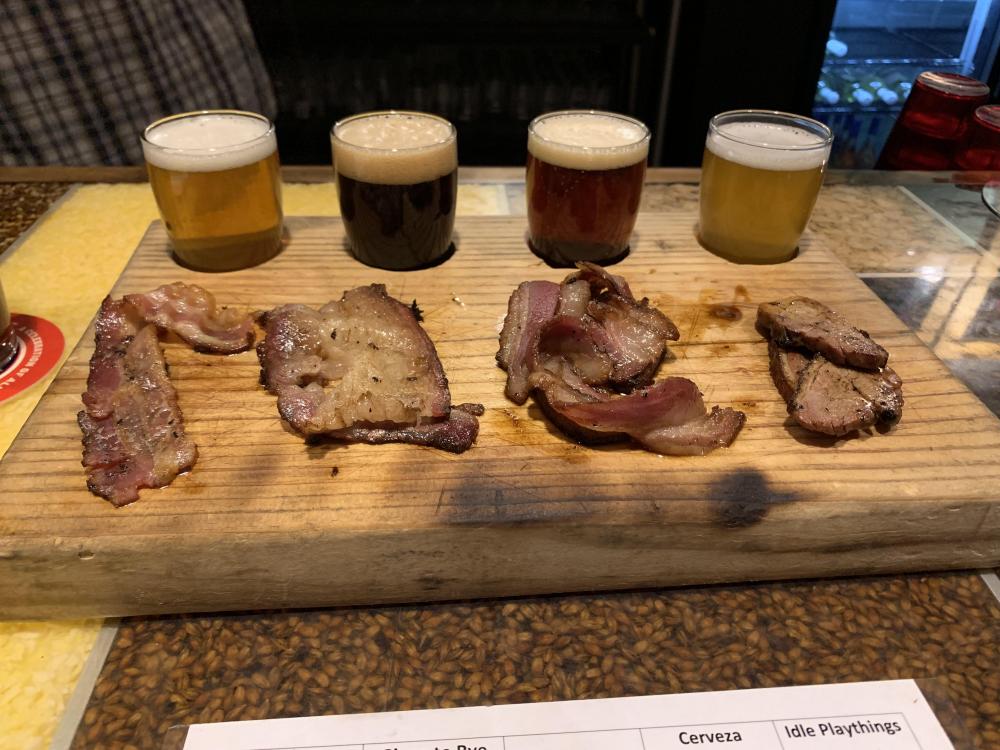
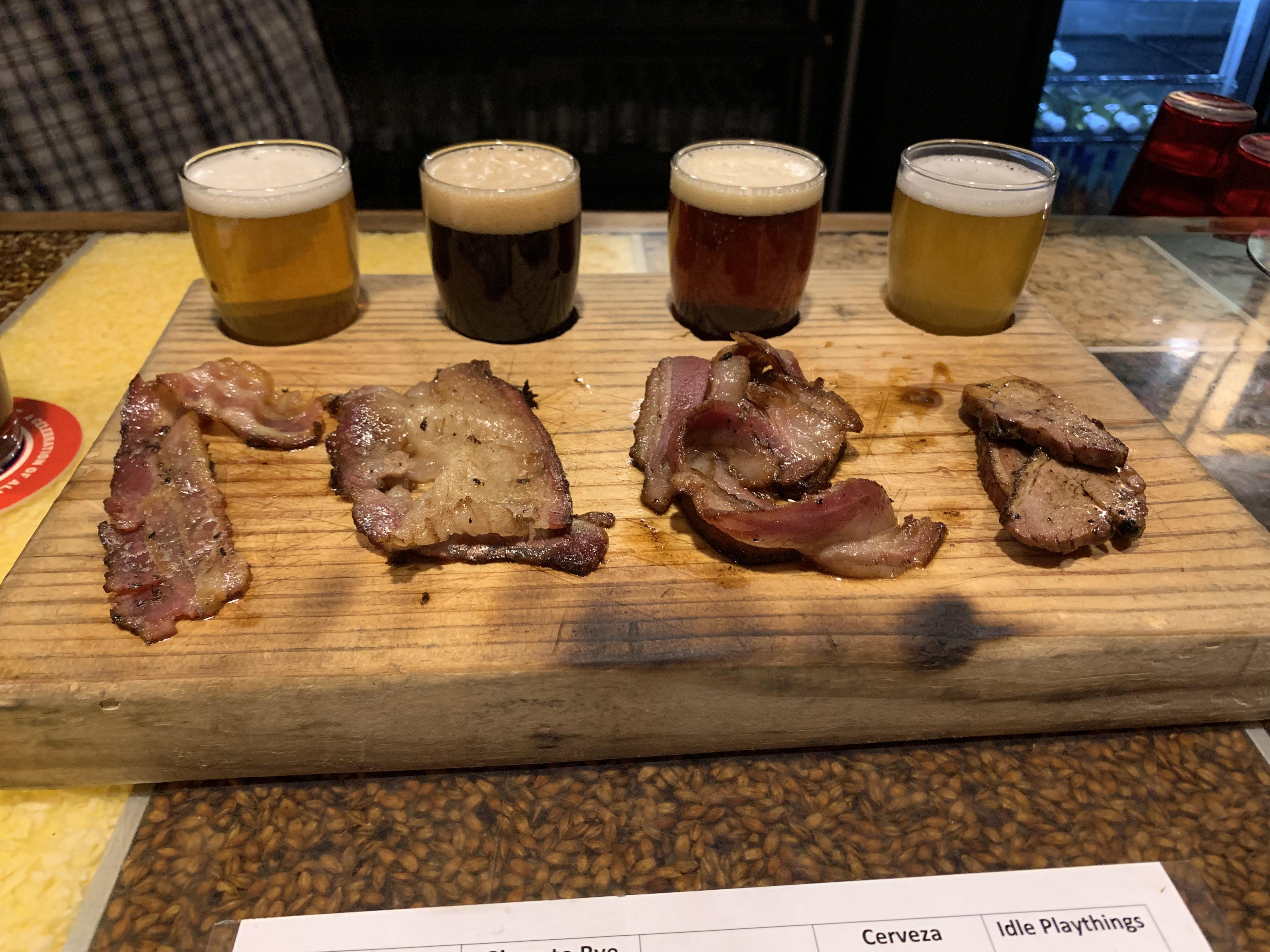
3 points3 points2 pointsThis is now 5 very expensive systems in a row that probably sound worse than a $100 pair of Kenwoods in a room with a thick rug on the floor.2 points2 points2 pointsPork, beef, Mexican Lamb and duck bacon sampler. With accompanying beers.
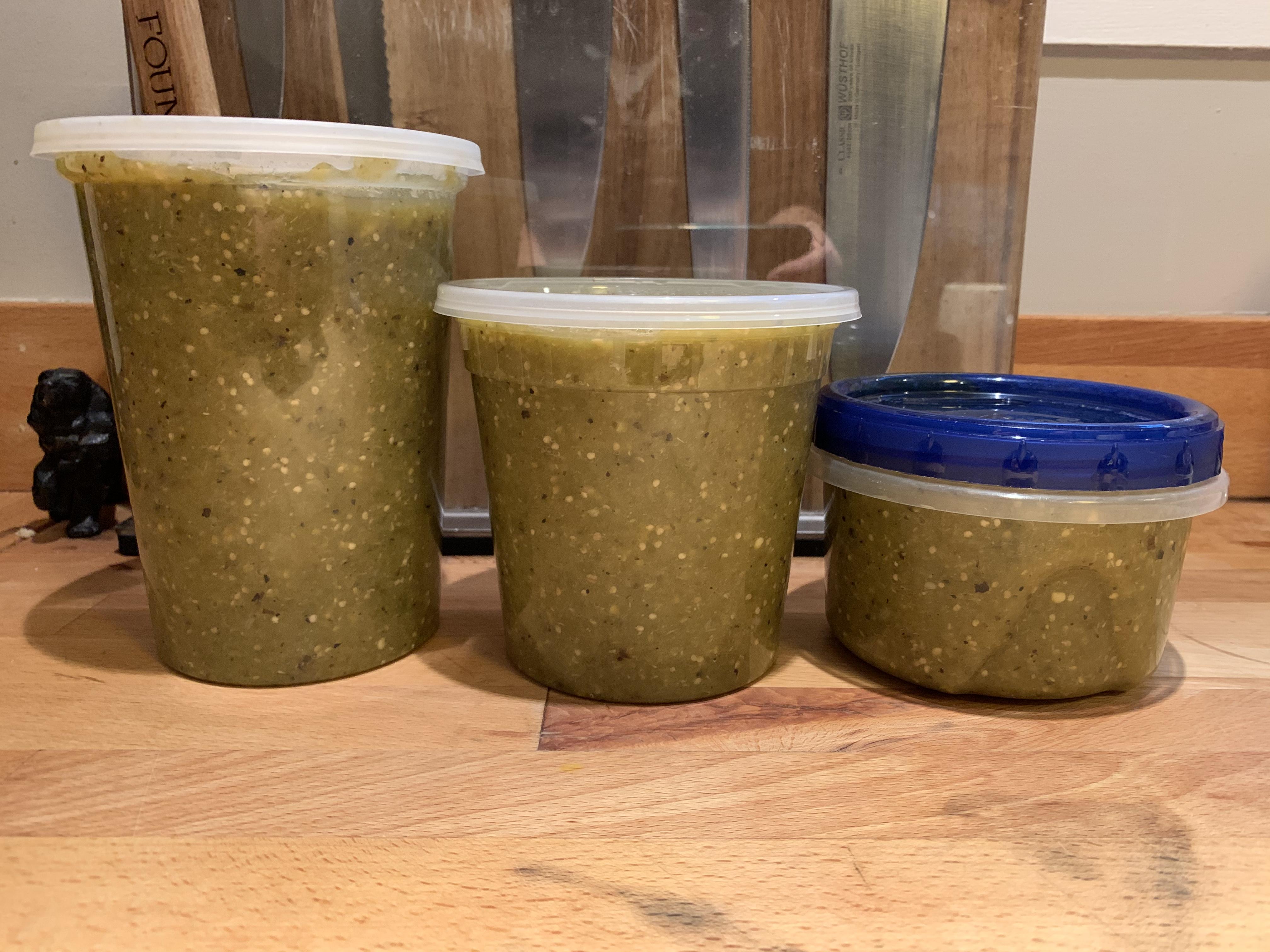
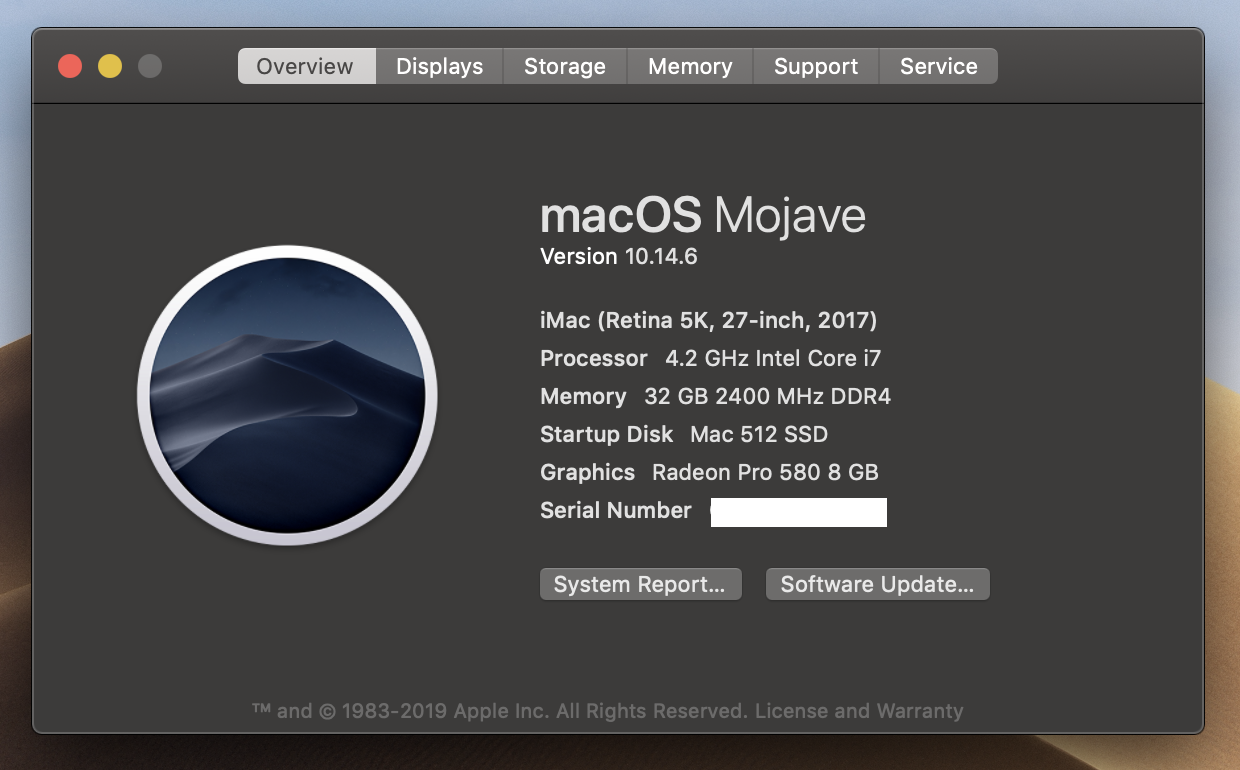
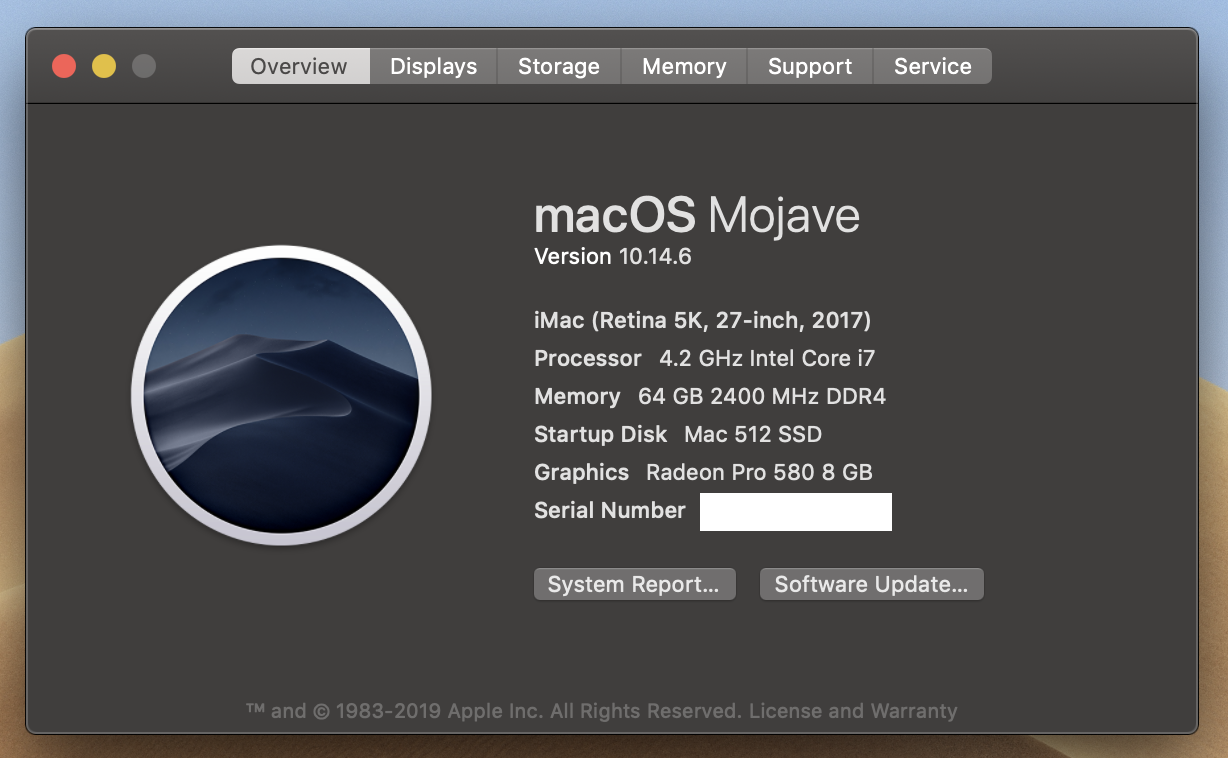
 2 points1 point1 point1 point1 pointAs an update; I've been using my i9 iMac since July and it has been a dream come true for me. More than twice as capable than my 2012 Cheese Grater 6 core/48G ram. The 27 inch 5k display with the Pro Vega 48 graphics still catches me staring at high rez images just for the heck of it. A while back I was doing some articulation template (a Logic thing) testing and I had 500 software instrument tracks open in Logic. The fan is super quiet so I never know when it's running. Couldn't be happier!1 point1 pointI made a big double batch of Chili Verde À La Nate because my chilis were ripe and I didn't want to waste them. I think I'll make dinner for my dad this weekend and freeze the other two containers for future reference.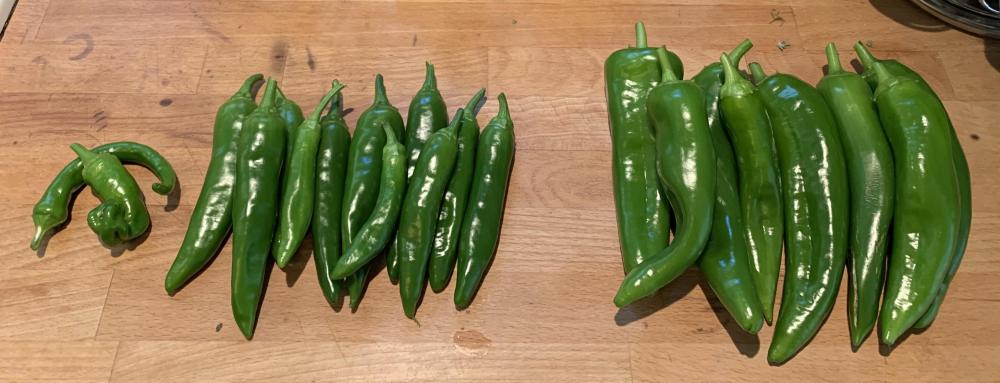
 1 point1 point








Important Information
By using this site, you agree to our Terms of Use.