

Leaderboard
-
Knuckledragger
High Rollers13Points16524Posts -
mikeymad
High Rollers5Points13886Posts -
mwl168
High Rollers4Points1379Posts -
jose
Returning Member3Points1936Posts




Popular Content
Showing content with the highest reputation on 02/22/20 in all areas
-
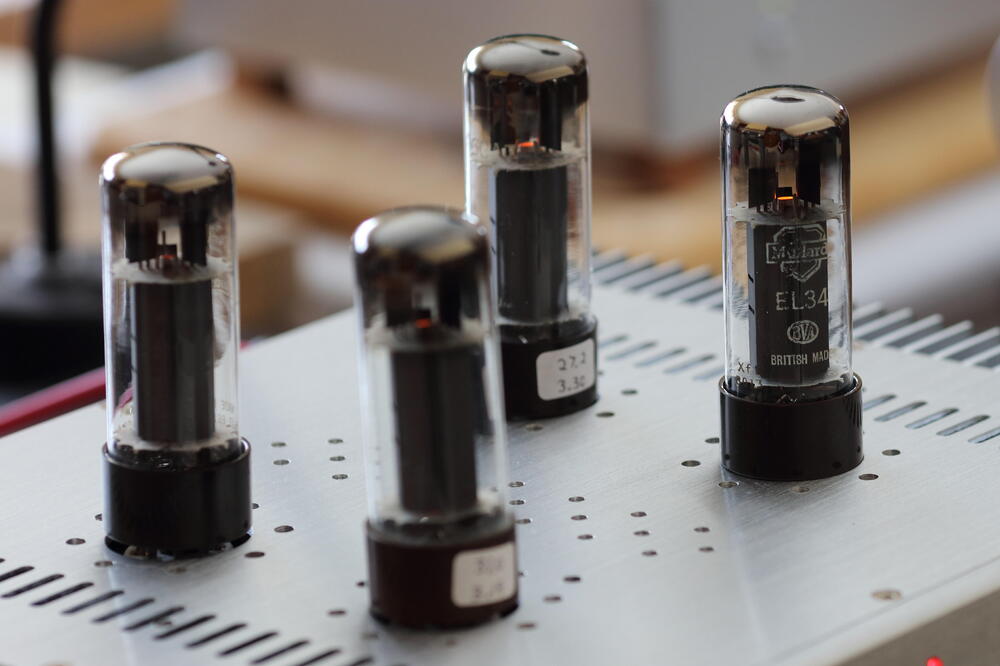
4 pointsTrying a set of loaner xf1 EL34 on the BH. Hoping to get a handle on how they compare to the xf2's and xf3's.
 4 points
 -
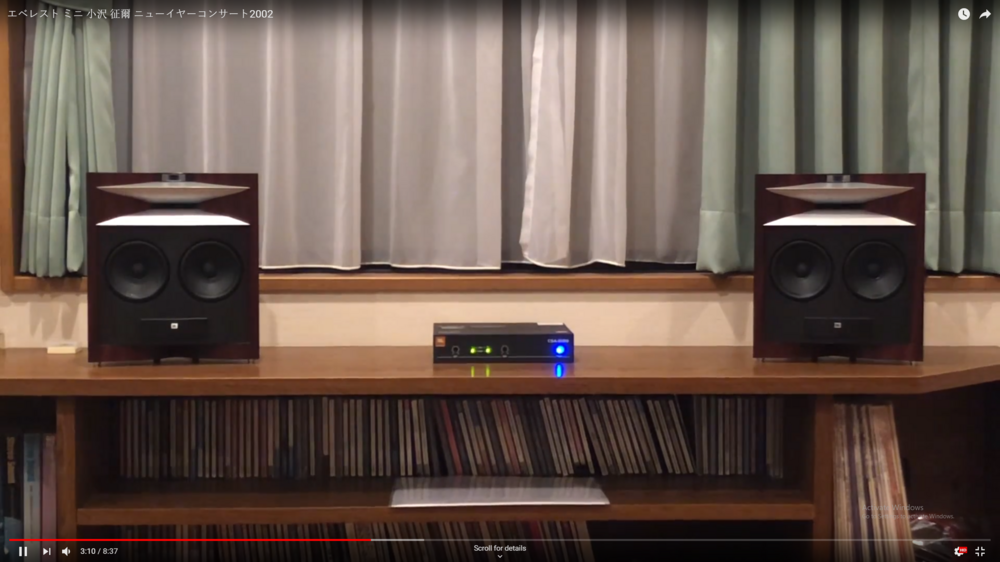
3 pointswow that is one big chunk of p(h)orn of a speaker. can barely see the tweeter vs that monster mid. and some dude made a mini pair...
 3 points
 -
A nearly 3 month old thread... you have your 1st post and you recommend something that was already recommended back in early December? Not a good start.2 points
-
2 points
-
1 pointYou need to drink a lot more. It’s really not about the fishing.1 point
-
1 pointVery interesting. It looks like a good craft job.!!! JBL dd55000 I would love to be "whipped" a couple of these... I think the turntable must have a very bad time there1 point
-
1 point
-
Test Tone @ Home live right now: http://mixlr.com/illuminator/chat1 point
-
1 point1 point1 pointYou probably need someone that knows how to work computery stuff to assist you. Let me know if you need my expertise.1 point1 pointSometimes my day seems to go like this- an58Y5n_460sv.mp41 point1 pointTest Tone @ Home live right now: http://mixlr.com/illuminator/chat1 point1 point1 point1 point0 points0 points








Important Information
By using this site, you agree to our Terms of Use.