

Leaderboard
-
dsavitsk
High Rollers12Points4972Posts -
Aimless1
High Rollers7Points3749Posts -
Voltron
High Rollers6Points34628Posts -
Augsburger
High Rollers6Points13165Posts




Popular Content
Showing content with the highest reputation on 06/28/23 in all areas
-
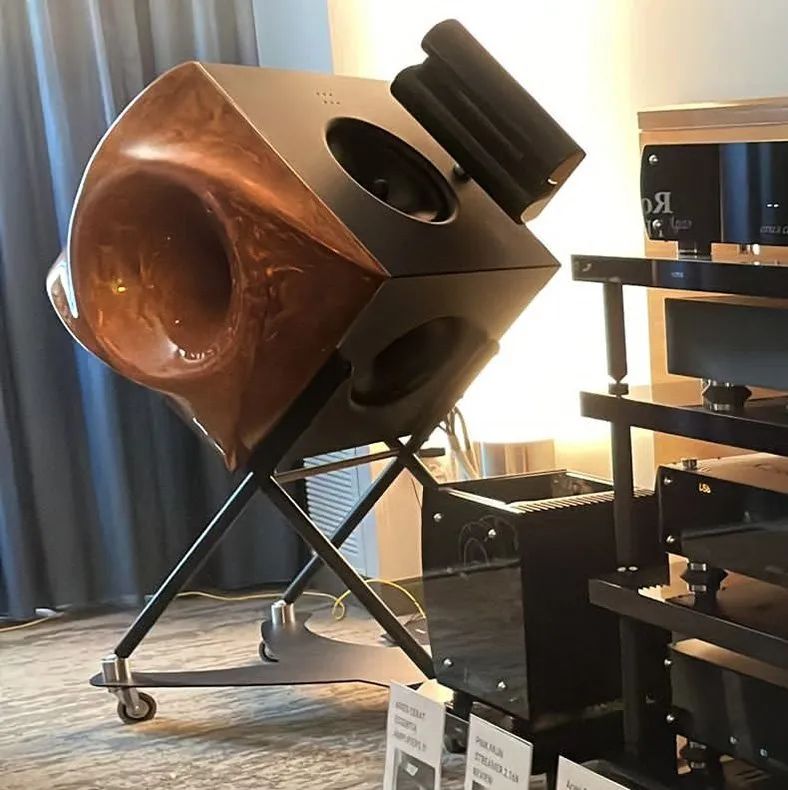
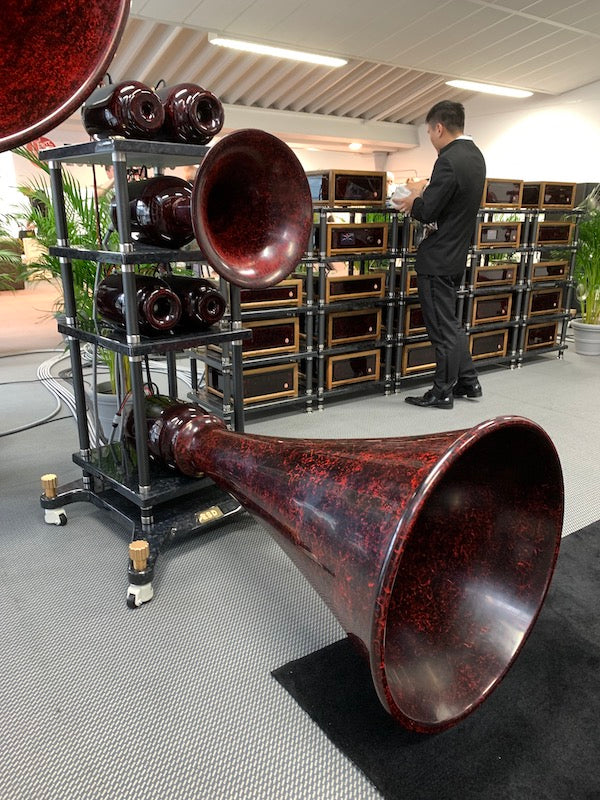
4 pointsCouple interesting designs...think the second one should be called Ticehorn? 😄
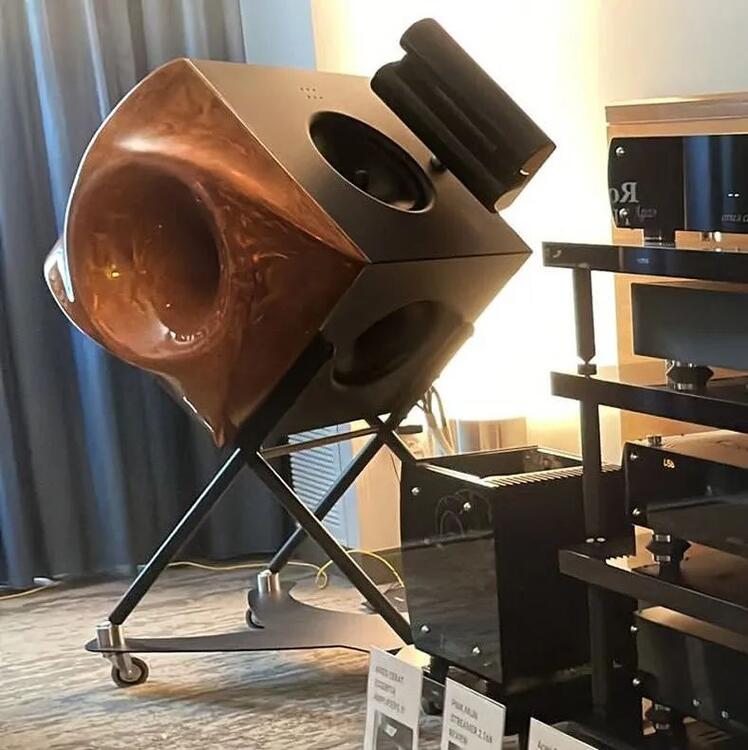
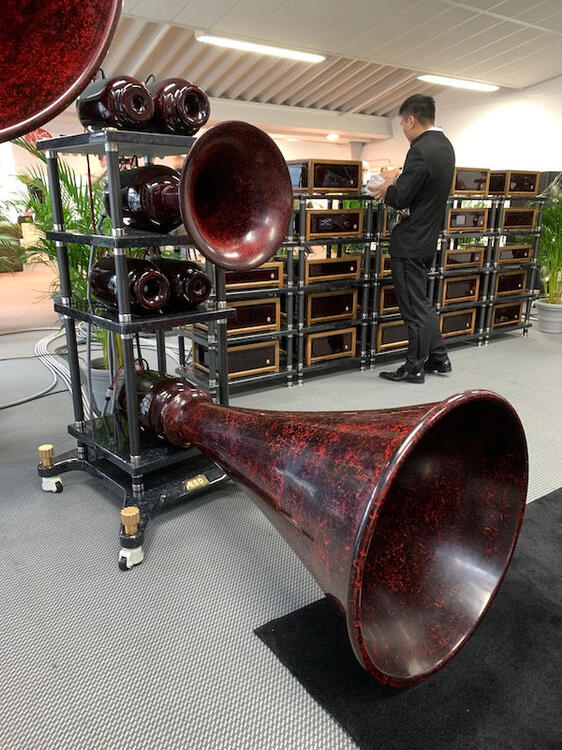 4 points
 -
2 points
-
So, I was thinking about listening to some new prog. So, I added a few things released this year to my playlist. So, I might have bit off a bit more than I can chew. So, I will let y'all know.
 2 points
 -
2 points
-
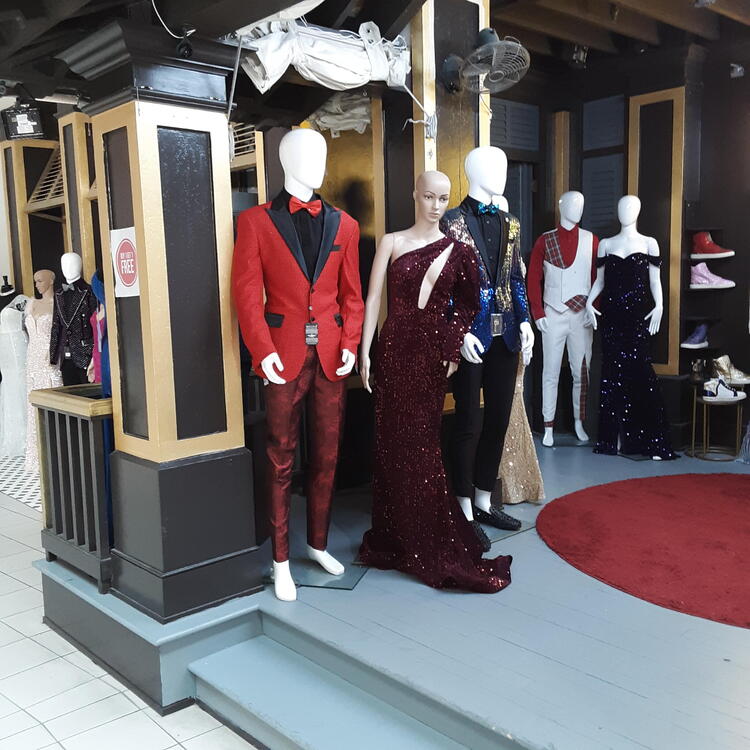
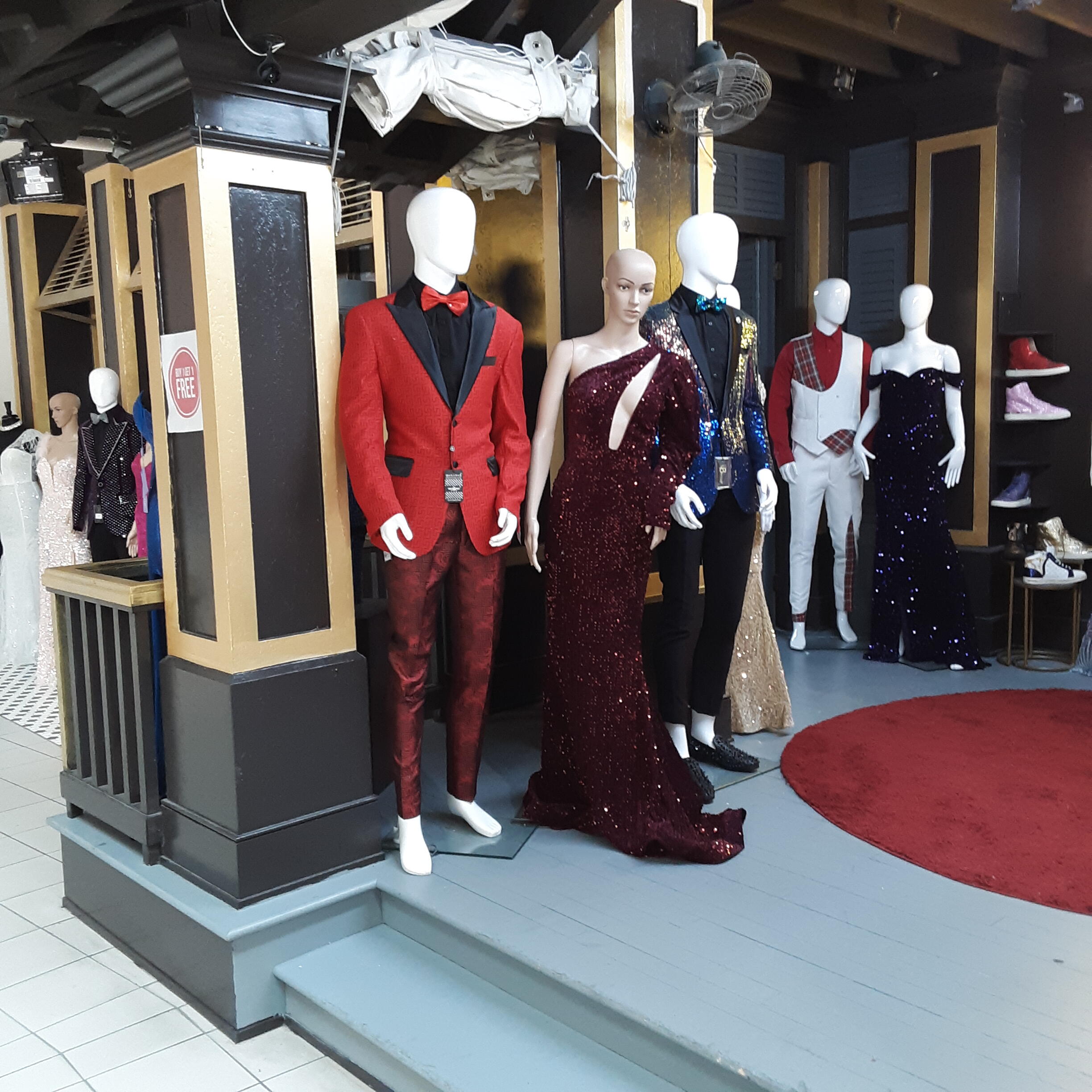
Clearly I'm not keeping up on fashion. As seen at the mall
 1 point
 -
1 point1 point1 pointFirst Season of I Think You Should Leave with Tim Robinson. It is a sketch show with episodes only about 16 min. Some funny stuff in there:
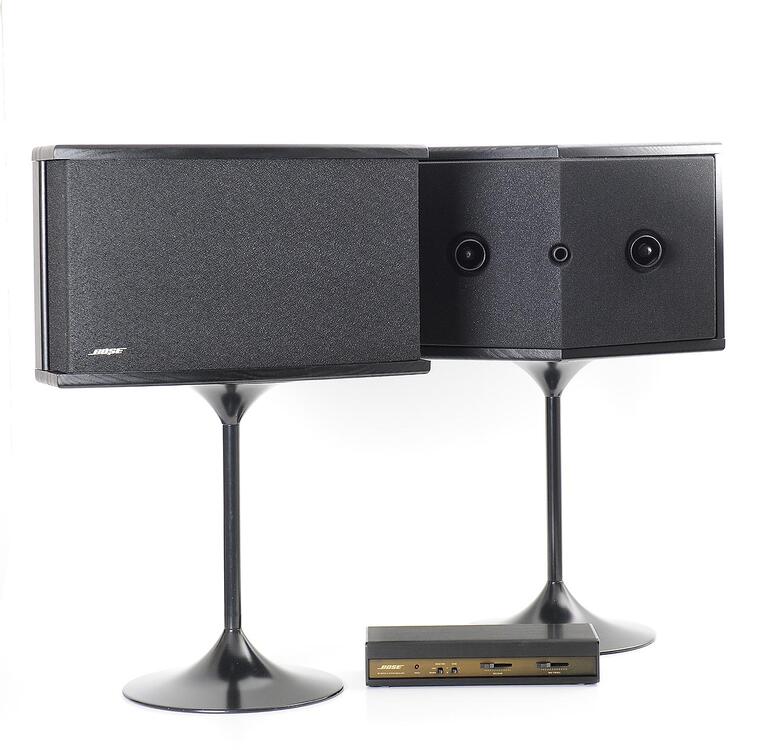
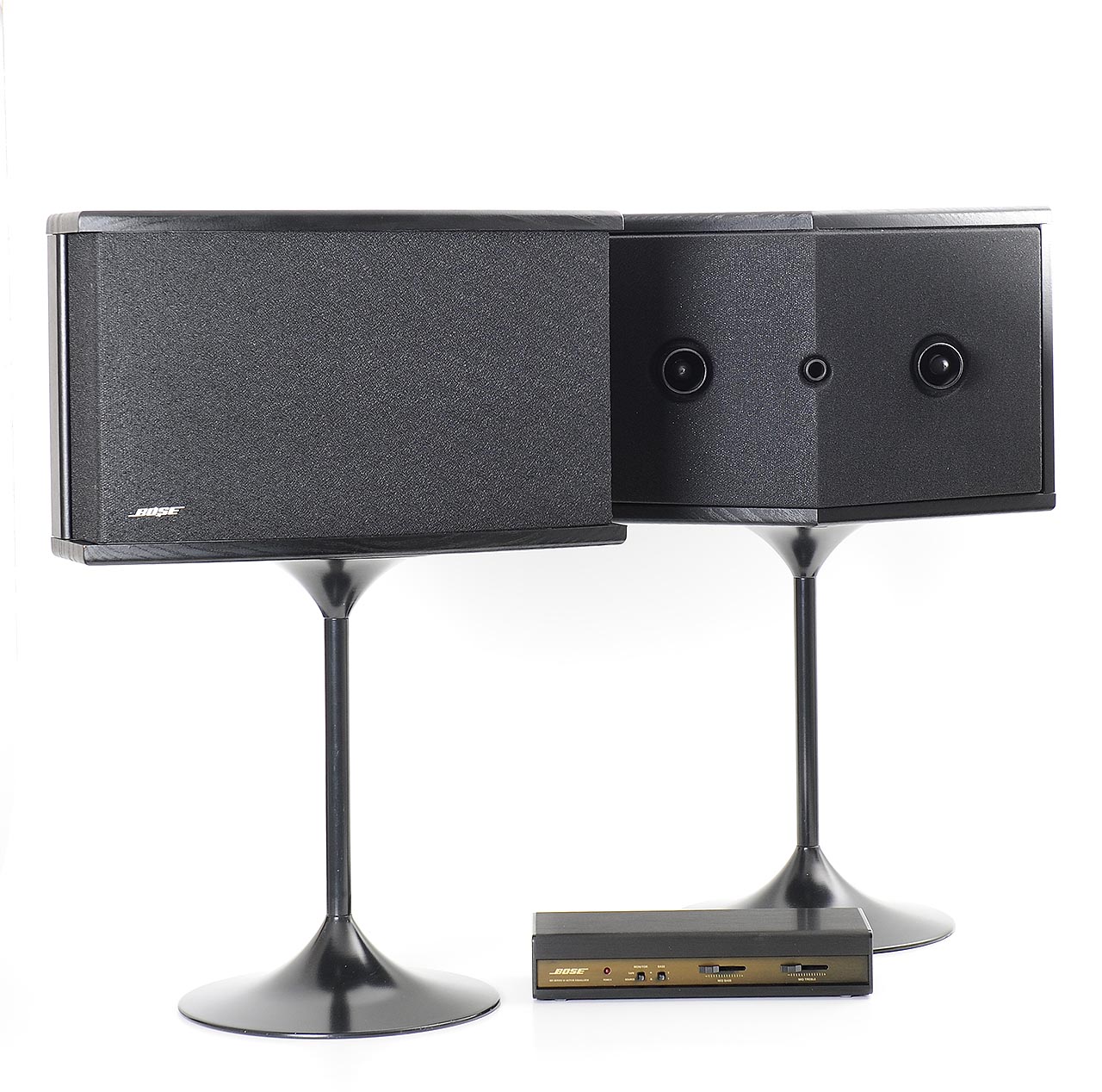
 1 point1 point1 pointToo easy, too quick makes me suspicious. In an environment of misinformation and subterfuge with Russia consistently at the source, I question everything is at it seems.1 point1 pointThe first "proper" speakers I ever bought. I can't remember if I had the series II or series IV. It was the late 80's/start of the 90's, I don't have any photos. I believe large part of my hearing loss comes from having those (powered by a Dynaco pre and HSA power amp combo) in my 3m x 3m bedroom. I could go to the corner shop and still hear my music. The neighbours must have loved me.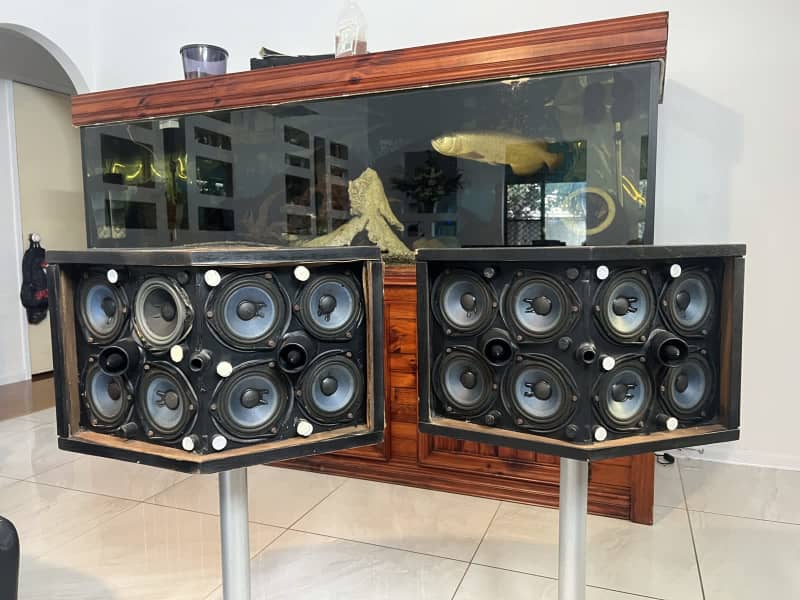
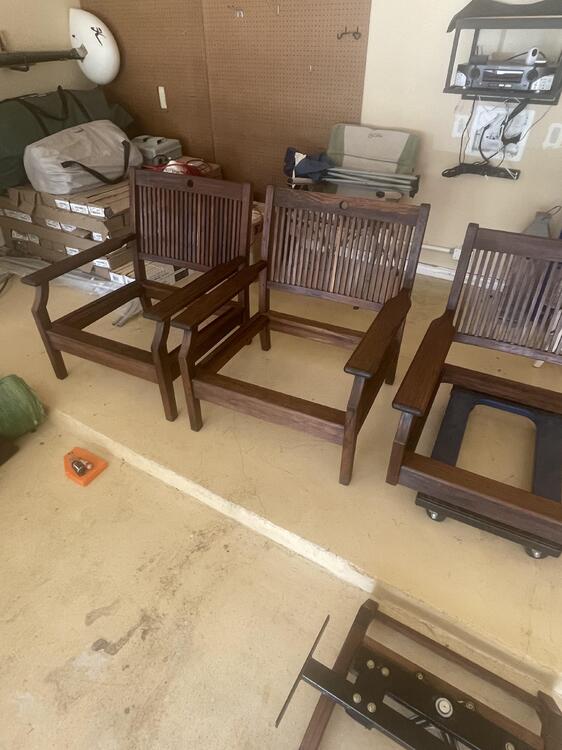
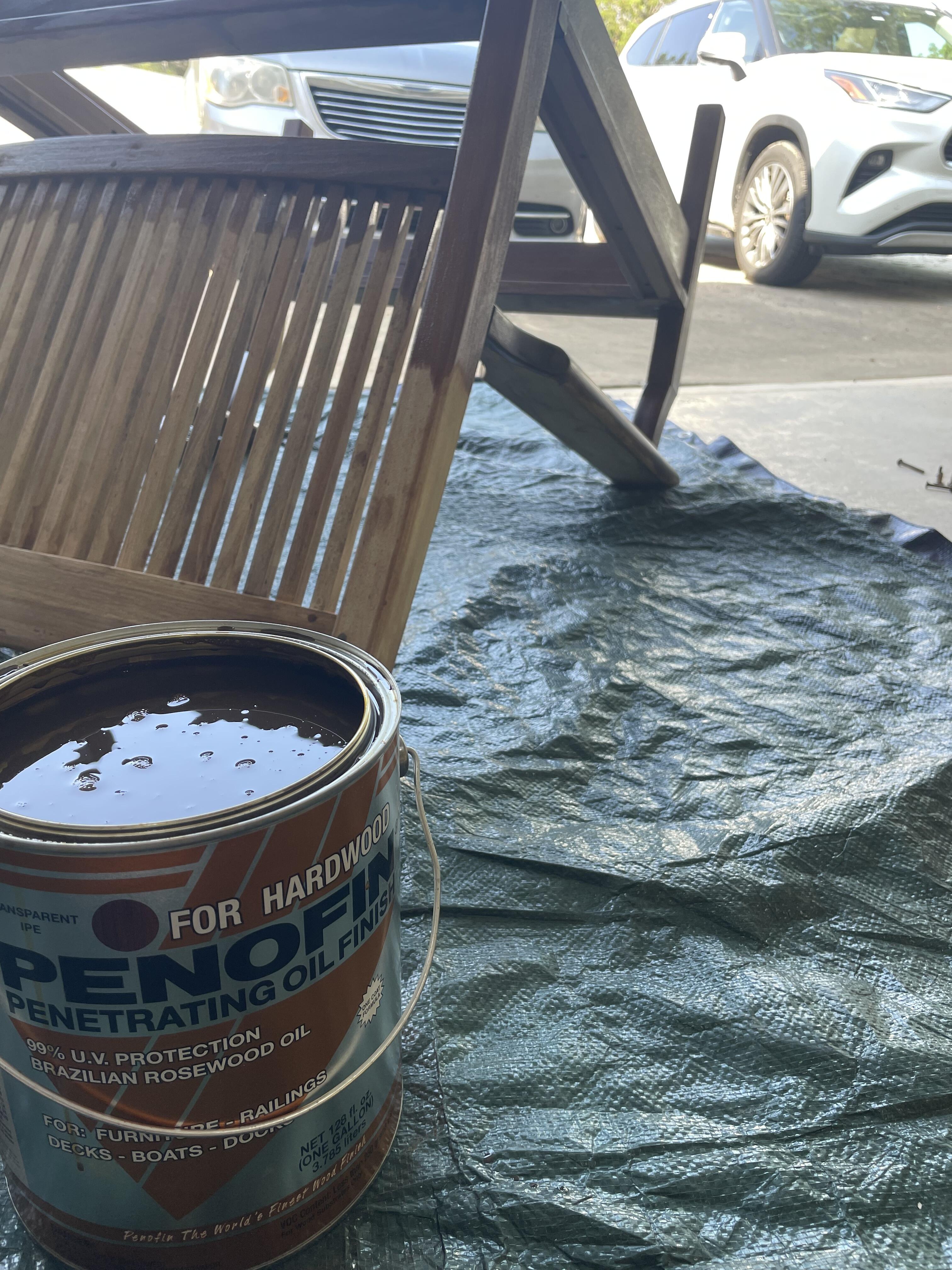
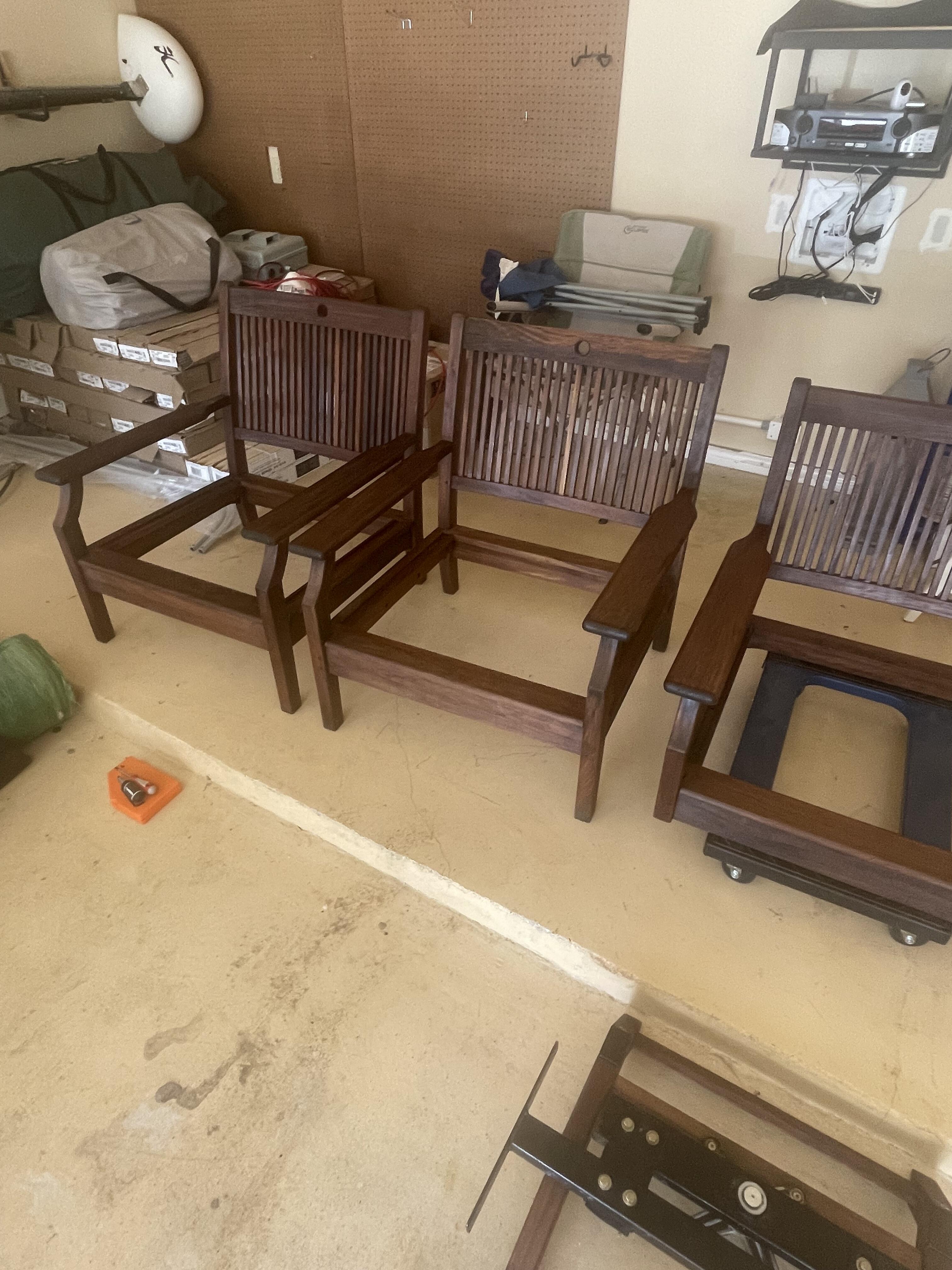
 1 point1 pointUsed a lot of Penofin - honestly I found it hard to apply to some of the figured / end-grain parts. In the wrong light it looks faded and kinda ashy. For the straight grain pieces (whatever the opposite of end grain is) it worked really well. However, it felt like an hour between the two thin coats was too long - maybe that’s because it was like 150 degrees outside.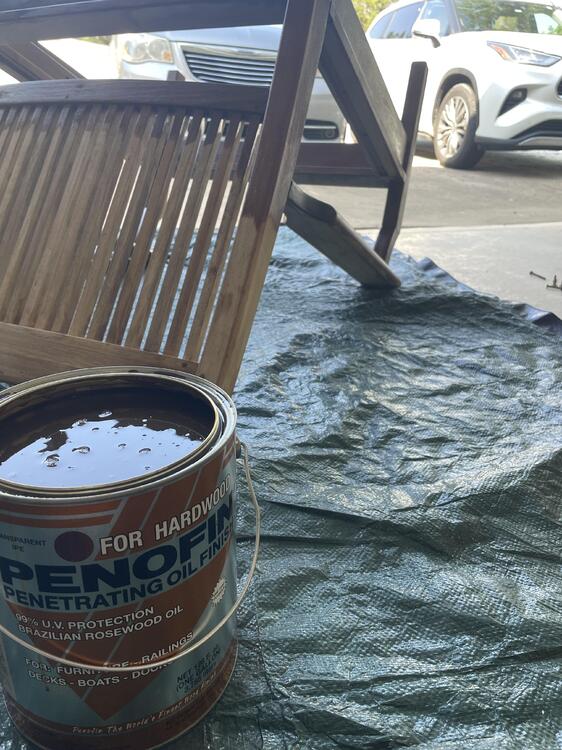
 1 point












Important Information
By using this site, you agree to our Terms of Use.