

Leaderboard
-
Grahame
High Rollers15Points16859Posts -
swt61
High Rollers13Points22273Posts -
n_maher
Administrators11Points27522Posts -
Hopstretch
High Rollers9Points16821Posts




Popular Content
Showing content with the highest reputation on 09/01/24 in all areas
-
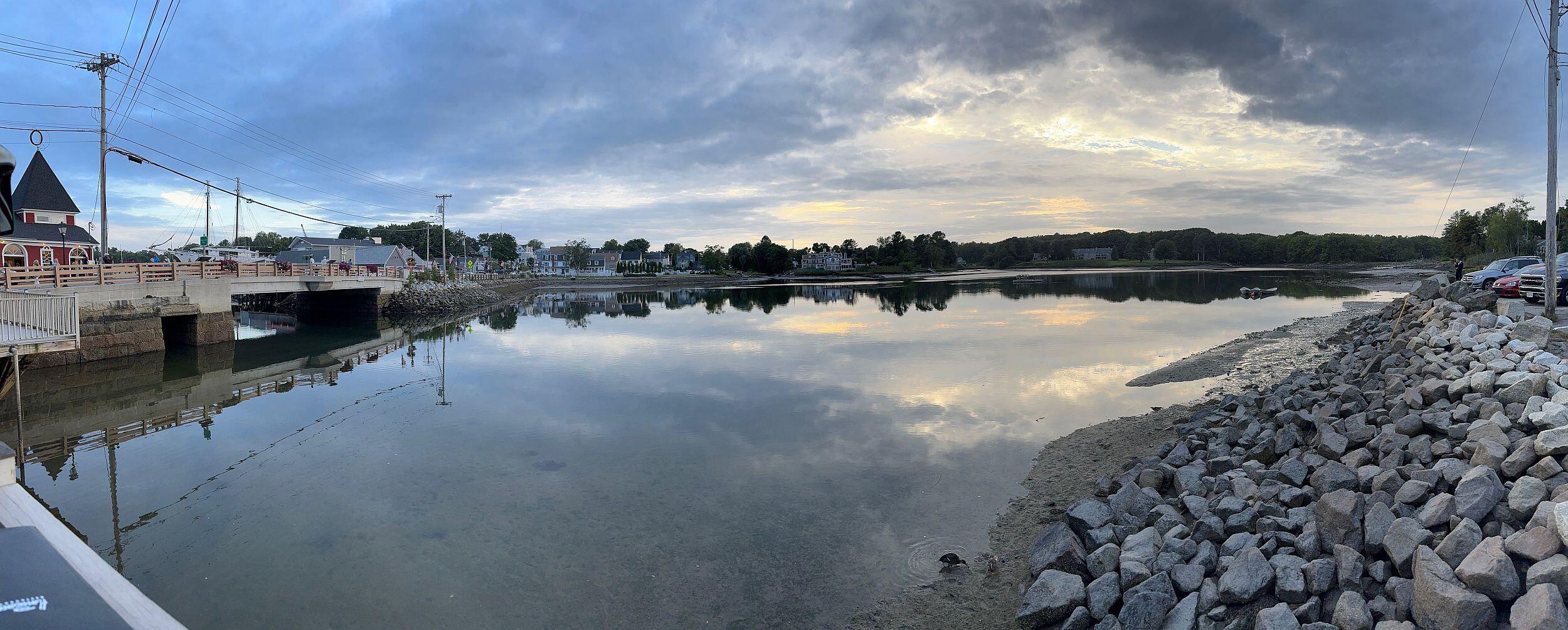
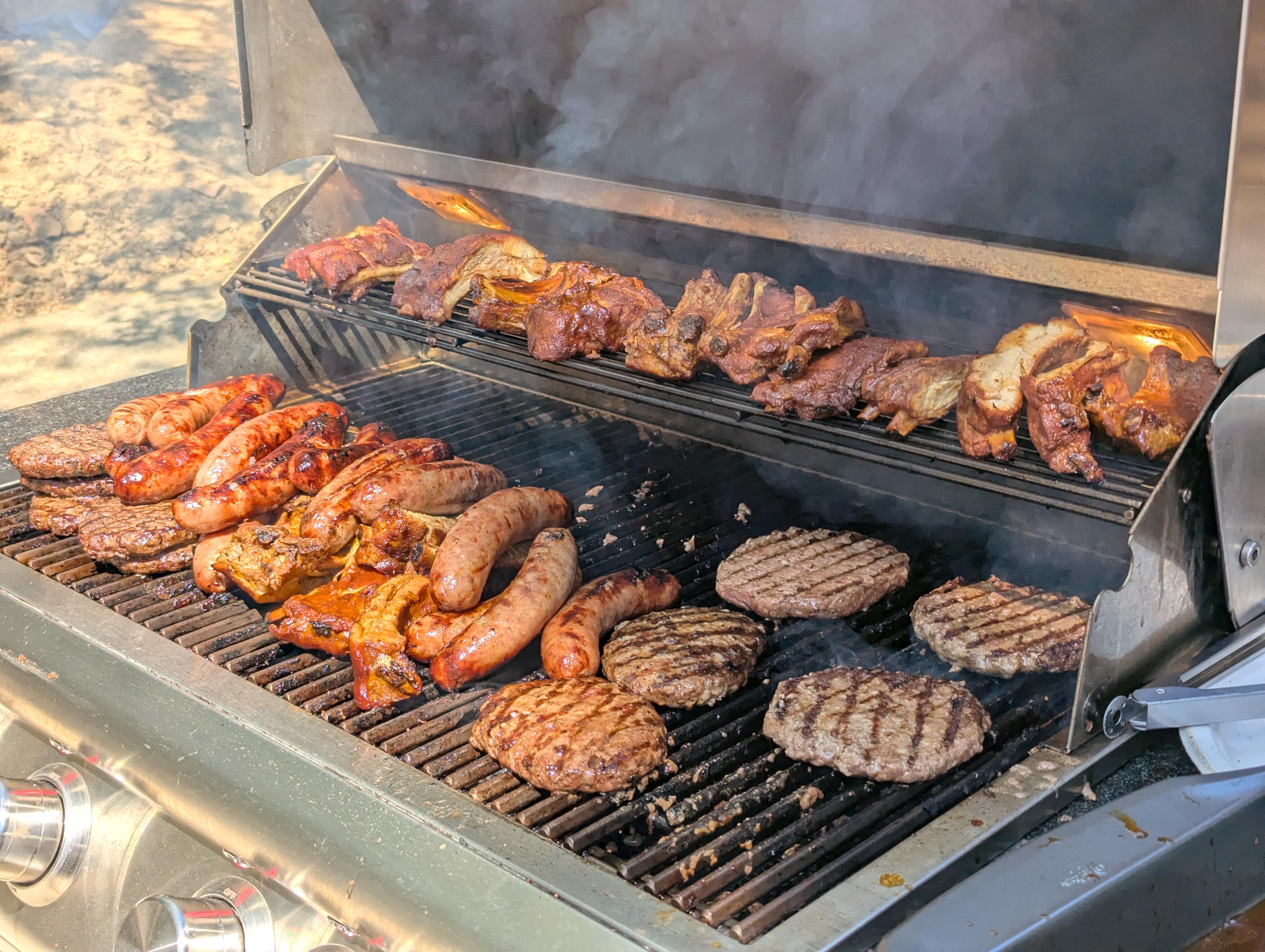
4 pointsDinner out in Maine with Karen and her sister Jill. We had a nice outside spot that looked out over a water inlet in Kennebunkport (a beautiful coastal and tourist town; the Bush family has an estate there)....
 4 points
 -
4 points
-
Emmet Cohen - Vibe Provider Great straight ahead jazz. This guy is so good that even my wife says so Available almost anywhere and Qobuz too.2 points
-
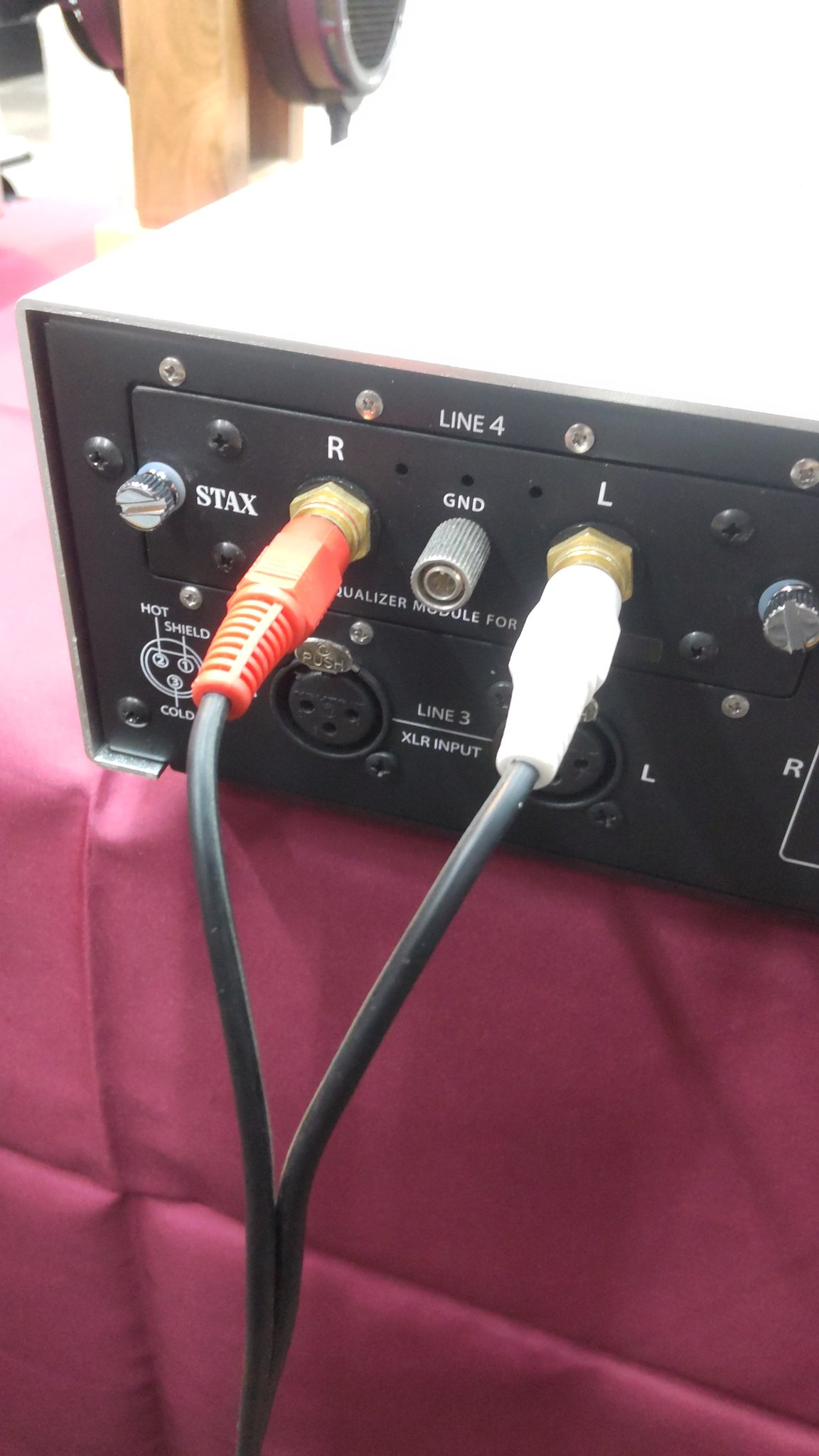
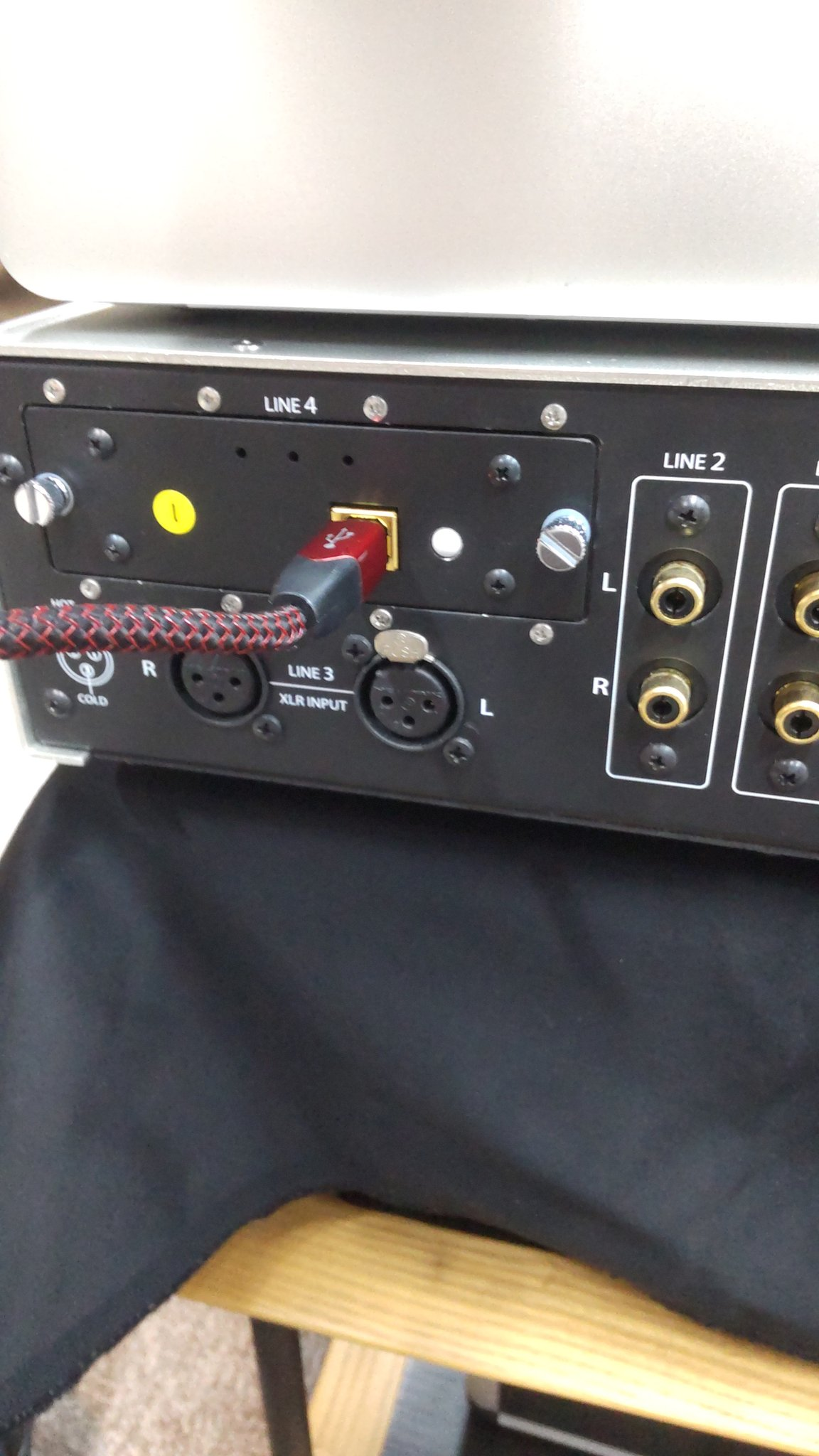
2 pointsNow after only 7+ years of the T8000 being a fairly shitty amp... Stax have made extra input boards for them. No word on pricing yet but yeah... who fucking cares
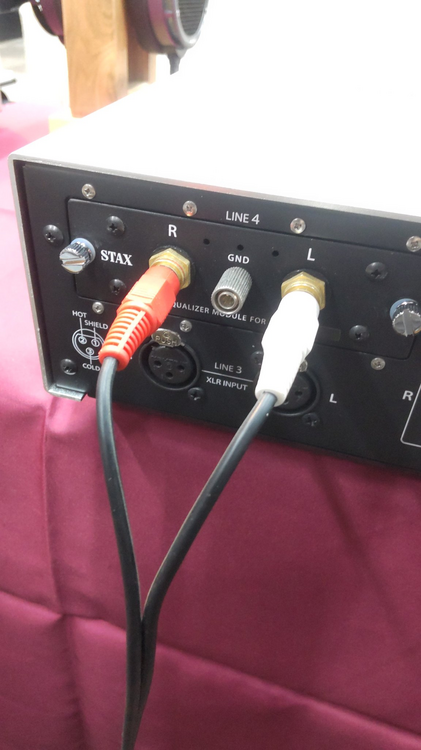
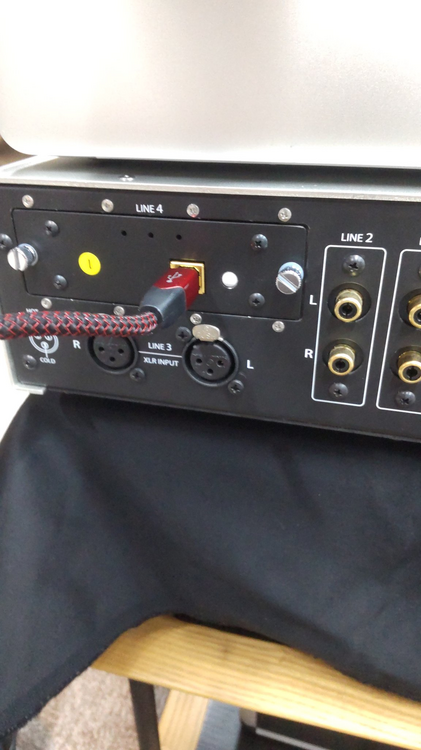 2 points
 -
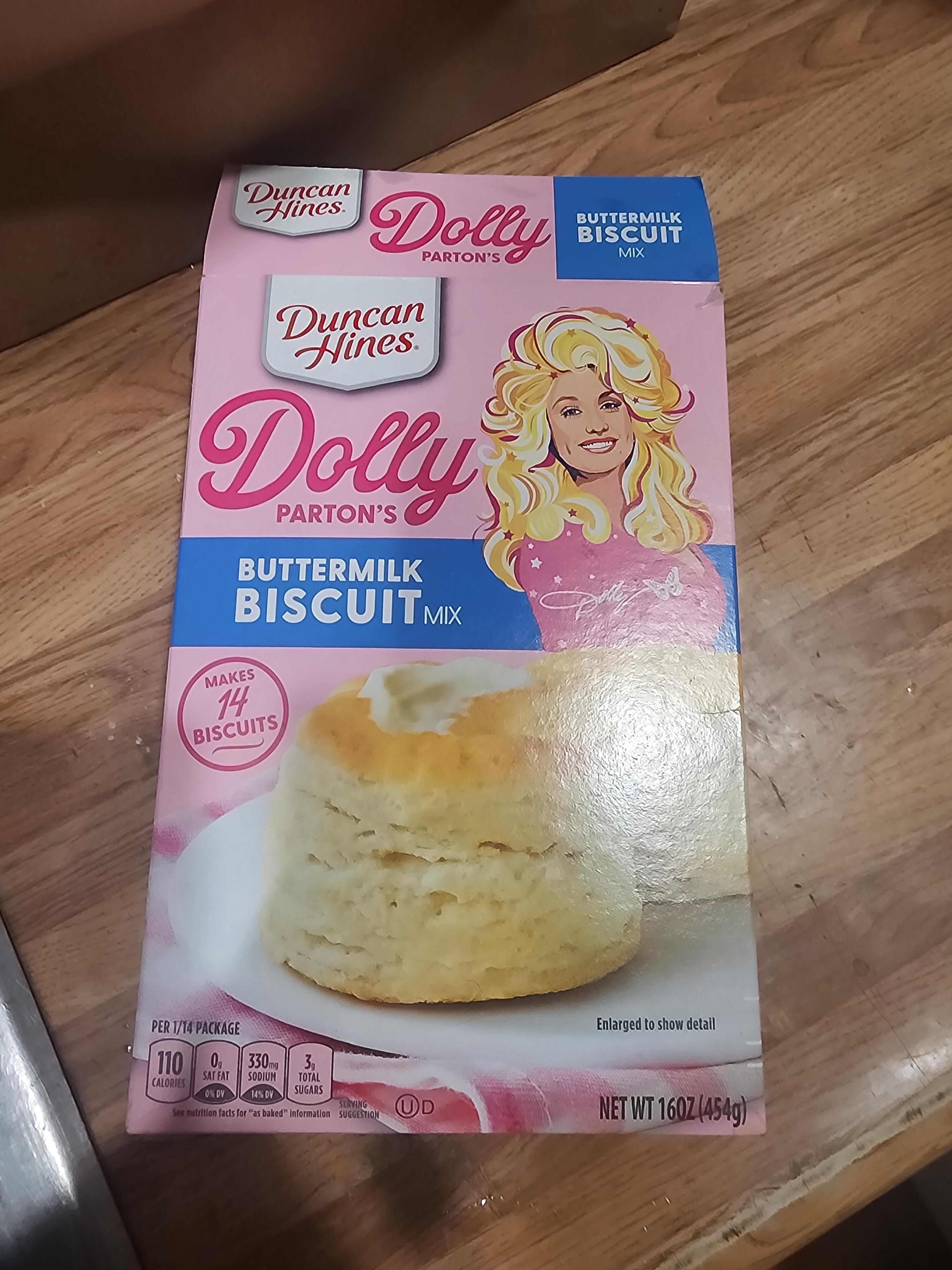
2 points1 pointThis isn't a sentence you ever expect to come out of a gay man's mouth, but I'm eatin' Dolly Parton's biscuits, and they're damn tasty!
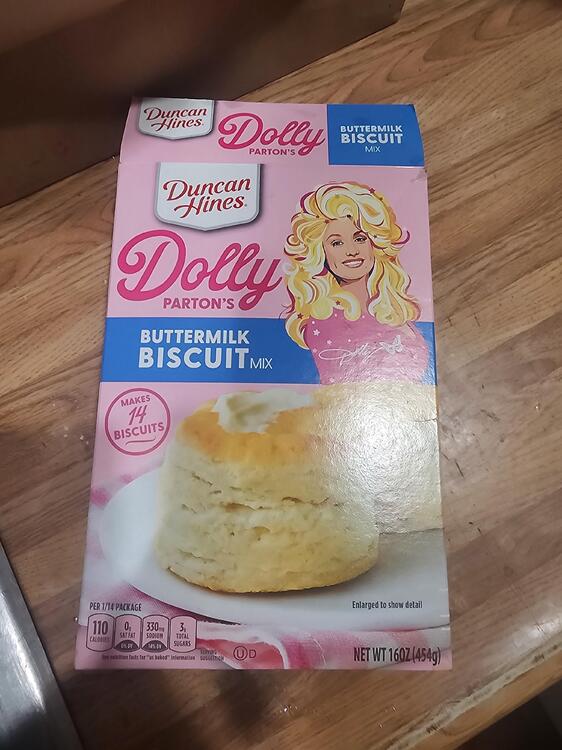 1 pointBeth Gibbons, Lives Outgrown Melentini, Explosions Around, The Desert Inside1 point1 pointSometimes living at the base of a volcano is a bummer. Seems that Verizon has deprecated band 13 (lower Hz - but had connectivity) for band 2 (higher Hz - but I get no bits). I use to be able to get some bits from band 5 and 66 - but those are pretty much gone now as well.
 0 points








Important Information
By using this site, you agree to our Terms of Use.