Skip to content
View in the app

A better way to browse. Learn more.

www.Head-Case.org

A full-screen app on your home screen with push notifications, badges and more.

To install this app on iOS and iPadOS
  1. Tap the Share icon in Safari
  2. Scroll the menu and tap Add to Home Screen.
  3. Tap Add in the top-right corner.
To install this app on Android
  1. Tap the 3-dot menu (⋮) in the top-right corner of the browser.
  2. Tap Add to Home screen or Install app.
  3. Confirm by tapping Install.

Leaderboard

Popular Content

Showing content with the highest reputation on 12/28/25 in all areas

  1. 4 points
    We got an unexpected 3” overnight (that’s what she said) on top of the 4” earlier this week. First white Xmas in a good long time.
  2. 3 points
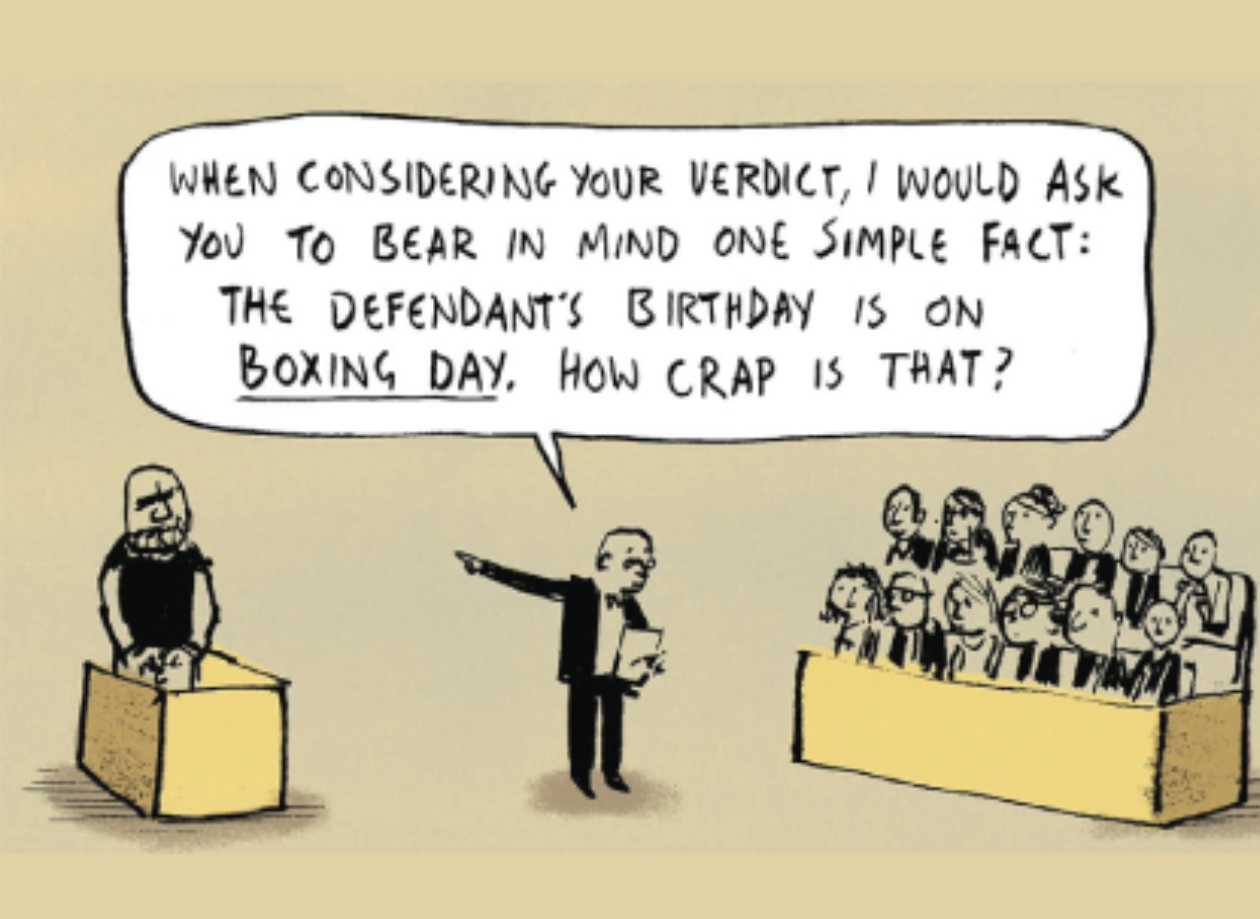
    It won't last long but it is nice. Boxing day dusting.
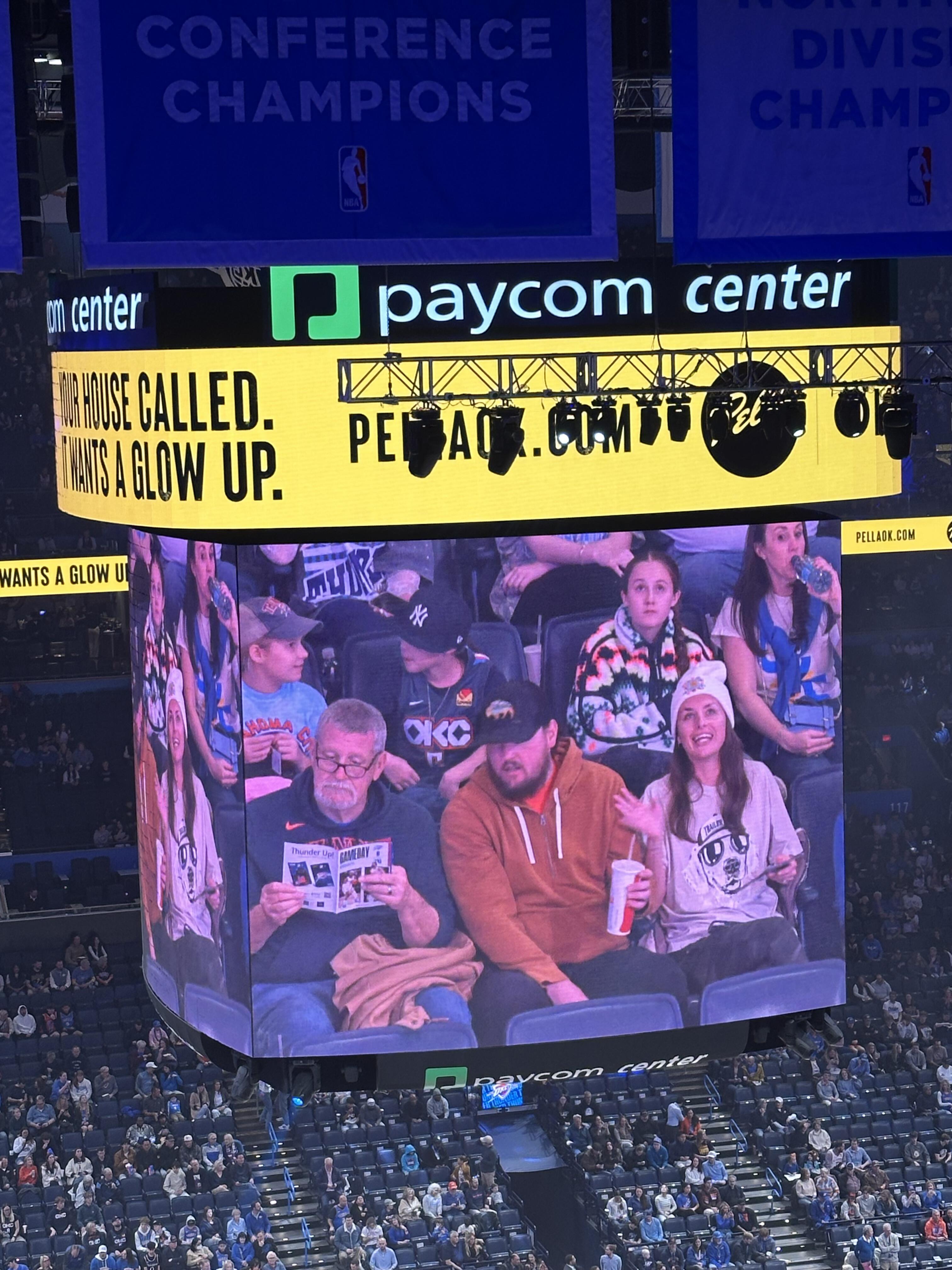
  3. Just finished my first beer and street tacos at
  4. Thank you everyone. Had a nice one with my wife in our summer(winter)cottage. Now I’m preparing for Boxing Day +6. Birthday of both our children and one grandchild. Happy New Year everyone!
  5. Hope you've had a great birthday Joachim! Cheers!
  6. Happy belated birthday! (party favour noise)
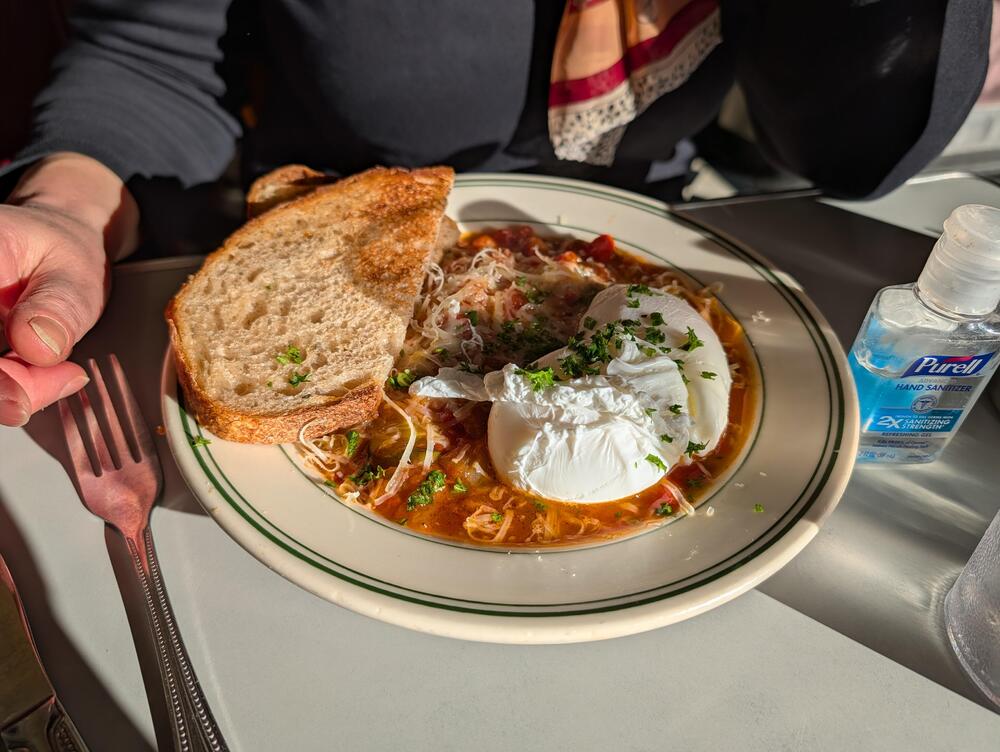
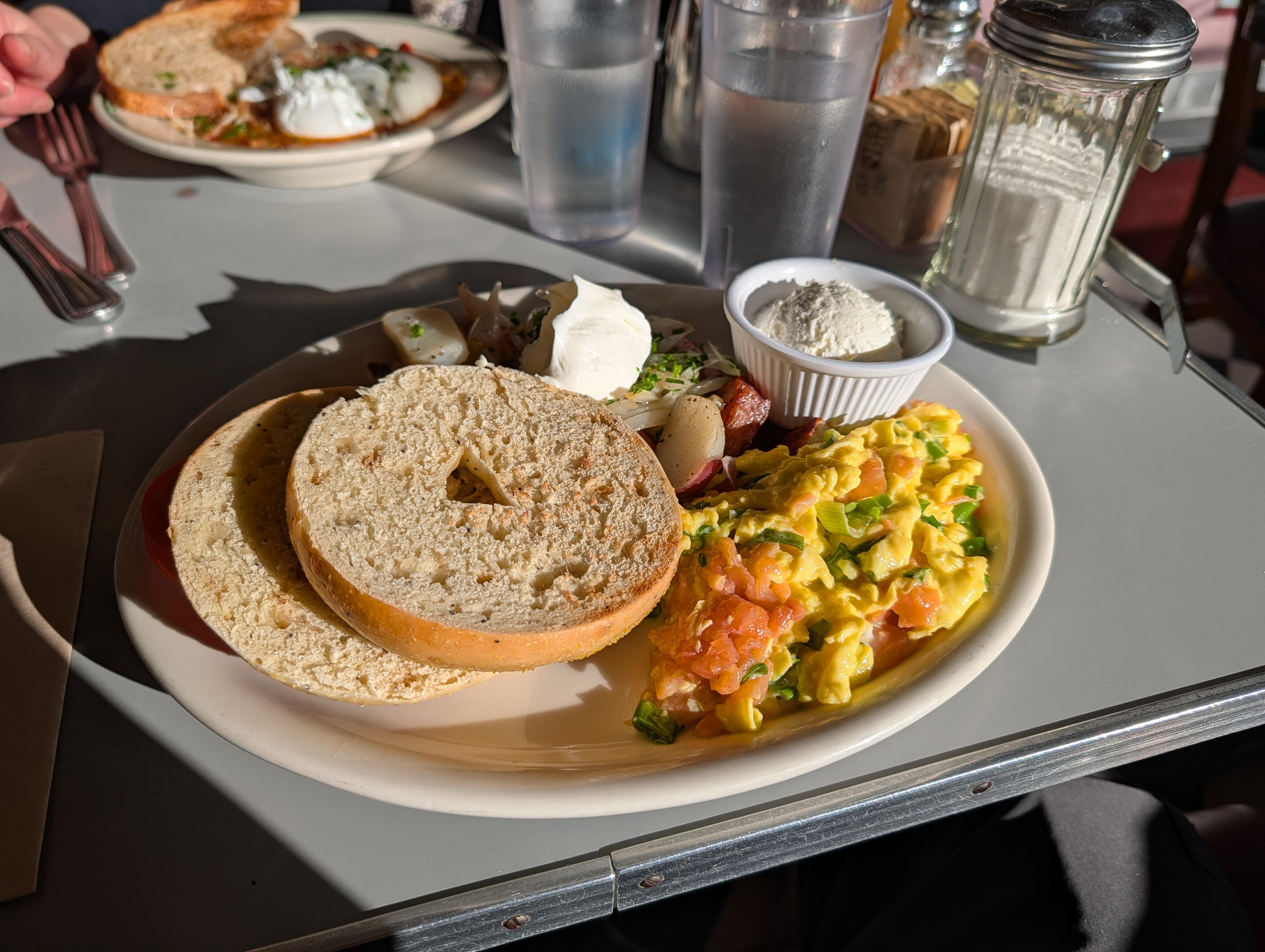
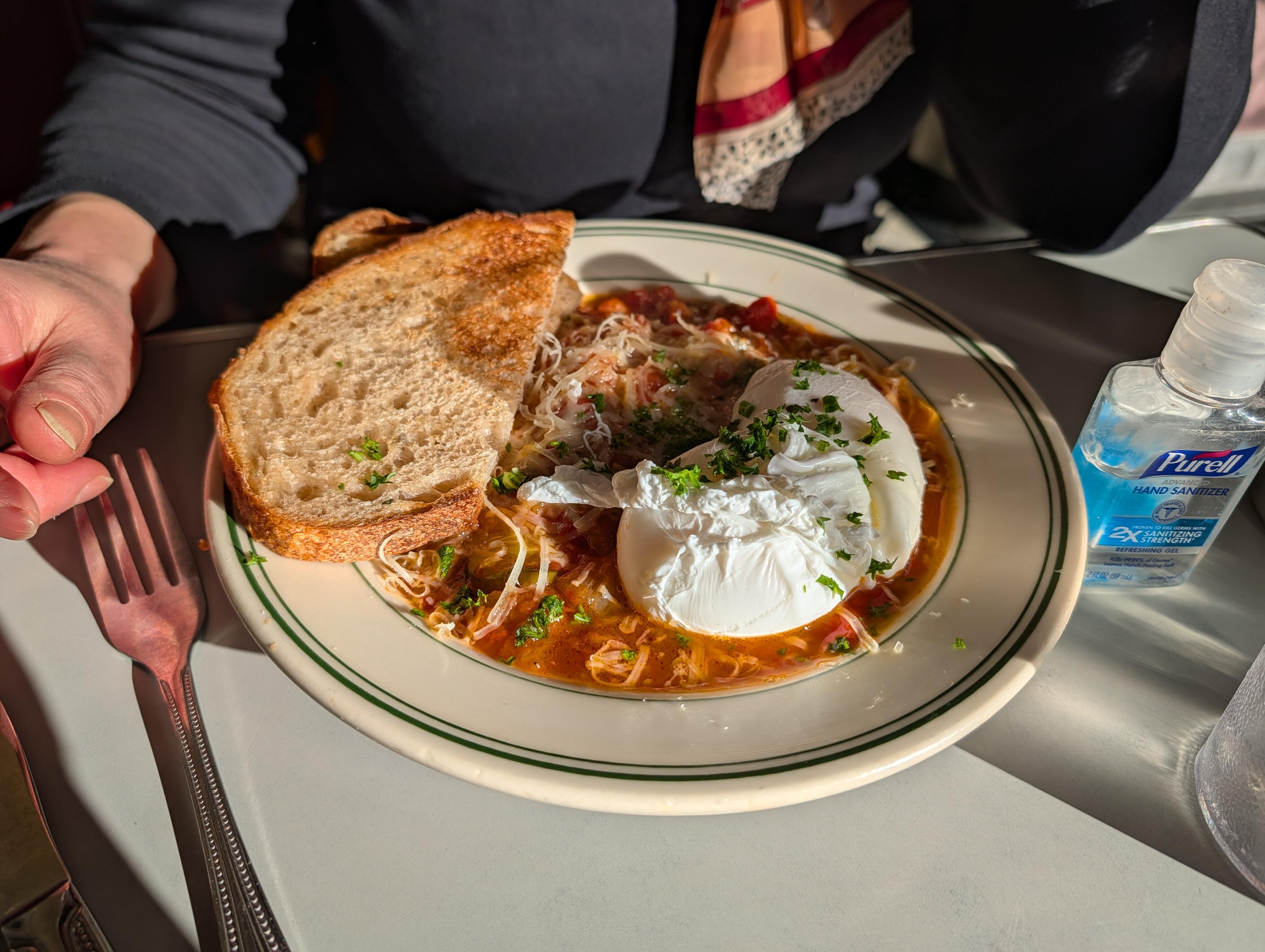
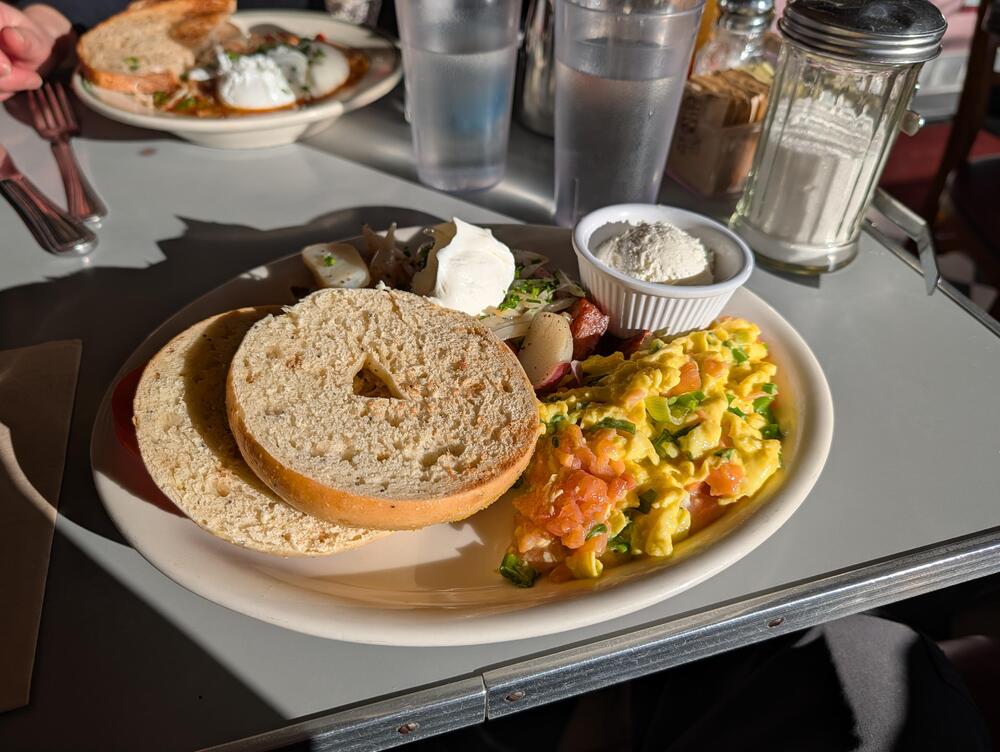
  7. Lox Scramble Ratatouille @ https://www.oceanviewonfourth.com/
  8. Happy belated Birthday!
  9. RIP, Brigitte Bardot...
  10. The Cure's Perry Bamonte Dead at 65.

Important Information

By using this site, you agree to our Terms of Use.

Account

Navigation

Search

Search

Configure browser push notifications

Chrome (Android)
  1. Tap the lock icon next to the address bar.
  2. Tap Permissions → Notifications.
  3. Adjust your preference.
Chrome (Desktop)
  1. Click the padlock icon in the address bar.
  2. Select Site settings.
  3. Find Notifications and adjust your preference.