


robm321
High Rollers
-
Joined
-
Last visited
Everything posted by robm321
-
Continuing the impressive female singers theme Ex.
 I was worried for 95% of the game. Still hard to believe they are going^ That one is even better. Earlier today: LP
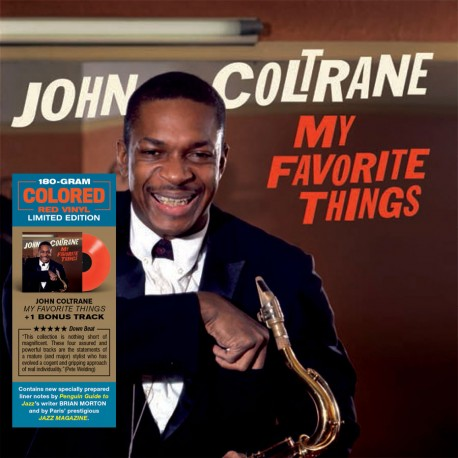 I only watched two episodes, so I can't really argue against that. But after watching woody and McConaughey, asking me to stomach a terribly cast Vince Vaugh for more than two episodes is asking too much. I'm a bit curious now, however.That was an outstanding season. Stopped watching after the first two episodes of season 2.Very cool, thanks for sharing.Happy Birthday!Happy Birthday, Adam!LP
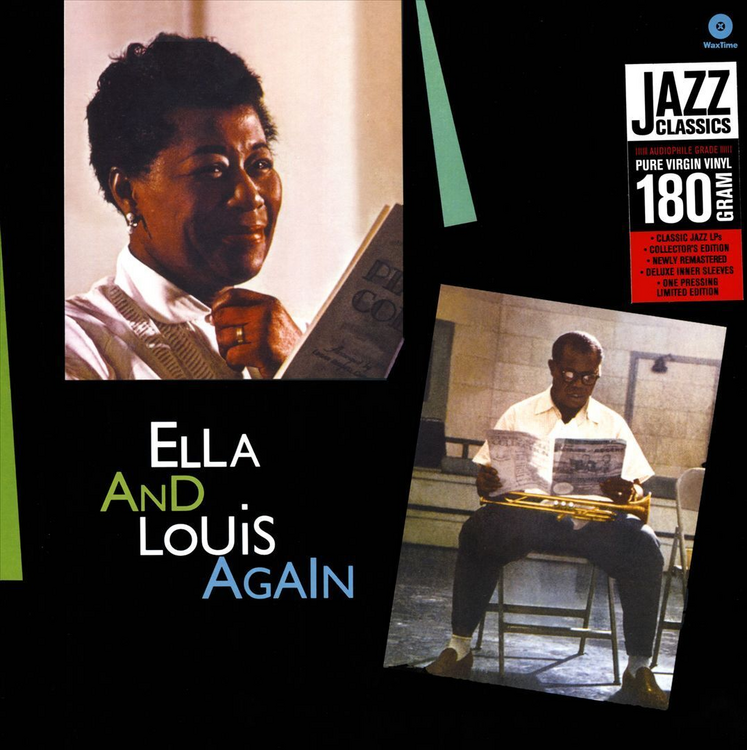 Qobuz was always the answer. You just had to find out for yourself. It's not the most extensive catalog, but stuff is added weekly. Doing the math: 600 albums, albums are ~ 1 hour each, so, 600 hours, factor in, wanting to listen to albums more than once, poop, eat, existential ponderings, cooking, eating, drinking, carry the 1, and you will get to the 12 albums it doesn't have when you are ~ 70 years old, and they will probably add them by then. Summary: Qobuz was always the answer.Ex.
 ^ this. Are your shoulders sore?Happy Birthday, Grahm!^ I agree, despite his technique, he is a very musical player.Maybe if I was in my 20s, at 53, my drink and I share an exclusive relationship, thank you.Happy Birthday!Happy Birthday!








Important Information
By using this site, you agree to our Terms of Use.
Account
Navigation
Search
Configure browser push notifications
Chrome (Android)
- Tap the lock icon next to the address bar.
- Tap Permissions → Notifications.
- Adjust your preference.
Chrome (Desktop)
- Click the padlock icon in the address bar.
- Select Site settings.
- Find Notifications and adjust your preference.
Safari (iOS 16.4+)
- Ensure the site is installed via Add to Home Screen.
- Open Settings App → Notifications.
- Find your app name and adjust your preference.
Safari (macOS)
- Go to Safari → Preferences.
- Click the Websites tab.
- Select Notifications in the sidebar.
- Find this website and adjust your preference.
Edge (Android)
- Tap the lock icon next to the address bar.
- Tap Permissions.
- Find Notifications and adjust your preference.
Edge (Desktop)
- Click the padlock icon in the address bar.
- Click Permissions for this site.
- Find Notifications and adjust your preference.
Firefox (Android)
- Go to Settings → Site permissions.
- Tap Notifications.
- Find this site in the list and adjust your preference.
Firefox (Desktop)
- Open Firefox Settings.
- Search for Notifications.
- Find this site in the list and adjust your preference.