


robm321
High Rollers
-
Joined
-
Last visited
Everything posted by robm321
-
I miss when the Decemberists were good.
-
Qobuz exists. Just sayin.
-
vinylHappy Birthday, Mikey and Chris!Superb sound quality, especially for a live show. Barber isn't the only star of the show. The band is amazing, especially on Black Magic Woman. The guitar solo on that song is like some Allan Holdsworth shit, the percussion kicks in and none of it is lost in the crowd who show appreciation. Ex.
 I have that on vinyl. Brings me to tears every time I listen to it.Happy Birthday!^ Same. Very sad to hear. RIPHappy Birthday, Dusty!Lunch & Dinner Loaded Mac'n Cheese with Pork Belly And Burnt Ends, 6 oz's of slow smoked brisket point, candied and smoked again, served with Bread & Butter pickles & slaw on the side with toasted garlic bread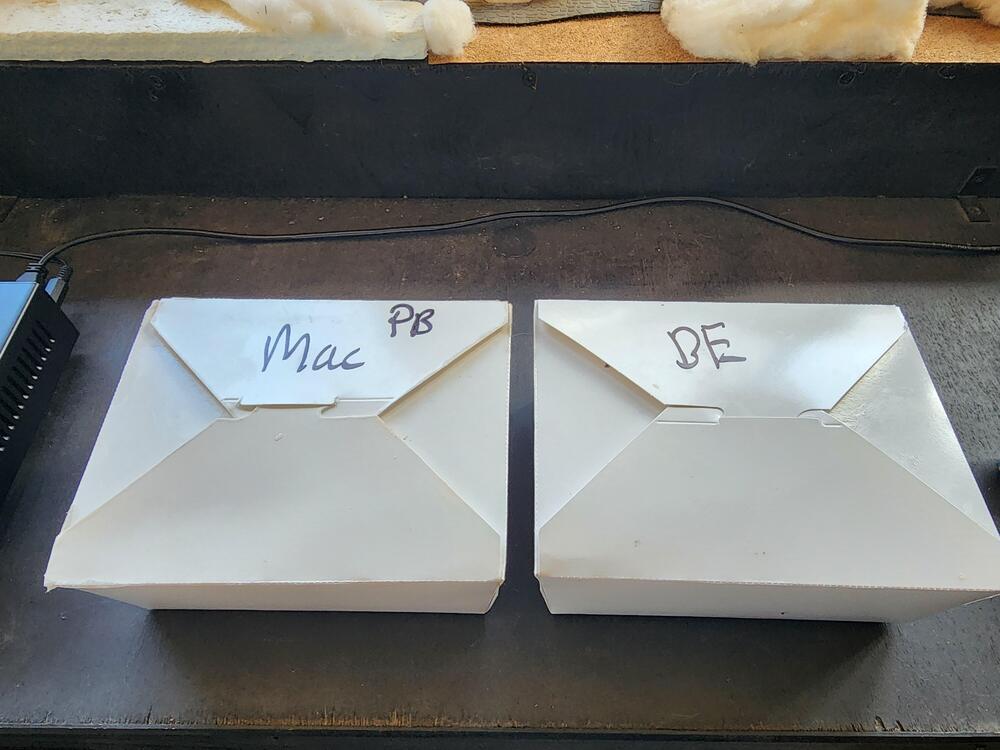
 Happy Birthdays!I really like this album. The song selection... the way she plays. I've listened to it twice in two days. Good morning coffee music. She got a new fan. ex.I stumbled on this looking for something to listen to now that my queue is empty. I didn't know it existed. It's an interesting combo. All three of these musicians are obviously great. I enjoyed it but their styles didn't mesh all that great for me. ex.Ex.^ Agreed about the mics being too far back. Its enough to make me pass on it.Congrats!Happy Birthday, Wayne!Very good but sparse and takes some patience to get into . Worth it. The museum (used to be a church) where it was recorded enhances the mood. Concerto Copenhagen and the Estonian Philharmonic Chamber Choir reimagine Arvo Pärt’s Music. Concerto Copenhagen and the Estonian Philharmonic Chamber Choir present …Lente, an unconventional interpretation of Arvo Pärt’s music. Taking an approach based in historical performance practice, this recording explores how Baroque instruments can bring a new dimension to Pärt’s minimalist and spiritual sound world. “Arvo Pärt's music calls to be performed on Baroque instruments—so that's exactly what Concerto Copenhagen and the Estonian Philharmonic Chamber Choir have done.” - Nikolaj de Fine Licht, General Manager of Concerto Copenhagen.




Important Information
By using this site, you agree to our Terms of Use.
Account
Navigation
Search
Configure browser push notifications
Chrome (Android)
- Tap the lock icon next to the address bar.
- Tap Permissions → Notifications.
- Adjust your preference.
Chrome (Desktop)
- Click the padlock icon in the address bar.
- Select Site settings.
- Find Notifications and adjust your preference.
Safari (iOS 16.4+)
- Ensure the site is installed via Add to Home Screen.
- Open Settings App → Notifications.
- Find your app name and adjust your preference.
Safari (macOS)
- Go to Safari → Preferences.
- Click the Websites tab.
- Select Notifications in the sidebar.
- Find this website and adjust your preference.
Edge (Android)
- Tap the lock icon next to the address bar.
- Tap Permissions.
- Find Notifications and adjust your preference.
Edge (Desktop)
- Click the padlock icon in the address bar.
- Click Permissions for this site.
- Find Notifications and adjust your preference.
Firefox (Android)
- Go to Settings → Site permissions.
- Tap Notifications.
- Find this site in the list and adjust your preference.
Firefox (Desktop)
- Open Firefox Settings.
- Search for Notifications.
- Find this site in the list and adjust your preference.