


Grahame
High Rollers
-
Joined
-
Last visited
Everything posted by Grahame
-
Duly noted, Steve. If anyone would know good dick noir when they see it.
-
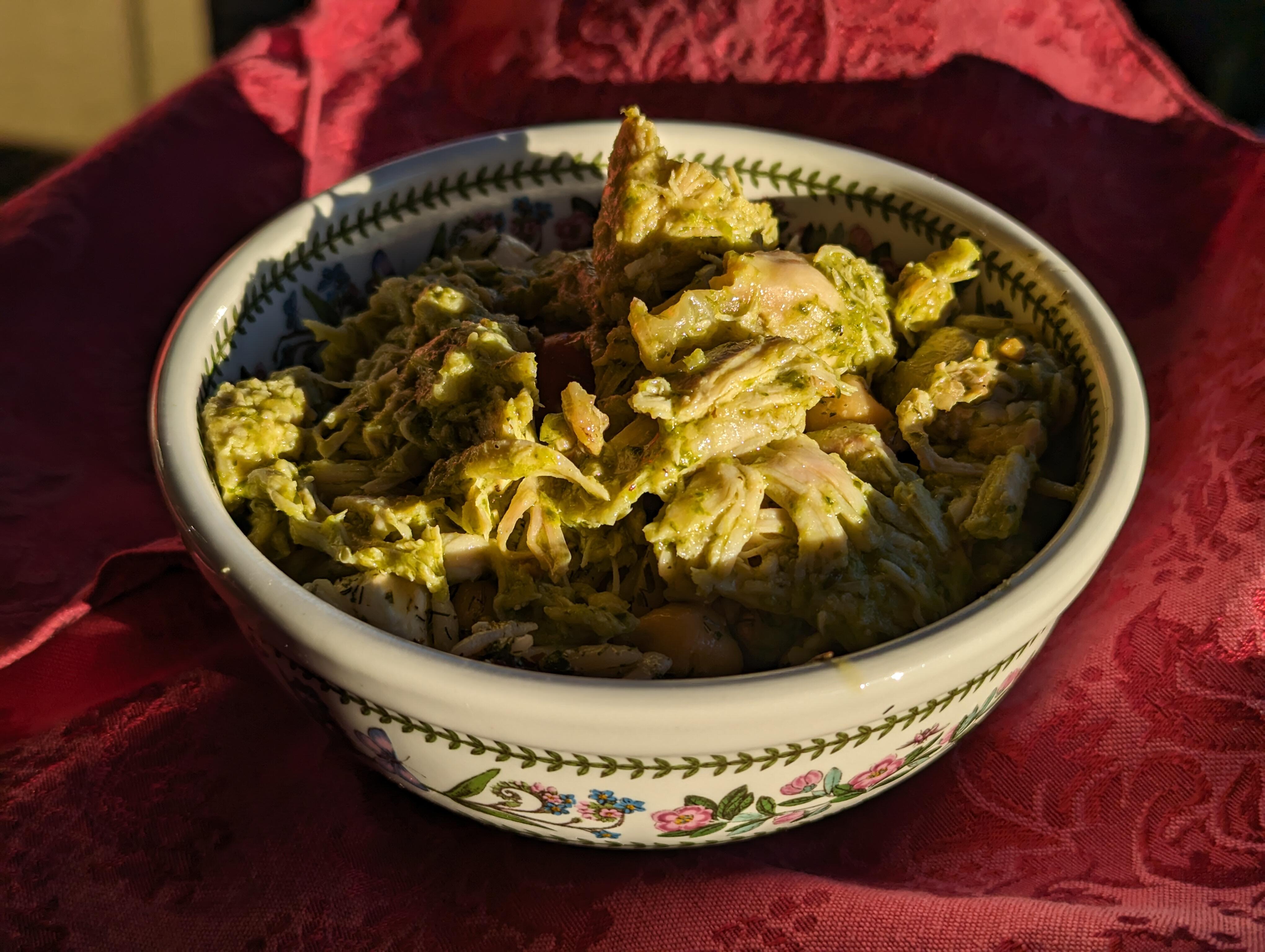
Orzo Salad, with a pesto chicken topper.
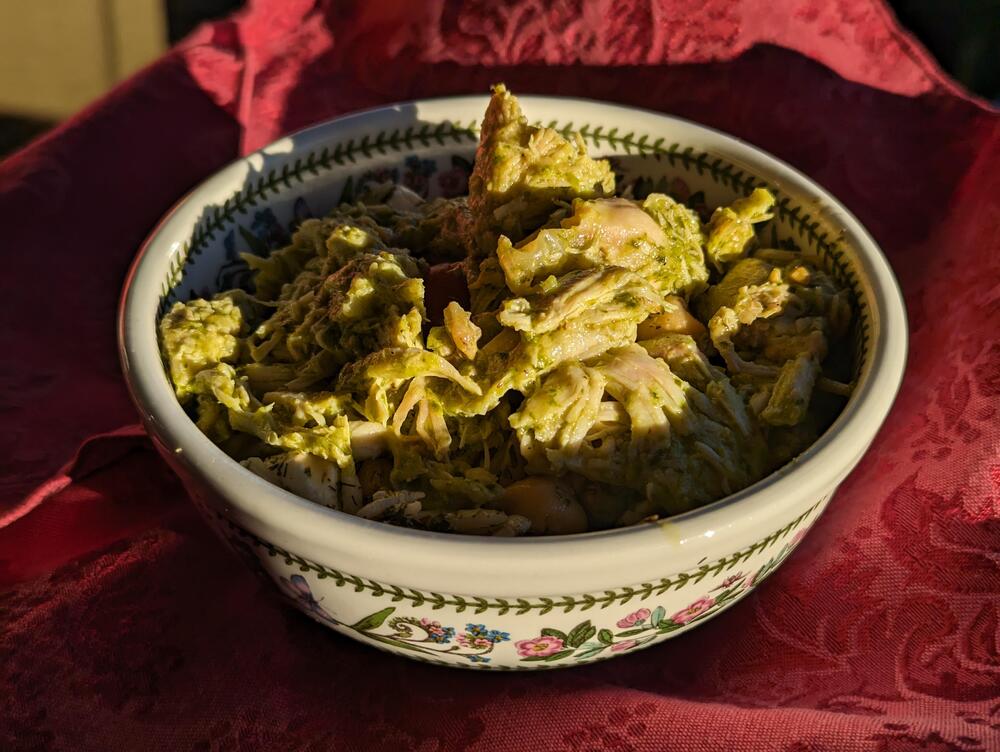
-
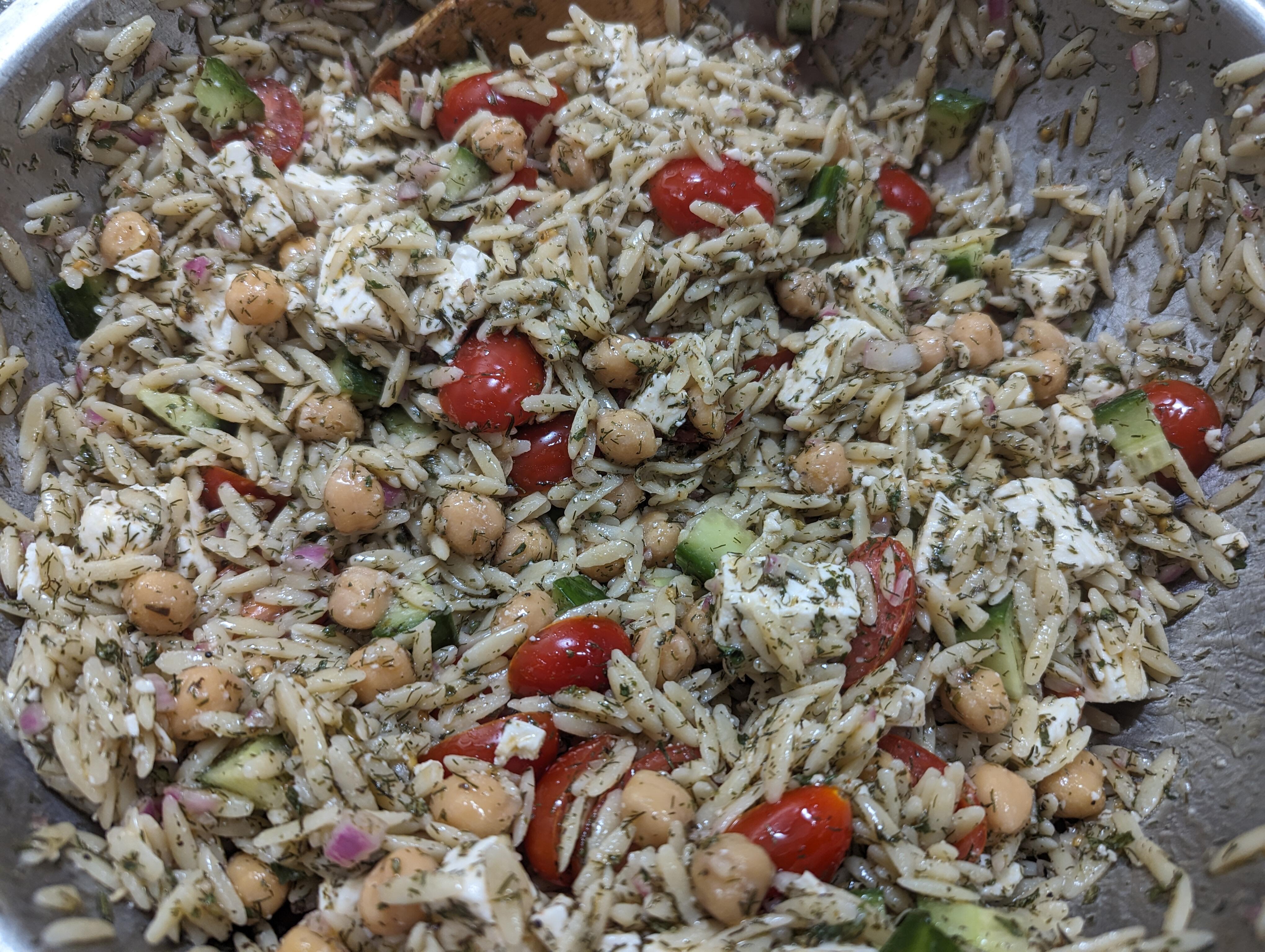
Orzo Salad (Hold the olives)
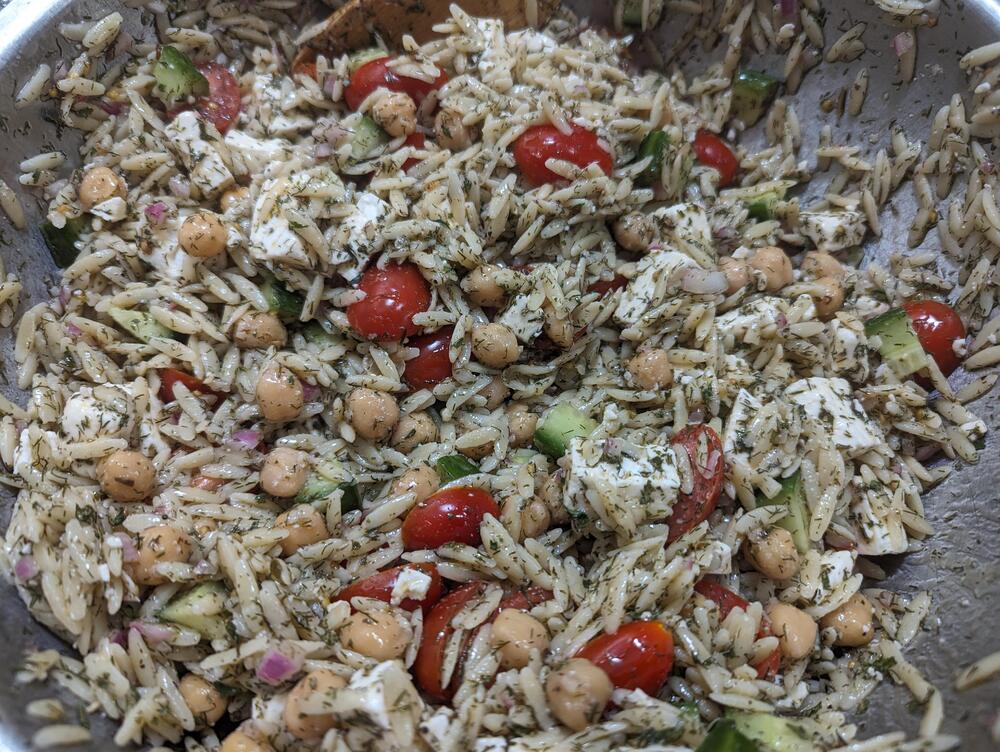
-
Depends, do you have a bottle of Mac 30 and small hands?
-
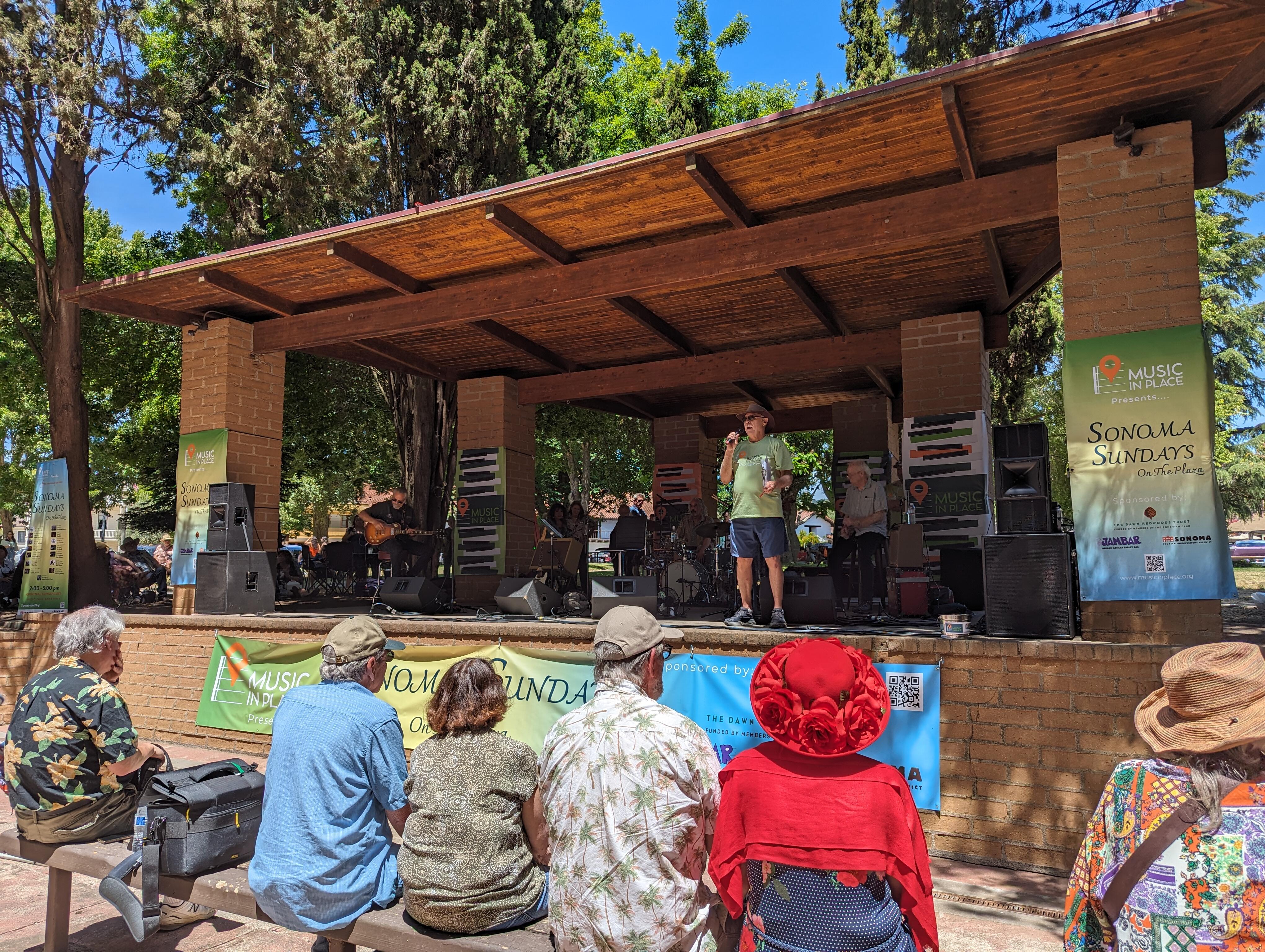
I was ironically referring to the low humidity in Sacramento, which makes the extreme heat sooo much more bearable. Not just climates, microclimates. https://www.yourcentralvalley.com/digital-exclusives/why-does-california-have-so-many-microclimates/ Especially in The Bay Area https://www.kqed.org/news/11827882/why-does-the-bay-area-have-so-many-microclimates Although Redwood City will claim ("by government test") they have the best.But at least it's a dry heat, amiright? https://www.sacbee.com/news/local/article277546363.htmlAnd then in the second set they did the "big three" Including A song about a camel that's now celebrating its 50th anniversary. " It's been good to me, I hope it was good for you"Hello Sonoma! Sonoma Sundays on the plaza With Maria Muldaur As an 81 year old lady, she can still sing the blues, but asks us to be present and put away our phones, cameras and video's and pay attention as "She's trying to work over here" . I can only respect her wishes. After a rockin' hour and a quarter set she's taking a well deserved break, before doing the same again. As I said to Joanne, this audience makes you feel young 😉 She has quite a repertoire of other people's songs, but she sang one of her few self penned numbers, from the pandemic. We should all be lucky enough to have so much life in us, at her age. Her red hot Louisiana blues band are not too shabby either.
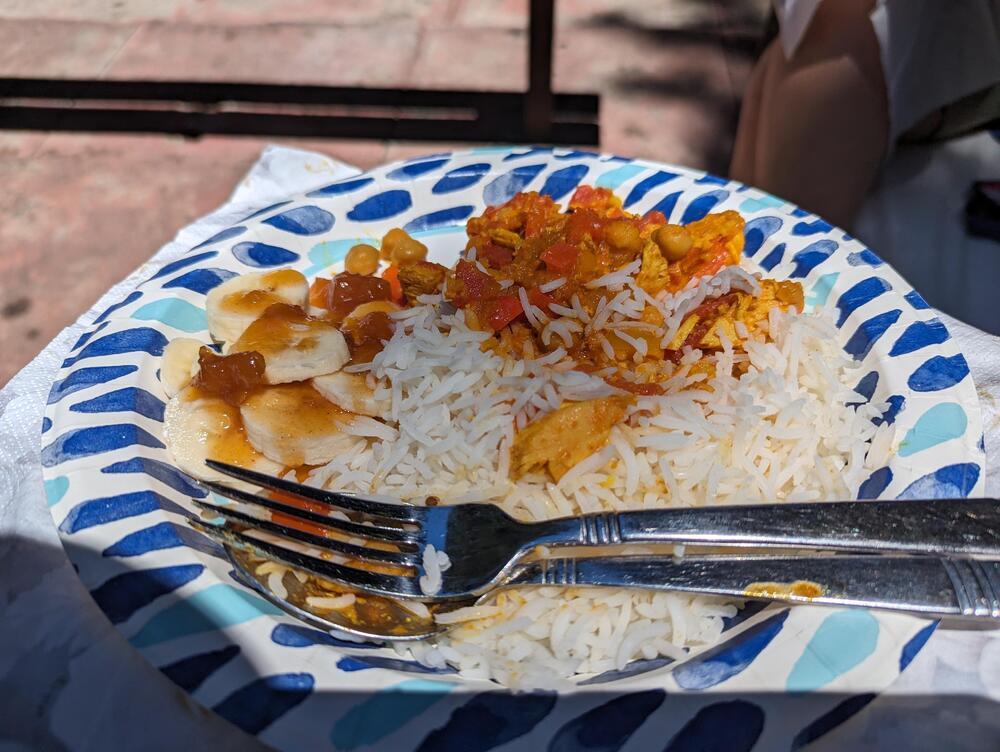
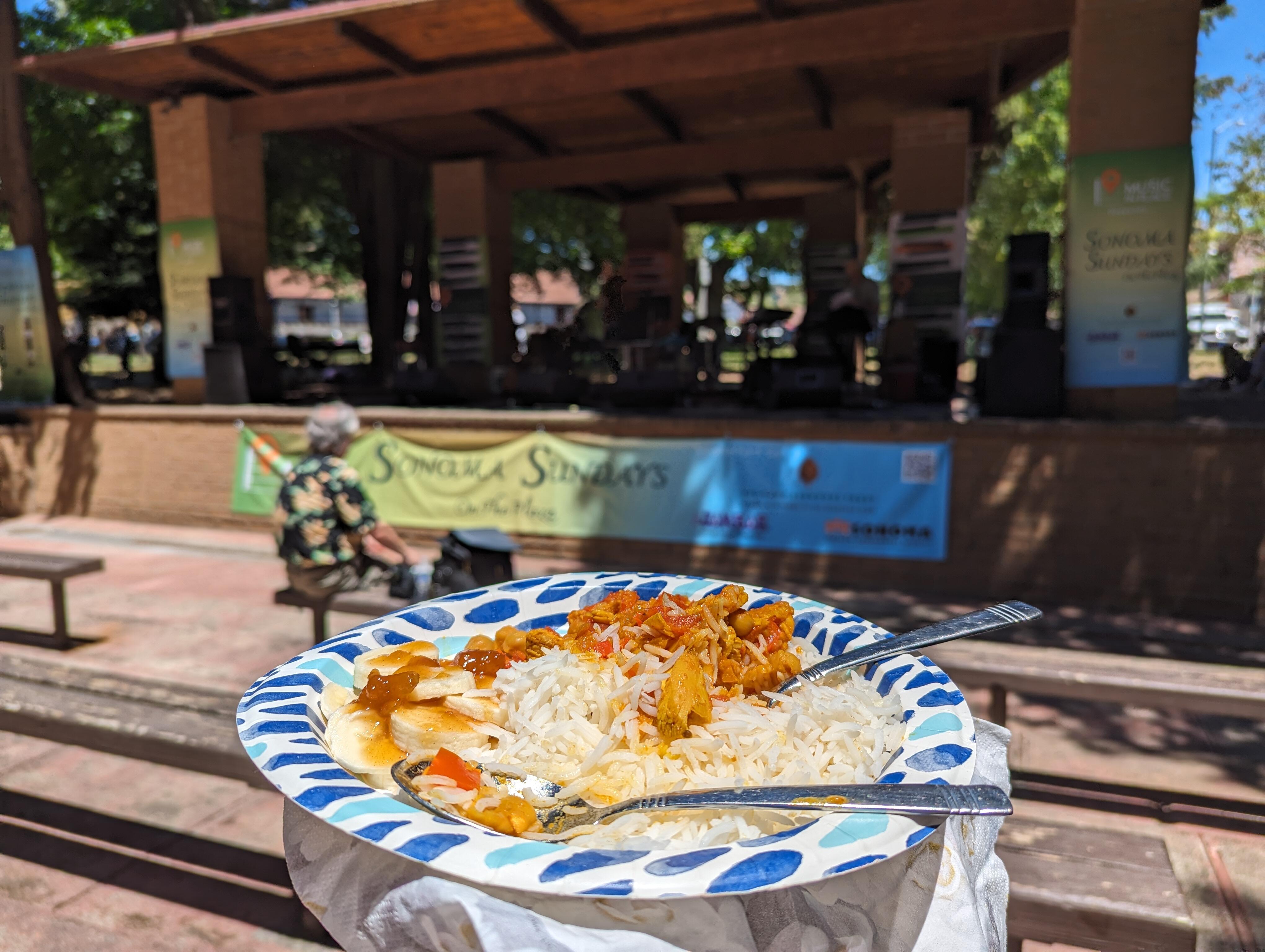
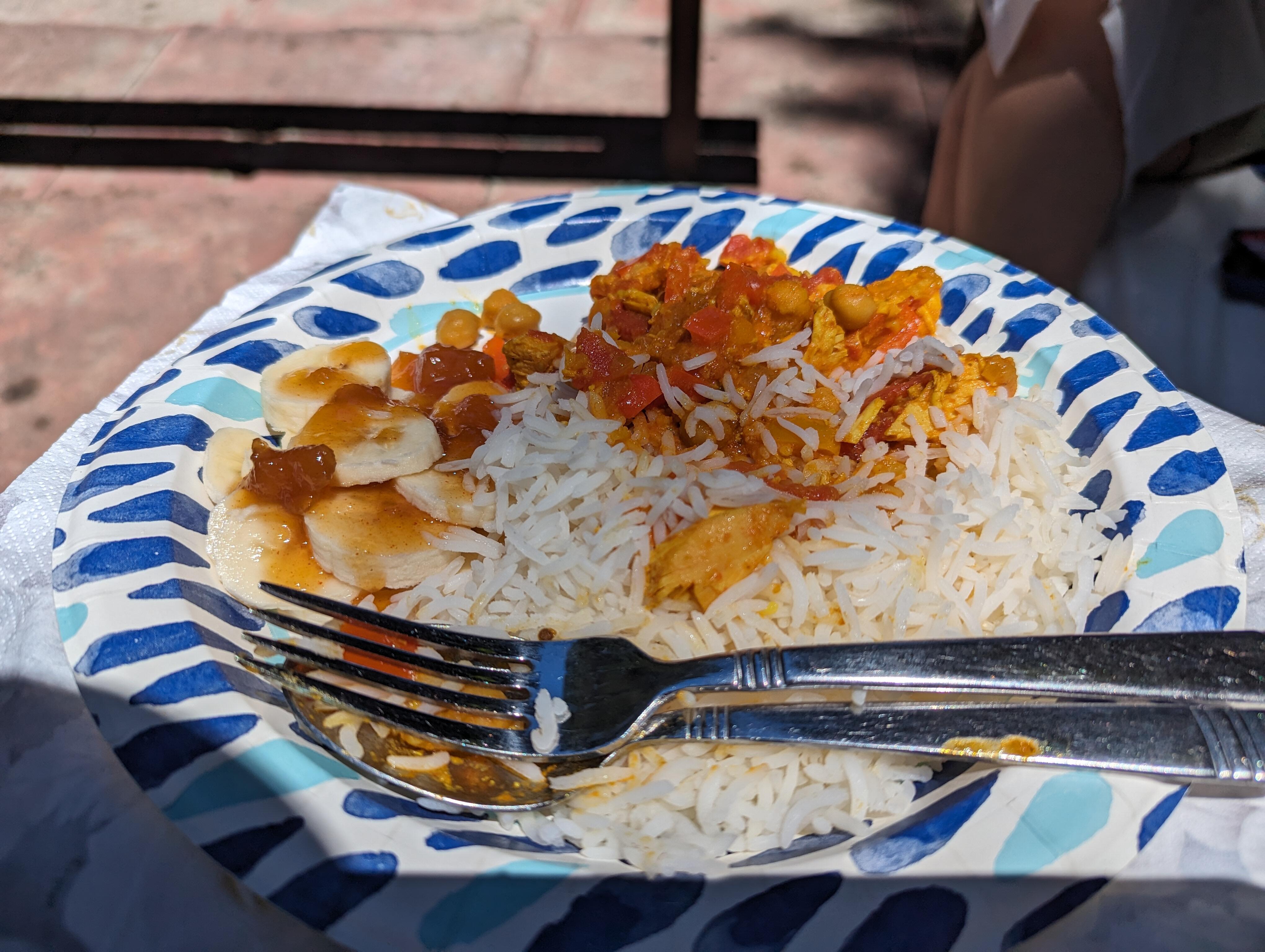
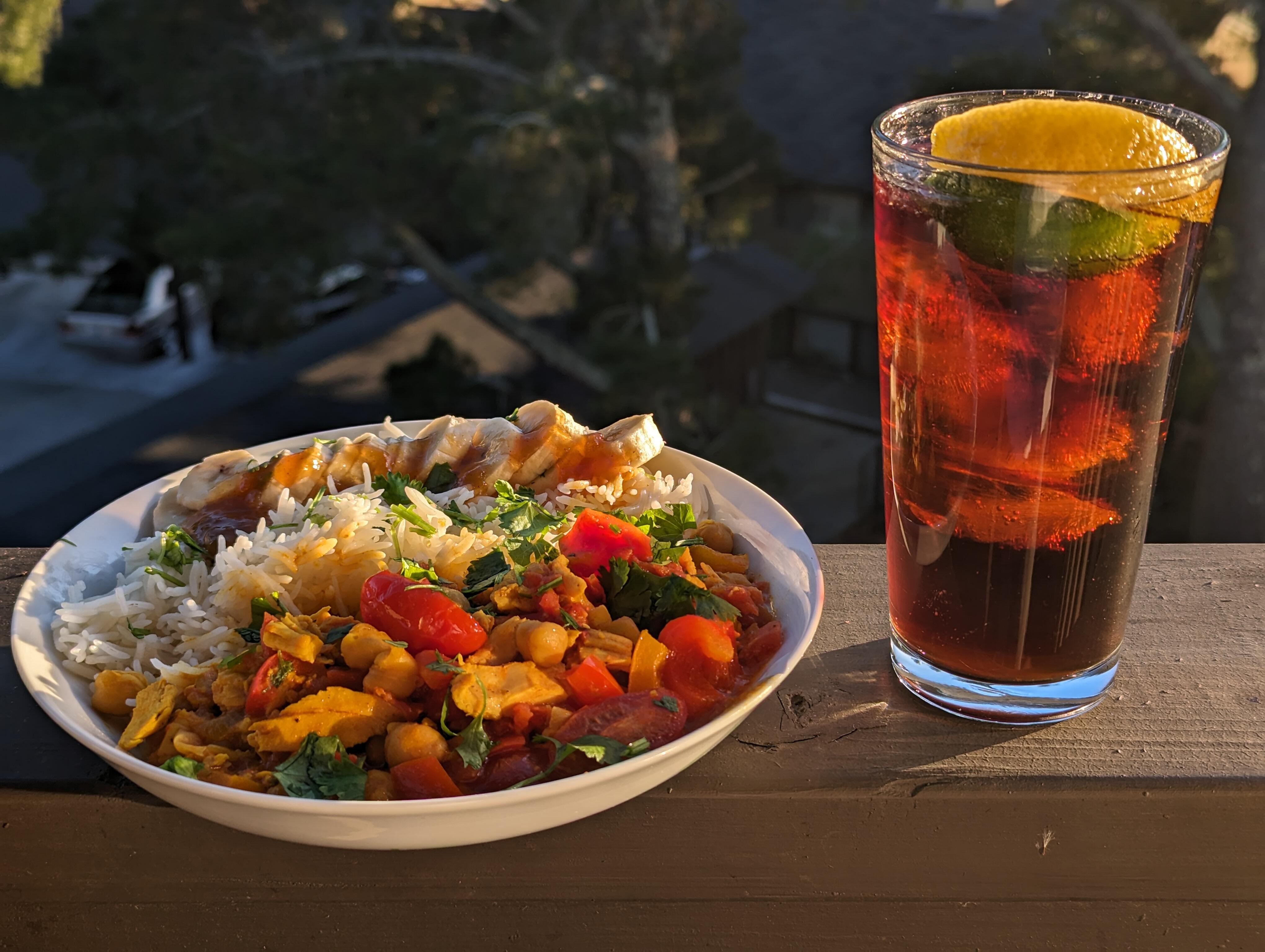
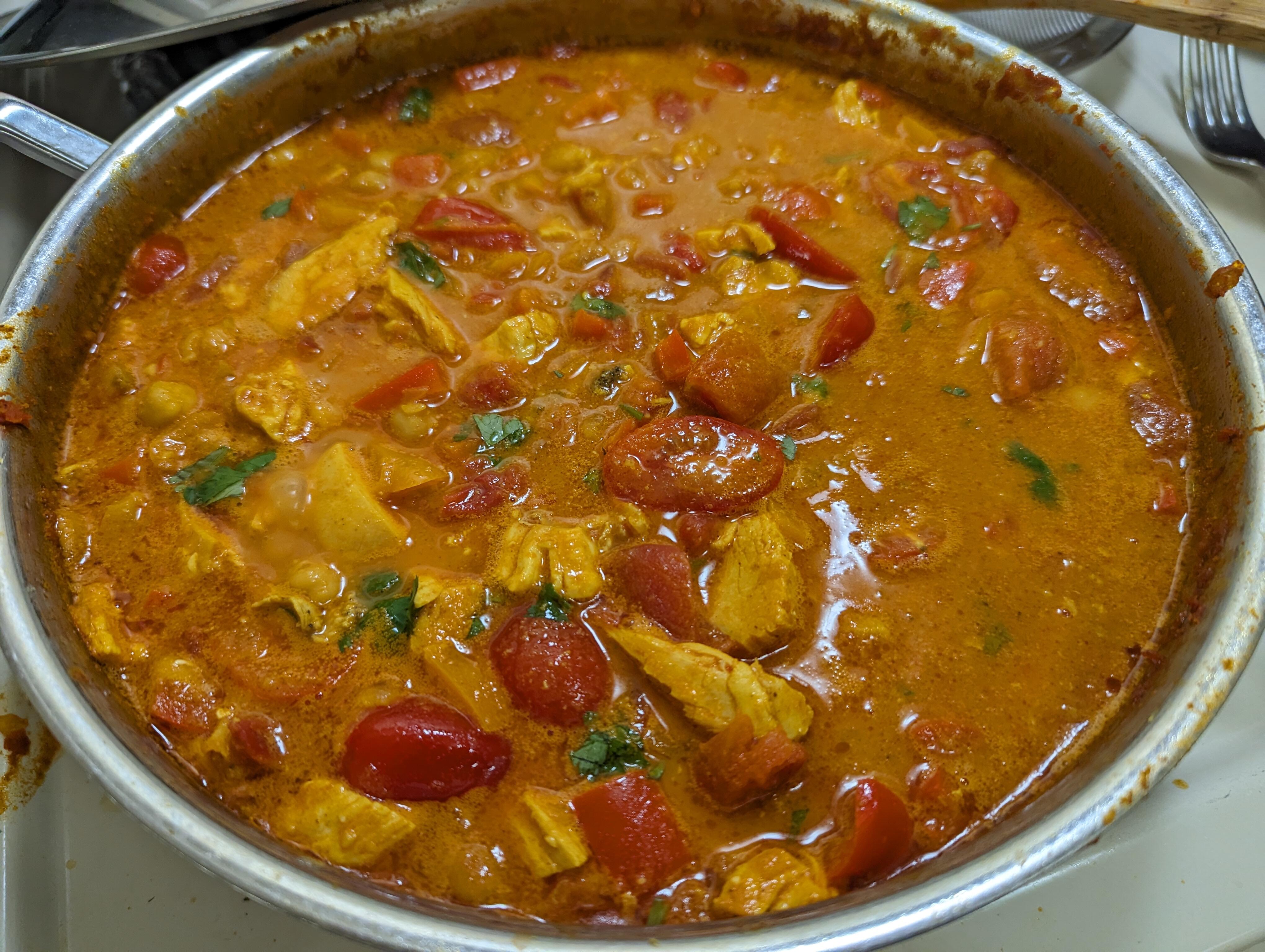
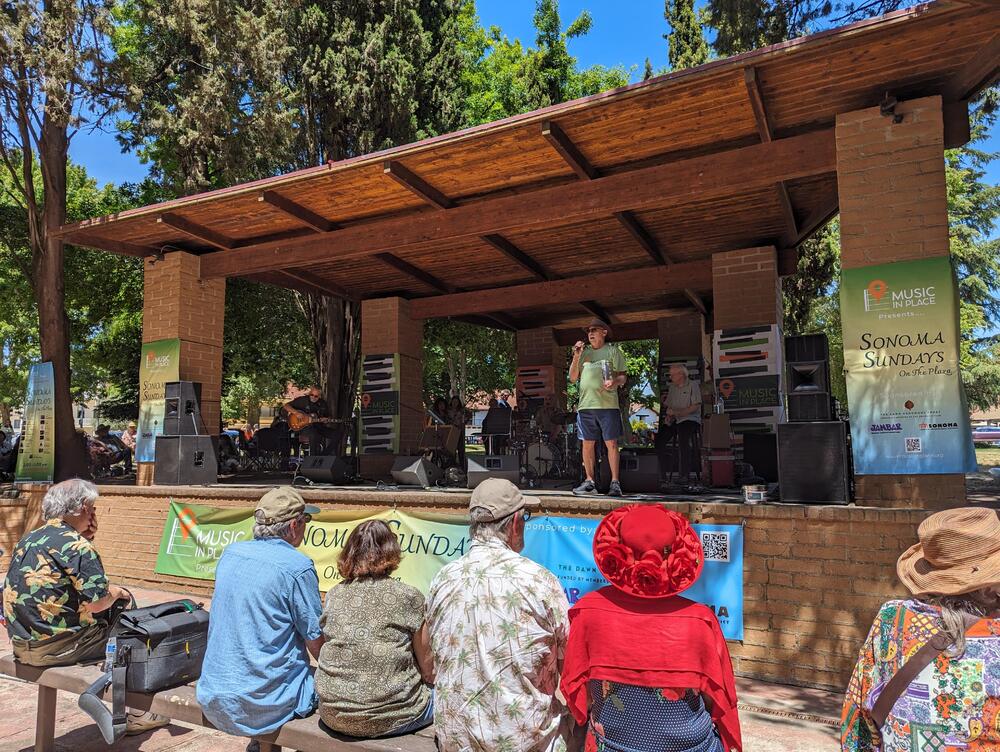 Sonoma Sundays on the plaza picnic chicken curry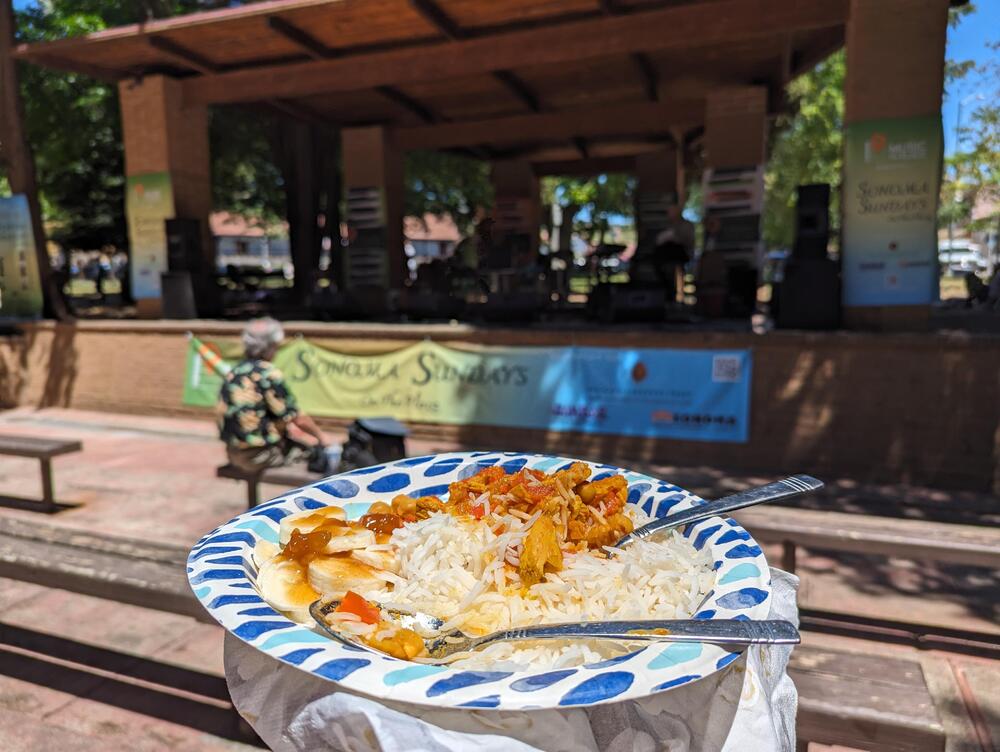
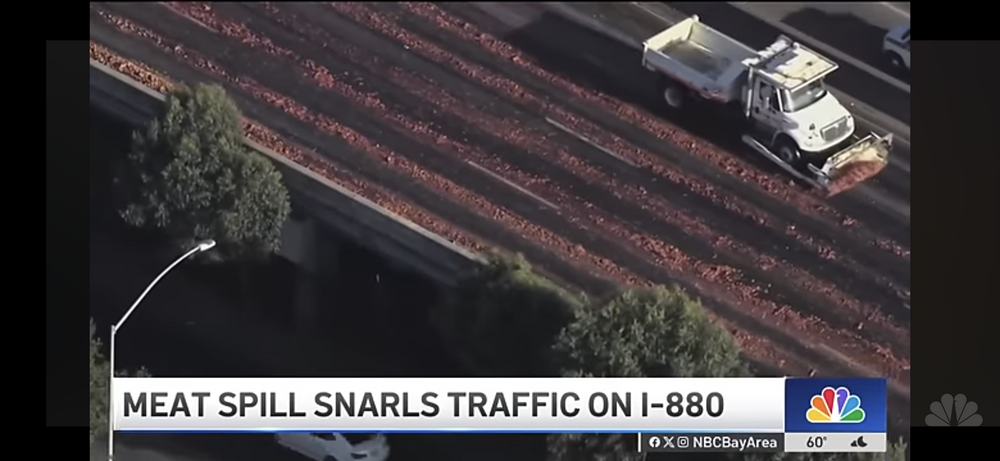
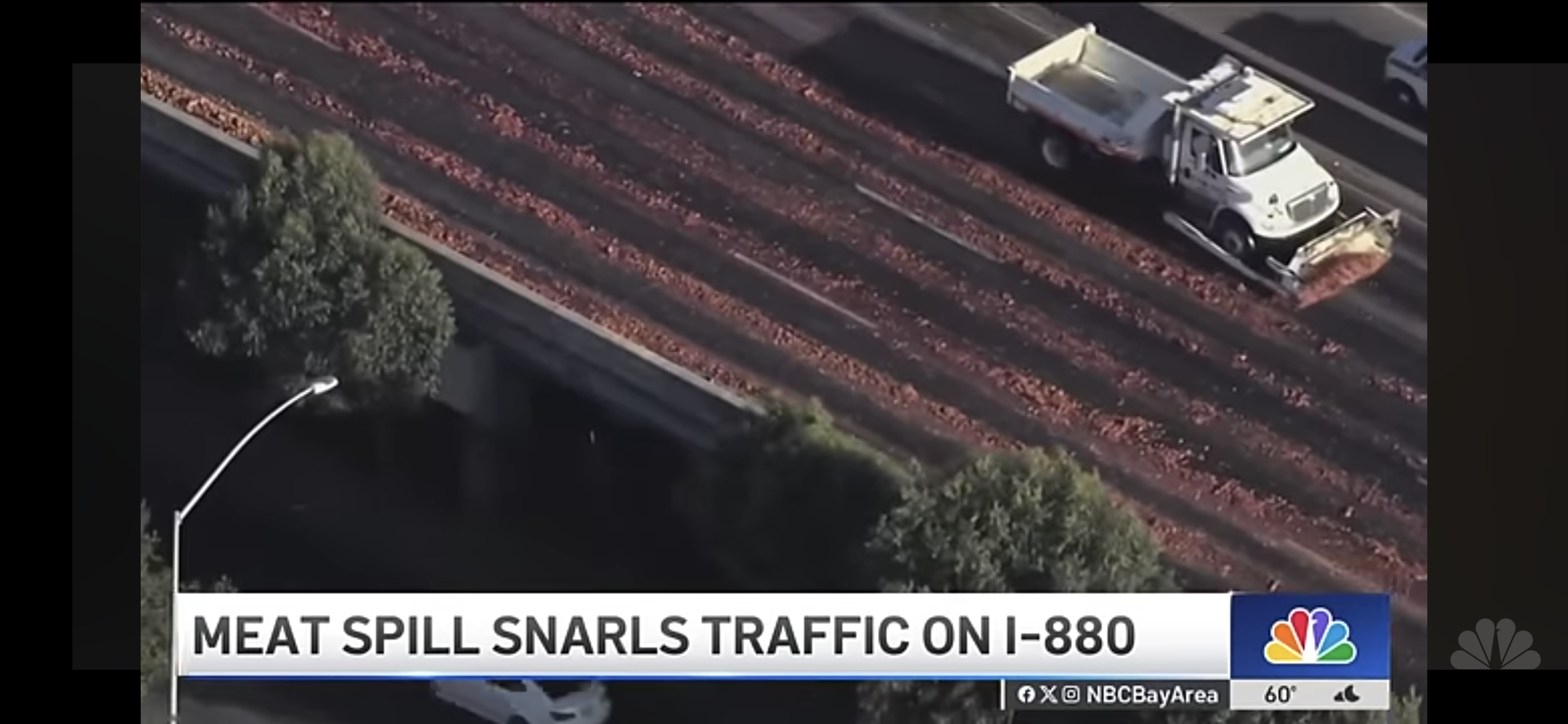
 Band Name or new cocktail? You decide #MeatSpill https://www.sfgate.com/local/article/meat-spill-interstate-880-oakland-19489473.php
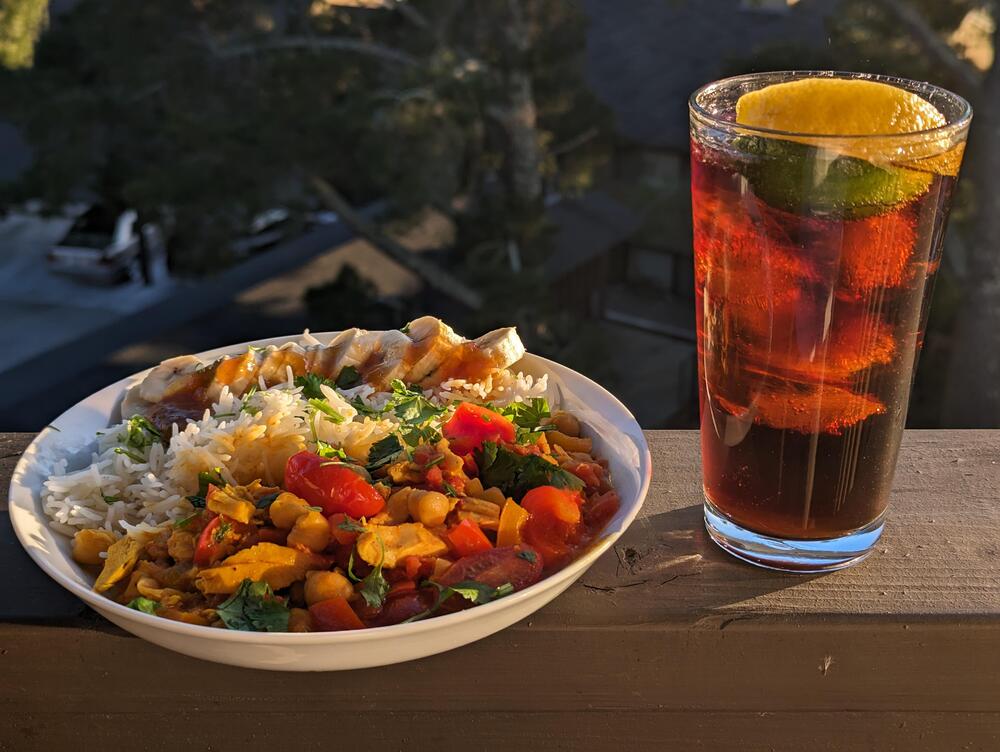
 How can you say that about Trump tower's in-house amps?Not on a boat curry
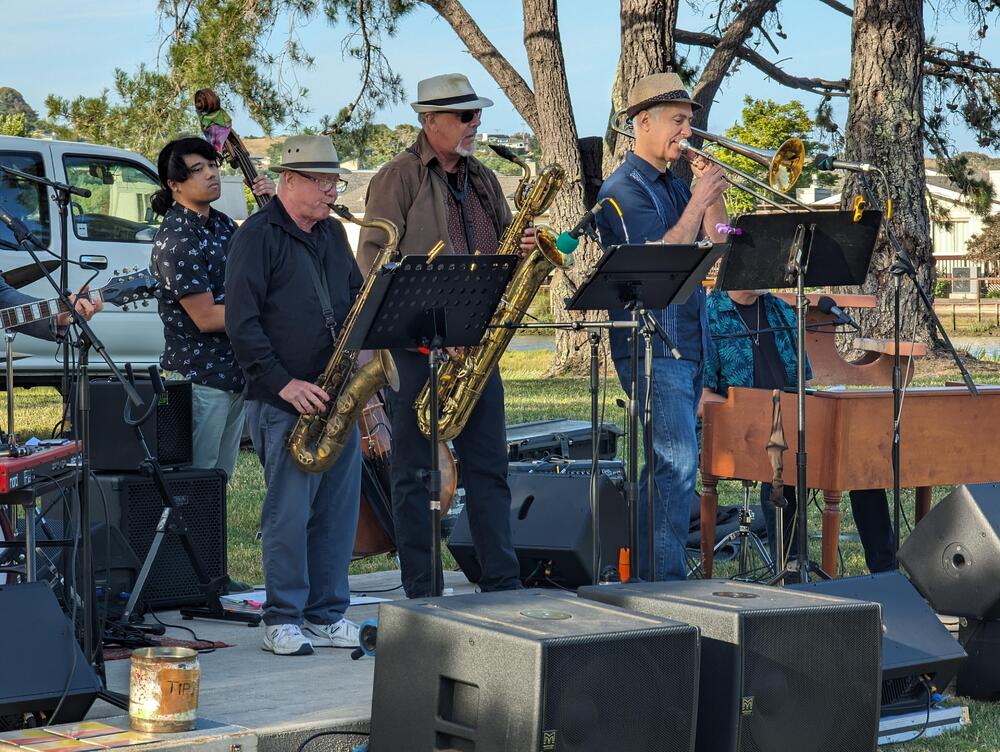
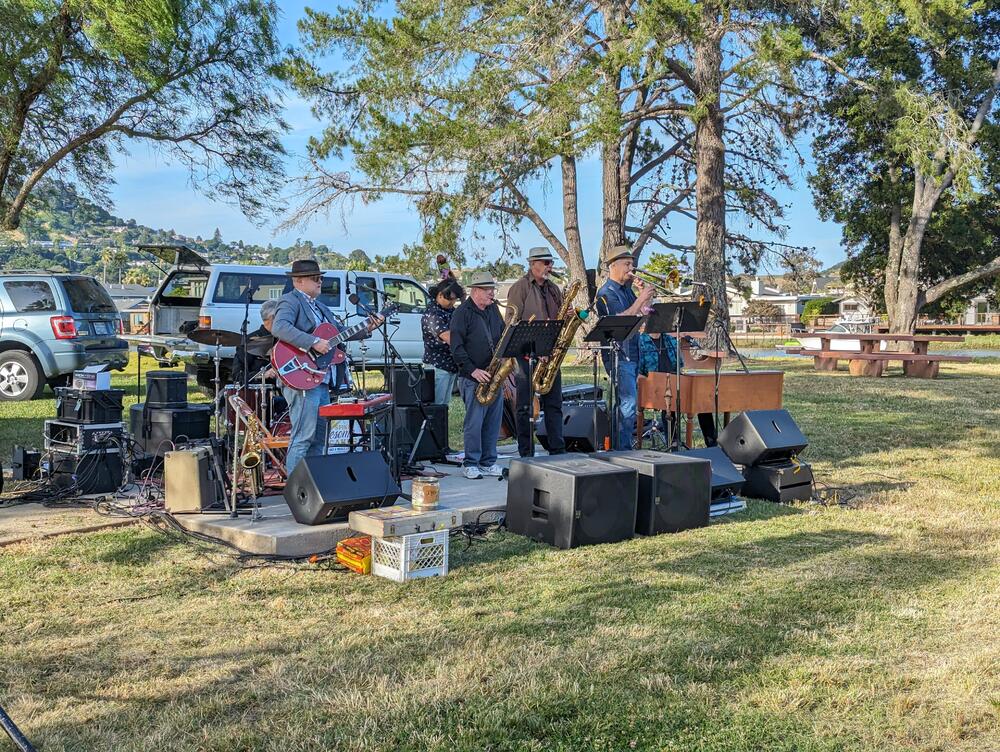
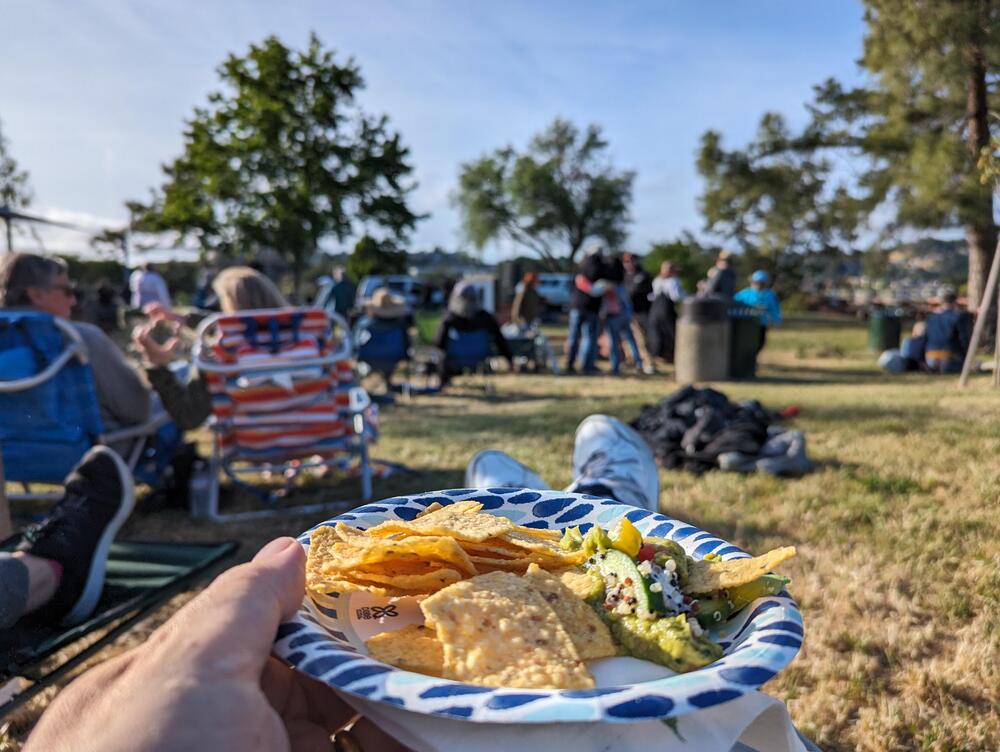
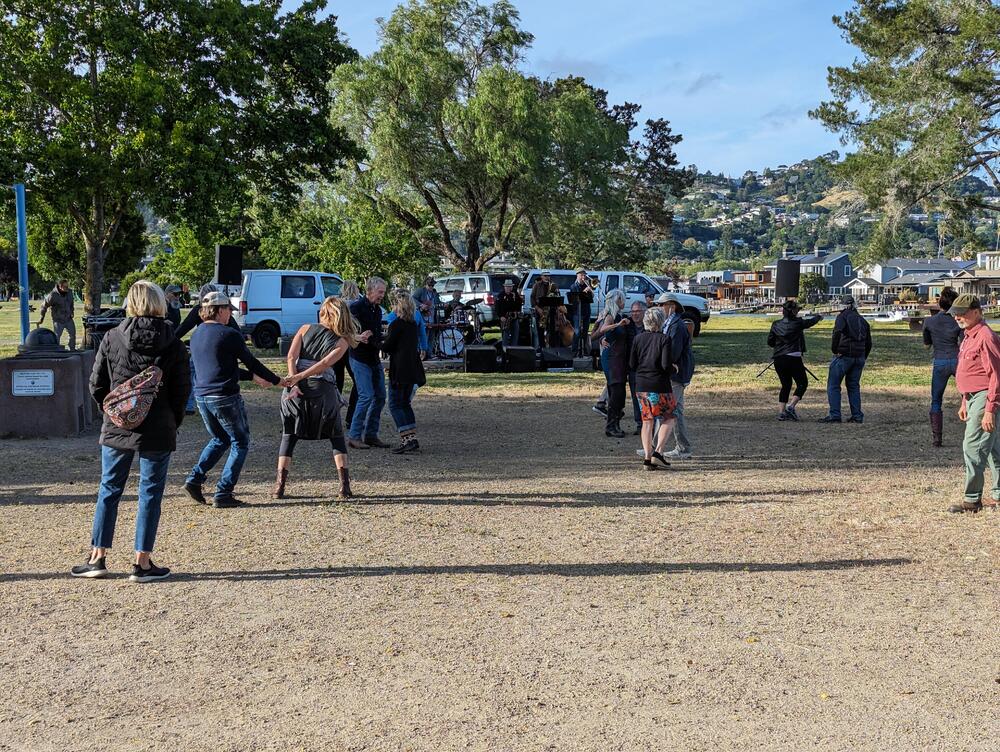
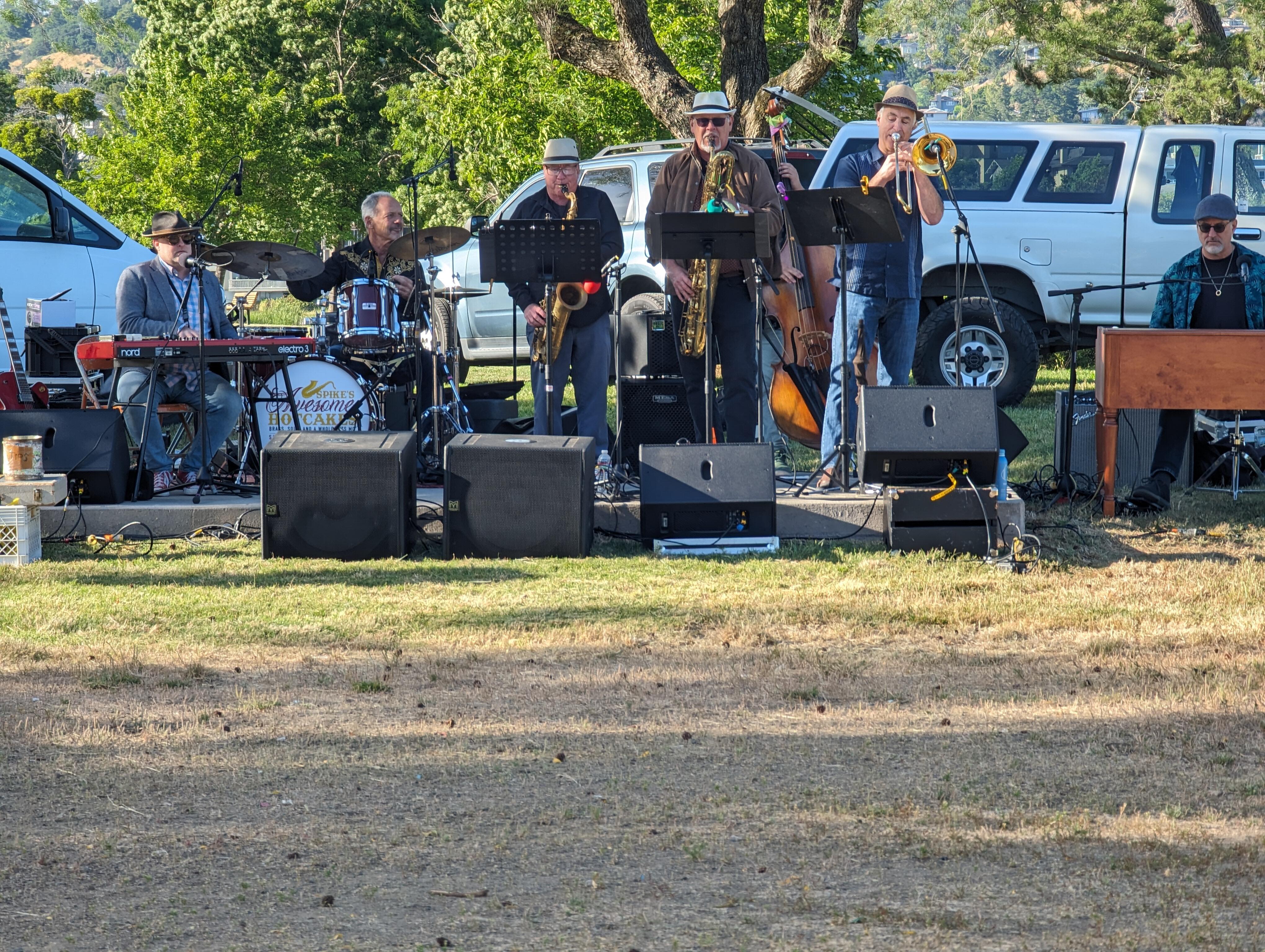
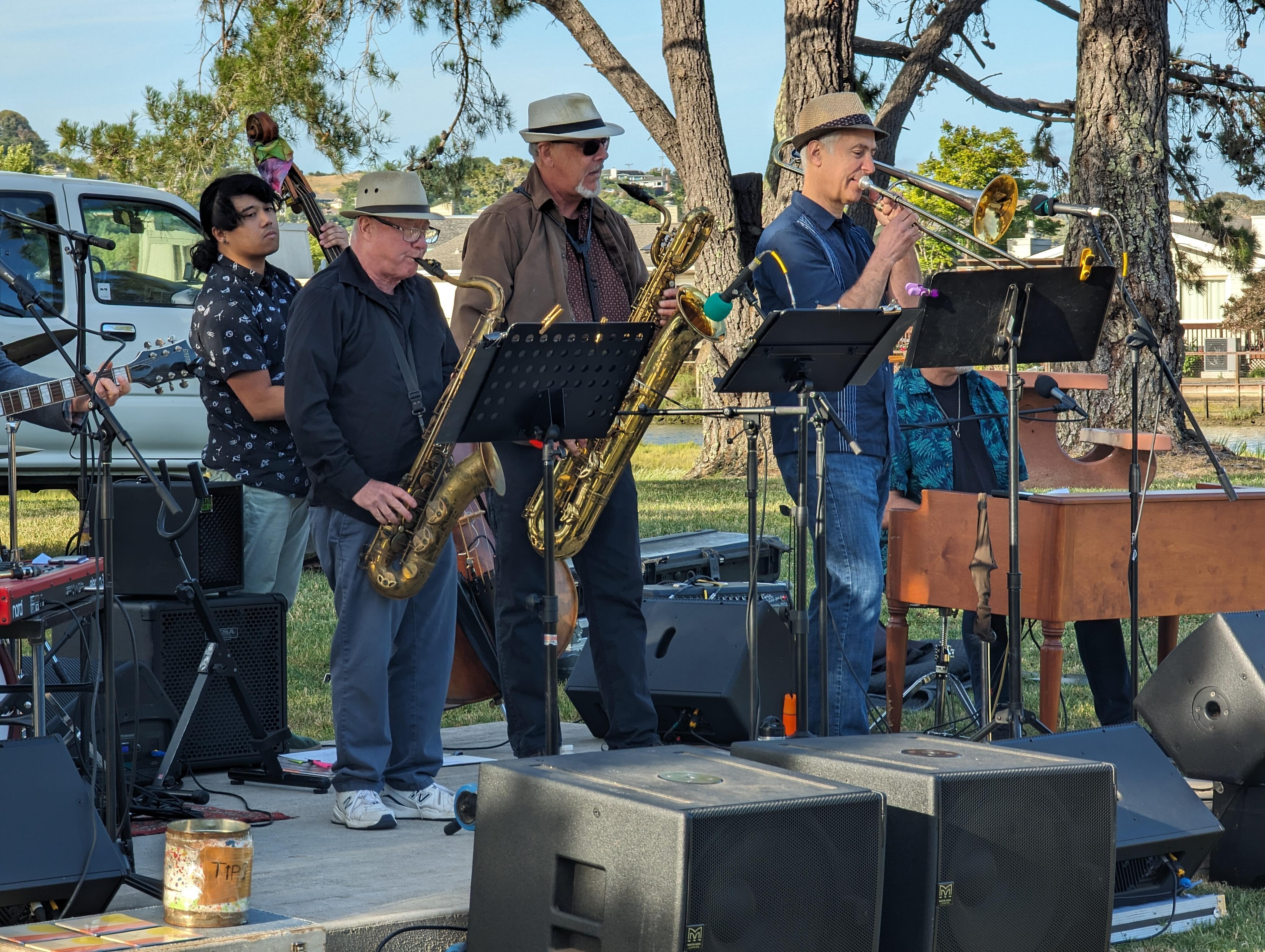
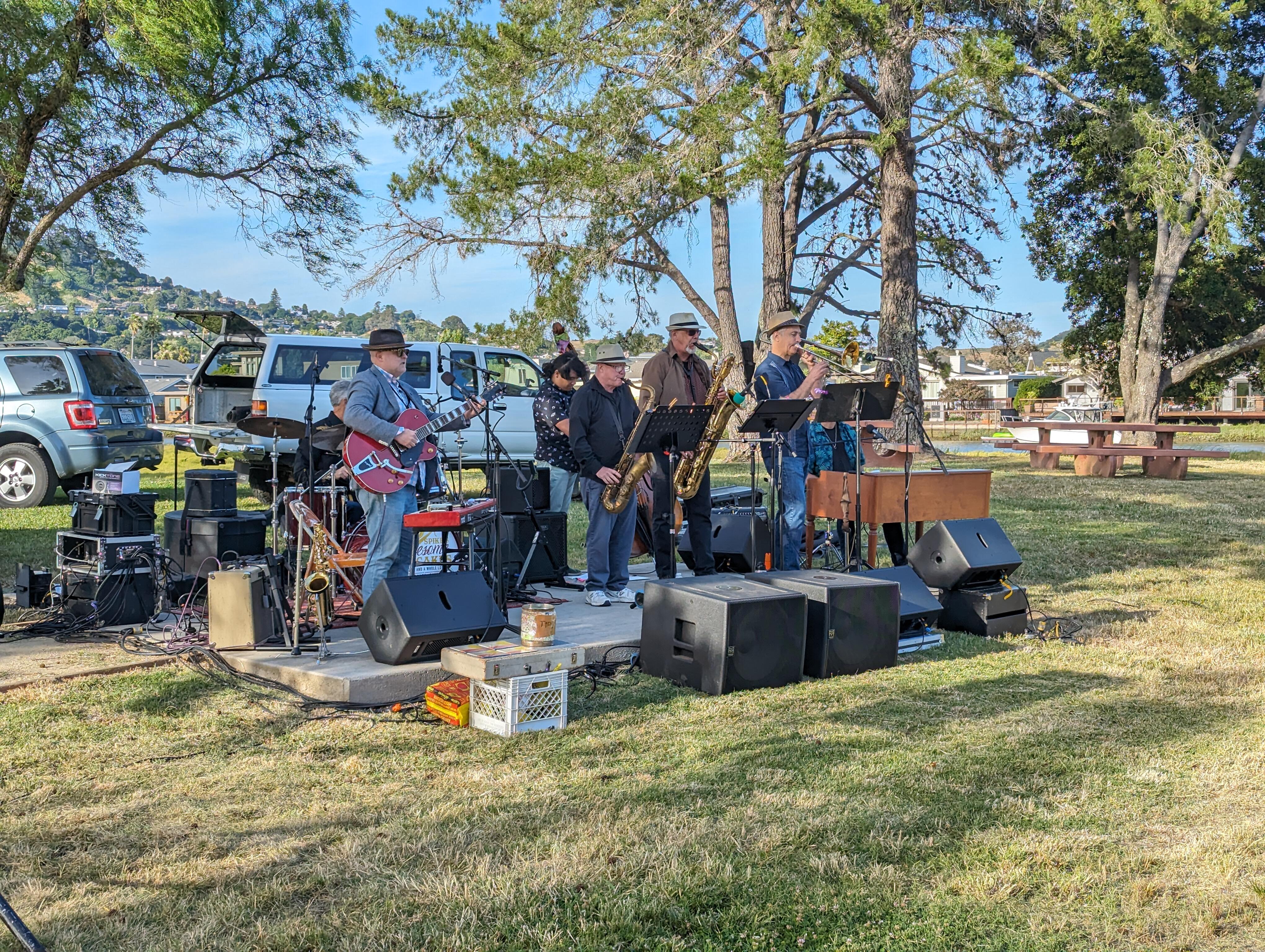
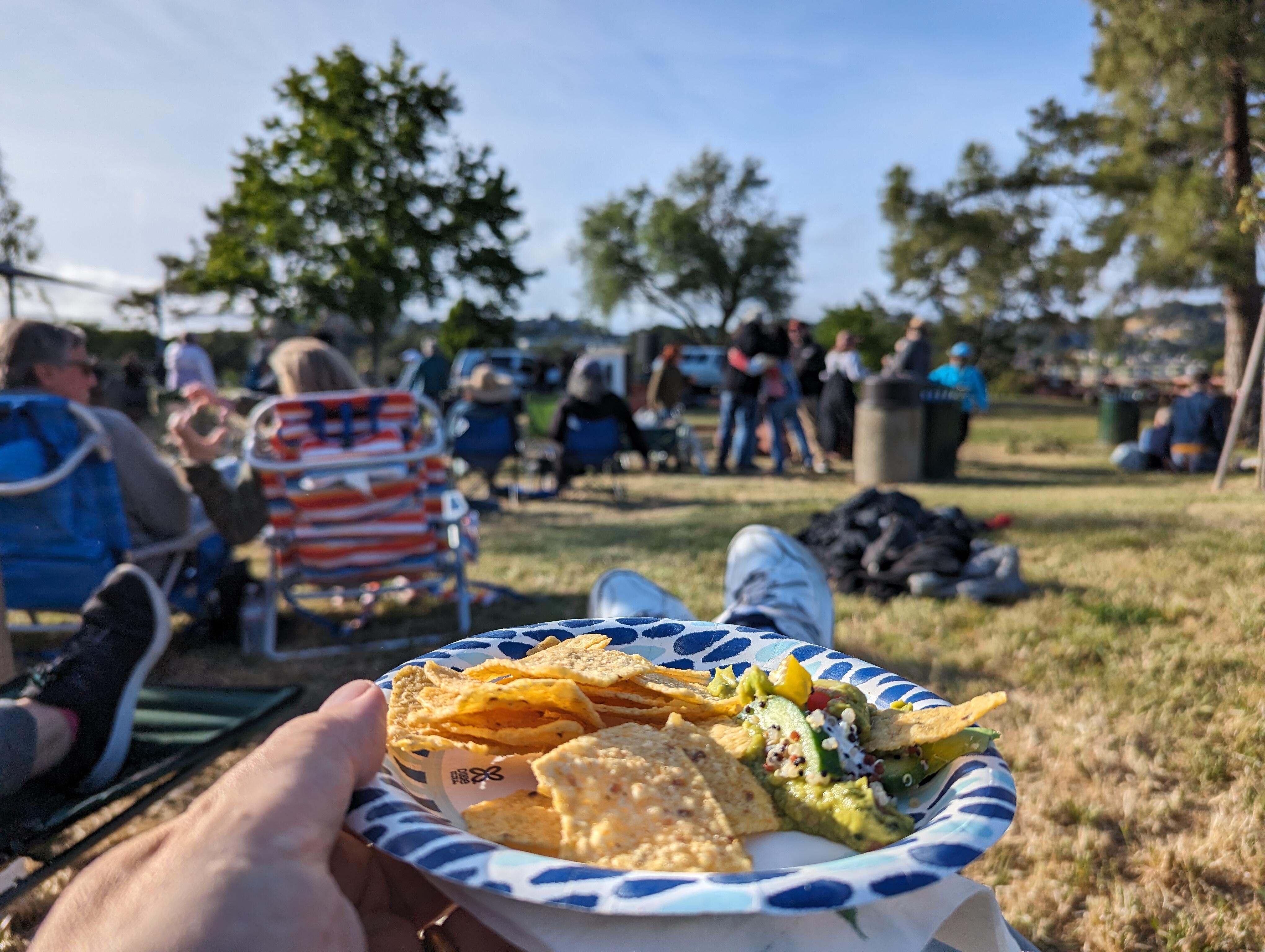
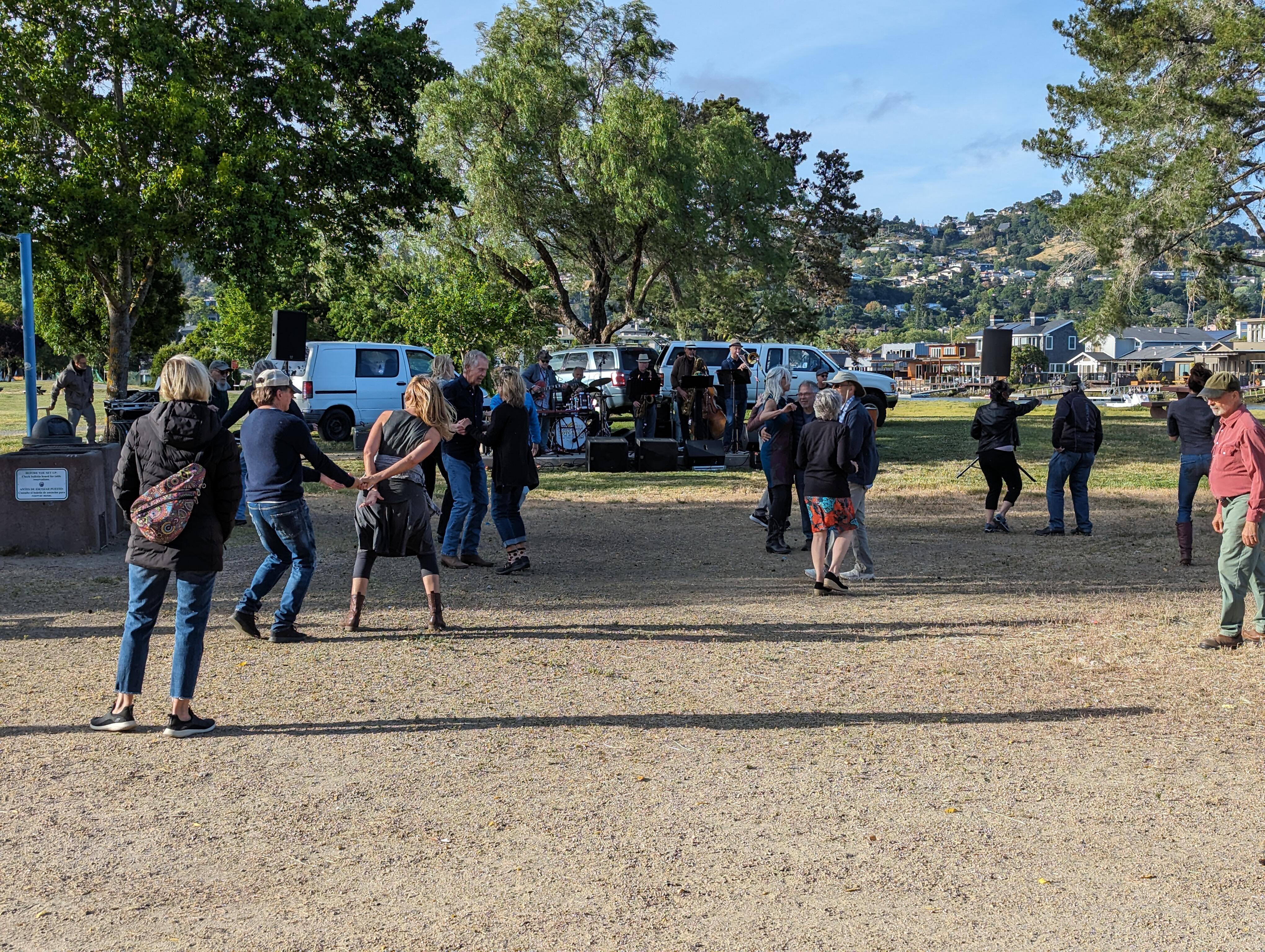
 Hello Larkspur! Music in The Park kicks off with Spike Sikes and His Awesome Hotcakes The locals are on their feet And I'm not suffering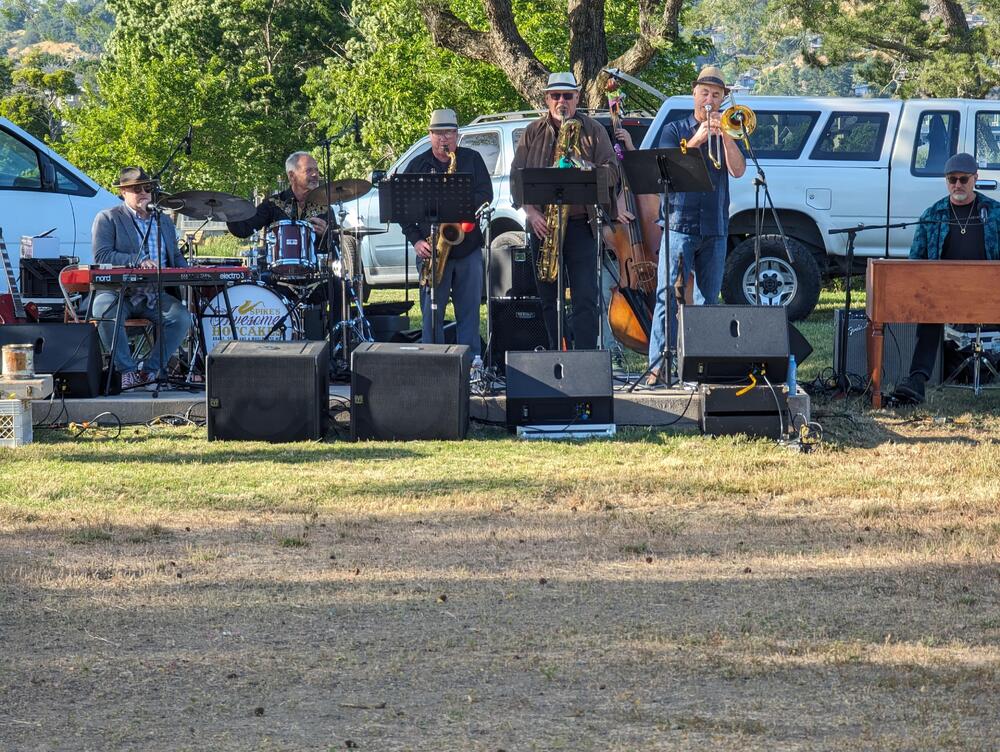
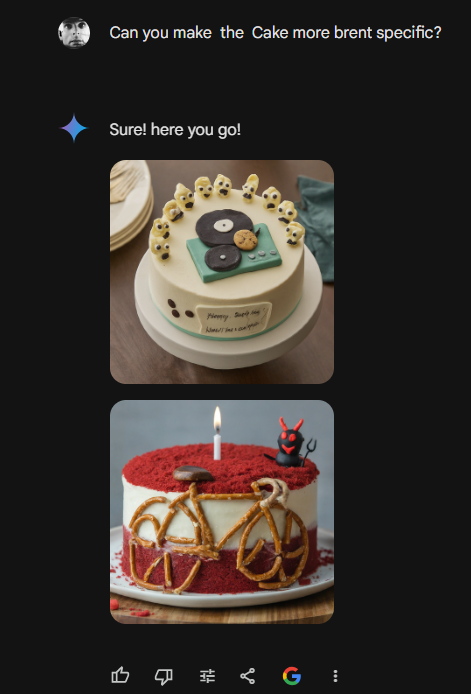
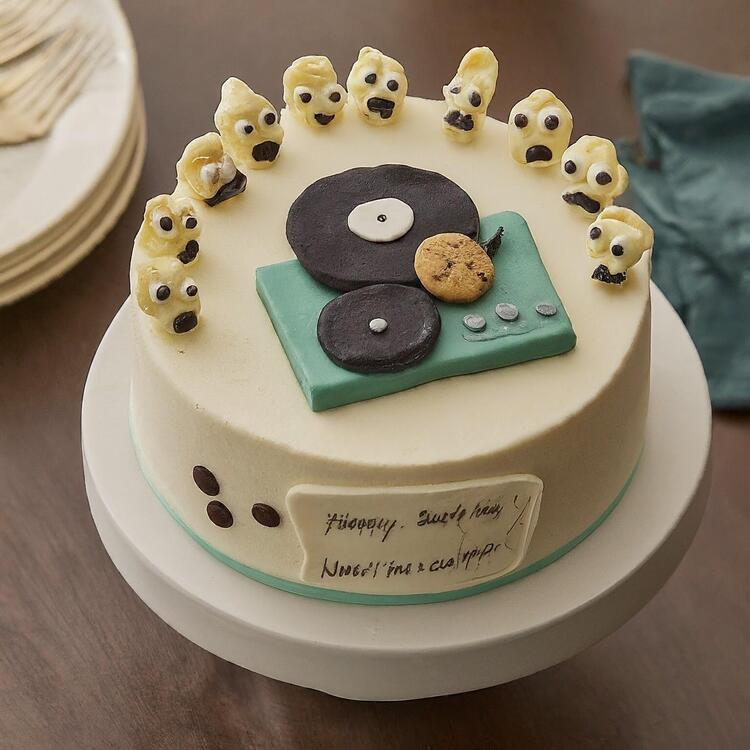
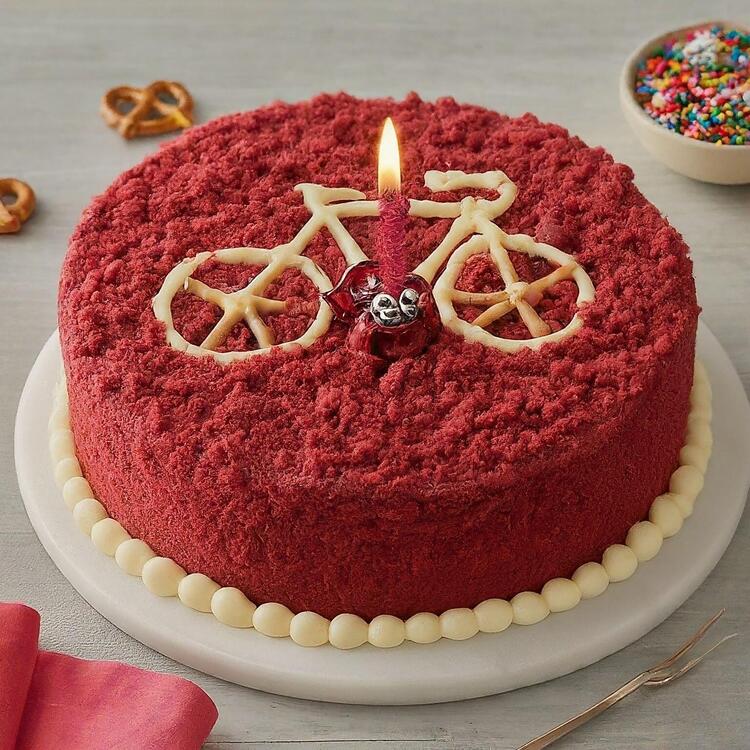
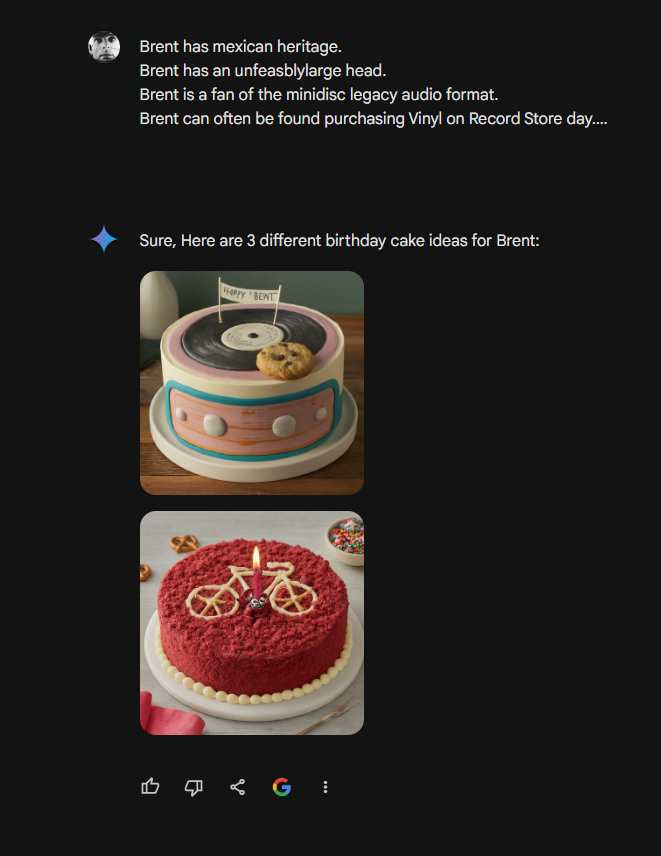
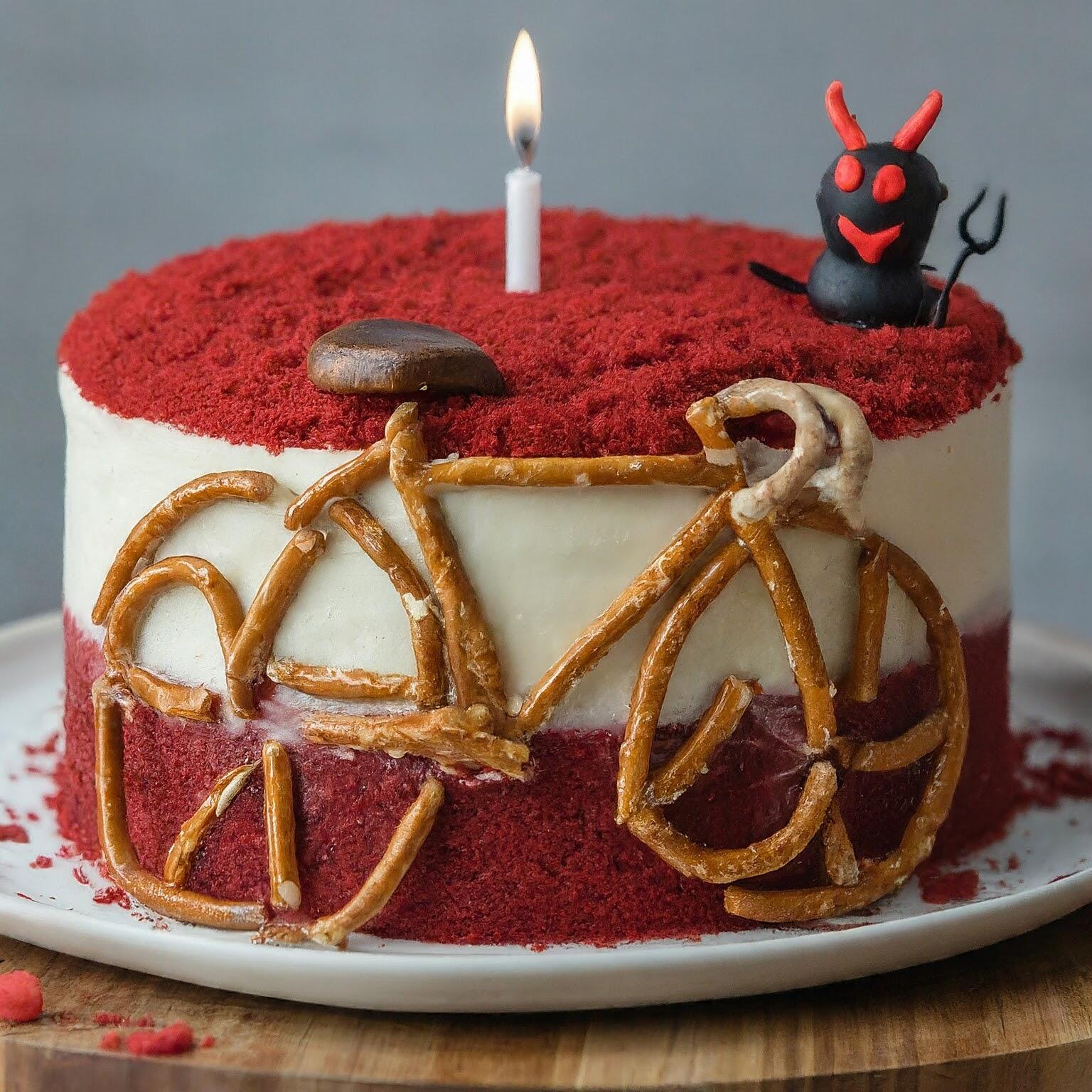
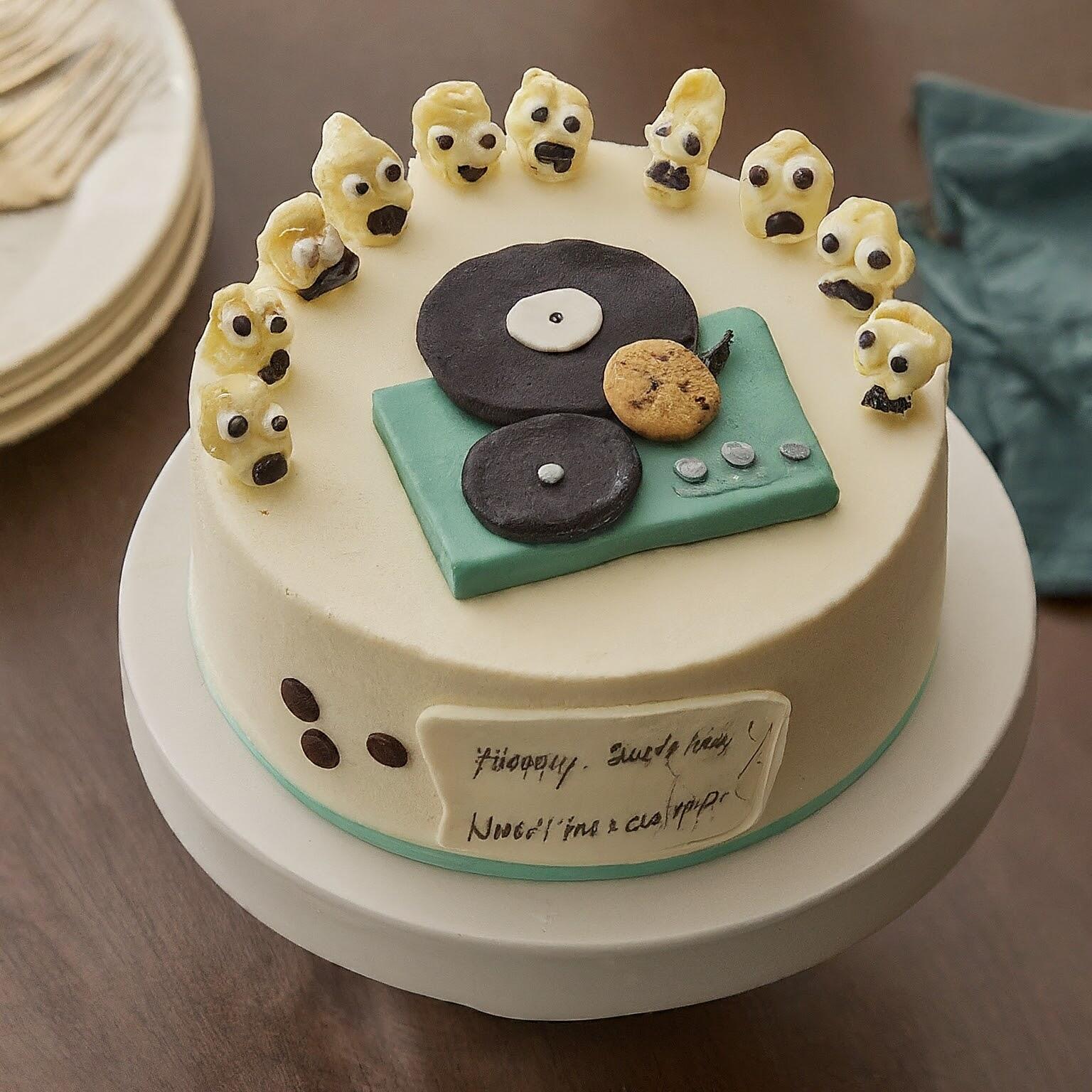
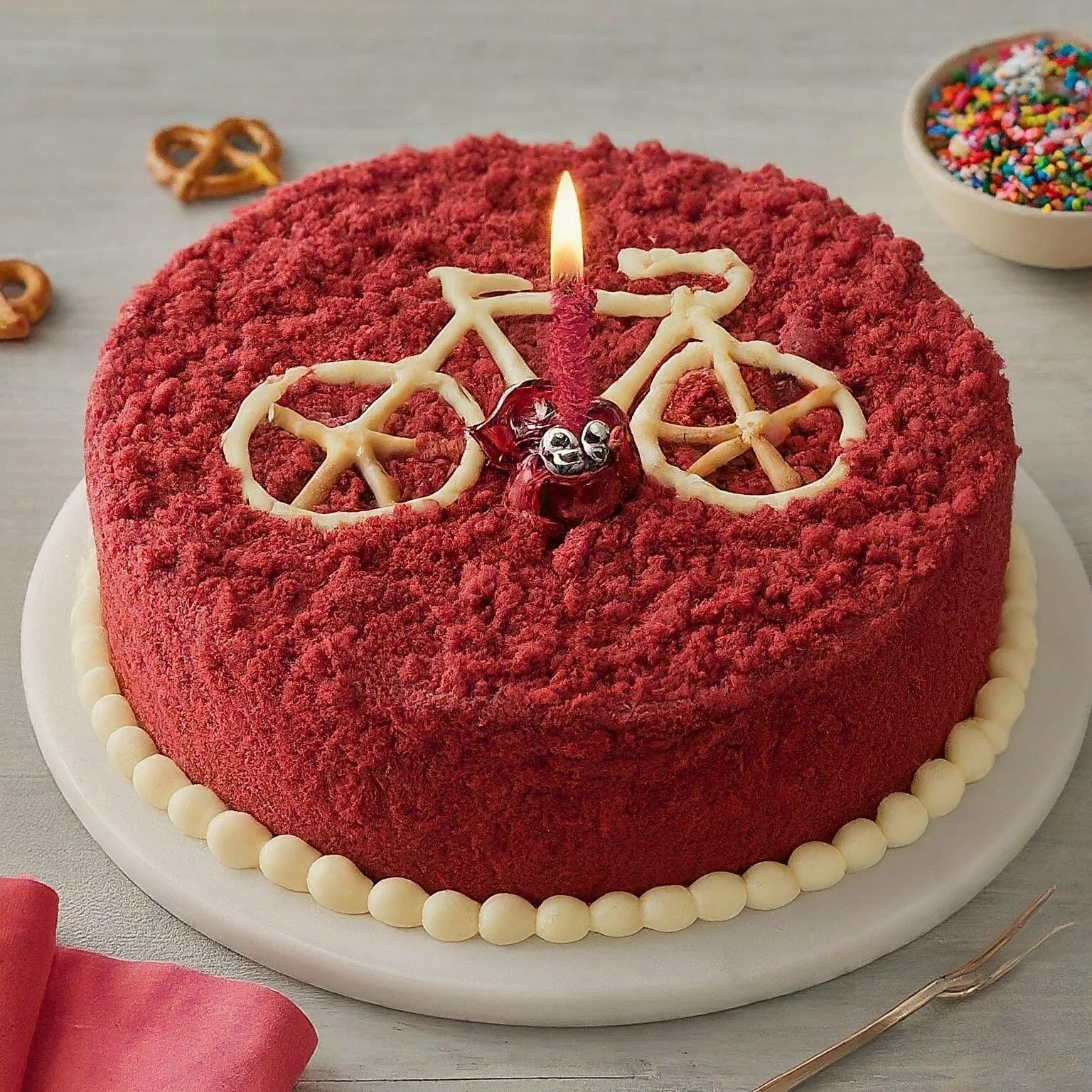
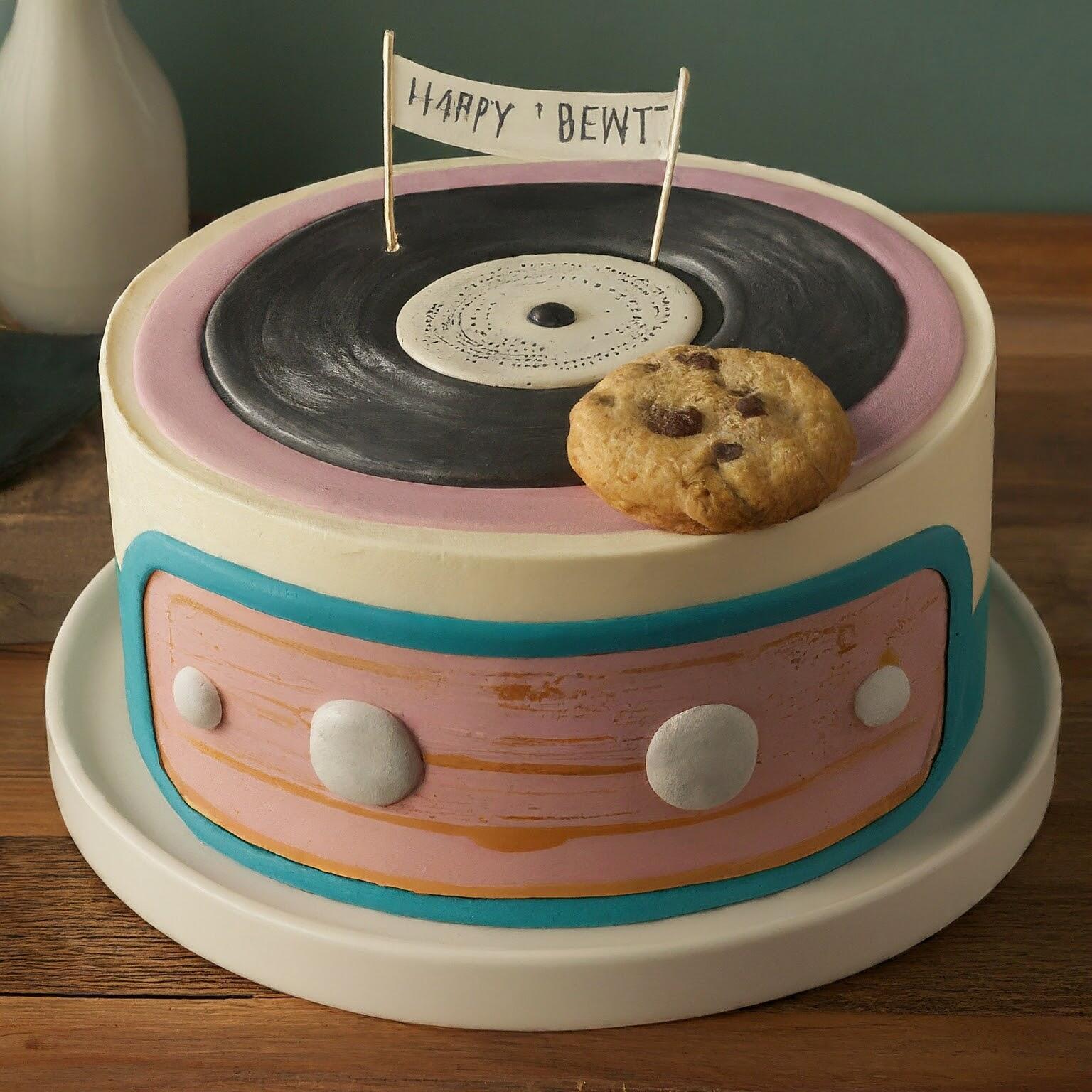
 "Brent has mexican heritage. Brent has an unfeasblylarge head. Brent is a fan of the minidisc legacy audio format. Brent can often be found purchasing Vinyl on Record Store day. Brent likes headphones (if he can fit them on his large head). Brent likes biscuits, but is often dissapointed in their lack of availability. Brent eating a biscuit is often considered a portent of doom or impending misforture for others. People often blame Brent, considering him the cause of their problems, especially if he has just eaten a biscuit. Brent thinks he can ride a bicycle, however, lots of his rides end with him falling off a bike or hitting someething like a thorn bush. Brent claims to be a member of MENSA, although people doubt this. Brent will often hail satan. Brent likes the number 666. Generate 3 different pictures of a Birthday cake for Brent."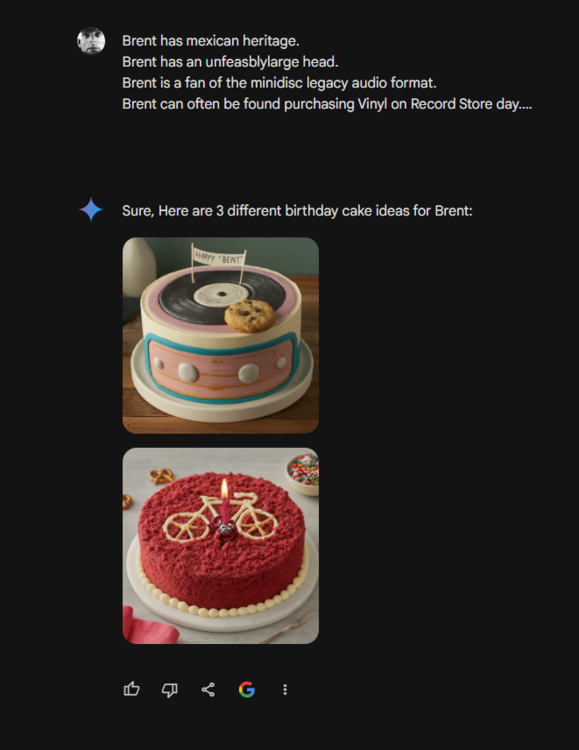
.thumb.jpeg.169eda308527b3bb957a3ebb0d4dd062.jpeg)
.thumb.jpeg.e450aa28a60032e3604f9e6a29d8ee98.jpeg)
.thumb.jpeg.89028079b772816efd9f6107c8d18089.jpeg)

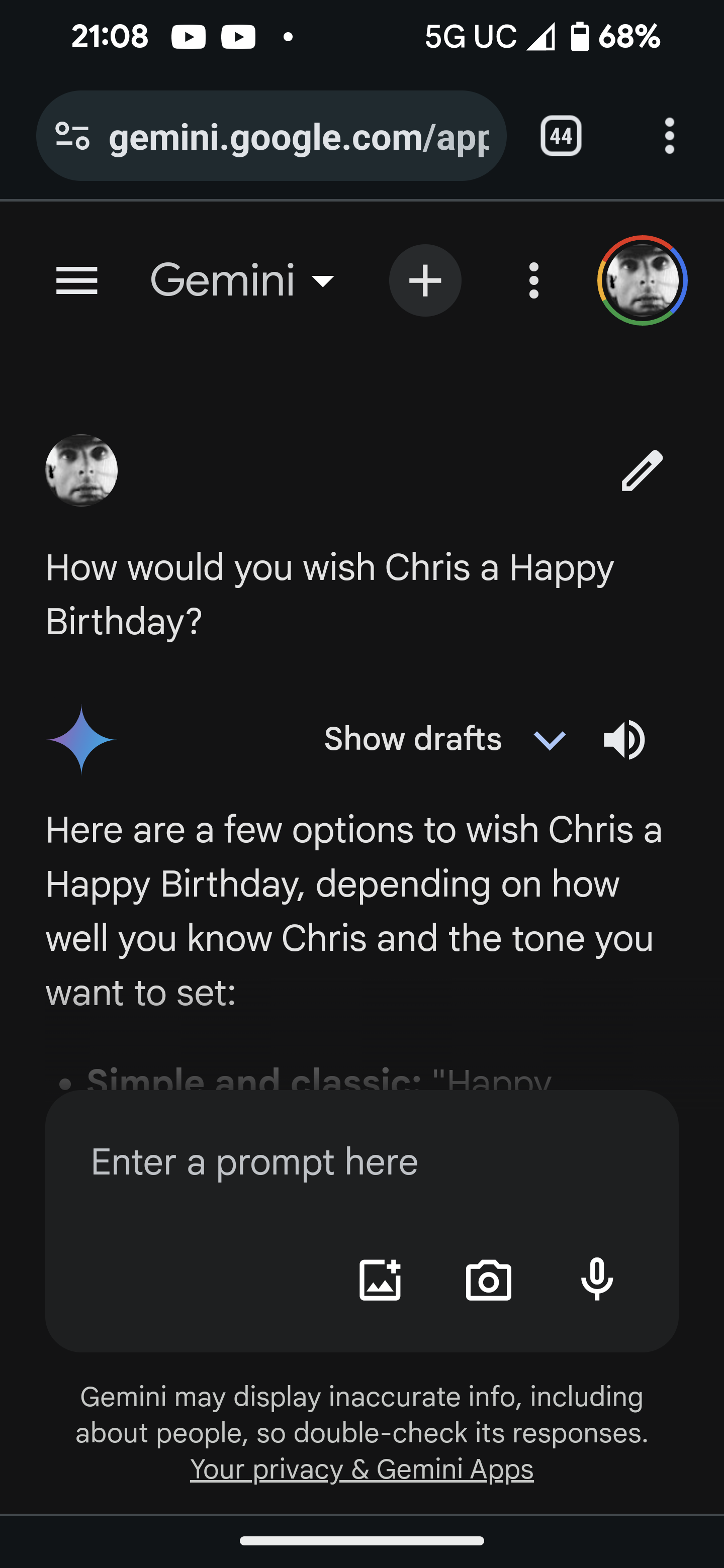
 Happy birthday, Rob! I was going to get AI to generate an ASMR birthday greeting for you, but the cease and desist from ScarJo put paid to that. Cheers!My AI assistant refuses to generate a double entendre using the keywords "Steve", "Rigid Tool", "Hard Wood", " particulate emissions" Saying "it's too easy"https://www.loudersound.com/news/yes-fragile-super-deluxe-editionThis Here are a few options to wish Chris a Happy Birthday, depending on how well you know Chris and the tone you want to set: Simple and classic: "Happy Birthday, Chris!" More personalized: "Happy Birthday, Chris! Hope you have a fantastic day." Funny: "Happy Birthday, Chris! May your day be filled with cake, laughter, and avoiding any awkward birthday wishes from me. " If you know Chris well and want to mention something specific: "Happy Birthday, Chris! Hope you have a great day celebrating [mention something you know Chris enjoys, like playing a sport or spending time with family]." With a card or gift: Pair any of the above greetings with a handwritten card or thoughtful gift to make it extra special. You can also add emojis to your message for a more casual touch! 🎂🎉🎂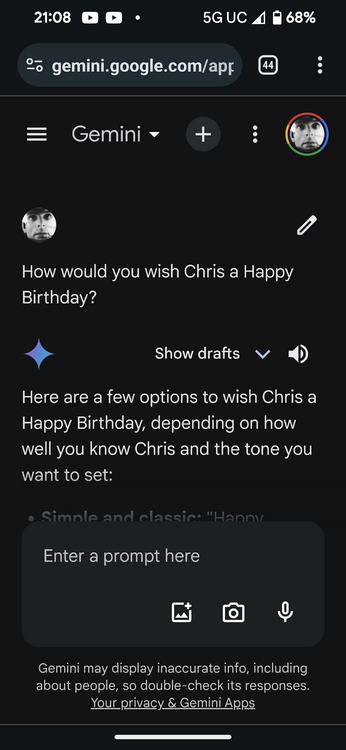





.jpeg.7ec548e4d727b531cde2c5e927fc5ec6.jpeg)
.jpeg.ad14f817a17896d56c7eb6eb9f0e594a.jpeg)
.jpeg.c5e360dd006cf018fc7795695e94d14a.jpeg)
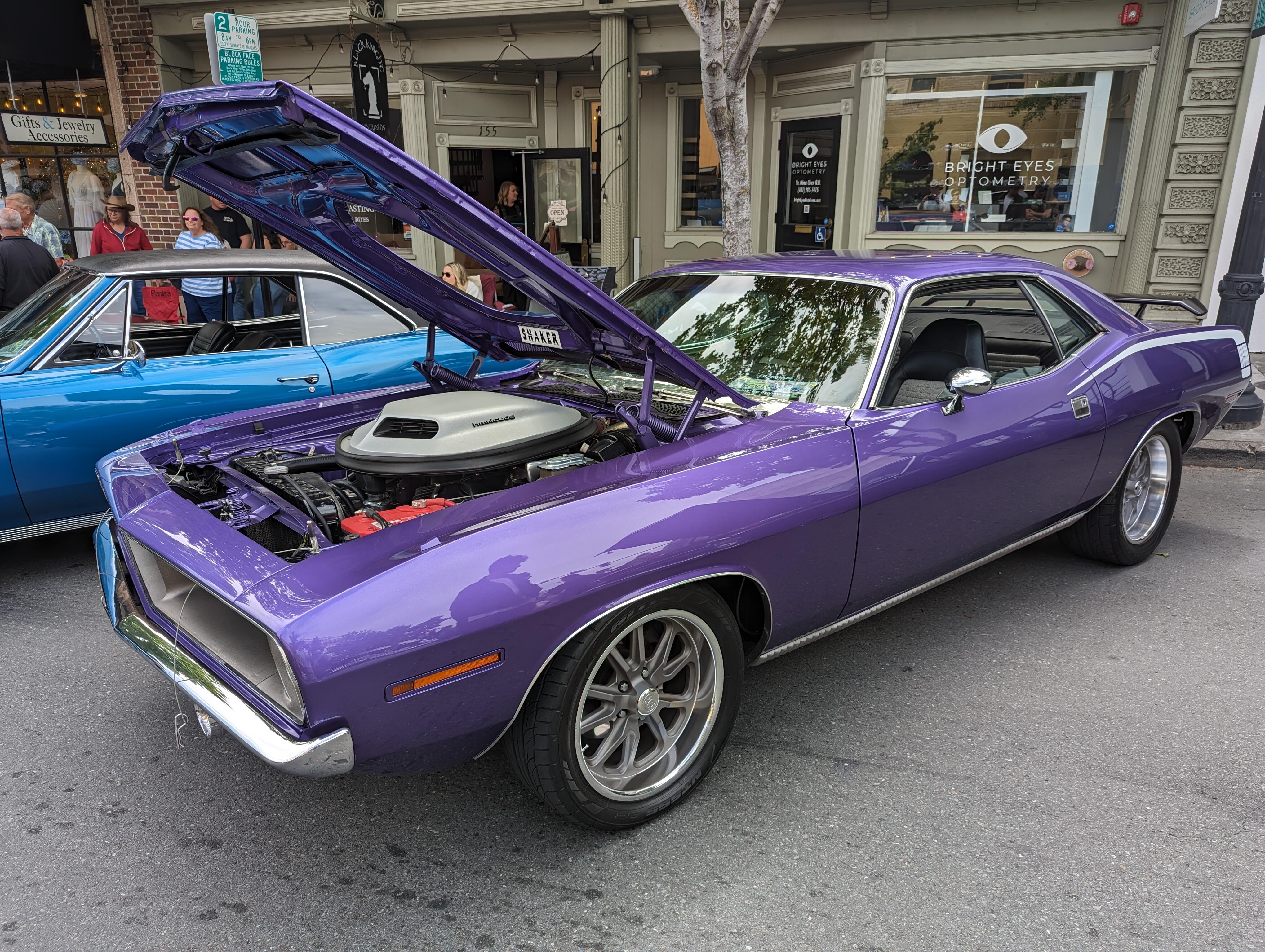
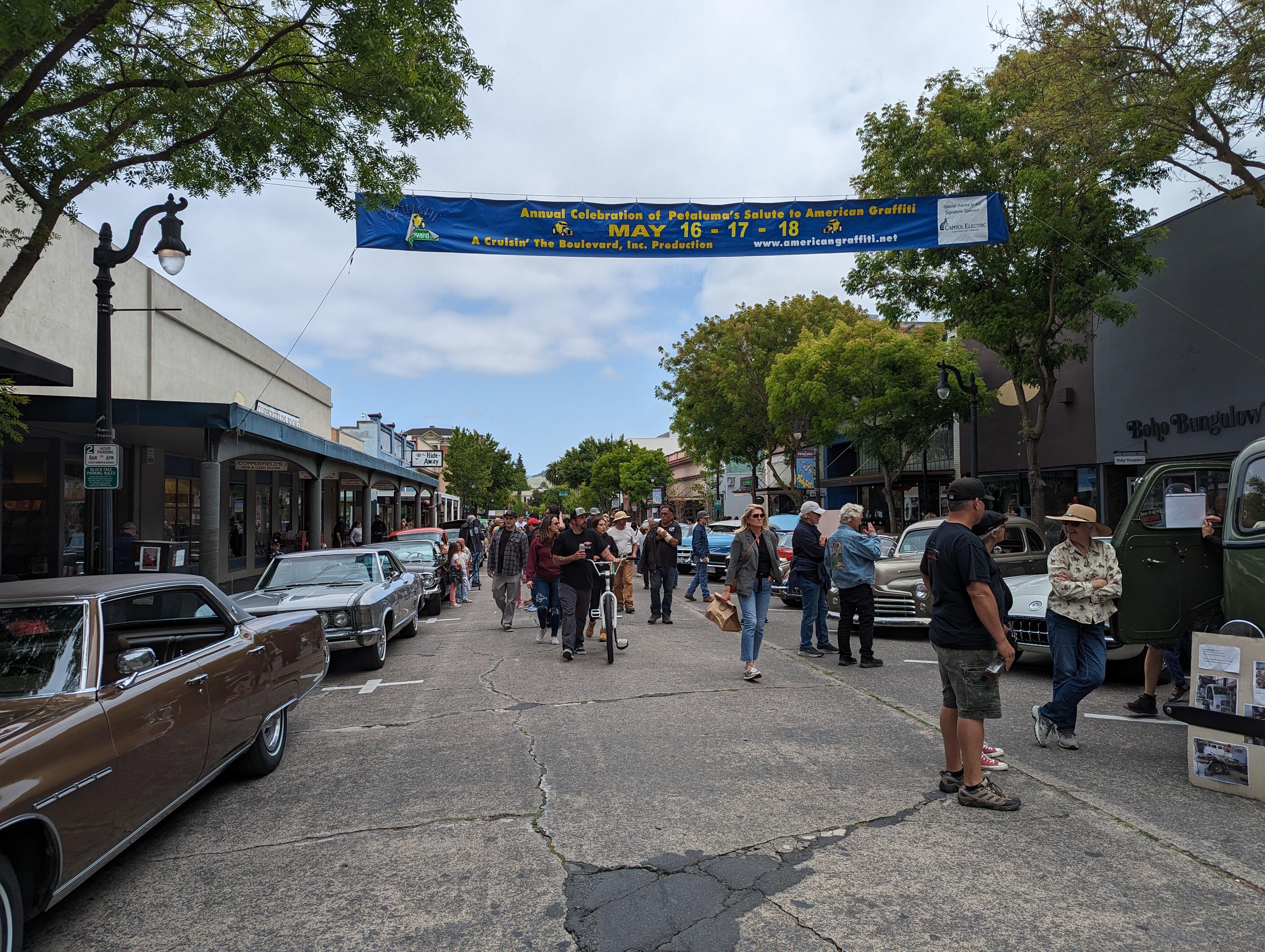
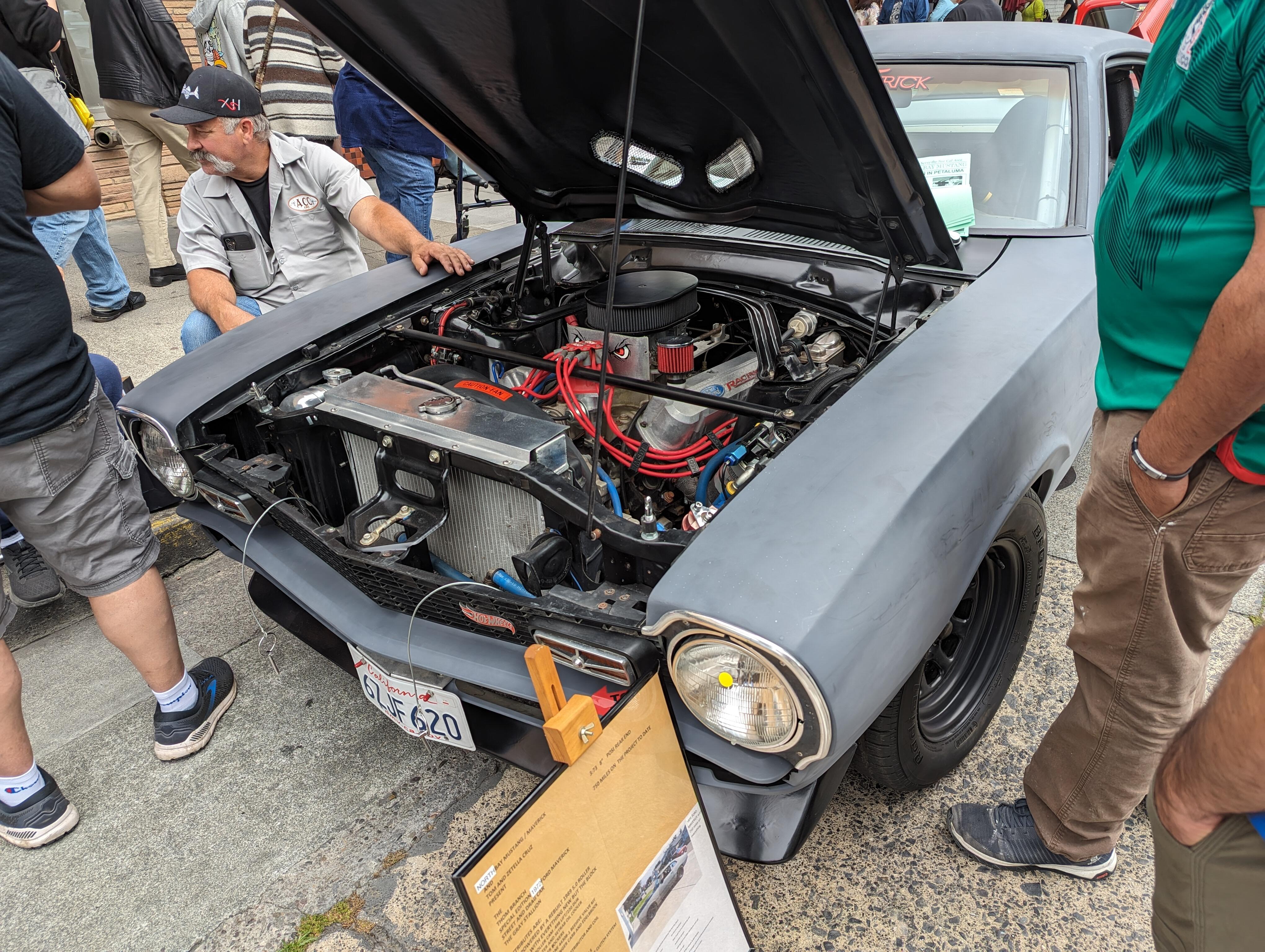
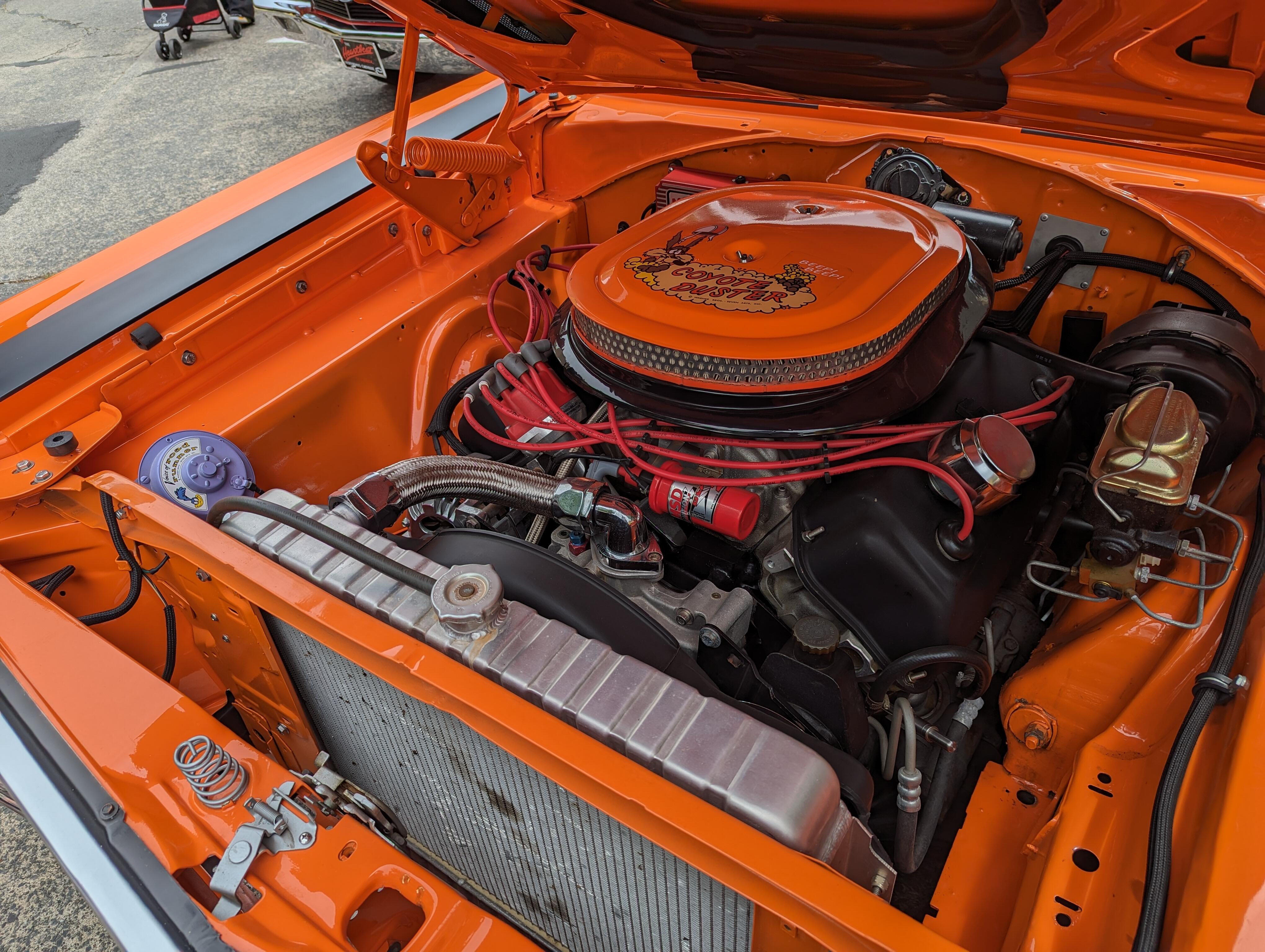
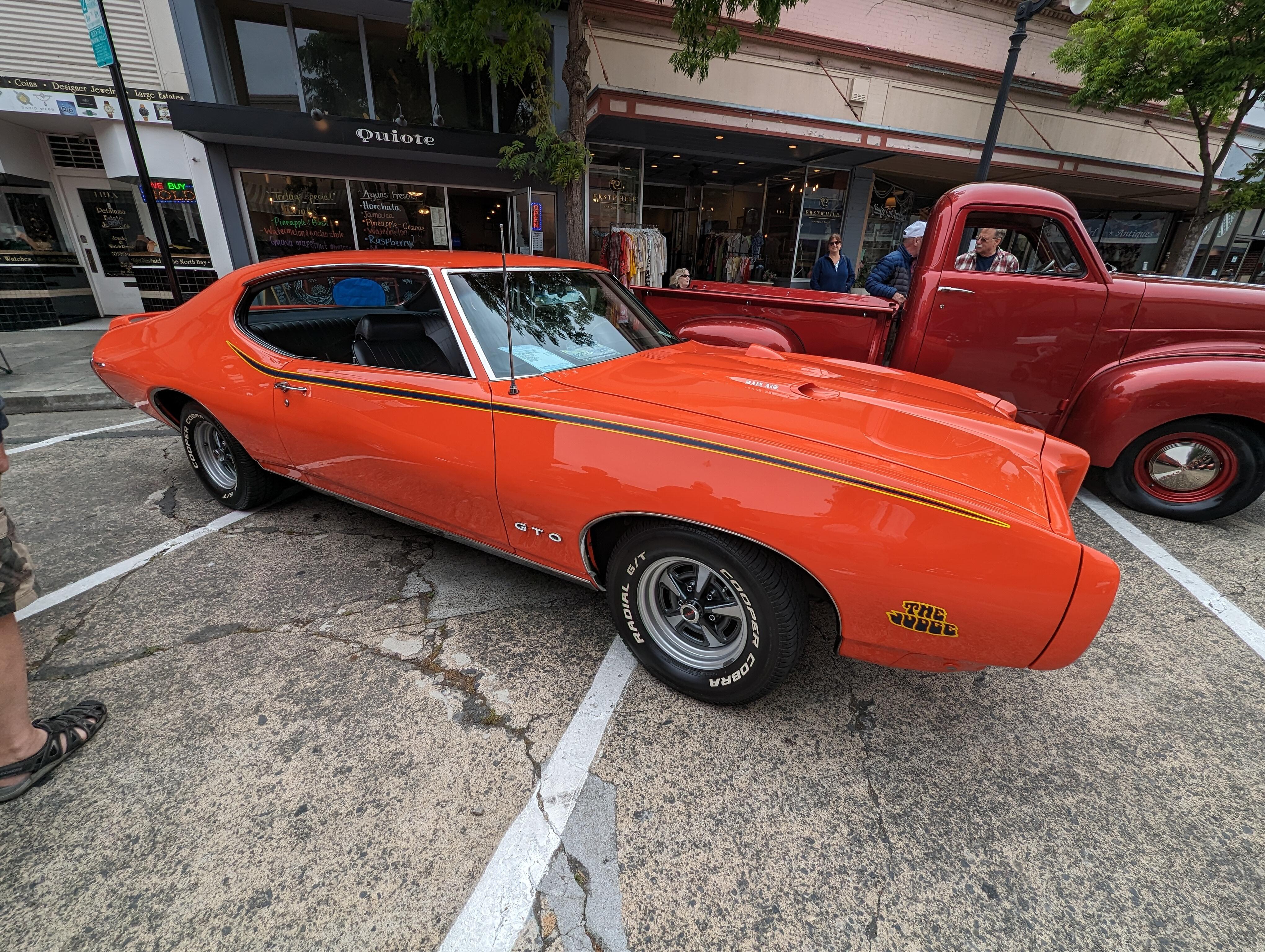
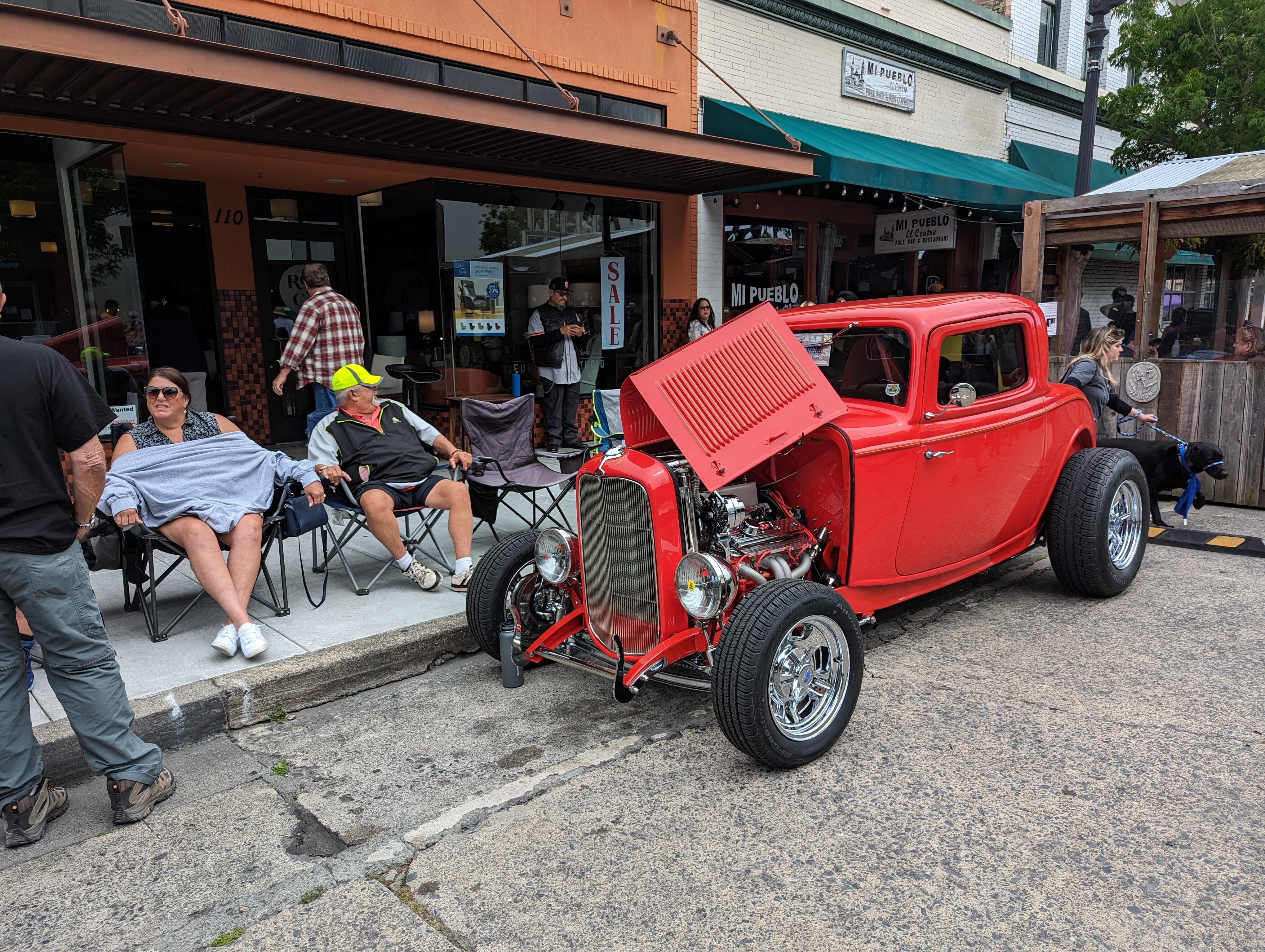
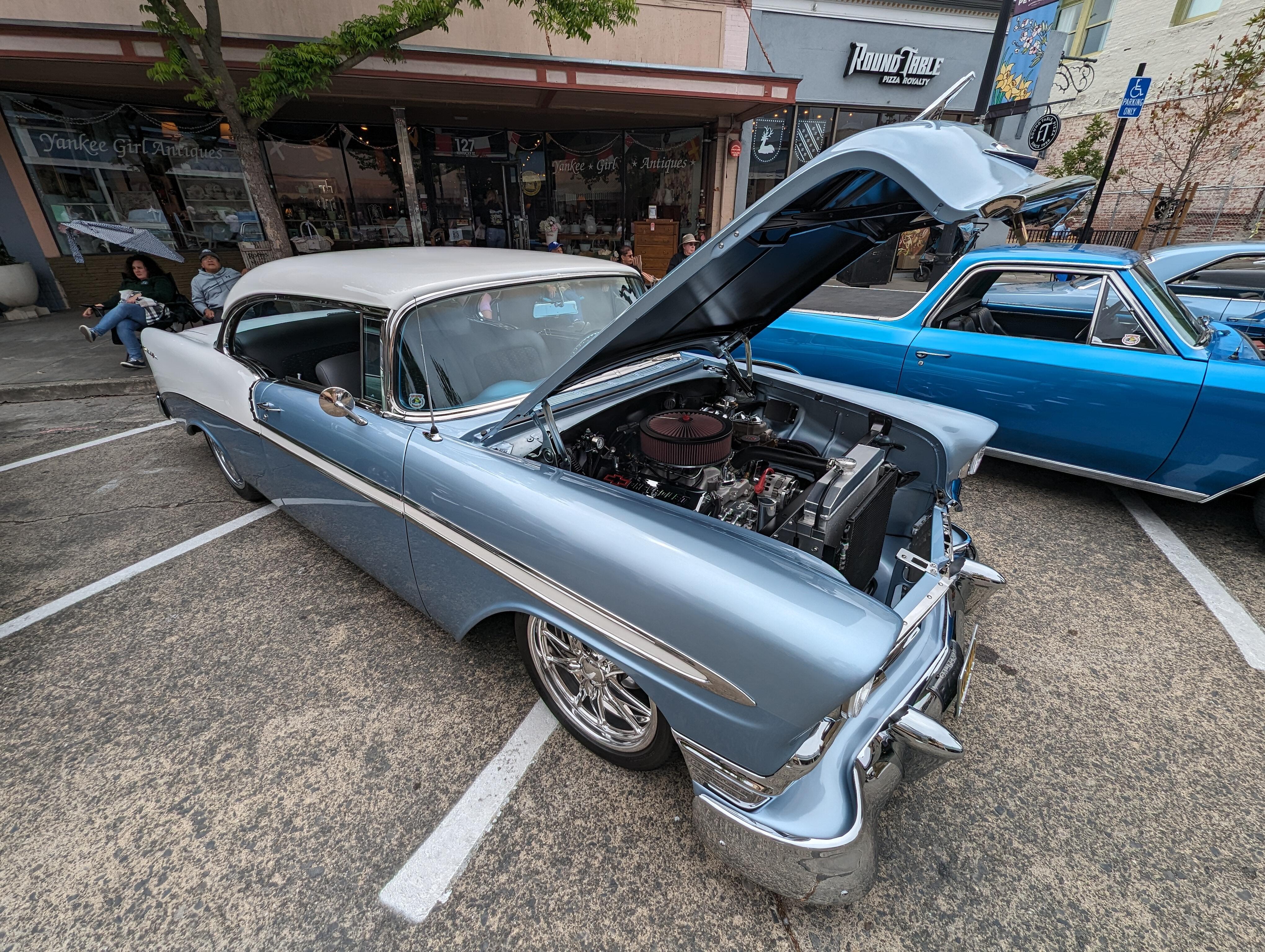
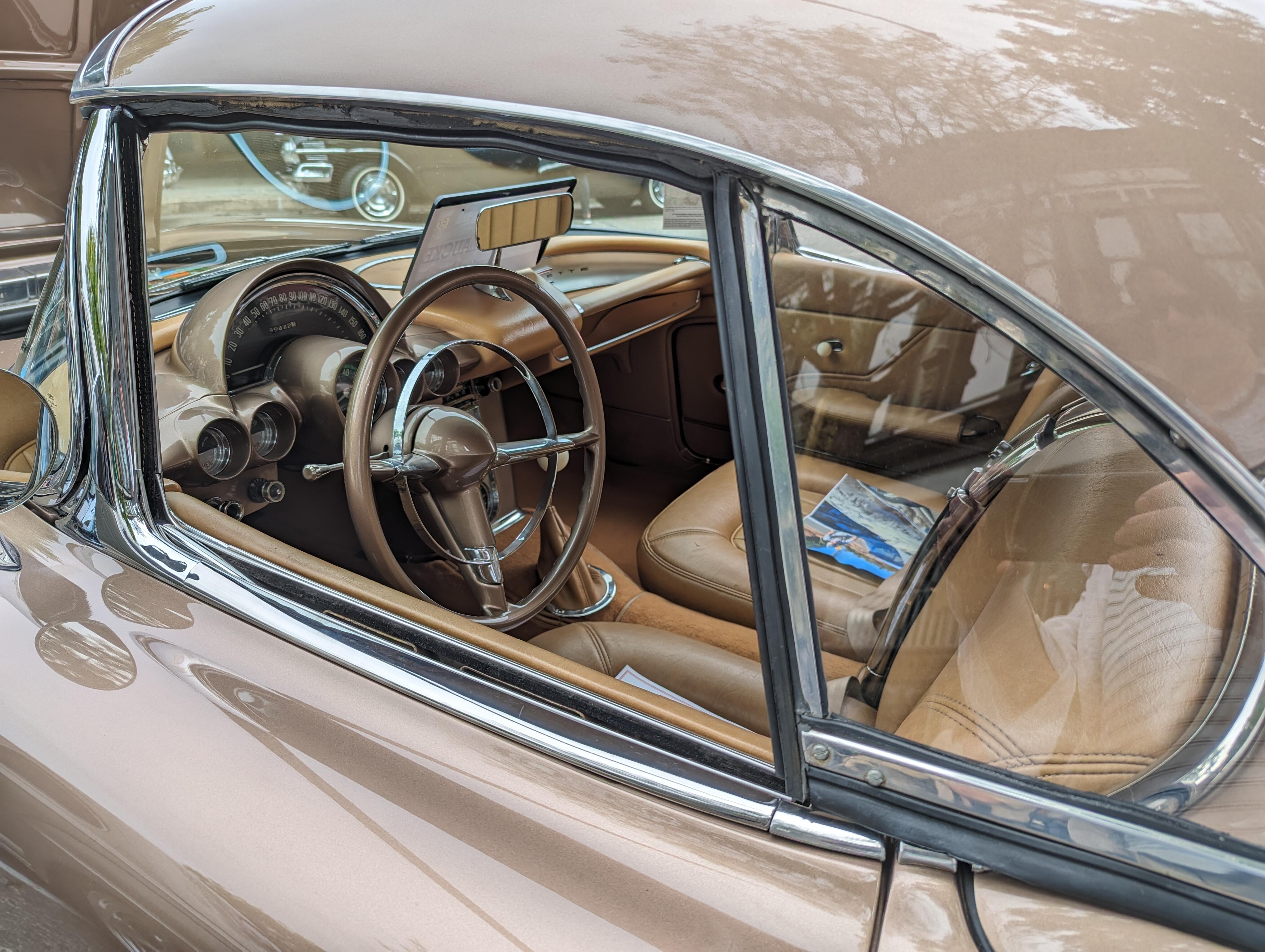
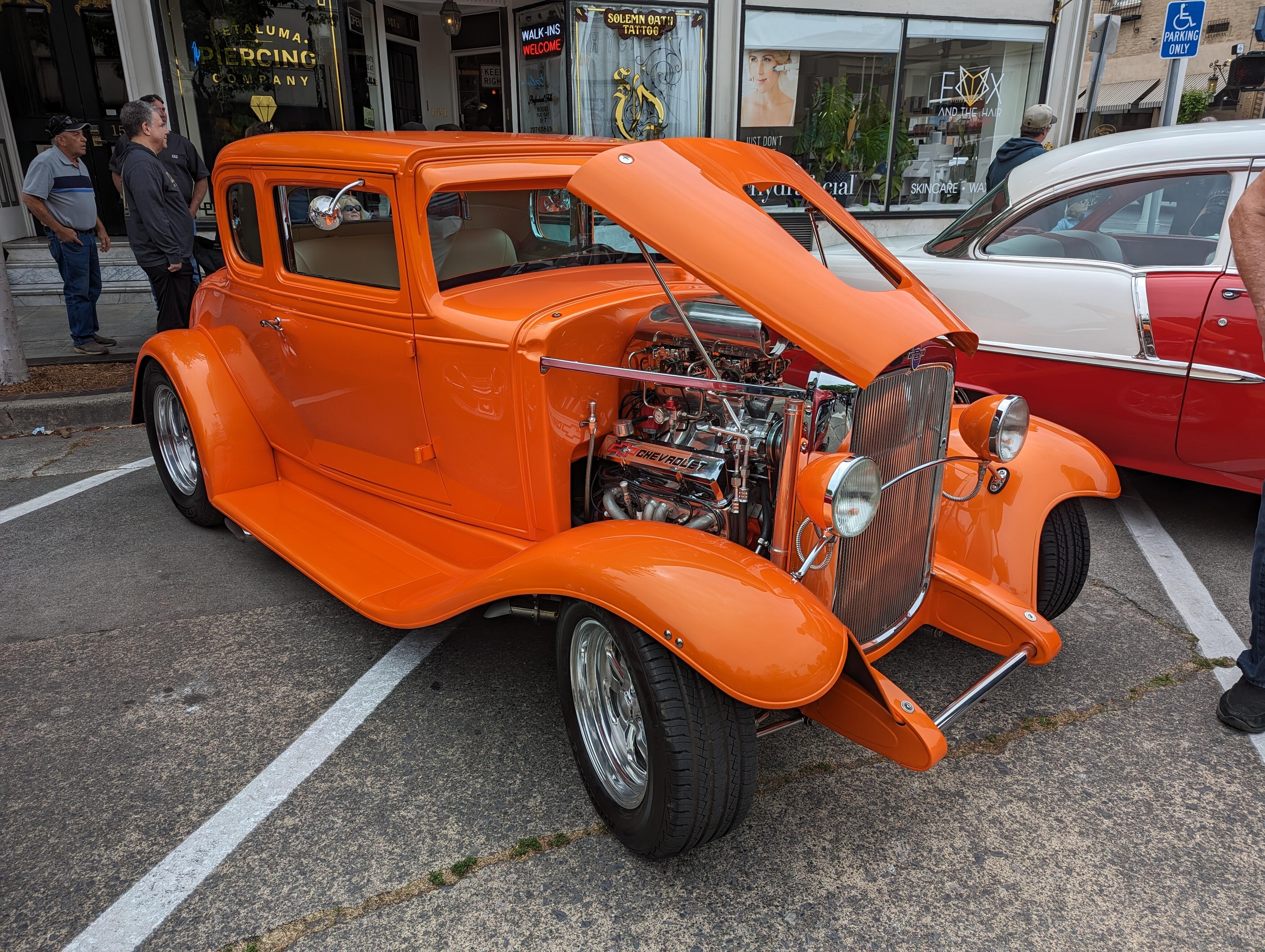
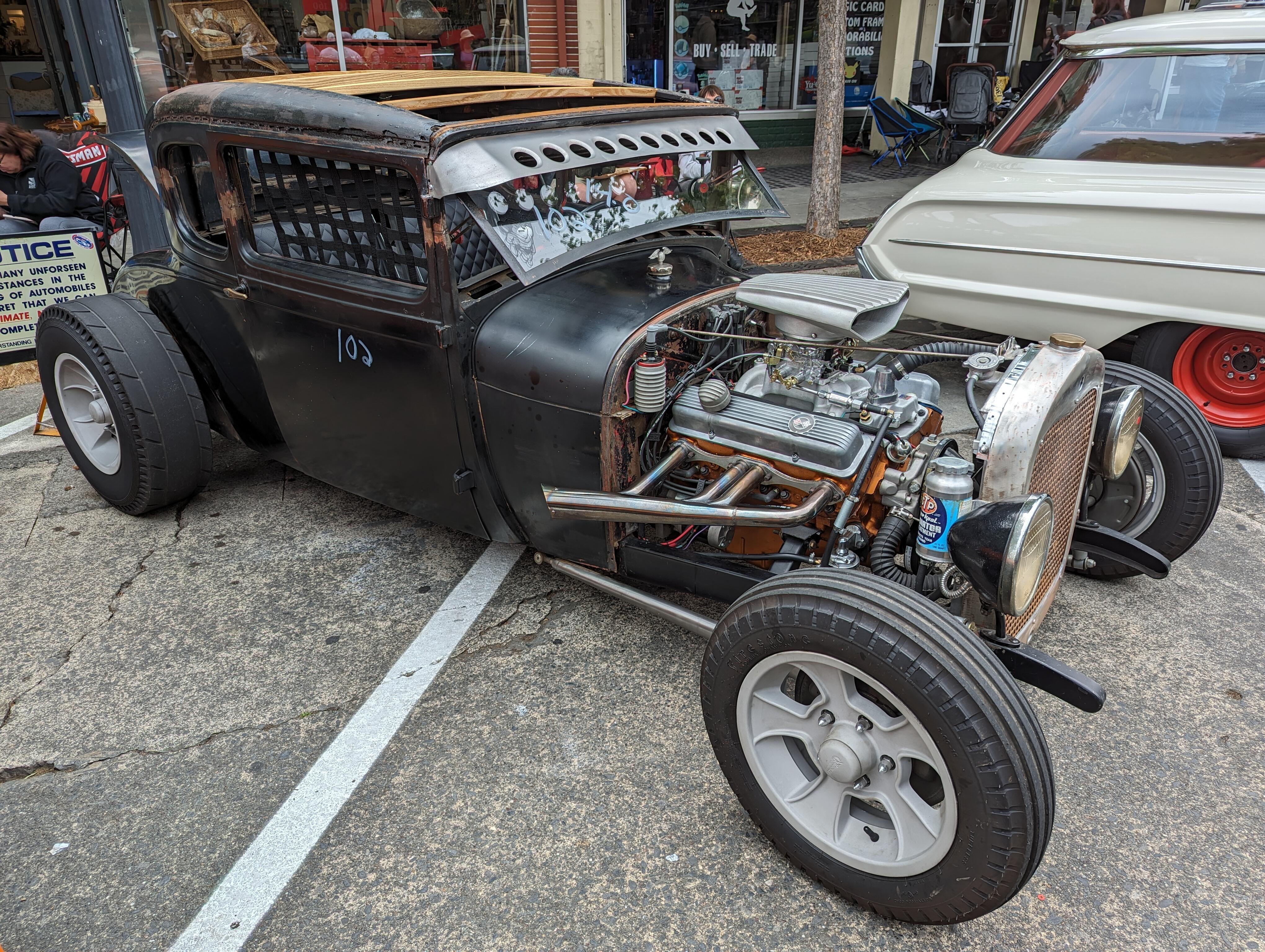
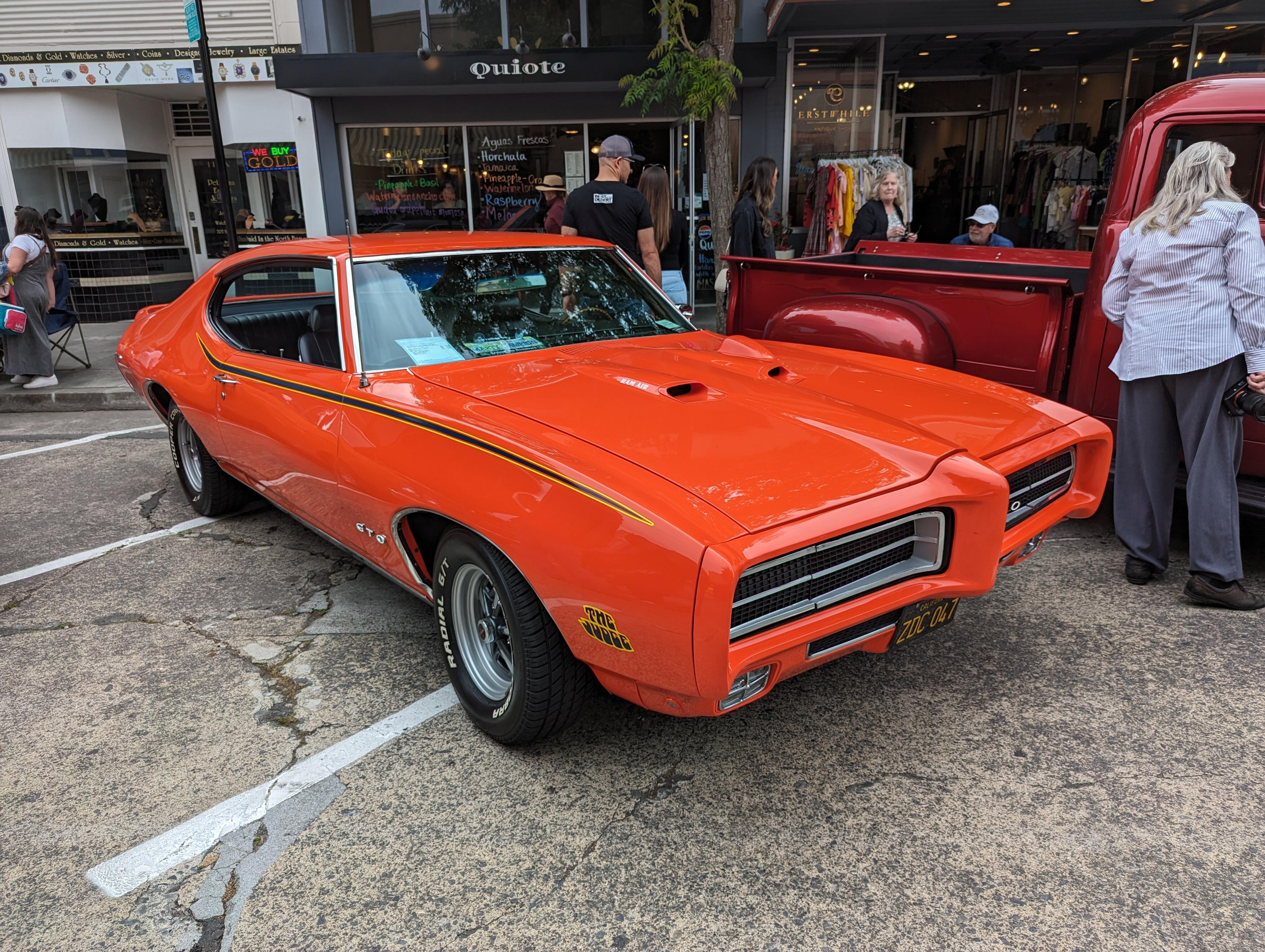
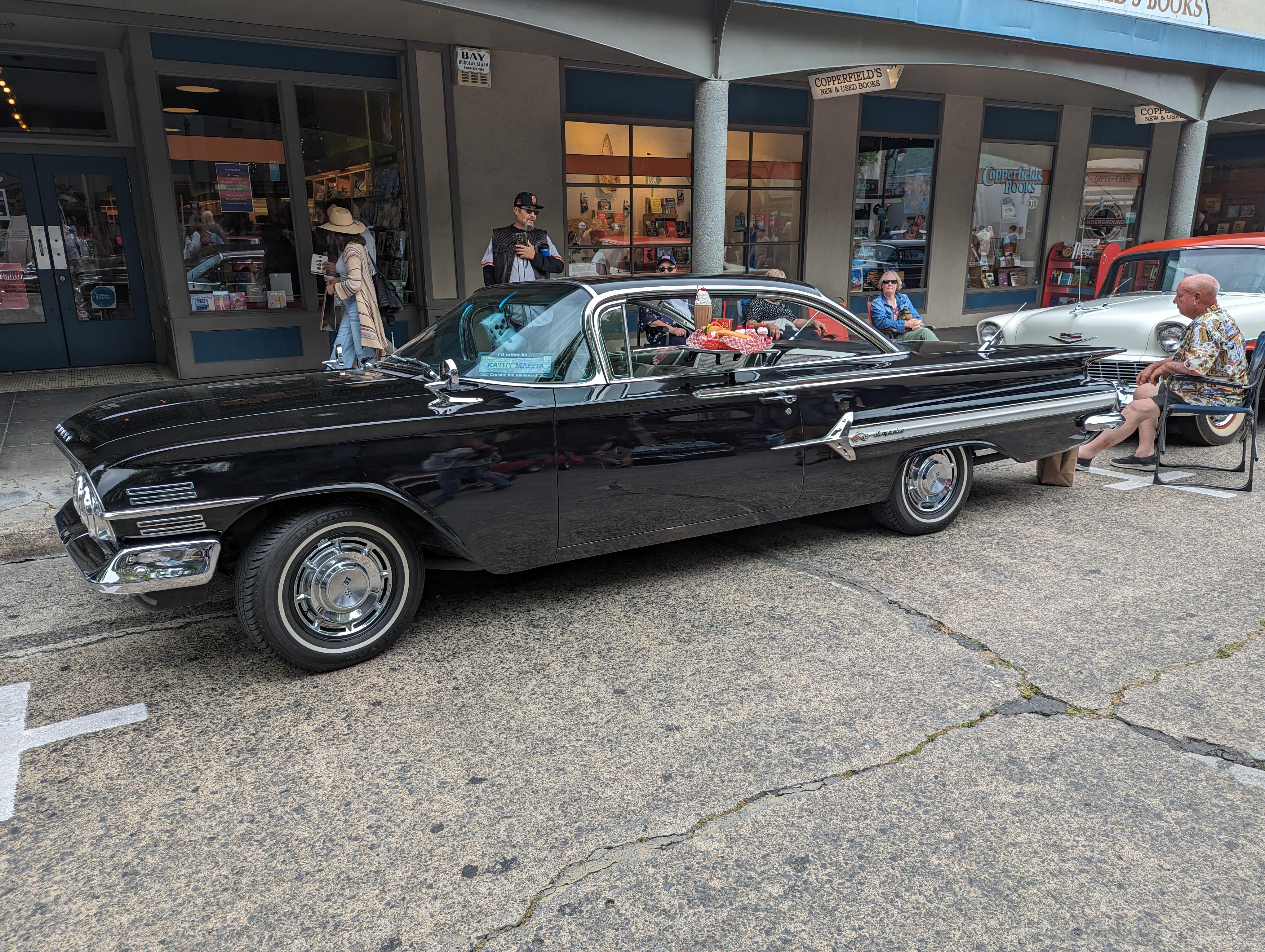
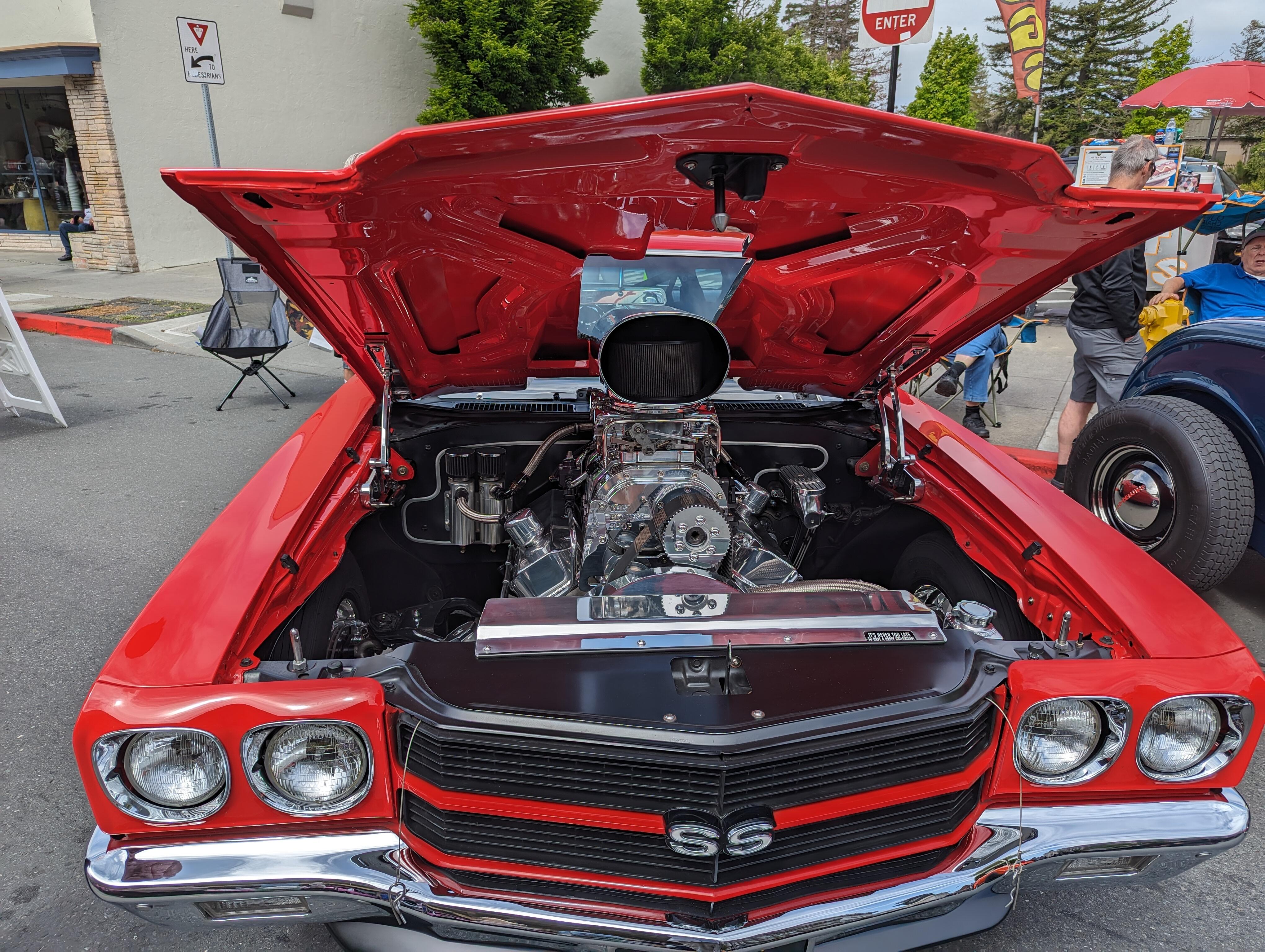
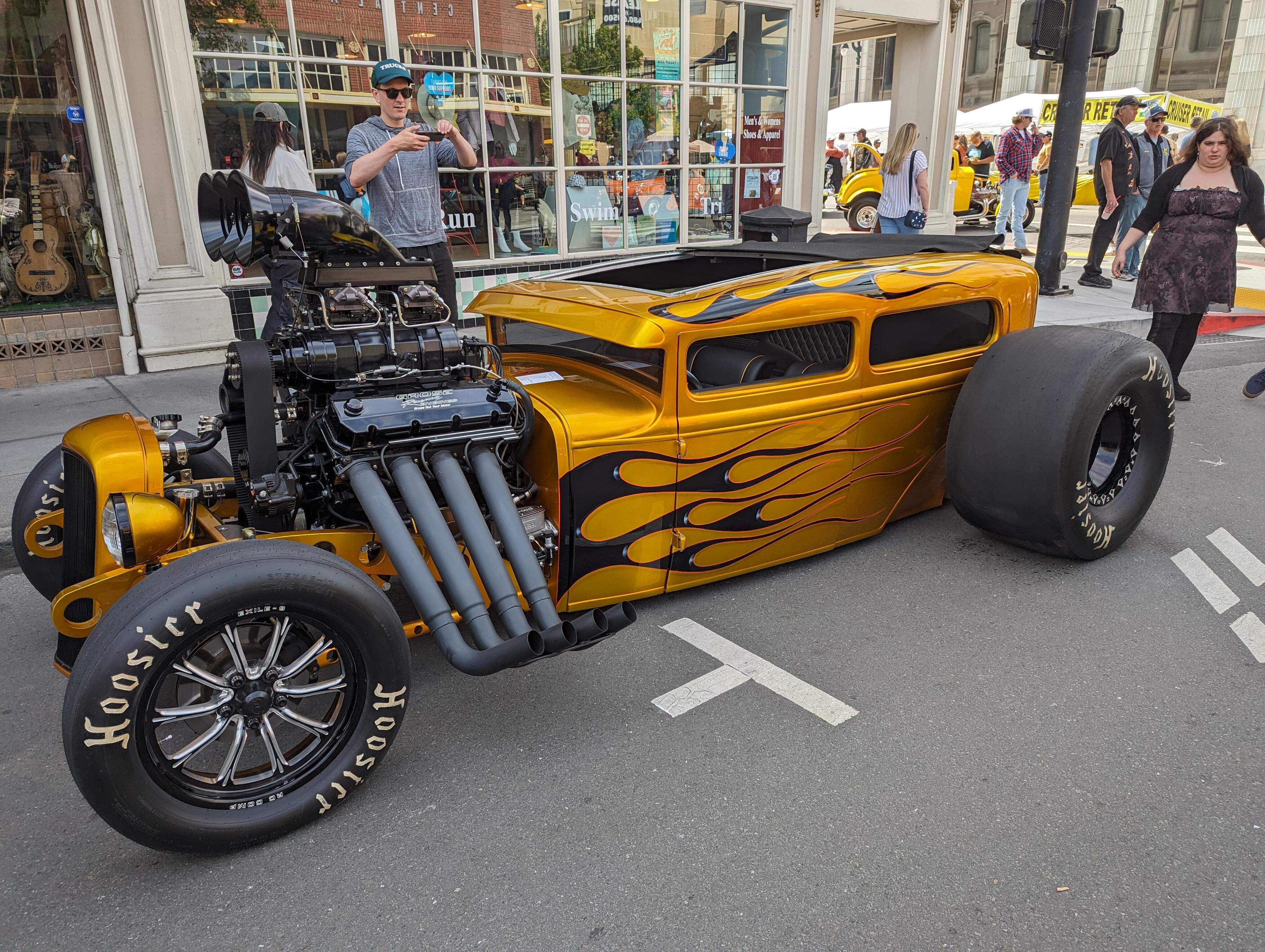
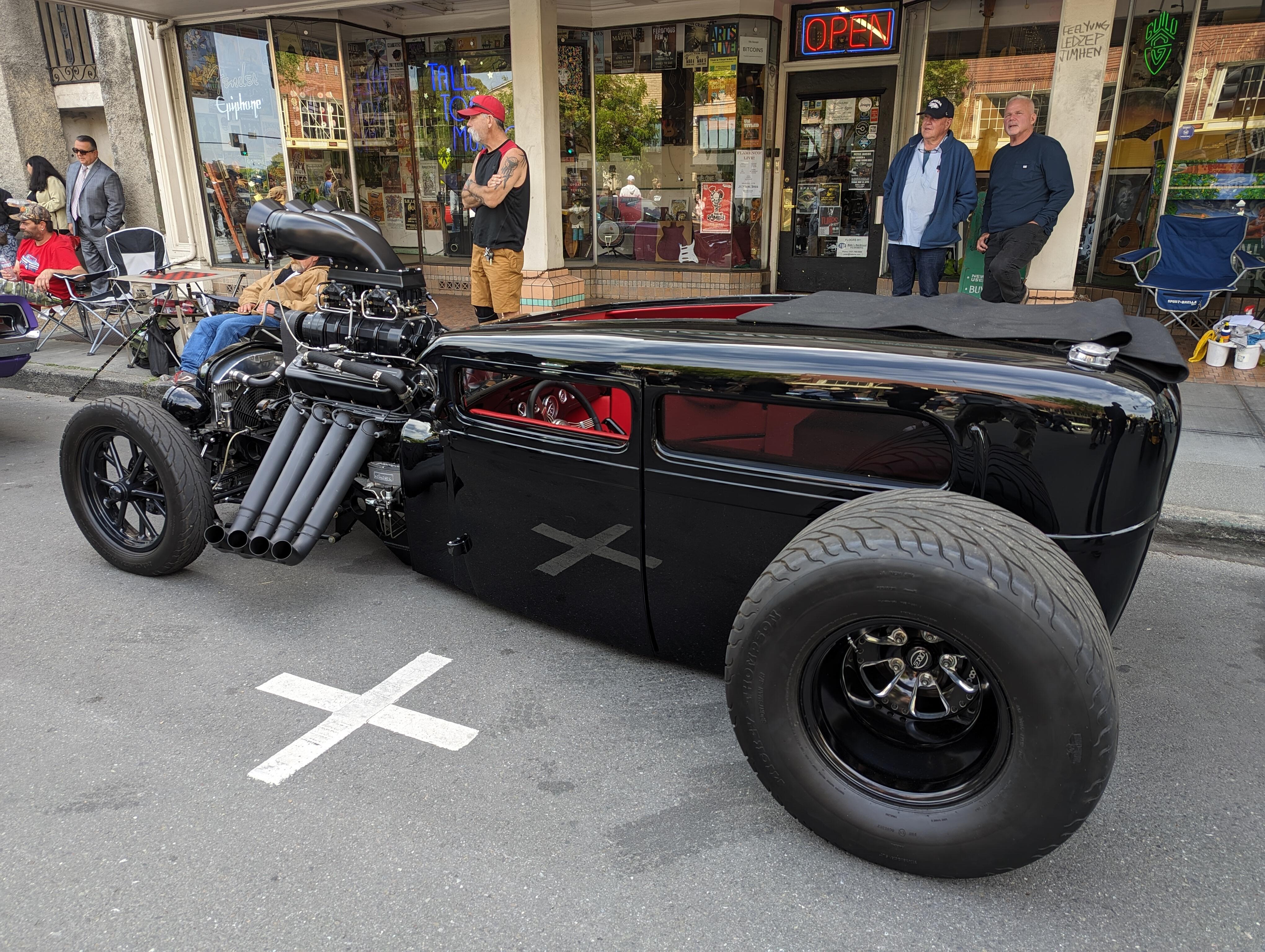
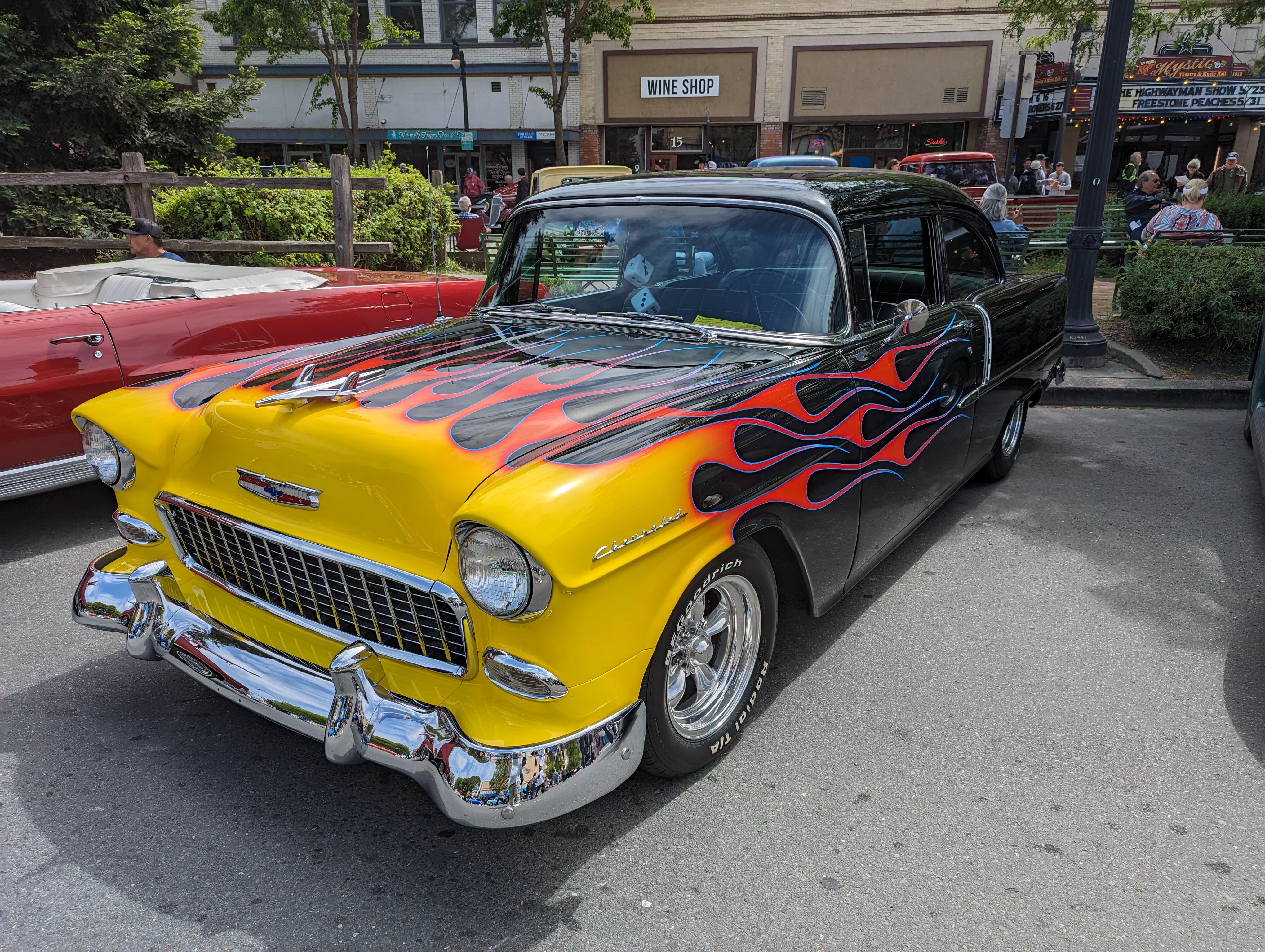
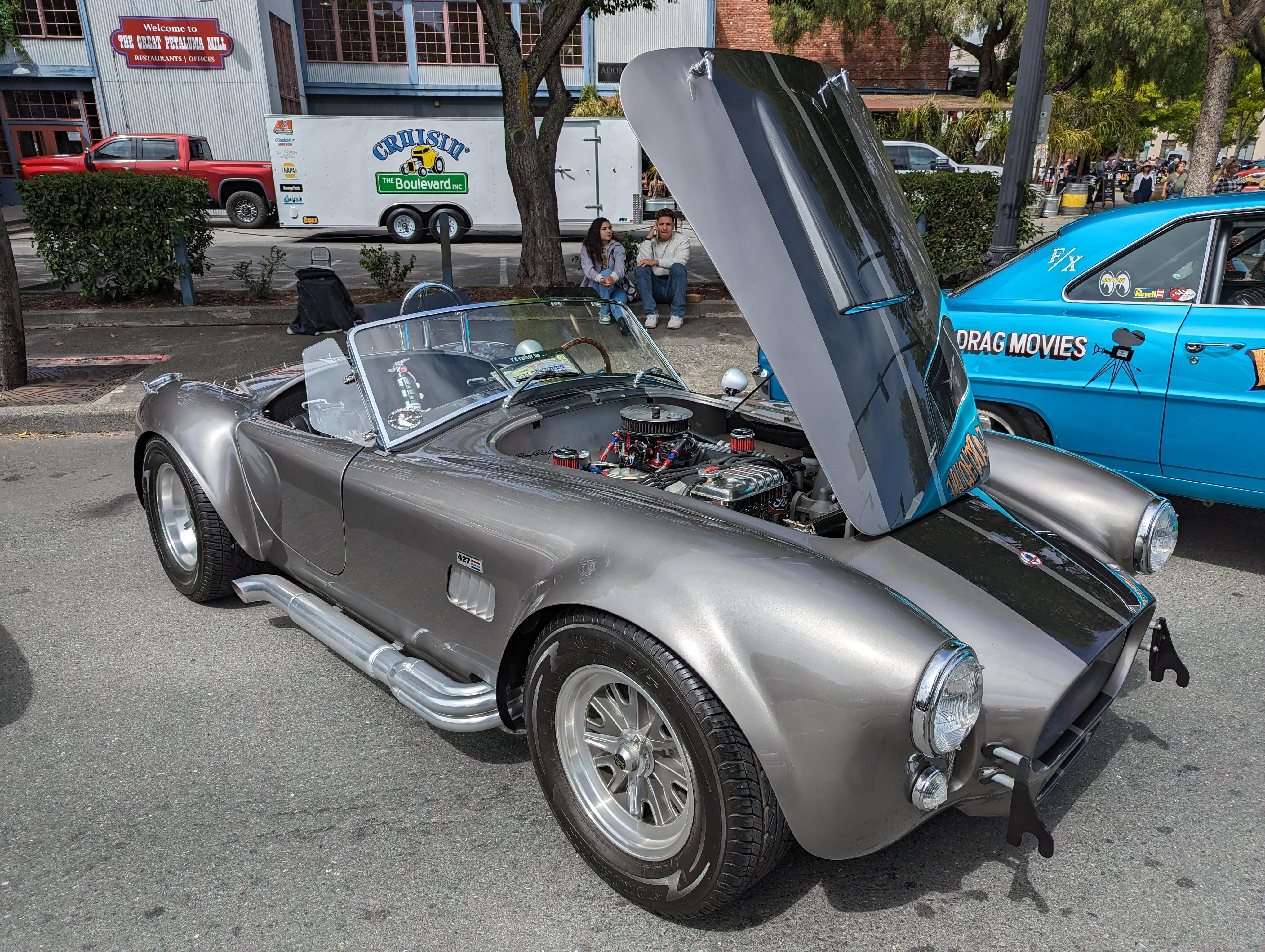
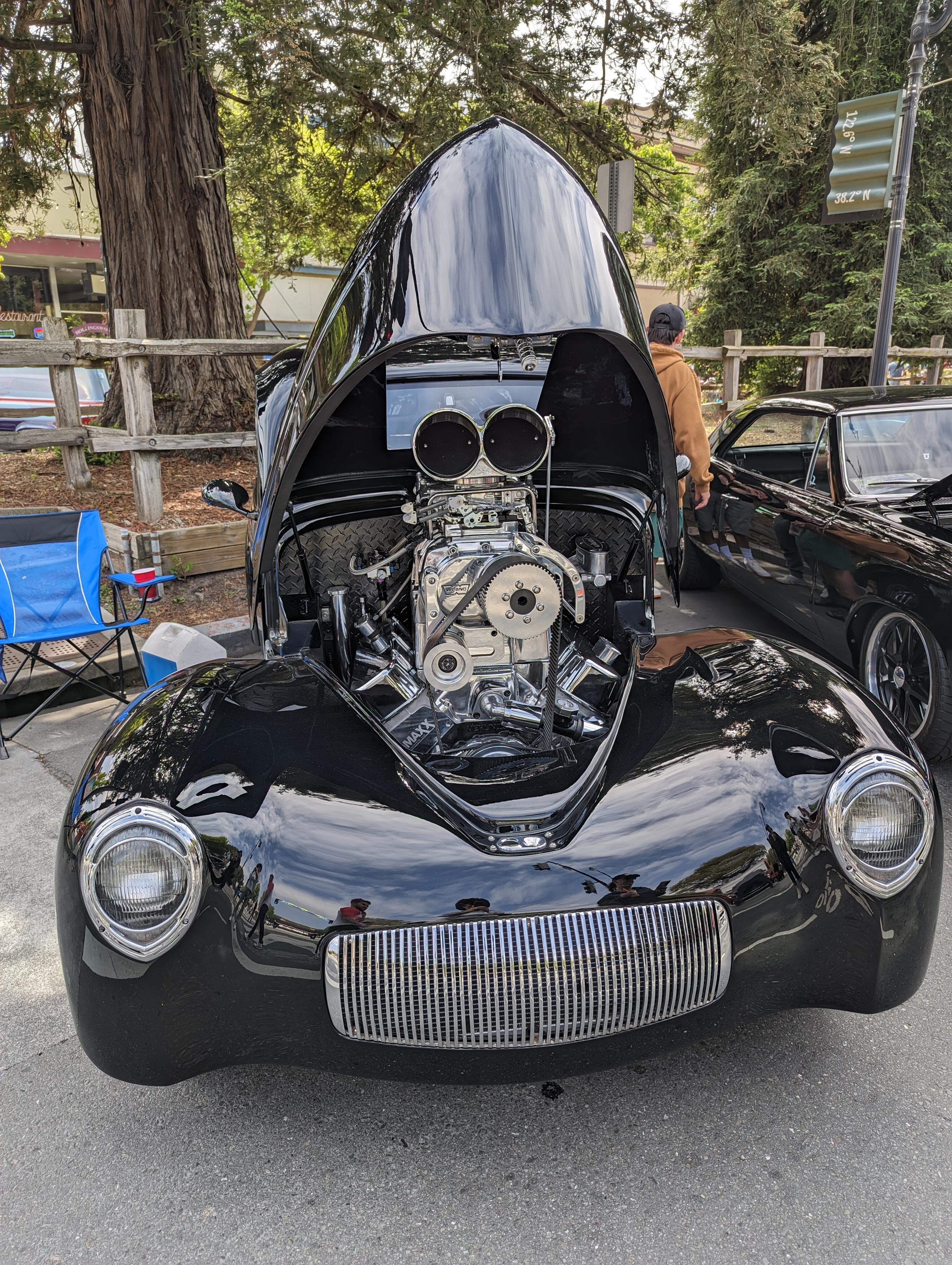
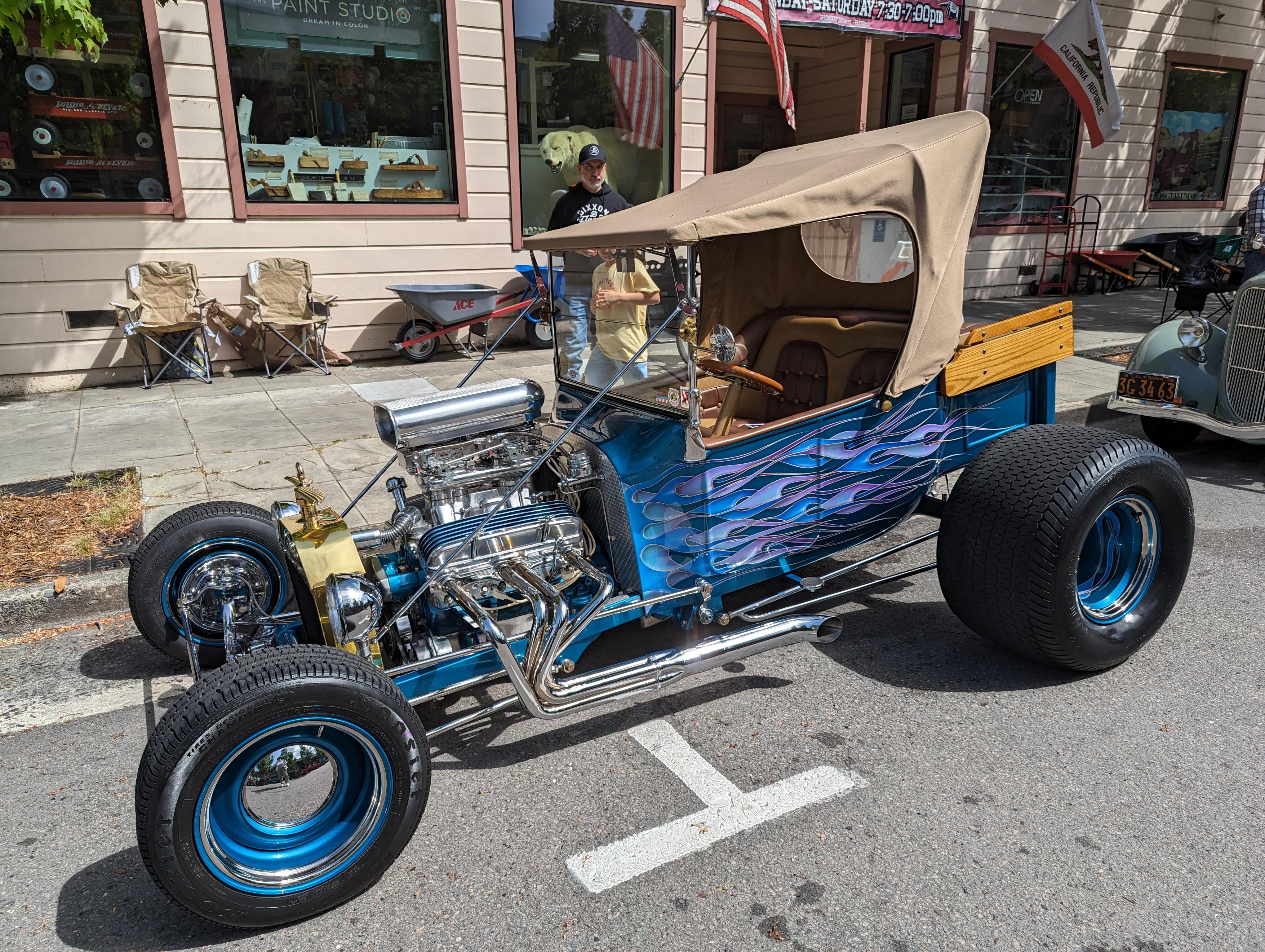
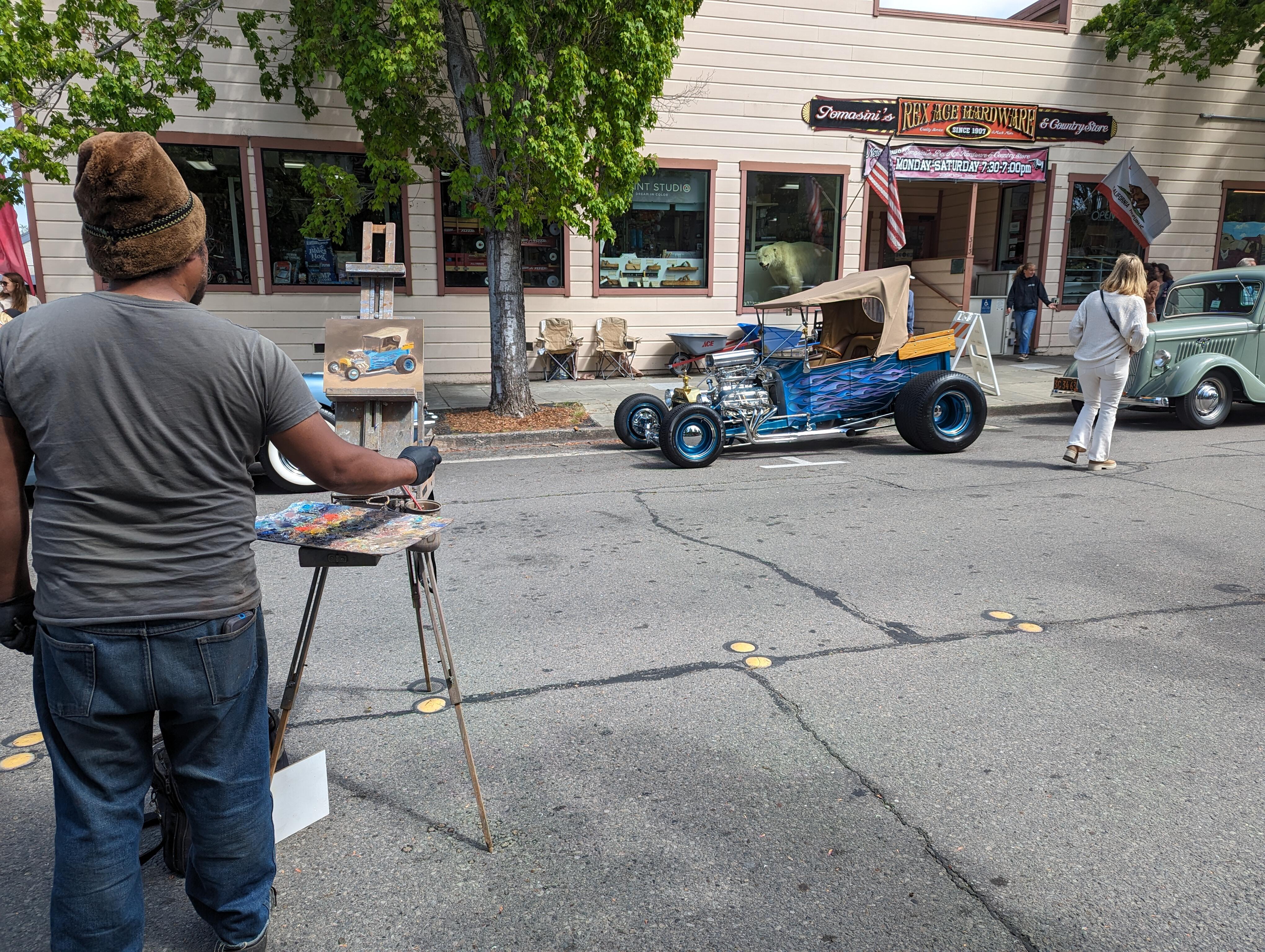
Important Information
By using this site, you agree to our Terms of Use.
Account
Navigation
Search
Configure browser push notifications
Chrome (Android)
- Tap the lock icon next to the address bar.
- Tap Permissions → Notifications.
- Adjust your preference.
Chrome (Desktop)
- Click the padlock icon in the address bar.
- Select Site settings.
- Find Notifications and adjust your preference.
Safari (iOS 16.4+)
- Ensure the site is installed via Add to Home Screen.
- Open Settings App → Notifications.
- Find your app name and adjust your preference.
Safari (macOS)
- Go to Safari → Preferences.
- Click the Websites tab.
- Select Notifications in the sidebar.
- Find this website and adjust your preference.
Edge (Android)
- Tap the lock icon next to the address bar.
- Tap Permissions.
- Find Notifications and adjust your preference.
Edge (Desktop)
- Click the padlock icon in the address bar.
- Click Permissions for this site.
- Find Notifications and adjust your preference.
Firefox (Android)
- Go to Settings → Site permissions.
- Tap Notifications.
- Find this site in the list and adjust your preference.
Firefox (Desktop)
- Open Firefox Settings.
- Search for Notifications.
- Find this site in the list and adjust your preference.