


Hopstretch
High Rollers
-
Joined
-
Last visited
Everything posted by Hopstretch
-
Oops, sorry! Power through ...
-
Oh shit, it looks like Jeff, Colin and Brent are out on the town ...
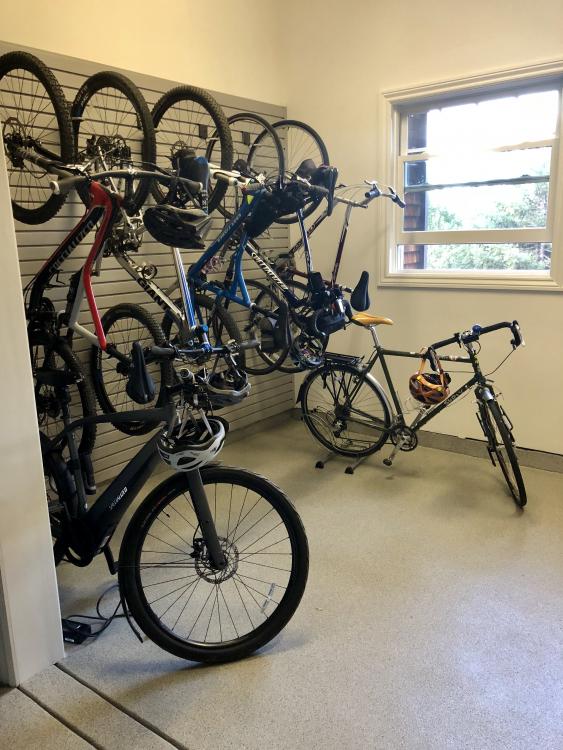
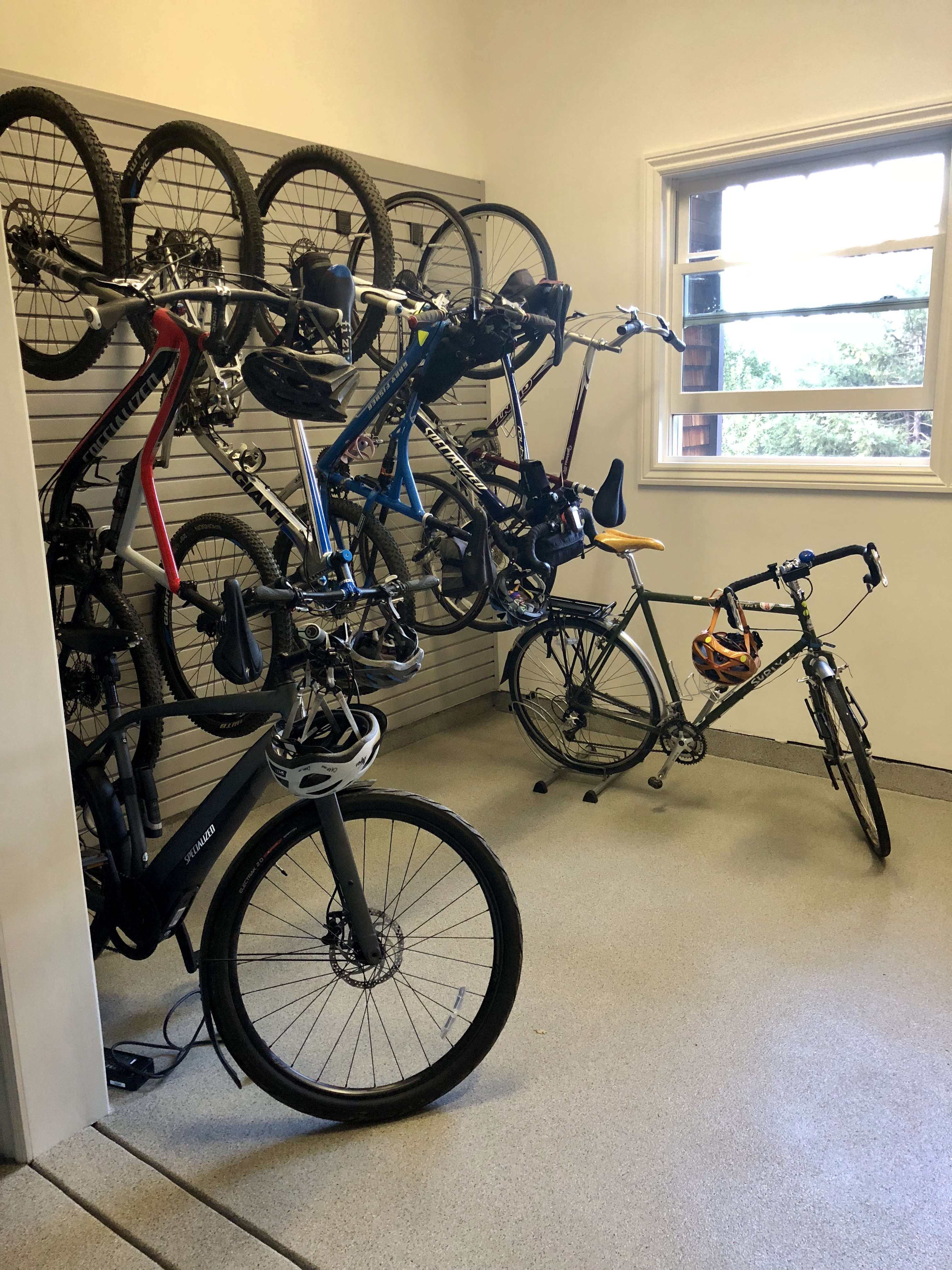
 Knew you'd be along in due course.They don't think it be like it is but it do.I guess it needs moar bikes?Bike room is now doing duty.
 Just doin' my research. Need some of those sweet pleated pants, and more hair.
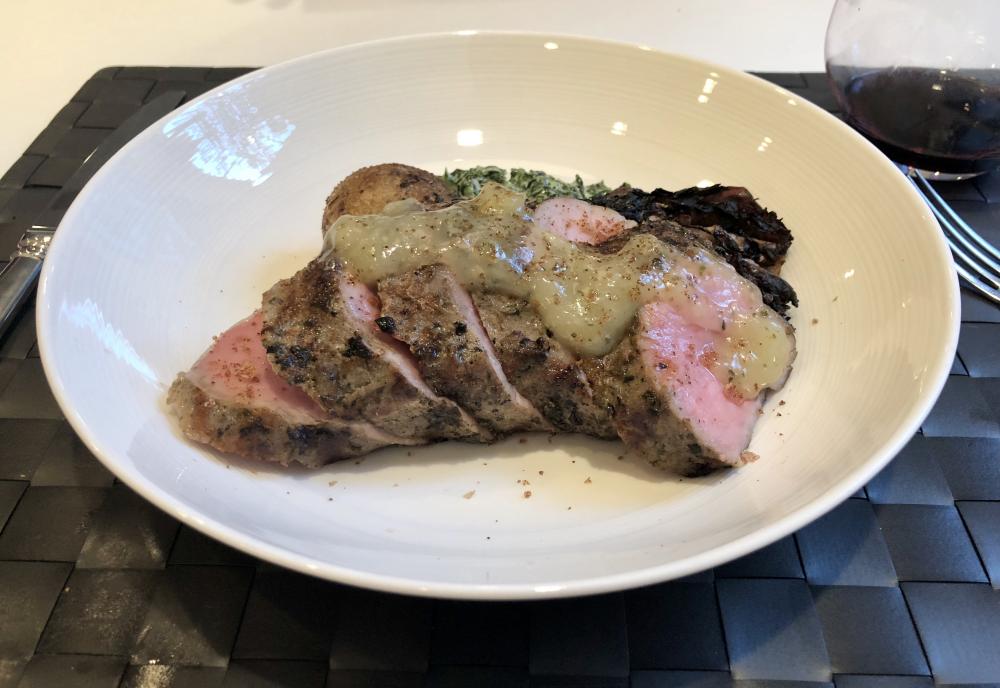
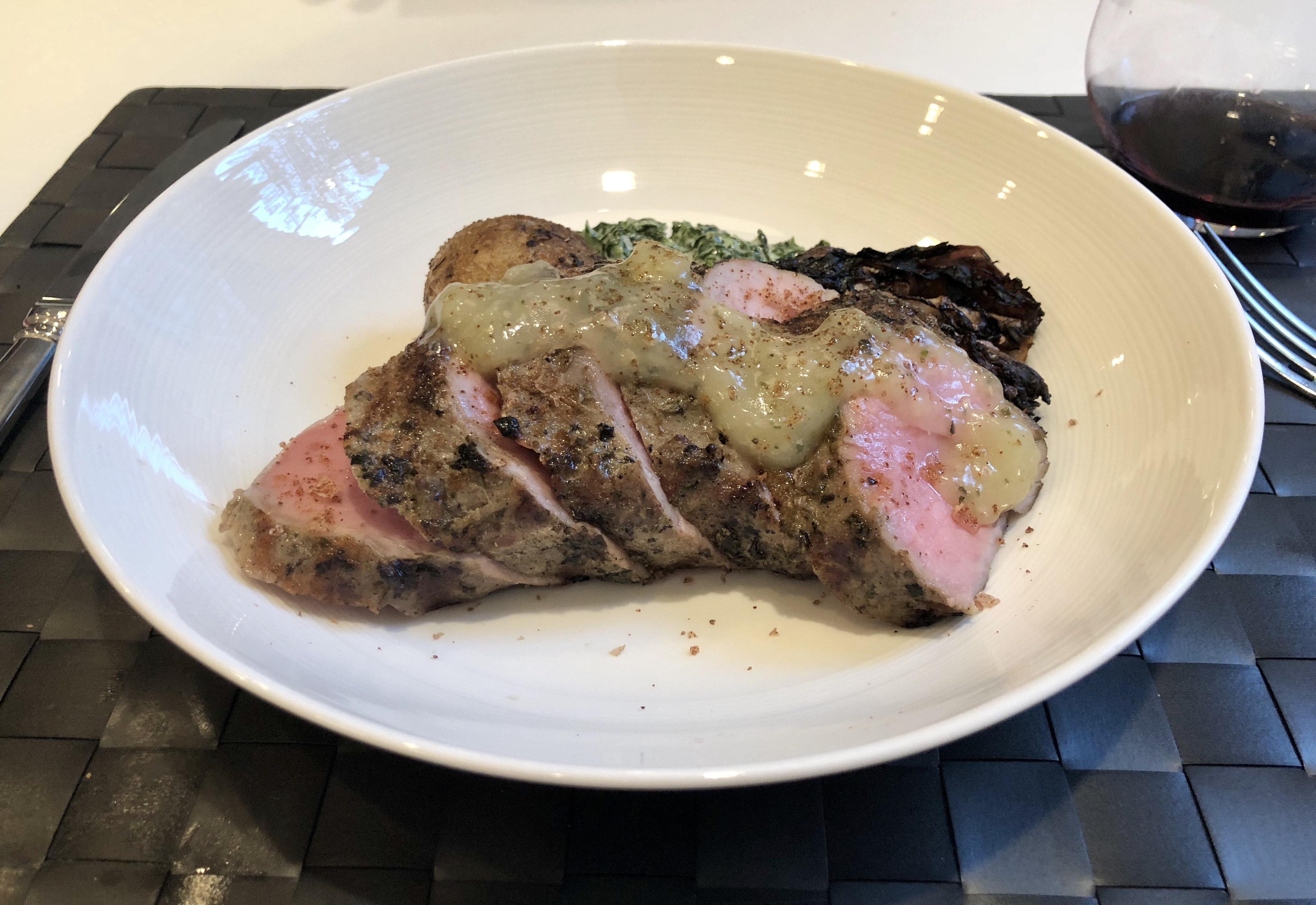
 Sauce turned out a little spoogey. (Upon review on larger screen.)Lemon oregano sous vide pork loin with cumin baked potato, creamed spinach and balsamic-grilled radicchio.
 What? I can't hear you.Fatworks brand is pretty reliable. Available on Amazon. Haven't tried the lard but bought their beef tallow and duck fat before.
 Rainbow Kitten Surprise is an excellent band name.Even sadder than ...
 How is Otis even going to fit any more speakers into his abode?Happy Birthday mothersfucker!This explains my holiday so far.Sounds pretty much perfect.You Were Never Really Here. What the fucking fuck? Fuck!Happy birthday!Belle and Sebastian -- The Boy With The Arab Strap
 Happy Birthday! How's the system these days, still on Tannoys?






Important Information
By using this site, you agree to our Terms of Use.
Account
Navigation
Search
Configure browser push notifications
Chrome (Android)
- Tap the lock icon next to the address bar.
- Tap Permissions → Notifications.
- Adjust your preference.
Chrome (Desktop)
- Click the padlock icon in the address bar.
- Select Site settings.
- Find Notifications and adjust your preference.
Safari (iOS 16.4+)
- Ensure the site is installed via Add to Home Screen.
- Open Settings App → Notifications.
- Find your app name and adjust your preference.
Safari (macOS)
- Go to Safari → Preferences.
- Click the Websites tab.
- Select Notifications in the sidebar.
- Find this website and adjust your preference.
Edge (Android)
- Tap the lock icon next to the address bar.
- Tap Permissions.
- Find Notifications and adjust your preference.
Edge (Desktop)
- Click the padlock icon in the address bar.
- Click Permissions for this site.
- Find Notifications and adjust your preference.
Firefox (Android)
- Go to Settings → Site permissions.
- Tap Notifications.
- Find this site in the list and adjust your preference.
Firefox (Desktop)
- Open Firefox Settings.
- Search for Notifications.
- Find this site in the list and adjust your preference.