


Hopstretch
High Rollers
-
Joined
-
Last visited
Everything posted by Hopstretch
-
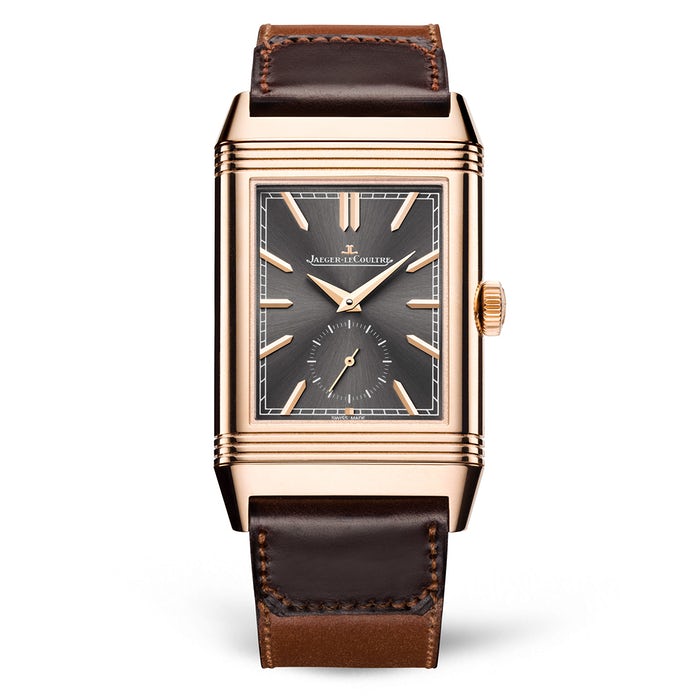
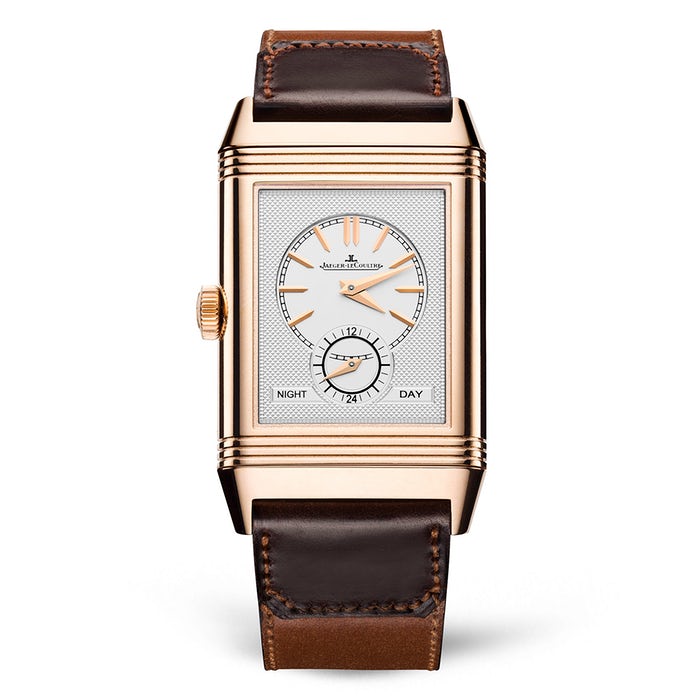
https://twitter.com/swear_trekOof I dig the new limited edition Reverso. How good is that?
 So Apple sends me a “minor” security update that takes 30 seconds to download then 40 minutes to install. WTF?A song of enlightenment, eventually.That's worth reading! Thanks.Normally I'm down, but this is a hard sell.Hell why not ...Yes, losing another no-talent fuckhead "YouTuber" to the Darwin Awards would be a very great tragedy, because apparently they are in critically short supply.Try this next Gramps. Destroyer -- Ken.
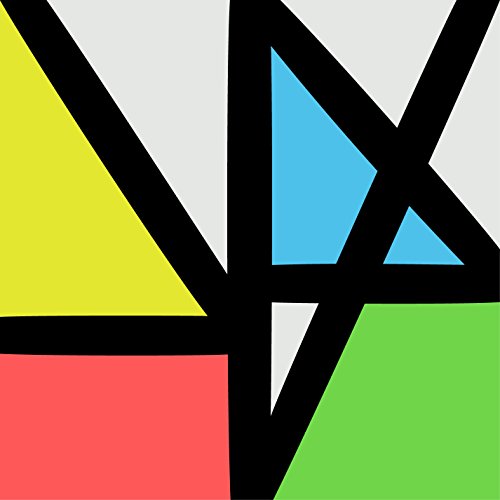
 A common problem ...Much love.Good news! What's the job?I think you're a damn handsome man."Y'all lame AF. Eat a bag of dicks. Peace!"Happy Birthday Todd!New Order -- Music Complete This is really good. I didn't give it enough time when it was first released.
 Good Stuff. Honorable mentions to: Humble Braggers Hans Gruber and the Die Hards Texas Chainstore ManagerAre you trying to add some extra insulation against the NorthWest winter?Dusty you might like this too.Happy Birthday!I'm sorry, did you say it comes in a "wine" finish? Because I thought you said that. http://www.ttvjaudio.com/Apex_Pinnacle2_Ultra_Headphone_and_Preamplifier_p/aaa00000070.htm






Important Information
By using this site, you agree to our Terms of Use.
Account
Navigation
Search
Configure browser push notifications
Chrome (Android)
- Tap the lock icon next to the address bar.
- Tap Permissions → Notifications.
- Adjust your preference.
Chrome (Desktop)
- Click the padlock icon in the address bar.
- Select Site settings.
- Find Notifications and adjust your preference.
Safari (iOS 16.4+)
- Ensure the site is installed via Add to Home Screen.
- Open Settings App → Notifications.
- Find your app name and adjust your preference.
Safari (macOS)
- Go to Safari → Preferences.
- Click the Websites tab.
- Select Notifications in the sidebar.
- Find this website and adjust your preference.
Edge (Android)
- Tap the lock icon next to the address bar.
- Tap Permissions.
- Find Notifications and adjust your preference.
Edge (Desktop)
- Click the padlock icon in the address bar.
- Click Permissions for this site.
- Find Notifications and adjust your preference.
Firefox (Android)
- Go to Settings → Site permissions.
- Tap Notifications.
- Find this site in the list and adjust your preference.
Firefox (Desktop)
- Open Firefox Settings.
- Search for Notifications.
- Find this site in the list and adjust your preference.