


Hopstretch
High Rollers
-
Joined
-
Last visited
Everything posted by Hopstretch
-
Who doesn't like 80s pastiche? Not me.
-
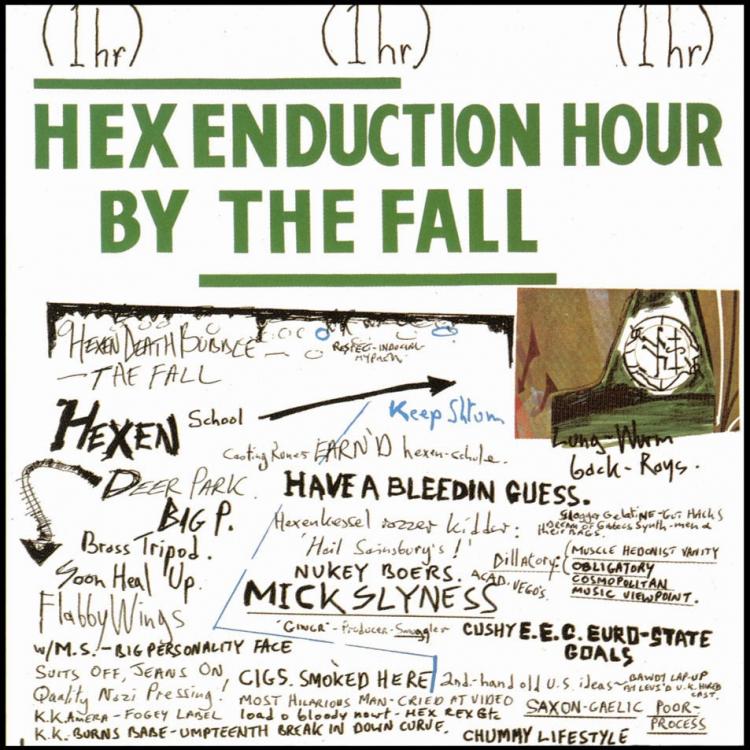
The Fall -- Hex Enduction Hour
-
-
Texas -- White On Blonde Peak 1997. Love it.
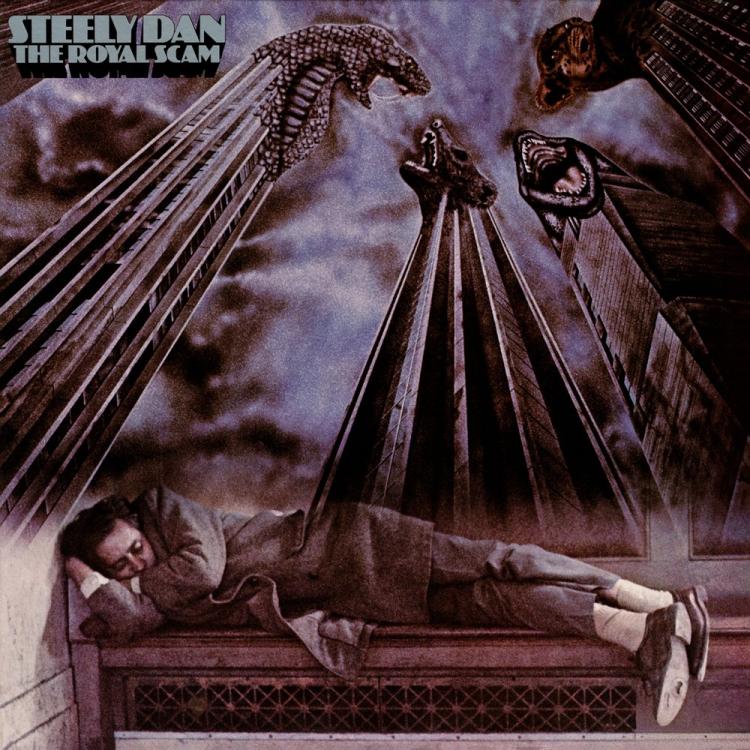
 "What I do for a living: Entrepreneurial." Indeed!Another ghost bike. RIP.Steely Dan -- The Royal Scam
 I resisted the larger screen for a while, too, but now can't imagine going back. My son's SE feels like a toy in my hand after the 7 Plus. I think you would find a 4.7-inch screen (6s or 7) to be a sweet spot.G-man, if I ate like you I'd be fatter than Jeff's wallet.Anyone tried a Bellroy wallet? I need a new one and Smythson are too chunky now that Colin's got me wearing skin-tight jeans.Insomnia's back. On the plus side, few extra hours a day for low volume, high drama listening.
 I just find them so uncomfortable that the sound quality is moot. Weird heads represent.Our friend Søs made her legendary Danish bread for dinner. As much as I disapprove of carbs in general, OMFG.Happy Birthday Jeffy!* flounces off, muttering bitchily about "long skinnies" *Happy Birthday Zach!How I miss your ranting. Do you miss my all time lows?Four eggs, ribeye, smashed avo, two flat whites (one not pictured). Left the tomatoes.British tabloid press entering into the spirit of the Holiday.
 #peoplewhoactuallyhavehairproblems





Important Information
By using this site, you agree to our Terms of Use.
Account
Navigation
Search
Configure browser push notifications
Chrome (Android)
- Tap the lock icon next to the address bar.
- Tap Permissions → Notifications.
- Adjust your preference.
Chrome (Desktop)
- Click the padlock icon in the address bar.
- Select Site settings.
- Find Notifications and adjust your preference.
Safari (iOS 16.4+)
- Ensure the site is installed via Add to Home Screen.
- Open Settings App → Notifications.
- Find your app name and adjust your preference.
Safari (macOS)
- Go to Safari → Preferences.
- Click the Websites tab.
- Select Notifications in the sidebar.
- Find this website and adjust your preference.
Edge (Android)
- Tap the lock icon next to the address bar.
- Tap Permissions.
- Find Notifications and adjust your preference.
Edge (Desktop)
- Click the padlock icon in the address bar.
- Click Permissions for this site.
- Find Notifications and adjust your preference.
Firefox (Android)
- Go to Settings → Site permissions.
- Tap Notifications.
- Find this site in the list and adjust your preference.
Firefox (Desktop)
- Open Firefox Settings.
- Search for Notifications.
- Find this site in the list and adjust your preference.