



tyrion
Moderators
-
Joined
Everything posted by tyrion
-
65060579049__7EC21C9F-4D51-4C19-9999-C4486A465E76.MOVWow, where’s my dinner? Congrats on the marriage and move. Still in South Florida? If so, sorry.Second round of Tedeschi Trucks Band shows on Nugs.net https://www.nugs.net/live-download-of-tedeschi-trucks-band-the-fireside-sessions-encore-florida-ga-05-27-2021-mp3-flac-or-online-music-streaming/26491-WEBCAST.html
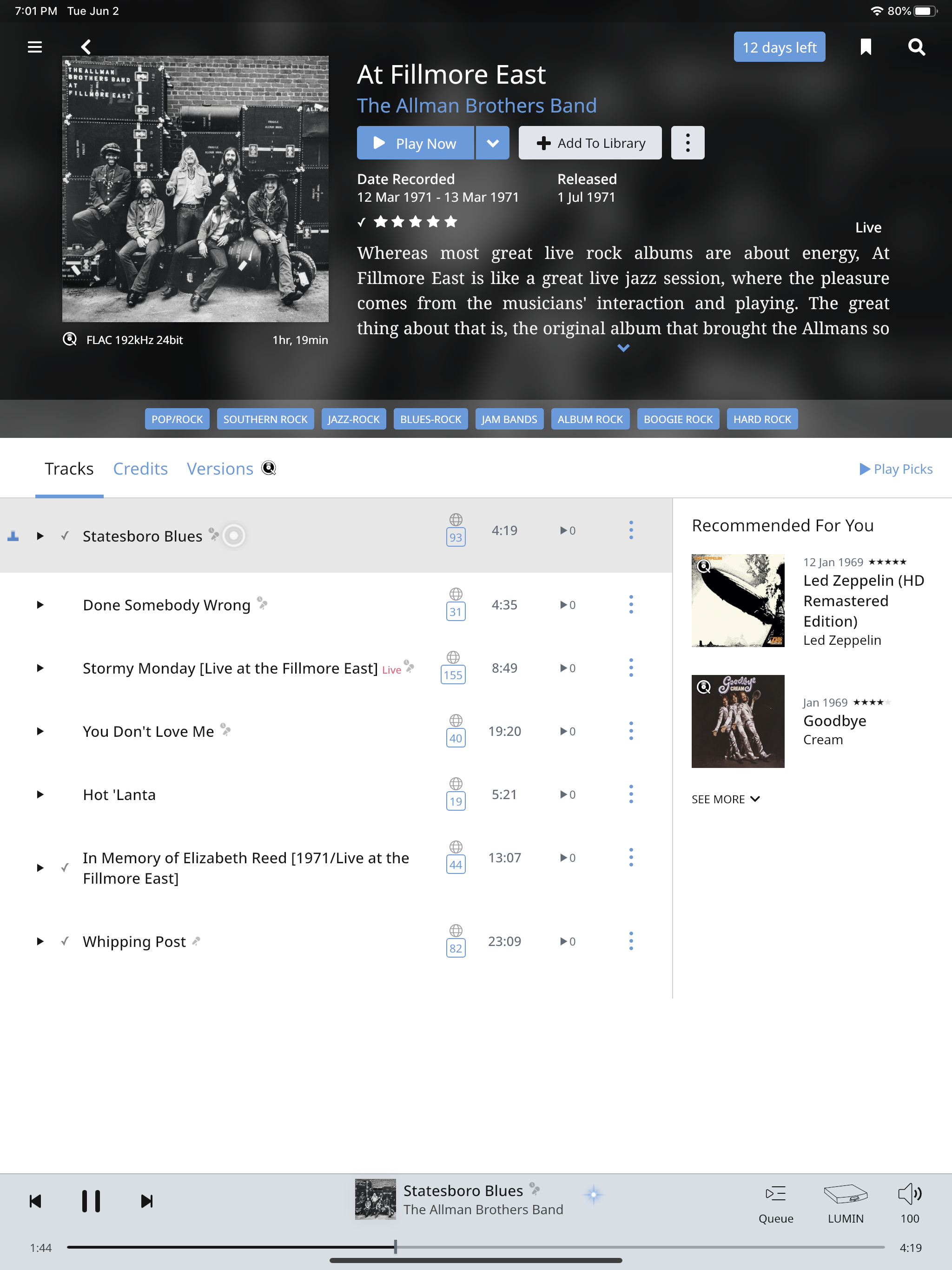
 Built some more shelves for office shit. Sent from my iPhone using TapatalkSo sorry Jeff. Sent from my iPhone using TapatalkSo sad. Sent from my iPhone using TapatalkFuck birthdays. Love you Matt! What the fuck.If you are into history, I highly recommend. His series on WW1 is great. https://www.dancarlin.comLumin for life!Lumin T2 ftmfw.Love his podcasts!
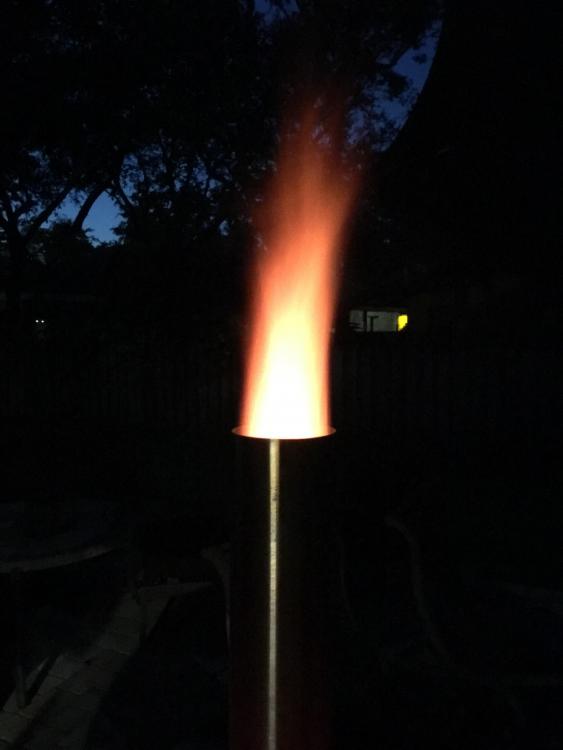
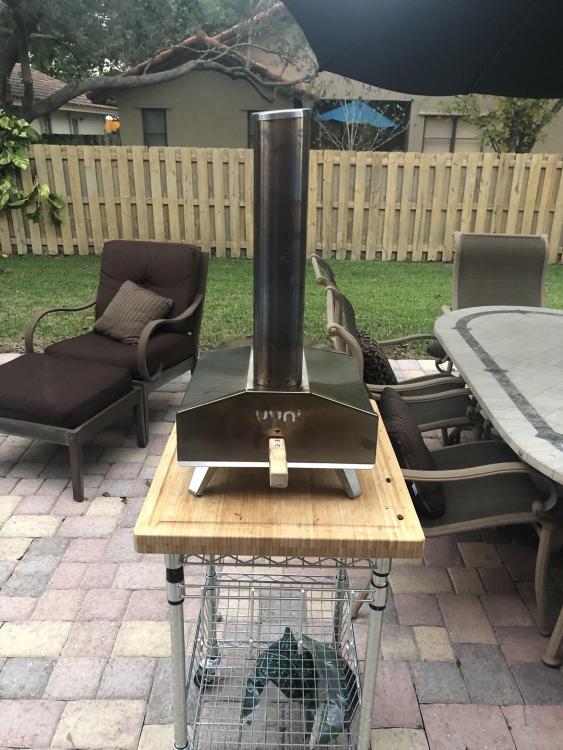
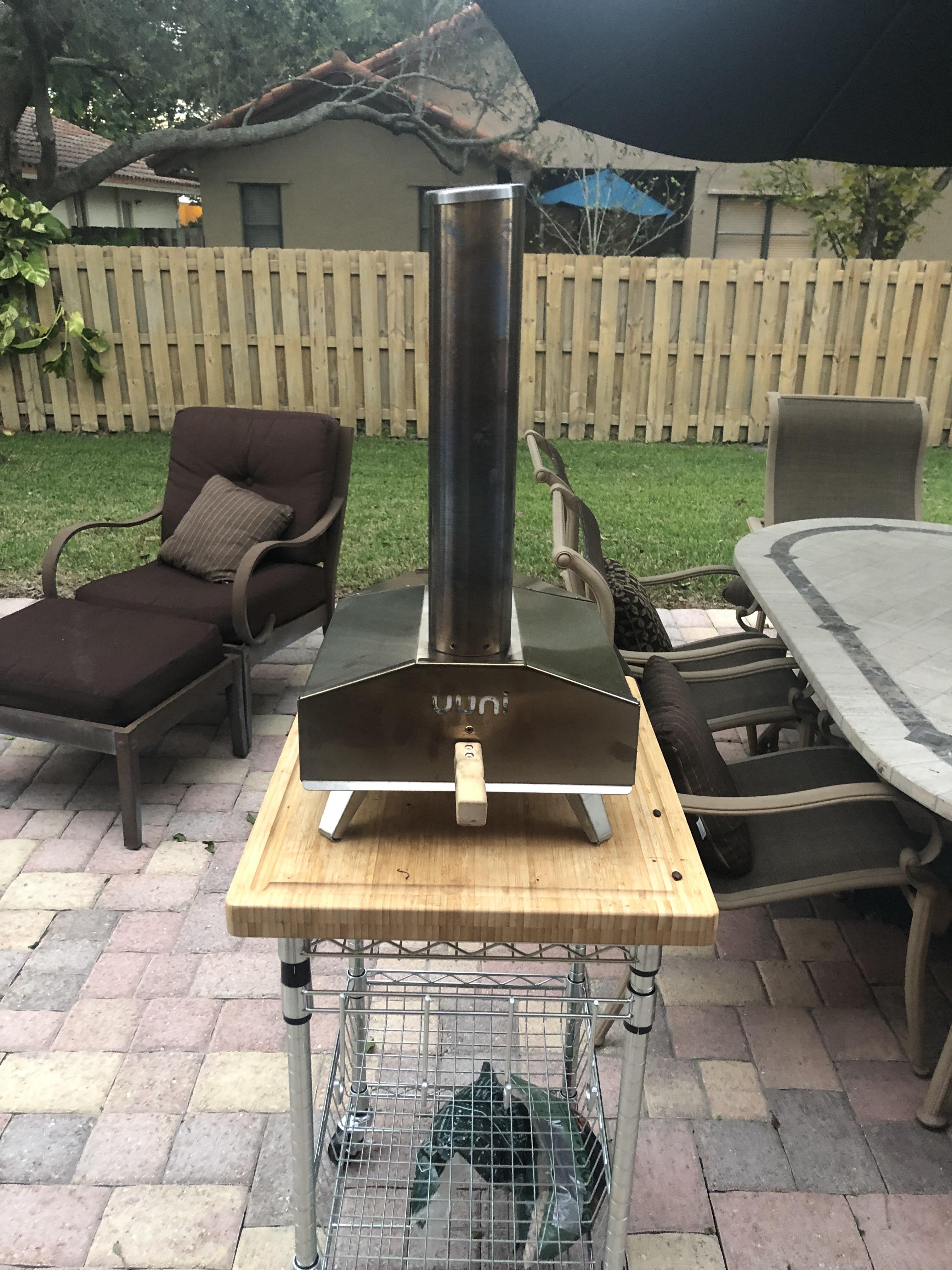
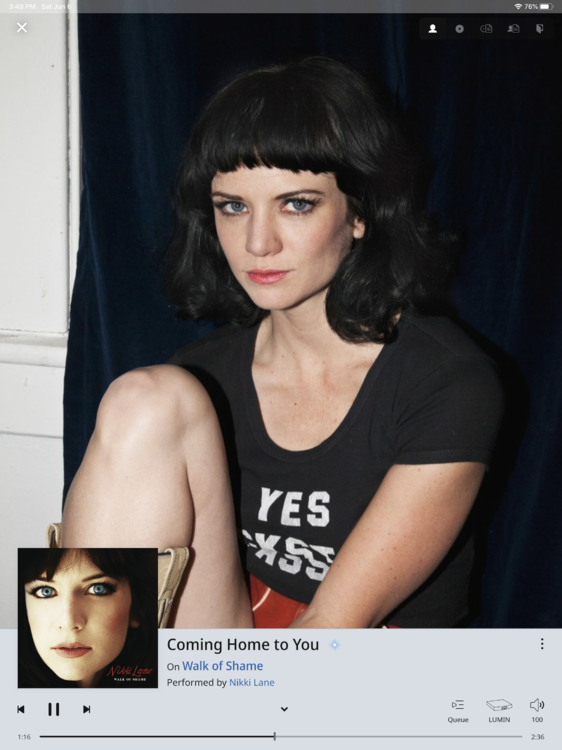 Lumin for life!Thanks for reminding me ithat the second season dropped..Jeff, you should check out Roccbox or Uuni pizza ovens. Do a great job with Neopolitan style pizza. Definitely make your own dough. Some very simple recipes for this style of pizza.


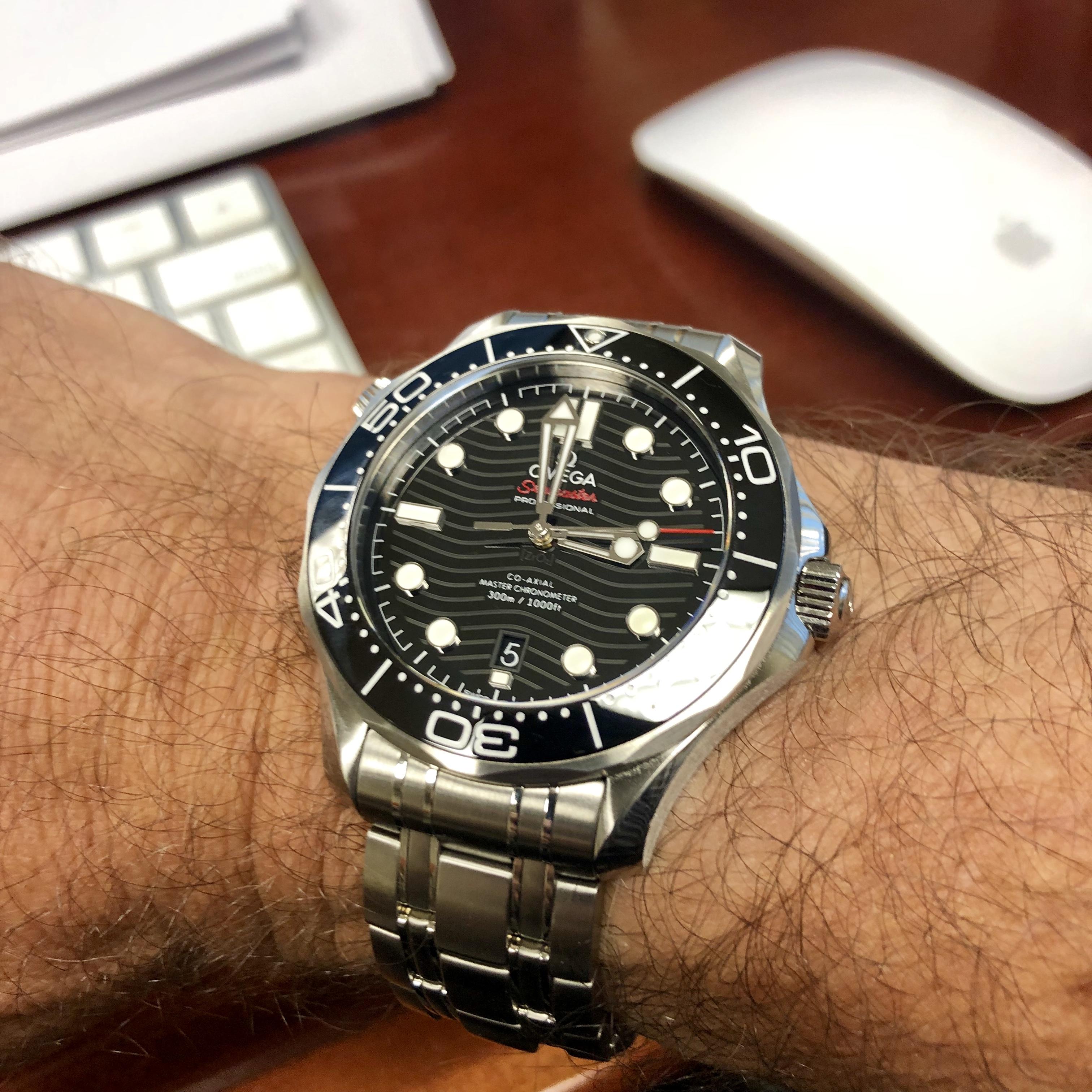
 Lum-Tec makes a solid watch. I've owned a couple in the past.Thanks for the b’day wishes! There was beer and pizza. Sent from my iPhone using TapatalkNice Speedy and strap. I picked up a Speedy Pro last night.Helm Watches Canvas StrapThanks Al. I took so many shots I was bound to get a few good ones. Sent from my iPhone using Tapatalk













Important Information
By using this site, you agree to our Terms of Use.
Account
Navigation
Search
Configure browser push notifications
Chrome (Android)
- Tap the lock icon next to the address bar.
- Tap Permissions → Notifications.
- Adjust your preference.
Chrome (Desktop)
- Click the padlock icon in the address bar.
- Select Site settings.
- Find Notifications and adjust your preference.
Safari (iOS 16.4+)
- Ensure the site is installed via Add to Home Screen.
- Open Settings App → Notifications.
- Find your app name and adjust your preference.
Safari (macOS)
- Go to Safari → Preferences.
- Click the Websites tab.
- Select Notifications in the sidebar.
- Find this website and adjust your preference.
Edge (Android)
- Tap the lock icon next to the address bar.
- Tap Permissions.
- Find Notifications and adjust your preference.
Edge (Desktop)
- Click the padlock icon in the address bar.
- Click Permissions for this site.
- Find Notifications and adjust your preference.
Firefox (Android)
- Go to Settings → Site permissions.
- Tap Notifications.
- Find this site in the list and adjust your preference.
Firefox (Desktop)
- Open Firefox Settings.
- Search for Notifications.
- Find this site in the list and adjust your preference.