

All Activity
Past hour
-
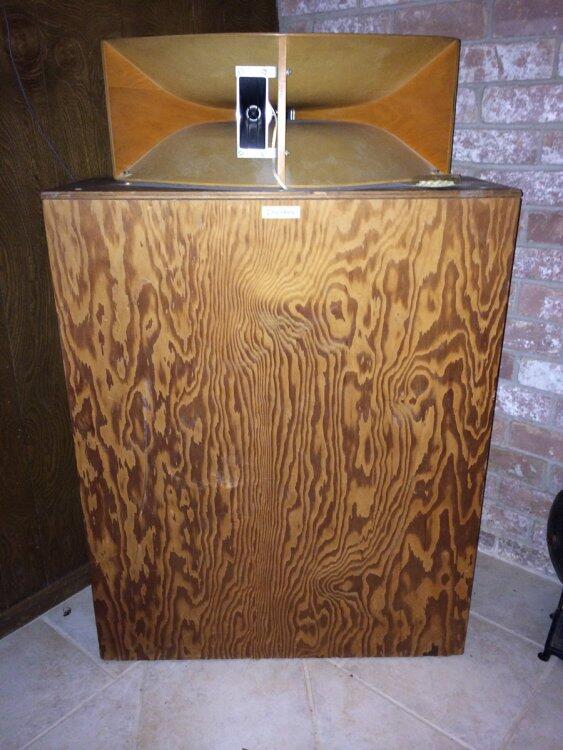
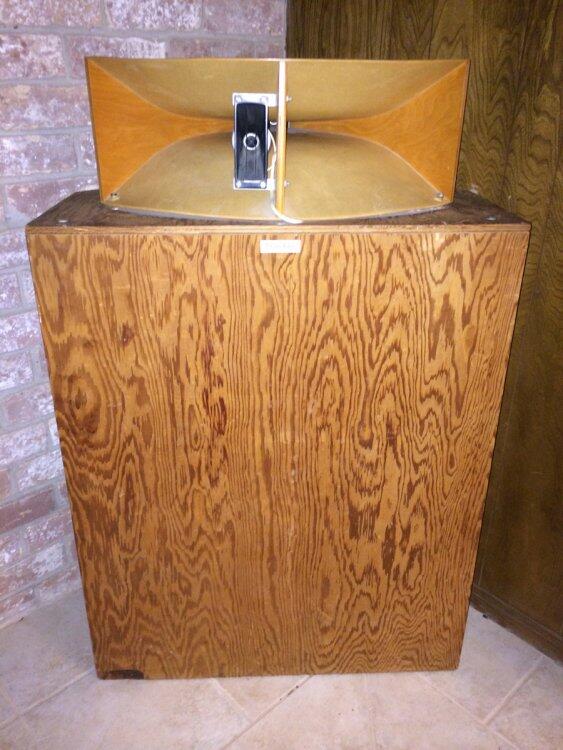
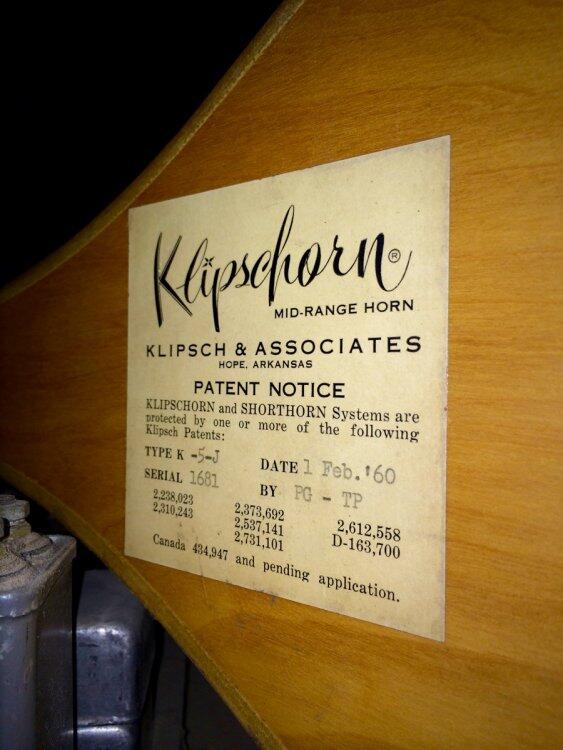
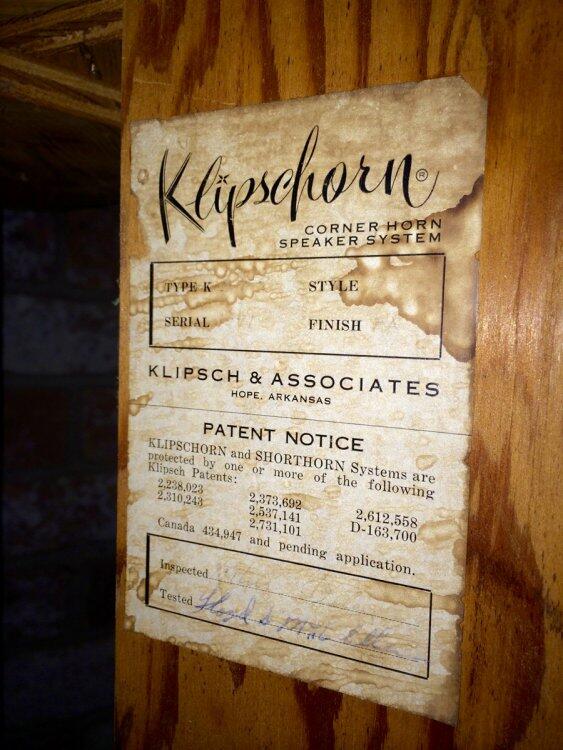
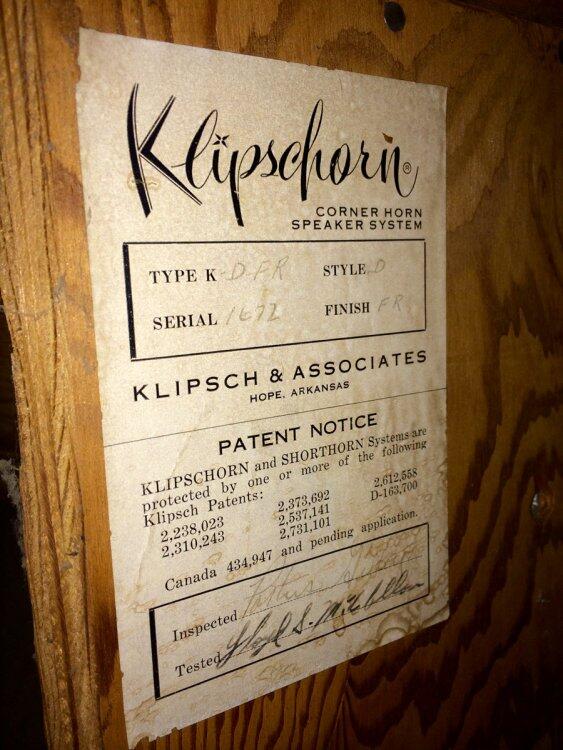
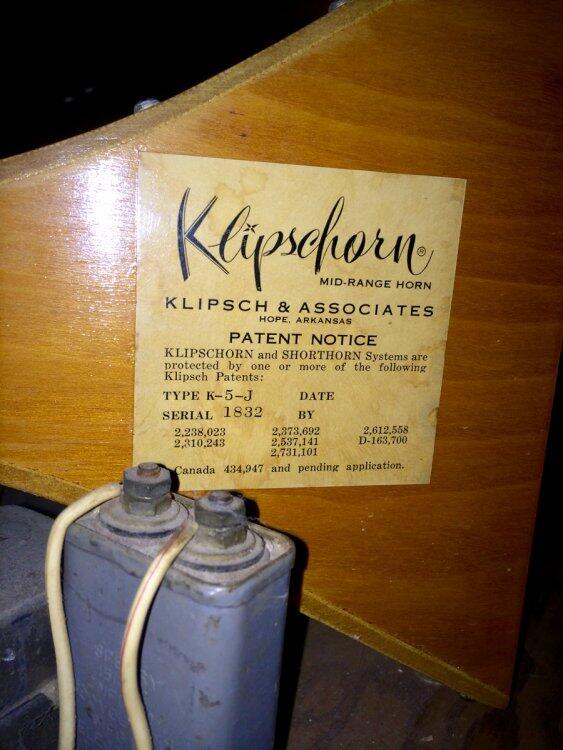
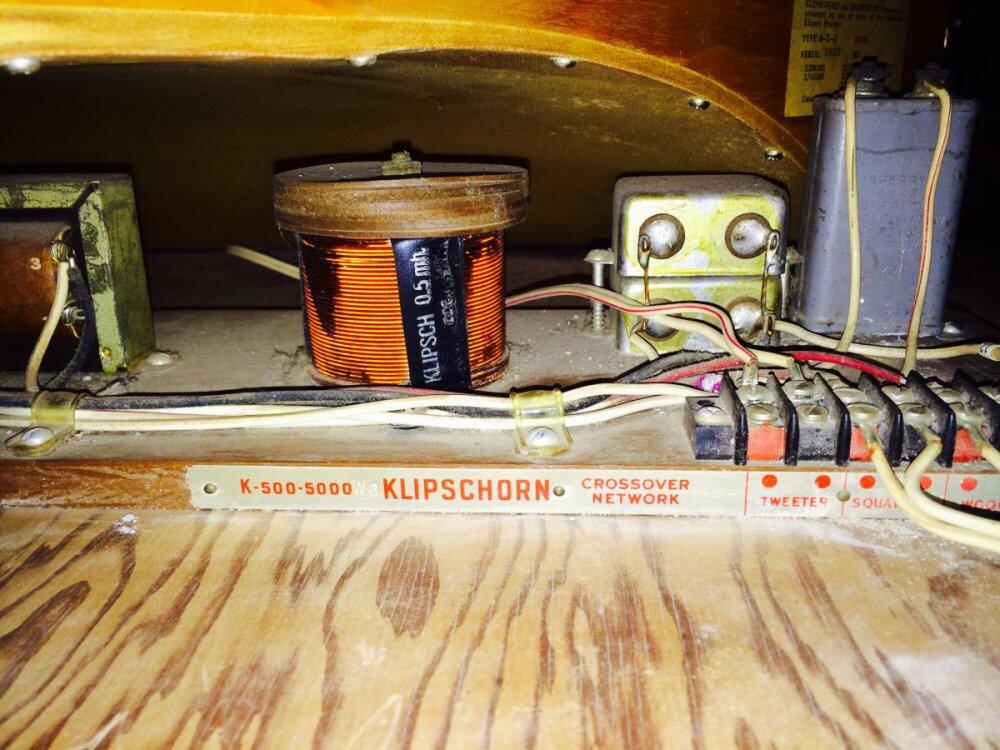
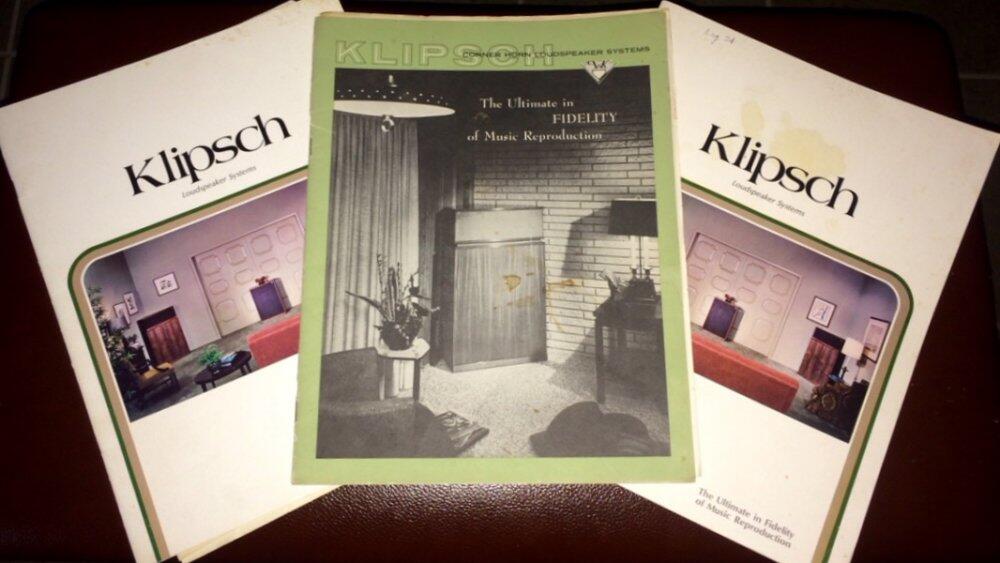
Ha ha look at these crappy old wooden boxes. Who'd ever want them? They don't even have a finish.
Today
-
here is what the schematic is supposed to look like srm212.pdf
Yesterday
-
Russia stating openly that they are declaring war on NATO, gaslighting it as something other than it is https://apnews.com/article/nato-russia-nuclear-kaliningrad-hybrid-sabotage-2bd21dbaf9d67f5e2aada61e9ce8bf06
-
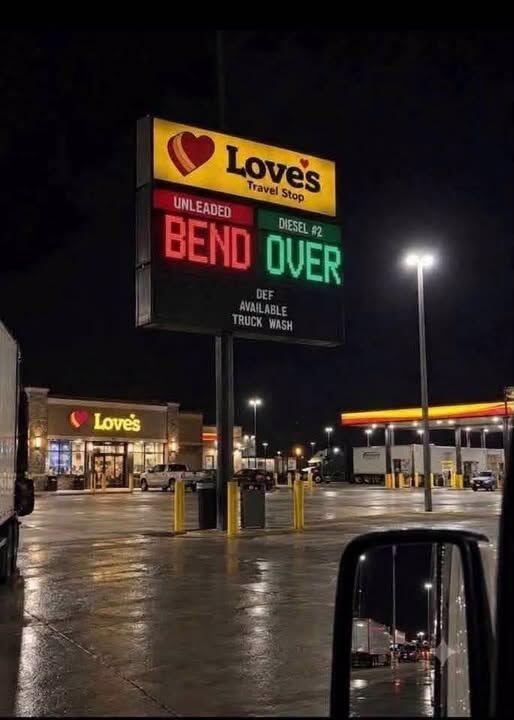
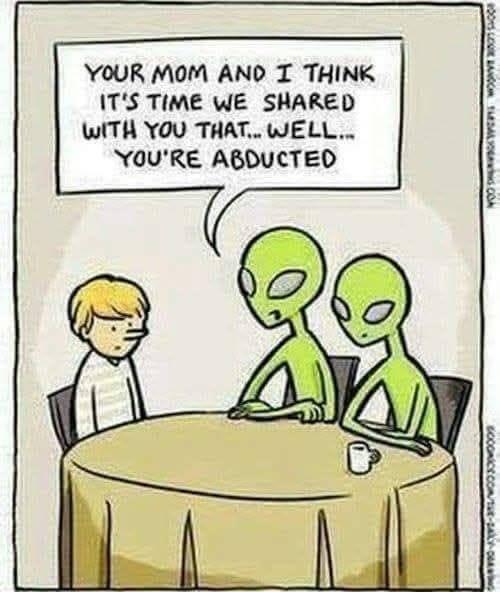
Some interwebz funz....




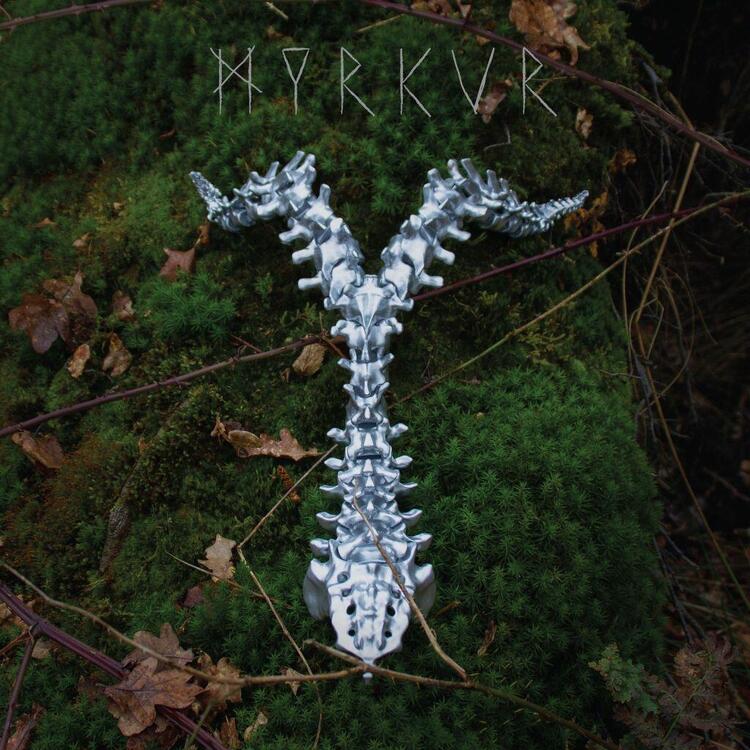
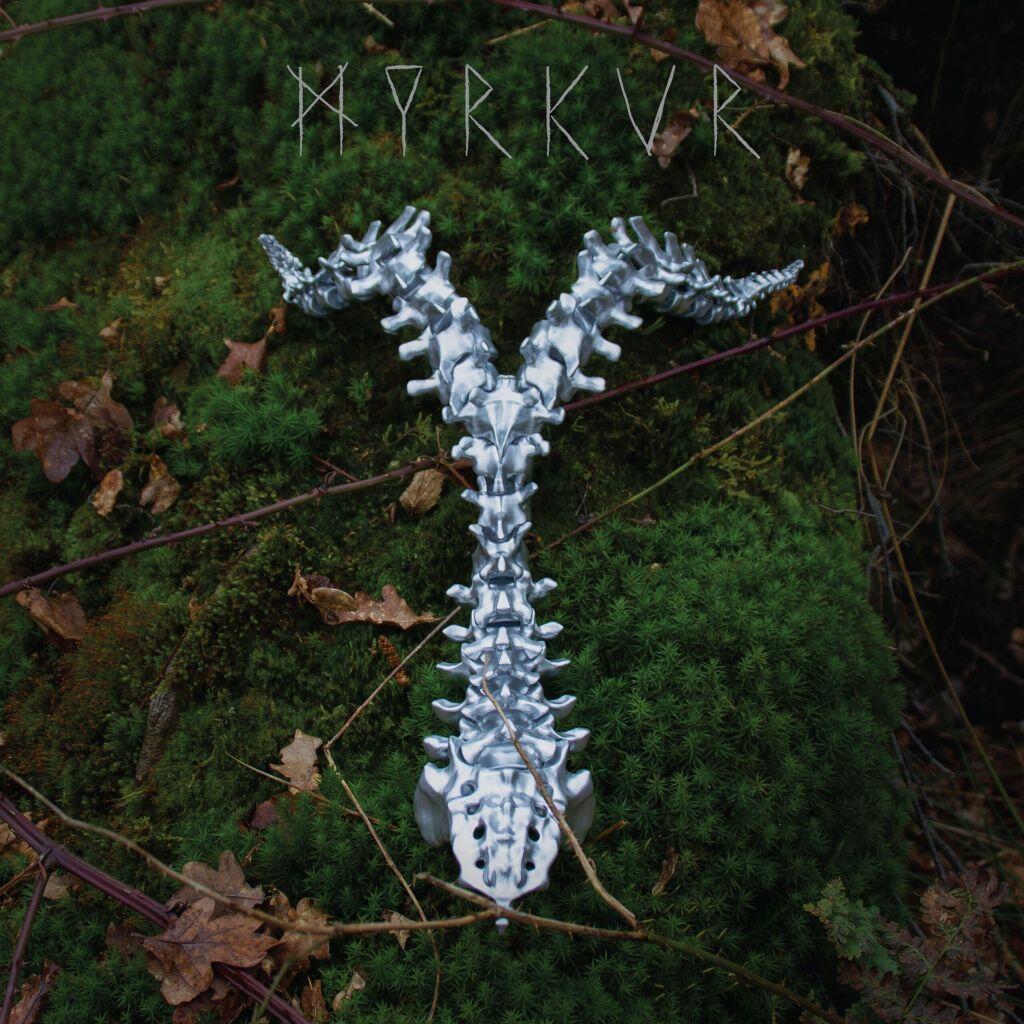
 Myrkur - Spine. Also got this on vinyl. This has grown on me a LOT! Love the melodic mix with some heavier music. Example (Live version):
 I think about this shot of his all the time.
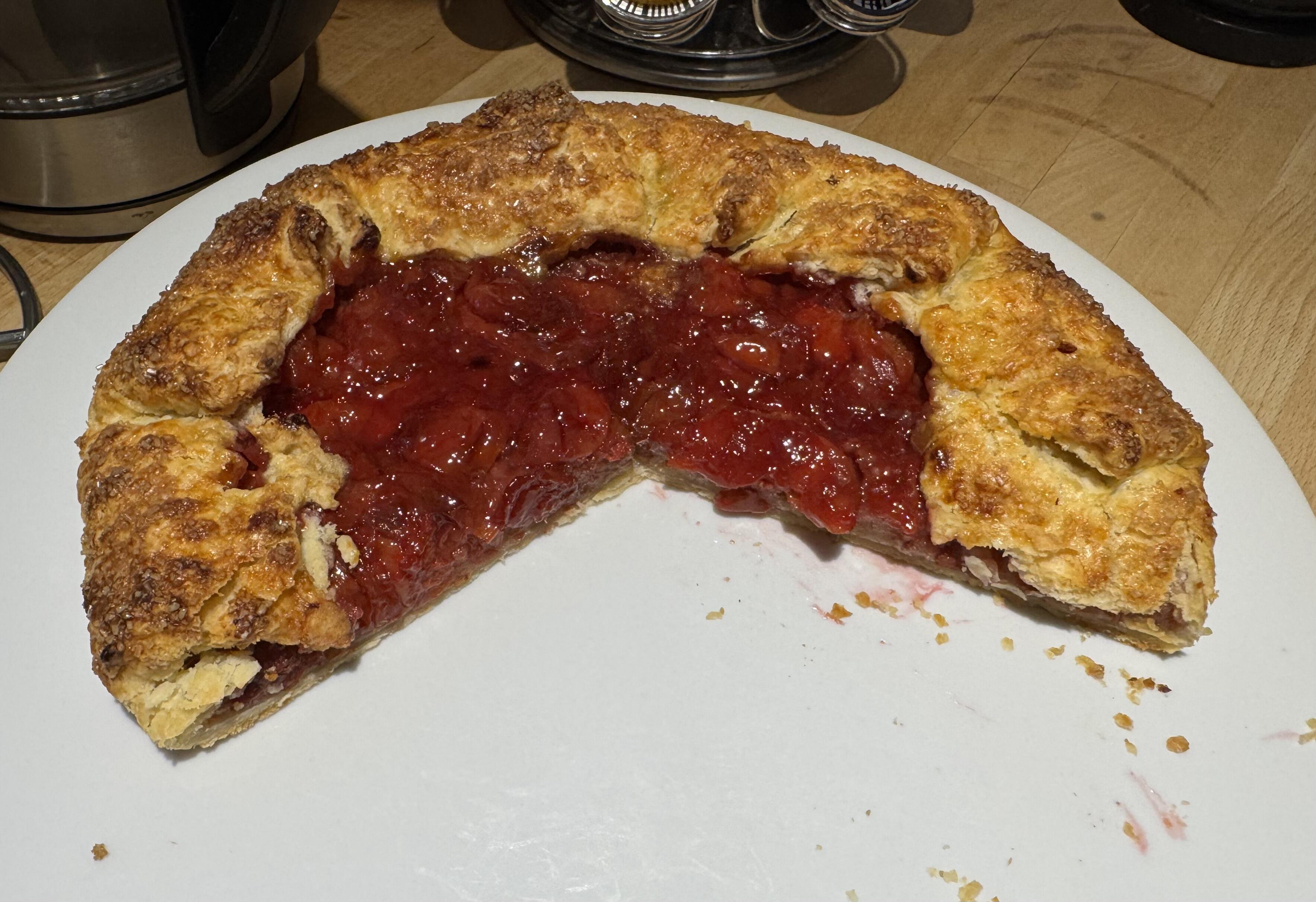
 Some more GarryMichigan tart cherry gallette with a layer of crushed amaretti cookies beneath the cherries.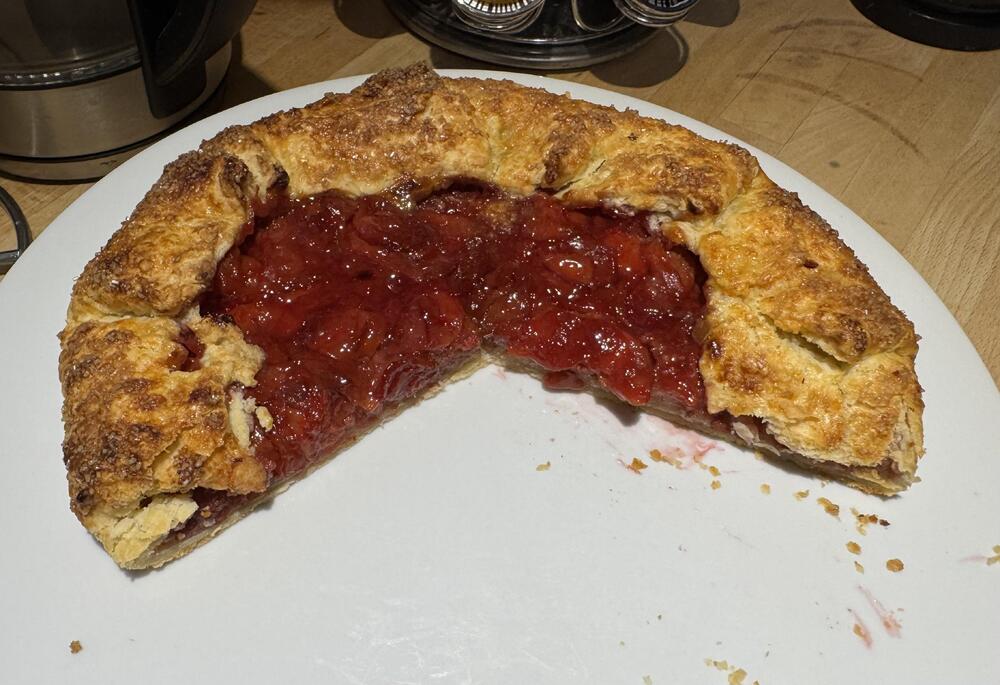
Last week
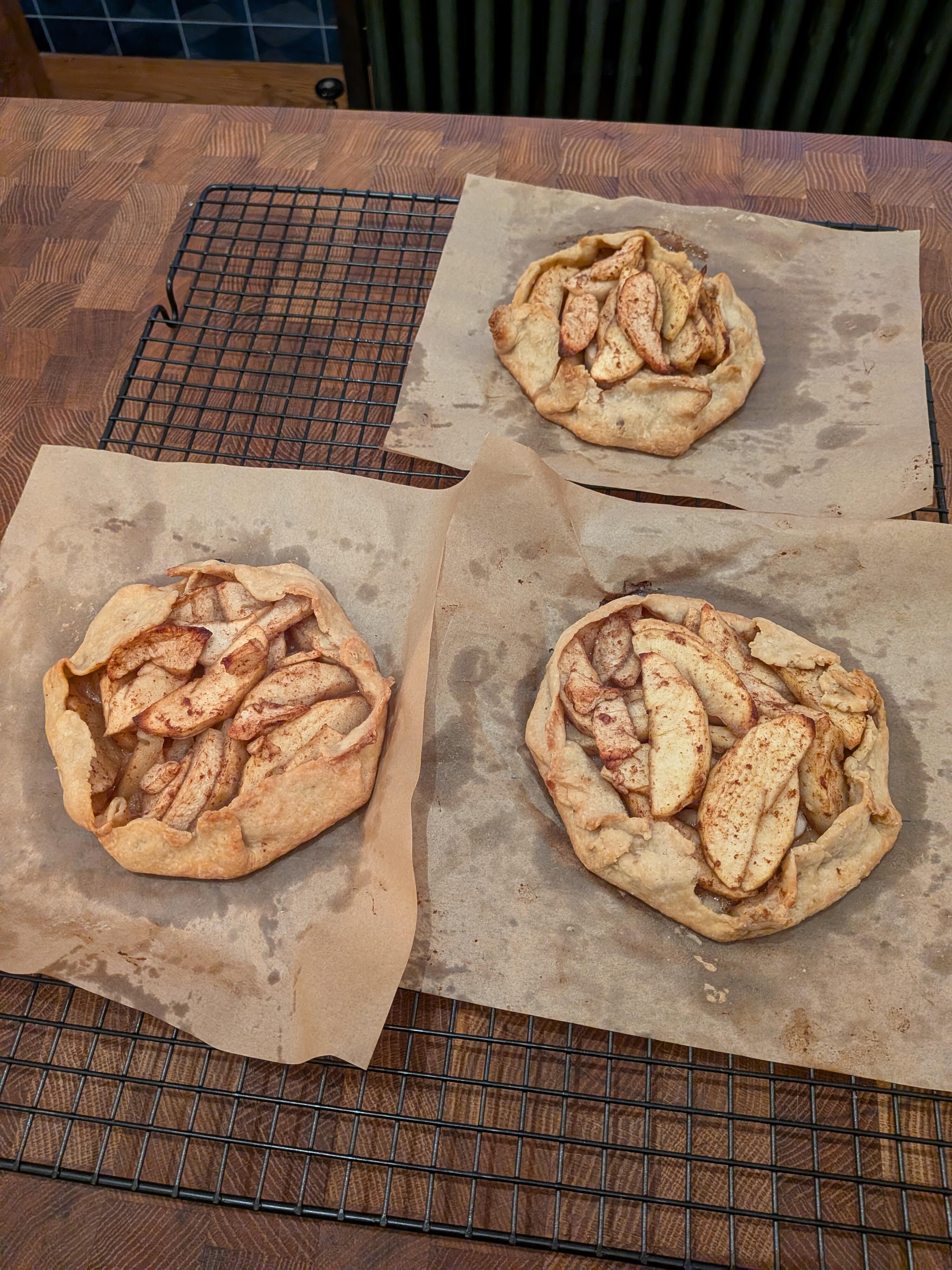
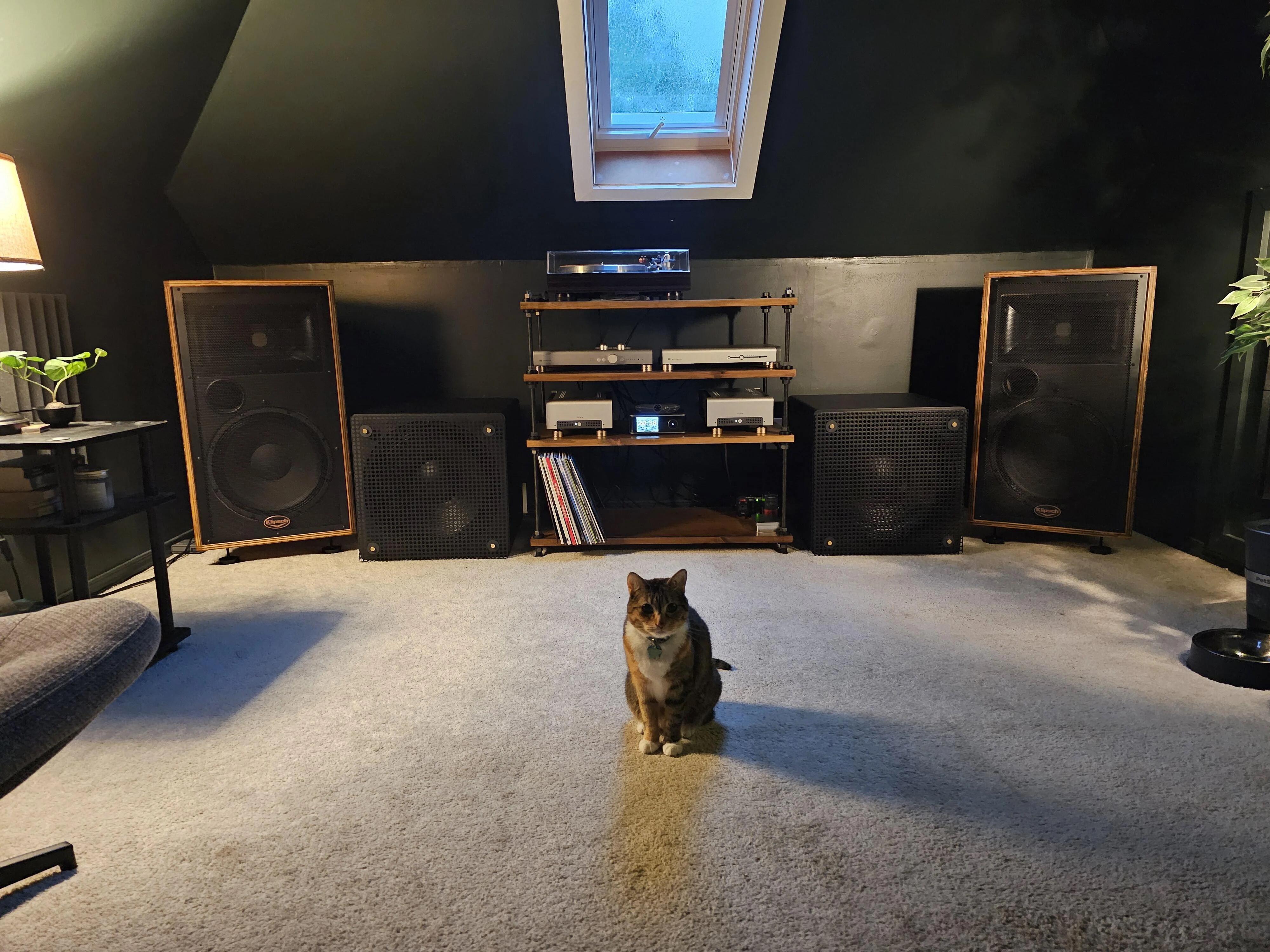
Tropicália ou Panis et Circencis (Latin for Bread and circuses) A Girl Meets Bossanova - Olivia OngTime Further Out Music on TIDALThe Dave Brubeck Quartet - Time Further OutListen to Time Further Out on TIDAL in exceptional sound quality, or on your choice of serviceCountdown: Time in Outer Space Music on TIDALThe Dave Brubeck Quartet - Countdown: Time In Outer SpaceListen to Countdown: Time In Outer Space on TIDAL in exceptional sound quality, or on your choice of serviceTime Changes Music on TIDALDave Brubeck - Time ChangesListen to Time Changes on TIDAL in exceptional sound quality, or on your choice of serviceTime In Music on TIDALDave Brubeck - Time InListen to Time In on TIDAL in exceptional sound quality, or on your choice of serviceTheir Last Time Out Music on TIDALThe Dave Brubeck Quartet - Their Last Time OutListen to Their Last Time Out on TIDAL in exceptional sound quality, or on your choice of serviceTime Outtakes Music on TIDALDave Brubeck - Time OuttakesListen to Time Outtakes on TIDAL in exceptional sound quality, or on your choice of serviceI will NEVER get over Pink Floyd's Animals 8-Track. Of all the long songs on that album, they had to break the very short Pigs On The Wing to go between tracks..... 😠 🤣Well if you have woofers, you need a meower too. Stands to reason.Claire made the dough today for a cherry gallete tomorrowApple galettes for a cold rainy new england day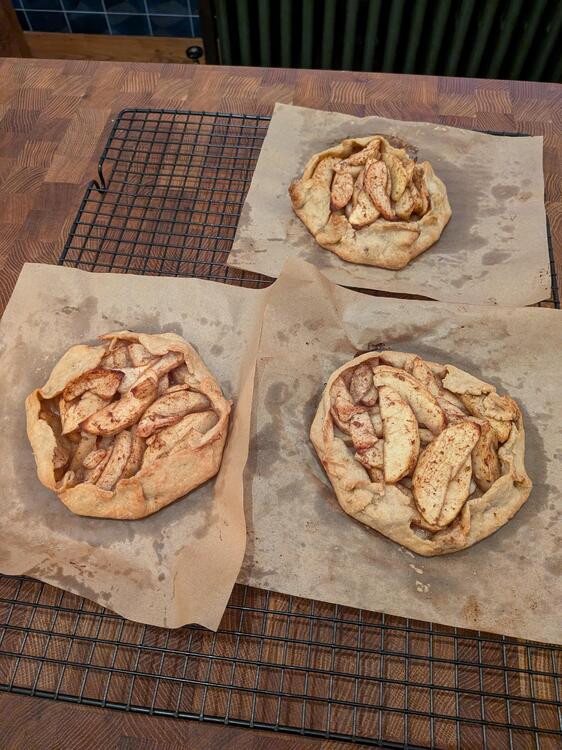 I'm going to secretly buy 8 track tapes. I see a pattern.Memorial Drive, Boston. Remember, it's not a Storrowing unless it happens on Storrow Drive, otherwise it's just a sparkling bridge strike.
 Dang....maybe I should hold off selling my CD's until the pricing starts to come up like it did for vinyl.....Nice center channelWhat is a yute?Techmoan talks taping off the radio:




















Important Information
By using this site, you agree to our Terms of Use.
Account
Navigation
Search
Configure browser push notifications
Chrome (Android)
- Tap the lock icon next to the address bar.
- Tap Permissions → Notifications.
- Adjust your preference.
Chrome (Desktop)
- Click the padlock icon in the address bar.
- Select Site settings.
- Find Notifications and adjust your preference.
Safari (iOS 16.4+)
- Ensure the site is installed via Add to Home Screen.
- Open Settings App → Notifications.
- Find your app name and adjust your preference.
Safari (macOS)
- Go to Safari → Preferences.
- Click the Websites tab.
- Select Notifications in the sidebar.
- Find this website and adjust your preference.
Edge (Android)
- Tap the lock icon next to the address bar.
- Tap Permissions.
- Find Notifications and adjust your preference.
Edge (Desktop)
- Click the padlock icon in the address bar.
- Click Permissions for this site.
- Find Notifications and adjust your preference.
Firefox (Android)
- Go to Settings → Site permissions.
- Tap Notifications.
- Find this site in the list and adjust your preference.
Firefox (Desktop)
- Open Firefox Settings.
- Search for Notifications.
- Find this site in the list and adjust your preference.