Leaderboard
-
VPI
High Rollers6Points9103Posts -
Grahame
High Rollers5Points16831Posts -
Hopstretch
High Rollers5Points16809Posts -
Voltron
High Rollers5Points34606Posts




Popular Content
Showing content with the highest reputation on 03/02/16 in all areas
-
4 pointshad no idea he had still been alive... nobody can eat 50 eggs... R.I.P....4 points
-
One channel of the Uber amp running on a + - 20v bench supply into 10R load1 point
-
1 pointFather Ted also did Trump long before he was a thing. RIP Dermot Morgan.1 point
-
1 point
-
1 point
-
1 point
-
1 pointI thought you are not supposed to do wire transfers when laundering money.1 point
-
Faux Victorian map of mars. Click through for slightly larger. This one is worth it.1 point
-
1 pointWent out to vote in the Presidential Primary. My town decided, in its infinite wisdom, 80% of the town will vote in the same location this year - the middle school. Which is located on one of the busiest roads in town with no turning lane into the school. While the school is in session.1 point
-
1 point
-
1 point
-
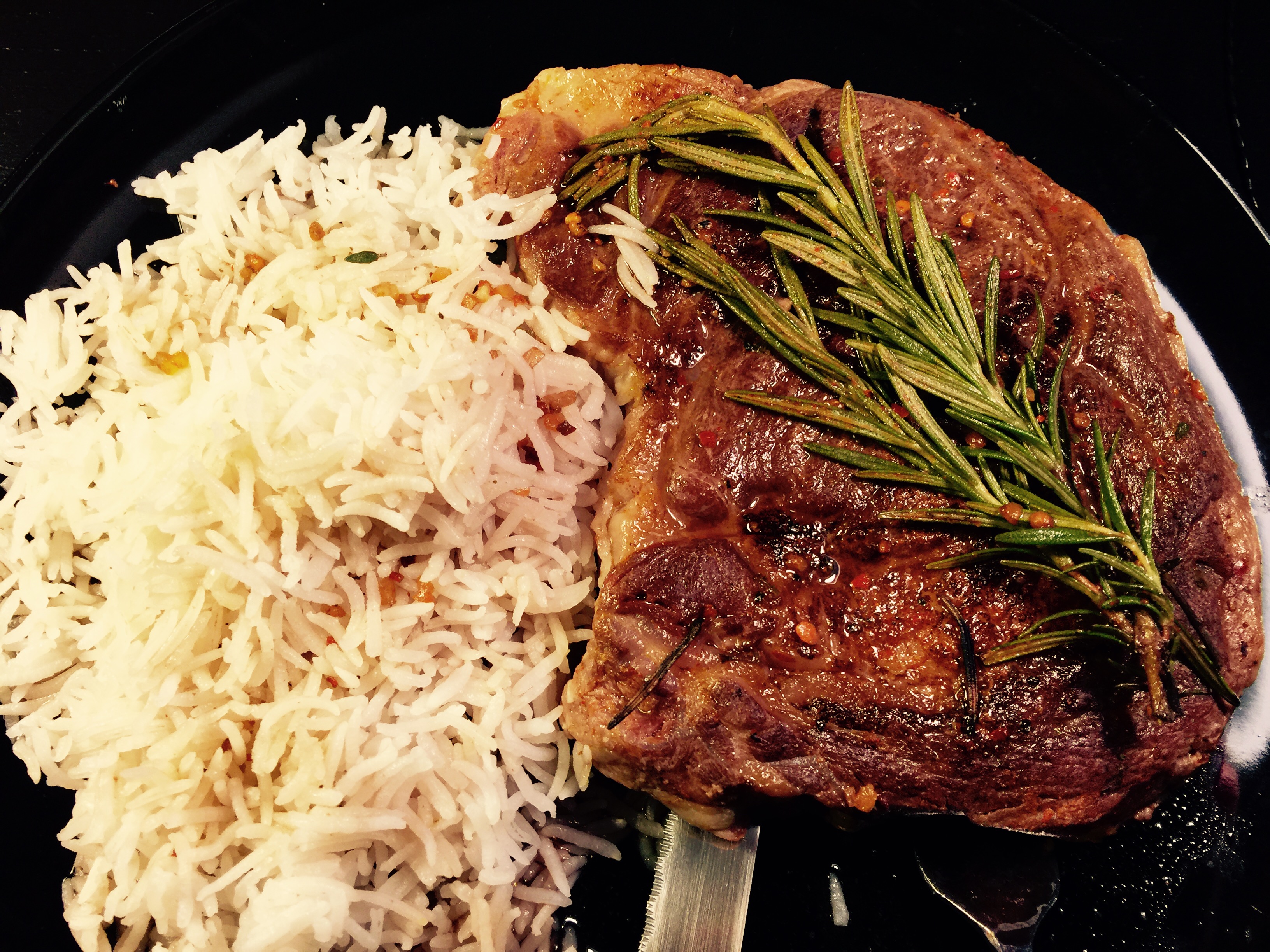
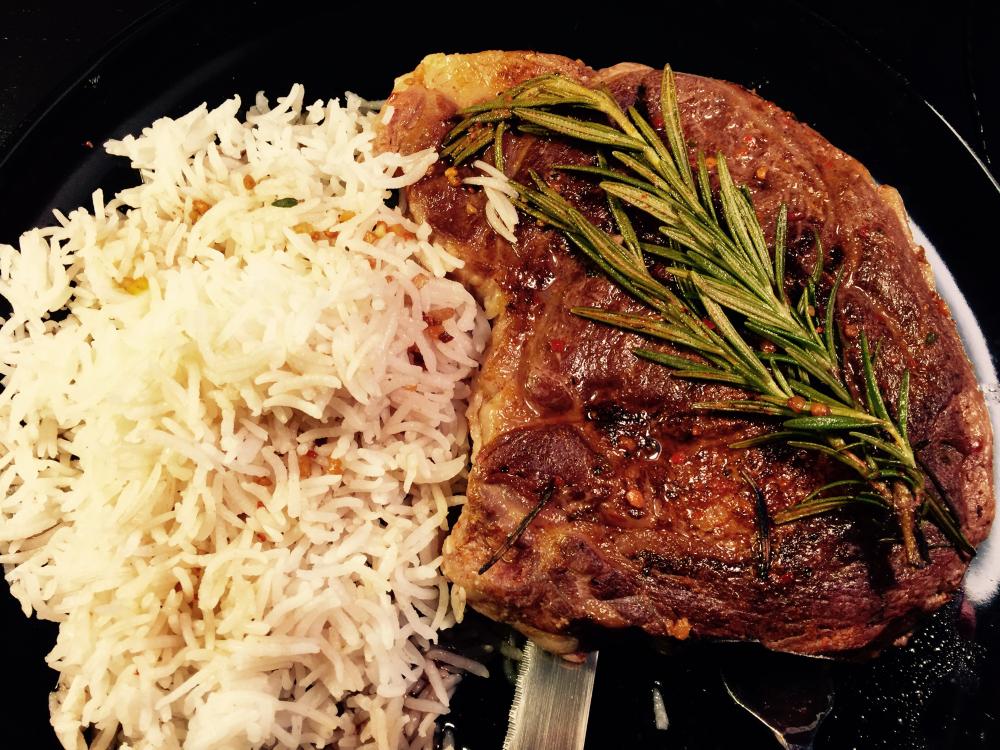
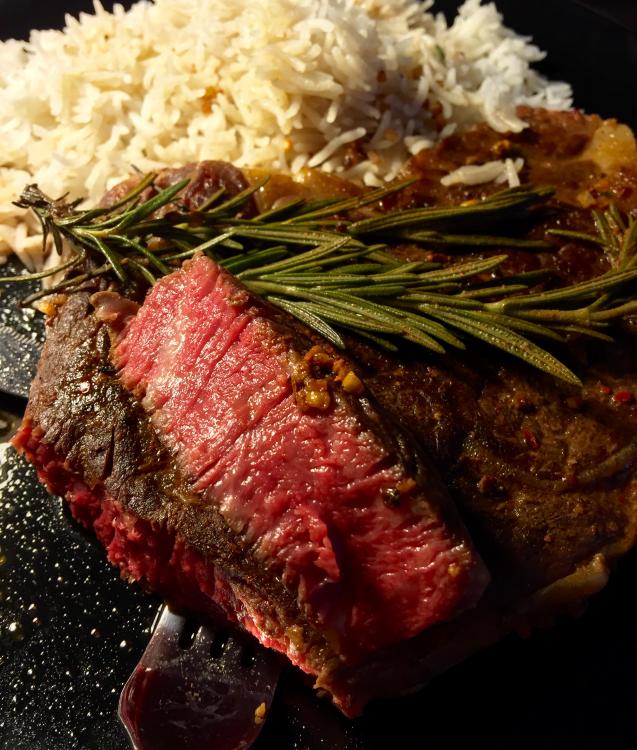
1 pointMedium rare rib eye (129F for 1 hour and 45 minutes) with basmati rice. Dropped it in frozen and seared it before hand. Crust wasn't as crispy since it was floating around in the juices for a long time. Going to try the searzall with the next one. The crust was just the right thickness though. I always end up overcooking the meat when I pan sear after sous vide even with the suggested 1 minute on each side.
 1 point
 -
1 pointI did my first ever wire transfer today at the bank. that process has me believing in Bitcoin again.1 point