Leaderboard
-
Hopstretch
High Rollers19Points16809Posts -
Voltron
High Rollers9Points34607Posts -
VPI
High Rollers7Points9103Posts -
mikeymad
High Rollers7Points13850Posts




Popular Content
Showing content with the highest reputation on 10/20/18 in all areas
-
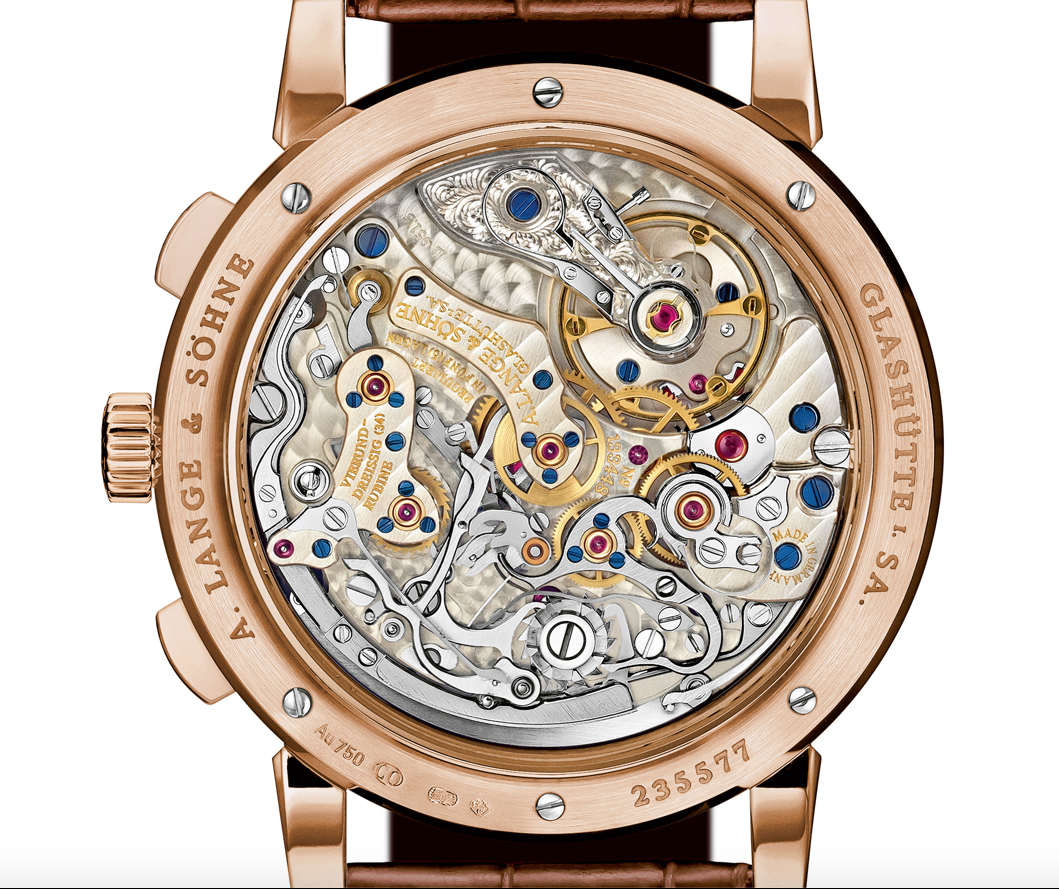
9 pointsPrematurely touted a Lange once before but hope this one won't get away. Have been looking for a year or so, they are like hens' teeth.
 9 points
 -
4 points
-
4 points
-
2 pointsSteak, done Thai style. It's ackshully quite medium rare, emphasis on the rare.2 points
-
2 points
-
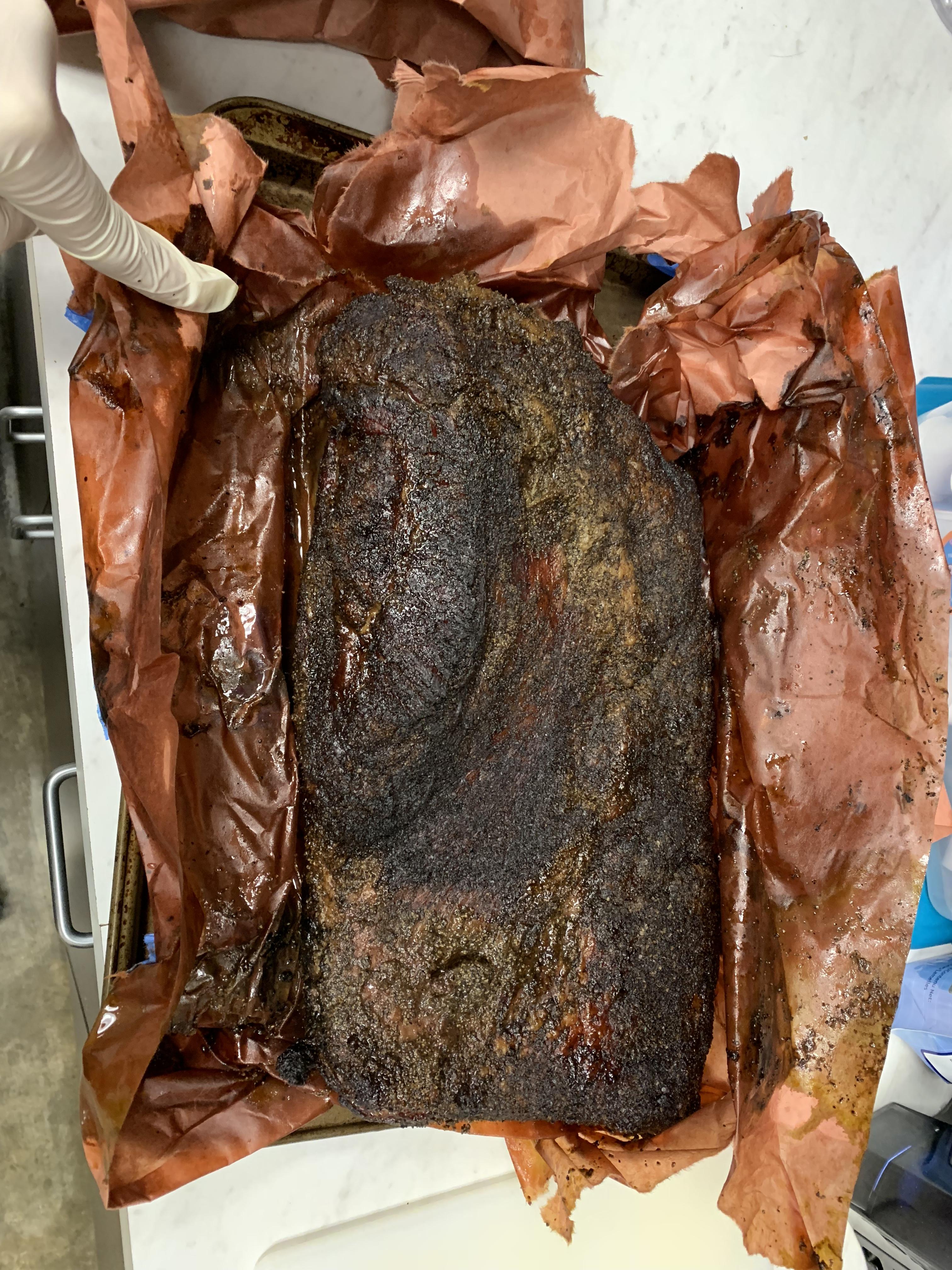
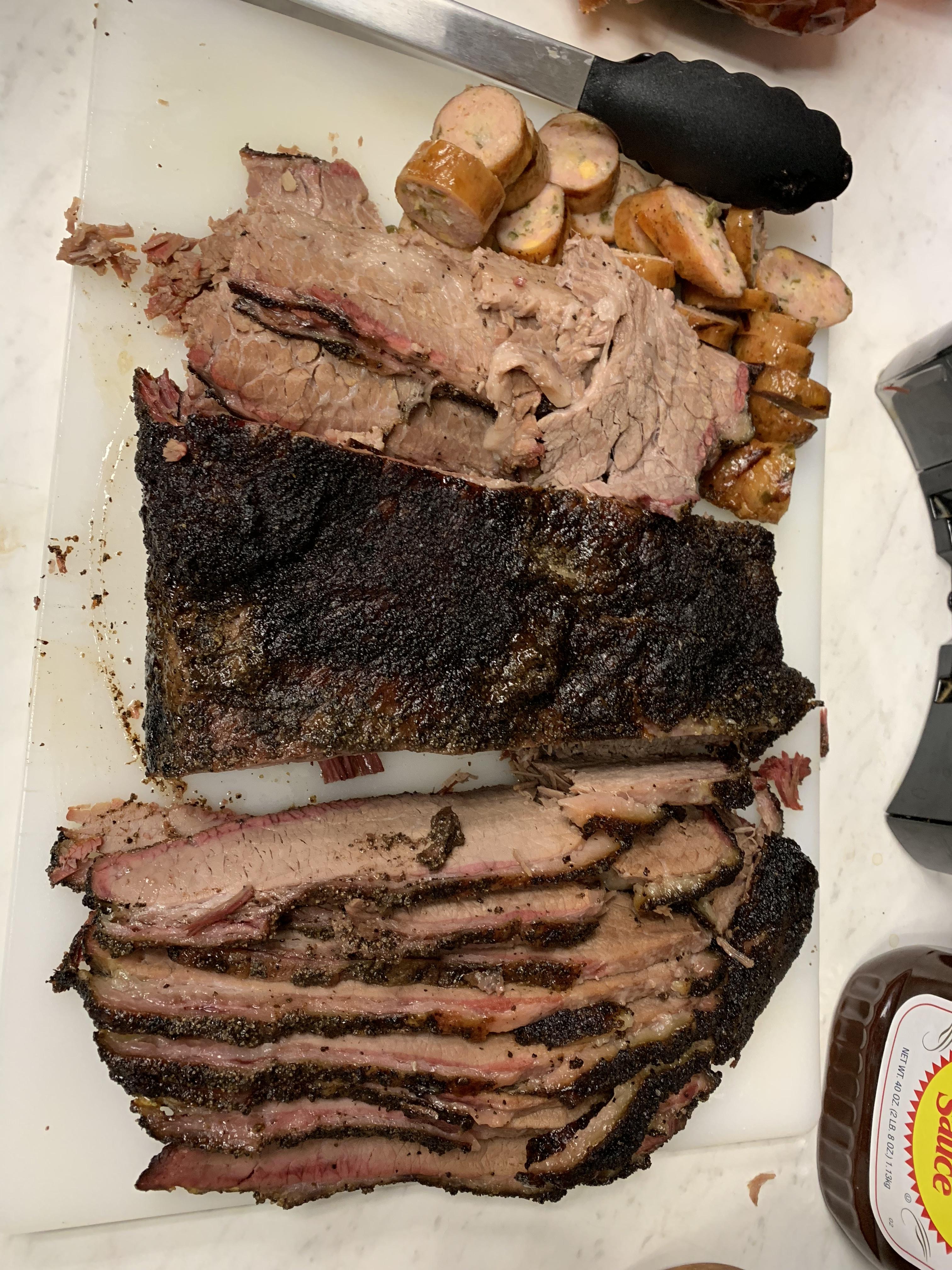
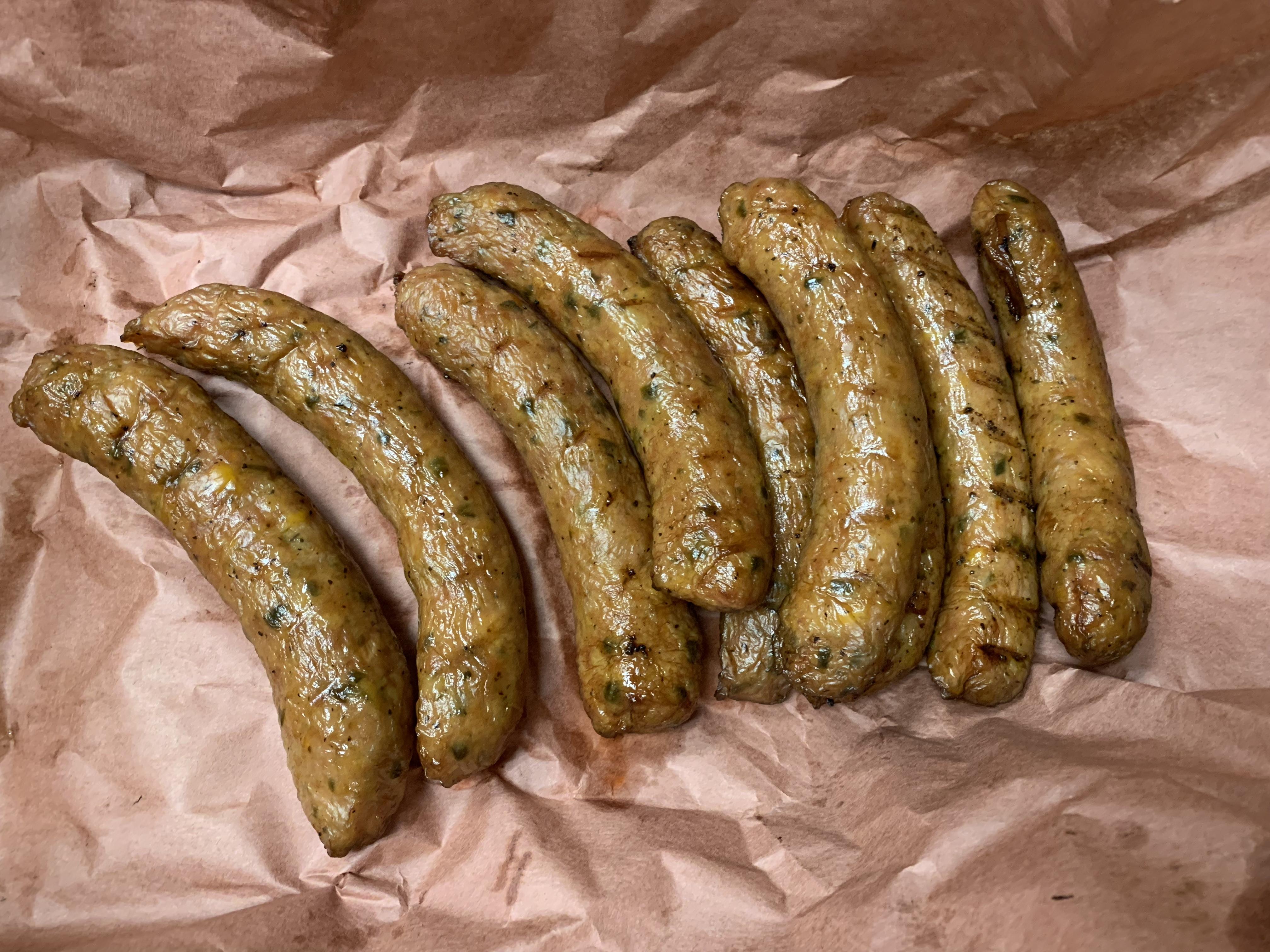
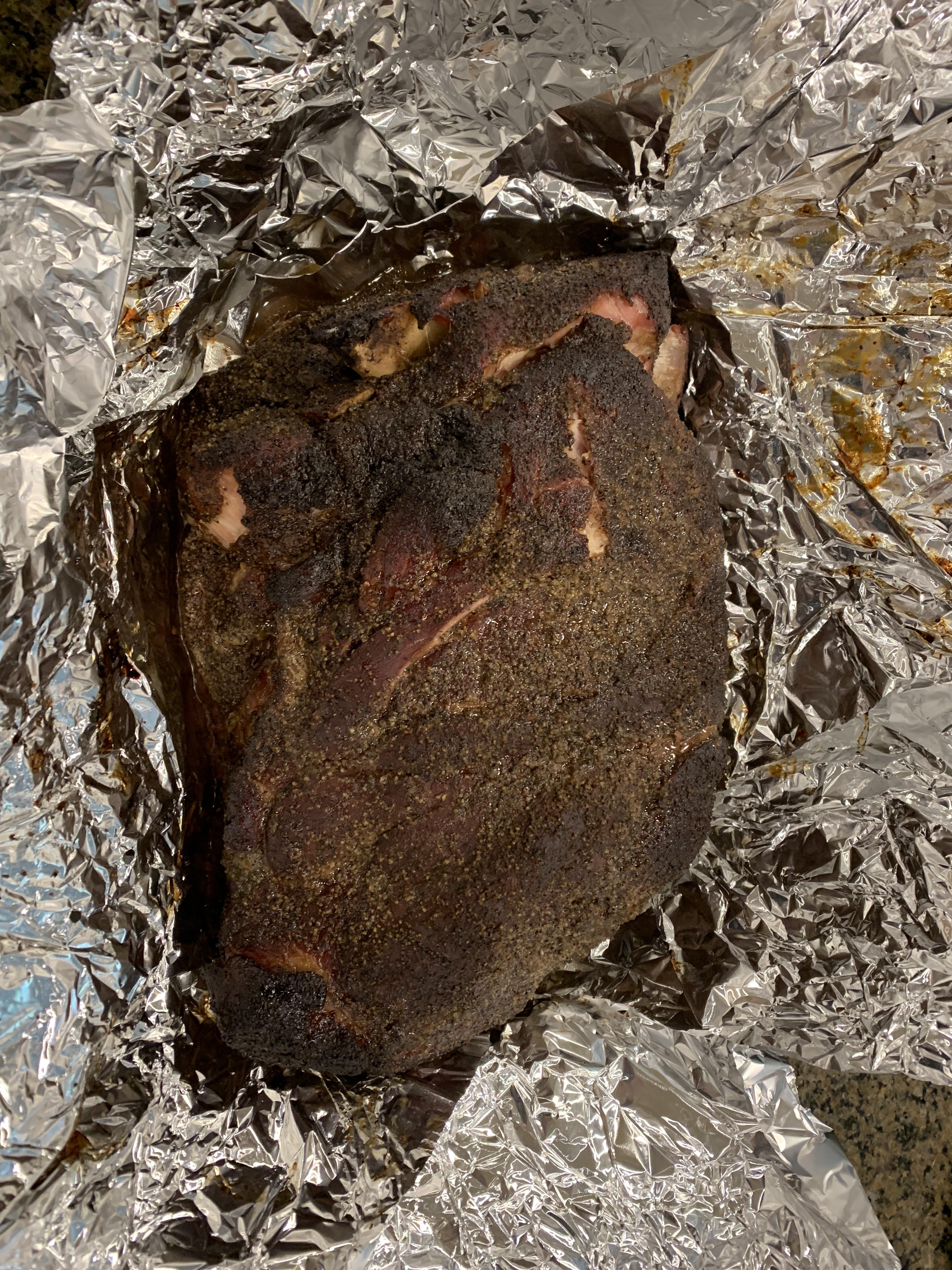
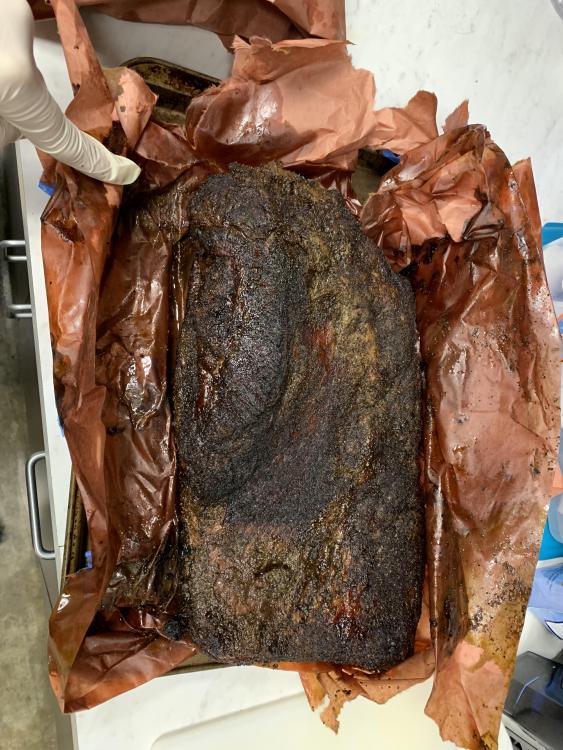
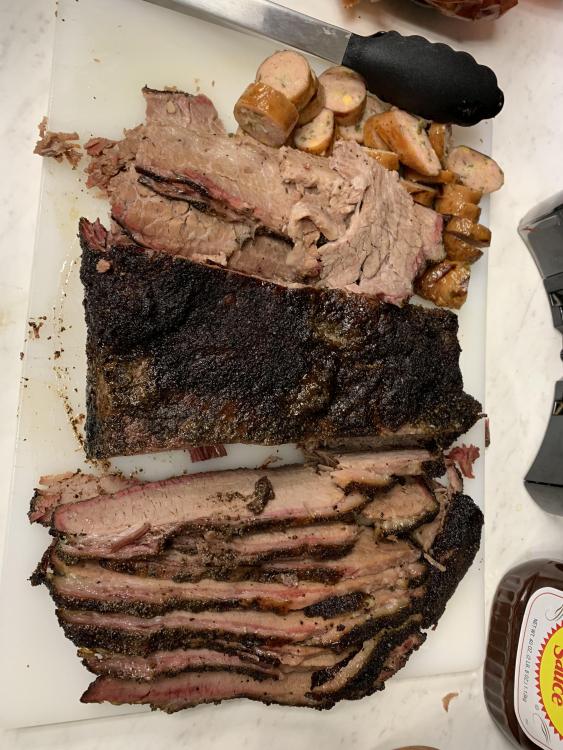
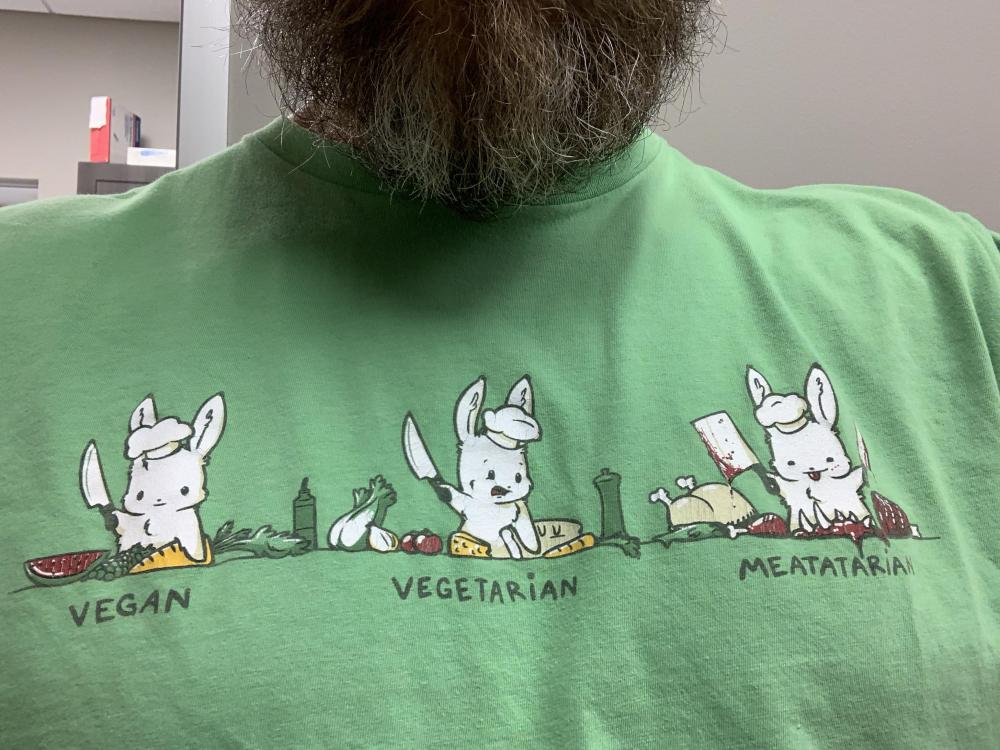
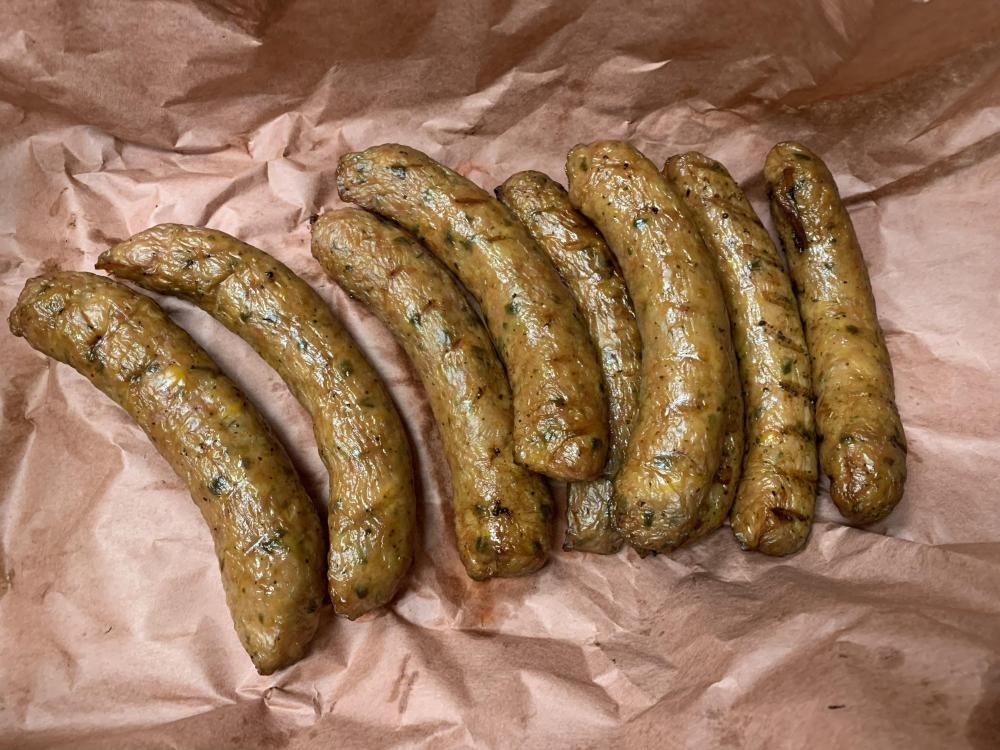
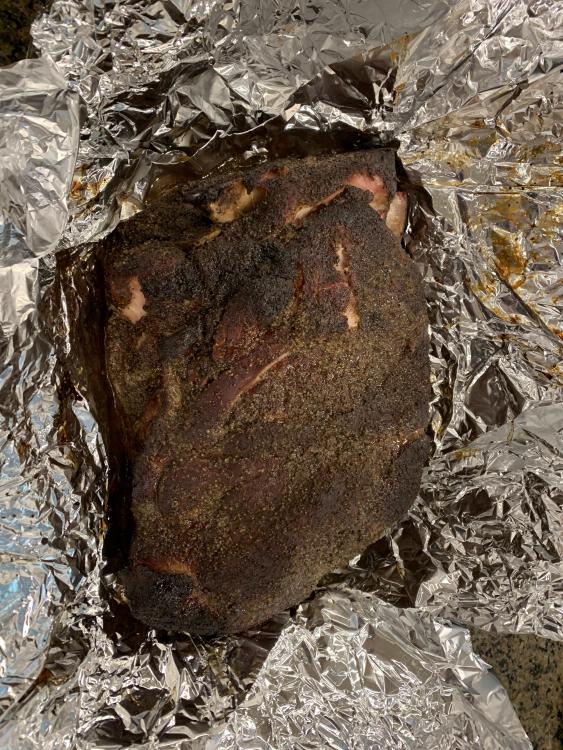
2 pointsBrisket Fairy came out and played a little. Cooked up some brisket, pork butt, and pineapple/cheddar/jalapeño sausage for our staff.
 2 points
 -
1 point
-
1 point
-
Test Tone @ Home live right now: http://mixlr.com/illuminator/chat1 point
-
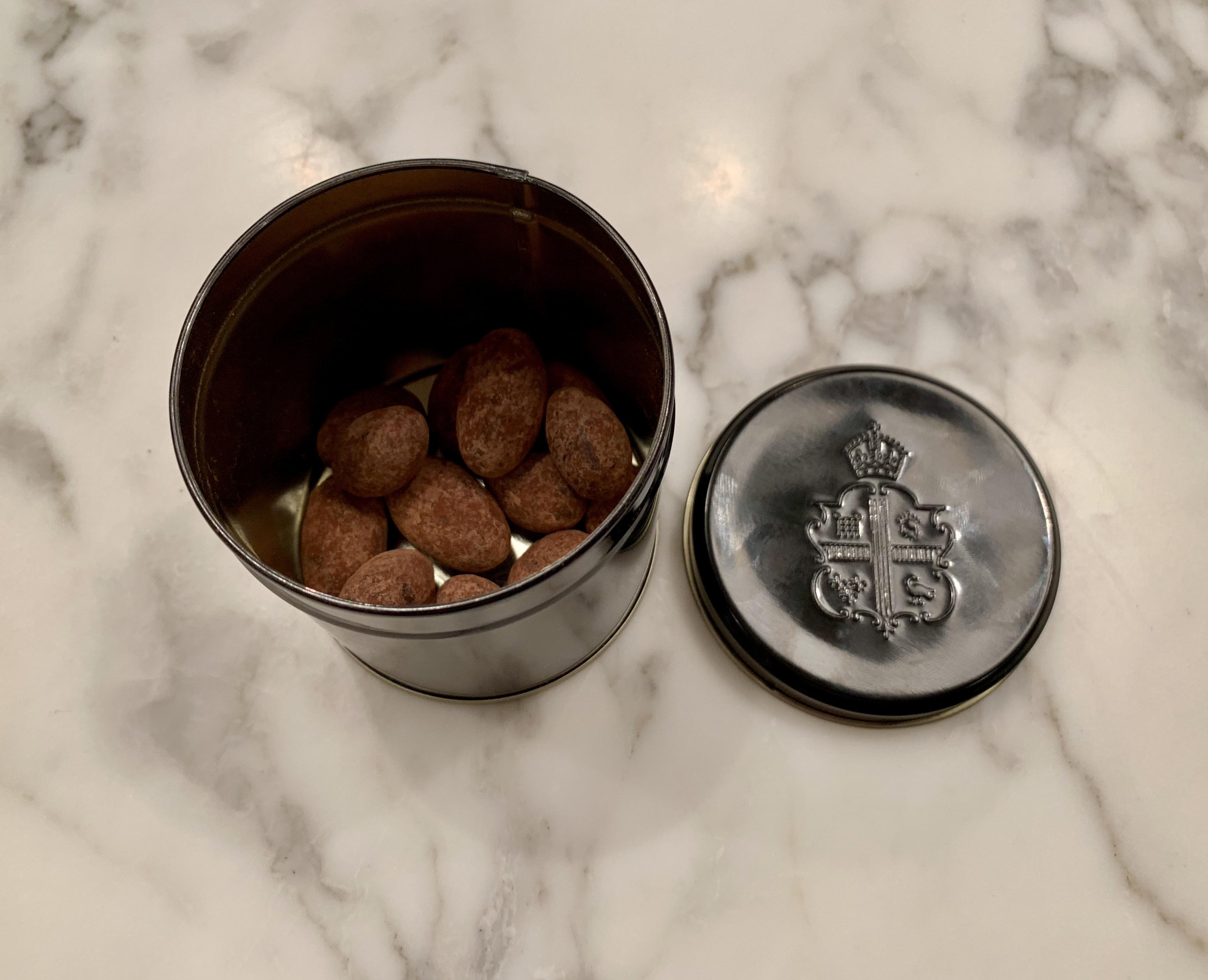
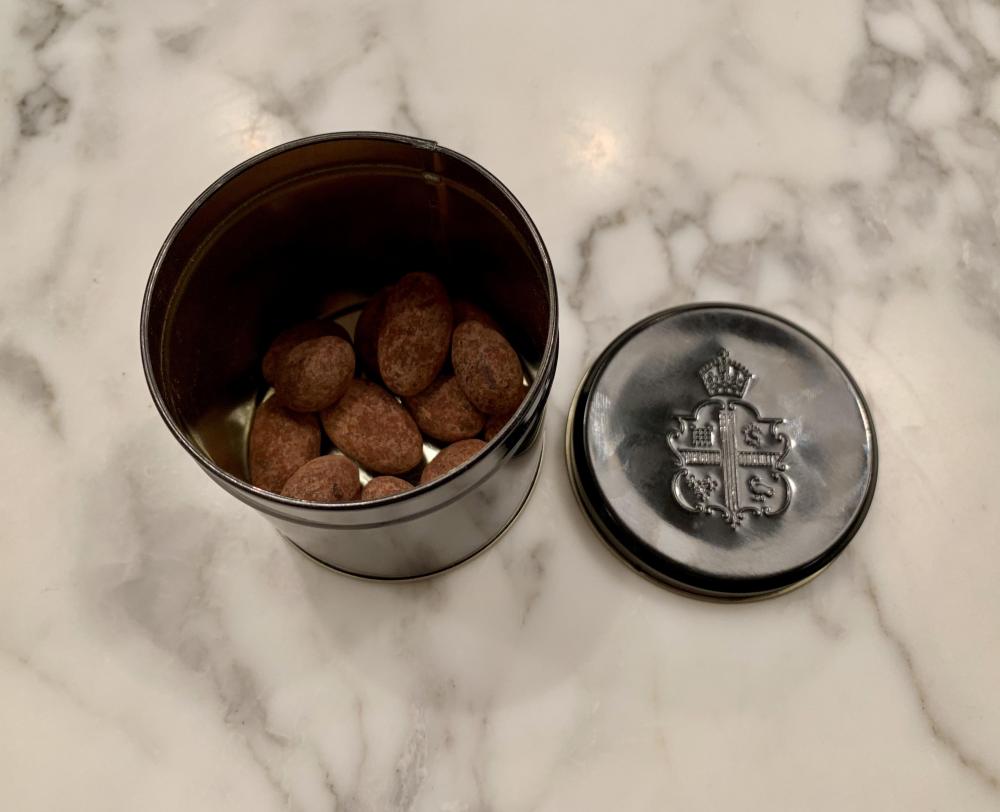
1 pointTravel loot. Claridge's dark chocolate almonds. I was just going to have the one ...
 1 point
 -
1 point
-
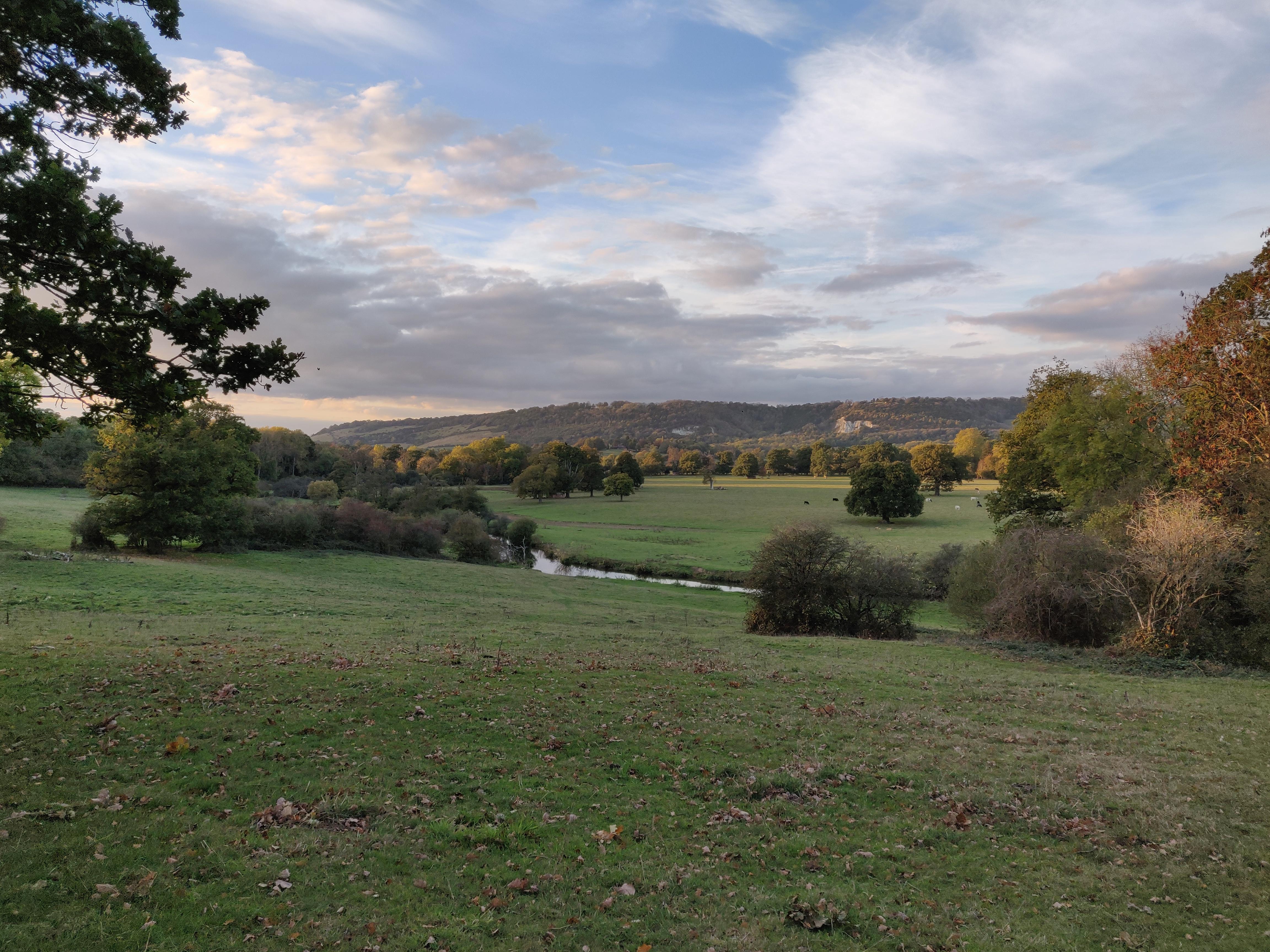
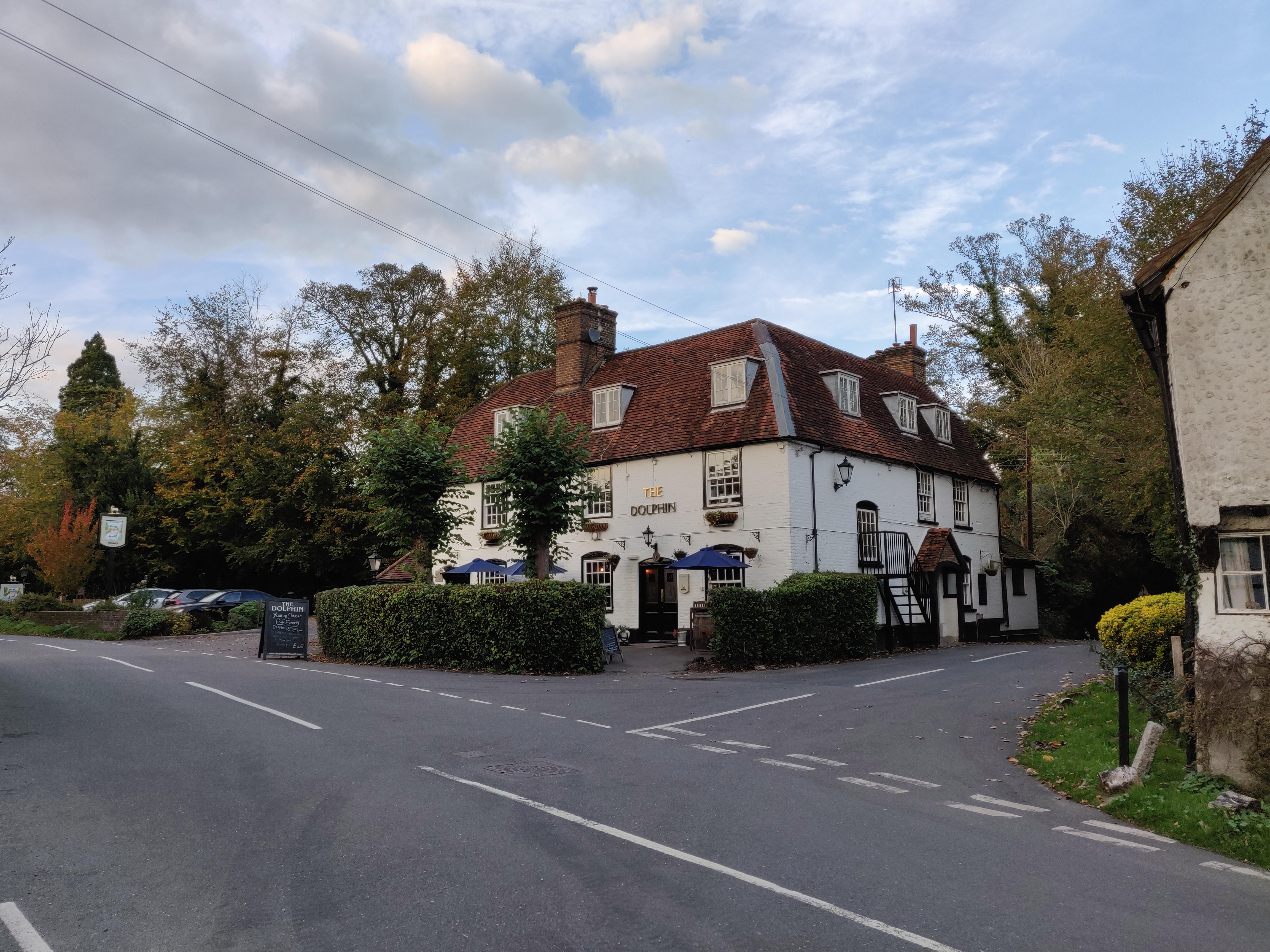
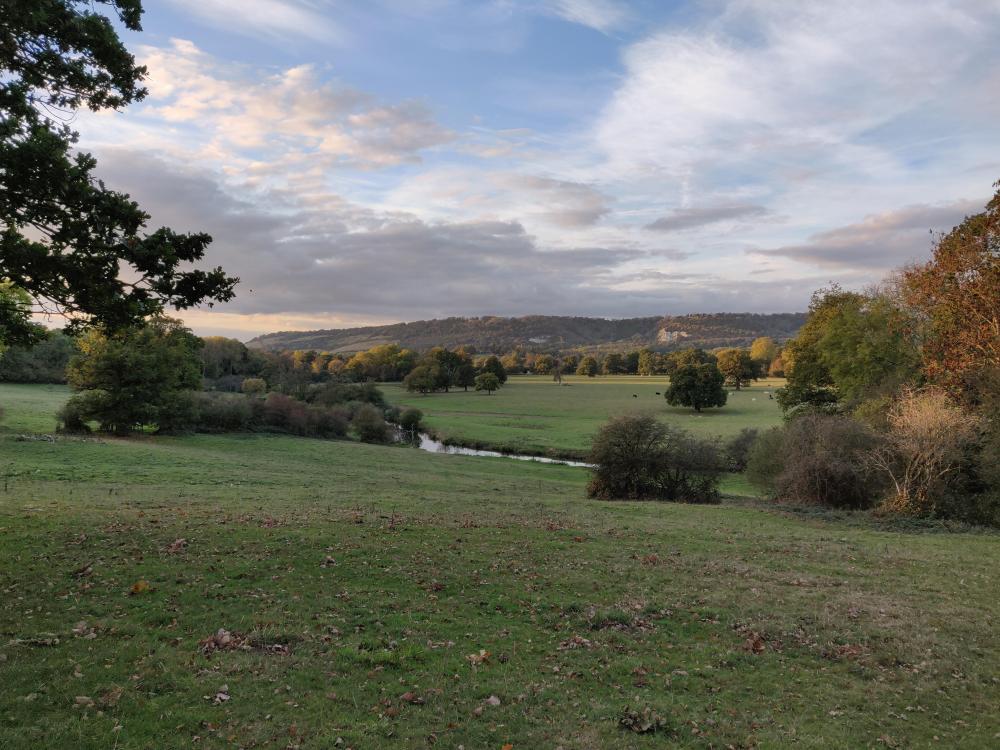
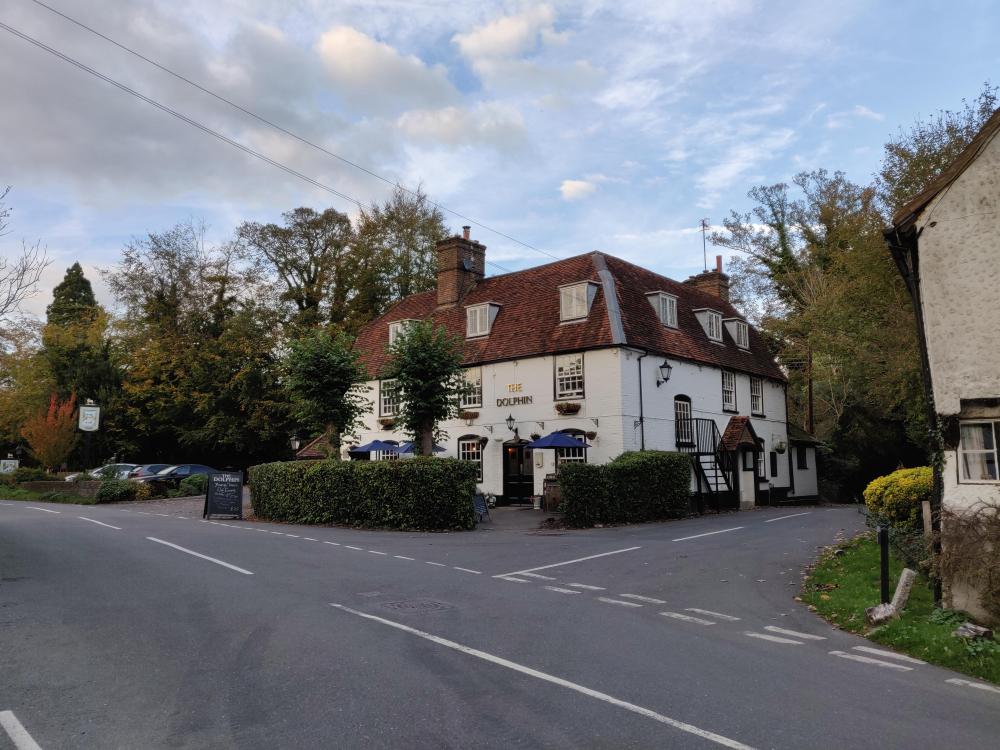
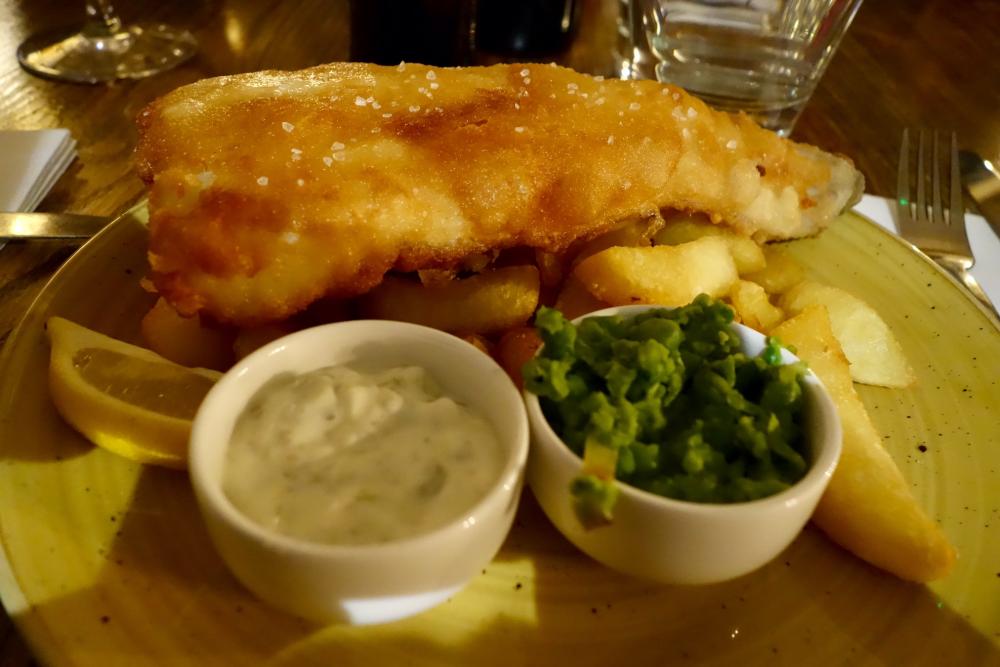
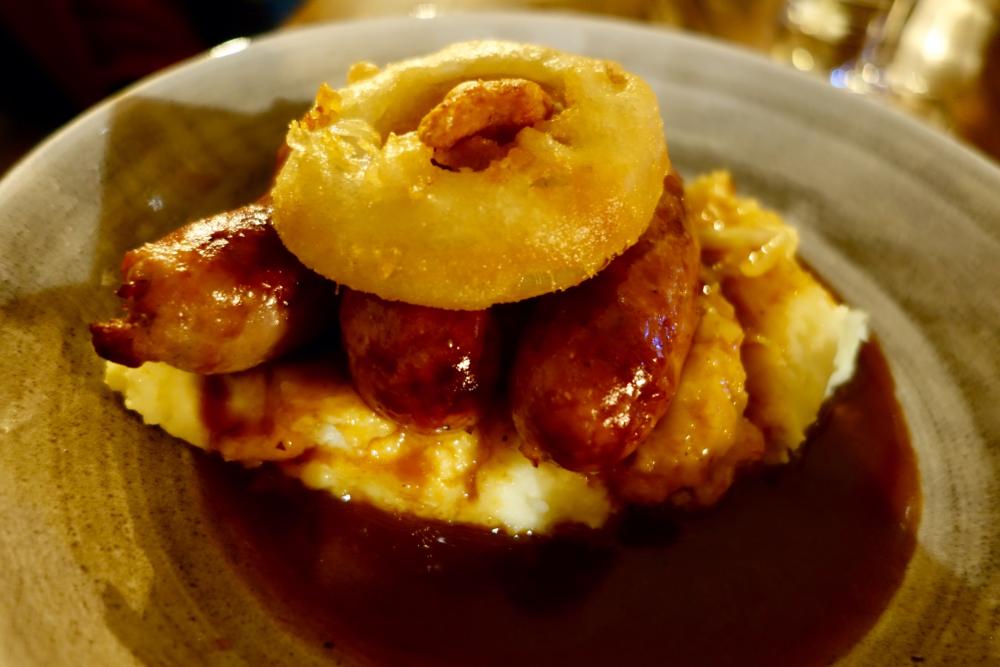
1 pointOn our last night in England, went for a country walk with one of Joanne's Brothers Ending at a country pub where Joanne's other Brother joined us For food and drinks
 1 point
 -
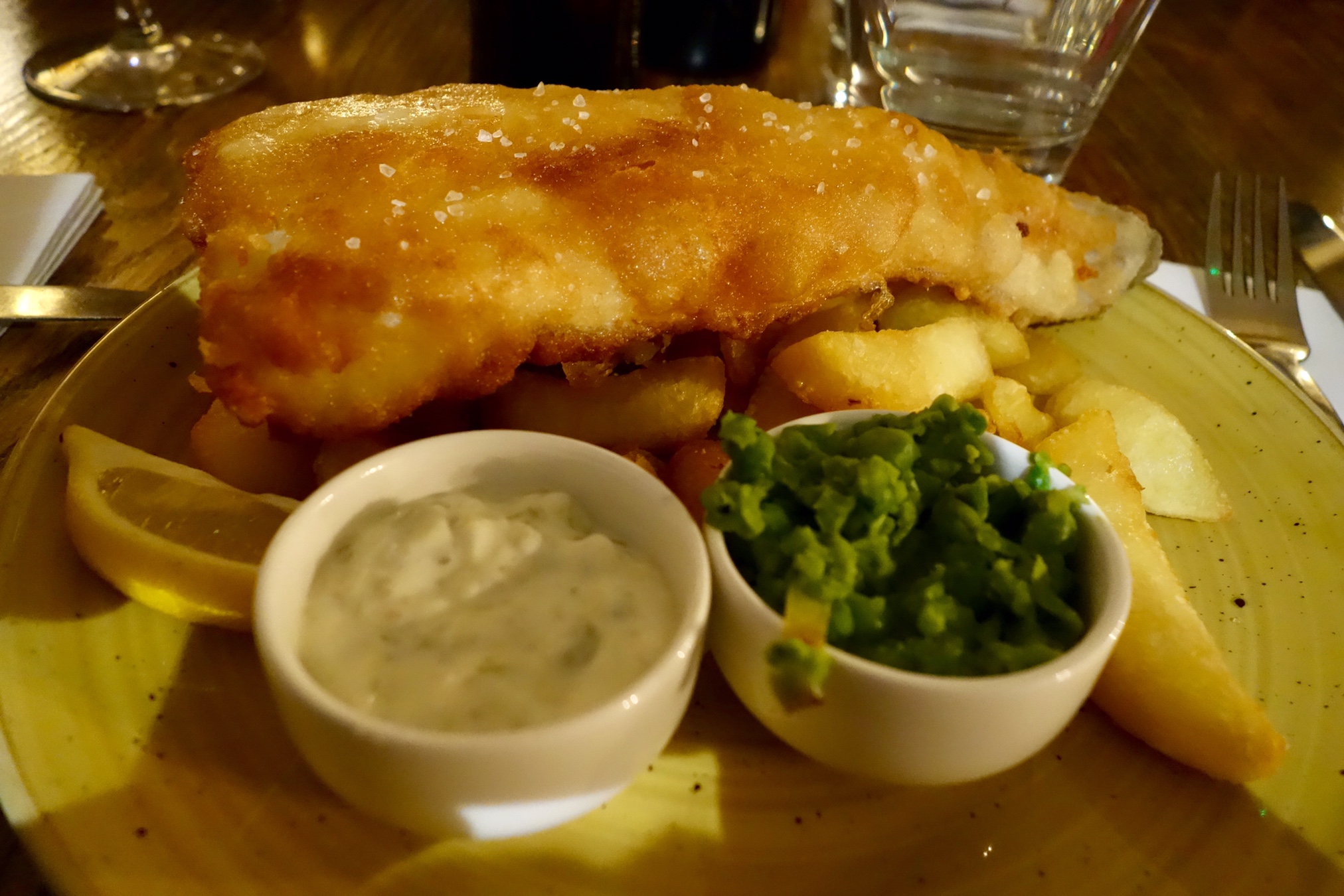
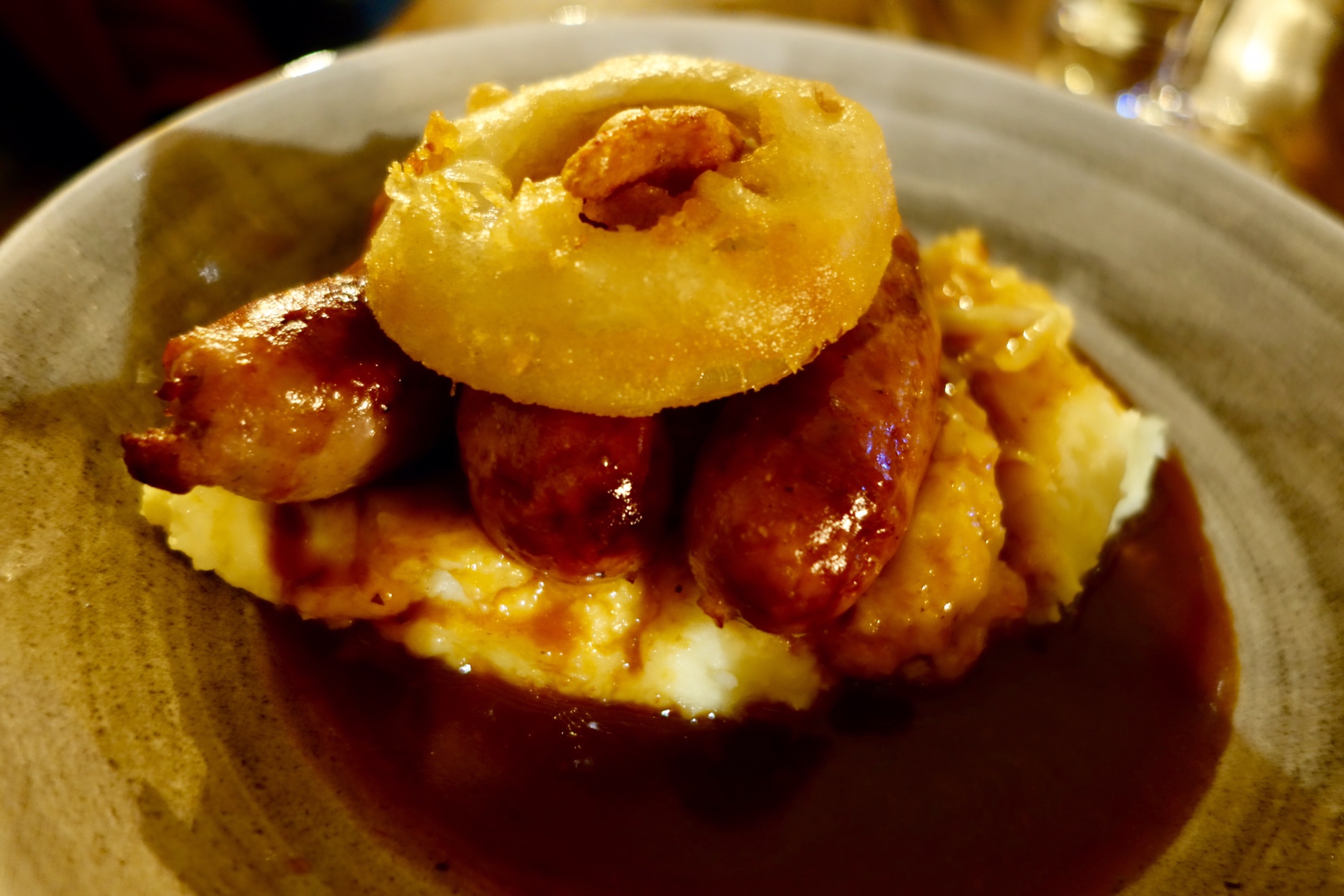
1 pointDecent Country Pub Grub. Fish and Chips. Bangers and Mash (and onion ring)
 1 point
 -
The Quabbin Reservoir near Amherst, MA, AKA about 15 minutes from where I am now.1 point
-
She's pretty terrific.1 point