

Leaderboard
-
morphsci
High Rollers17Points13356Posts -
Fitz
High Rollers8Points5813Posts -
Voltron
High Rollers7Points34632Posts -
Knuckledragger
High Rollers6Points16524Posts




Popular Content
Showing content with the highest reputation on 07/04/20 in all areas
-
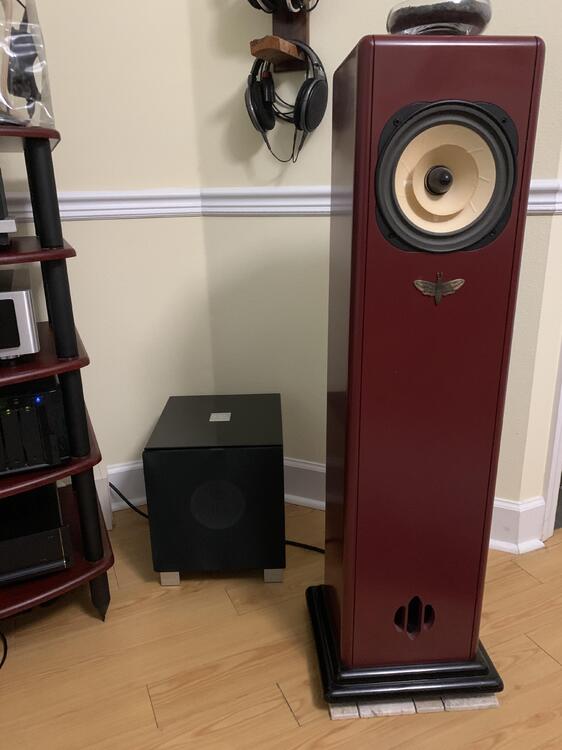
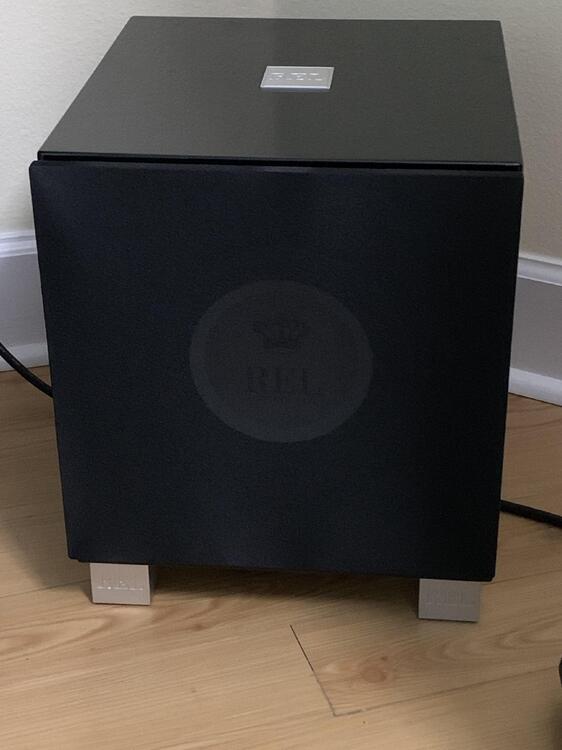
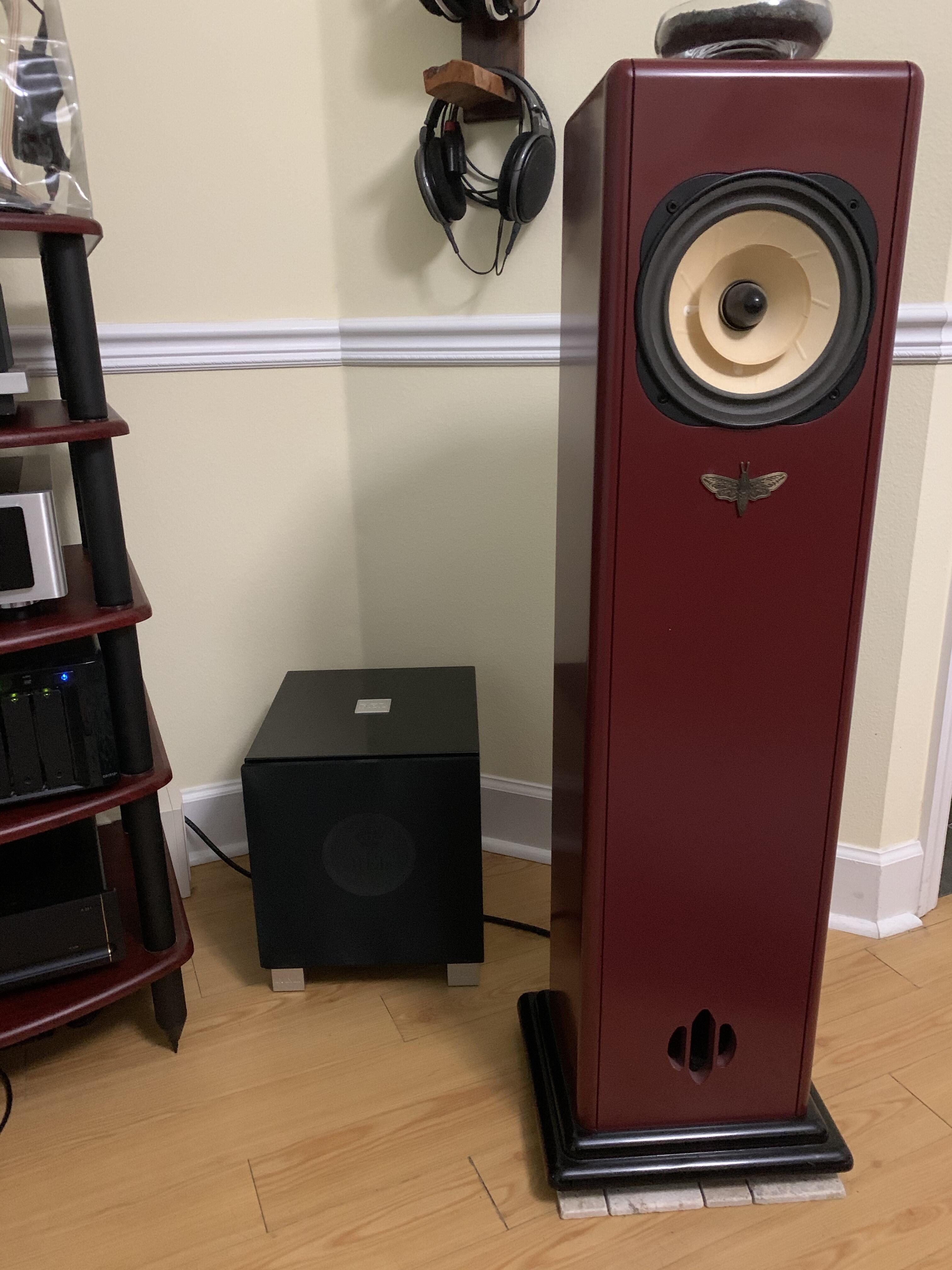
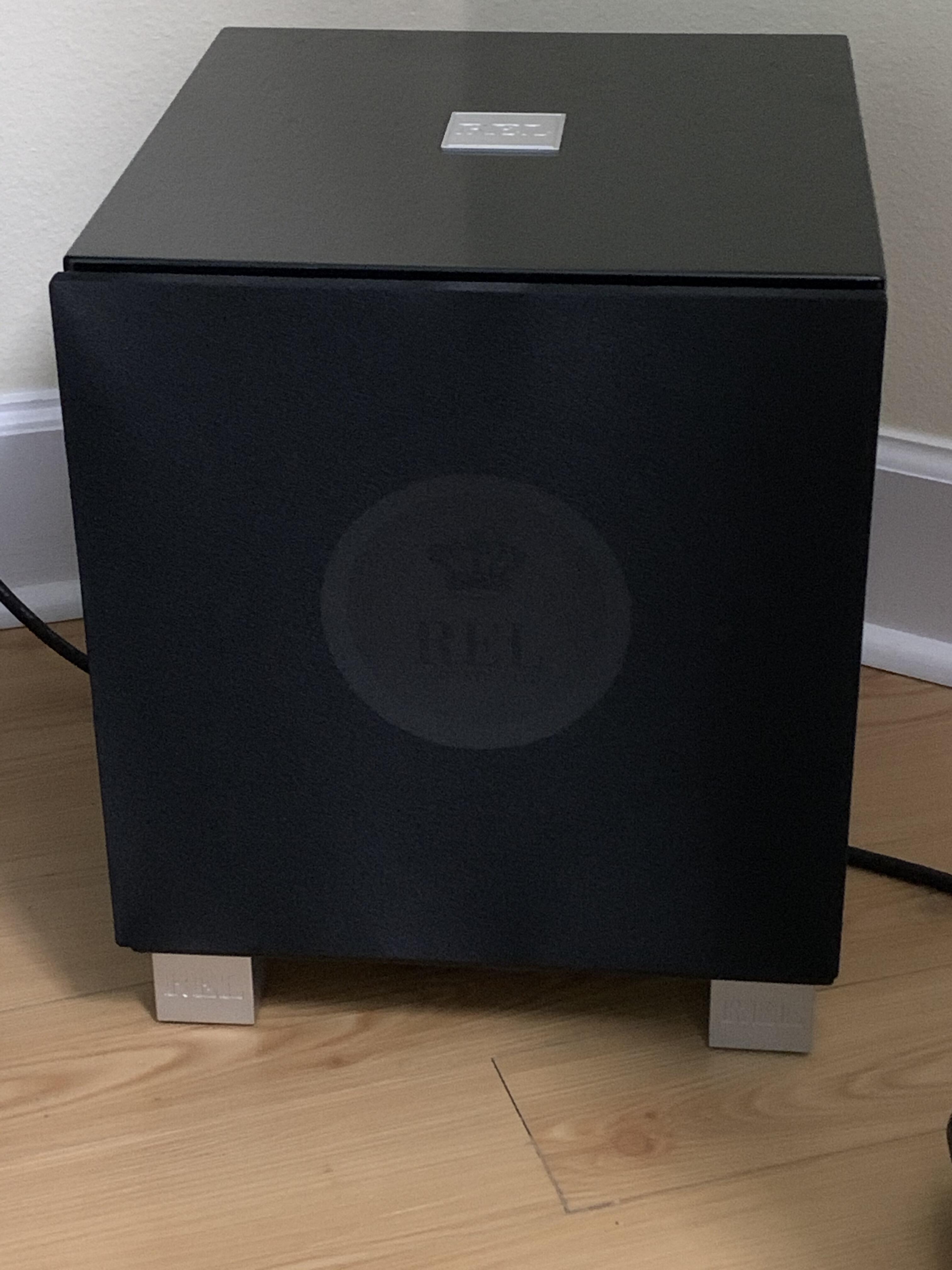
13 pointsWas able to sneak in the REL subwoofer with nobody noticing. Not that hard as it is remarkably compact.
 13 points
 -
3 points3 points2 pointsOlga is a saber fencer from the Ukraine. Fencing is an awesome sport, jus' sayin'1 pointTest Tone @ Home live right now: http://mixlr.com/illuminator/chat1 point1 pointI had a friend in High School who loved them, as well as several of the other Ralph Records artists.....(The Residents of course) EDIT: just found the song he loved to play the most for me1 point1 pointwe actually got a longer run than most. It was pretty cool. And I really dig the ARM system. They're doing cool shit.1 point1 pointNot that it's directly applicable but it's funny that this was announced on 6/22,.. Sorry Dan. Japan Captures Top500 Crown FRANKFURT, Germany; BERKELEY, Calif.; and KNOXVILLE, Tenn.—The 55th edition of the TOP500 saw some significant additions to the list, spearheaded by a new number one system from Japan. The latest rankings also reflect a steady growth in aggregate performance and power efficiency. The new top system, Fugaku, turned in a High Performance Linpack (HPL) result of 415.5 petaflops, besting the now second-place Summit system by a factor of 2.8x. Fugaku, is powered by Fujitsu’s 48-core A64FX SoC, becoming the first number one system on the list to be powered by ARM processors. In single or further reduced precision, which are often used in machine learning and AI applications, Fugaku’s peak performance is over 1,000 petaflops (1 exaflops). The new system is installed at RIKEN Center for Computational Science (R-CCS) in Kobe, Japan. Number two on the list is Summit, an IBM-built supercomputer that delivers 148.8 petaflops on HPL. The system has 4,356 nodes, each equipped with two 22-core Power9 CPUs, and six NVIDIA Tesla V100 GPUs. The nodes are connected with a Mellanox dual-rail EDR InfiniBand network. Summit is running at Oak Ridge National Laboratory (ORNL) in Tennessee and remains the fastest supercomputer in the US. https://www.top500.org/news/japan-captures-top500-crown-arm-powered-supercomputer/1 point1 point1 pointHad a arborist come out to quote on trimming some of our trees. I think this may get expensive.
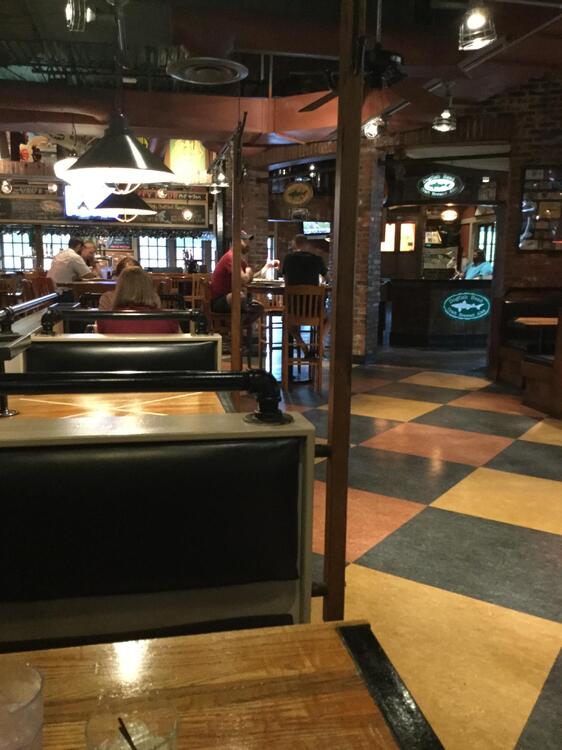
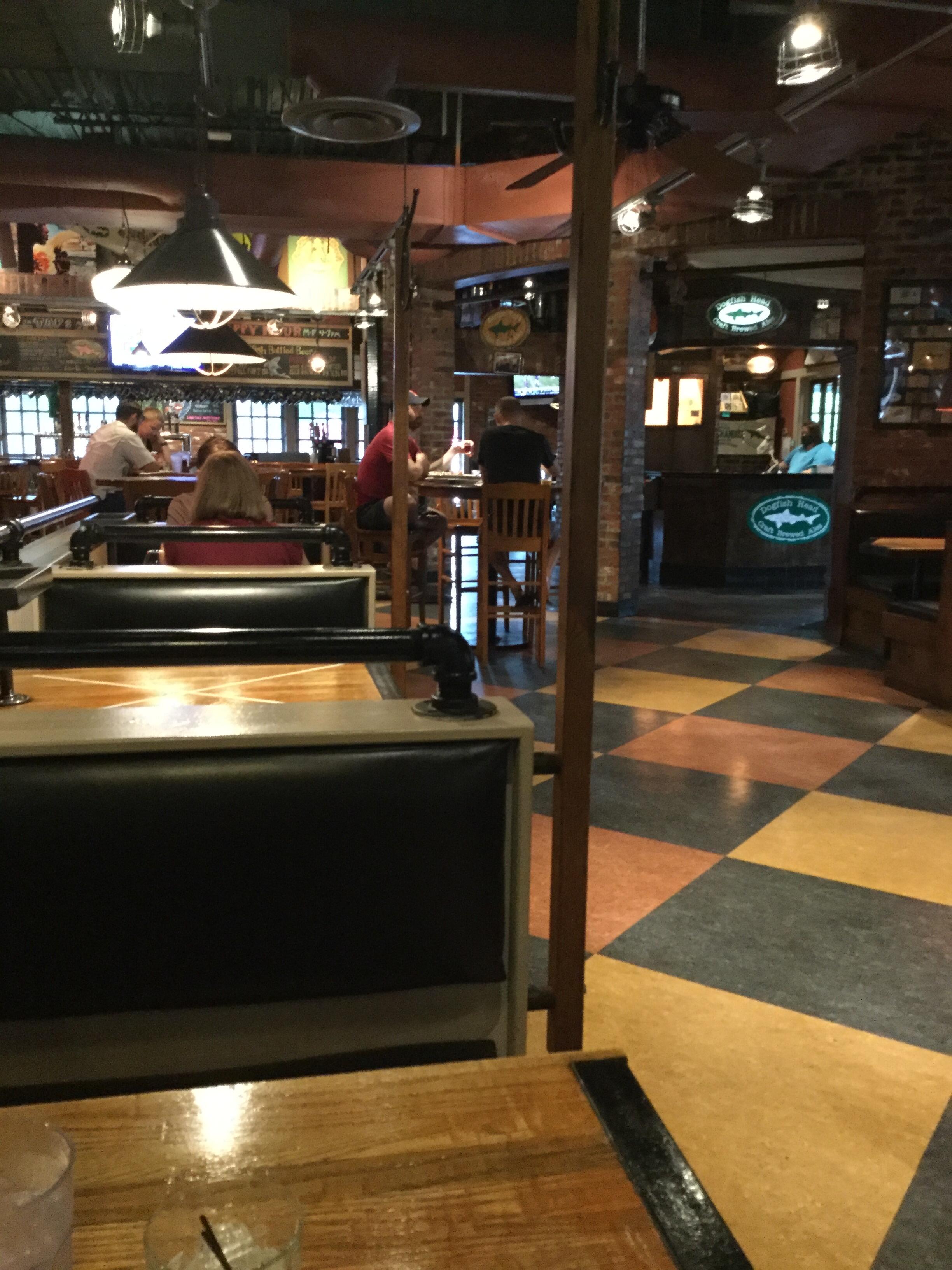
 1 point1 point1 pointAbout to eat fish & chips at nicely socially distanced Dogfish Head Alehouse.
 1 point1 pointYup, that's how I see it, we don't have the information to know if this new ARS chip that would be implemented on the new iMac would be a transitional chip towards a more developed, affordable... one which would revolutionize personal home computing, or eventually a very good one outperforming current Intels. Or not, just a chip offering a better cost/effective more profitable option for Apple, which for being in "development" phase might be buggy and troublesome compared to the current Intel offerings that have been working on computers for more than a decade. Would Windows make something to compatibilize these new chips? Not that I'm using any Windows based apps on my Mac, but still compatibility is desirable. On the other hand I'm with Hi-Wire that the current iMac line is being outperformed by more affordable options mounting better and more energy and heat savvy options. An intermediate upgrade of the iMac line keeping Intel architecture with better performance/price graphics and more affordable SSD, perhaps more RAM, would be my preferred option. Again we lack the information.1 point









Important Information
By using this site, you agree to our Terms of Use.