

Leaderboard




Popular Content
Showing content with the highest reputation on 09/15/24 in all areas
-
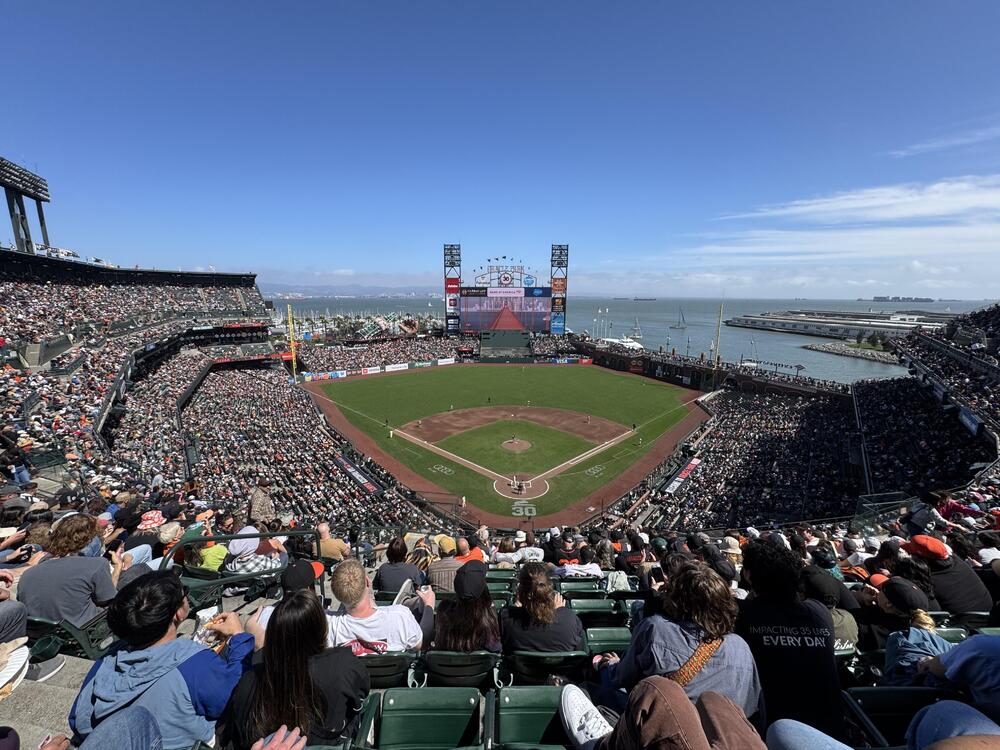
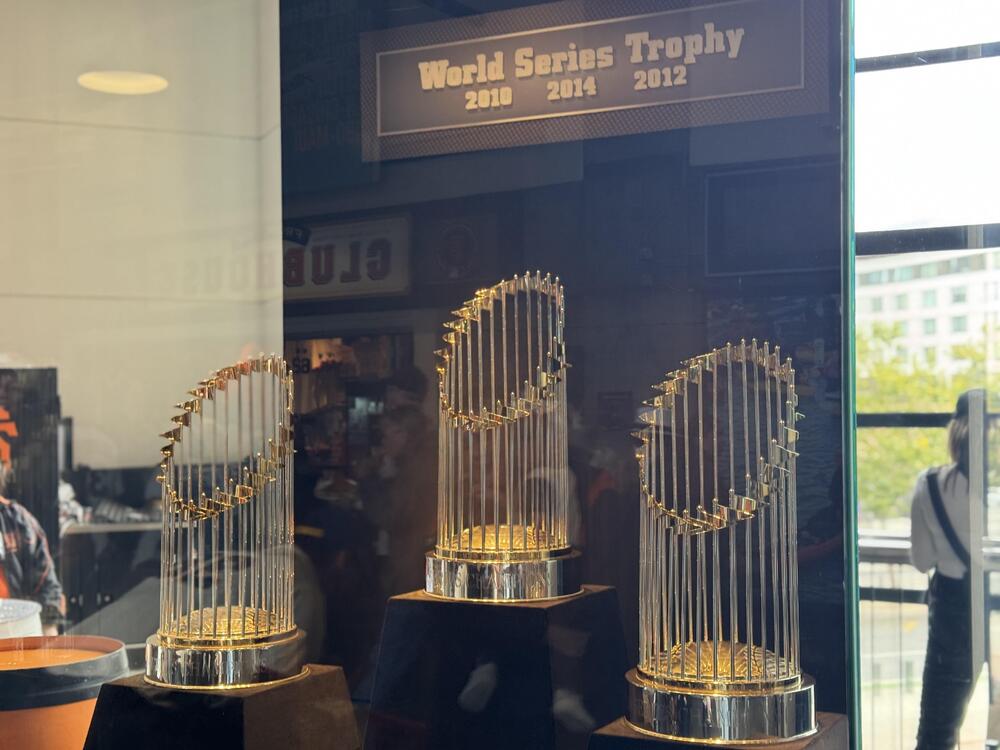
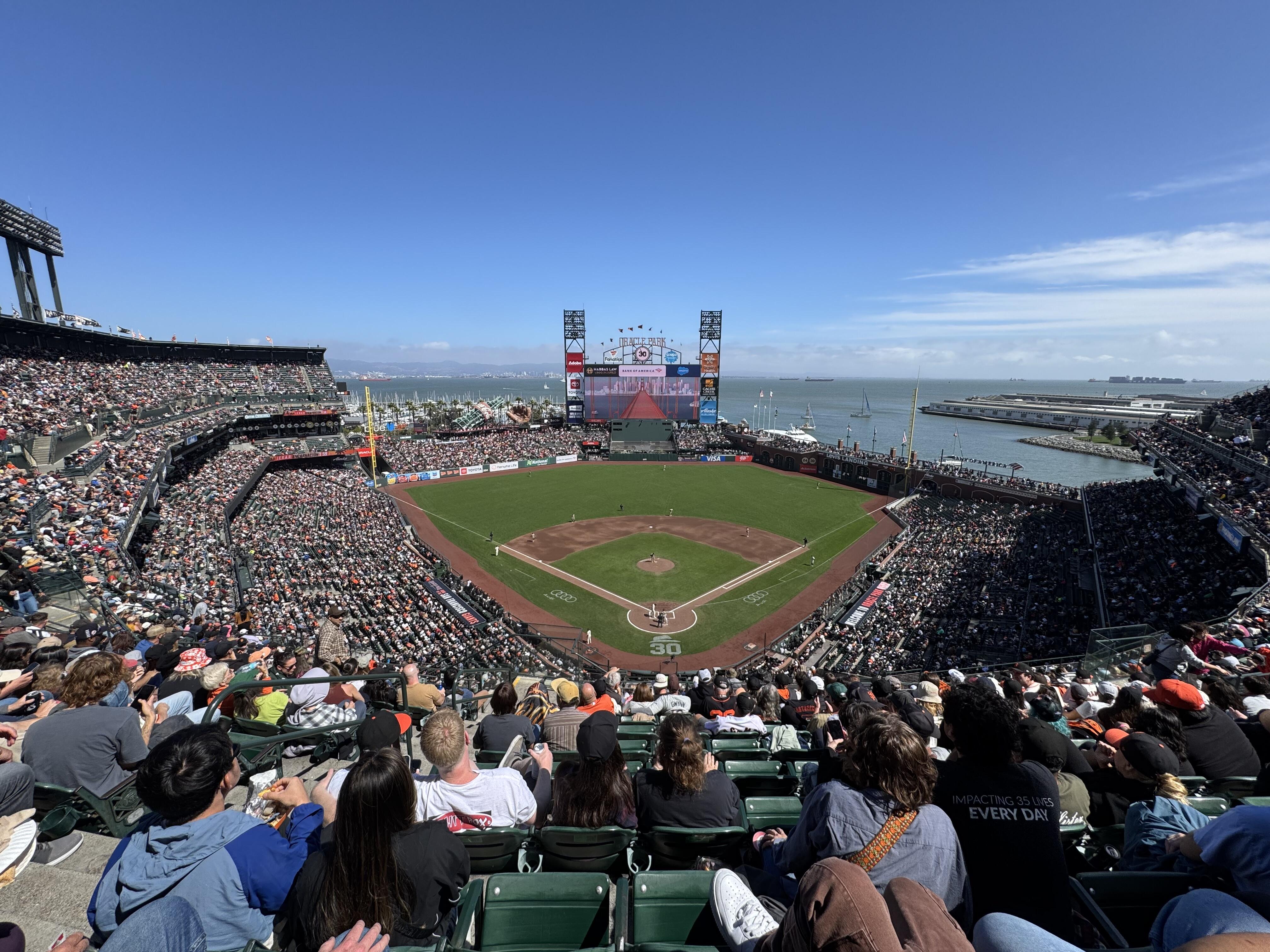
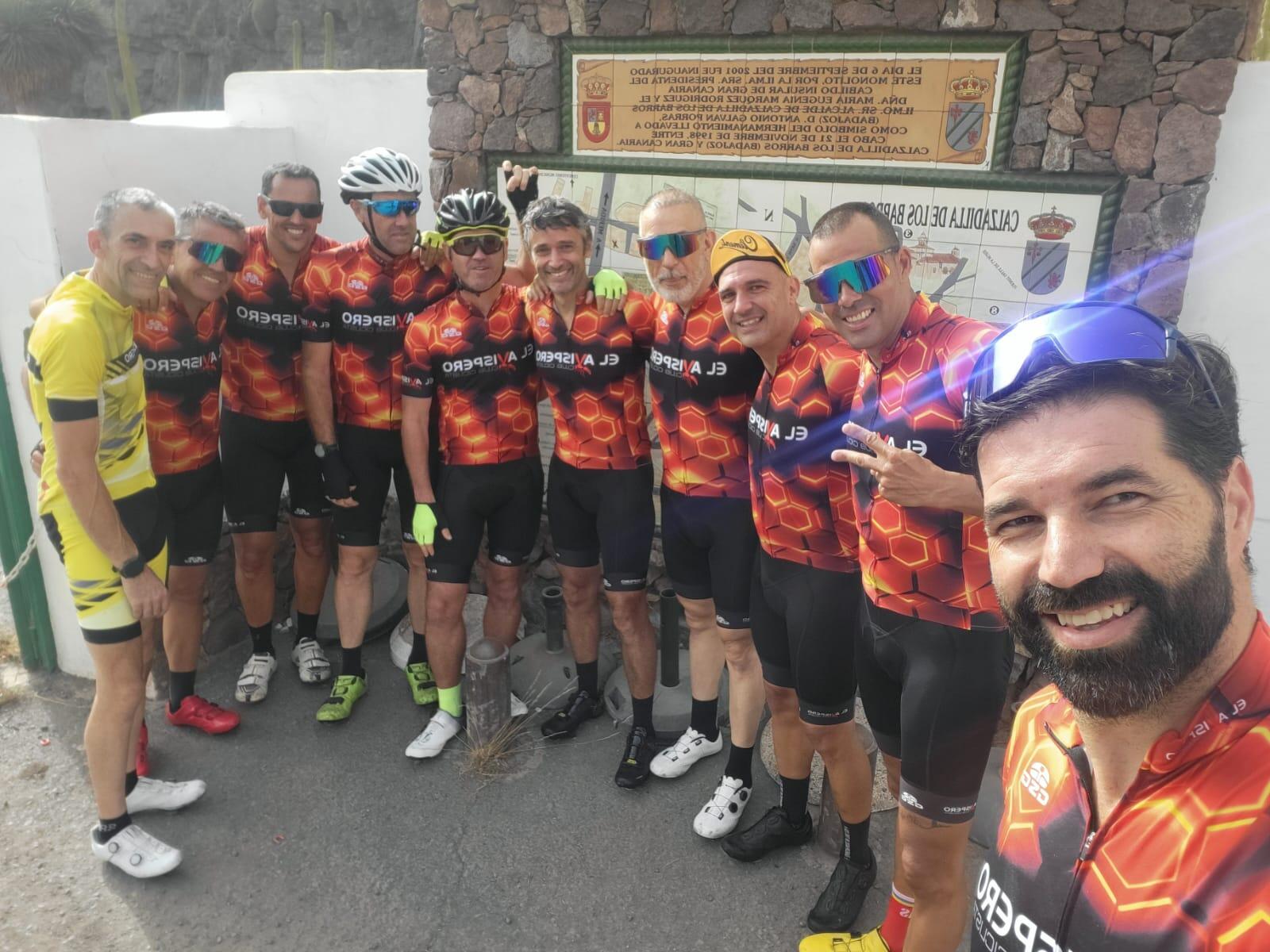
4 points4 points3 pointsSeats not as good as Al’s, but there are worse ways to spend a Sunday!
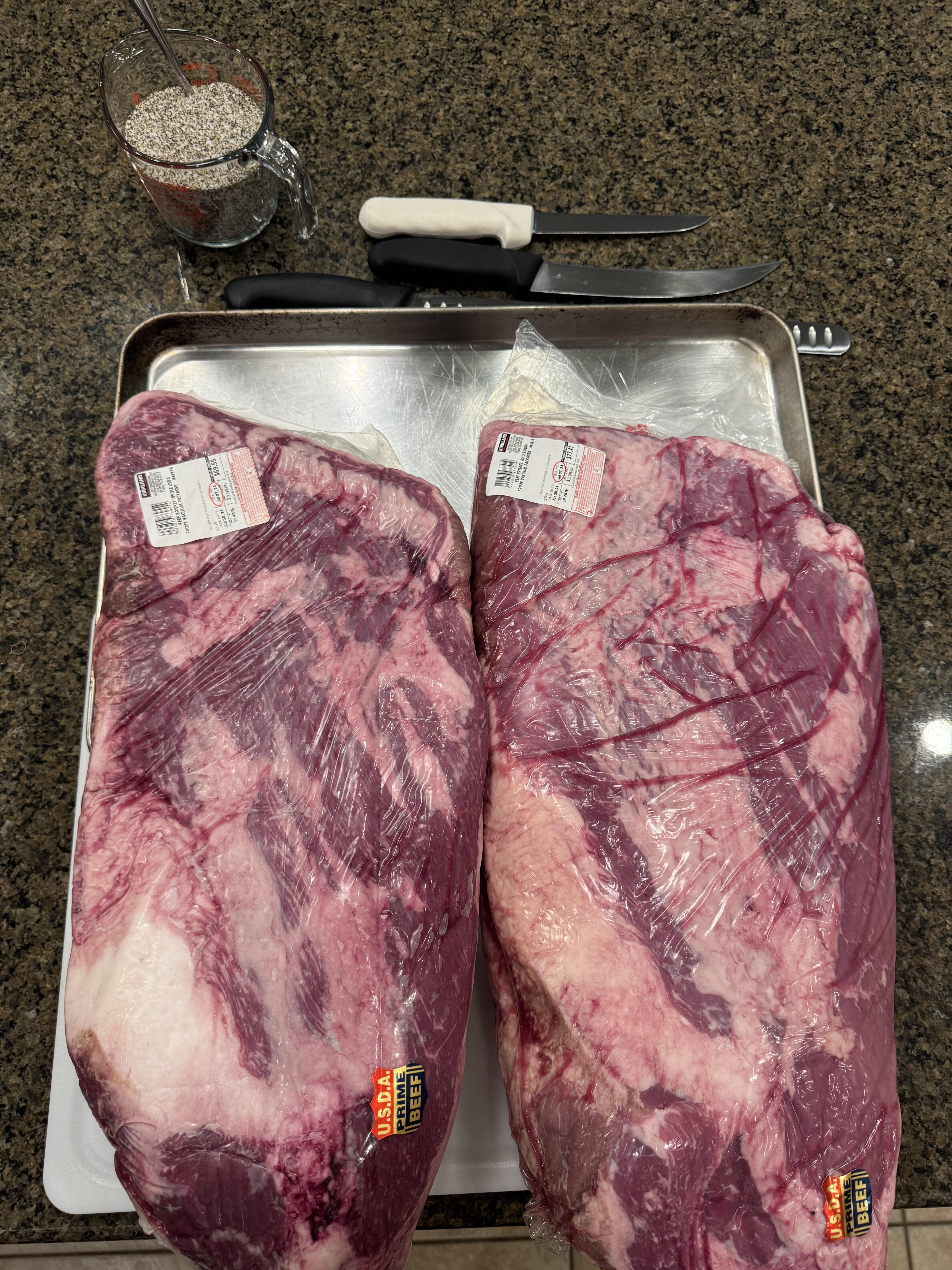
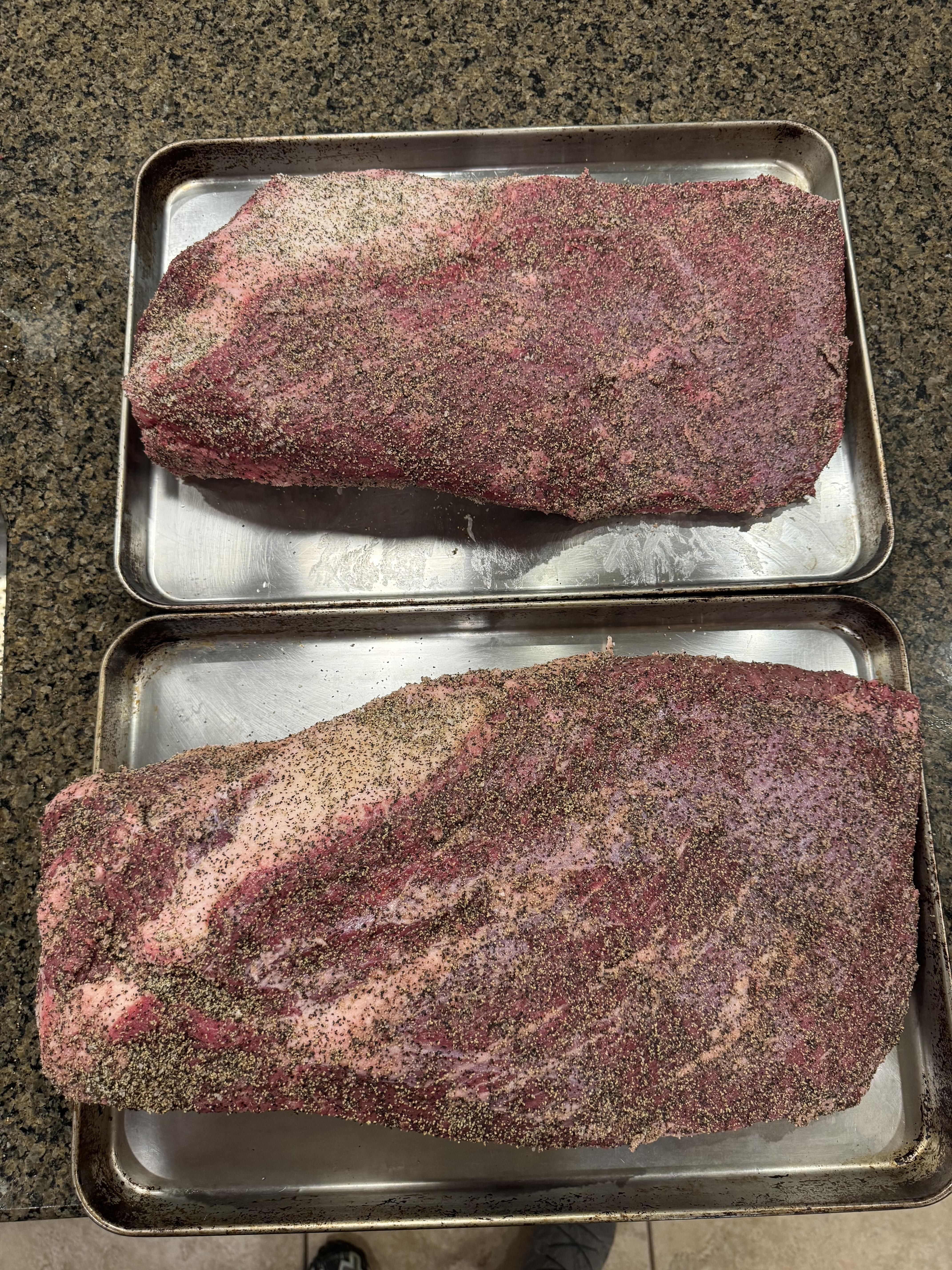
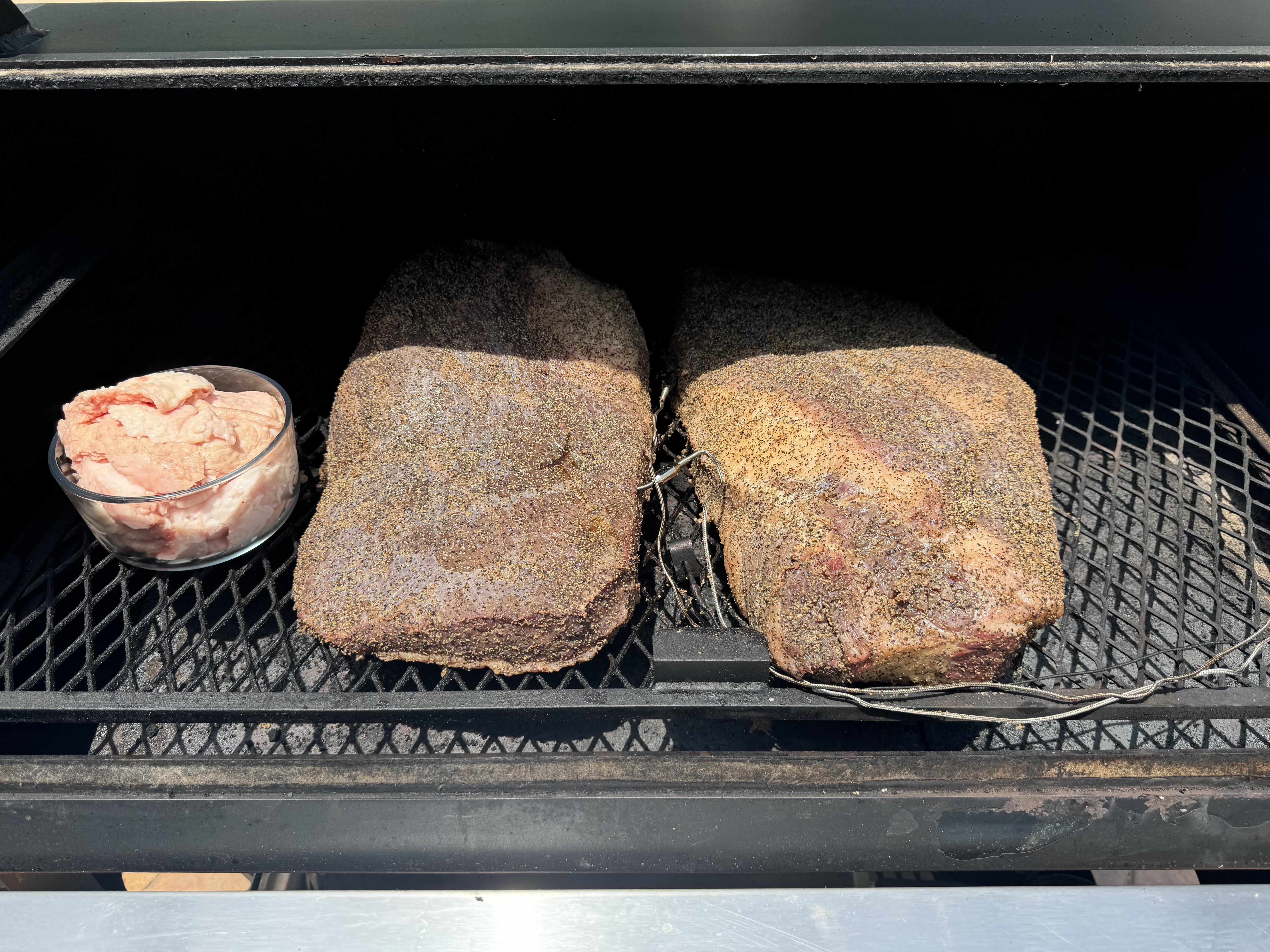
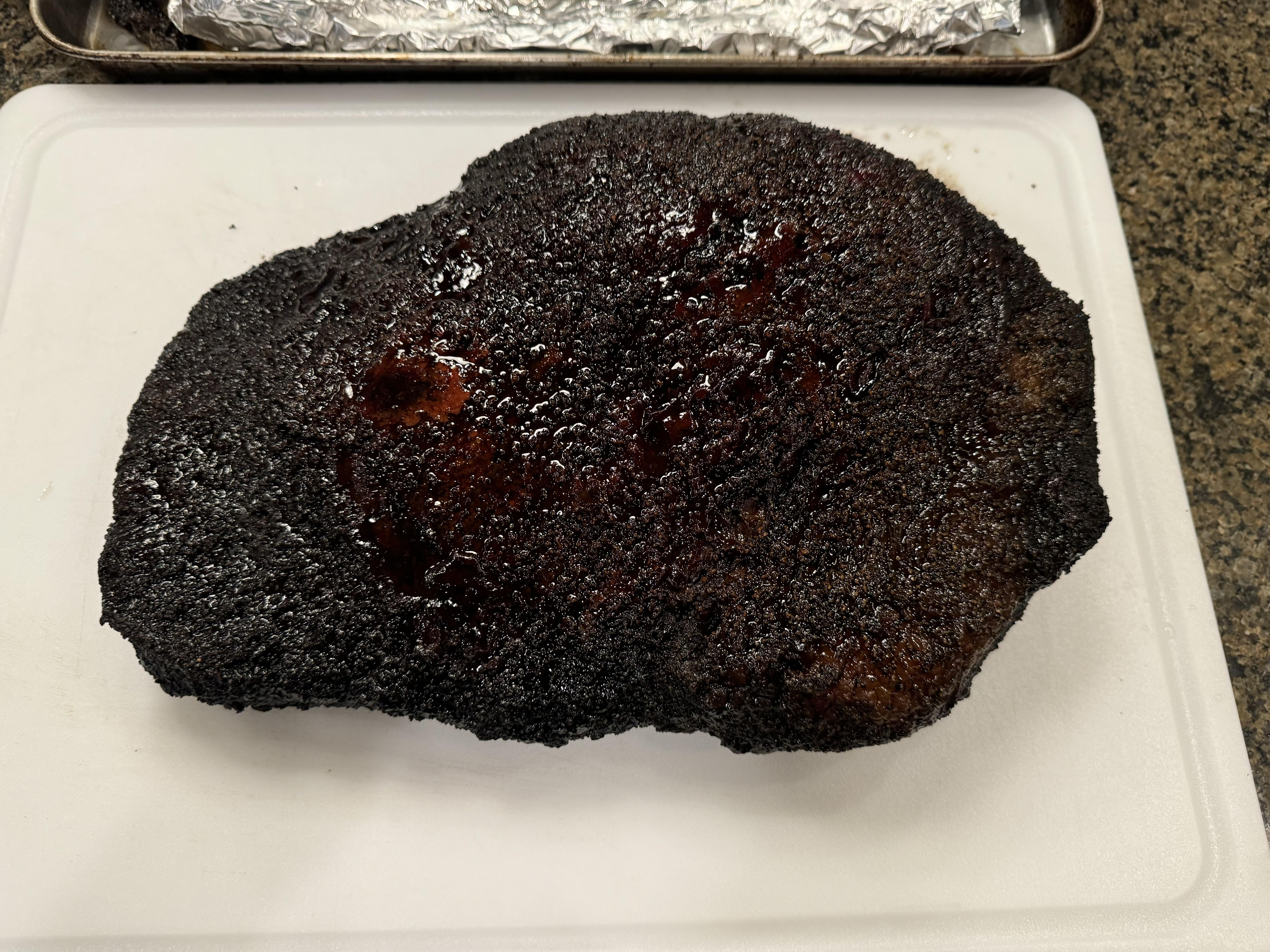
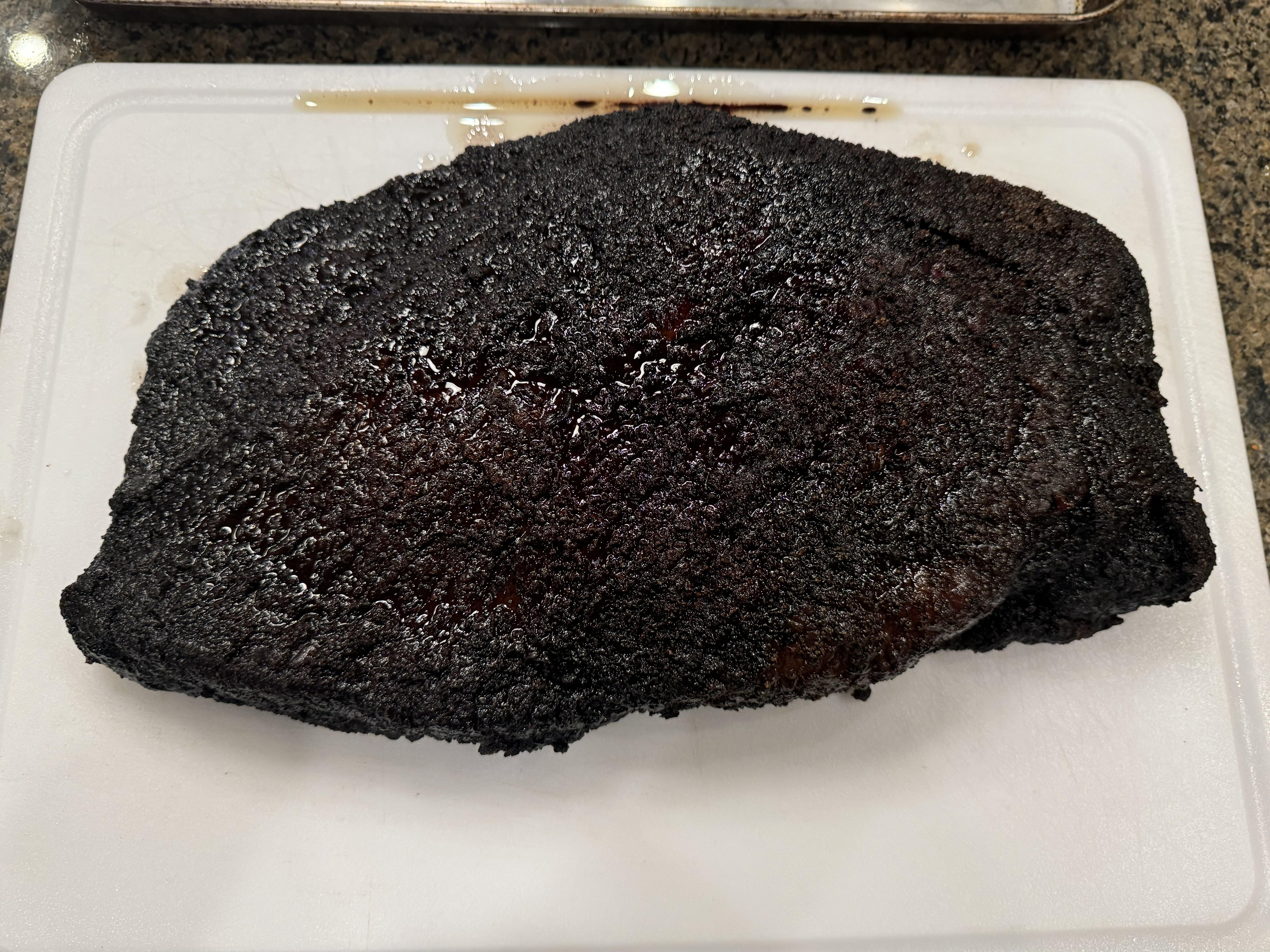
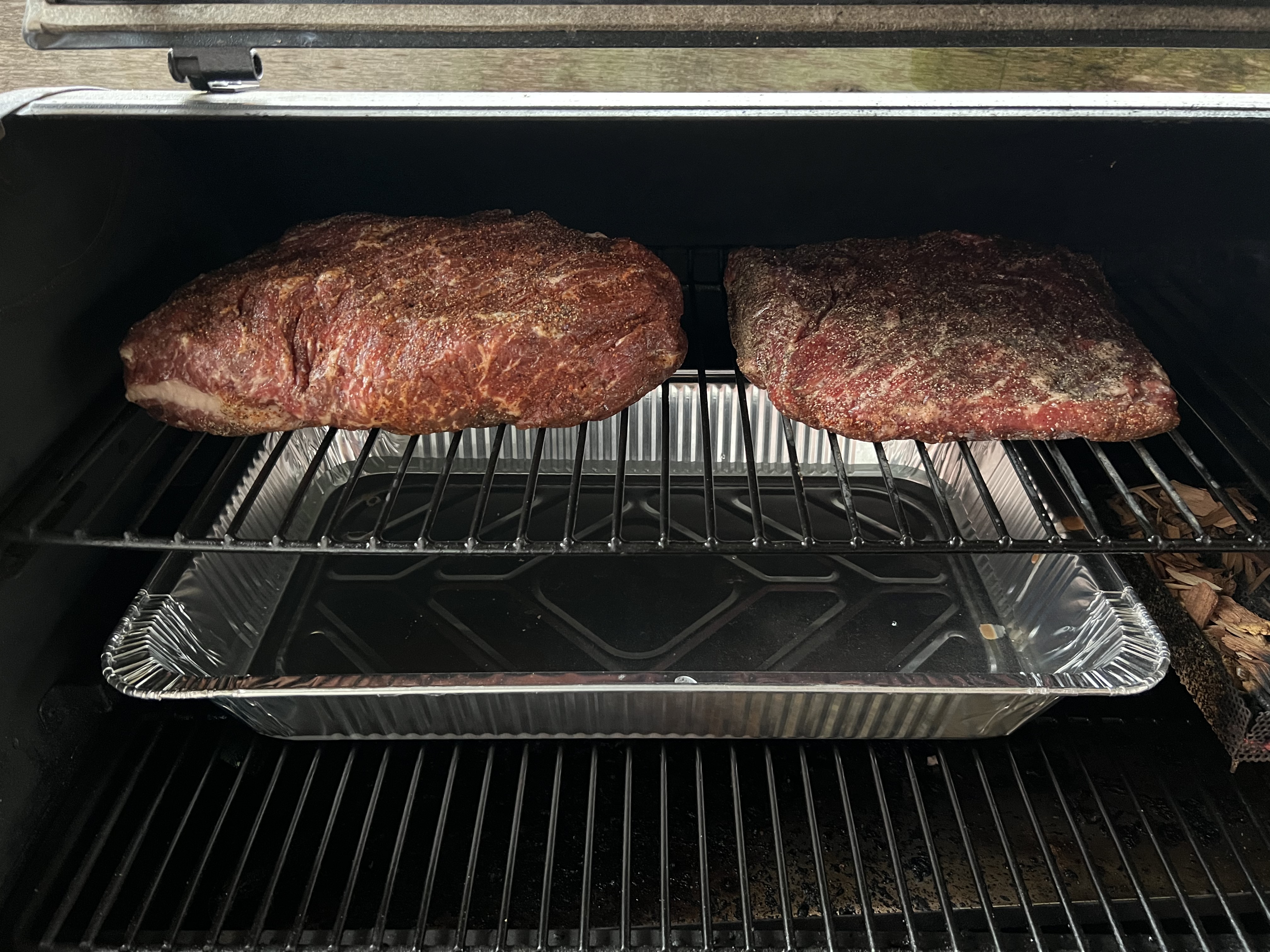
 3 points3 pointsNow they just need to cool down so that I can portion them and freeze.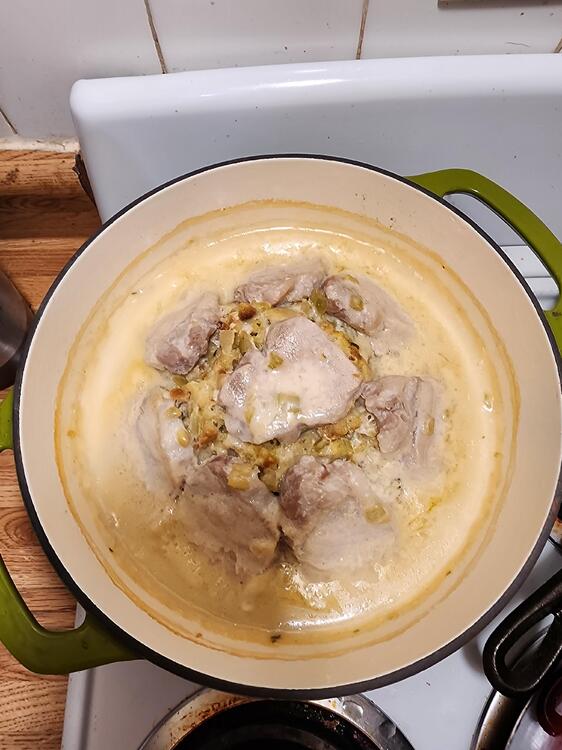
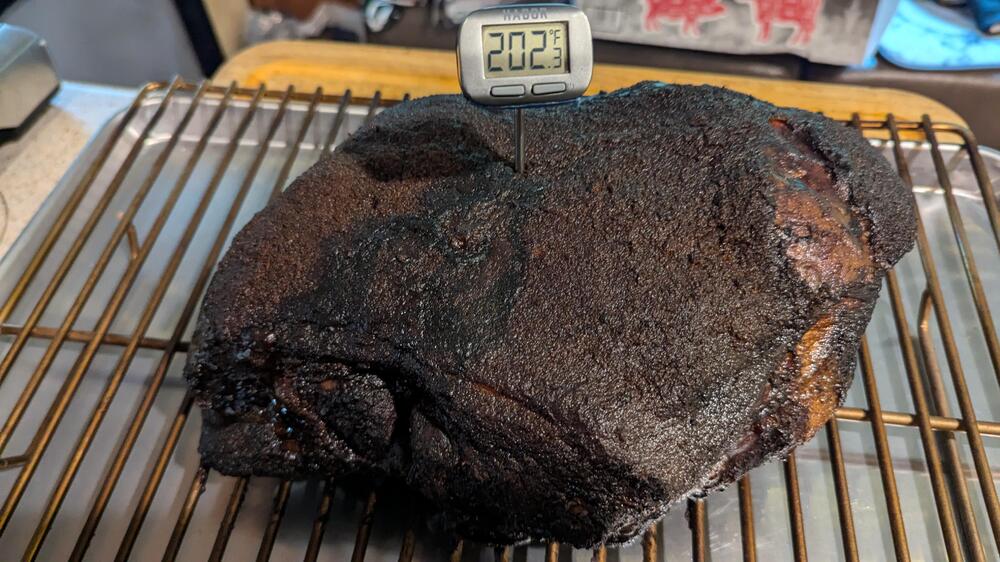
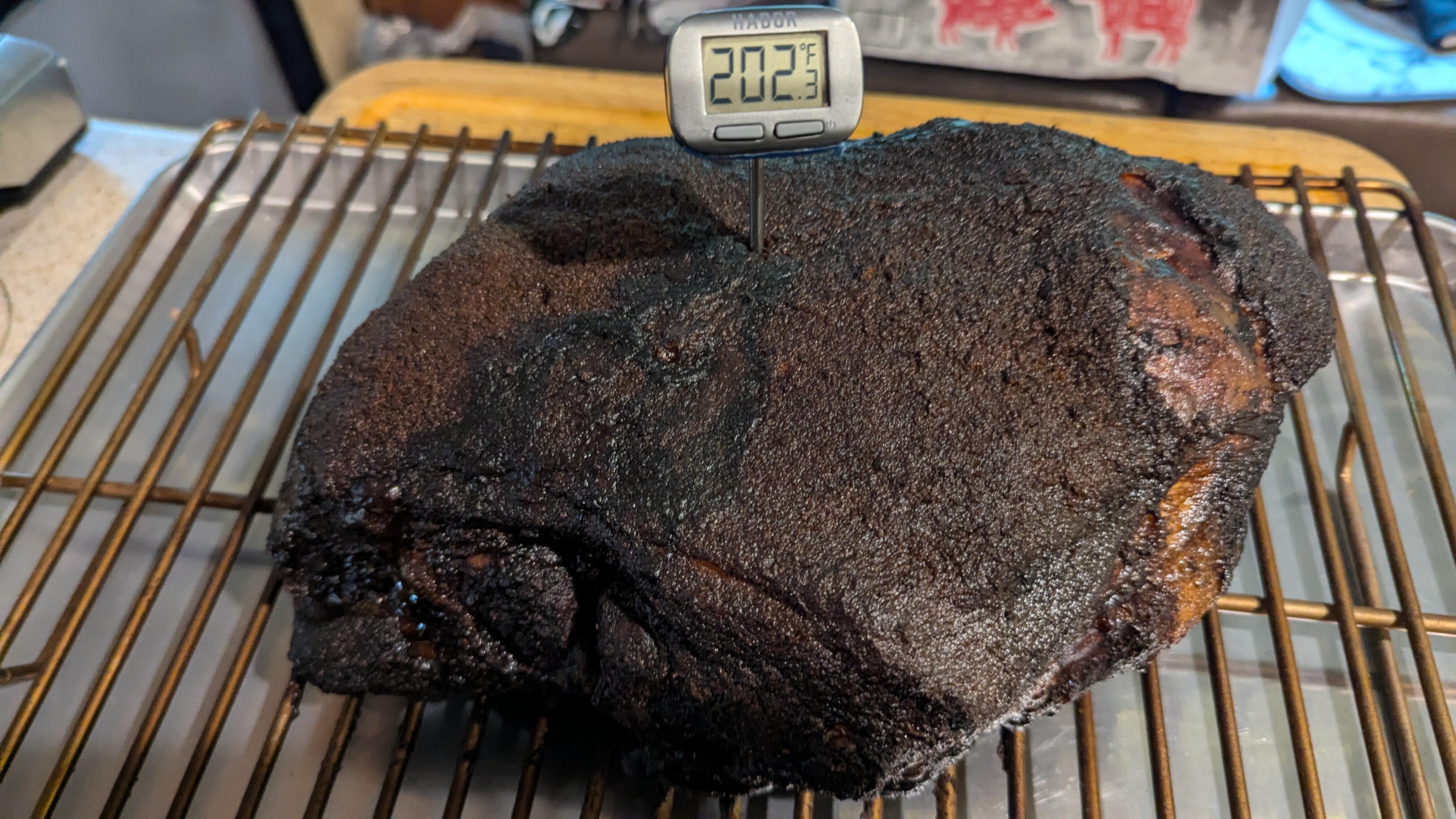
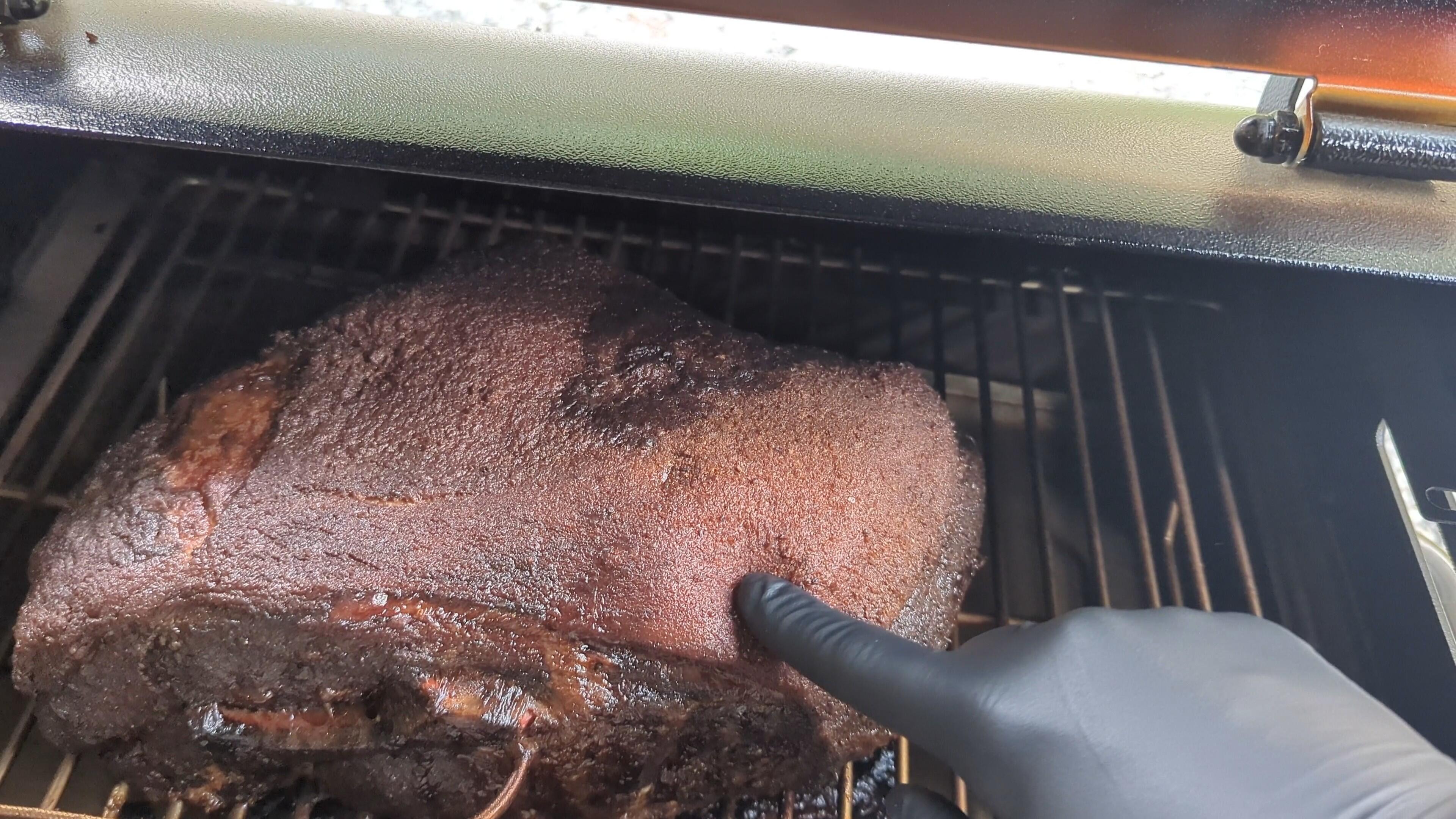
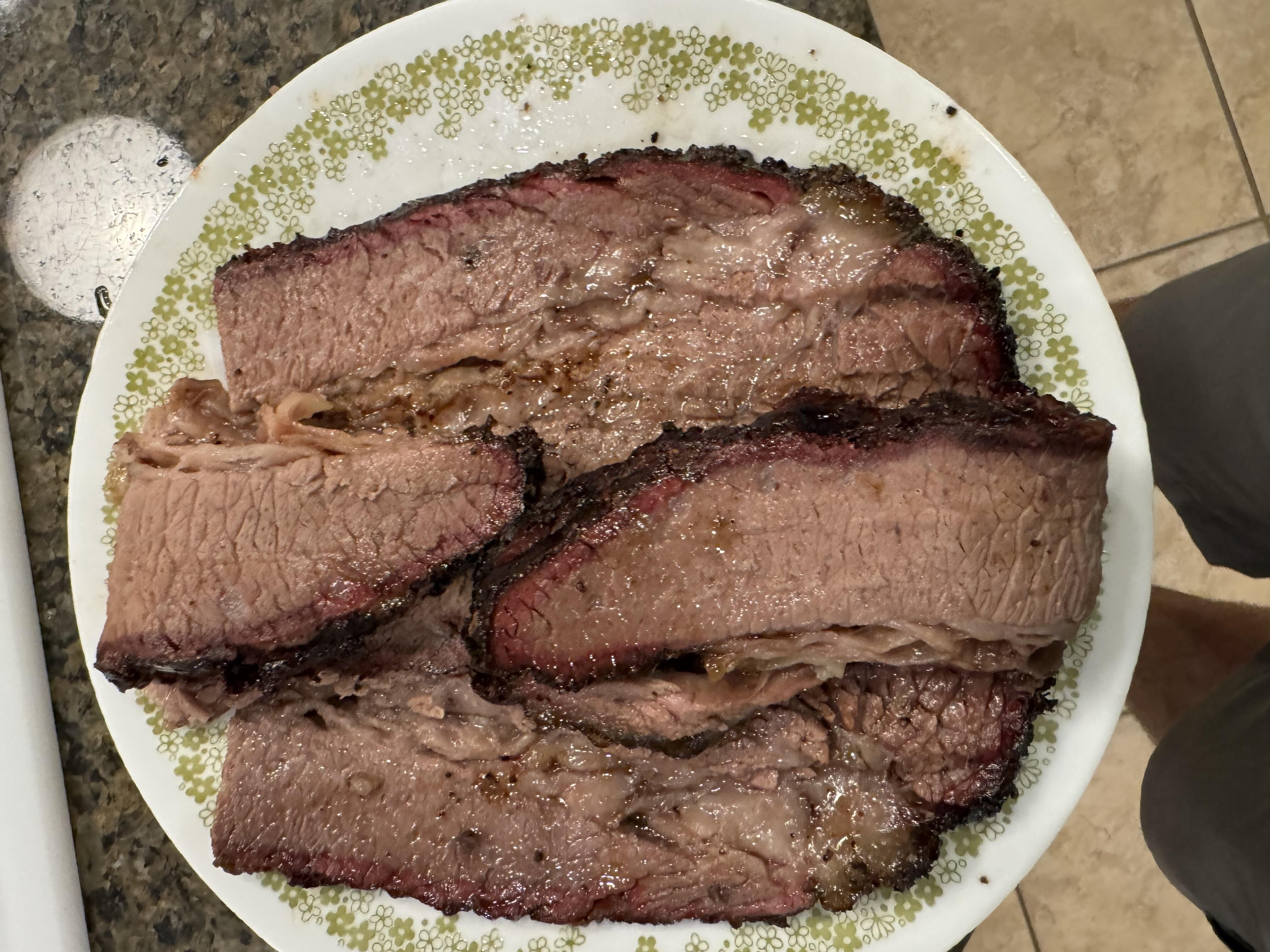
 3 points2 points20hrs @ 225 = 202° Lightly wrapped and resting. (whatever flaws you see, is just bad lighting}
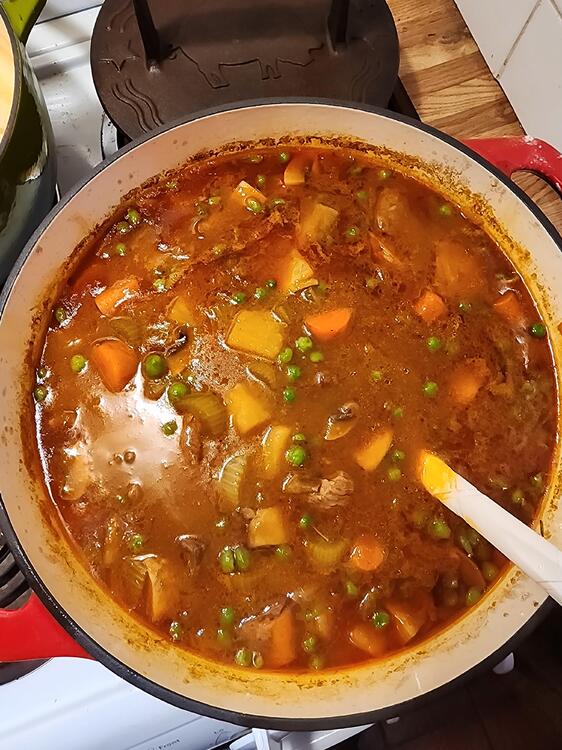
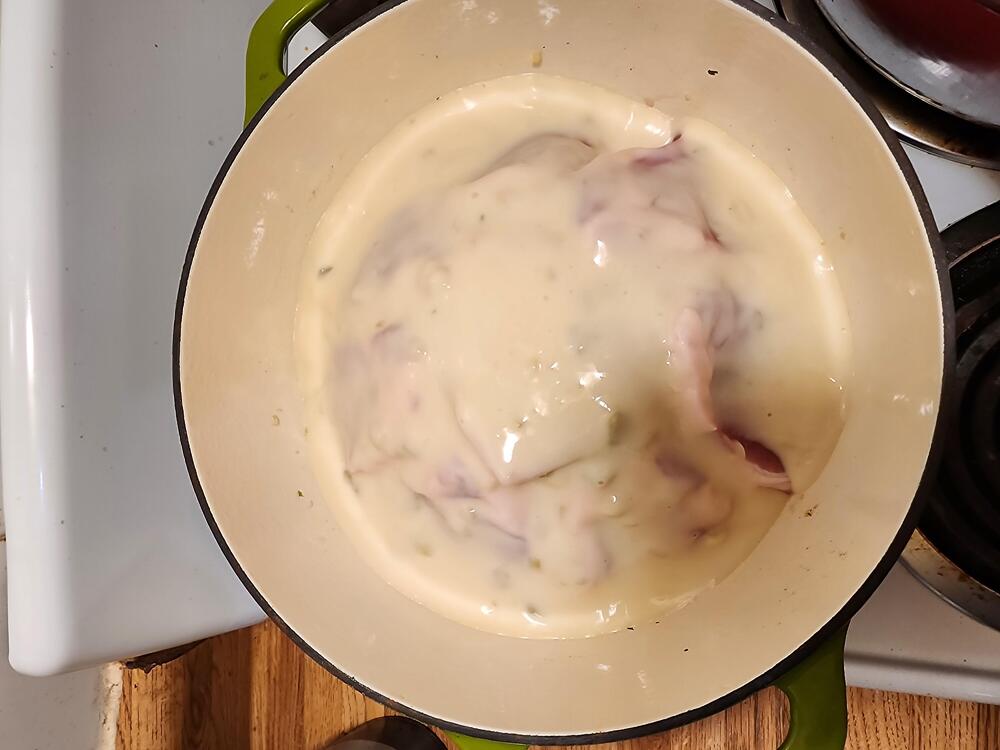
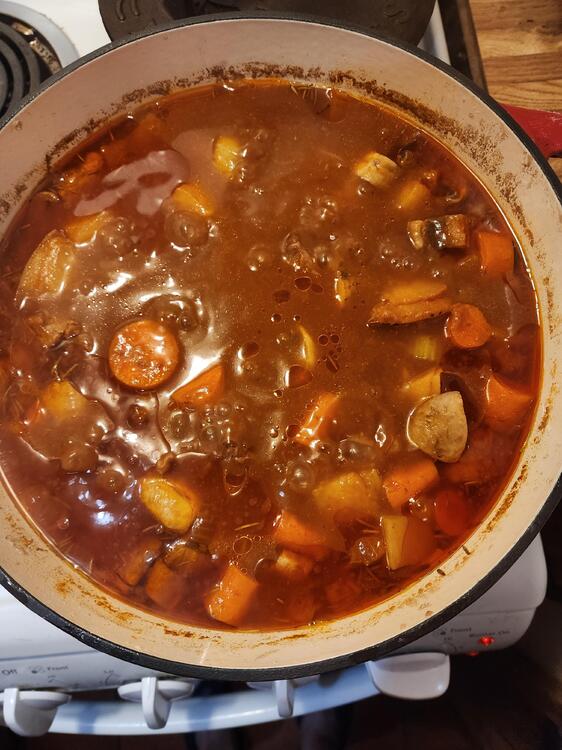
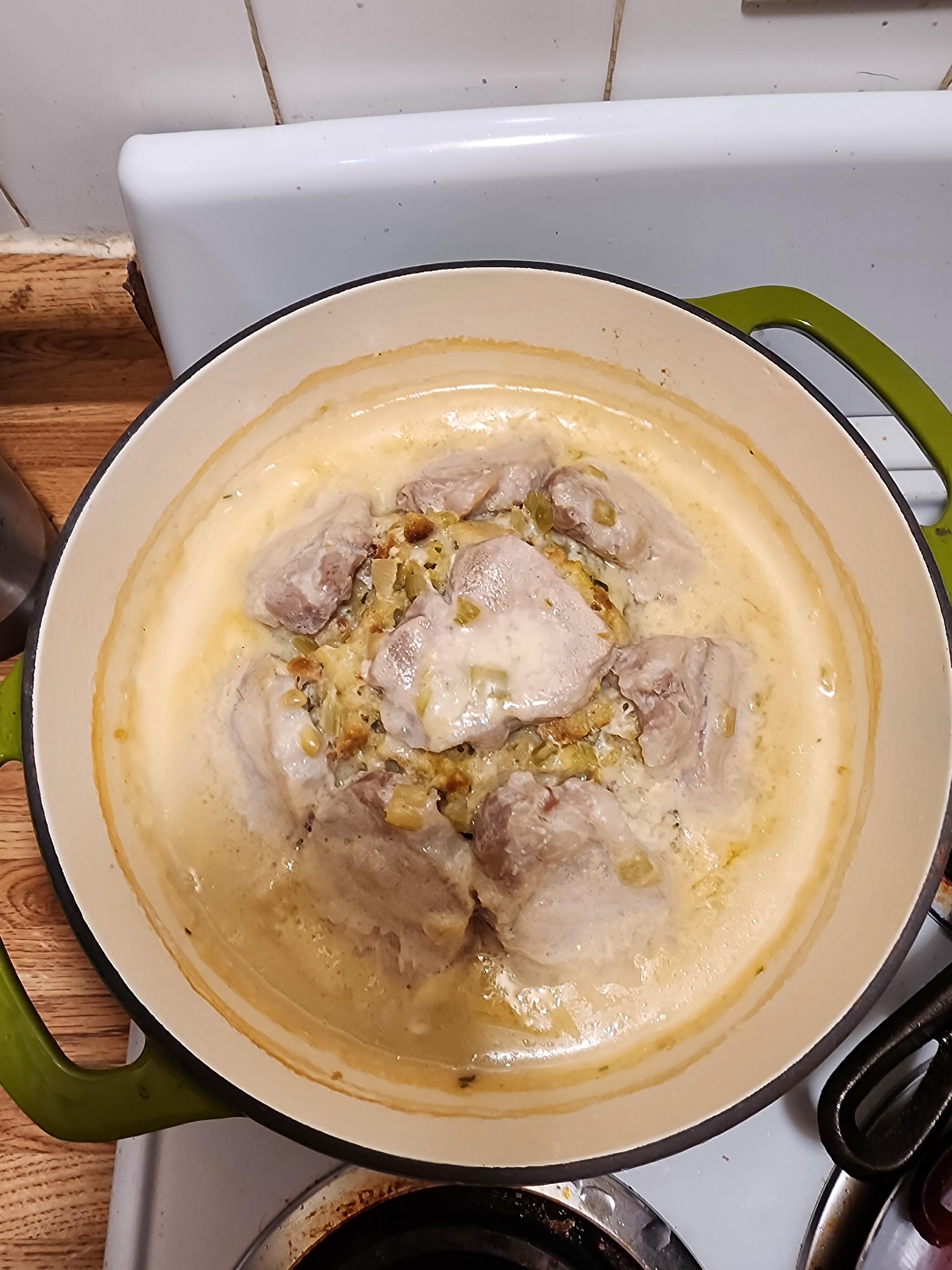
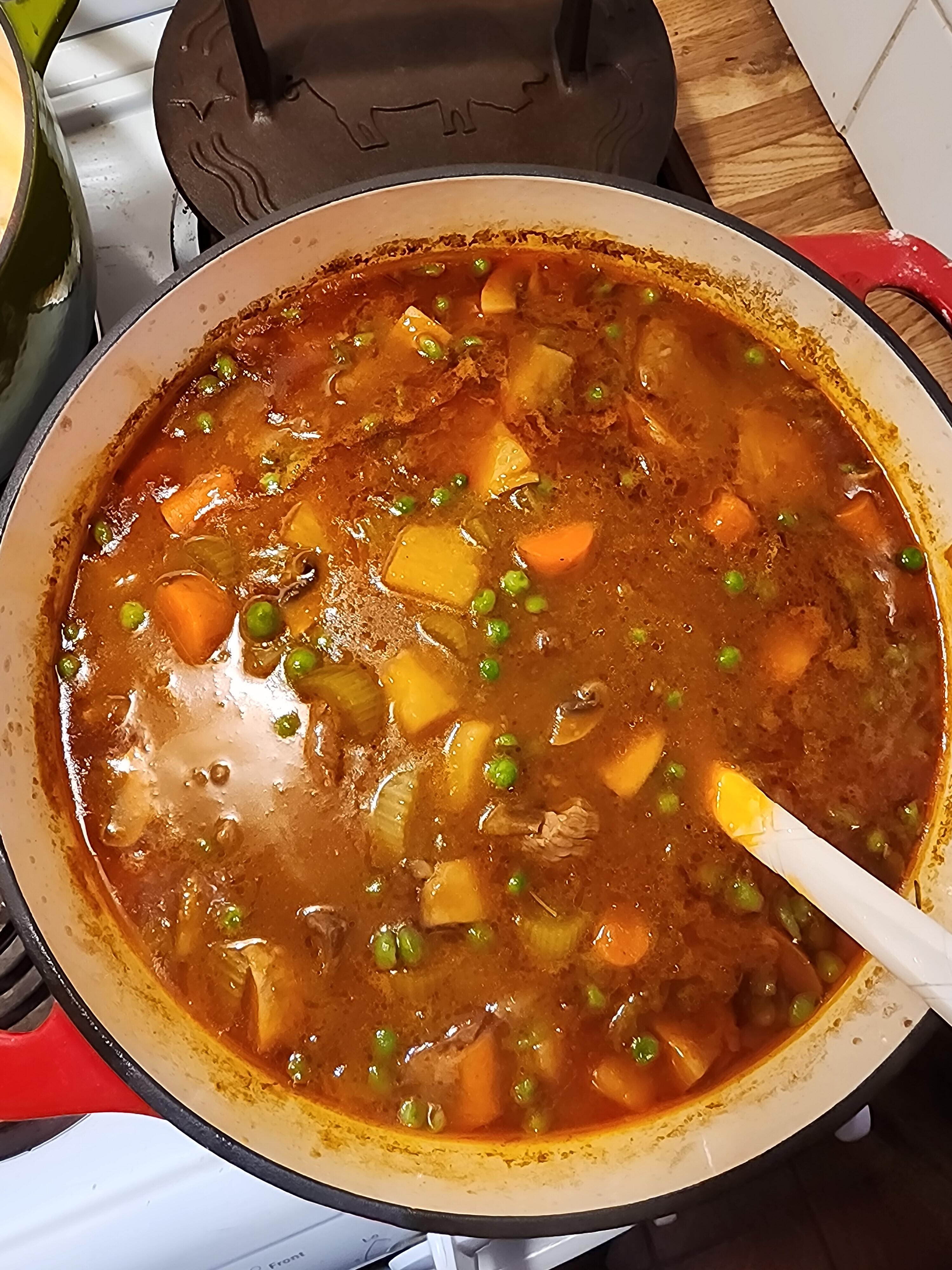
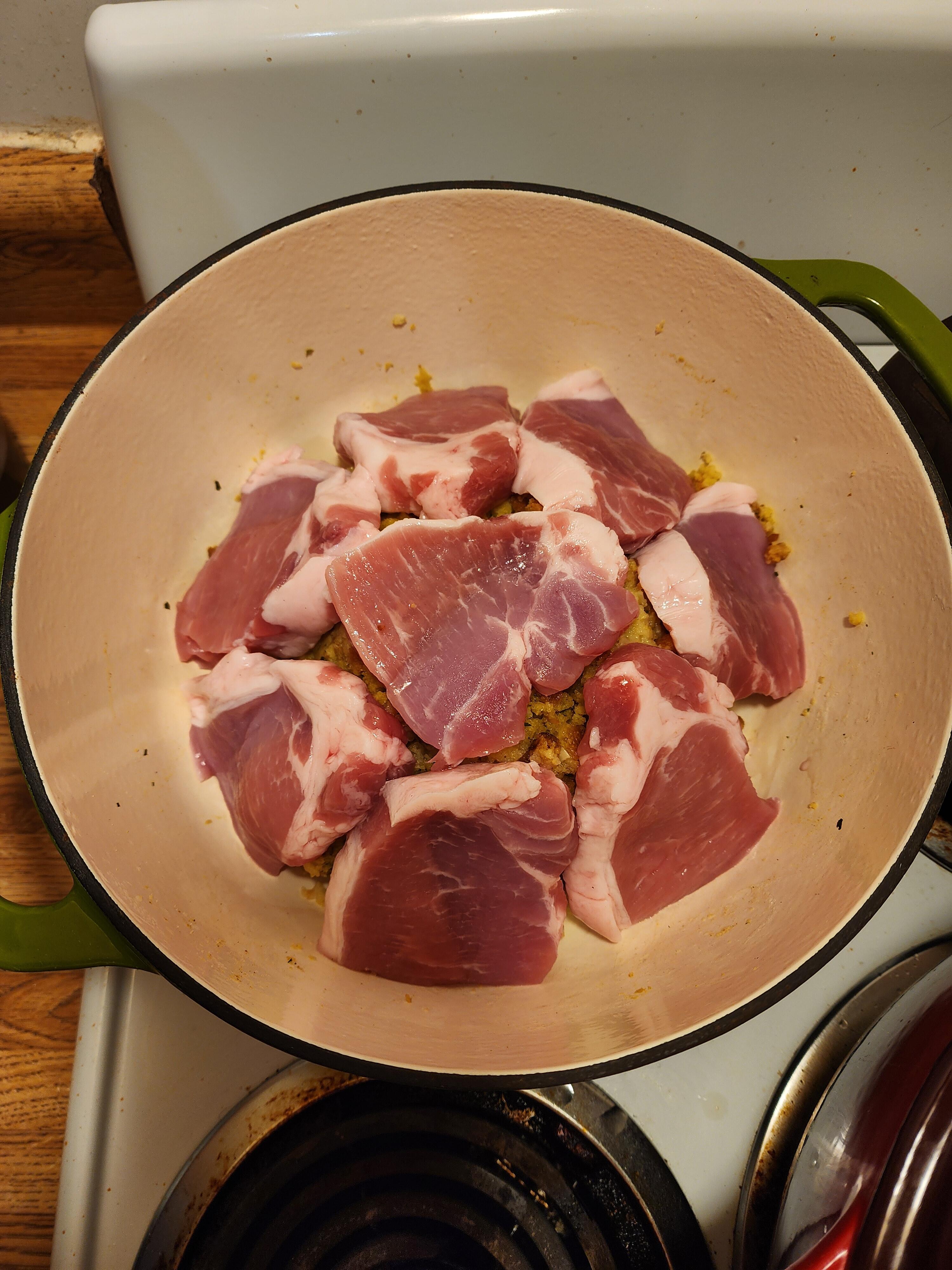
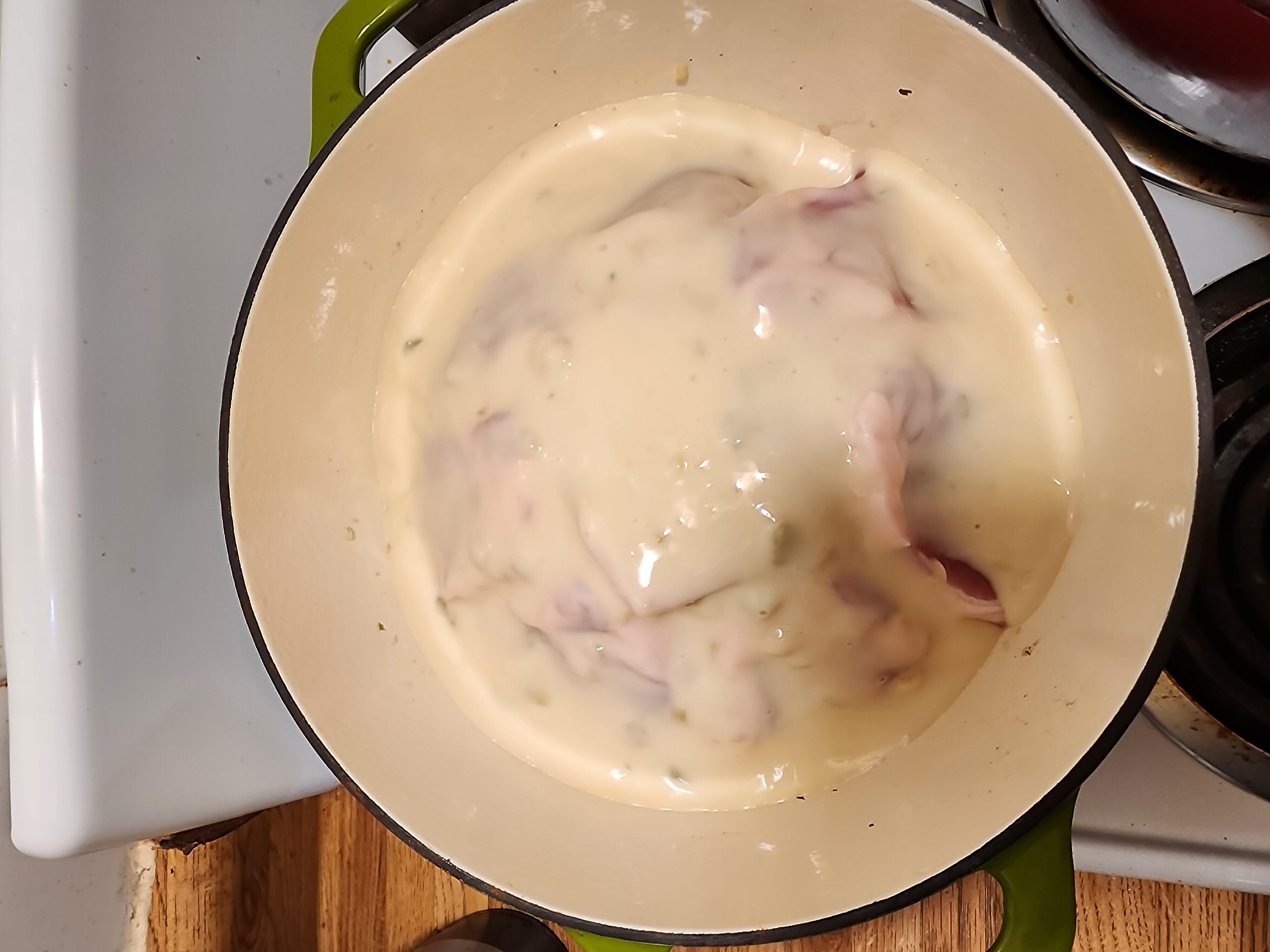
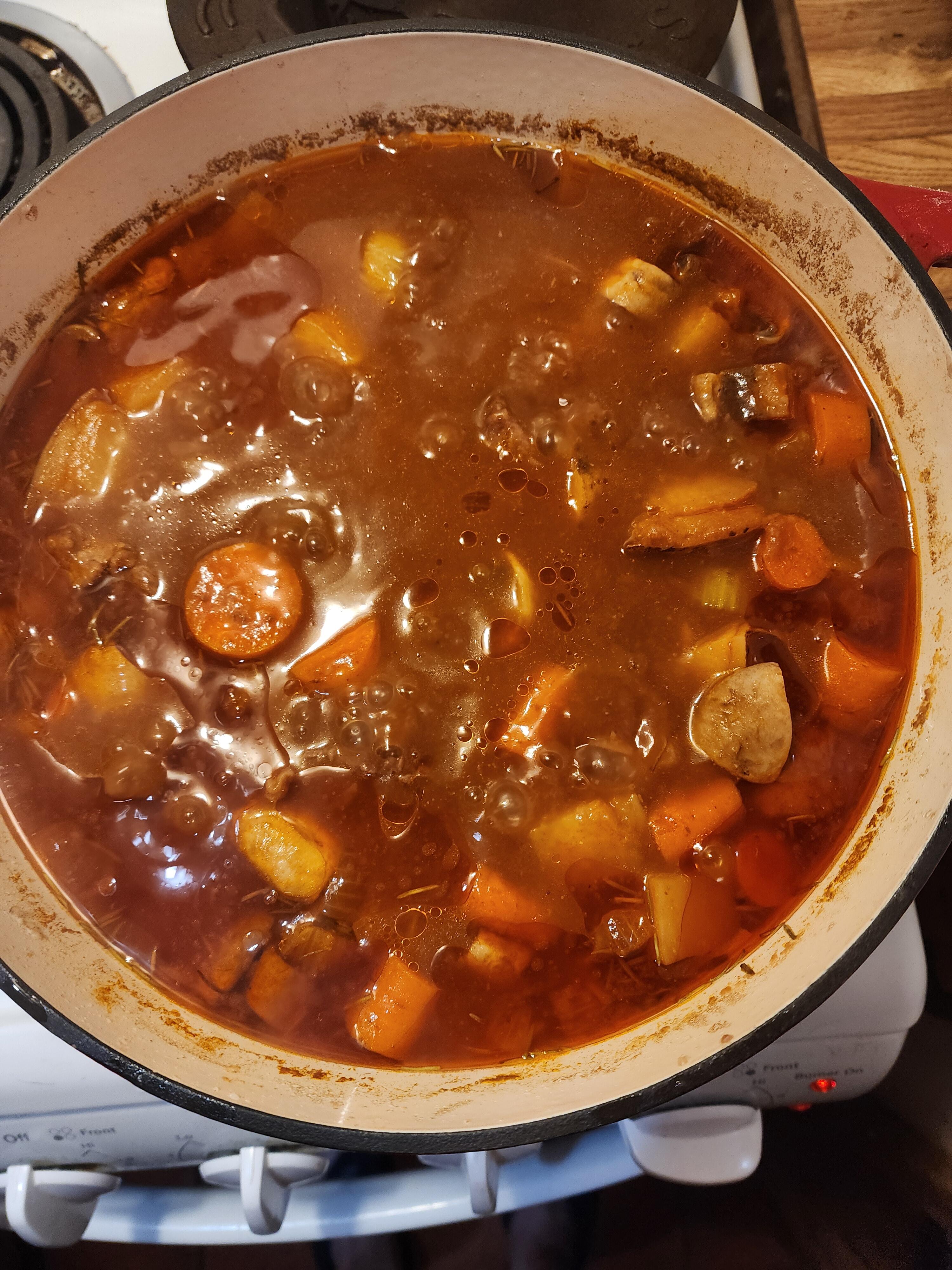
 2 points2 points2 points2 points2 pointsThe pork chop casserole, as I call it, I developed in my 20s. Super simple 'trailer park' meal. Prepare Stove Top stuffing, mound in the middle of a Dutch oven. Place pork chops around stuffing mound, pour on sauce, cover and bake at 350 for about 35-40 minutes. The stew is my Mother's recipe. Cut up beef roast of choice. Add seasonings to flour, dredge beef cubes in flour mixture, brown with oil and an onion in a Dutch oven. Add beef broth, tomato paste, celery, potatoes, carrots and mushrooms. Simmer covered for 90 minutes. Then add frozen peas and a corn starch slurry. Cook another 15 minutes.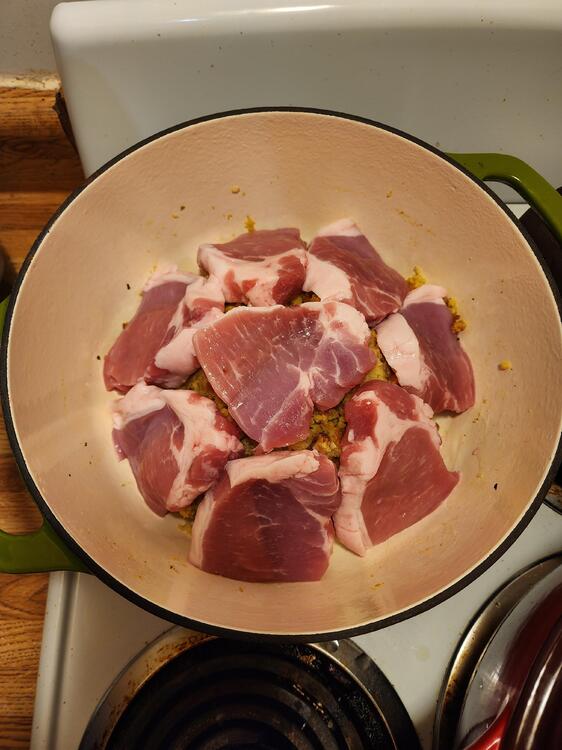
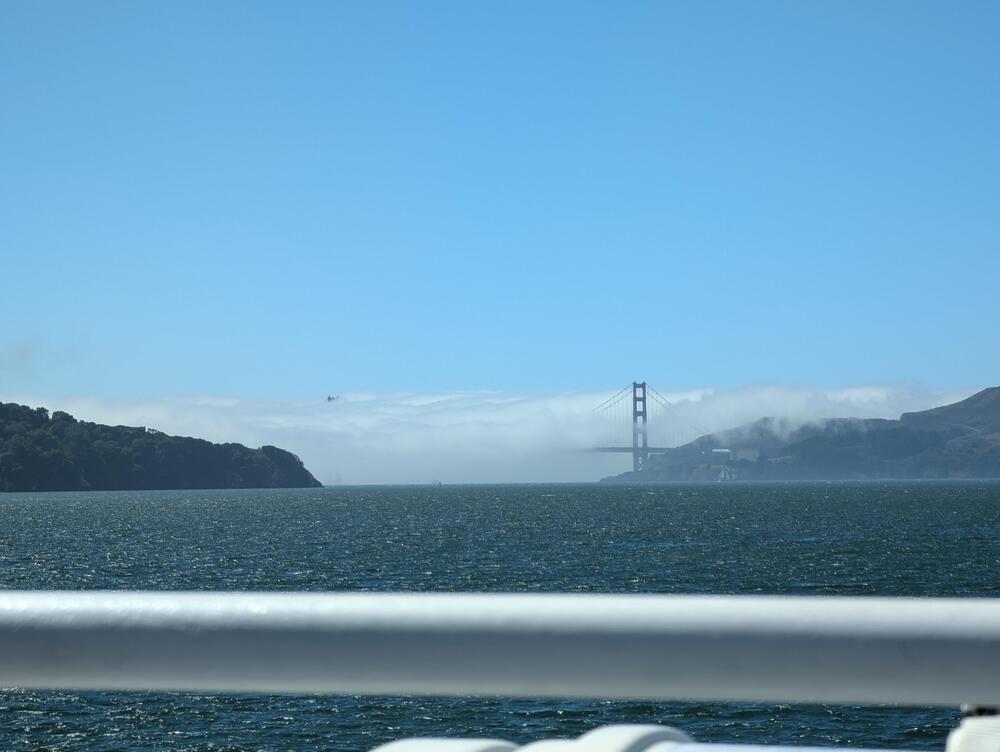
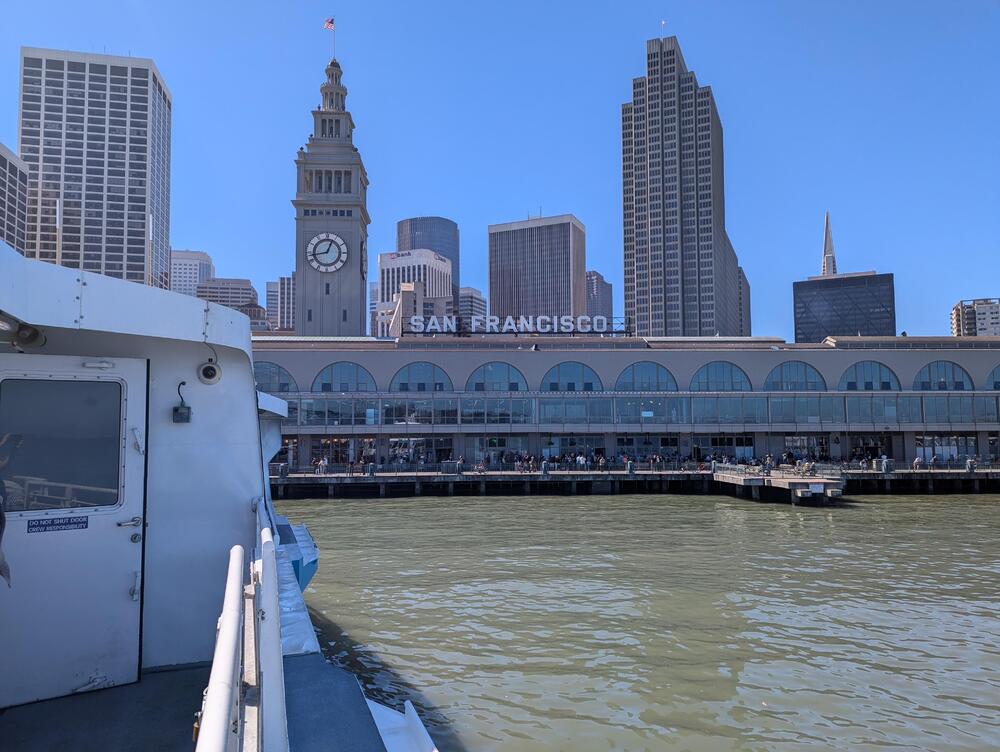
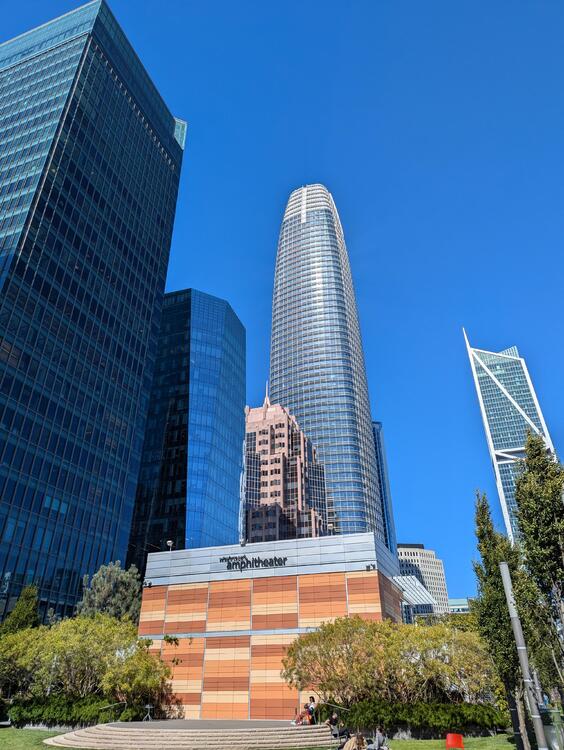
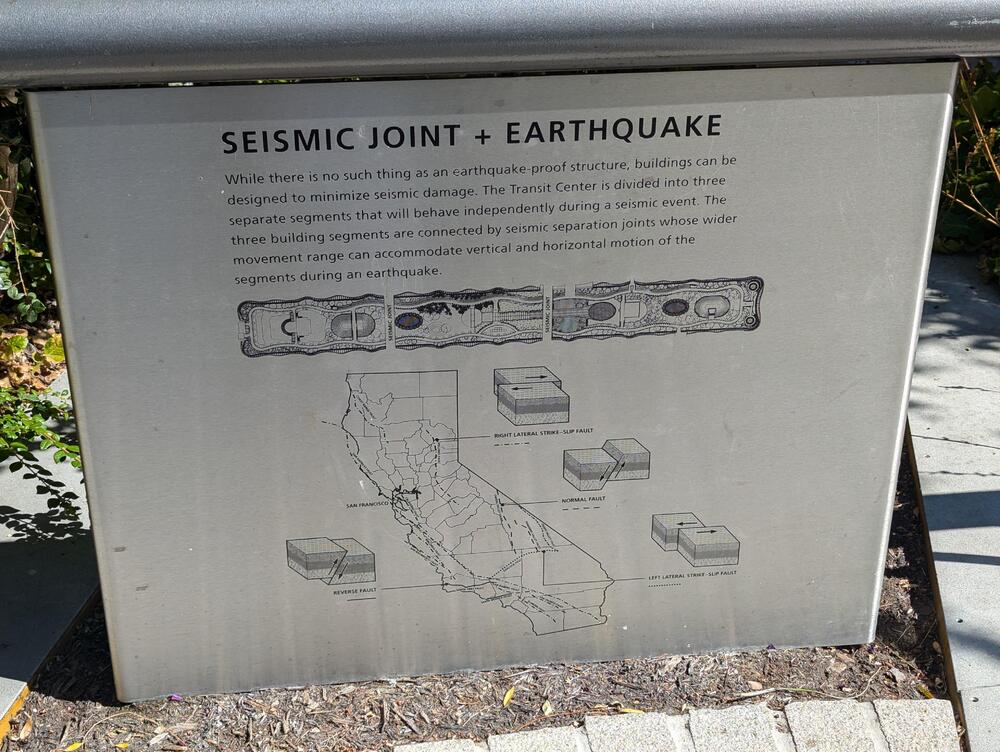
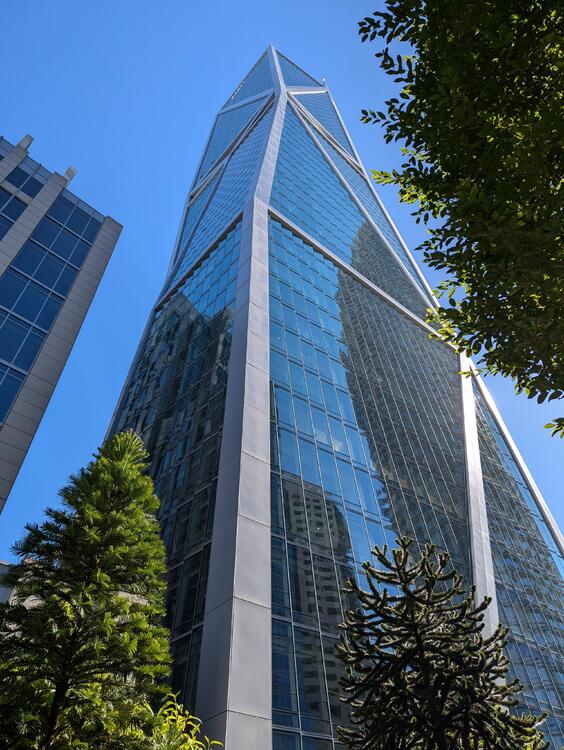
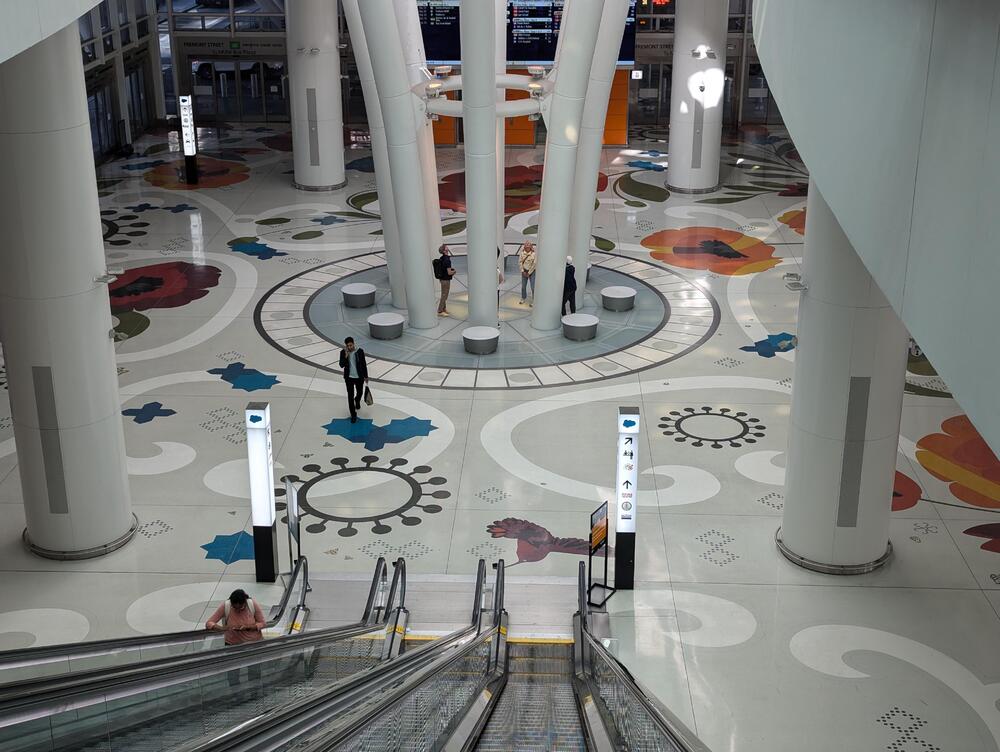
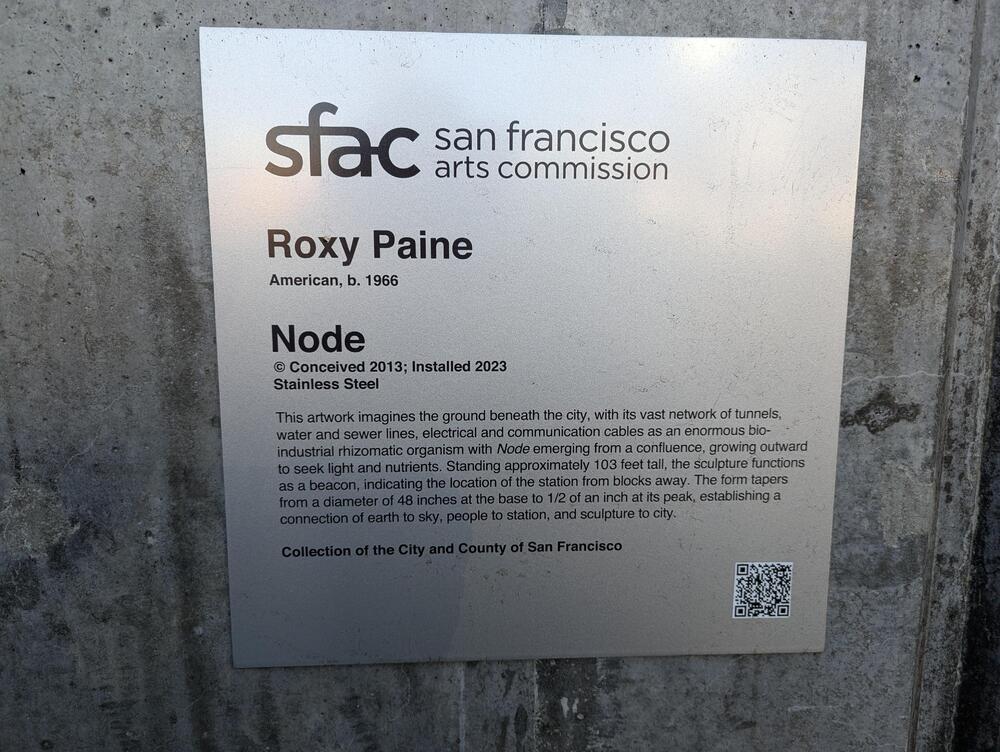
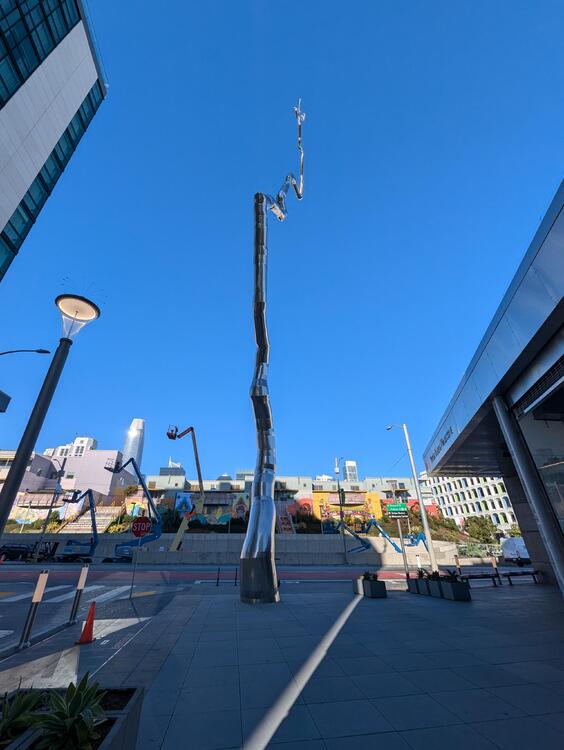
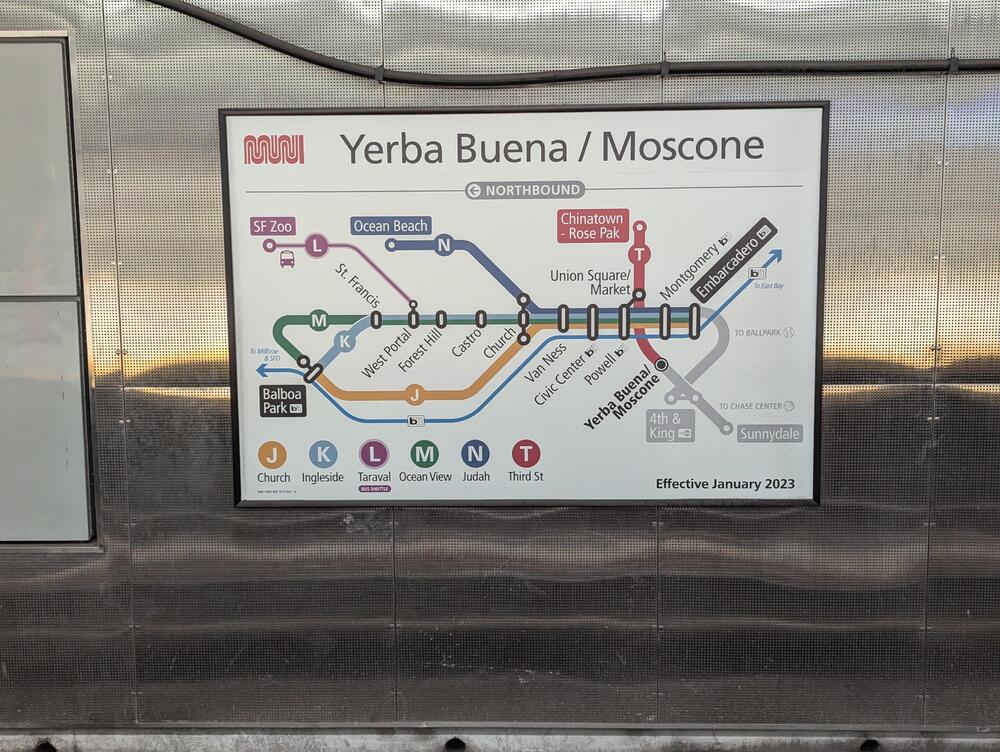
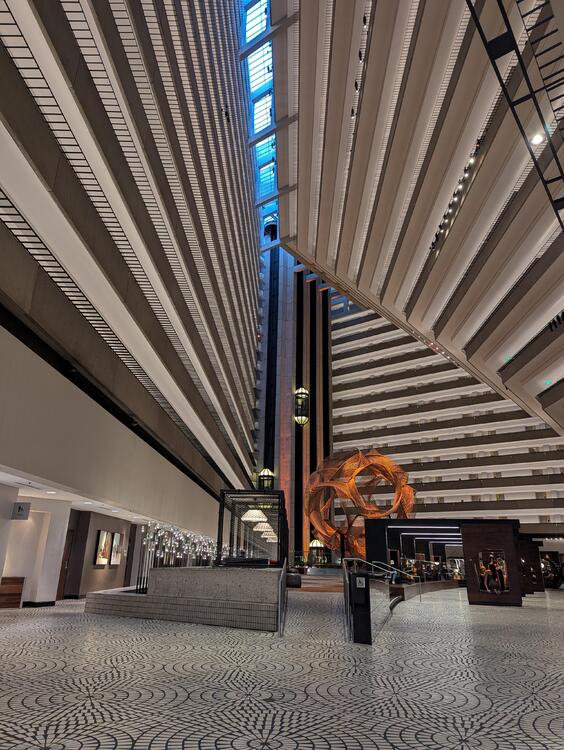
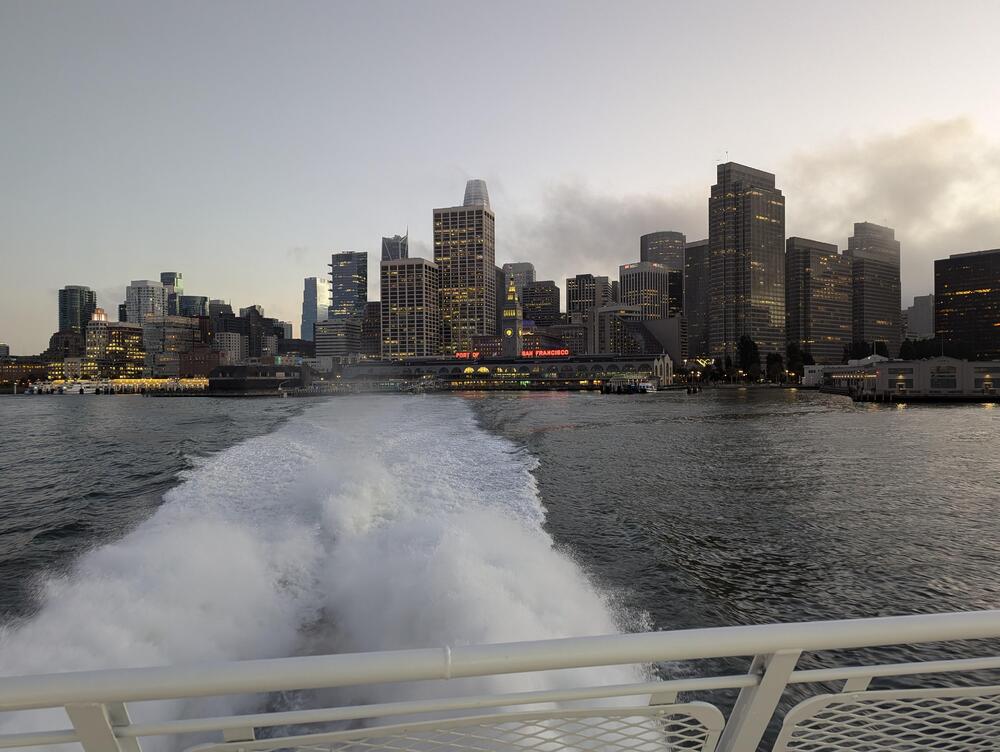
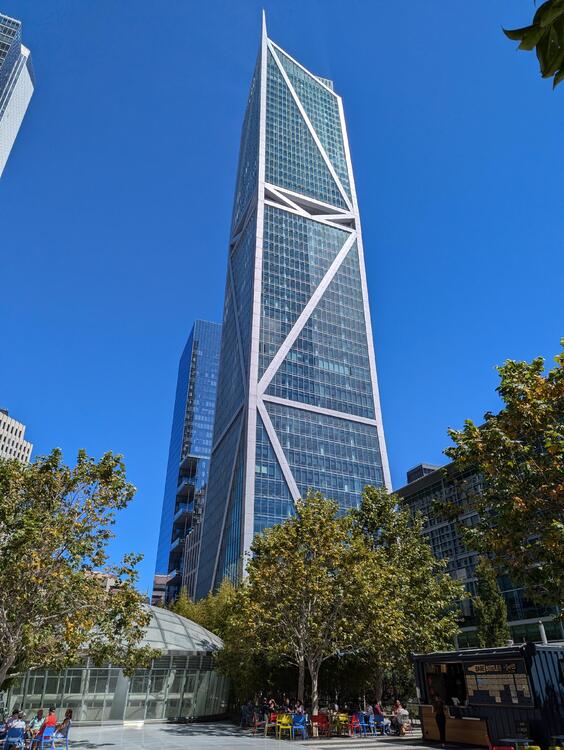
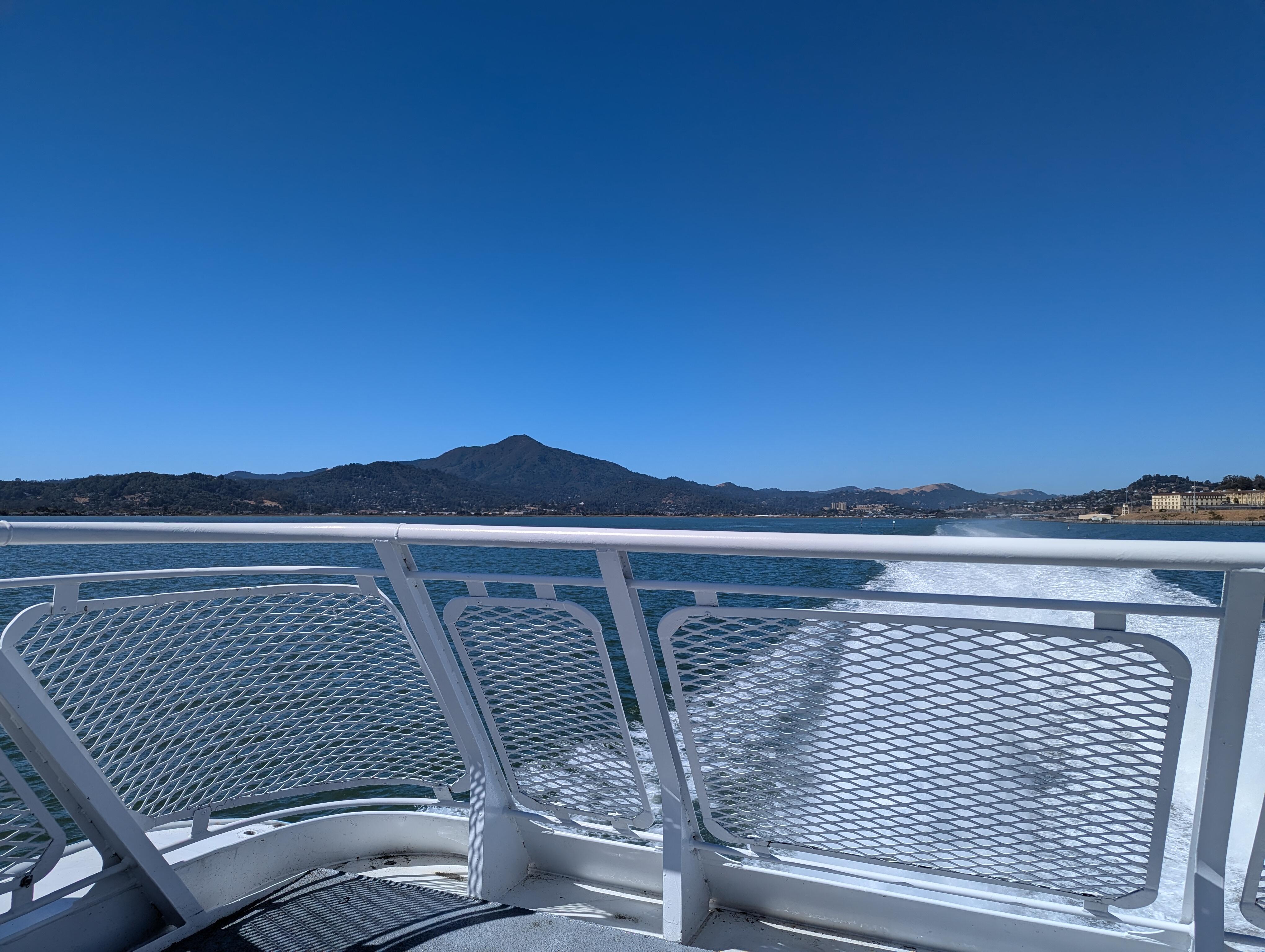
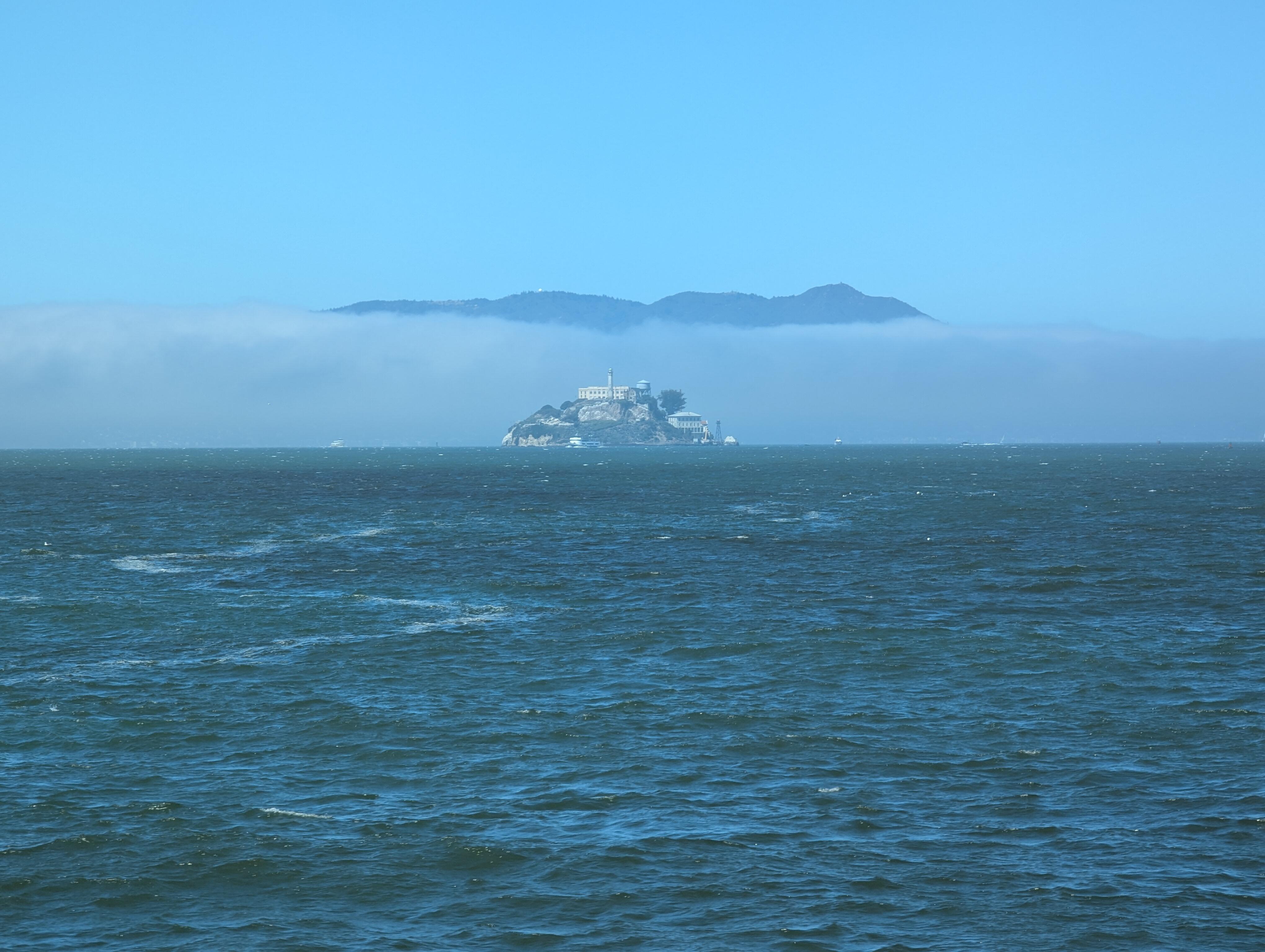
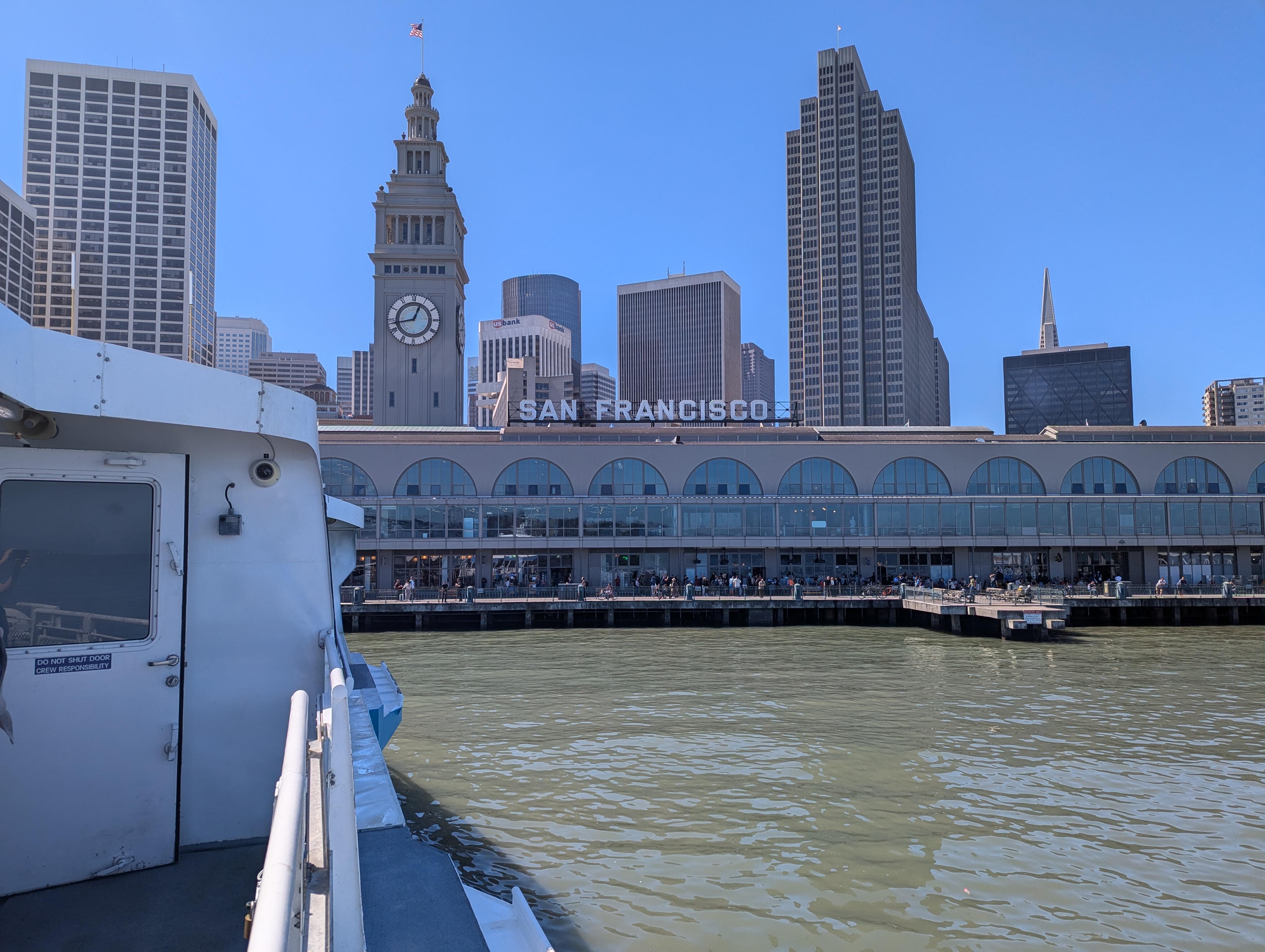
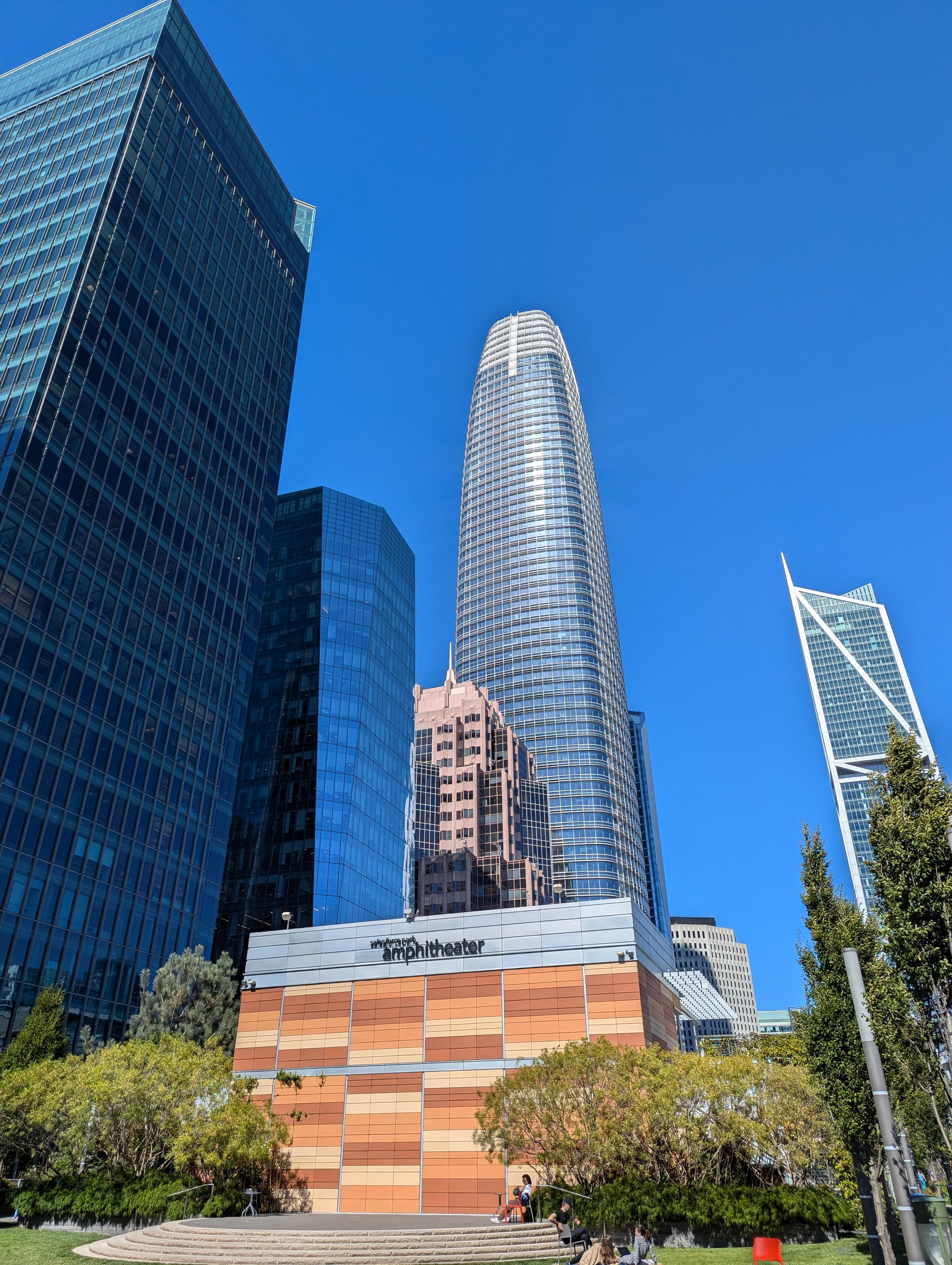
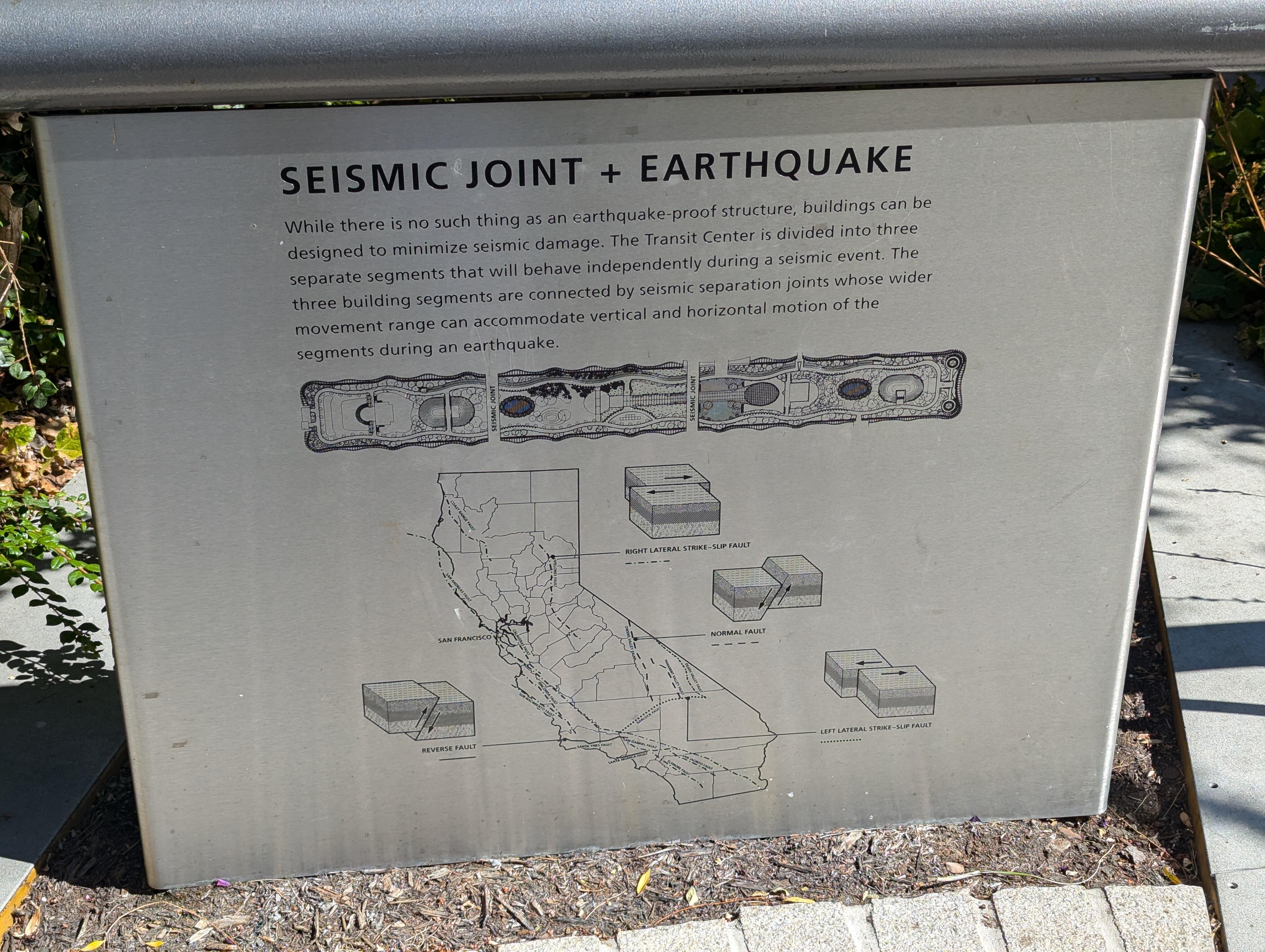
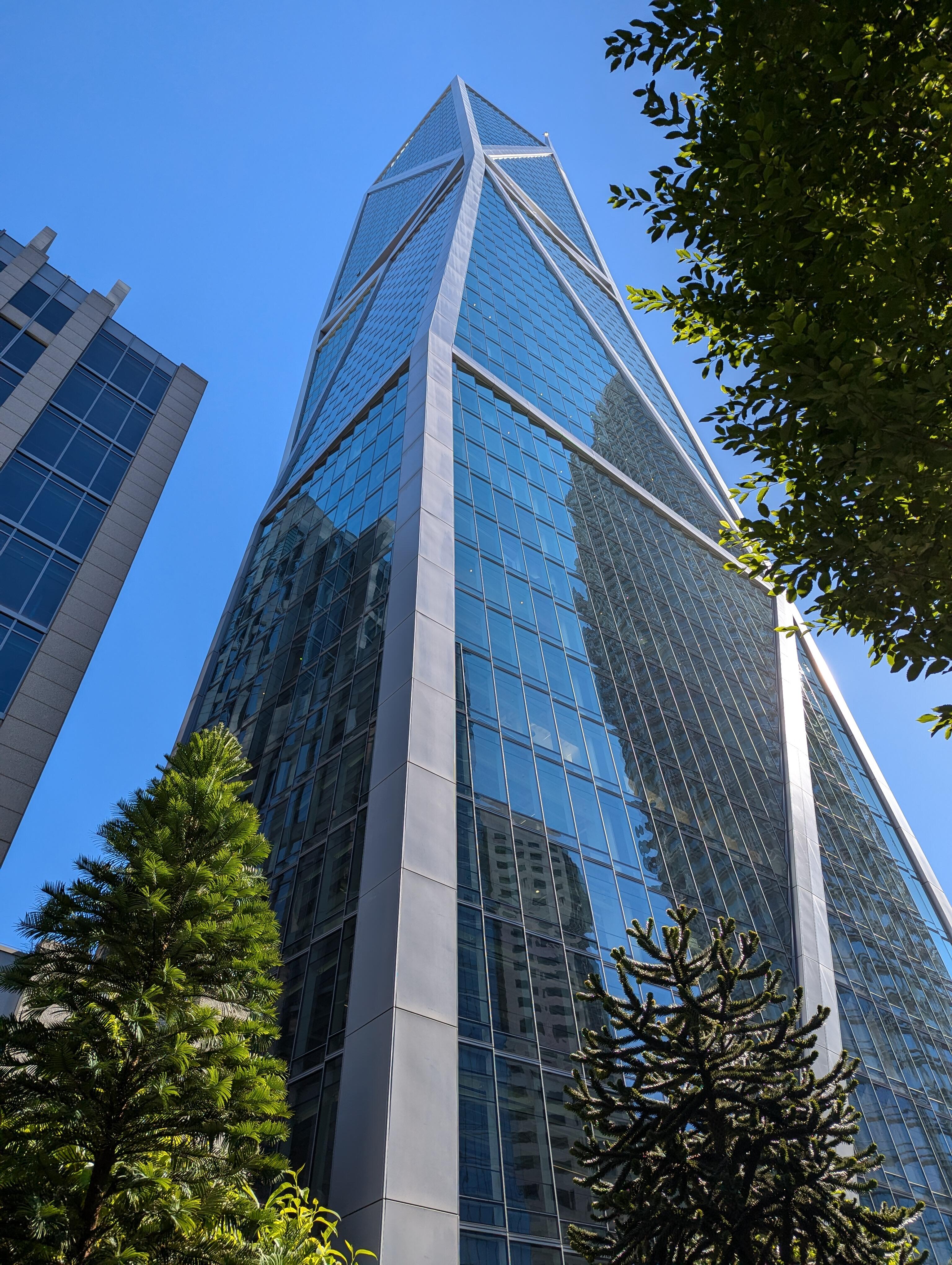
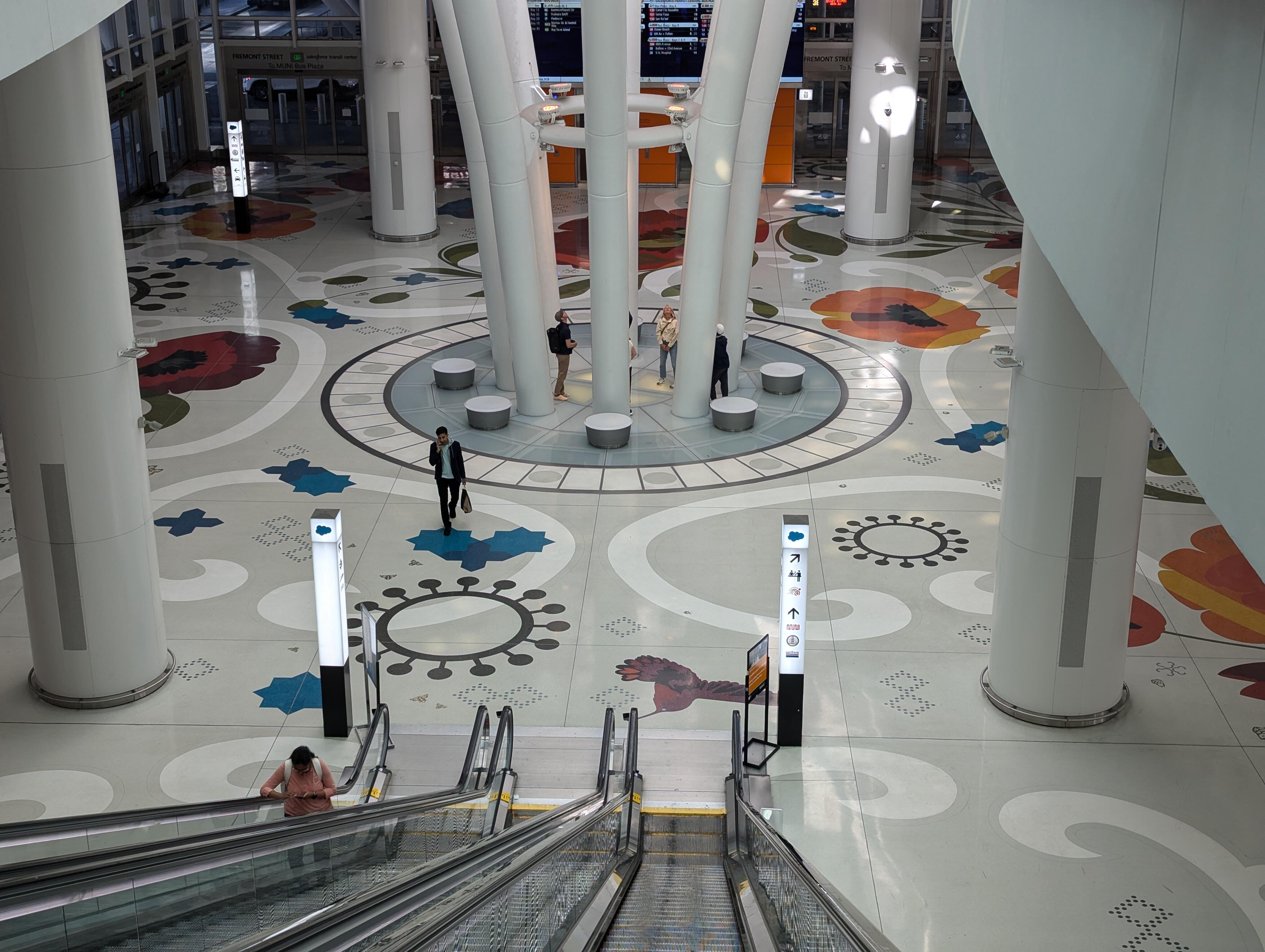
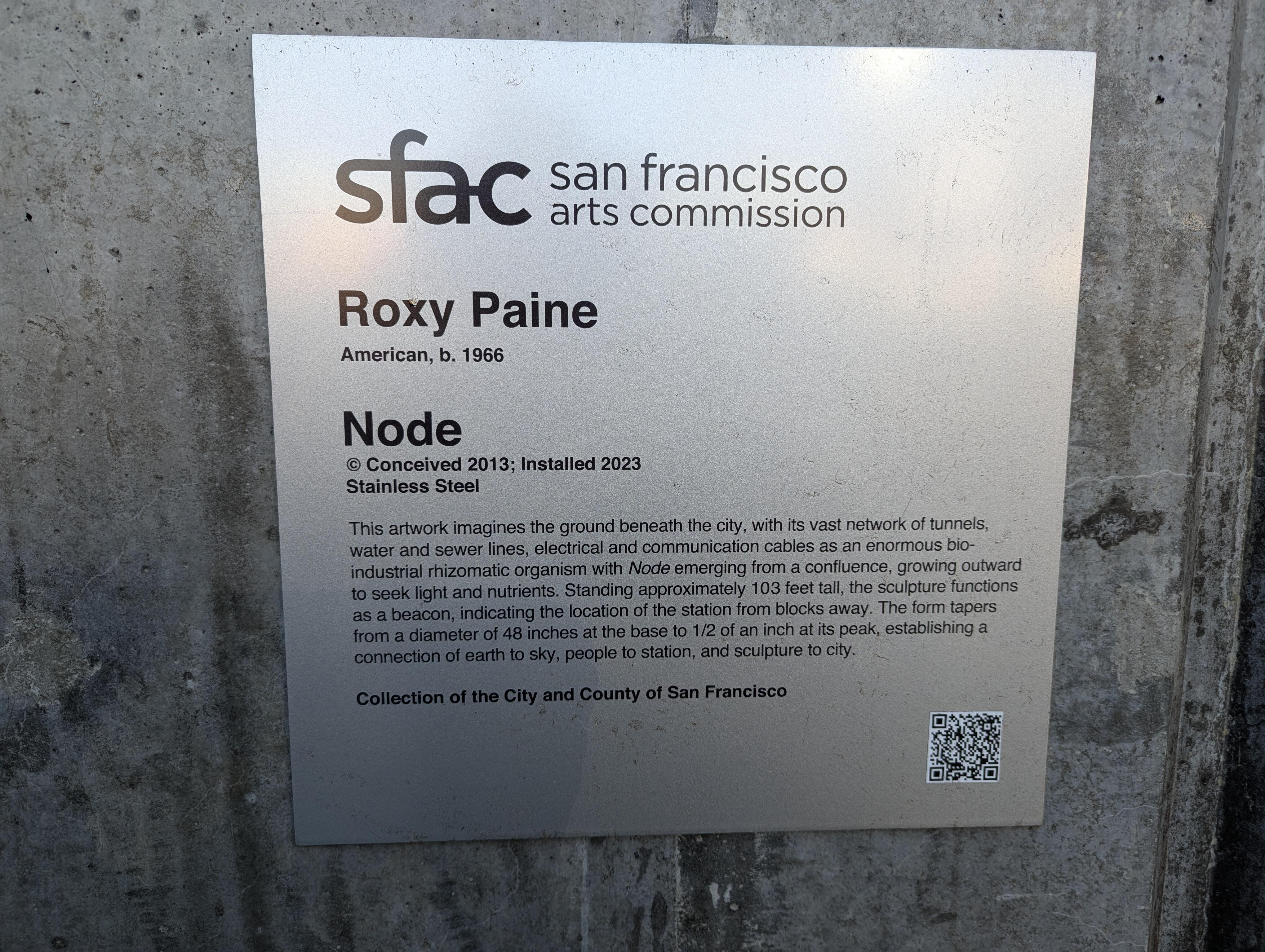
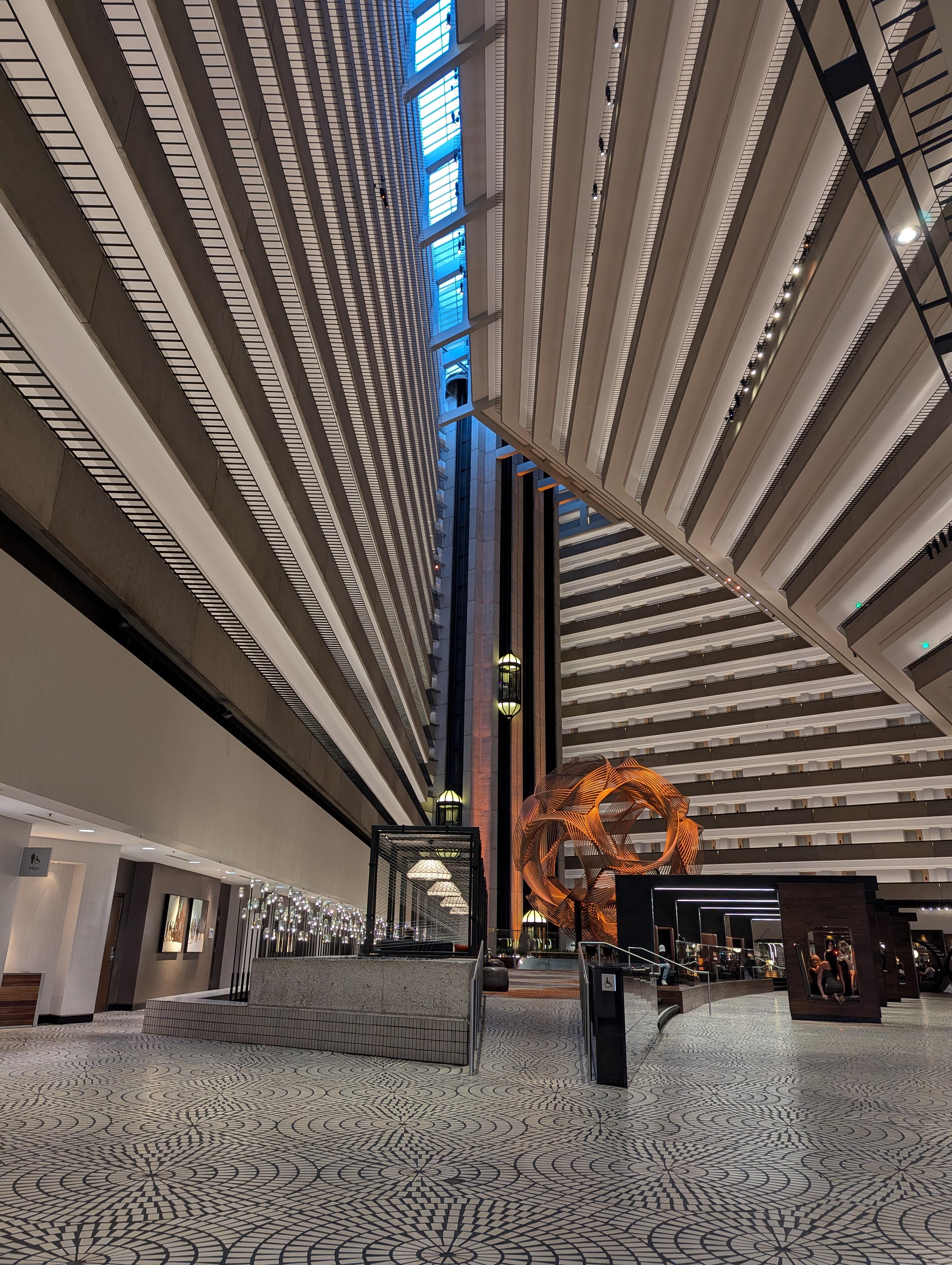
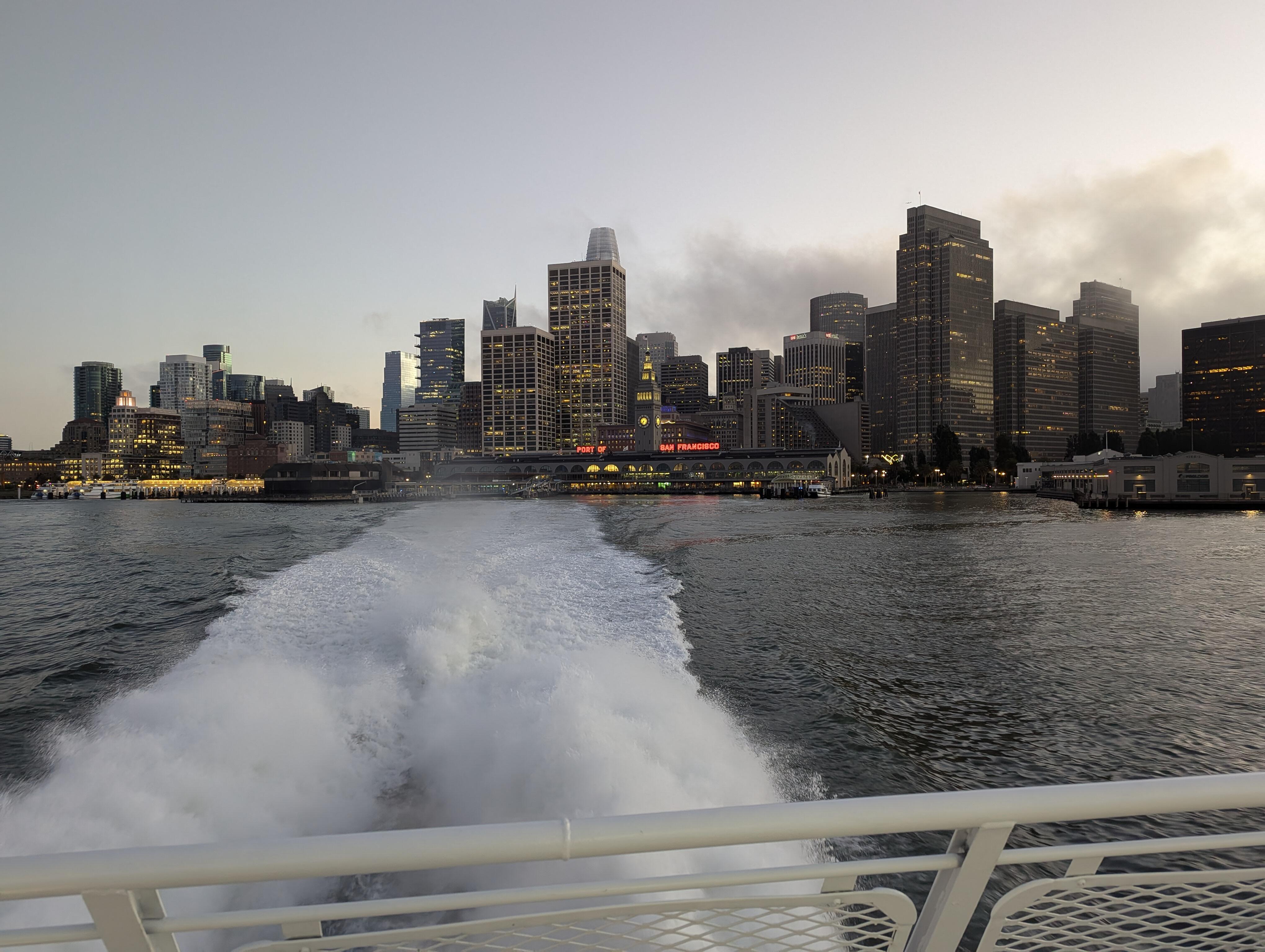
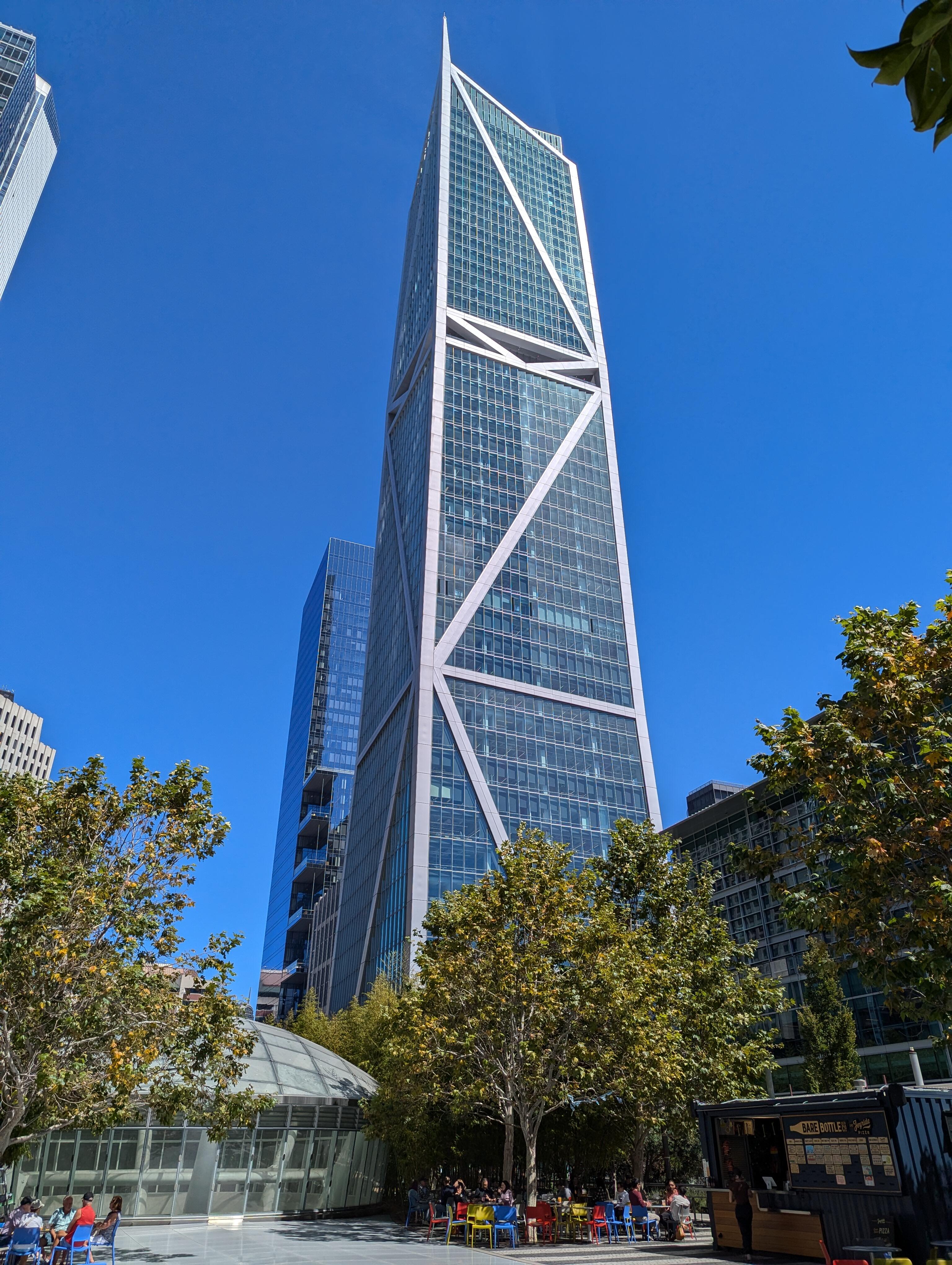
 2 points2 pointsI was on a boat That crossed the bay To "The City" Where we had a guided tour by a retired lawyer of the TJPA/Salesforce Transit Center and Rooftop Gardens Then saw some art And took the new subway (only $1.9B) to Chinatown, for their night market. And then a short rest* Before taking the ferry home again. *The more eagle eyed of you will spot the token foreground interest, bottom right.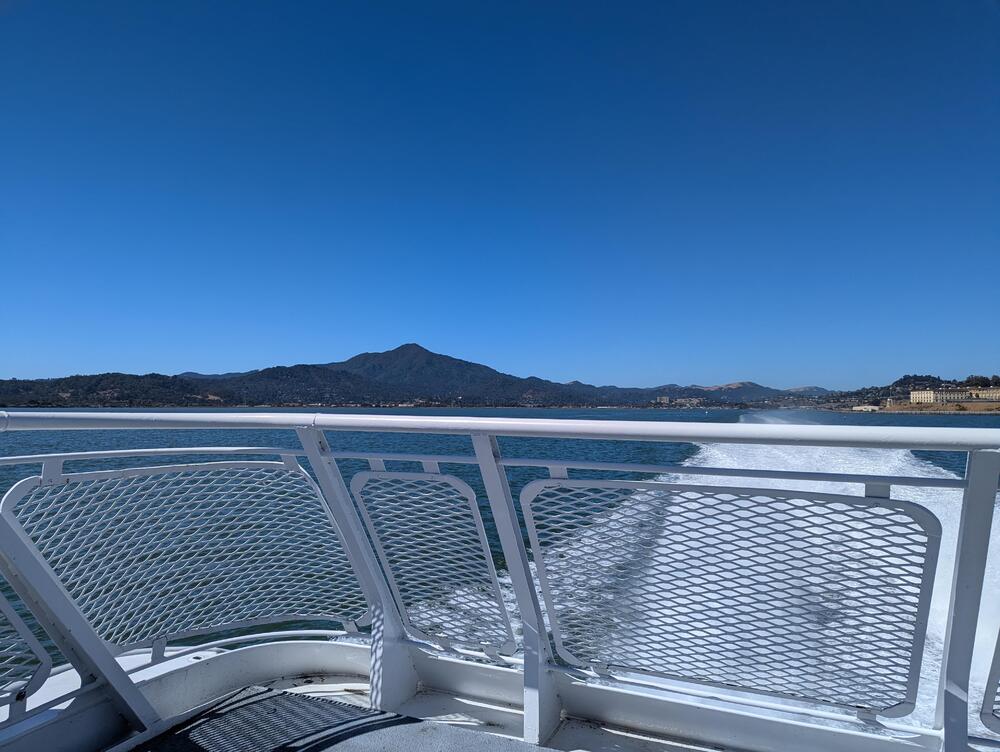

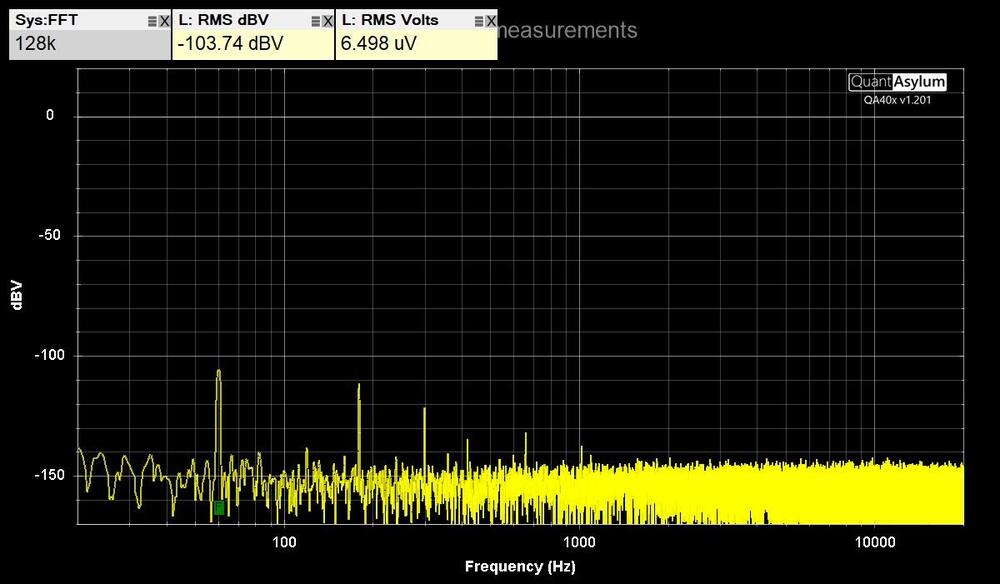
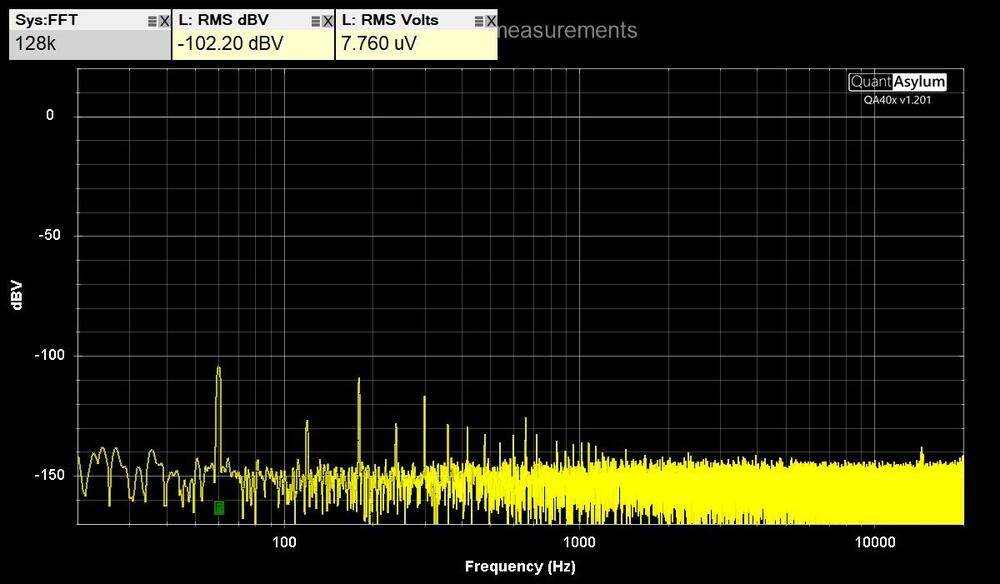
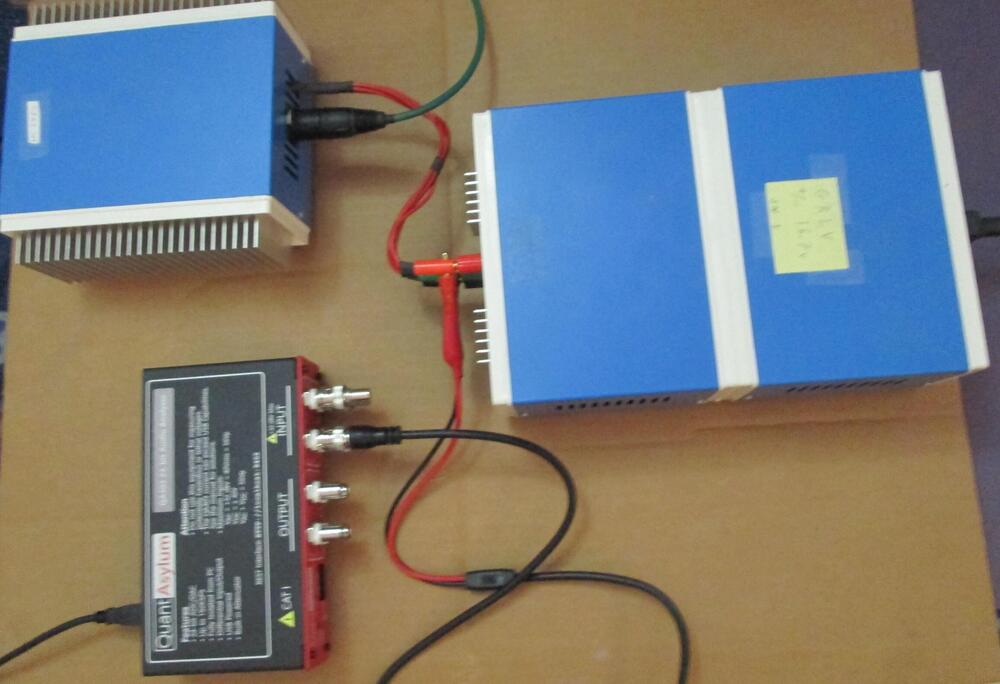
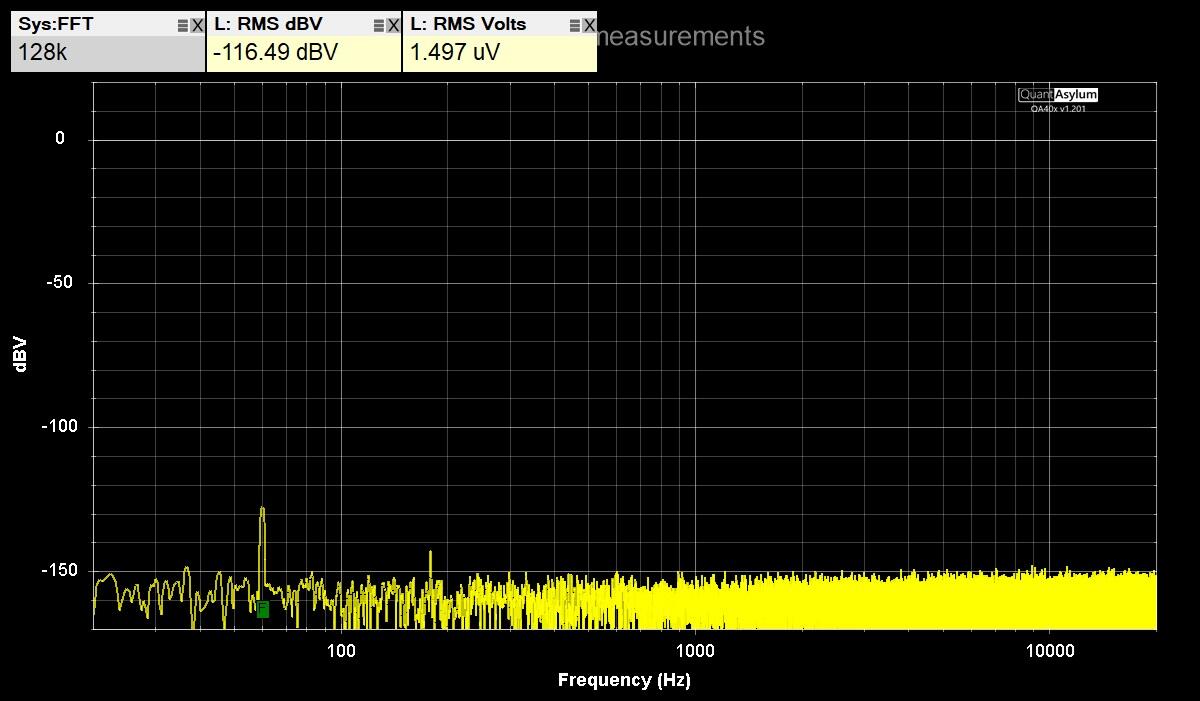
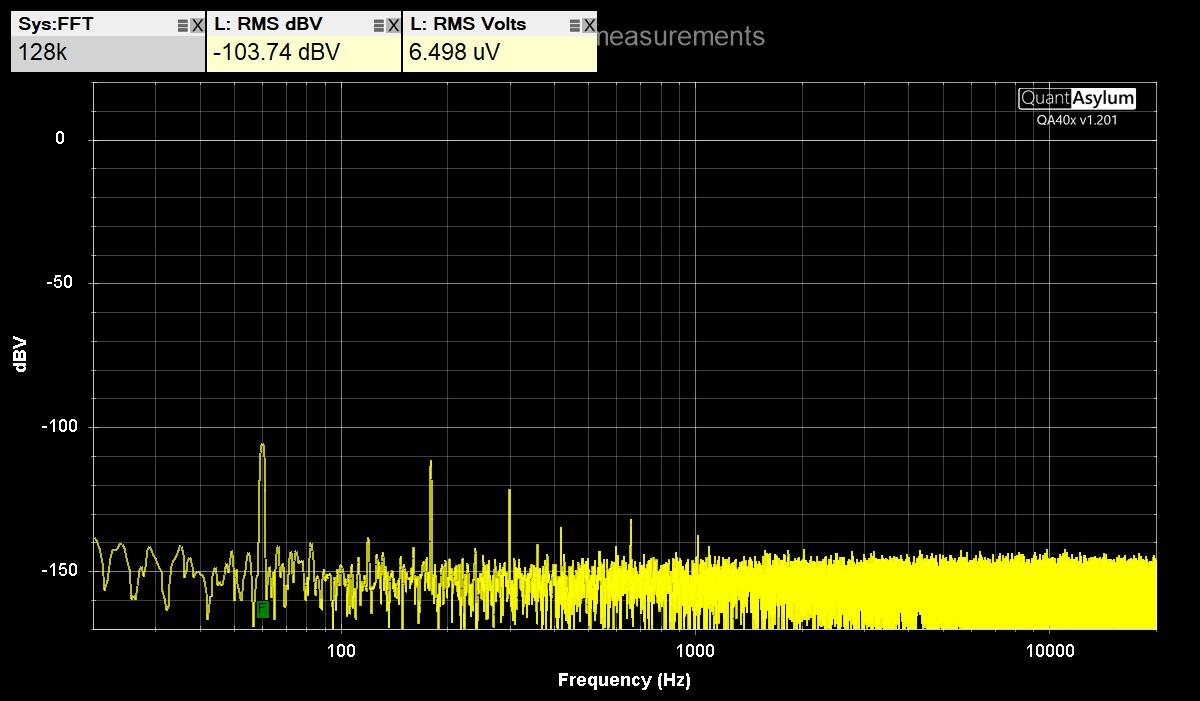
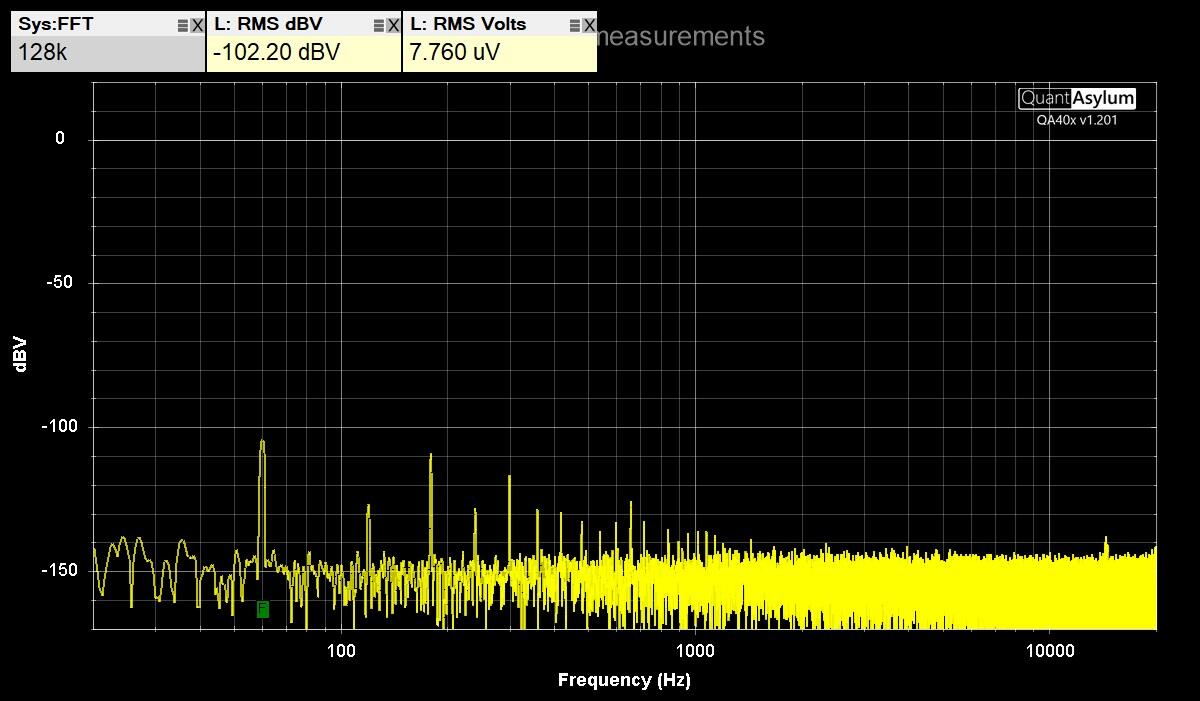
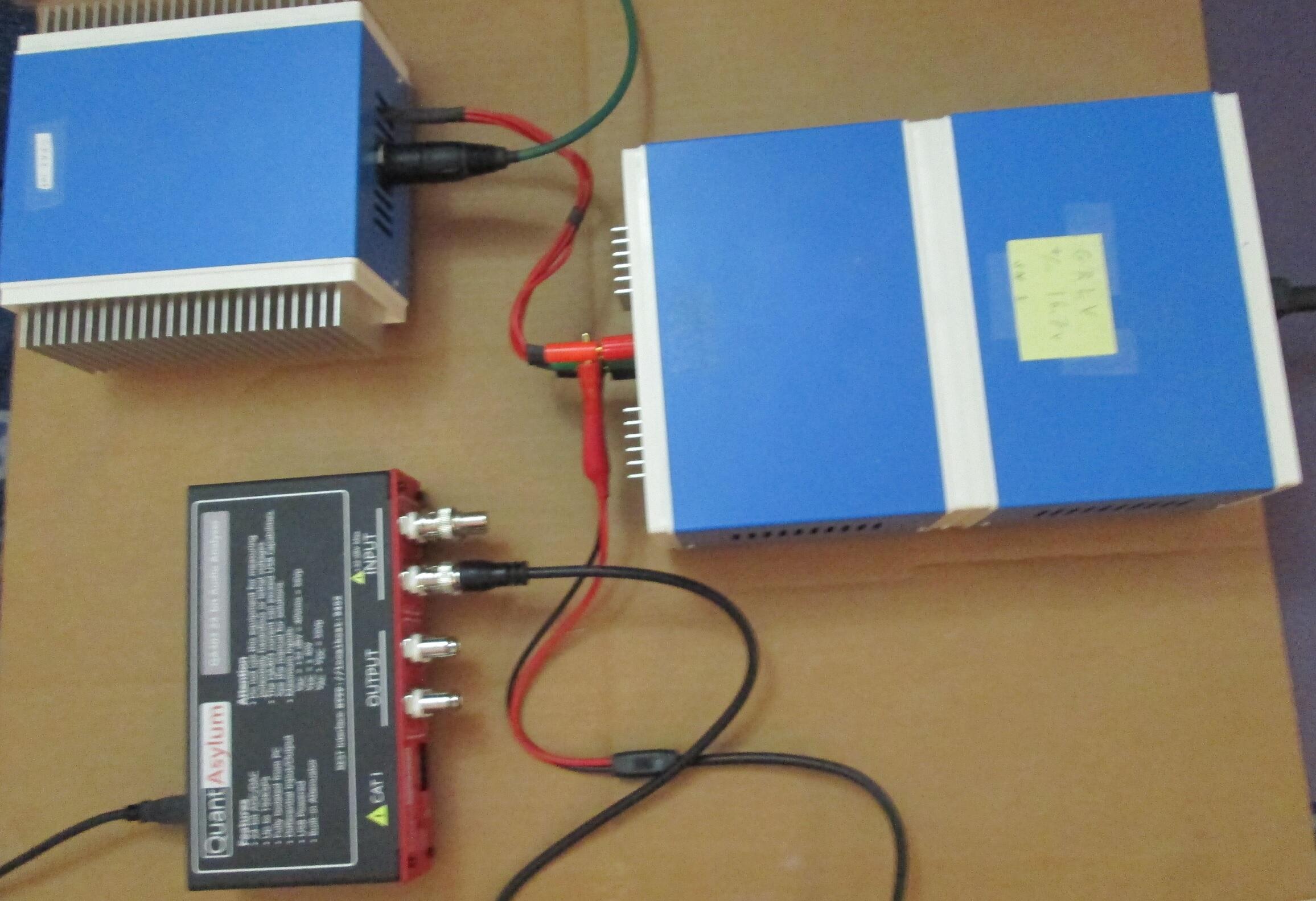
 2 points2 points1 point1 pointQuantAsylum QA403 tests Tested my GRLV noise level with the QA403 by connecting it directly with BNC test leads. The maximum DC input of the QA403 is 40 VDC. Measured the positive and negative voltages separately to see each noise level. Used the left positive input BNC and put a terminator on the negative input BNC. Installed software from https://github.com/QuantAsylum/QA40x/releases/download/1.201/setup_QA40x_1.201.exe Start app and Select File-> Devices-> QA403 Select File-> New Settings, Set the FFT size to 128k, the full scale input to 0 dBV, and hit Run. The first image is with the 36" BNC test leads alligator clips shorted together. The second image is the QA403 connected to the GRLV with no load. The third image is the GRLV with CFA2 as the load. Have less than 8 uV RMS Volts on each output. Was able to run RMAA on the QA403 by installing ASIO drivers. https://github.com/dechamps/ASIO401 Install https://github.com/dechamps/ASIO401/releases/download/asio401-2.0/ASIO401-2.0.exe Have to adjust the input/output scaling with the configuration file ASIO401.toml in the Windows user profile folder; for example: C:\Users\Your Name\ASIO401.toml Make sure the file doesn't have .txt on the end of it. My settings for the RMAA loopback cable tests are: fullScaleInputLevelDBV = +6.0 fullScaleOutputLevelDBV = -2.0 Adjust levels when testing an amplifier with gain. The input values can be: 0.0, +6.0, +12.0, +18.0, +24.0, +30.0, +36.0 and +42.0 The output values can be: -12.0, -2.0, +8.0 and +18.0 Install RMAA https://audio.rightmark.org/downloads/rmaa6.exe Right click and Run as administrator. Start it and select ASIO401 for input and output device. Select 24 bit and 48 kHz. Install four coax bnc loopback cables from output to input on the QA403. select Playback/Recording icon. start test if signal levels are good, otherwise adjust levels in ASIO configuration file. when test is done, save to location. Generate a RMAA test report with the paperclip icon. The test report has misspelled configuration signal as singal. I used hexinator app to edit the rmaa6 executable C:\Program Files (x86)\Rightmark\rmaa6 Select Edit, Find, singal at 496C00 Change the hex code 6E 67 to 67 6E and save. Here are the results of the RMAA balanced loopback tests in the last image. A picture of the QA493, GRLV, CFA2 is the fourth picture. The GRLV has the transformers in the rear box and the regulators in the front box. Two steel panels separate them to lower noise.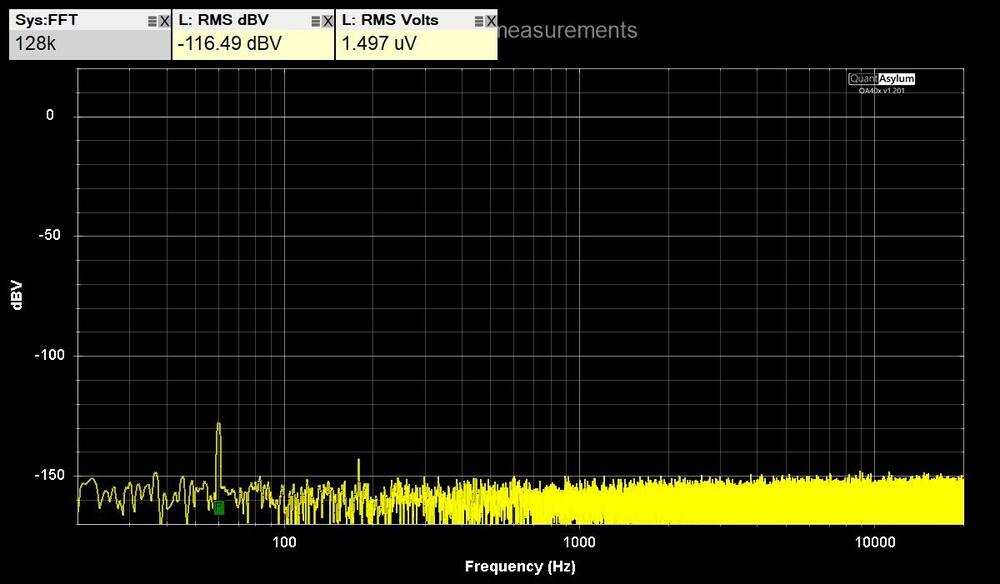
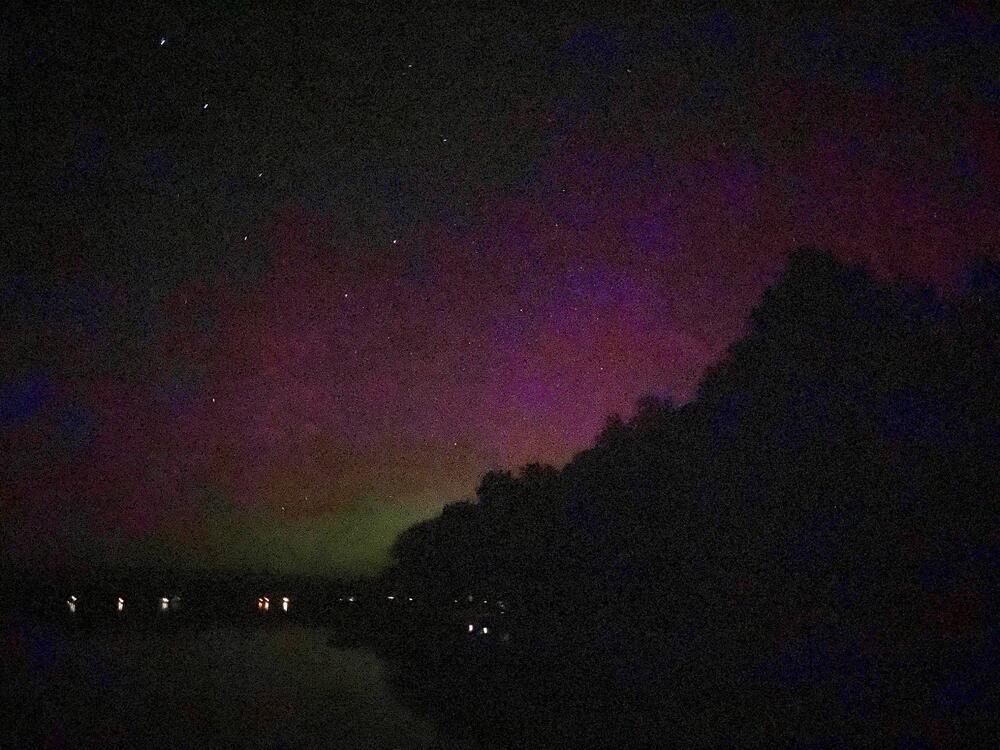
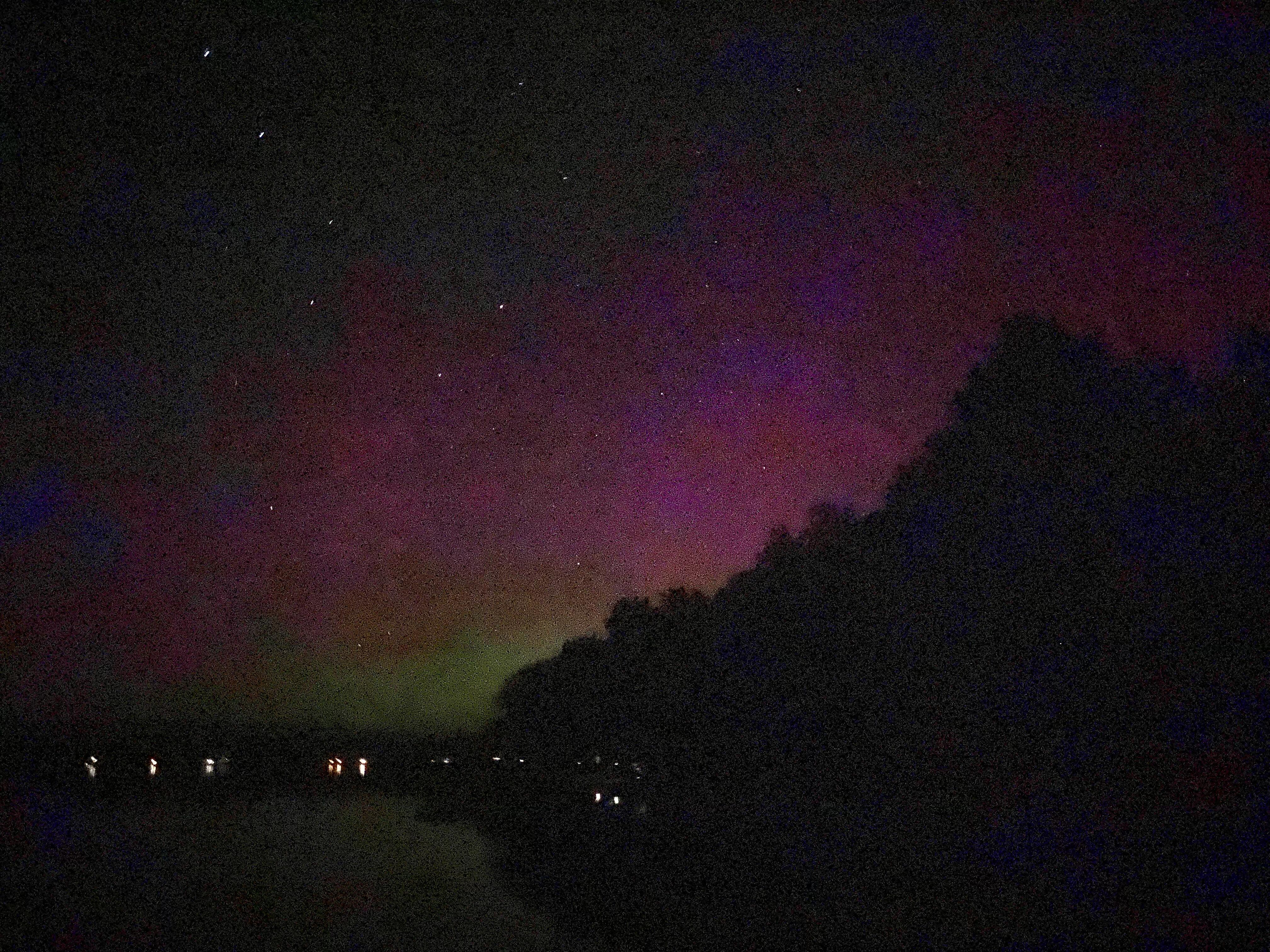
 1 point1 point1 pointI just saw "Civil War". Spoiler: the film is about the generational change of two photojournalists but the idea of a civil war in general and in the EEUU in particular ((after what happened in 2021), seemed terrifying to me.1 point1 pointChecking out the first civilian spacewalk, I was not awake when this happened. Cheers to - Jared Isaacman and Sarah Gillis1 point1 pointCool! Could I see the northern lights with your naked eyes or only in pics? We have had the latter a couple of times recently.
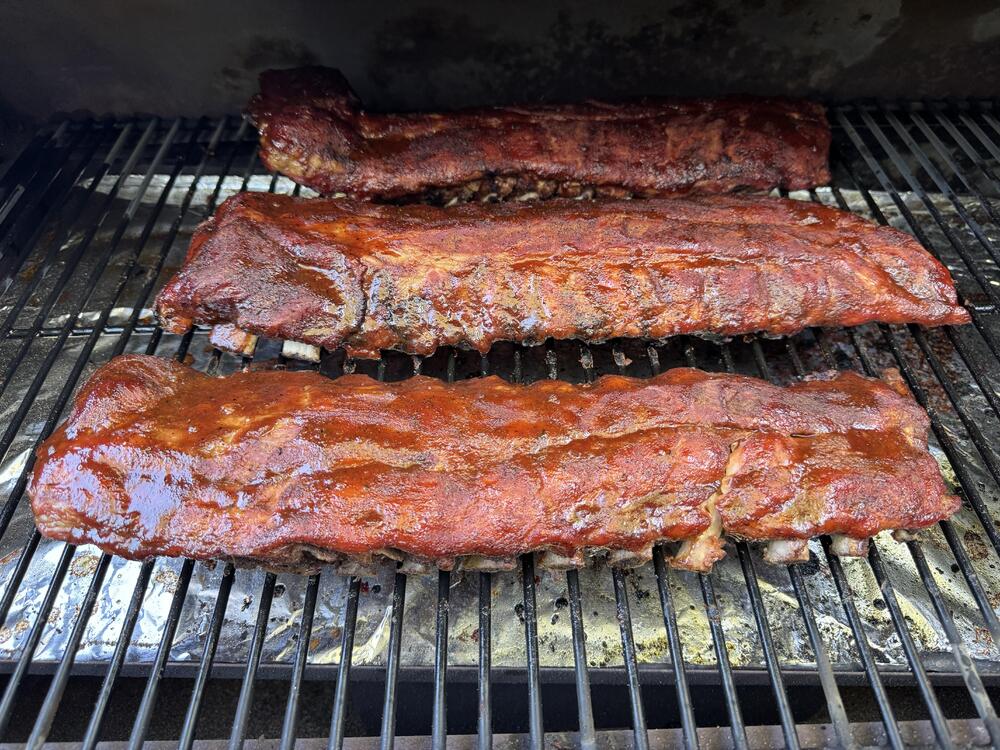
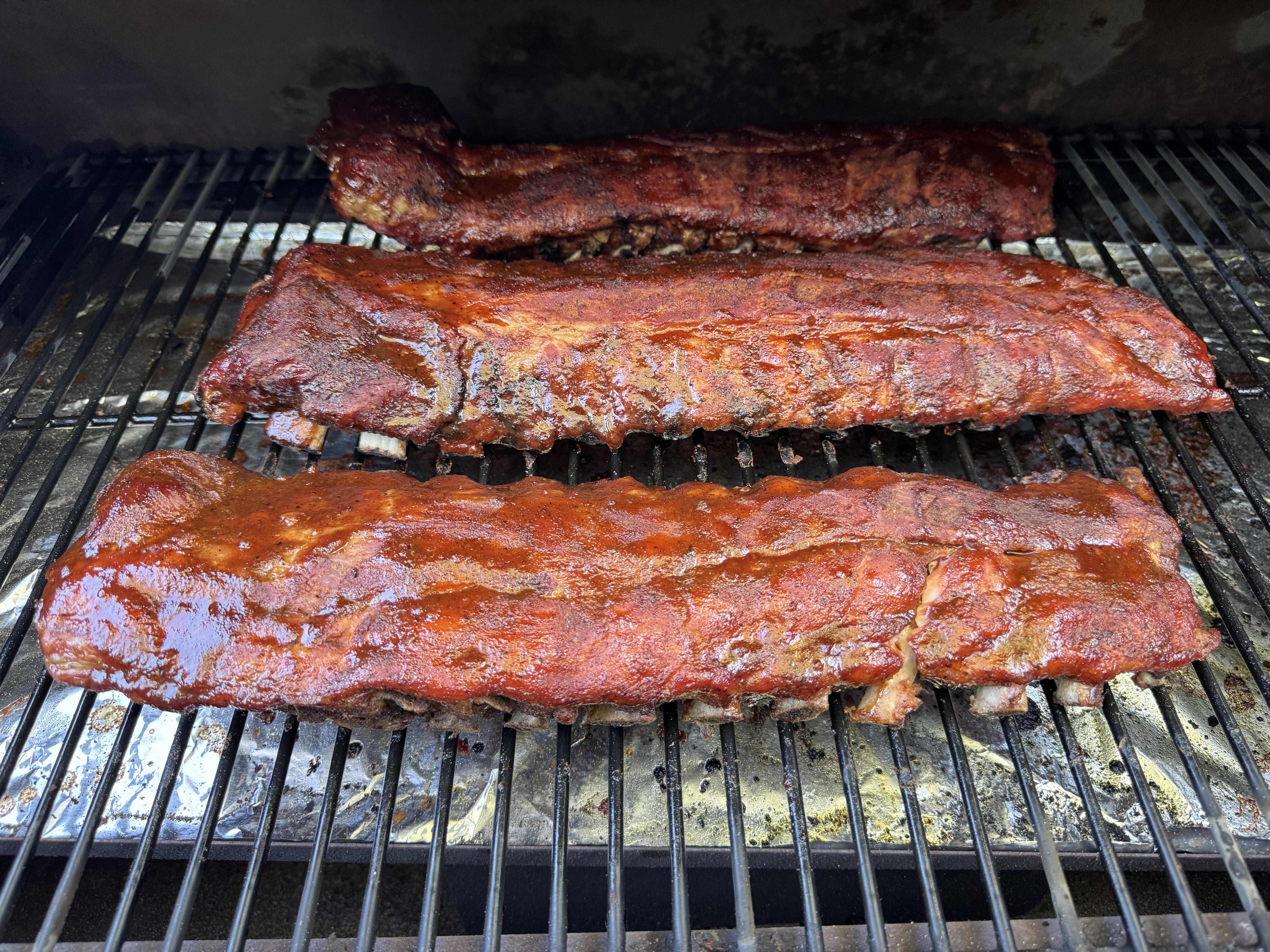
 1 point1 point1 pointLegendary Sony squares: The Esprit APM-4s are ~100 lbs. The APM-8s are a stout 220 lbs each. There's also an APM-6.1 point1 pointThis thread really dropped off the map. I had to replace the heating element in my old Traeger, but it turned out to be quite easy and very cheap on Amazon. I re-christened the smoker with three racks of baby backs.
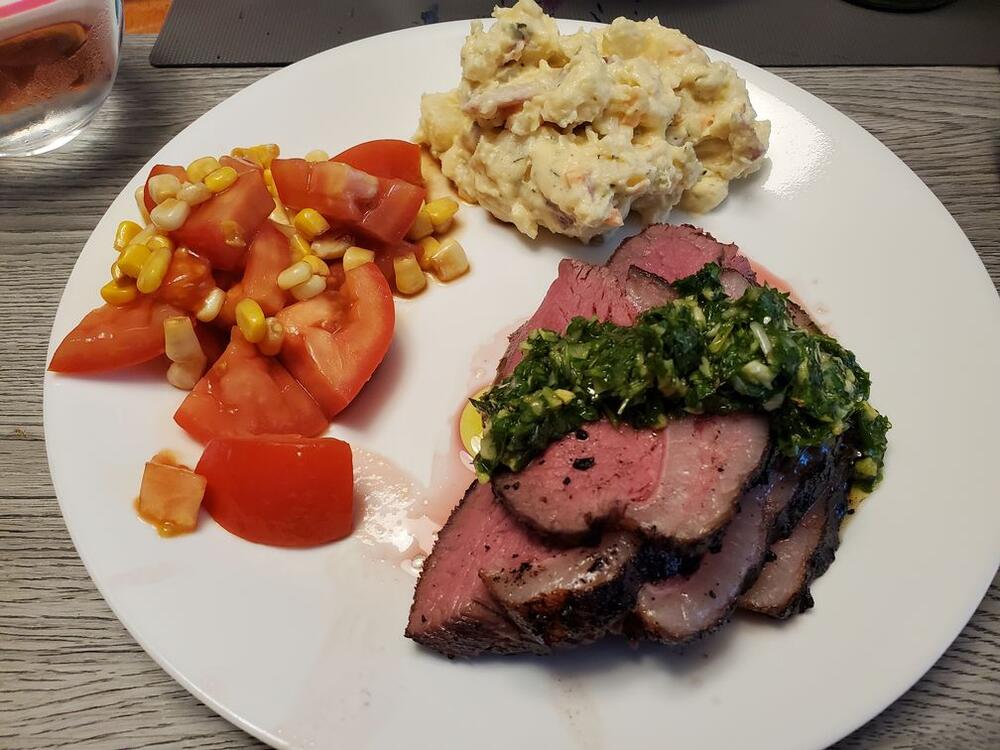
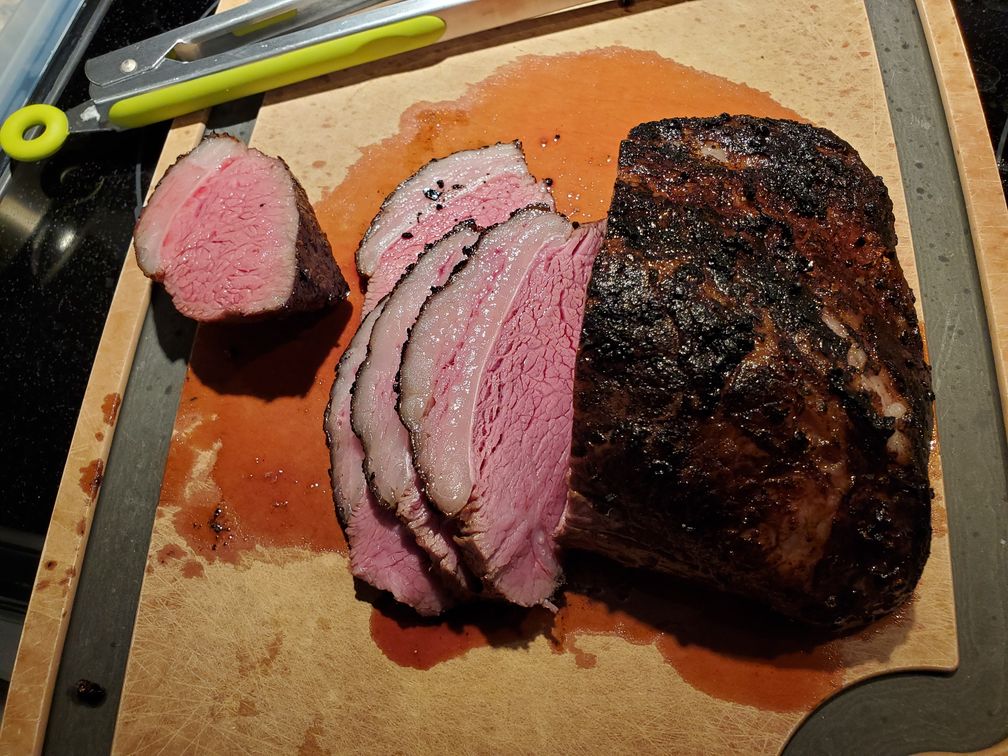
 1 point1 point1 pointI did sous vide picanha for the first time today. A simple rub of spices, smoked salt and olive oil, then cooked in the bath at 133F for 6 hours. The 'grill' part comes from very briefly finishing on the pellet grill, just one minutes a side, with the flame box open and the temp at the absolute highest I could get it, about 700F! Served with fresh chimichurri, I was in meat heaven.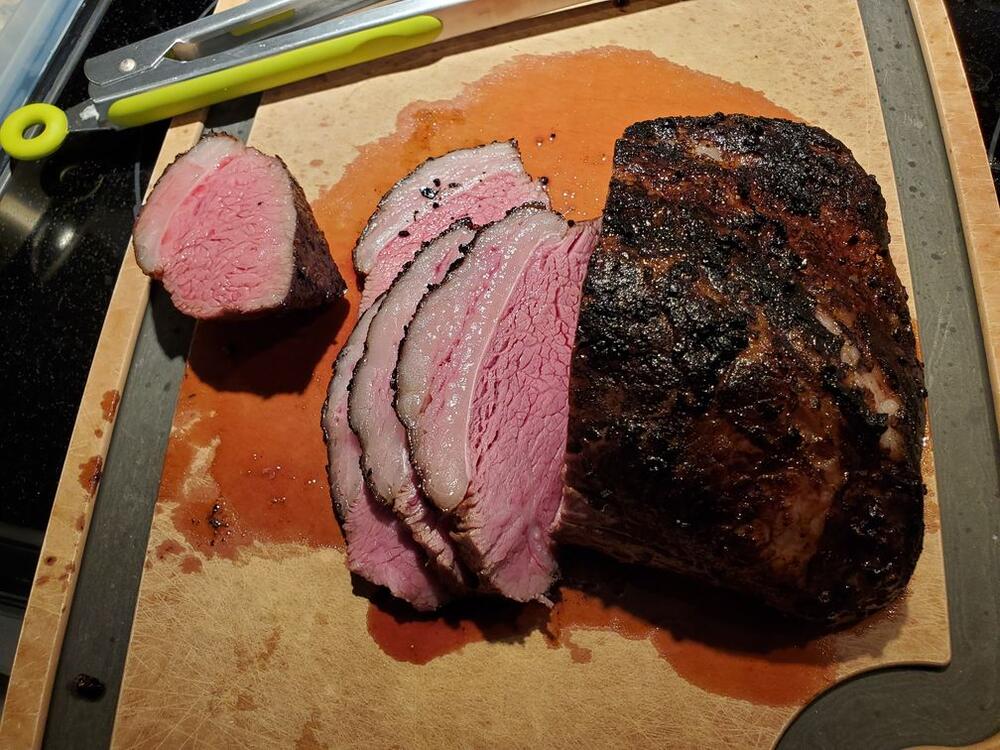
 1 point














Important Information
By using this site, you agree to our Terms of Use.