swt61
High Rollers
-
Joined
-
Last visited
Everything posted by swt61
-
I'm sensing the title "Very Tippy Genius" has had it's day!
-
-
This system was designed specifically to play the Beatles. The White album, of course!
-
-
I bought the ESS AMT 1D's. The 12" woofer was a little on the sloppy side, but that Heil AMT was amazing!
-
-
Best video in the history of mankind!
-
I updated my DIP8 connector for a DIP10 when I was 12. Just sayin'.
-
Beautiful wood work! The Lacewood looks great with the Quilted Maple! Nice dovetails too!
-
Depends on the wood. Pine would be soft, Walnut would be harder. ?
-
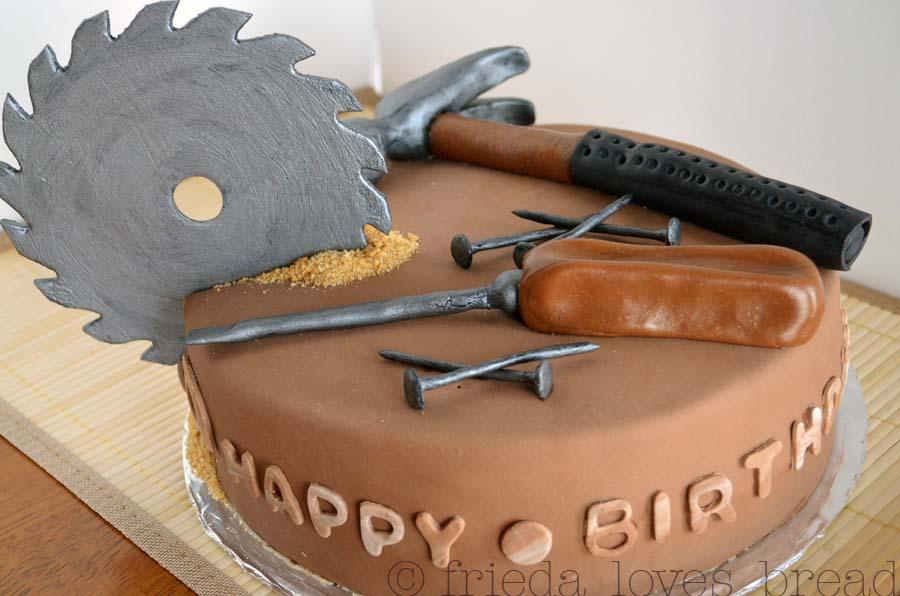
Happy Birthday Doug! No time for a day off. Keep the project moving along! We don't want to be celebrating completion and your 50th at the same time! ?
-
No, no, no! If I won't let a cute twink back there, Trump and the IRS have no chance!
-
Have an incredible day Al! And if you can find a few extra minutes, the world could certainly use some defending from new arch nemesis Cheeto Jesus!
-
Pretty sure it's eight reindeer bro!
-
-
Happy Birthday! Have a fantastic day!

-
-
-
Have a fantastic Birthday Al! You and Nitro do something fun!
-
Happy Birthday Colin!
-
Thanks guys. Spent the day shopping, so what could be better?
-
-
Needs cat pulls!.
-
Have a fantastic day Mike!
-
Happy belated Birthday!