chinsettawong
High Rollers
-
Joined
-
Last visited
Everything posted by chinsettawong
-
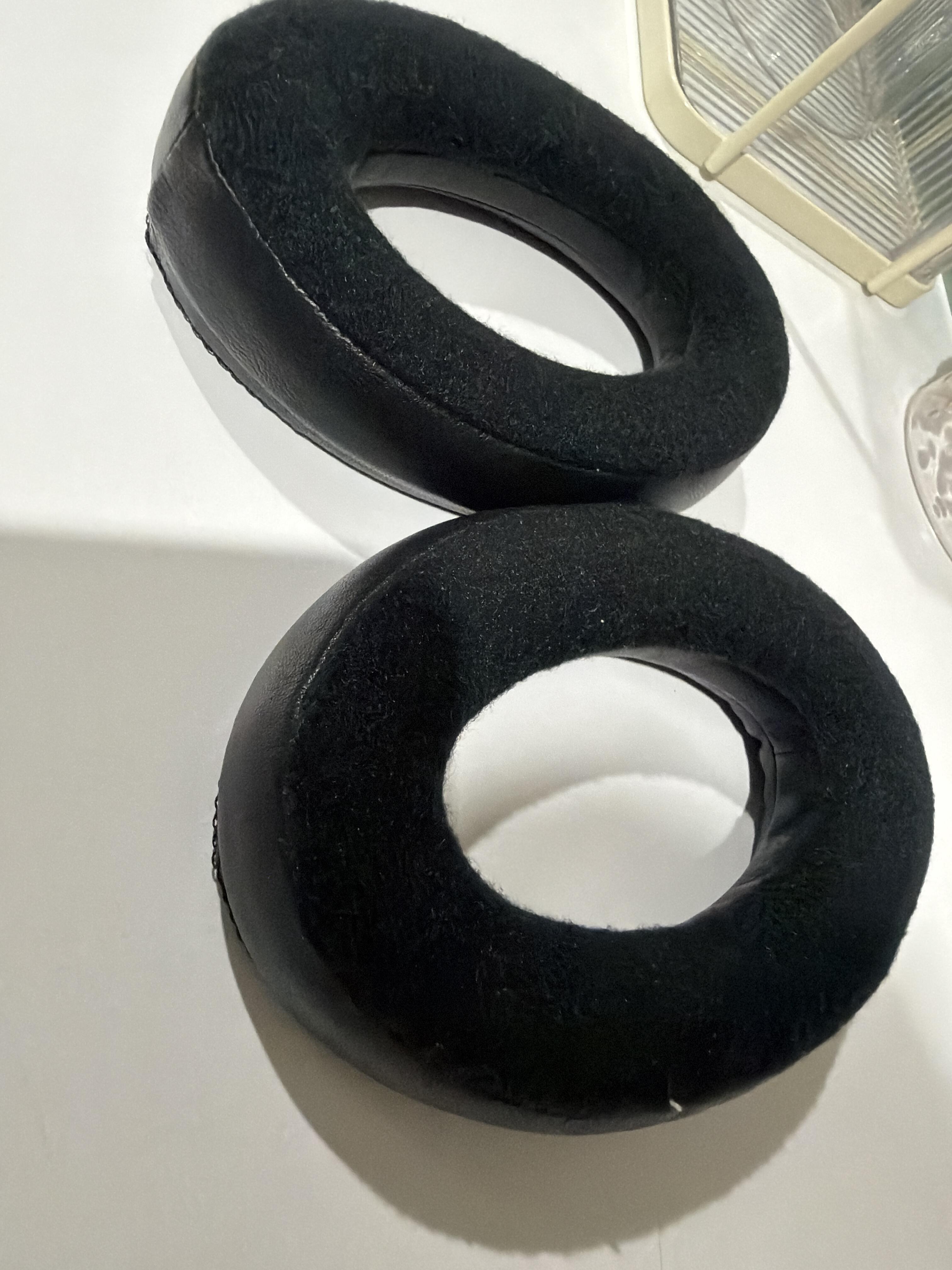
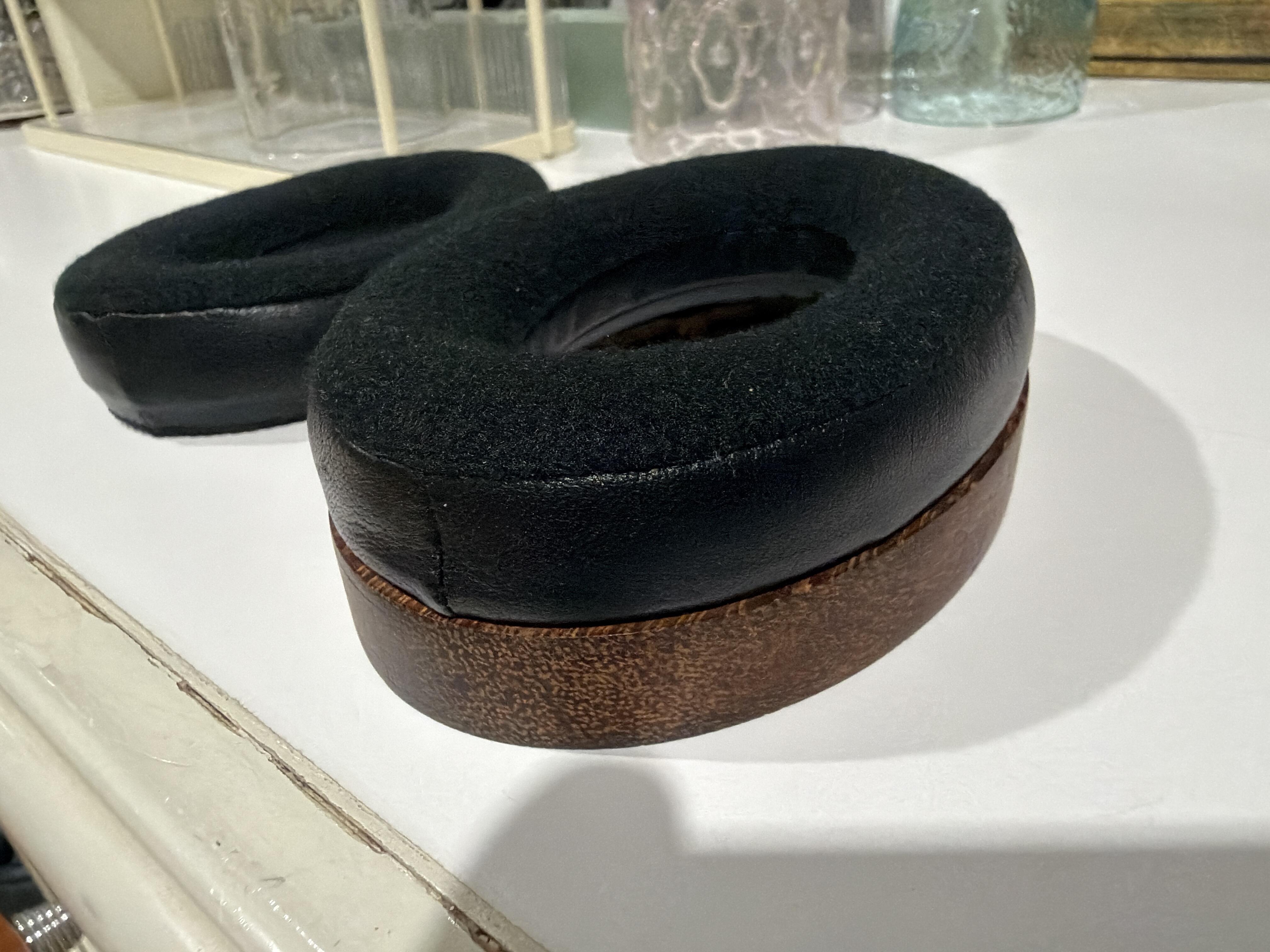
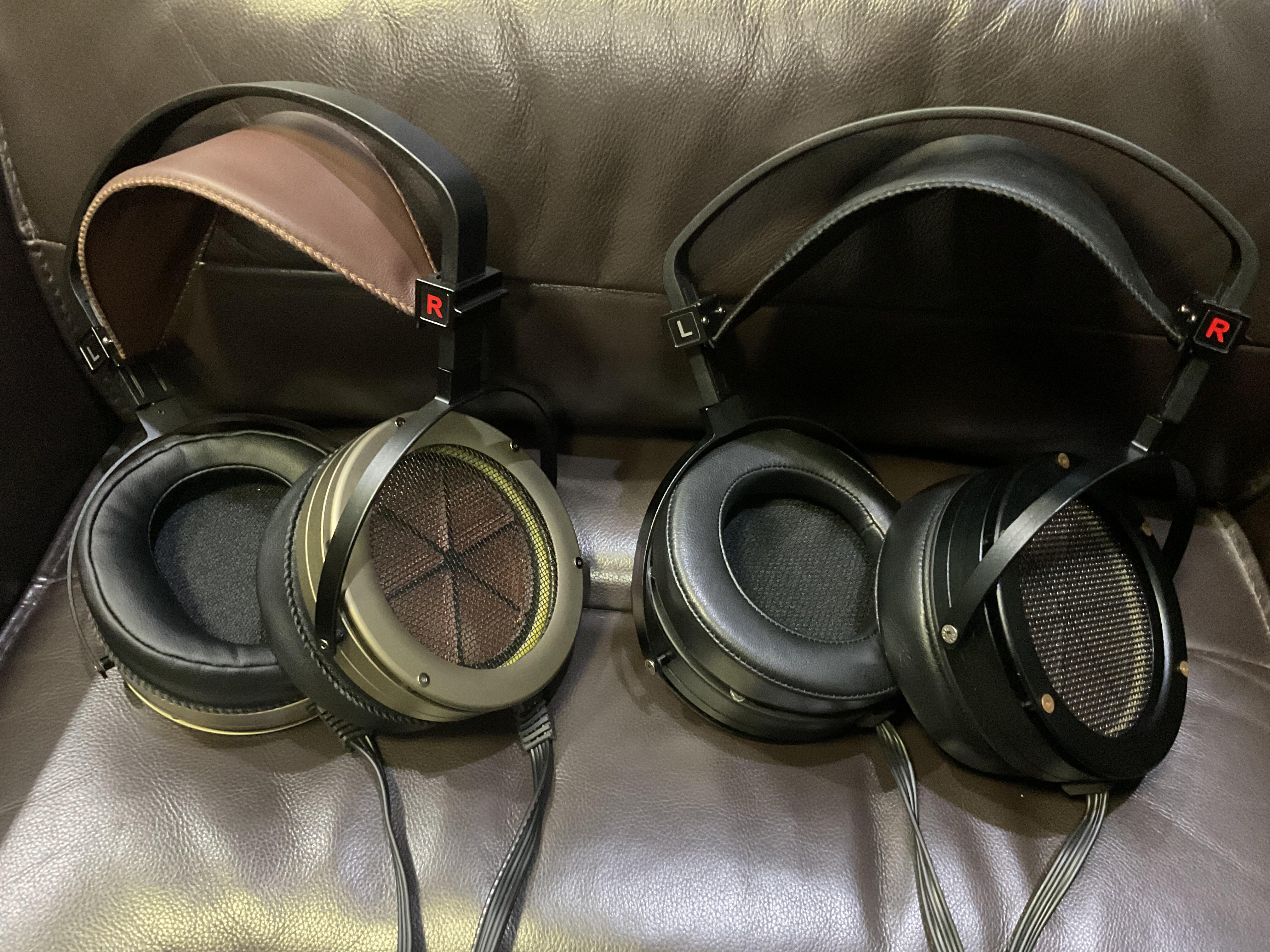
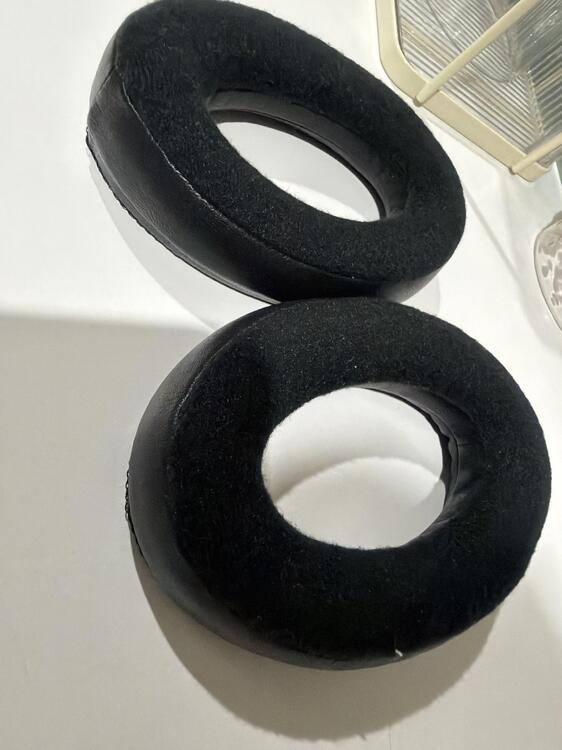
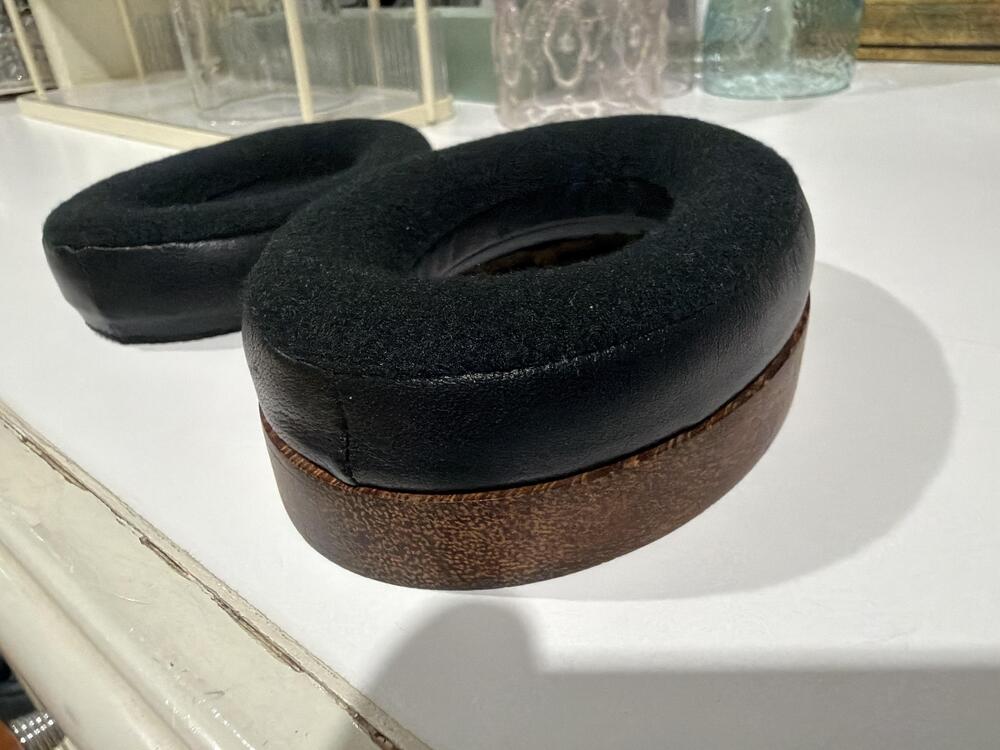
These are made identical to the real ones. The leather is lamb skin though. PM me your address and I’ll send them to you.
-
Very nice! I happened to have some ear pads made locally, and they come out to be pretty close to HE90’s. I can send you a pair if you like. 😁
-
They look nice! I'm sure they can produce good sound.
-
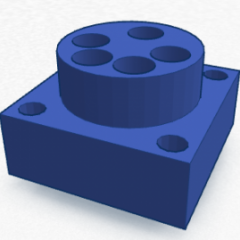
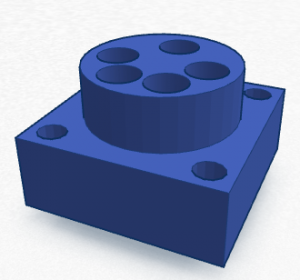
If you have some designs and need to make 3d printed parts, I might be able to help.
-
Does it have enough power to driver the Jackling Float?
-
Humidity is always a problem. We'll just have to try and see.
-
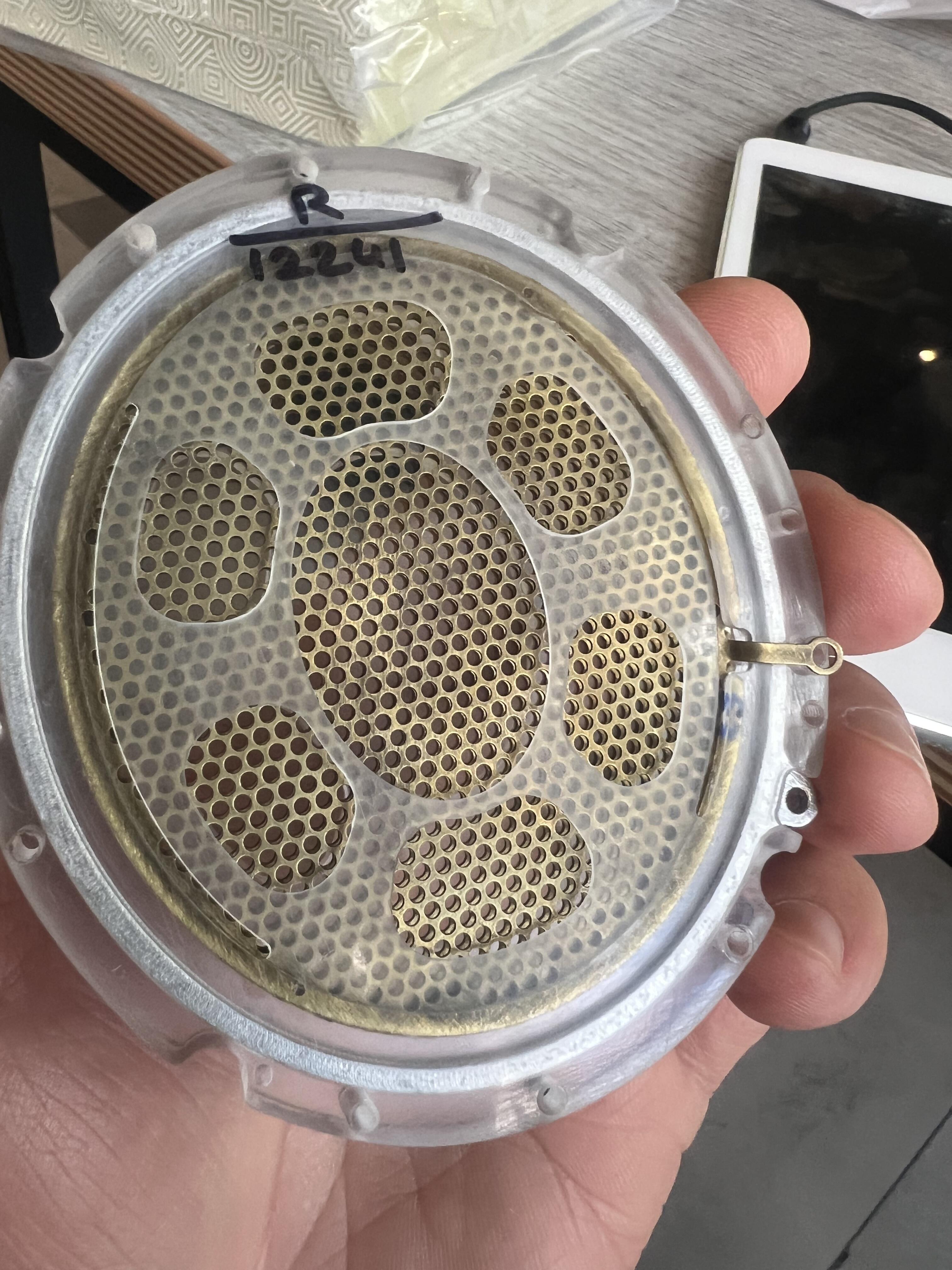
Aumkar suggested to apply it with an airbrush, but I simply put a little on microfiber cloth and wipe it on the diaphragm. After it dries, I buff it off. It’s dirt cheap and working very well.
-
Aumkar suggested using "Comfort" fabric softener for coating, and I have been using it for a few months now. It works very well.
-
It’s SR-007S. 😁 https://stax.co.jp/product/sr-007s/
-
Happy birthday, Kerry!
-
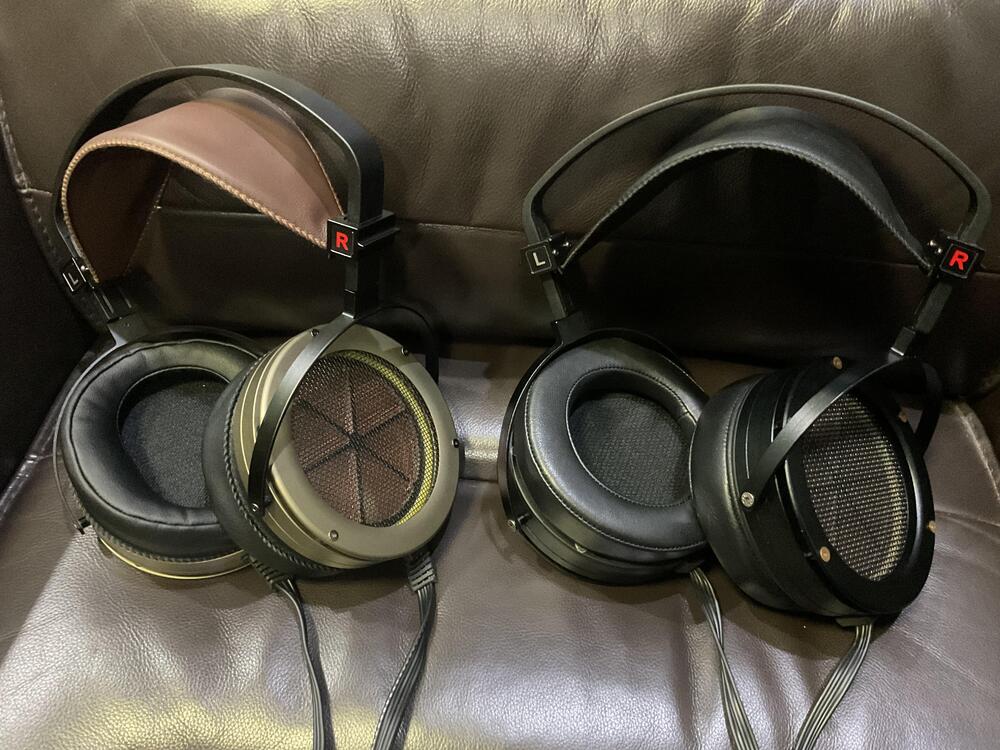
I’ve got my ES2a for a while now. The biggest improvement over the ES1a, in my opinion, is the headband. With the proper clamping force, they don’t fall off my head like the ES1a. So, I ordered the new headband to replace the one on my ES1a. Now my ES1a feels like different headphones. It’s well worth the upgrade. 😄
-
Very nice! 👍 They look very professionally made. What material do you use for dust cover?
-
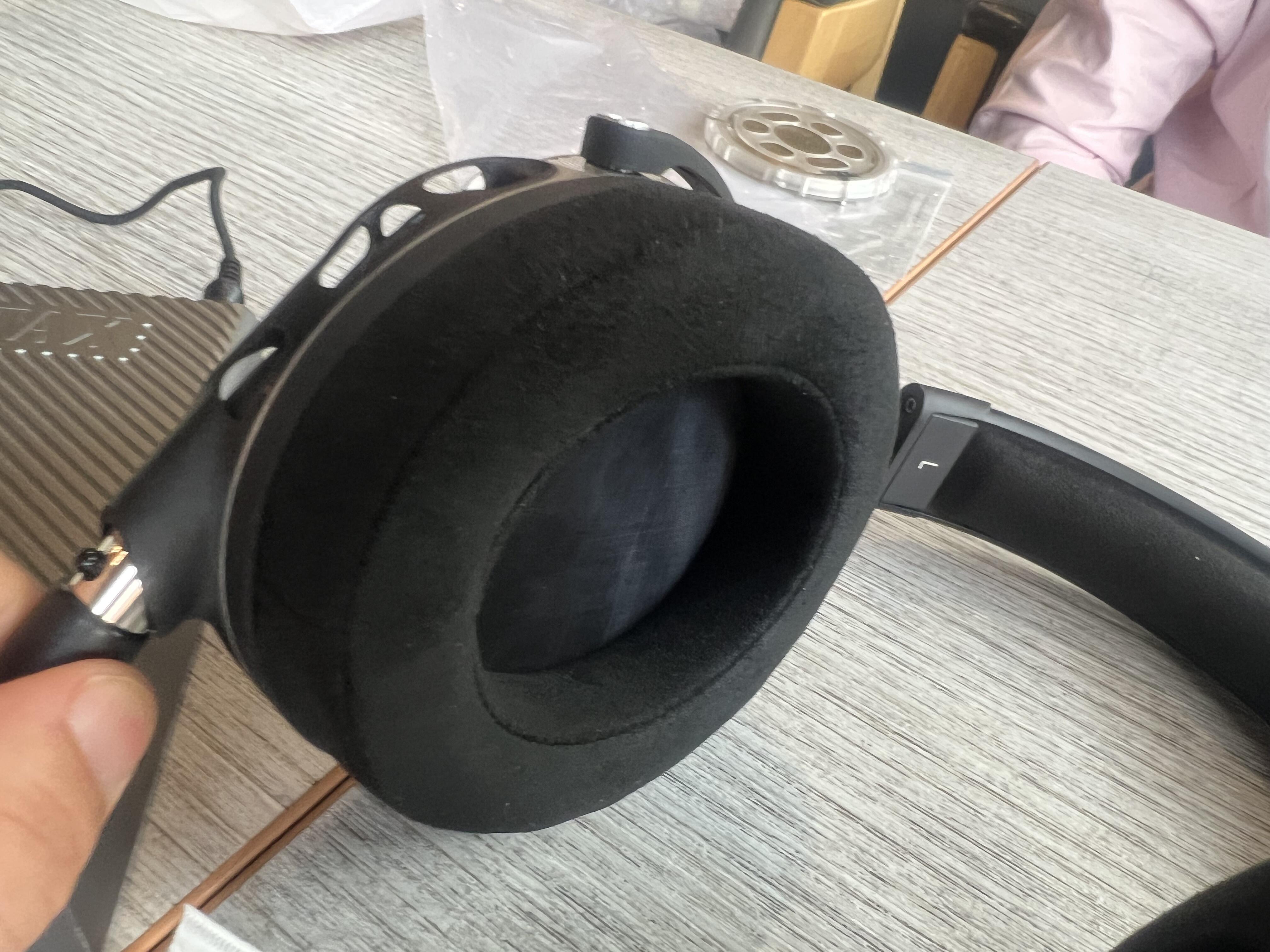
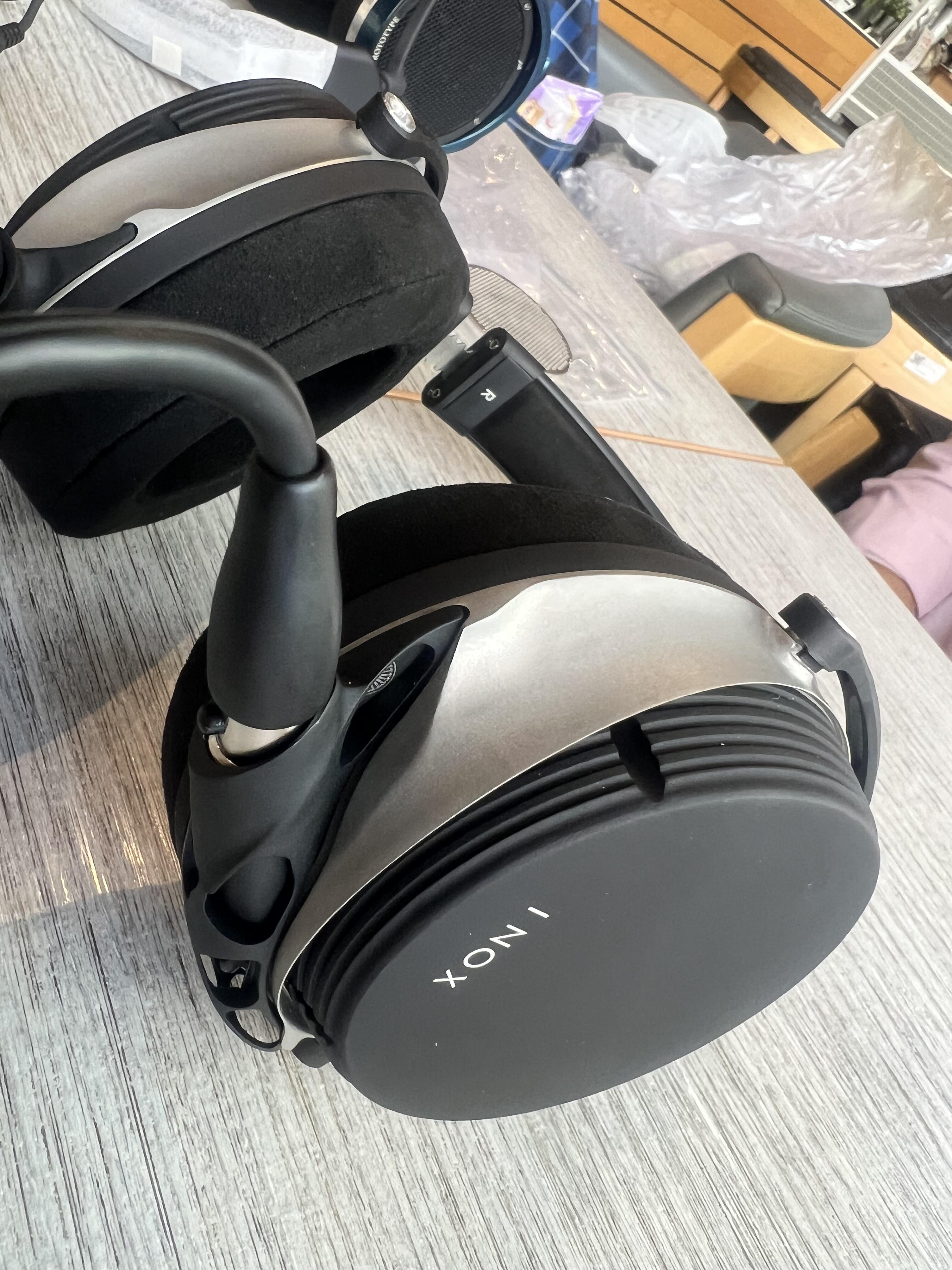
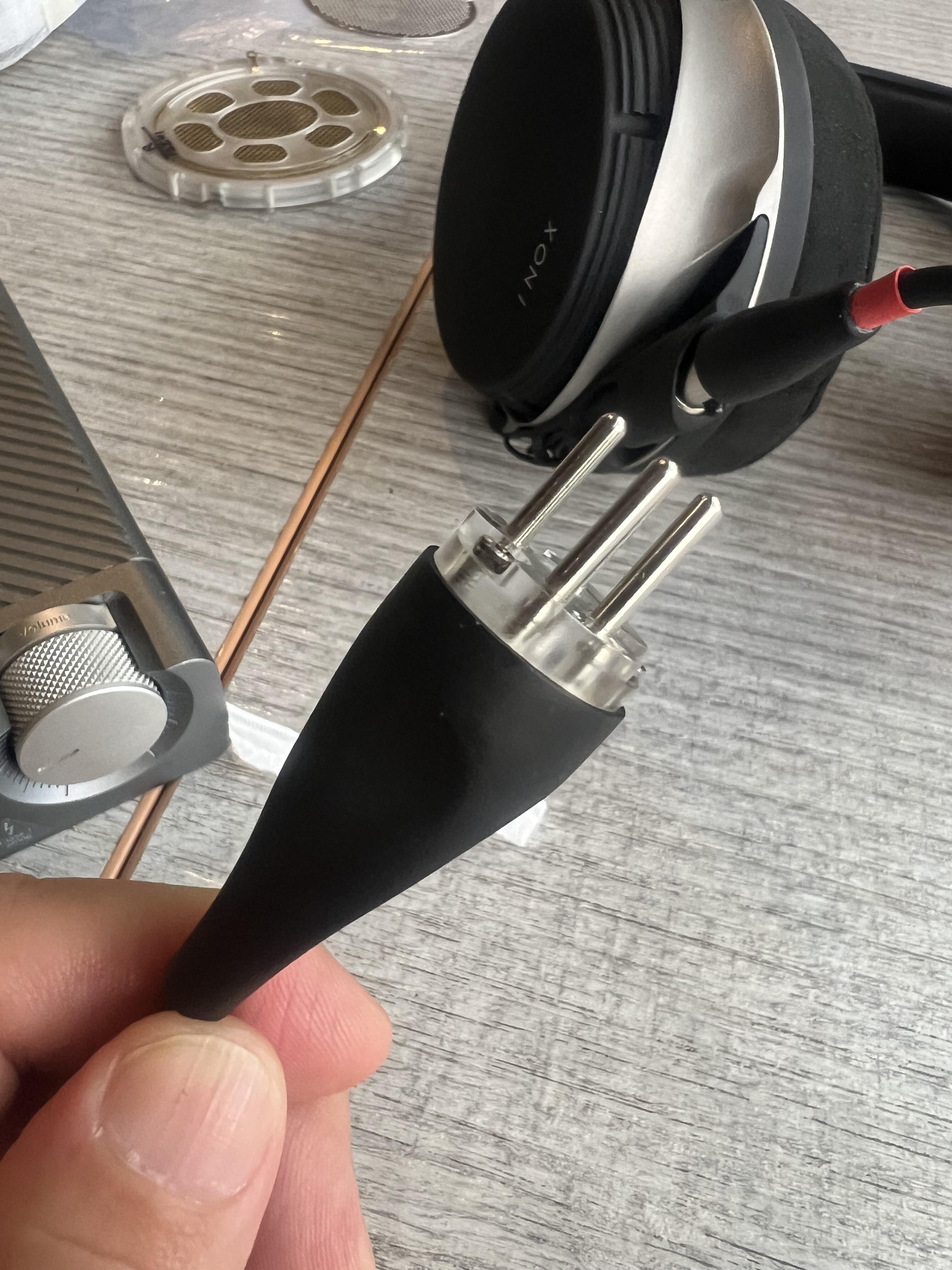
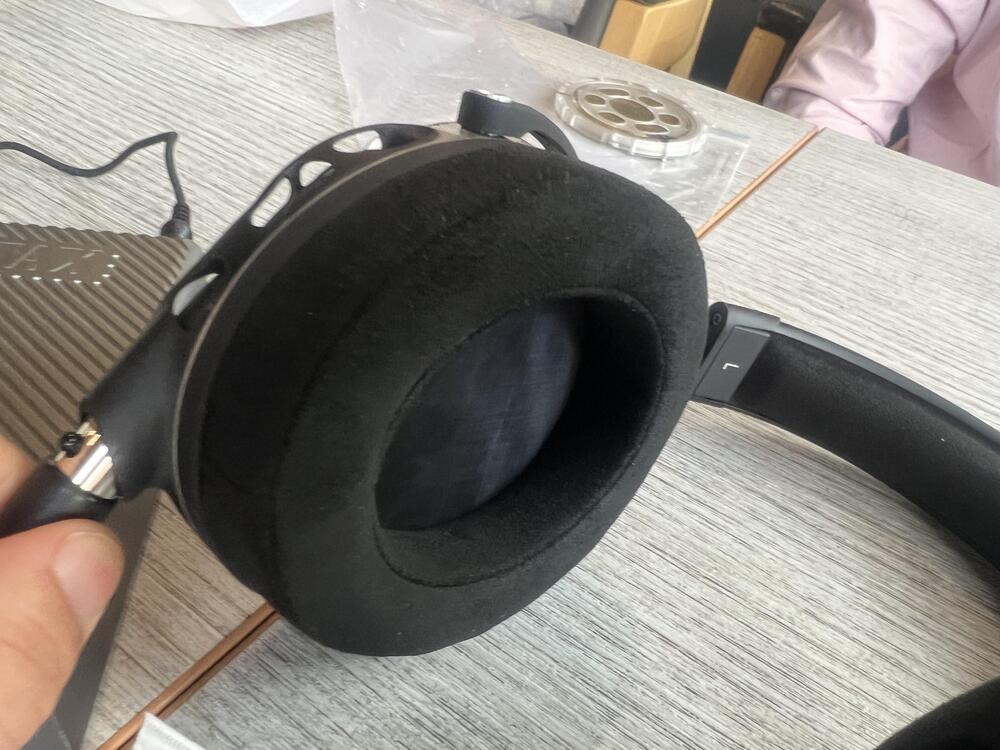
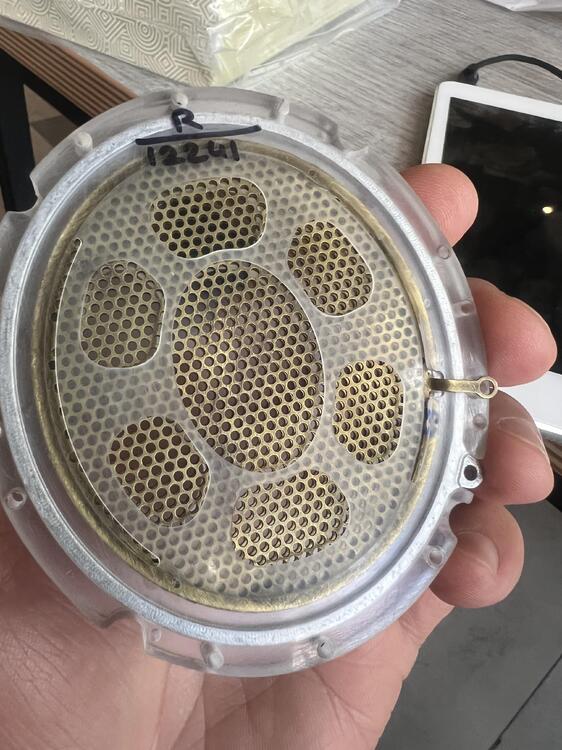
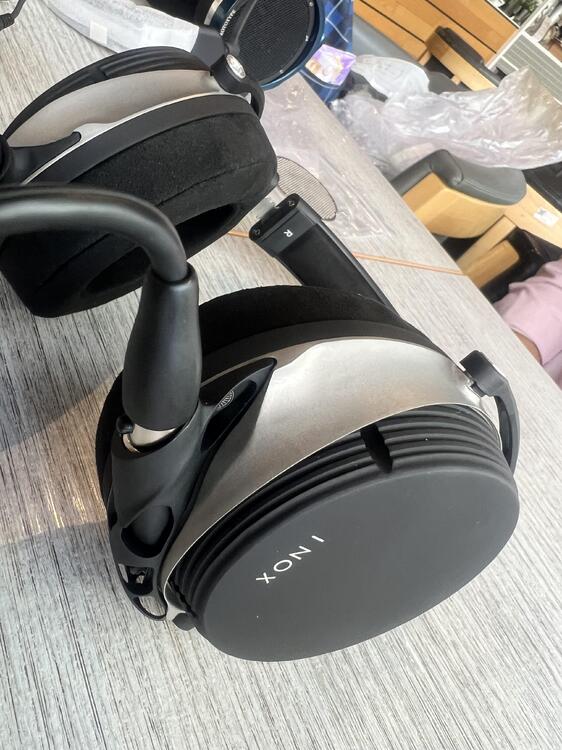
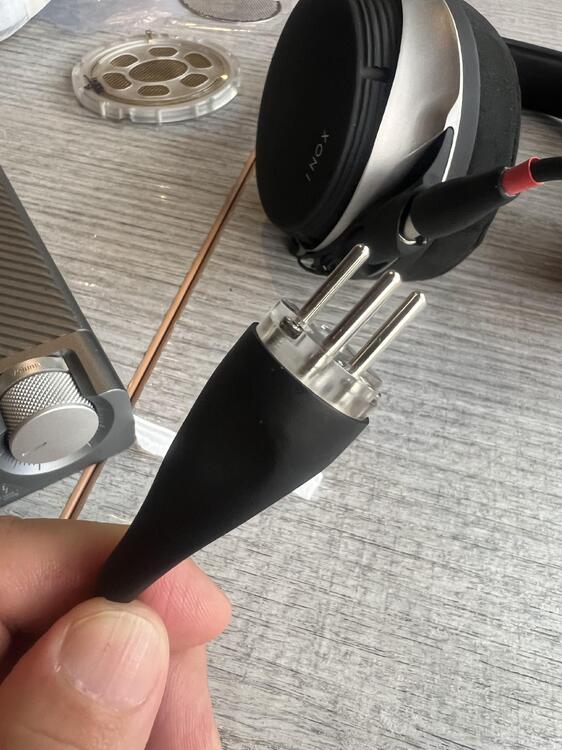
Aumkar came to see me in Bangkok and let me try his INOX. It sounded really nice.

-
Happy birthday!
-
Happy birthday!
-
Happy birthday 🎁🎉🎈🎂🎊
-
The hum on my amp associates with the attenuator. On some positions, it’s quiet and in other positions the hum is quite disturbing. I’m using the Alps RK27. Could that be something similar to you?
-
Wow! Wow! I’m very excited and really looking forward to trying them. I’ll throw a big party to welcome you when you come.
-
-
Have you got the way to align them? Actually it's very easy. You select the objects you want to align. Then you click on the align button on top of the screen. You'll then see the black dots with lines on your parts. Click on those dots and your parts will be align accordingly.
-
I use tinkercad from time to time to design some simple things. But I’m not an expert.
-
The easiest way to confirm the problem is that you try someway to ground the amp. If the hum goes away, then it's the amp. If the hum doesn't go away, then it's the headphones. By the way, did you recoat the diaphragms?
-
I also have hum problems on my amps. In my bed room, there is no actual ground connection. So, I just live with that little hum. Also, please check to see if the problem is from the volume attenuator. On one of my amps, turning the volume knob back and forth changes the hum. At a certain volume level, the hum would go away completely.
-
Hi plaurids, If you touch the the ground pole in the rear of the energizer and the hum disappears, then it's most likely that the hum is from the energizer itself. In my experience, some headphones can be more sensitive to hum than the others. It has something to do with the coating material of the diaphragms. If the coating material on the diaphragm has a low resistance, then it can make the phones hum more easily.
-
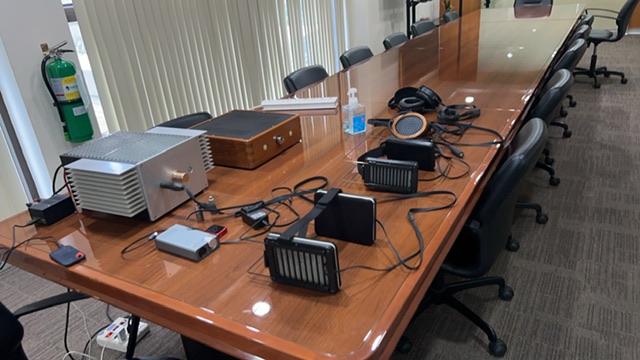
Meeting with Purk and his friend, Wut. Unfortunately, nothing new to show to them. But, as usual, we went out for a lunch together, and I had to make sure that I fed them enough. 😆