


grawk
Administrators
-
Joined
-
Last visited
Everything posted by grawk
-
No, i understood what you meant. You're at the wrong forum for what you're looking for, but I'd be glad to do it as a service. $10,000 as a retainer, plus send me all the headphones you wish to have compared for you.
-
I'd be glad to perform a justified comparison of the headphones in question. Please send a pair of each to me, along with a retainer of $10,000 US.
-
DORIS the Destroyer
-
maple sugar candy
-
I bet you could still find a friendly judge
-
no, I just have to type them so often I've gotten fast at it.
-
http://www.innerfidelity.com http://www.head-fi.org http://lmgtfy.com/?q=headphone+recommendations+for+someone+with+a+big+head
-
because otherwise he can have you forcibly remanded to the care of the state
-
you'll have to buy a more piratey patch
-
4 calling birds
-
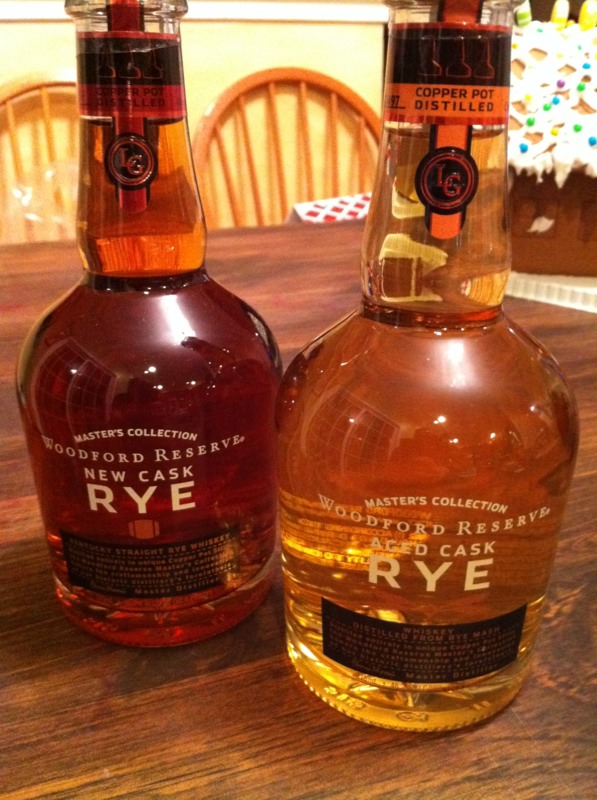
http://moofi.woot.com/moofi/thehorrorthehorror 17" acer laptop for $384 shippedprime rib is why god lets us kill cowshttp://www.innerfidelity.com http://www.amazon.com http://www.head-fi.orgAudio? Hell, this is a liquor forum... Ya ya, talk to me in april.prime ribhappy birthday dirty frenchyI agree with that assessment, other than the cookies part, which I don't have any of.Woodford Reserve Rye old vs new cask
 DORIS The Destroyera hard drive shouldn't require drivers, as it needs to be used long before the operating system gets involved.


Important Information
By using this site, you agree to our Terms of Use.