grawk
Administrators
-
Joined
-
Last visited
Everything posted by grawk
-
st pattys is worse tho. At least people plan ahead typically for nye.
-
looks nice
-
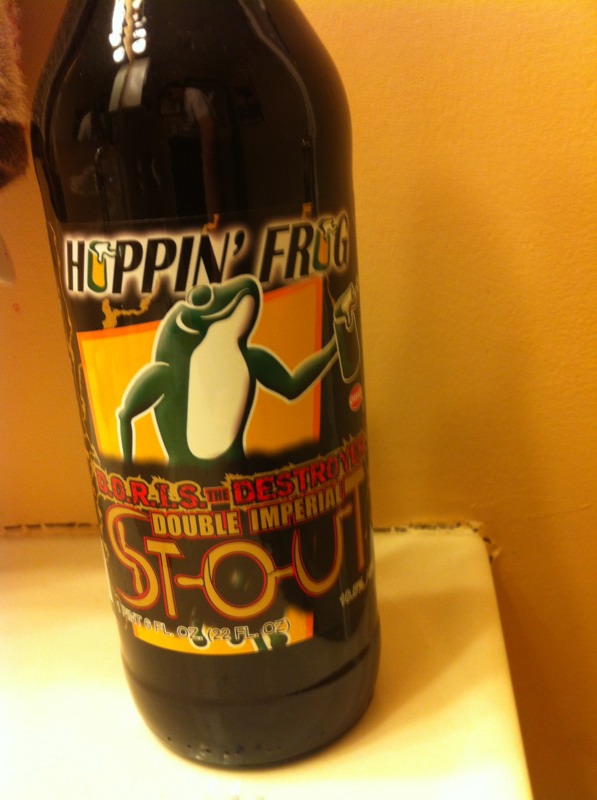
DORIS the Destroyer
-
There was another case at my local store. I like it a lot, I may just have to go grab it.
-
Prime rib egg noodle soup
-
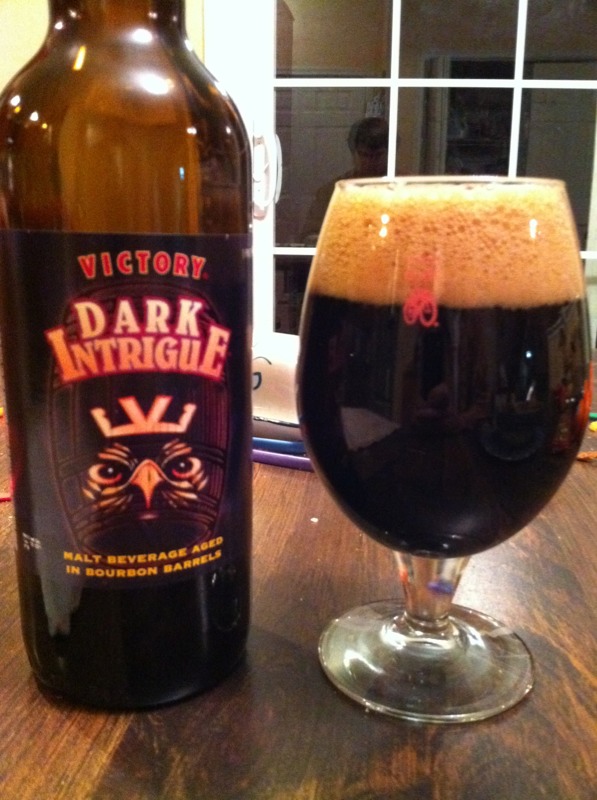
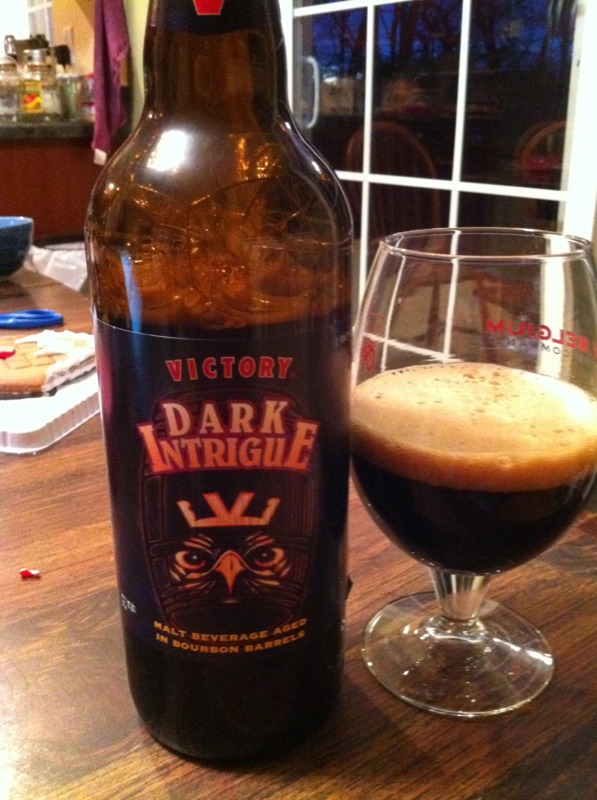
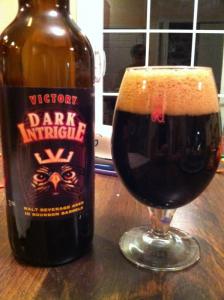
Dark Intrigue
-
throwing up is generally a hangover prevention. You got the poison out.
-
bottle 23694? that's a HUGE limited run
-
New Years Rockin' Eve
-
yay naaman!
-
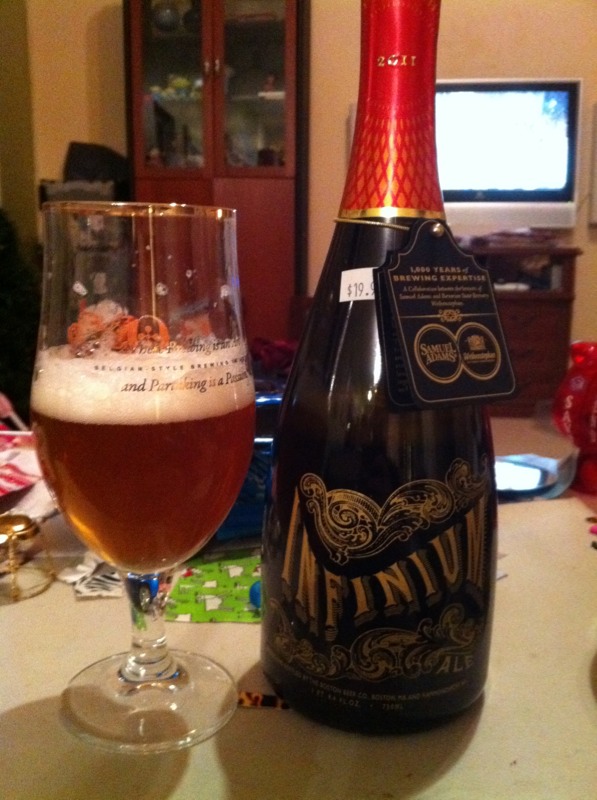
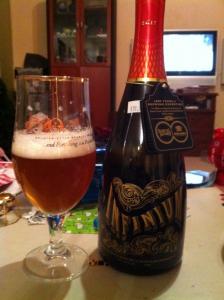
Sam Adams Champale
-
Seven Sleepers 2006 barossa valley

-
Congrats Ric, you've got a wonderful looking family going. Vicki, when all you want is sleep and a clean house, then you should just sleep a lot and clean your house. You've been through a lot, shut off your brain for a bit.
-
have you tried putting it in a hydraulic press? It may have excess particles.
-
Torbreck 2008 Cuvee Juveniles
-
Happy Birthday!
-
Happy Birthday Andy!
-
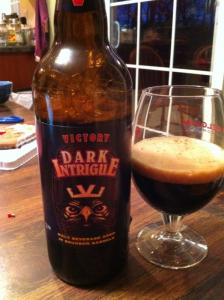
Victory Dark Intrigue
-
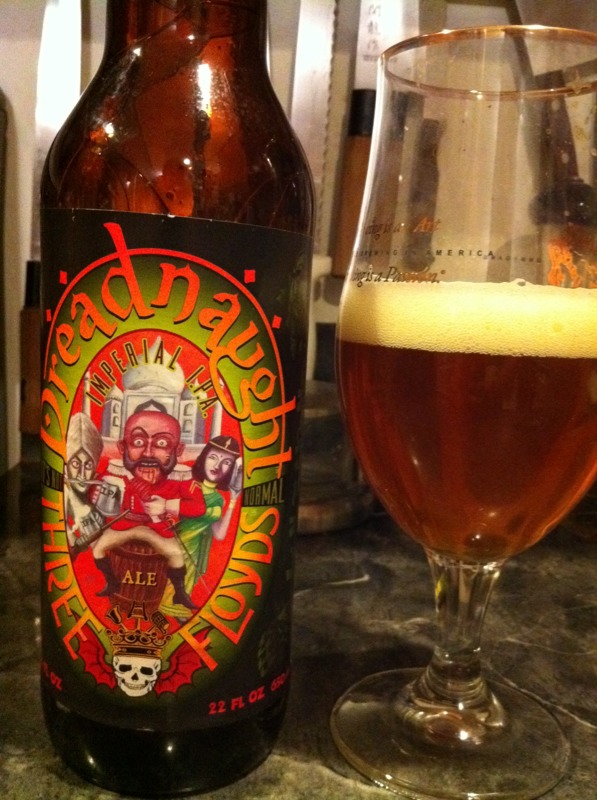
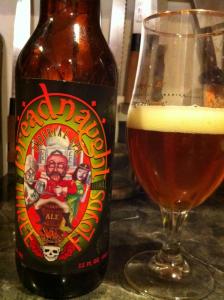
Dreadnaught
-
yes sir, thanks! you outdid yourself
-
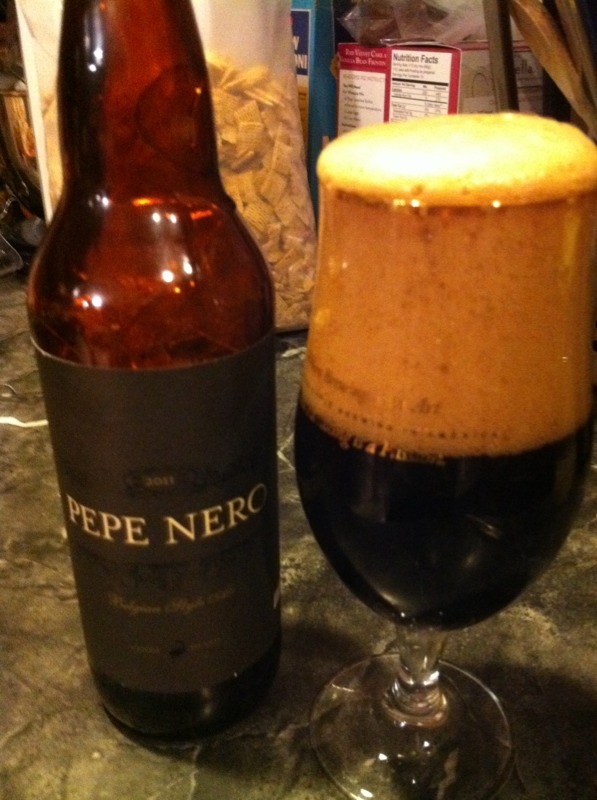
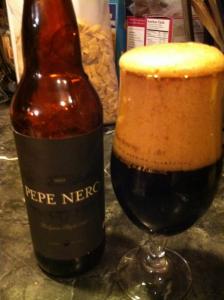
Goose island Pepe Nero
-
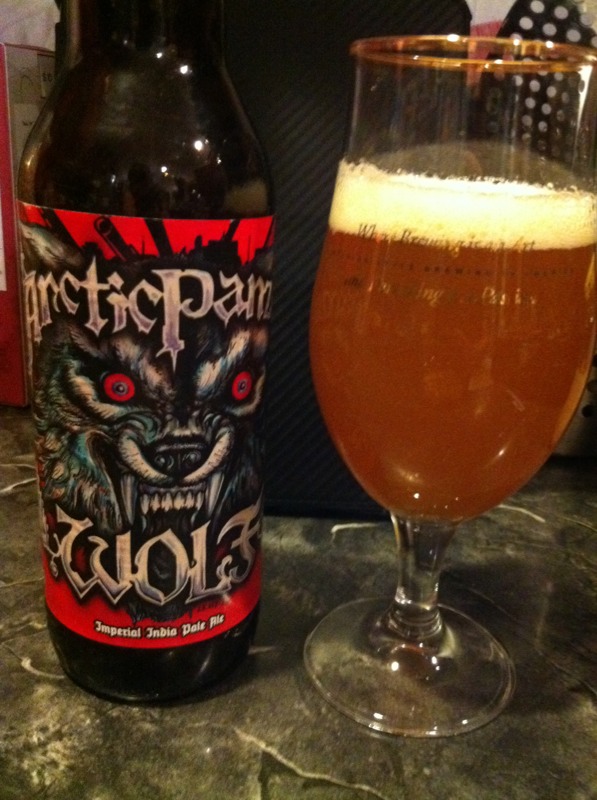
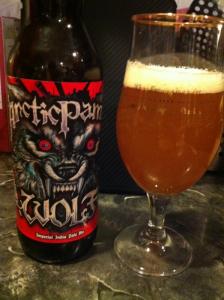
Arctic Panzer Wolf thanks to my Christmas Exchange Partner Jimbo
-
-
http://dealmac.com/Refurbished-Apple-Air-Port-Express-802.11-n-Wi-Fi-Base-Station-for-50-5-s-h/535268.html 802.11N apple airport express for $50
-