n_maher
Administrators
-
Joined
-
Last visited
Everything posted by n_maher
-
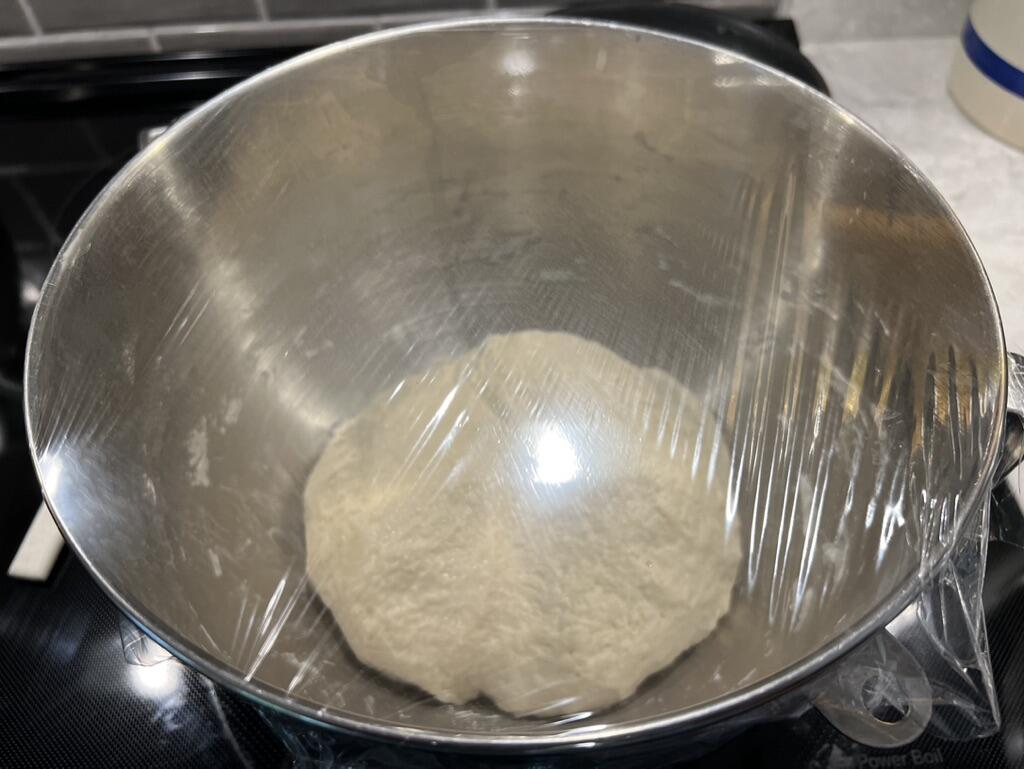
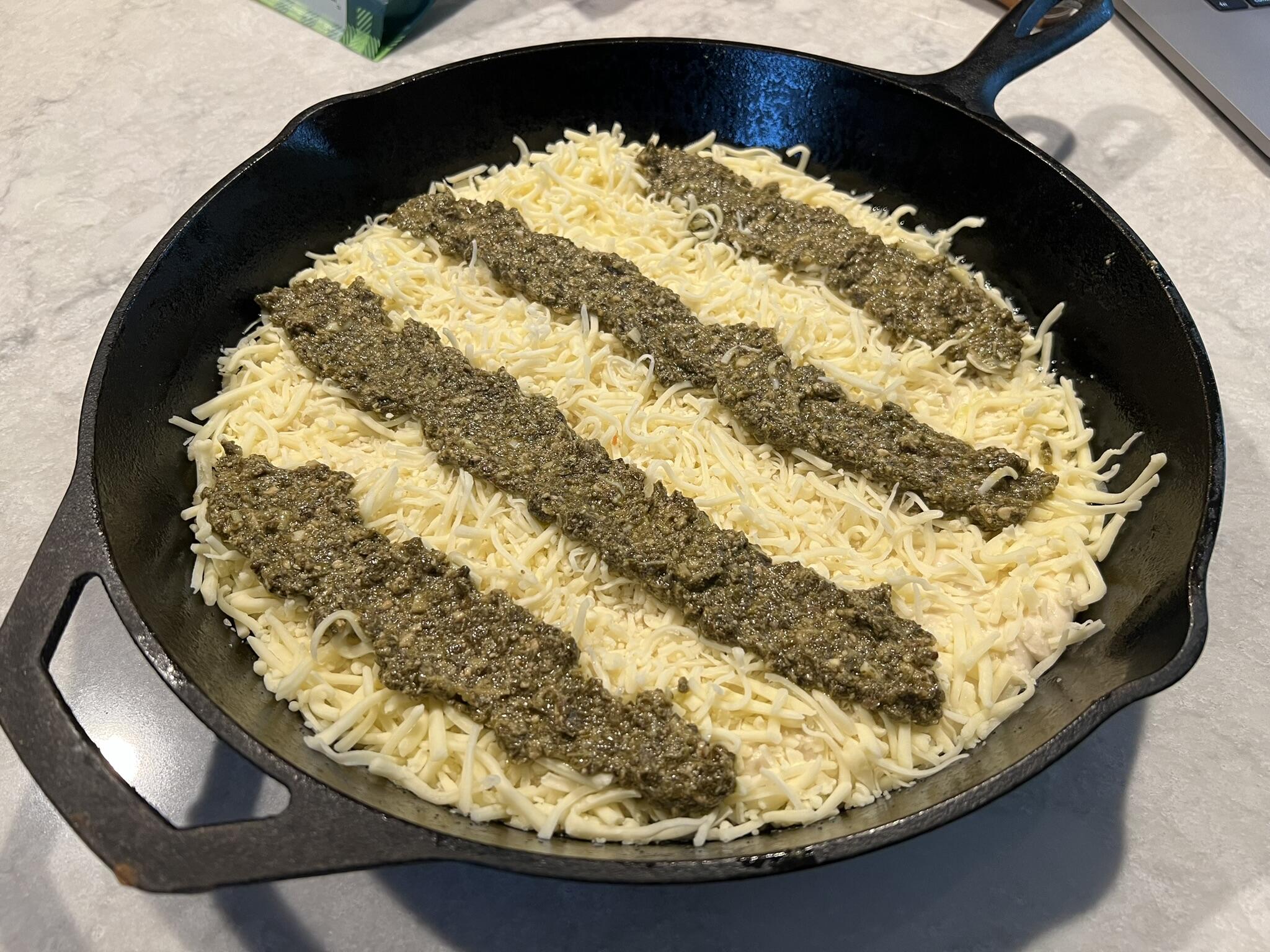
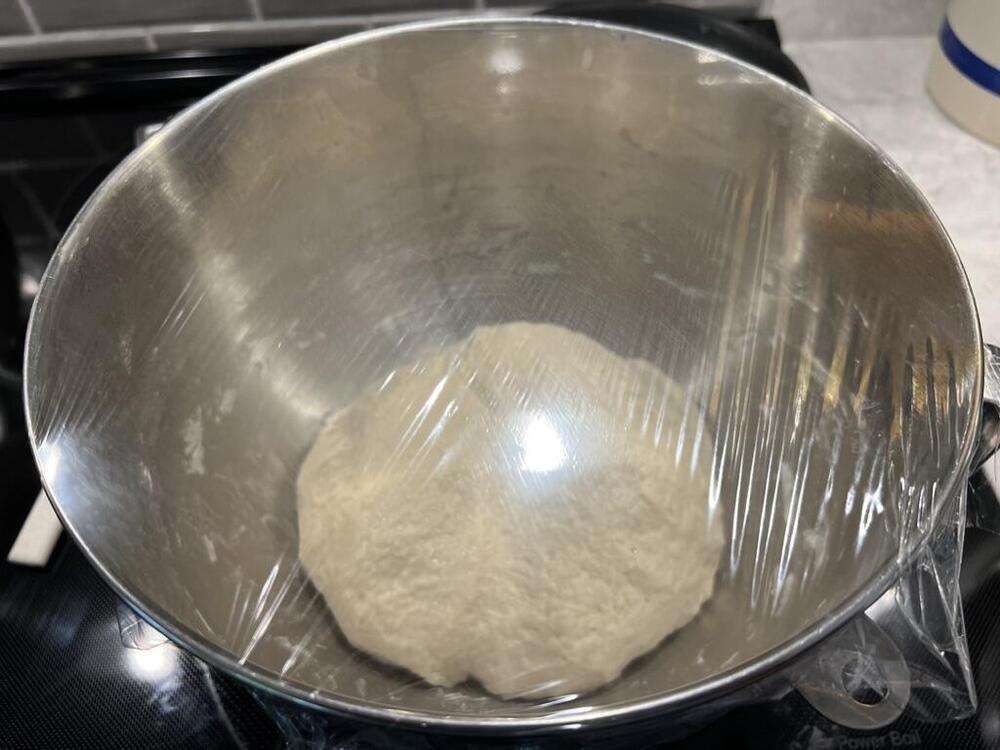
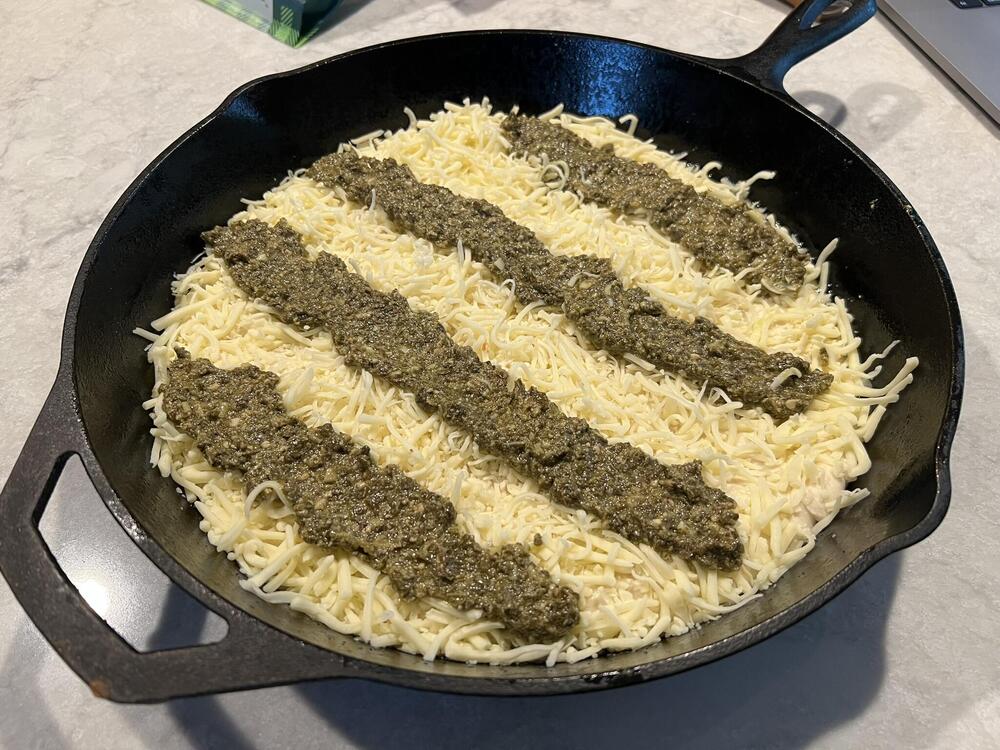
It had been too long. Detroit style dough made earlier. Now becoming... The tradition rectangular cheese and pepperoni version is already in the oven.
-
“We do not know one promise these men made, one pledge they gave, one word they spoke,” he said. “But we do know they summed up and perfected, by one supreme act, the highest virtues of men and citizens. For love of country they accepted death, and thus resolved all doubts, and made immortal their patriotism and their virtue.” James A. Garfield 1868
-
This, belated birthday wishes!
-
Happy birthday, Brent! I'll take you out for a birthday biscuit when/if you make it to the east coast.
-
Happy belated birthday, Chris!
-
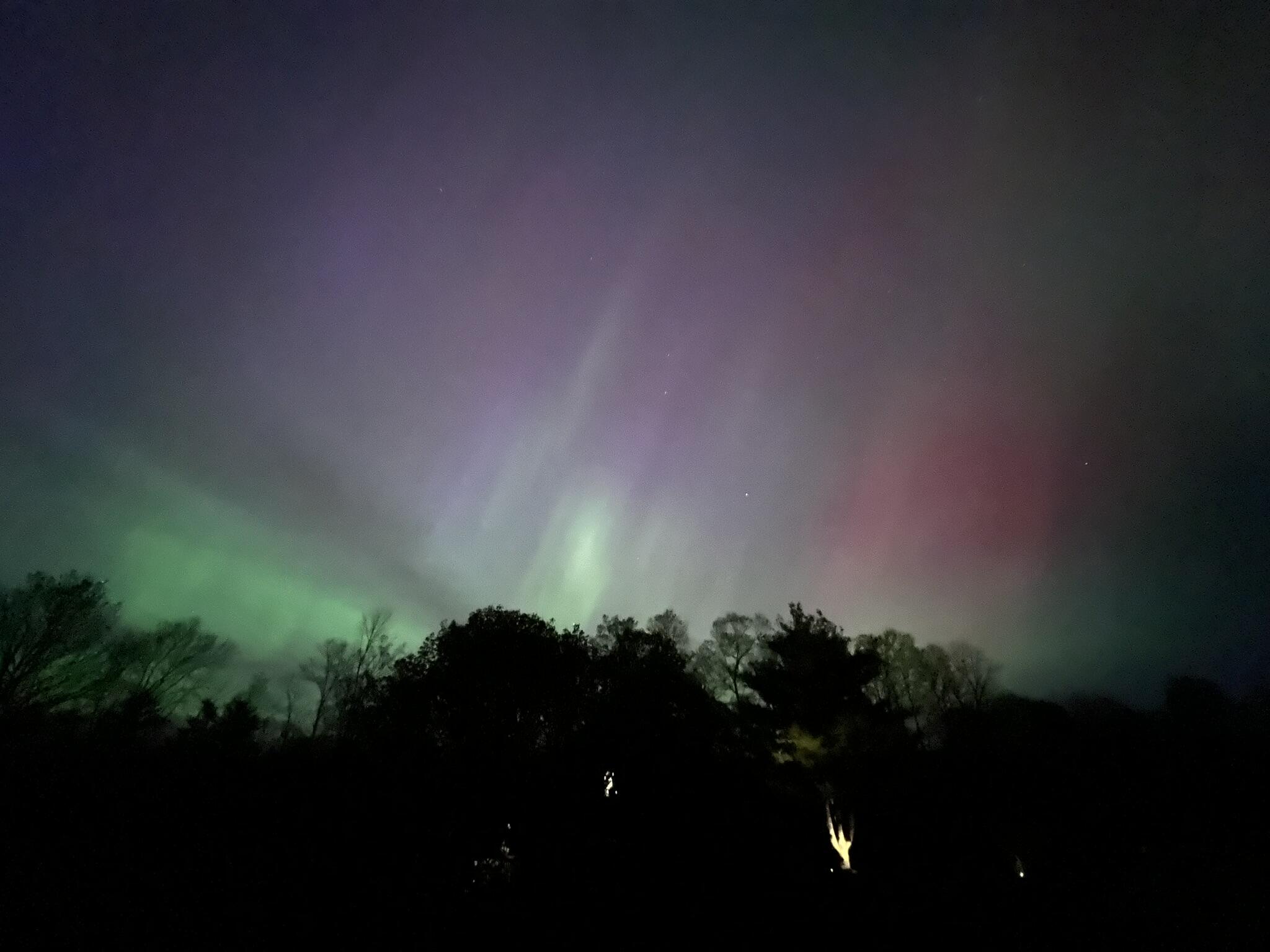
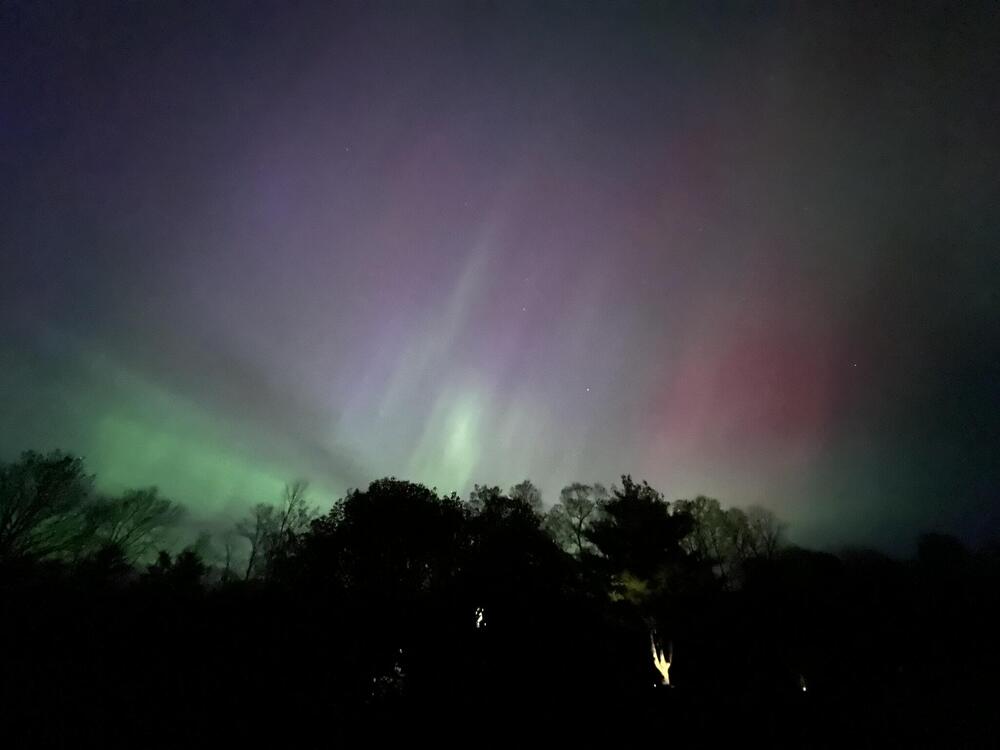
Rare sight in NH - northern lights visible due to a significant solar storm. It was clearly visible and photographed more impressively than it looked. Still fun.
-
Happy birthday, Shelly!
-
a very musical and happy birthday to you, Ryan!
-
A very happy birthday to you, Jeffy! Here's to hoping your travels bring you back out east again sometime soon.
-
Maybe the gen 4(?) white Bronco will finally get some peace?
-
Don't mind, may or may not get you anything as I know the engineering side of the house, but not the sales.
-
In. Never hate asking for support, Mikey.
-
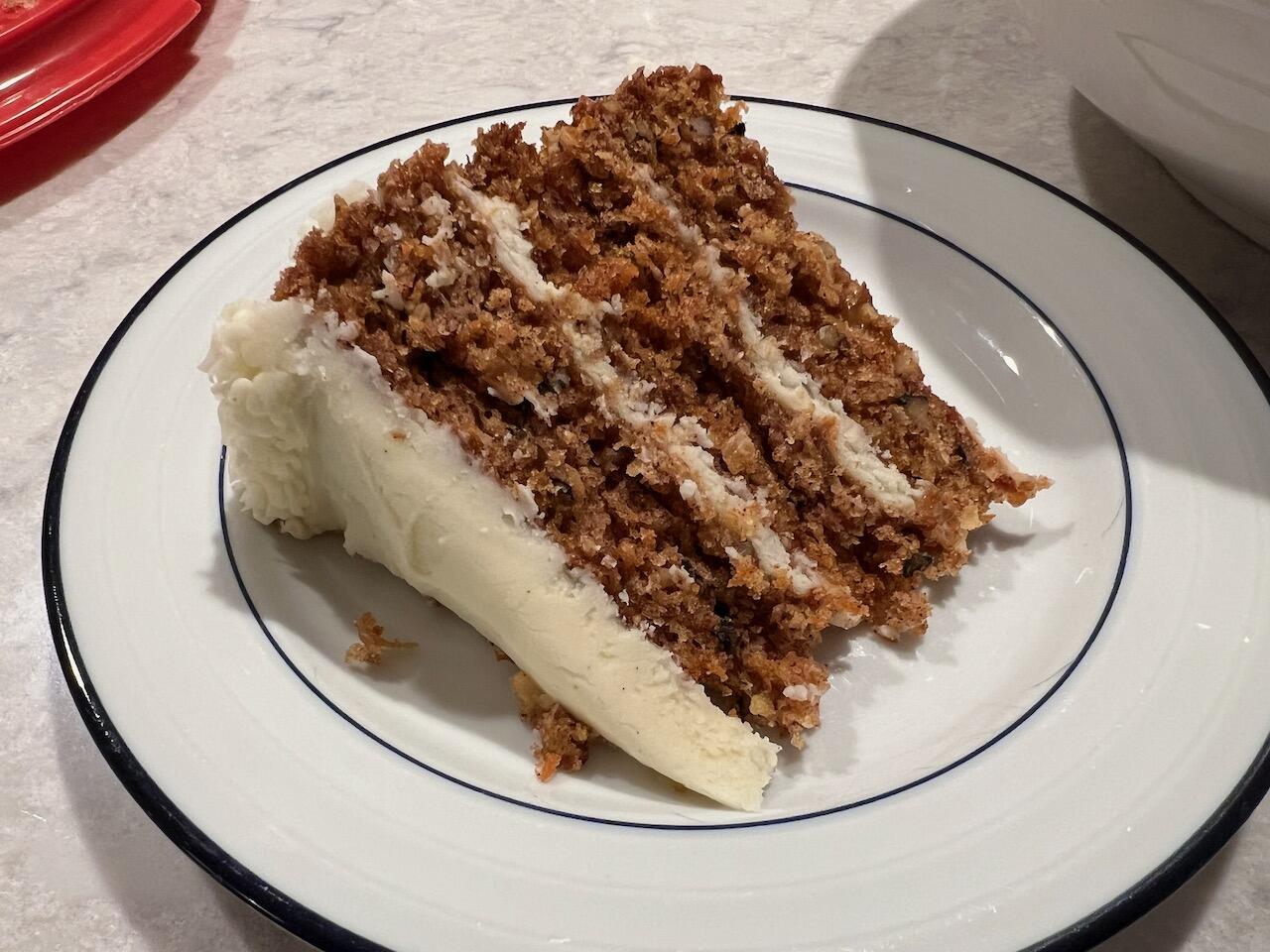
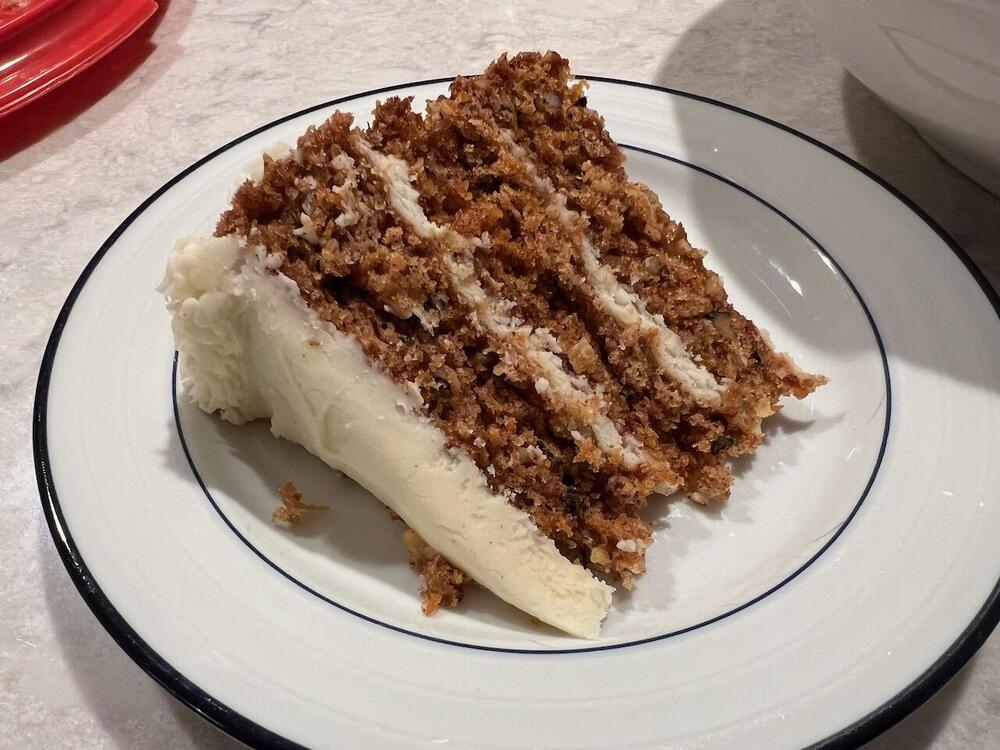
Meant to post a pic of the whole cake, last Saturday made a snap decision last week to bake my dad a carrot cake for his birthday.
-
Happy birthday, Doug. Here's to hoping the pets rescue you today.
-
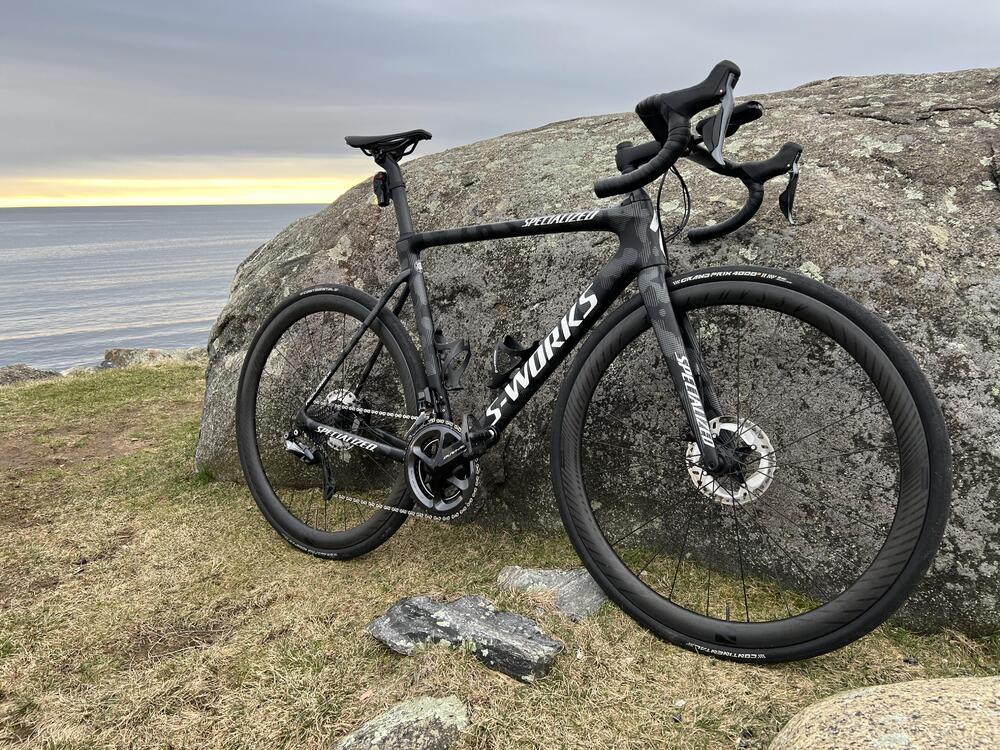
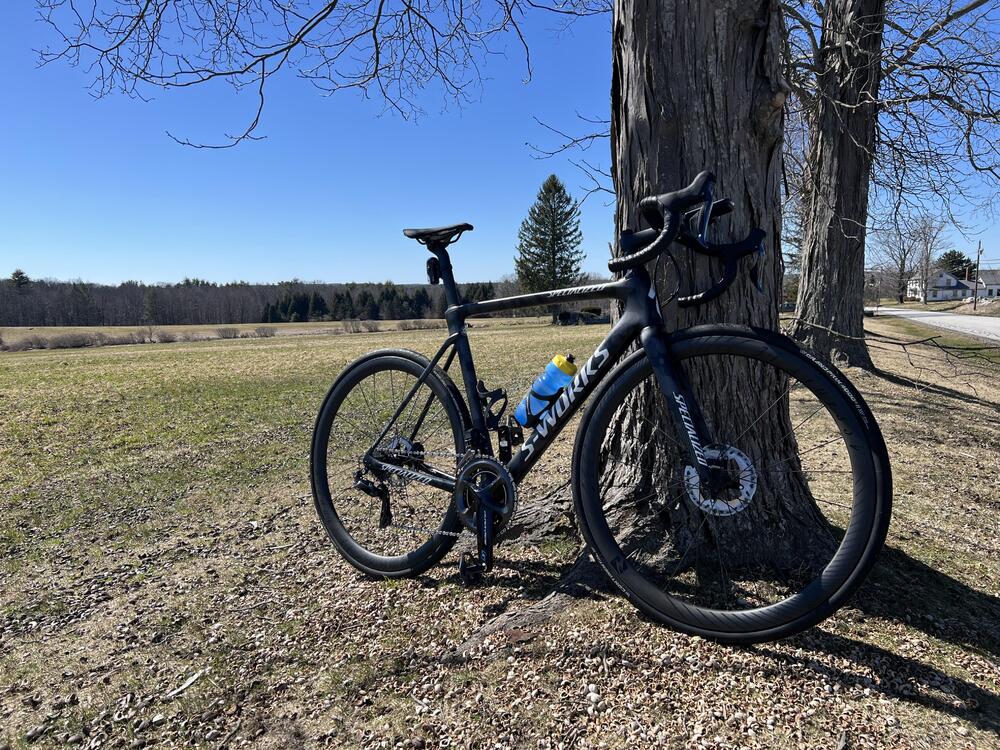
Got out early before the wind kicked up again. Hammered me a little on the way back, but not too badly.
-
I decided that 20mph winds with gusts over 30 were no reason to stay inside.
-
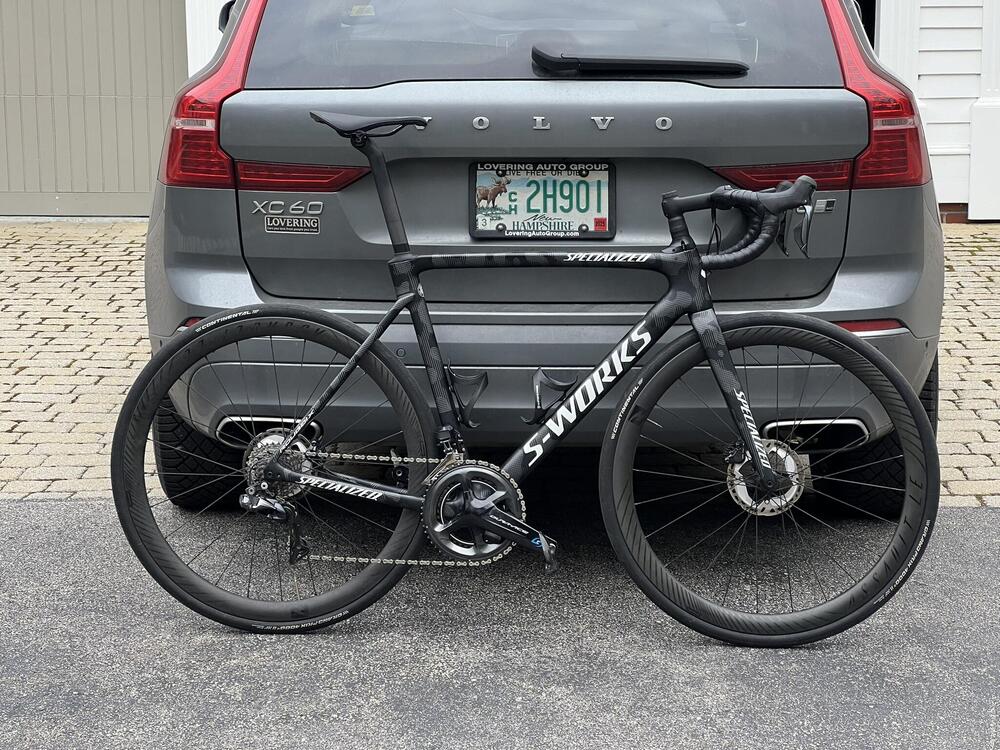
Not sure that's possible. It's already running carbon everything and full Dura Ace so maybe you could find 500g or so with different pedals, crank (ditch the power meter), and wheels plus going tubeless, but I doubt we could find the 1000g it'd take to challenge the UCI weight limit. i'll probably try to focus on the rider losing two pounds.
-
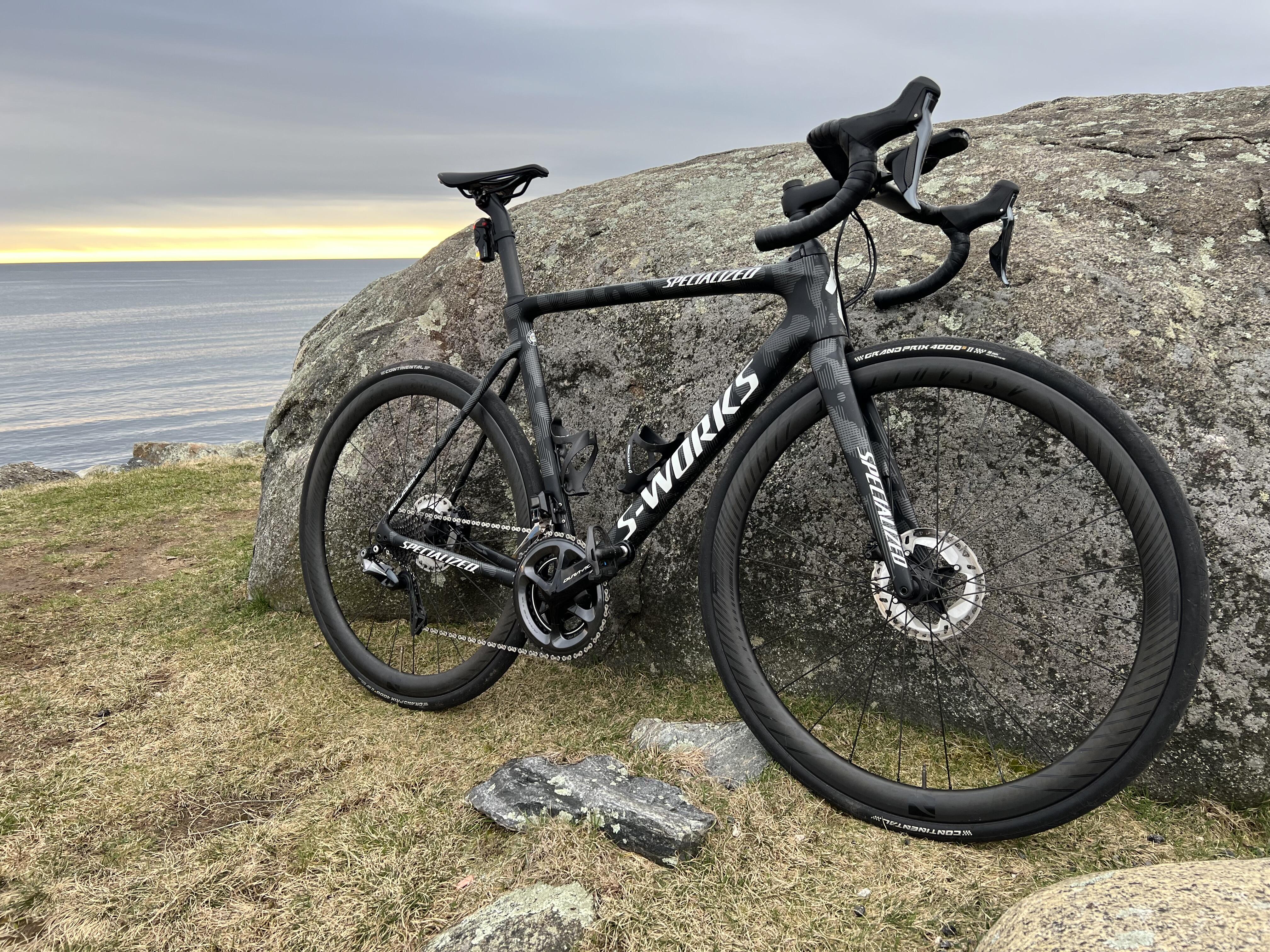
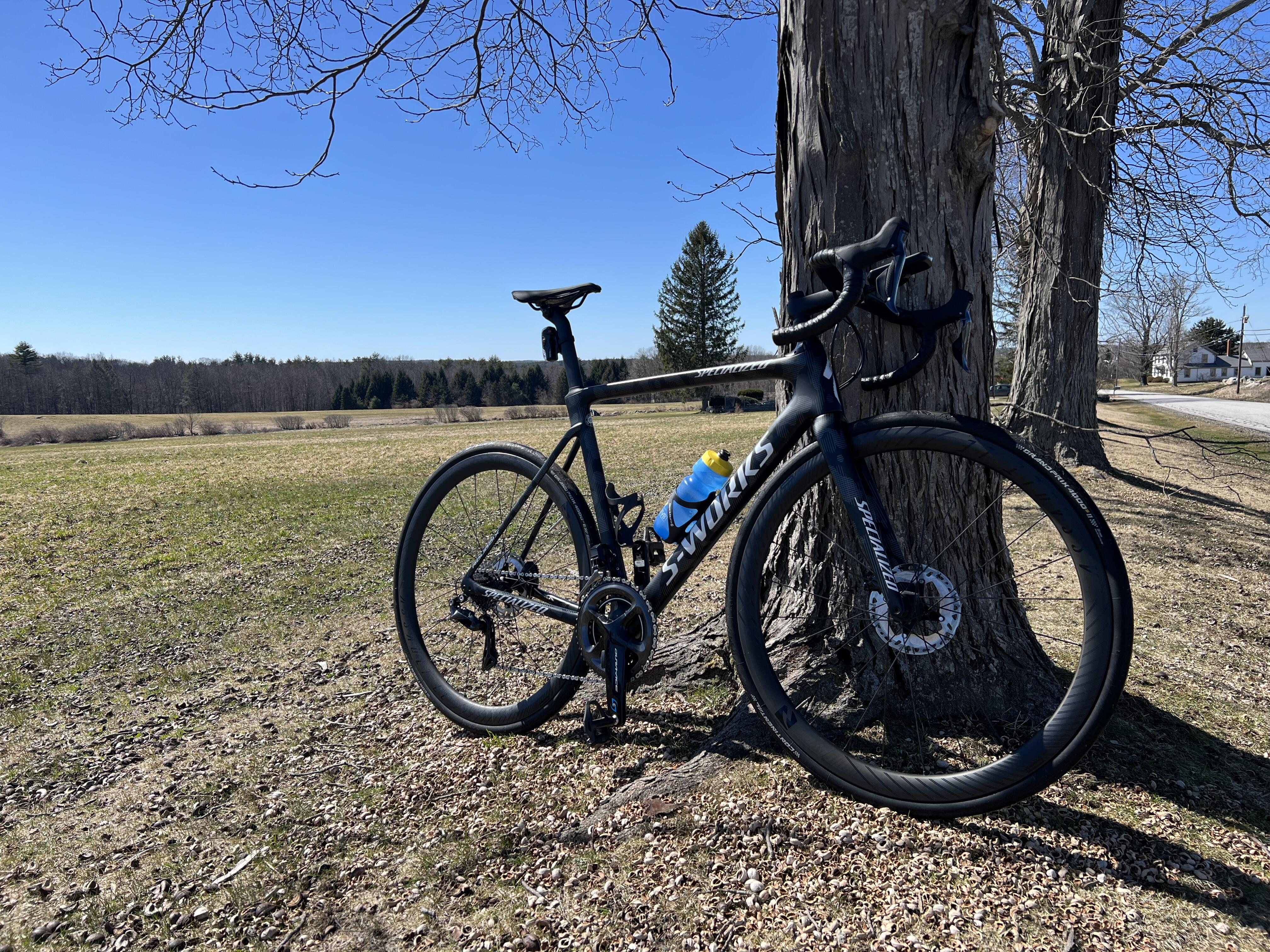
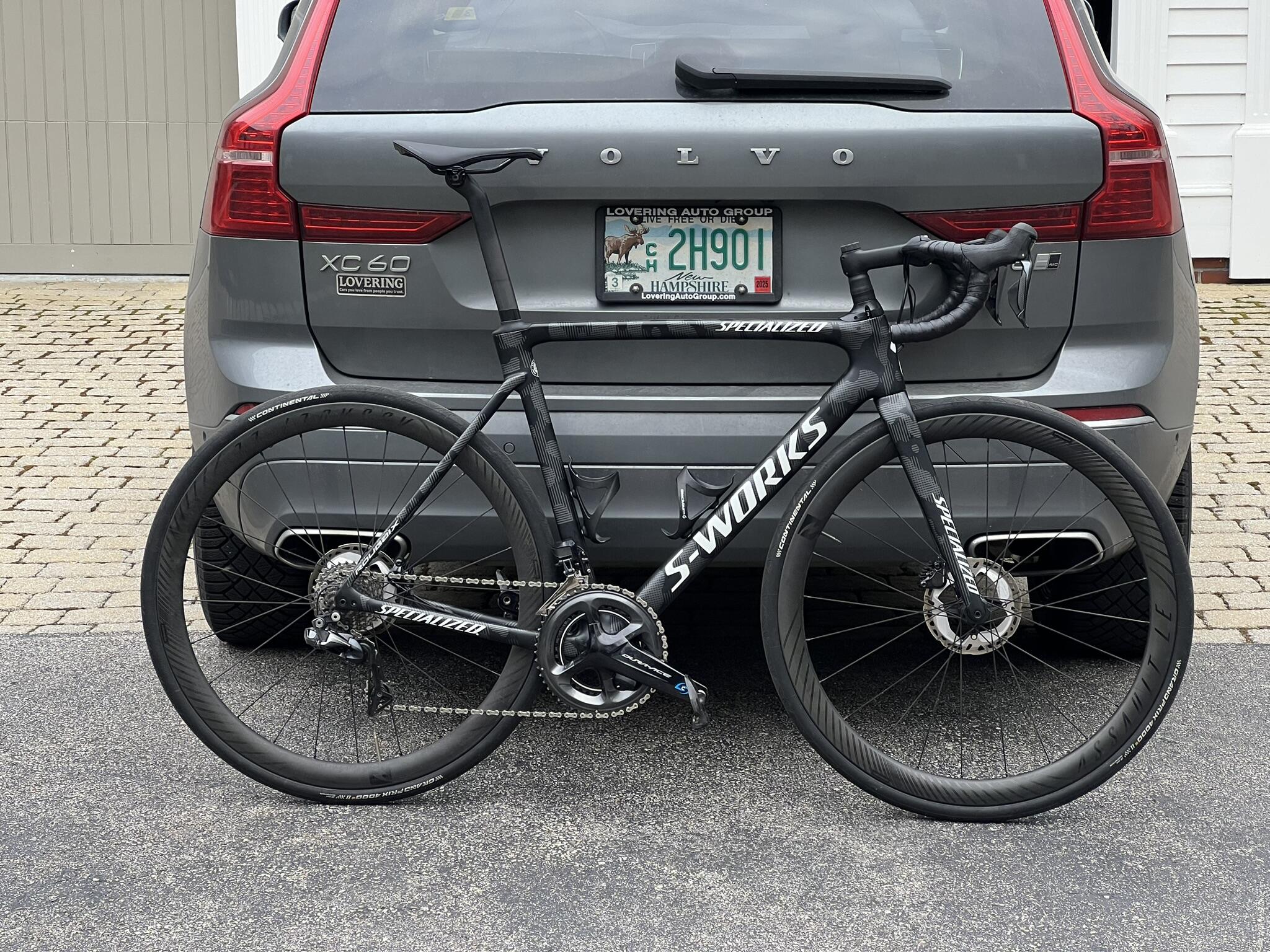
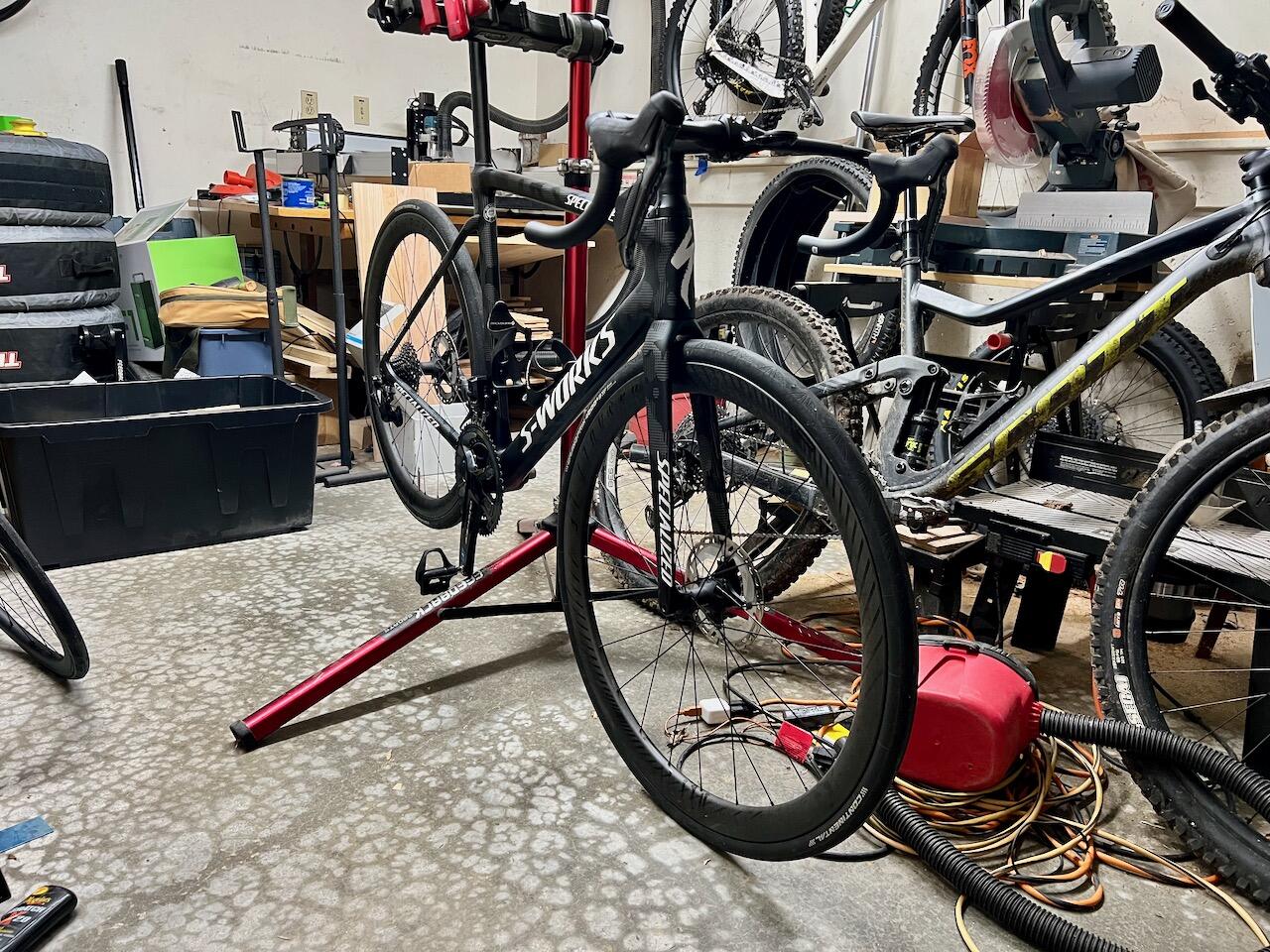
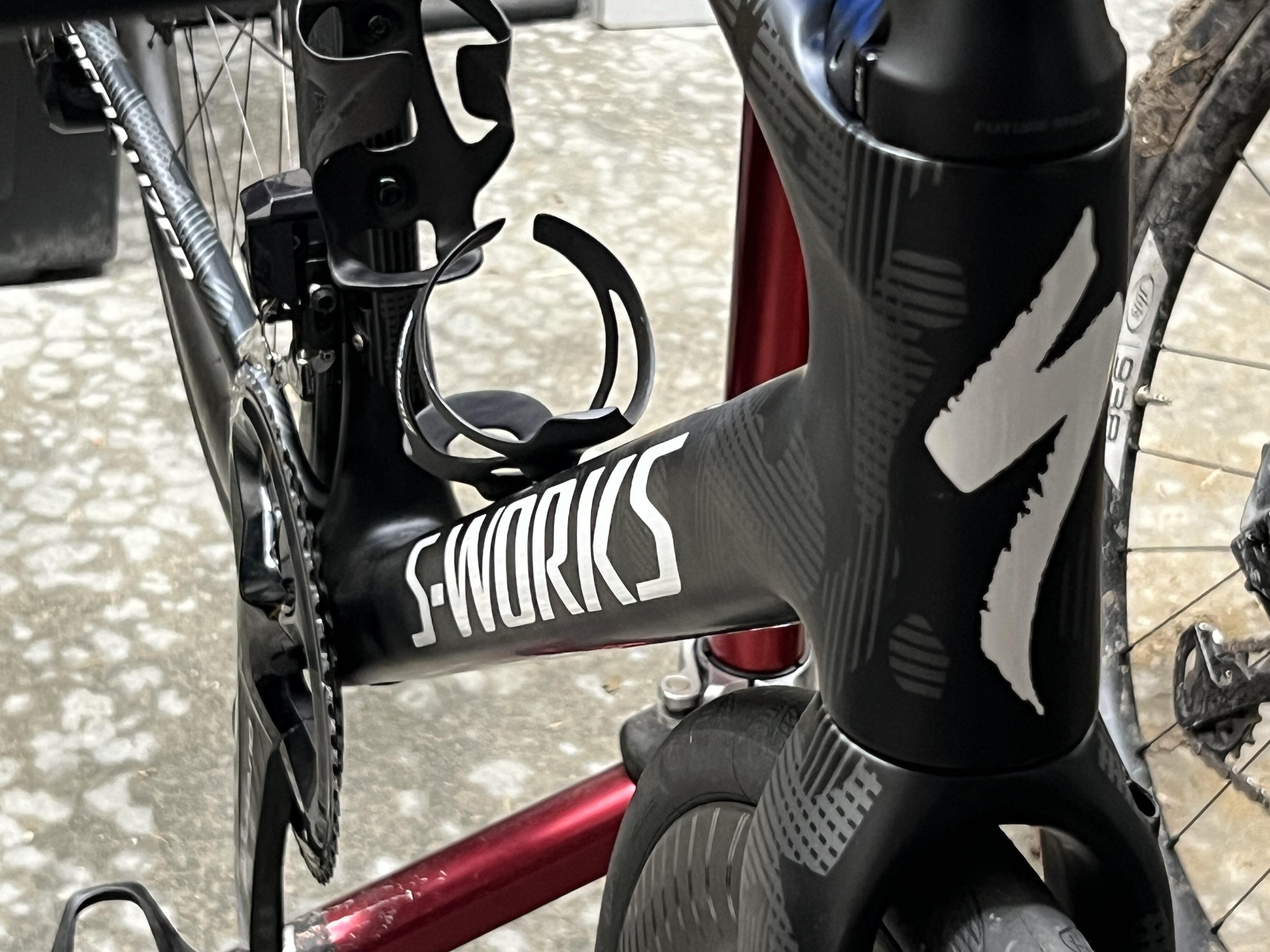
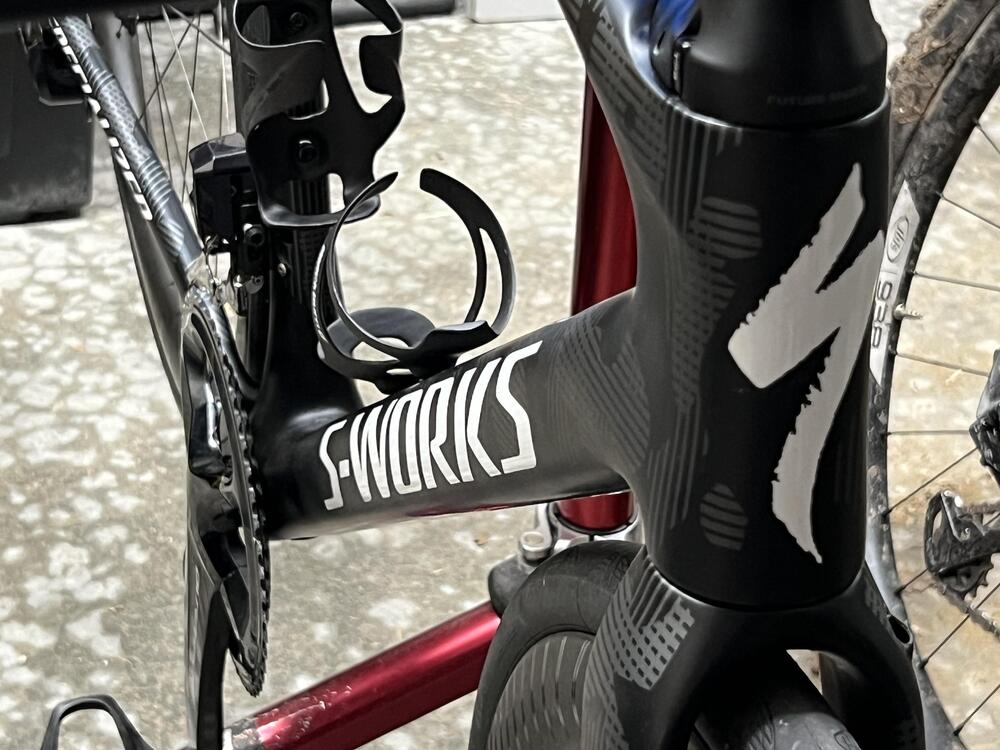
Here she is, finished as of today courtesy of my LBS who did the final wiring and brake lines. As it sits, with pedals, cages, saddle, 17.3lbs. Of course we are now supposed to get snow tomorrow so it'll be a bit before I get it out for the maiden voyage. 🤬
-
A very happy birthday to you, Al. Sorry to hear about the ear (punny, I know) but glad to know that you're on the mend and enjoying your day.
-
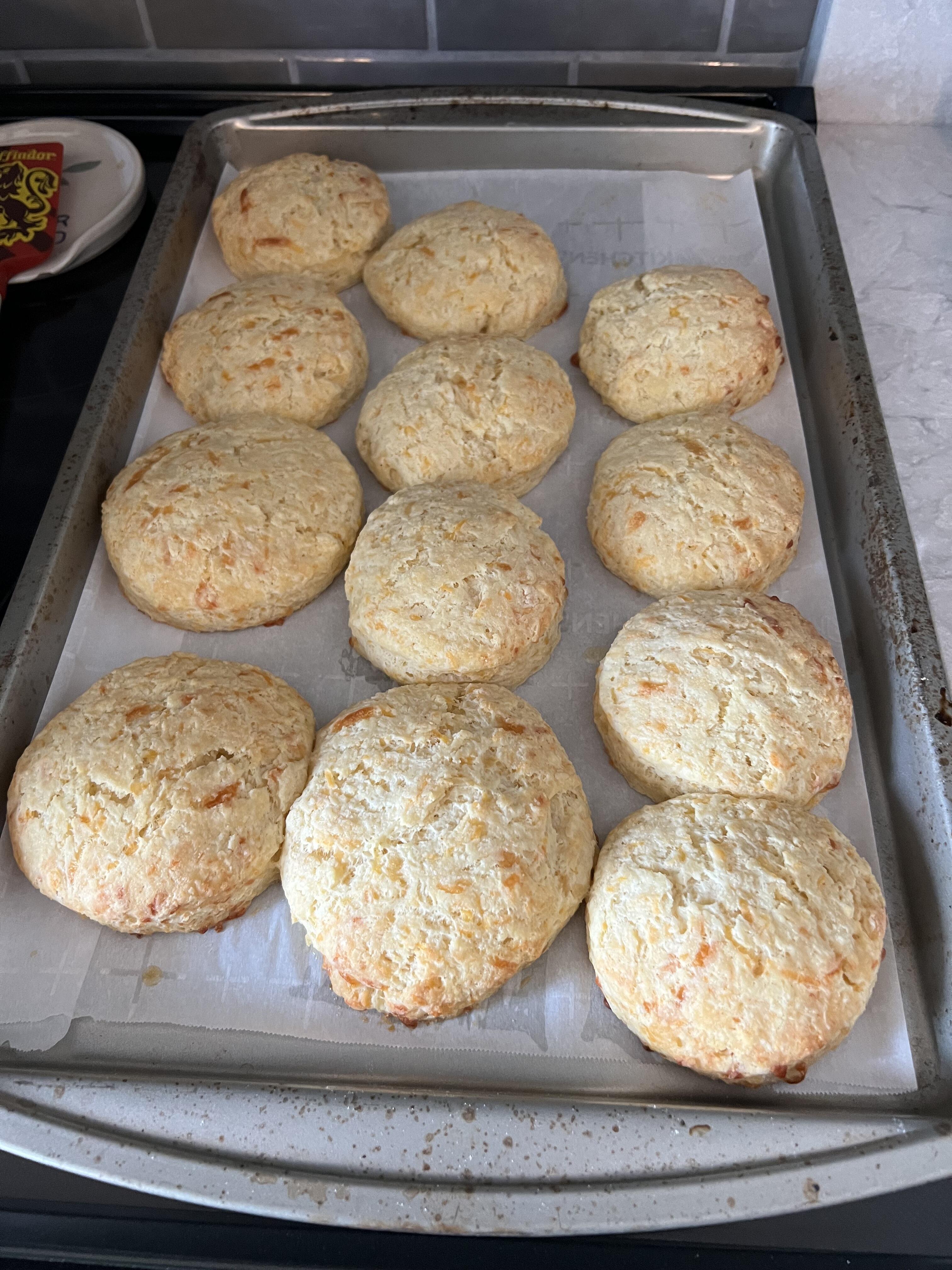
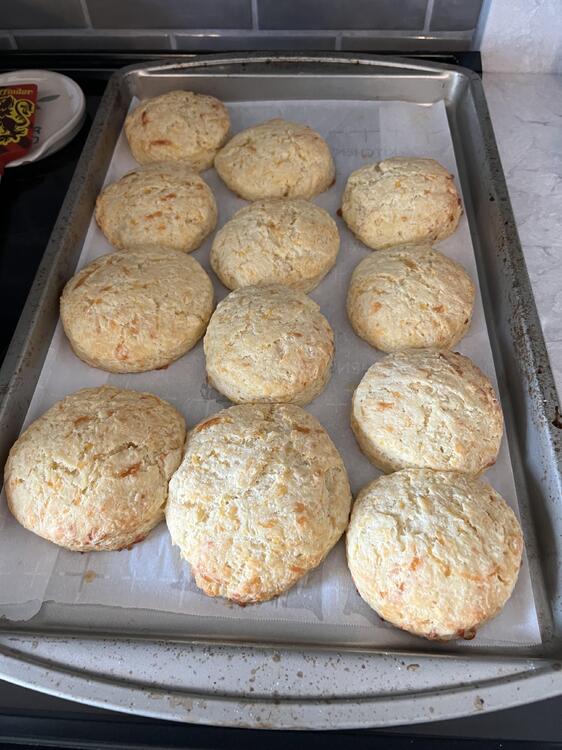
Cheddar biscuits to go with crock pot chicken pot pie.
-
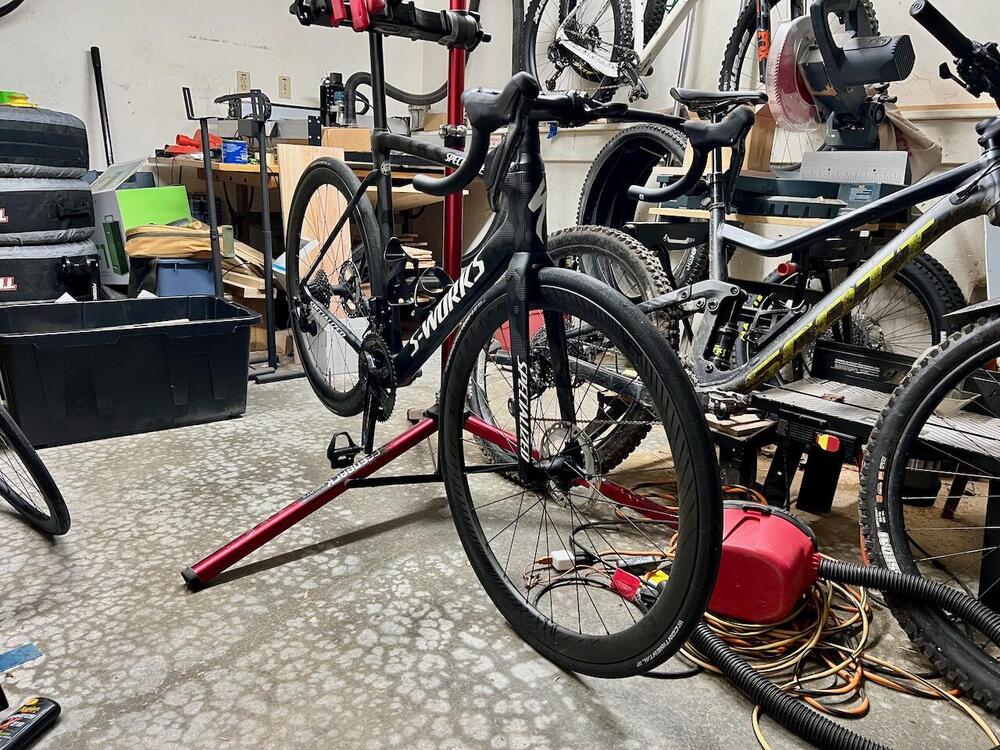
I'm glad. It's coming together nicely.
-
Just 2.0. It's a 2020 Roubaix S-Works Team - found it on FB marketplace with ~500mi on it (allegedly) and started stalking it more than 6 months ago. Picked it up for 1/3 MSRP and I can't find a mark on it and it came with a few minor extras. I also managed to source a very lightly used set of period correct Dura-Ace Di2 to equip it with and other than the battery holder and a few tiny pieces, I've got everything I need. That box arrives Monday and my shop should be finishing the build Thursday. I can't wait to ride it.
-
@MexicanDragon - assume you approve of the new project?
-
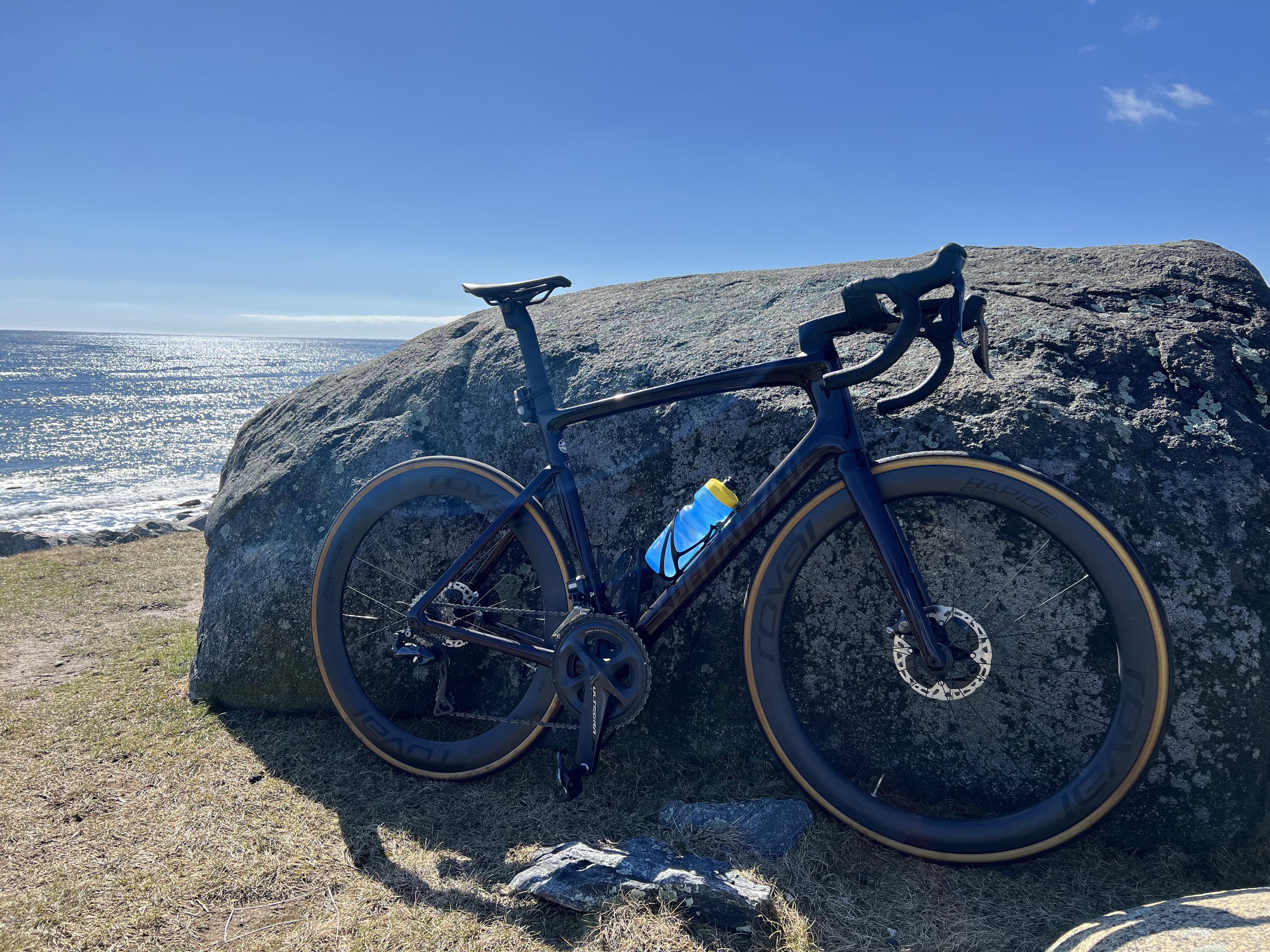
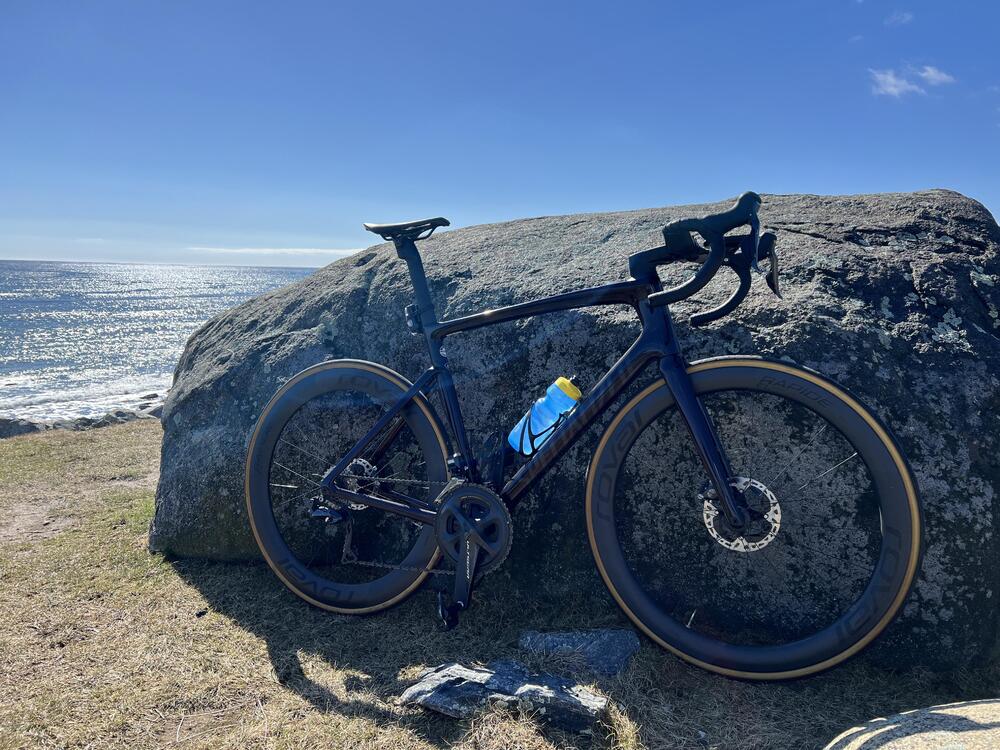
Was in the mid-40s and sunny today, took the bike off the trainer and decided to get the heck outside.
-