Skip to content
View in the app

A better way to browse. Learn more.

www.Head-Case.org

A full-screen app on your home screen with push notifications, badges and more.

To install this app on iOS and iPadOS
  1. Tap the Share icon in Safari
  2. Scroll the menu and tap Add to Home Screen.
  3. Tap Add in the top-right corner.
To install this app on Android
  1. Tap the 3-dot menu (⋮) in the top-right corner of the browser.
  2. Tap Add to Home screen or Install app.
  3. Confirm by tapping Install.

Leaderboard

Popular Content

Showing content with the highest reputation on 01/21/23 in Posts

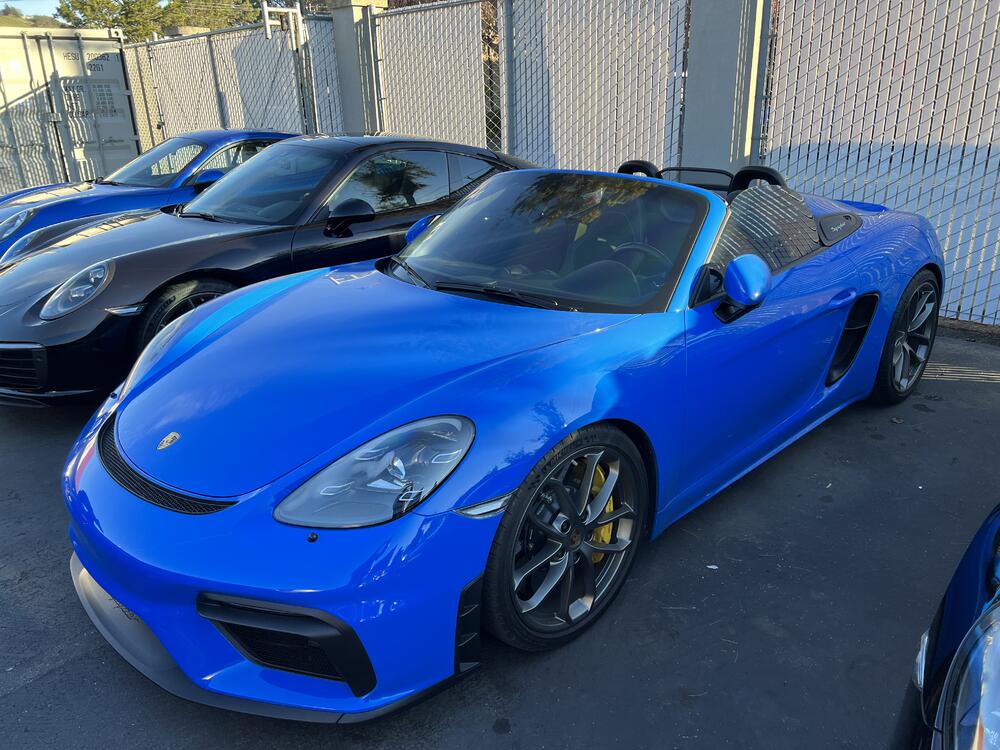
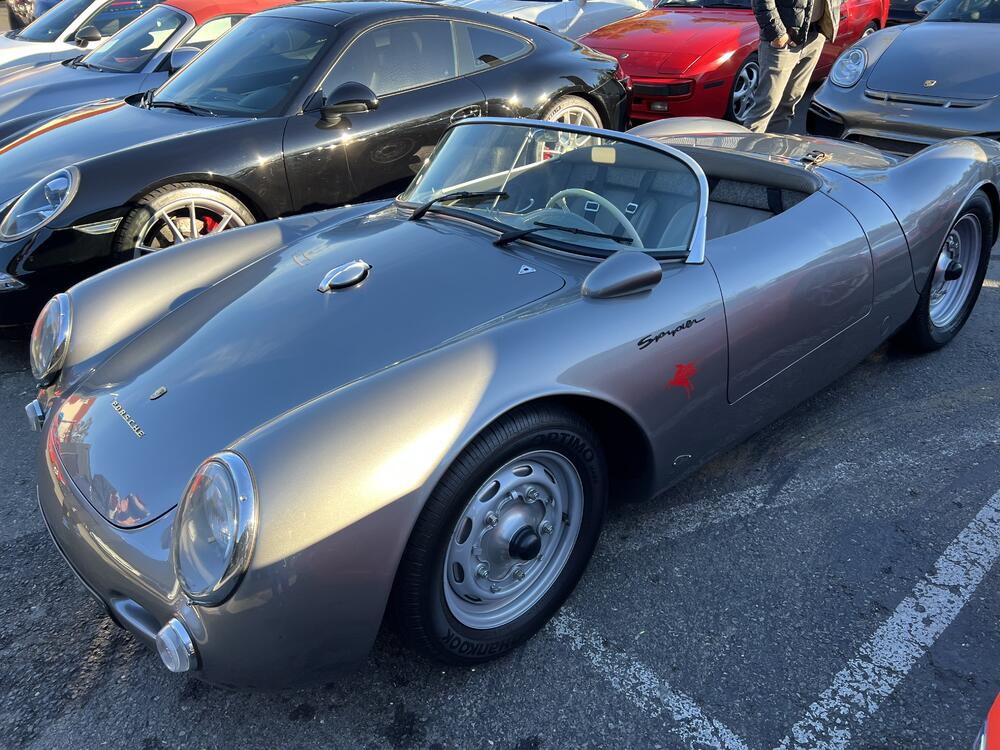
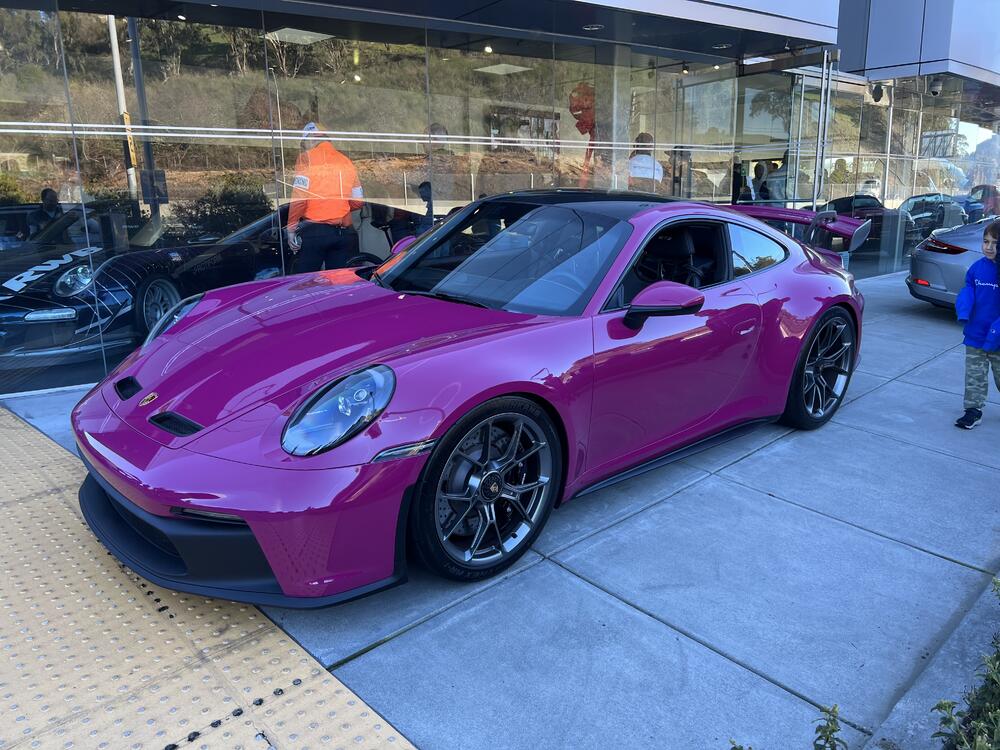
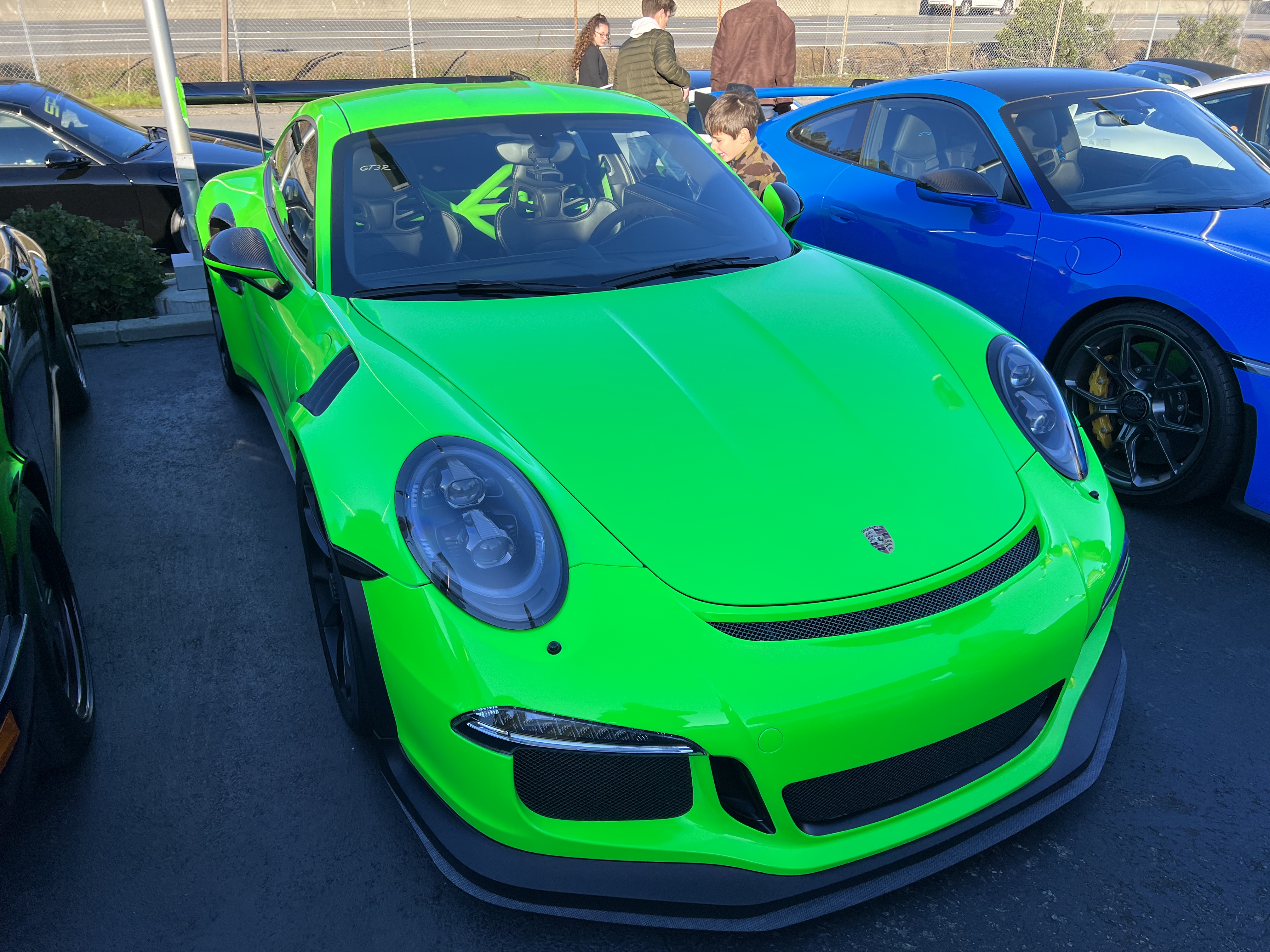
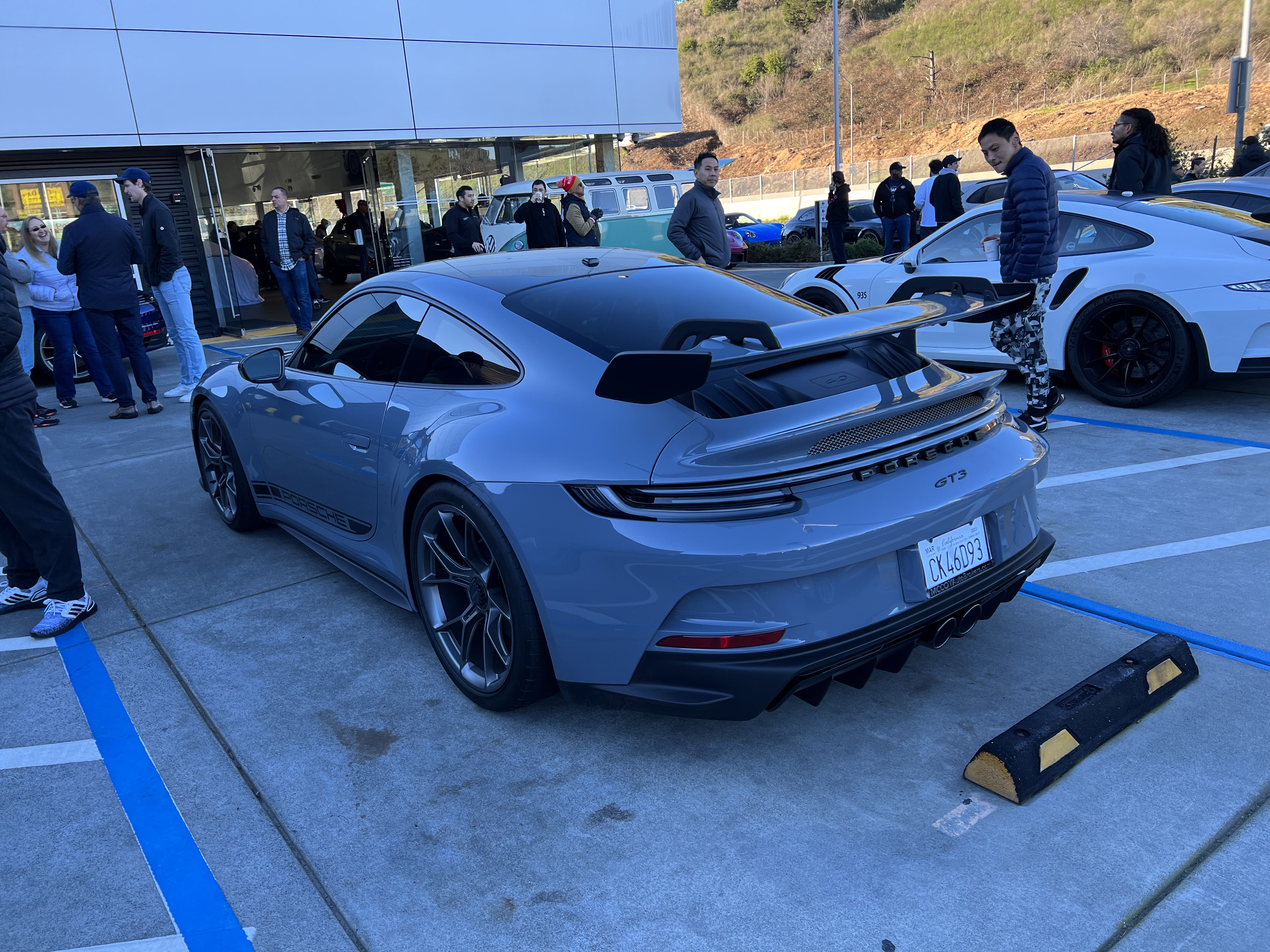
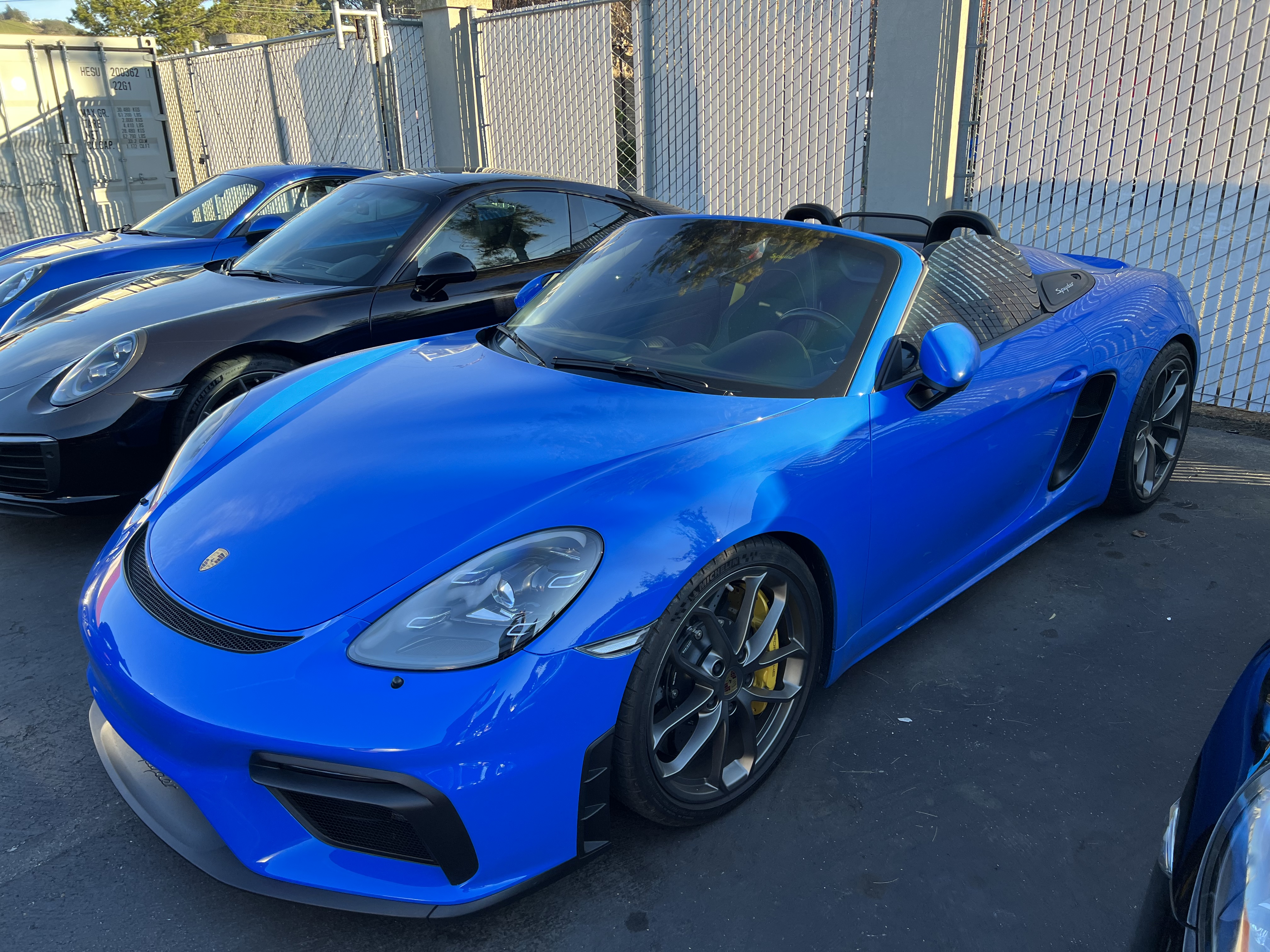
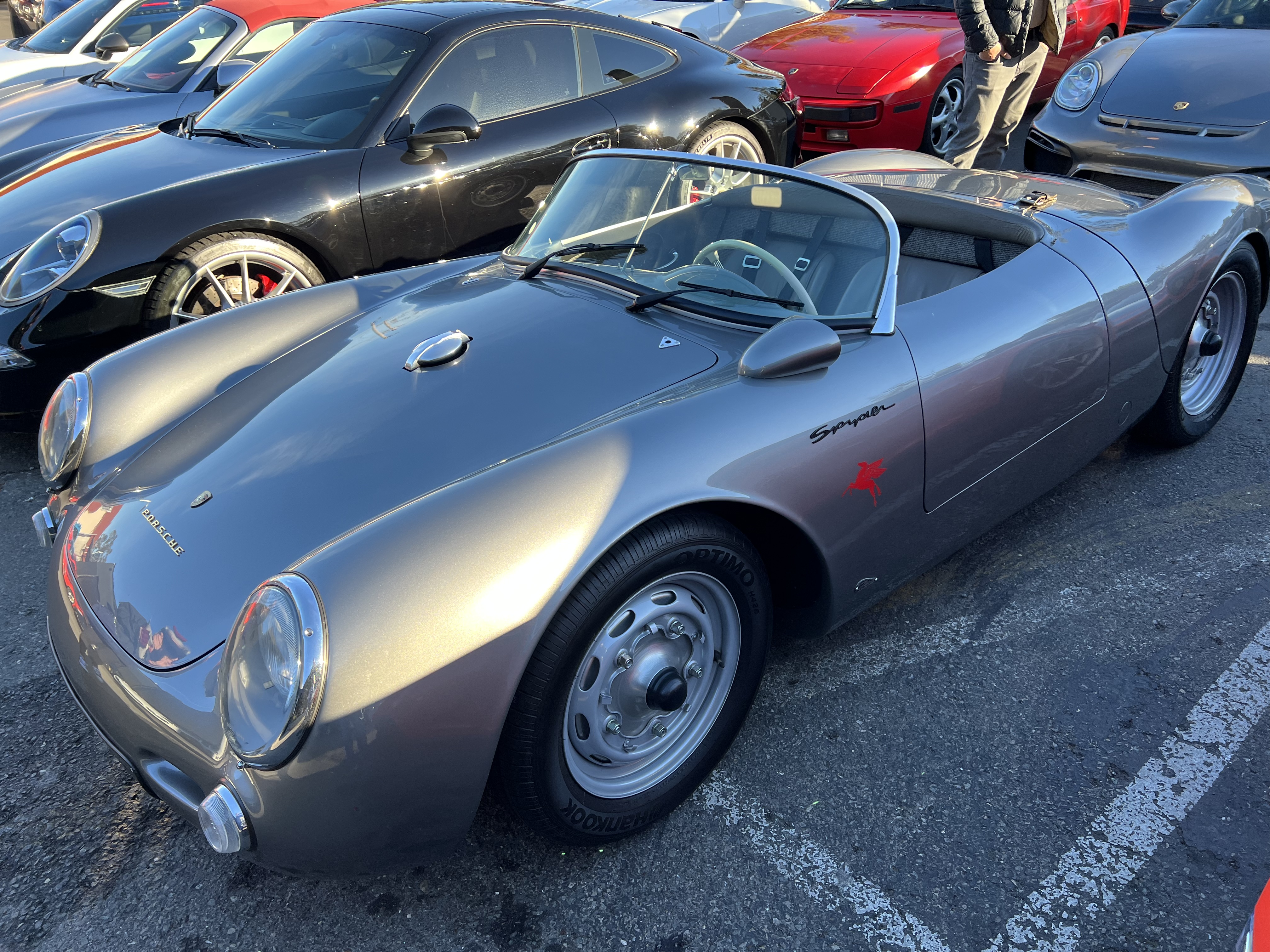
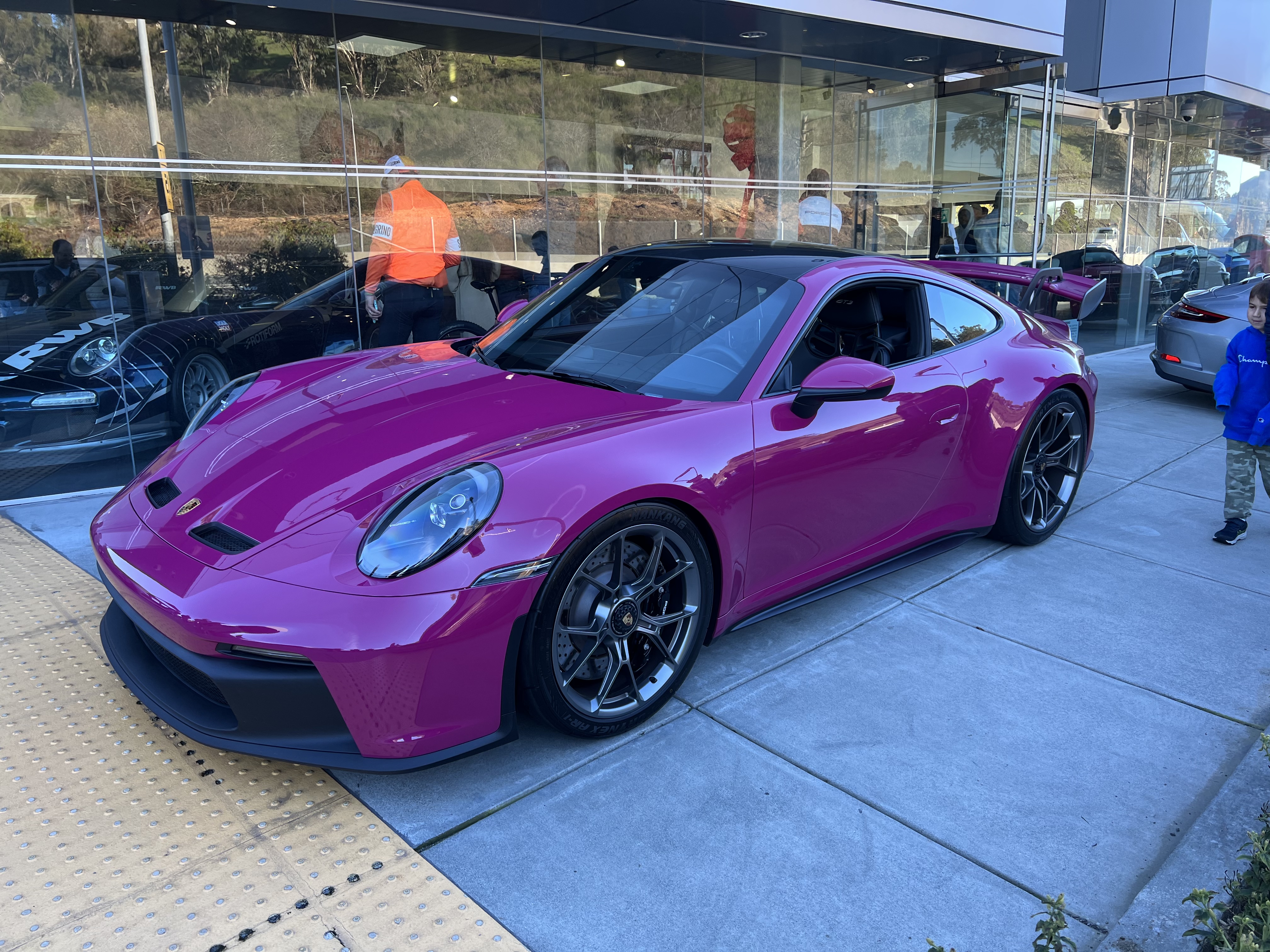
  1. Went to my first Porsche club cars and coffee this morning. An unbelievable number of GT3s showed up. The wealth in the Bay Area is ridiculous. Some highlights: Loud and proud GT3 RS: Yellow Bird! GT3s don’t get old Purple? Sure Still dig the turbo body style with the rear air intakes Um, yes please! Any my favorite, the Boxter Spyder. I’m in love.

  2. Thanks, everyone! I've got a fancy dinner planned for tonight ahead of doing a performance driving school at Sonoma Raceway next weekend. Should be a fun birthday!
  3. Have a fenomenal birthday, Mike
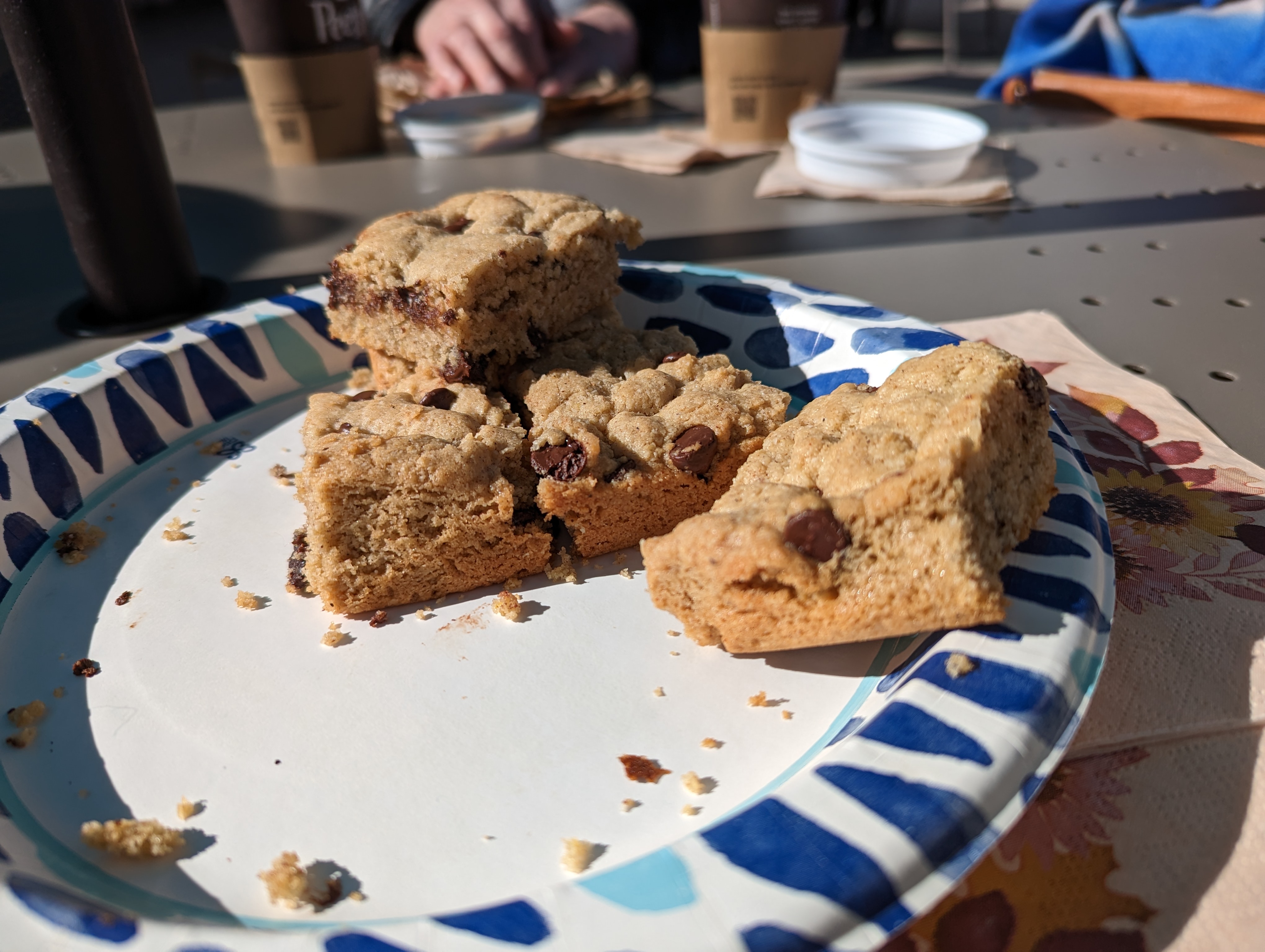
  4. Tahini Blondies in the sunshine, with the Brits
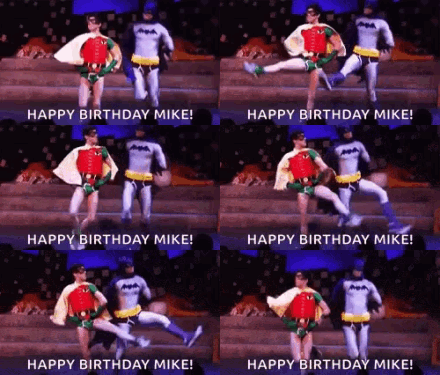
  5. Cheers Mike Sr. Have a Happy Birthday..
  6. Have a great one big bro! Cheers!
  7. Happy Birthday, Mike! Have a wonderful day.
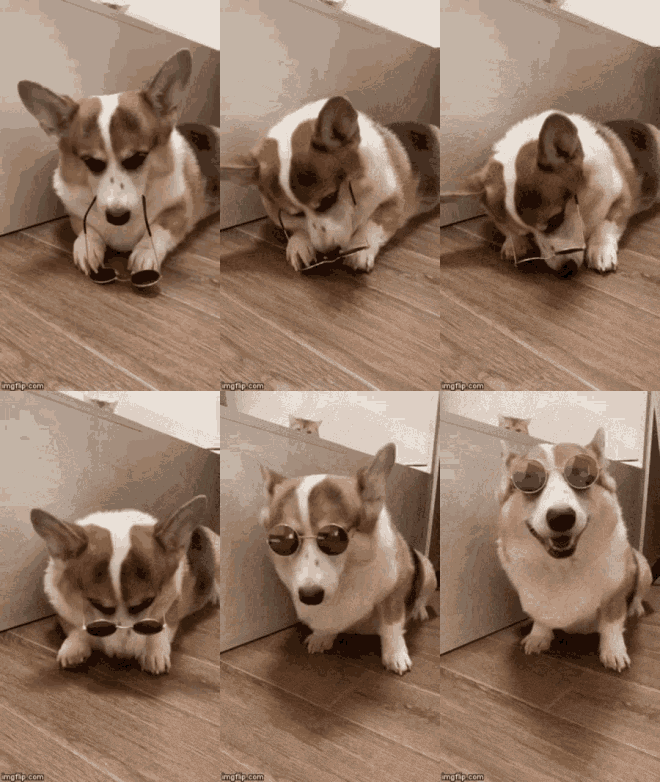
  8. Exactly how I wake up. Thanks Jim!
  9. Hope it's a wonderful day.
  10. Happy belated and have a blast in Sonoma.
  11. Happy Birthday!! Have a great day!

Important Information

By using this site, you agree to our Terms of Use.

Account

Navigation

Search

Search

Configure browser push notifications

Chrome (Android)
  1. Tap the lock icon next to the address bar.
  2. Tap Permissions → Notifications.
  3. Adjust your preference.
Chrome (Desktop)
  1. Click the padlock icon in the address bar.
  2. Select Site settings.
  3. Find Notifications and adjust your preference.