


blessingx
High Rollers
-
Joined
-
Last visited
Everything posted by blessingx
-
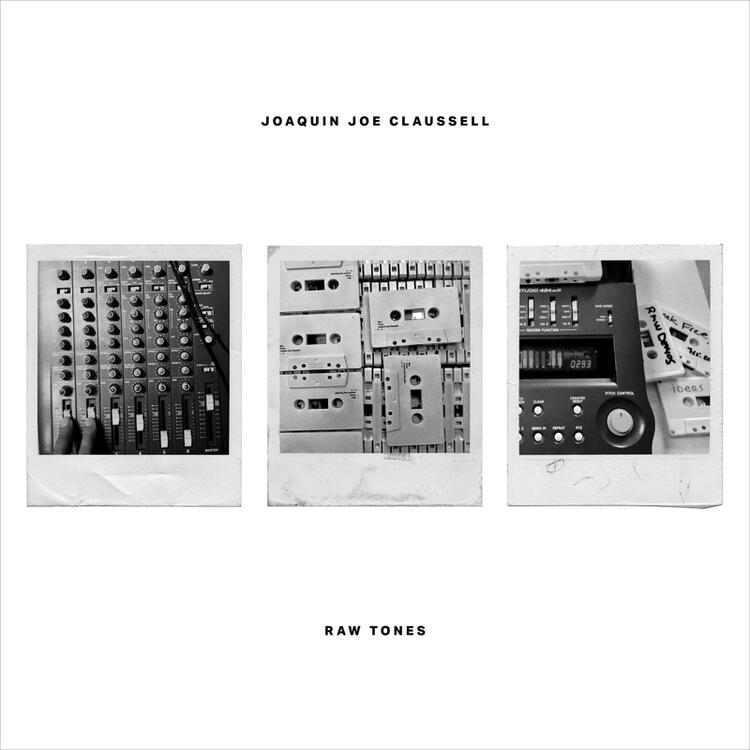
One of these days someone will get the Variations right. ______ Joaquin Joe Claussell - Raw Tones
-
As it was a per-album thing for me (and sometimes when I preferred Atmos it isn't Atmos itself, but I wanted the recede mids a little and balance out, course reverse that and sometimes I preferred stereo to bring out the mids, and of course some tracks are great in mono), I've turned it Always On and going to try for a few weeks and see how I adjust with a variety of phones. Problem being there aren't many Spatial Audio albums I want to listen to so I'll be stereo all the time and when listening on work laptops older OSs prevent it even being turned on. At this point it really reminds me of the iFi 3D+ implementation (which I like most of the time) at about three times the strength. That strength makes the preference more obvious one way or another. Apple usually launches 1G products/services with a bang and I really don't feel that way with the AirPods Max and specific Spatial Audio albums this round. We'll see. Anyone remember the Zenph "re-performances" with half stereo and repeated half binaural tracks? Those were the days. It lasted what a year?
-
Leica shooters say…Boring cover. Opposite on the music. Perfect Saturday morning listen.
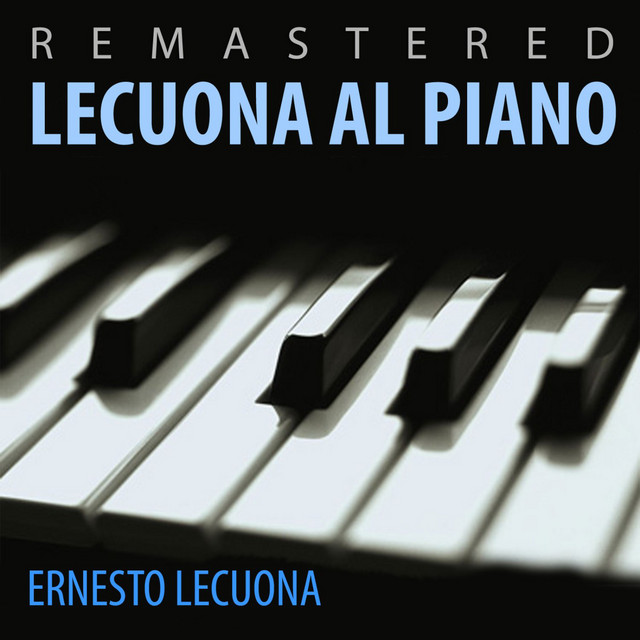 Play for Dancing - Ernesto Lecuona and the Lecuona Cuban Boys
 Testing out Spatial Audio with Surfaces' Pacifico because there are only a handful of Spatial Audio albums and it had the worst description - Post-genre beachside tunes that run the gamut of feelings. I'd love to see earlier edits of that sentence.
 Also looks like there are a variety of "Old Town Records" playlists out there with Robert & Johnny. Or just hunt down the much in demand 78rpm single. Million Dollar Bills was a b-side. #workisslowtodayArtemis
 Anyone heard the Chord Qutest (or I guess the Hugo 2 as DAC) and comment on SQ? Model name aside, I've been a bit fixated on it and need a smallish DAC and well, I'm a simple guy. Heard the Hugo 1 pandemics ago, but not with any associated gear I have. Reviews seem to contradict themselves, though seems engaging and a lot of detail. Would probably pair with the Peak/Volcano.That's great to hear. 6mill_1.mp4Playing catchup as always. Film to follow.
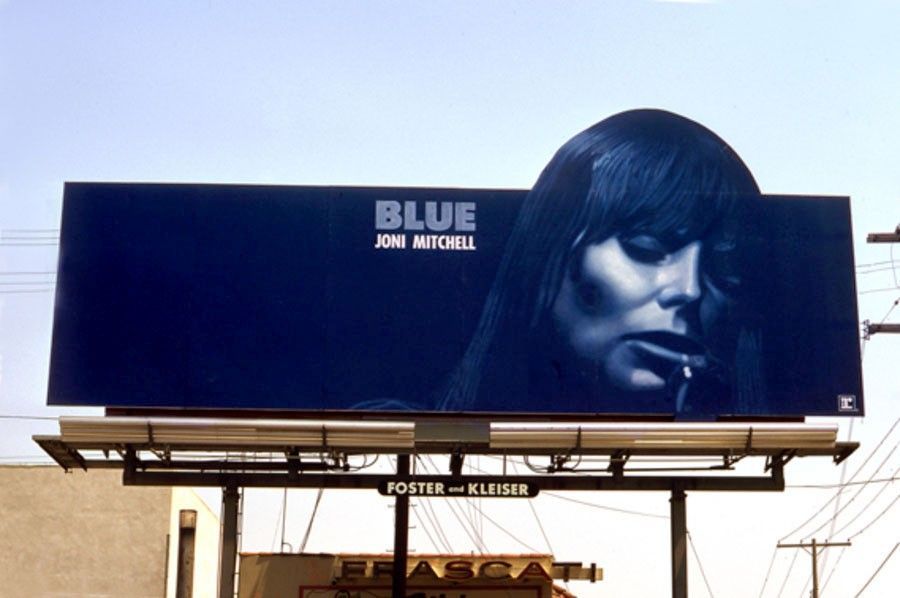
 ^ Let us know if it's any good.There are many recent wonderful articles on, or related to experiencing, Blue, but give the below a read. It’s a stand out. https://www.newyorker.com/magazine/2012/12/17/some-notes-on-attunement The first time I heard her I didn’t hear her at all. My parents did not prepare me. (The natural thing in these situations is to blame the parents.) She was nowhere to be found on their four-foot-tall wood-veneer hi-fi. Given the variety of voices you got to hear on that contraption, her absence was a little strange. Burning Spear and the Beatles; Marley, naturally, and Chaka Khan; Bix Beiderbecke, Louis Armstrong, Duke Ellington, and James Taylor; Luther Vandross, Anita Baker, Alexander O’Neal. And Dylan, always Dylan. Yet nothing of the Canadian with the open-tuned guitar. I don’t see how she could have been unknown to them—it was her peculiar curse to never really be unknown. Though maybe they had heard her and simply misunderstood...I know we’re talking active monitors, but there are smaller, passive models too.
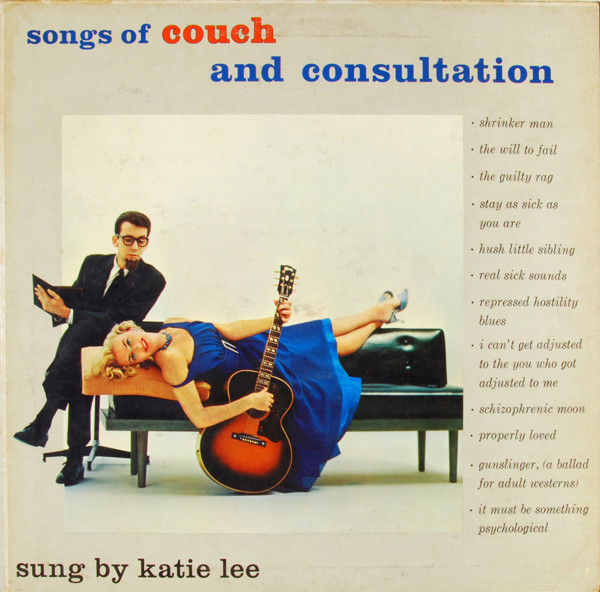
 "Grados designed by Sennheiser" might not be such a horrible descriptionKatie Lee – Songs Of Couch And Consultation
 Some decent information in this interviewRIP, George Stranahan, Pilgrimosopher and Benefactor of Physicists & Bar Flies A venturesome millionaire, he forged an only-in-America career in fields ranging from craft beer to free speech activism to scientific research. https://www.denverpost.com/2021/06/20/george-stranahan-benefactor-of-physicists-and-barflies-dies-at-89/amp/ https://www.nytimes.com/2021/06/20/us/george-stranahan-dead.html https://www.aspenhalloffame.org/inductee/george-stranahan/Is this where I mention all the Amazon Prime Day Blu-Ray deals going on today? https://www.amazon.com/Alfred-Hitchcock-Classics-Collection-Blu-ray/dp/B08CPLM17C/ref=sr_1_5?crid=1WXJIM6W2RCWR&dchild=1&keywords=hitchcock+collection&qid=1624296829&s=movies-tv&smid=ATVPDKIKX0DER&sprefix=Hitchcock%2Coffice-products%2C211&sr=1-5‘Paradise exists!’: Sebastião Salgado’s stunning voyage into Amazônia https://www.theguardian.com/artanddesign/2021/jun/21/paradise-exists-sebastiao-salgados-stunning-voyage-into-amazonia?CMP=Share_iOSApp_Other
 These settings were in earlier links, but just in case… “Enjoy” Apple Music Spatial Audio on third-party headphones https://9to5mac.com/2021/06/21/spatial-audio-apple-music-headphones/50 Reasons to Love Joni Mitchell’s ‘Blue’ Mitchell’s “Blue” exists in that rarefied space beyond the influential or even the canonical. It is archetypal: The heroine’s journey that Joseph Campbell forgot to map out. It is the story of a restless young woman questioning everything — love, sex, happiness, independence, drugs, America, idealism, motherhood, rock ’n’ roll — accompanied by the rootless and idiosyncratically tuned sounds she so aptly called her “chords of inquiry.” https://www.nytimes.com/interactive/2021/06/20/arts/music/joni-mitchell-blue.html?referringSource=articleShare










Important Information
By using this site, you agree to our Terms of Use.