

Leaderboard
-
Hopstretch
High Rollers11Points16809Posts -
mikeymad
High Rollers7Points13850Posts -
Voltron
High Rollers4Points34607Posts -
Knuckledragger
High Rollers3Points16497Posts




Popular Content
Showing content with the highest reputation on 09/03/18 in all areas
-
3 points
-
2 points
-
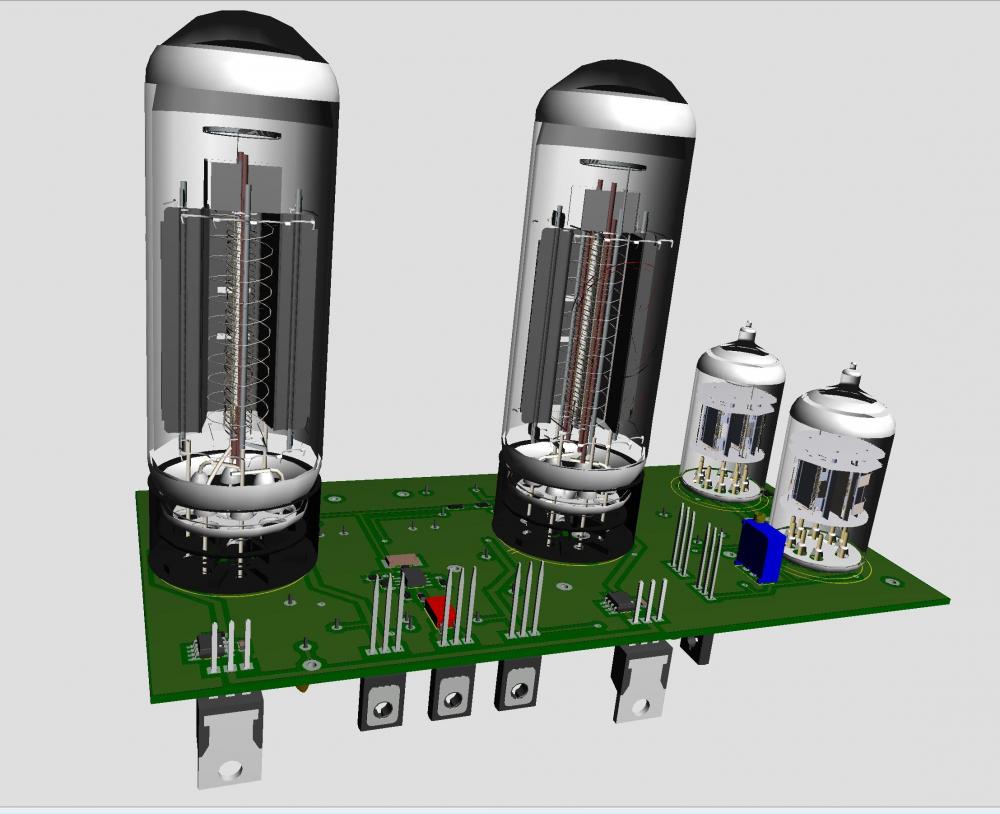
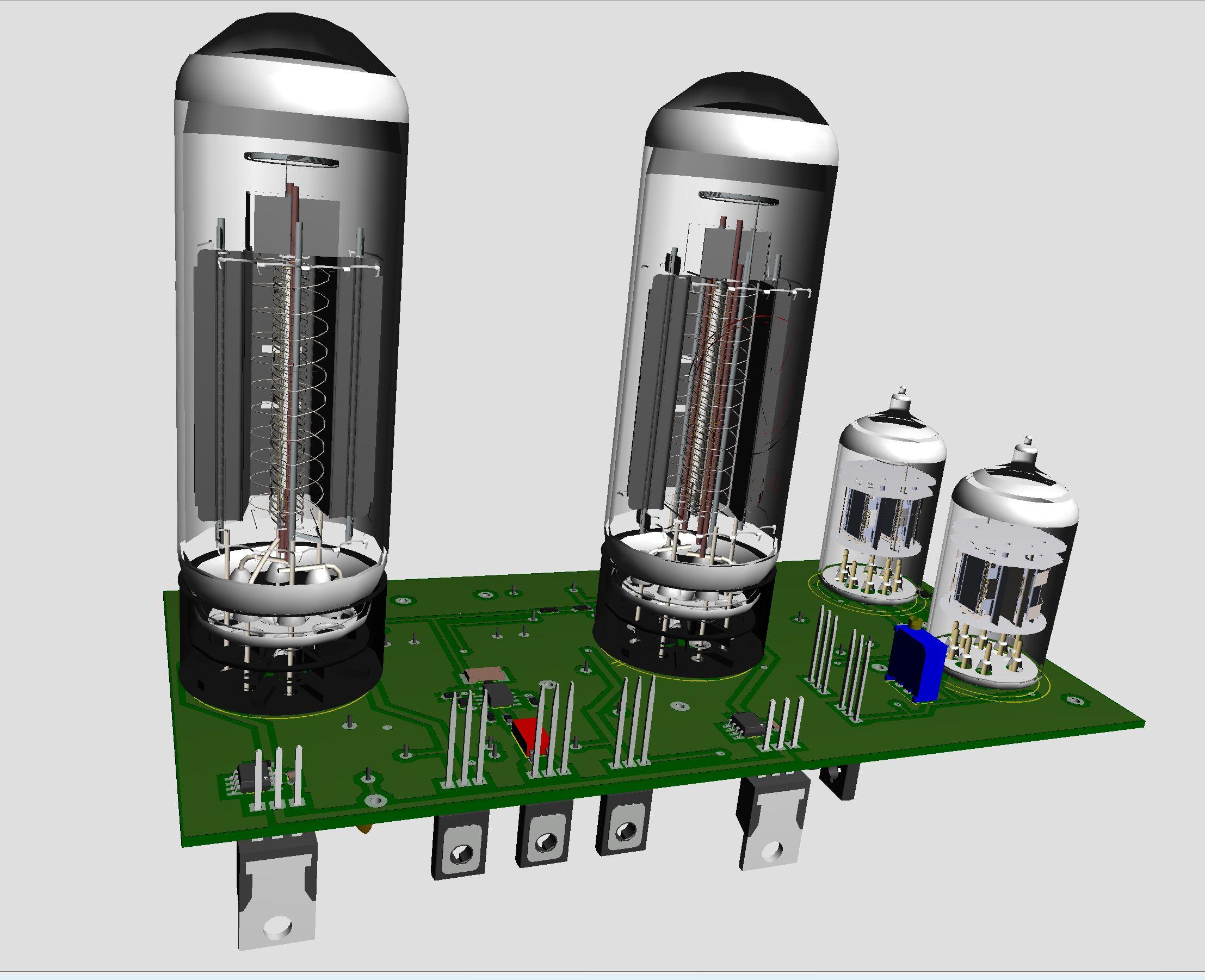
2 pointsStill in progress. Board shortened now 160mm x 80mm. Found models of tubes on the internet. The small tubes even have golden pins. I got the tube models from grabcad.com and the creator of EL34 and small tube (12AX7) is Andrew Whitham, United Kingdom.
 2 points
 -
1 pointCool. Am going to pull the trigger on a pair to try at work. They have better connectivity for my use compared to the Airmotivs.1 point
-
I received my package today, thanks Gaël!!! I’m really impressed with the workmanship, anodising after milling for the win!!1 point
-
1 point
-
That was great! This one is pretty great, too:1 point
-
1 point
-
1 point
-
1 point
-
1 point1 point1 point1 pointNot to mention the Infinite Jest-esque "it is so amazing that people who listen to it literally die from happiness!"1 point












Important Information
By using this site, you agree to our Terms of Use.