tkam
Administrators
-
Joined
-
Last visited
Everything posted by tkam
-
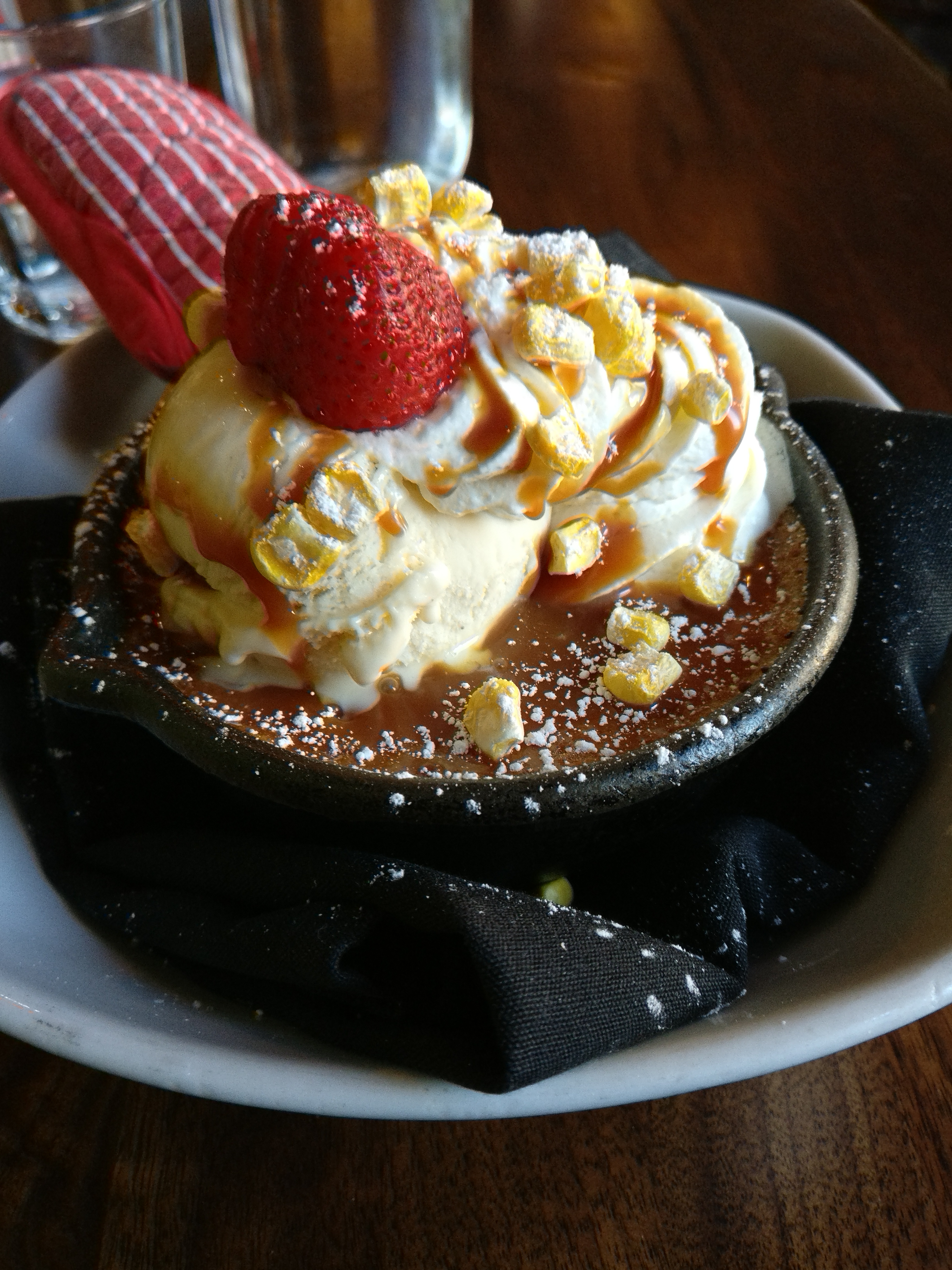
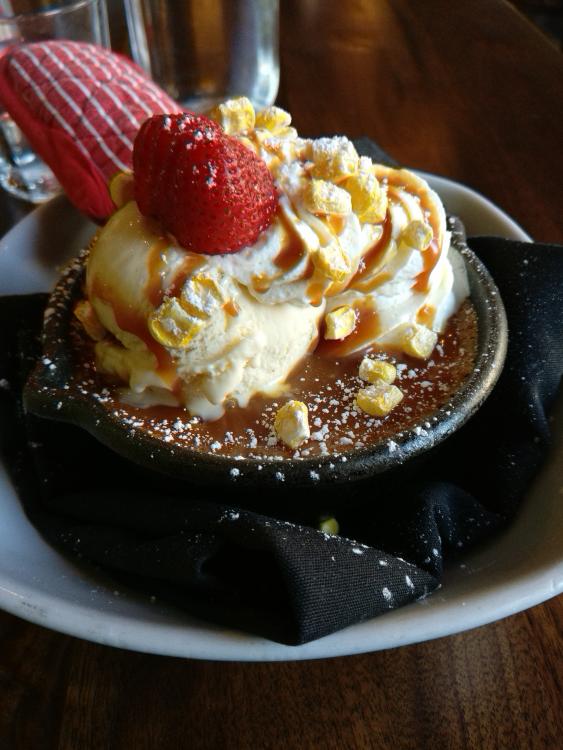
And dessert: Pastel de Elote
-
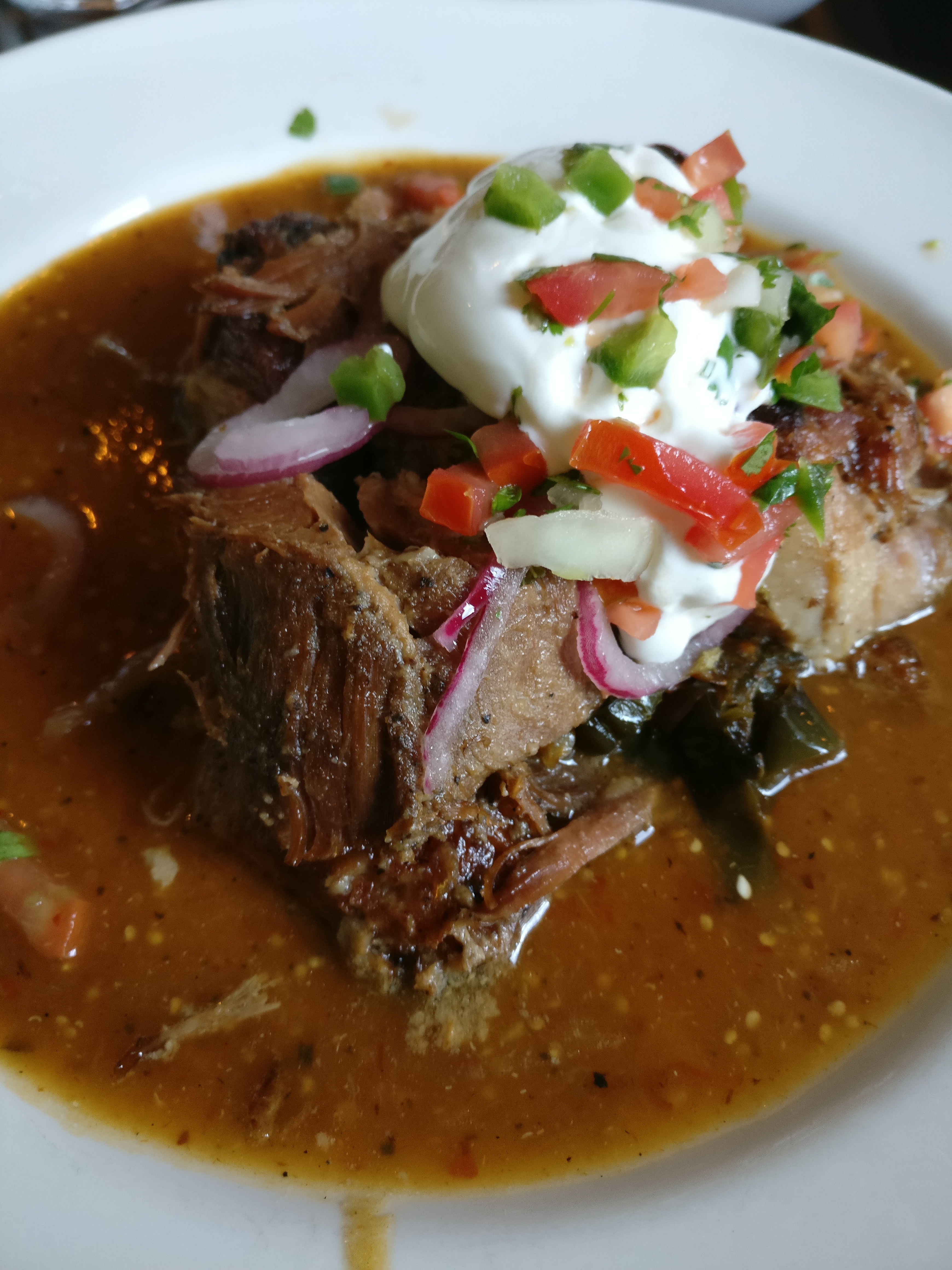
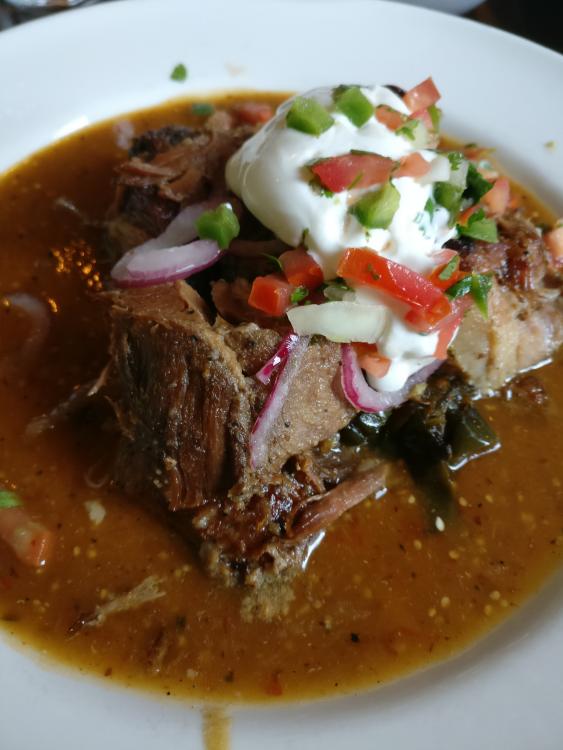
No but there was bacon and now for dinner some carnitas
-
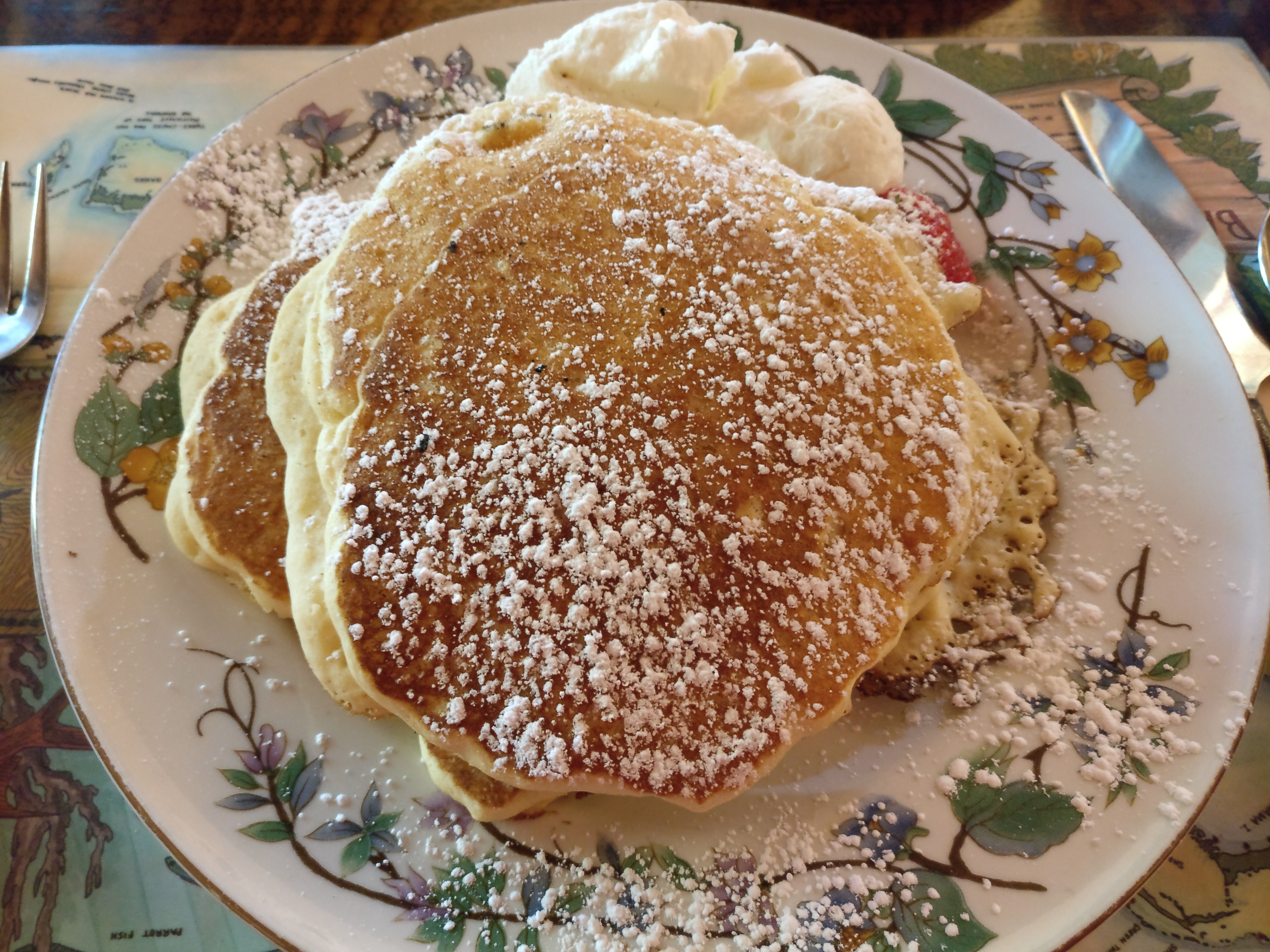
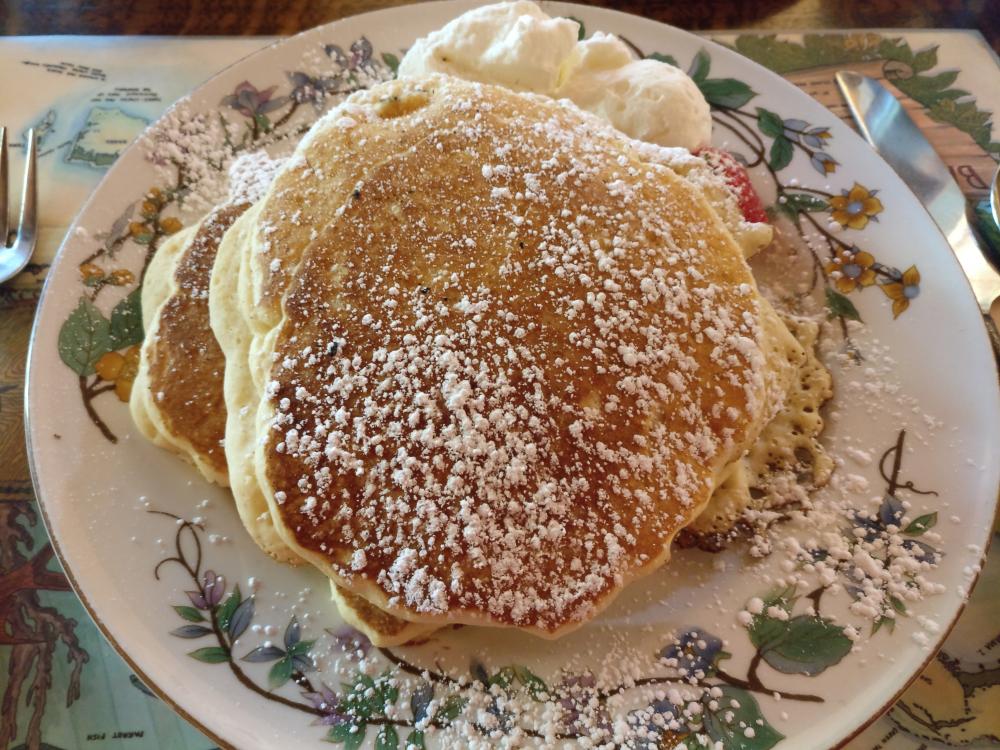
Lemon Buttermilk Pancakes
-
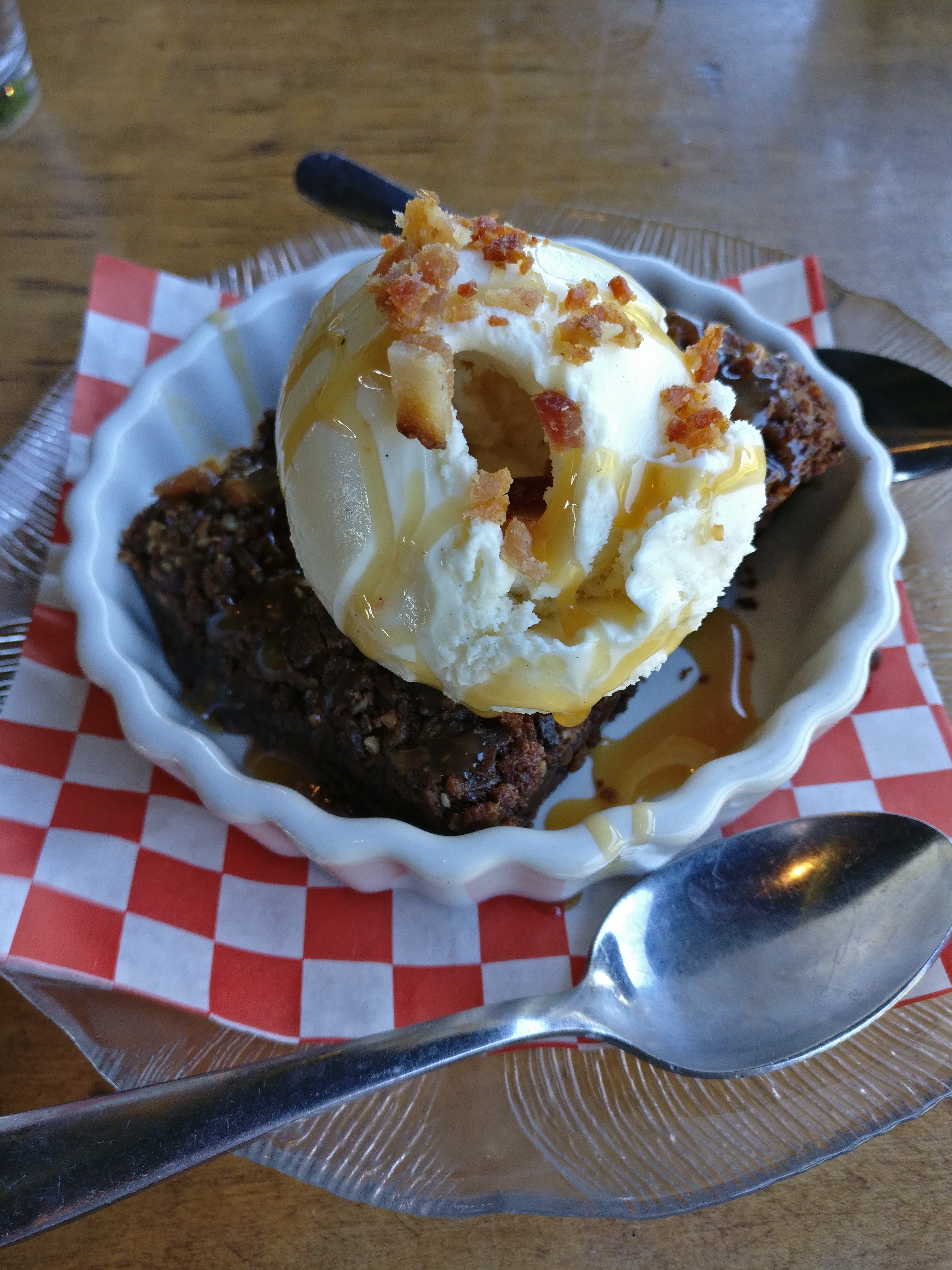
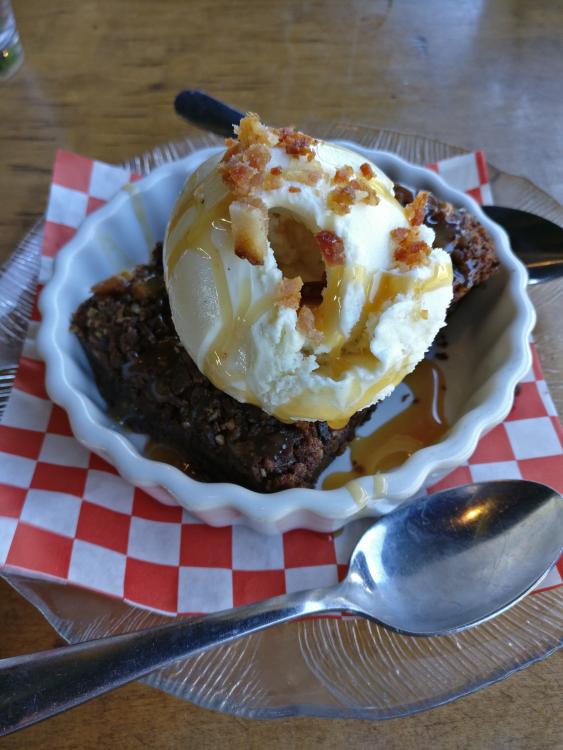
Bacon bourbon brownie
-
I bought my stands a few years ago from there guys: http://timbernation.com/speakerstand.html - pretty good pricing and they do custom sizes
-
Honestly I can't think of any good reason to have an on-prem PBX - just go with Ring Central or something similar. Yes long-term costs might be higher but not having to manage that shit on your own is worth it.
-
I have to say the Aeons have been a pleasant surprise for me. Excellent closed phones and easily near the top of the heap in the under $1k market.
-
Tapatalk has been updated again after the forum software update I did last night. Should be working again, but apparently Tapatalk has lots of ads now. I can get rid of the ads by paying them a monthly fee, probably going to just remove Tapatalk altogether in the near future. The mobile theme(s) are much better than they used to be, makes Tapatalk a bit redundant.
-
Yes new update and yes Tapatalk is becoming super spammy, I can pay them to get rid of those ads but may just remove support for it. Not really worth it anymore with the mobile theme(s) being decent enough. Also switched to a new dark theme option called 'Deflection' it's a little cleaner looking I think.
-
New laminate flooring installed at the entrance(s) from the front door and garage as well as the upstairs hallway.
-
Happy Birthday Brent!
-
LeBron is quietly doing a nice job of making an argument for overtaking Jordan as the GOAT....
-
Bought one of these recently: Christopher Ward C65 Trident Vintage Edition
-
Shocking, Pens beat the Caps in a game 7
-
Go PENS!!!
-
-
As the forum software is removing support for their built-in hosted chat feature a new Slack channel has been setup. You can get to it via the 'Slack' menu option or this link: https://head-case.slack.com . To get an invite please PM myself or grawk with the e-mail address you want the invite sent to.. Thanks -Todd
-
Finally got around to filing my taxes. Joy.
-
Season 1 is a bit slow, but I still found it enjoyable and season 2 has been amazing so far. Scifi channel officially picked it up for a 3rd season today.
-
Happy Birthday Nate!!!
-
-
Anyone else watching The Expanse? I binged season 1 in about 3 days and season 2 is off to a fantastic start. Possibly the best sci-fi show since BSG...
-
-
We got about 4" from last night through this morning. Going to be back up to 50 on Saturday so I'm going to skip doing any shoveling.
-
Locking this thread, we're not currently seeking out donations. Also worth mentioning the the Amazon affiliate link is no longer valid, closed that out a few years ago now.