luvdunhill
High Rollers
-
Joined
-
Last visited
Everything posted by luvdunhill
-
I am rooted on ATT. I cannot use the built-in tether. It forwards me to some ATT link. I have a grandfathered unlimited account. I'm using WiFi Tether now, seeing how it works.
-
can anyone recommend a (rooted) wi-fi tether app that works on att?
-
I wonder if Apple has a way now of enforcing their own memory modules be used... I assume these are non-Apple purchased?
-
http://www.ebay.com/itm/McIntosh-Marantz-JBL-Altec-Jensen-Western-Electric-Fisher-Scott-EV-Equipment-/380579300839?pt=LH_DefaultDomain_0&hash=item589c4b45e7 ? pretty insane
-
Woah is everyone in town? I will be there tomorrow
-
Probably your fault. How many files did you upload and how many did you properly assign in their tool?
-
My issue at this point is will I be flying from Detroit or Austin.. hence I cannot buy tickets :/
-
I use the WD Red in my NAS and like them. I would personally go for a 4-drive if I was in the market. I use a ReadyNAS and BackBlaze for my stuff and like it.
-
My question would have been: Thoughts on Spritzer and Kevin Gilmore. Go.
-
If you bring it into the store, they will do that for you.
-
I would staff a DIY table Also Reks I can desolder it for you using a vacuum setup if you can get to me very soon before I move, say in the next 2 weeks..
-
I'd probably do something similar.
-
I use Tuxera NTFS to write to NTFS drives no problem. Literally on a daily basis since it was released.
-
A few more questions: The fact that my Mac doesn't support MTP is annoying. Are people using Android File Transfer to move stuff around? I installed this and see both my phone and my SD card. However, if I install Samba Fileshare, which would be my ideal solution, for some reason it cannot see my SD card.
-
Titanium Backup seems to hang at about 30%.. I have 8.77G/12.05G on the device (no SD card)
-
What's the recommended way to backup my Galaxy S3 to my Mac?
-
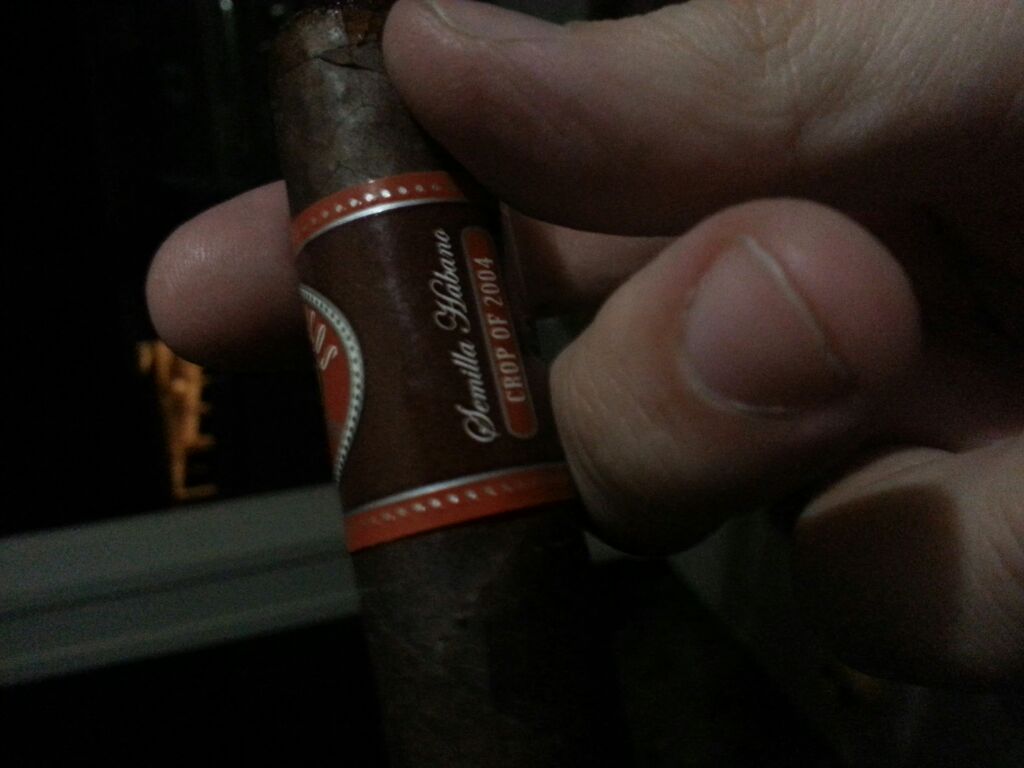
Perdomo Semilla Habano Crop of 2004
-
In general I do not like SUT, I prefer discrete devices for the first gain stage. If I was forced to choose one, though, I would say the Sowter 8055 with the upgraded wire option. I have tried maybe 5 other manufacturers.
-
I think this is my fault
-
glad I didn't have to answer this question a tenth time Dinny. rMBP FTW!
-
I do like Freddy's. Fantastic frys.
-
I agree. Get the fins oriented vertically and it should work well. 100mm seems like a nice size as well.
-
Cool, I would be curious to see better pics of the modules, but is that a heat sink clamped to the tabs on sot223 devices?
-
Steve, does the gain feel about right with the M22? Also, how much time do you need to really evaluate a new amp for the K1000? The reason I say that, is I have one I'd suspect that would be a fantastic pair with the K1000, and with my time with it so far, I'd say it would really be hard to beat. I think I could try and keep it out when you're around next week to try and listen to it. Heck, I'm considering a pair of K1000 just to try with this amp I have a feeling it would take longer for me to judge an amp though...
-
Nate, let me check in the morning.. I should have plenty.