


Dusty Chalk
Moderators
-
Joined
-
Last visited
Everything posted by Dusty Chalk
-
A big enough lightning strike can always span an air gap. Otherwise that technology already exists. Craig, yeah, that’s exactly what I meant by “something like that” — hacking the power supply chain (or designing the system) to eliminate the need for AC.
-
I’ve always wanted something like that. Pure DC power.
-
Fleabag—fucking genius. I realize it’s a gimmick, but ( a ) it’s a fucking genius gimmick, and ( b ) she does it so well. She’s already throwing in nonverbals in the first episode. Nonverbals are the best! I am rapt. One of those few shows that require both watching and listening attentively.
-
Cheers, Dan. Uncertain times require more certainty, understood. Hoping you find a way to make this work for you in the long term.
-
Season two was so, ‘meh’ that I only remember one scene. Season one was The Best Show Ever! Haven’t even started season 3.
-
Love Grimes, she weird. That is all.
-
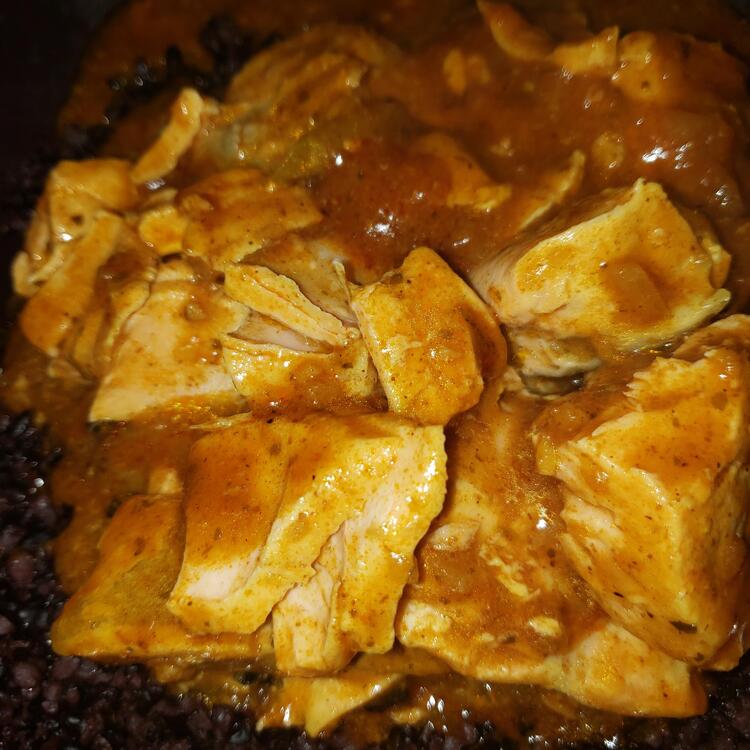
BTW, @Voltron, the reason I posted this is because—by some miracle—the salmon turned out perfect. Flaky yet moist, fell apart just from touching it with a spatula.
-
I used to have the biggest crush on Nancy.
-
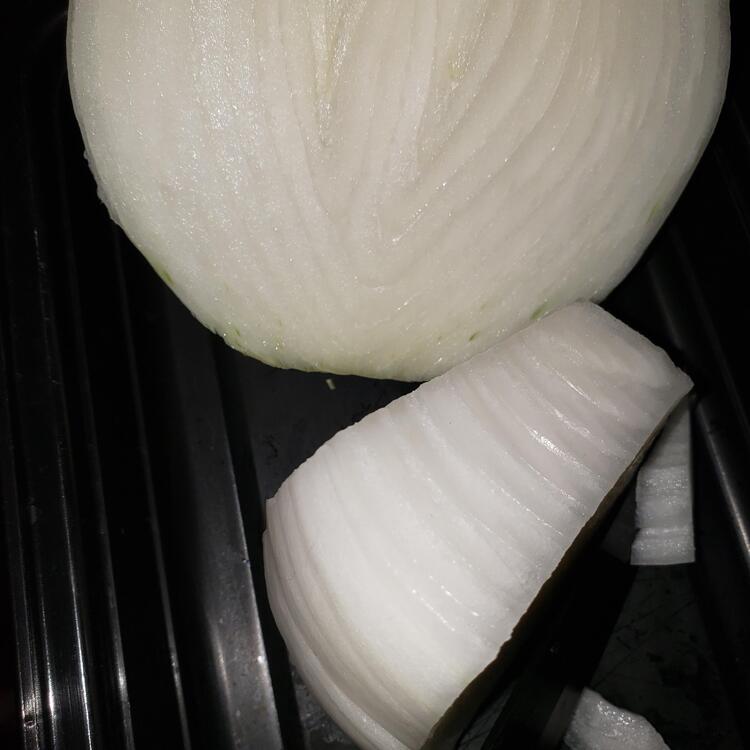
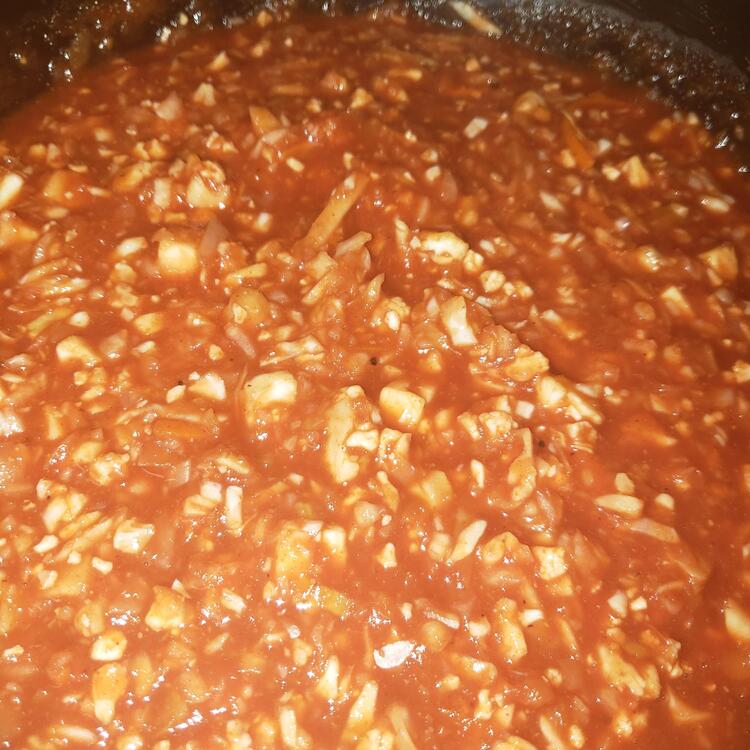
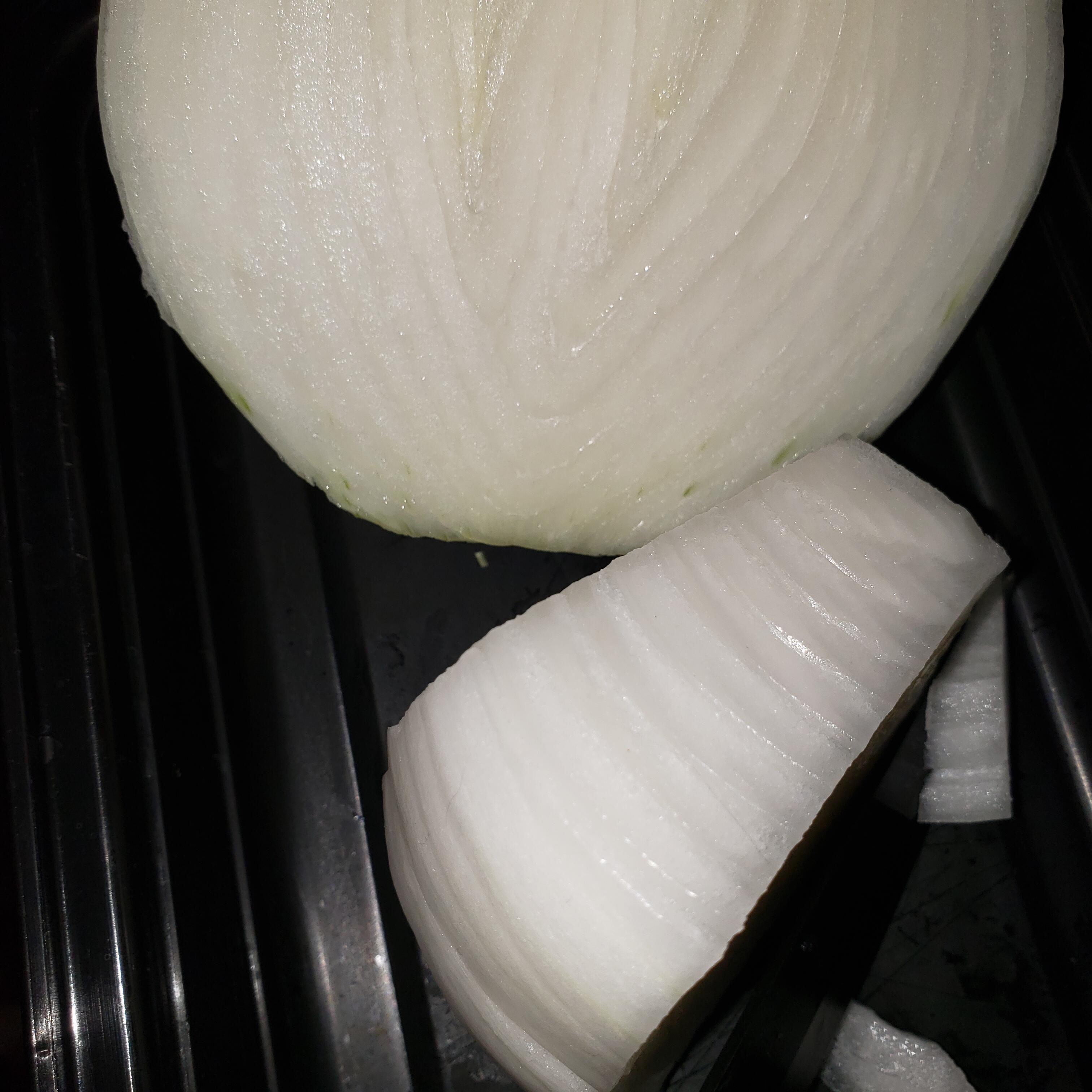
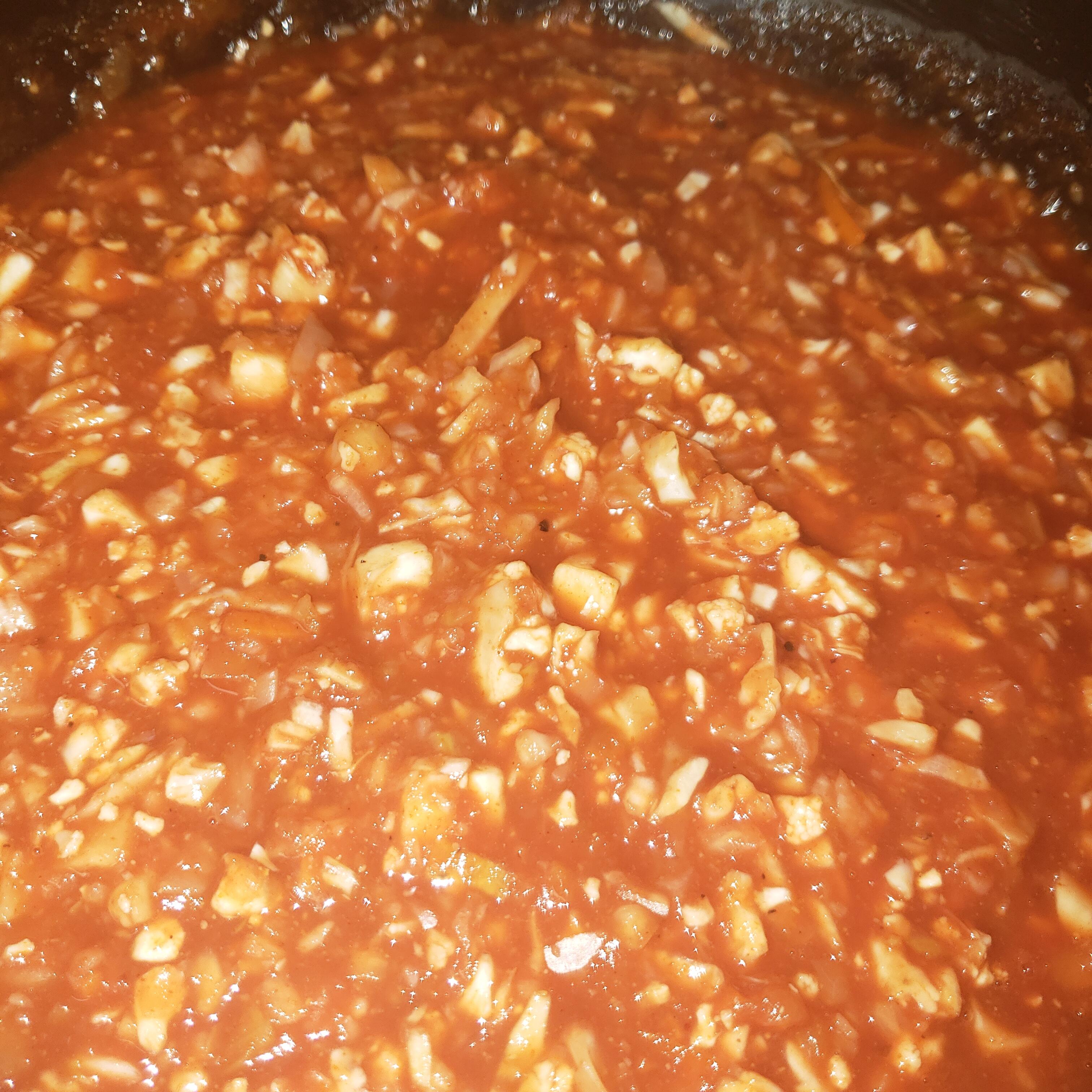
Onions about to go into sloppy joe/goulash base
-
Stanislav, husband of one of my Russkie friends since childhood, Anna Tchursin, “lost his lifelong battle with depression”, as she put it. I still blame Covid-19, albeit indirectly. I only met him once, but he was quite the character.
-
This was an outstanding set, thanks for sharing.
-
If it's any consolation, that's the water handle, the water comes out its nose.
-
Bleach?
-
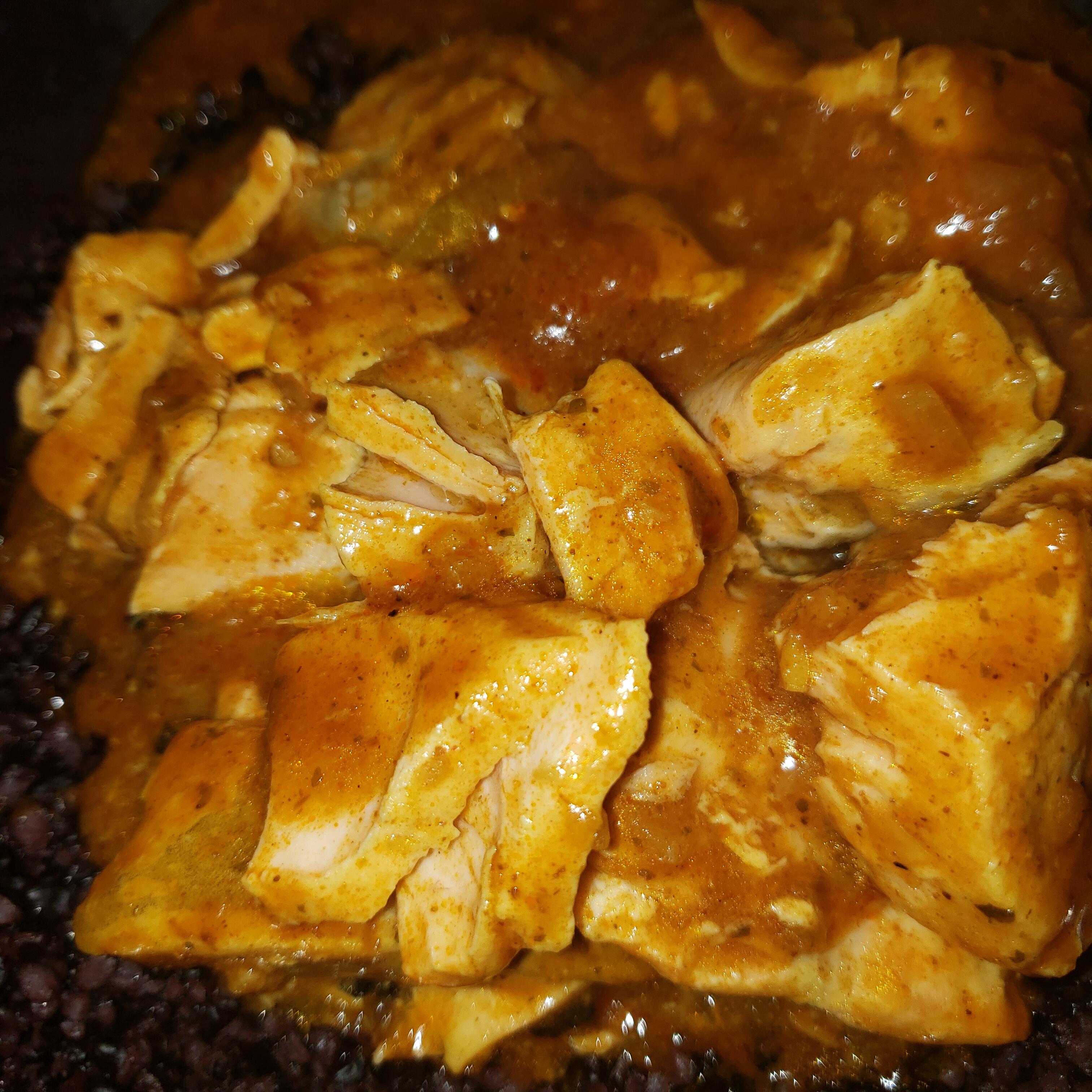
All the ovens! (raises spatula)Yes and no, this other stuff I've been listening to is less jazzy and more funky, so it's easier to listen to.More 70s funk fusion -- anyone familiar with this genre? I'd love to hear some more recommendations of titles to look up. I'm familiar with the important titles of fusion -- Al Di Meola, Return to Forever, Jeff Beck, Billy Cobham -- but less familiar with this stuff. I've been really digging it so far!Ah. So the opposite of a tandoor, then.Is a “slow cooking oven” the same as a crockpot Aka slow cooker? If so then yes, I live by my crockpot, do most of my cooking there. Will try the rice toasting thing, that sounds interesting. Actually, will try all those suggestions, it’s funny that everyone has their own favorite method and they are all different. I might even have run across a Zojirushi that I forgot I bought, should start using it.Natalie Dormer is so fucking hot.Thanks, gents!need to work on the timing—salmon and sauce are cooked and eaten; rice is still simmering.Salmon Jalfrezi with black riceNow I am, too. Was listening to Superfat on repeat, needed a break. Is good! Melikey.





Important Information
By using this site, you agree to our Terms of Use.