

grawk
Administrators
-
Joined
-
Last visited
Everything posted by grawk
-
That's the good part
-
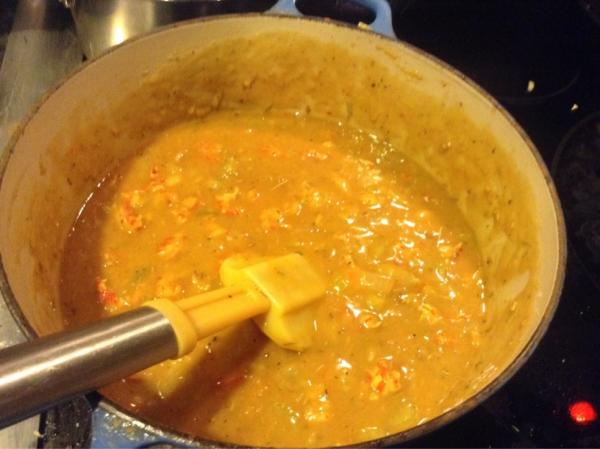
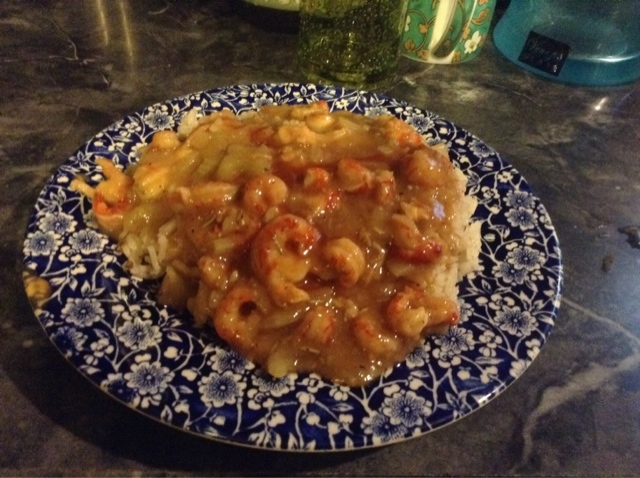
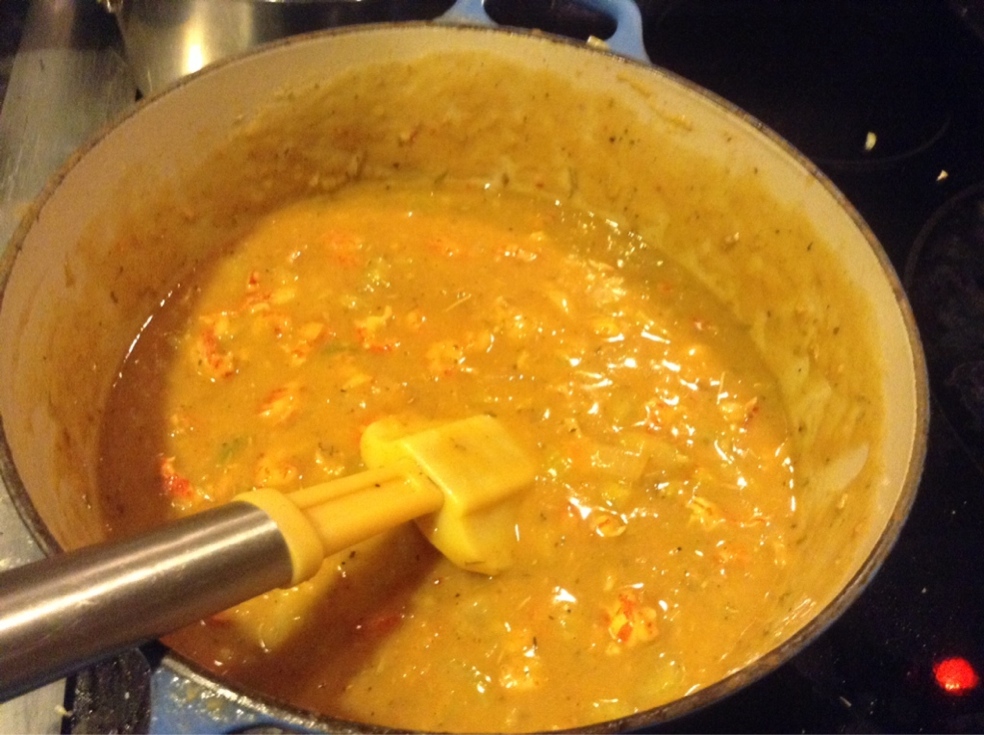
crawfish étouffée
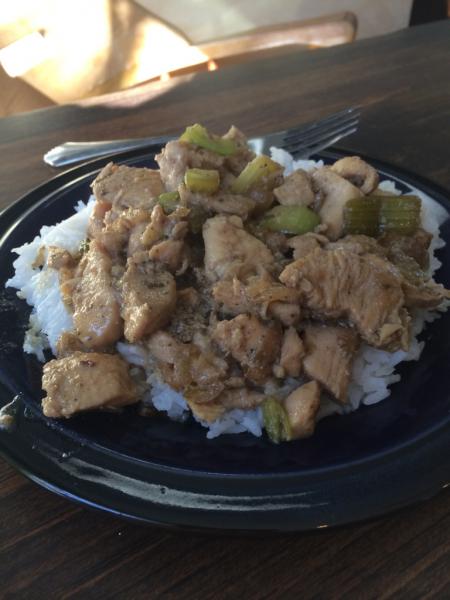
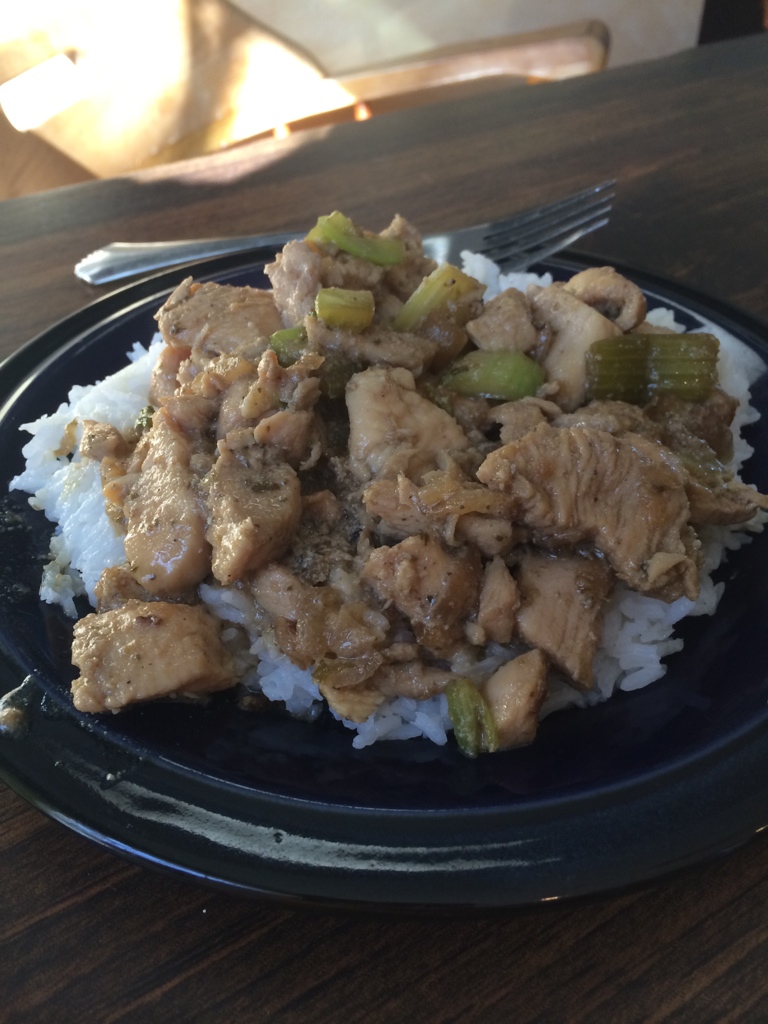
 No he loves Colin. He just lusts you.twist the leads together. Wb fritzyThis is head case. I disregarded price.it's because tyll was up early, and beat everyone to the beating.I really like Tyll, but Voltron scares the shit out of me, so he's better.baby orpheusSeveral of our members are from the greater atlanta area, so you might find some interest. Thanks for posting.I've bought an awful lot of albums based on NPR first listens.good luck steve!those won't be worth the effort but what you need is an amplifier.Chicken stir fry
 nice Brentone of the few meals I'd have passed up mine for. I'm jealous!lamb roasted with cinnamon and thyme, on corn tortillas with sriracha sauceI don't think the MOT tag means they have to do anything on your behalf, Birgir. Just that they can censor you if they feel like it (just like before). It's more a way that they can say you criticize Alex because you're competing with him, not because his shit stinks. Amos just wants to be accepted by the cool kids, and when we didn't invite him in, he picked a new crowd.why apologize to me?the dresden dolls lp de la soul, smell the daisy2 hours on a trainer? Ugh.Outkast - Aquemininp, haven't been on the bike since then, and am taking the mtb out this weekend I thinkThe Rules, Revisited


Important Information
By using this site, you agree to our Terms of Use.