

Leaderboard
-
Hopstretch
High Rollers13Points16809Posts -
Voltron
High Rollers9Points34607Posts -
Aura
High Rollers6Points6886Posts -
VPI
High Rollers4Points9103Posts




Popular Content
Showing content with the highest reputation on 10/07/18 in all areas
-
3 points
-
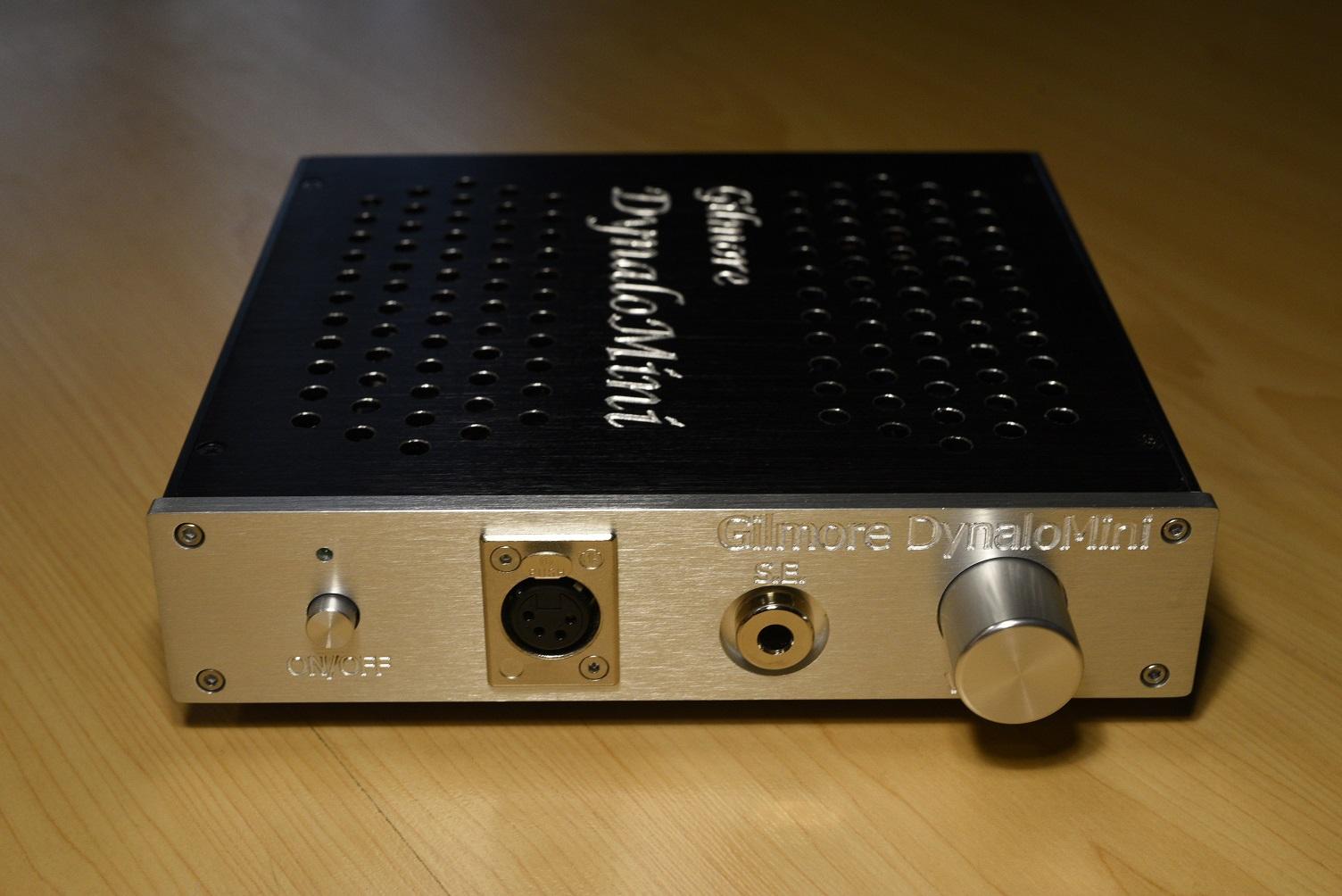
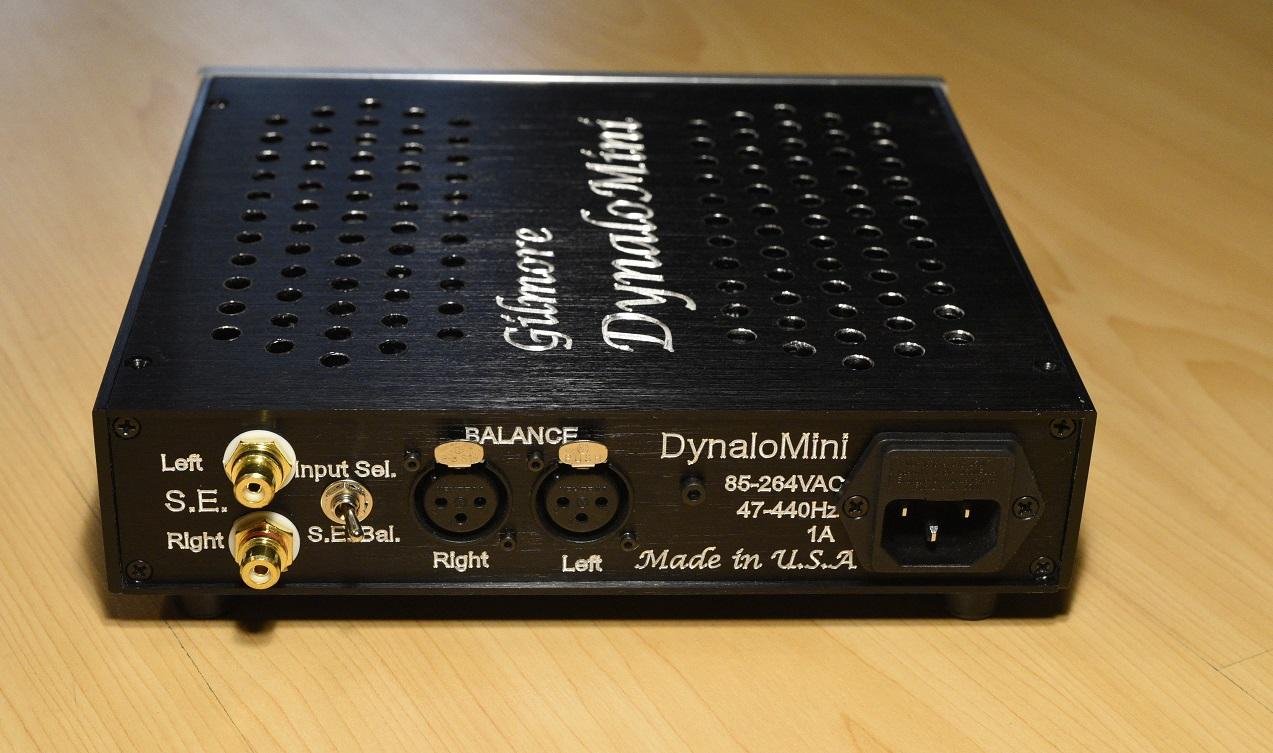
2 pointsNever heard of her before, but great voice!2 points1 pointInteresting albeit a bit quirky history of Nissan. Would have loved to see more about the earlier cars. HS1 pointIt's a very particular name. Good stuff! HS HS1 point* Checks first page * Well how about that?1 point1 point1 point1 pointMuse being Muse.1 point1 point1 point1 pointWas that lost on you? No, seriously, what's the question? Also, damn. This video captures the concept of the feeling of limerence I felt after I broke up with Allison 20 years ago. https://en.wikipedia.org/wiki/LP_(singer)1 point1 point1 pointBirthday(ish) song for the other old farts.1 point1 point1 pointIt works but is a far departure from regular Stax designs. Better than the King Sound shitbox but the bar is really low there.1 point1 point
















Important Information
By using this site, you agree to our Terms of Use.
Account
Navigation
Search
Configure browser push notifications
Chrome (Android)
- Tap the lock icon next to the address bar.
- Tap Permissions → Notifications.
- Adjust your preference.
Chrome (Desktop)
- Click the padlock icon in the address bar.
- Select Site settings.
- Find Notifications and adjust your preference.
Safari (iOS 16.4+)
- Ensure the site is installed via Add to Home Screen.
- Open Settings App → Notifications.
- Find your app name and adjust your preference.
Safari (macOS)
- Go to Safari → Preferences.
- Click the Websites tab.
- Select Notifications in the sidebar.
- Find this website and adjust your preference.
Edge (Android)
- Tap the lock icon next to the address bar.
- Tap Permissions.
- Find Notifications and adjust your preference.
Edge (Desktop)
- Click the padlock icon in the address bar.
- Click Permissions for this site.
- Find Notifications and adjust your preference.
Firefox (Android)
- Go to Settings → Site permissions.
- Tap Notifications.
- Find this site in the list and adjust your preference.
Firefox (Desktop)
- Open Firefox Settings.
- Search for Notifications.
- Find this site in the list and adjust your preference.