


Hopstretch
High Rollers
-
Joined
-
Last visited
Everything posted by Hopstretch
-
For a second there I thought that was a fucking locking Neutrik jack and my heart sank into my boots.
-
Bunch more rain on the first day of Spring as a Pineapple Express comes to town. Beats yet another Nor'easter I guess!
-
Happy Birthday Al!
-
In (post) Soviet Russia, headphone fucks you.
-
Yo La Tengo -- There's A Riot Goin' On

-
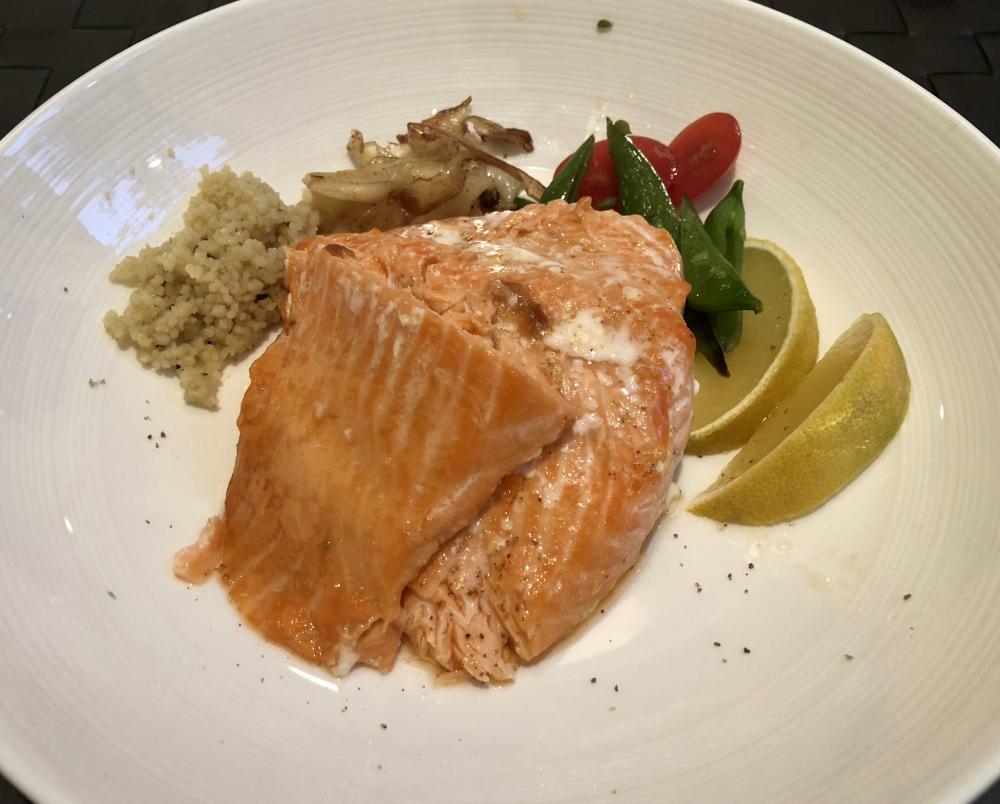
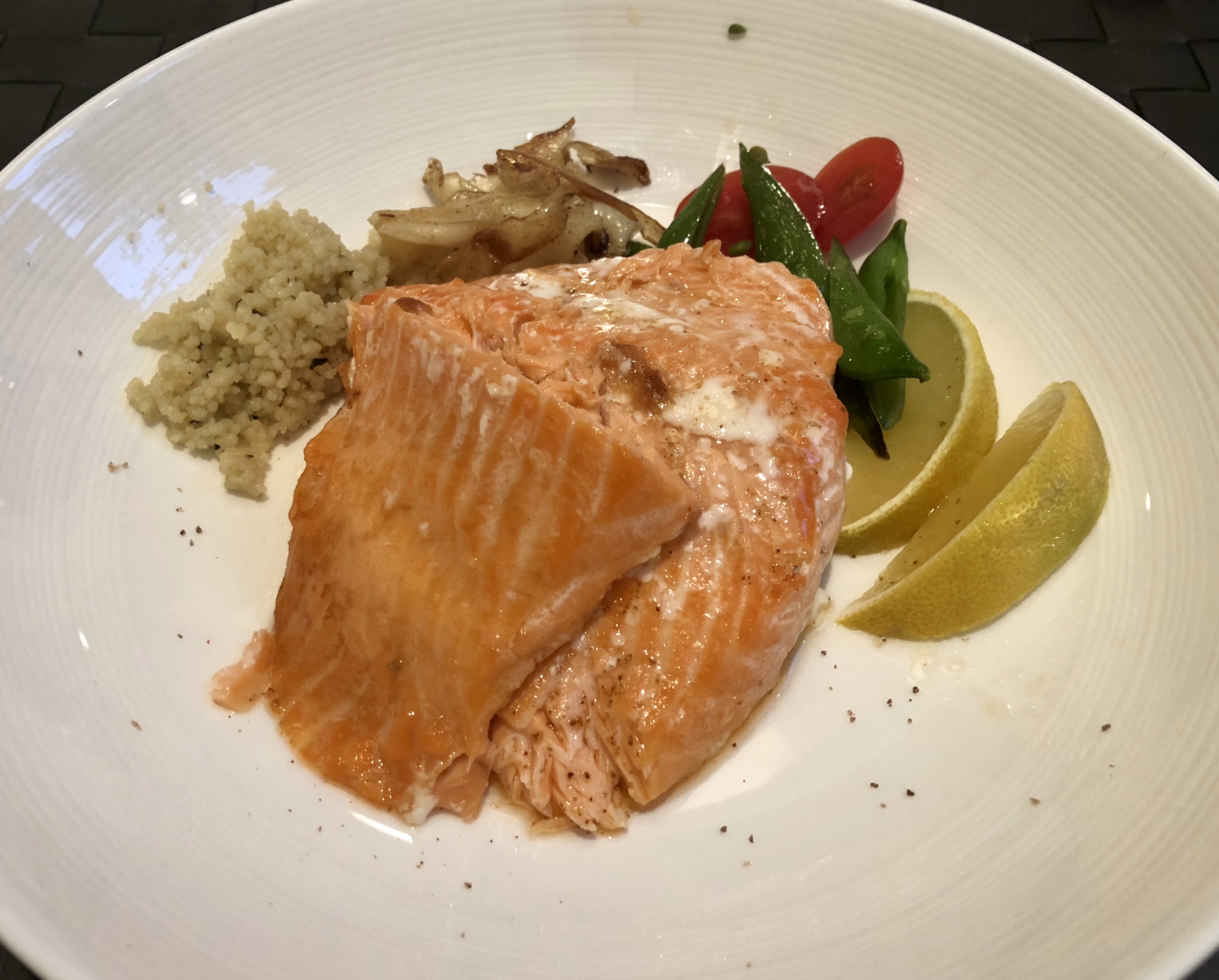
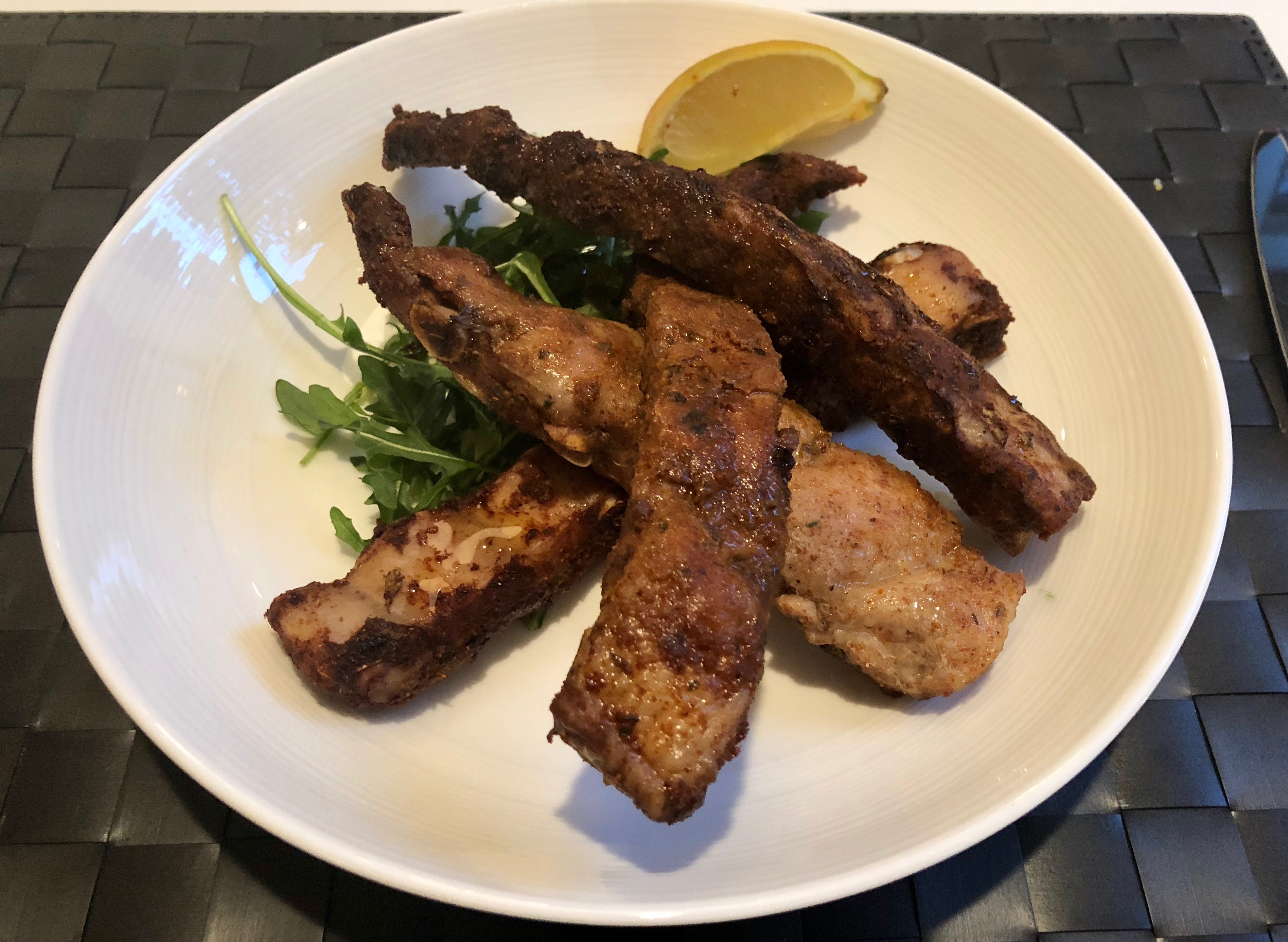
The Mrs. went to UVA. There had been some big talk about brackets etc. It's quiet tonight ...Salmon with some token NPI (non protein items).
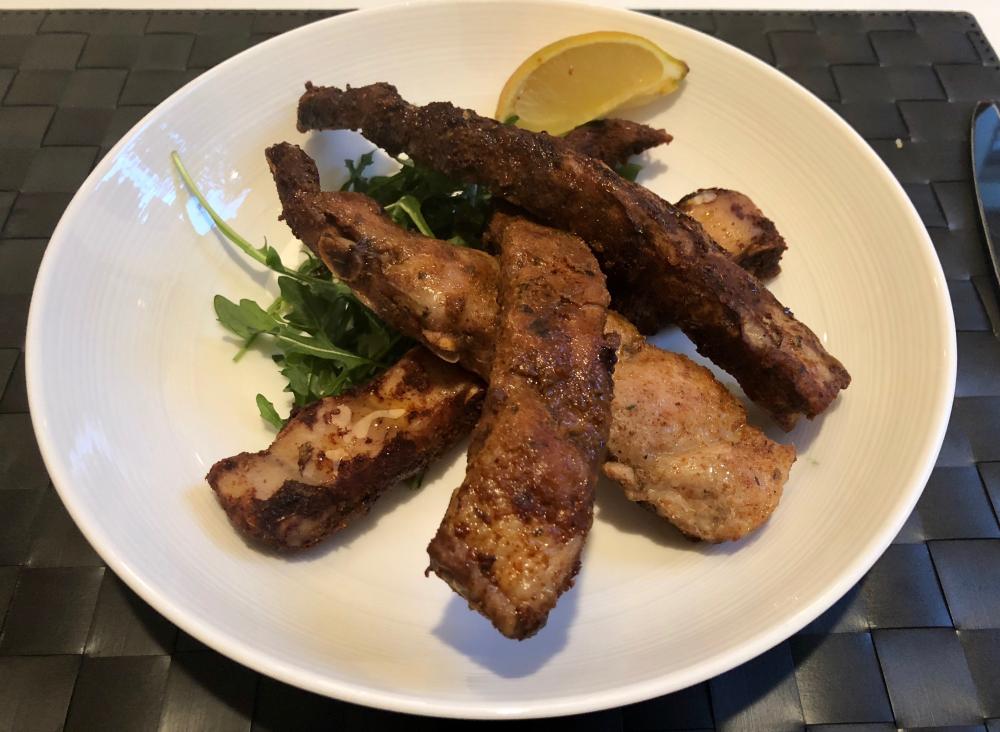
 Tonight, salad.
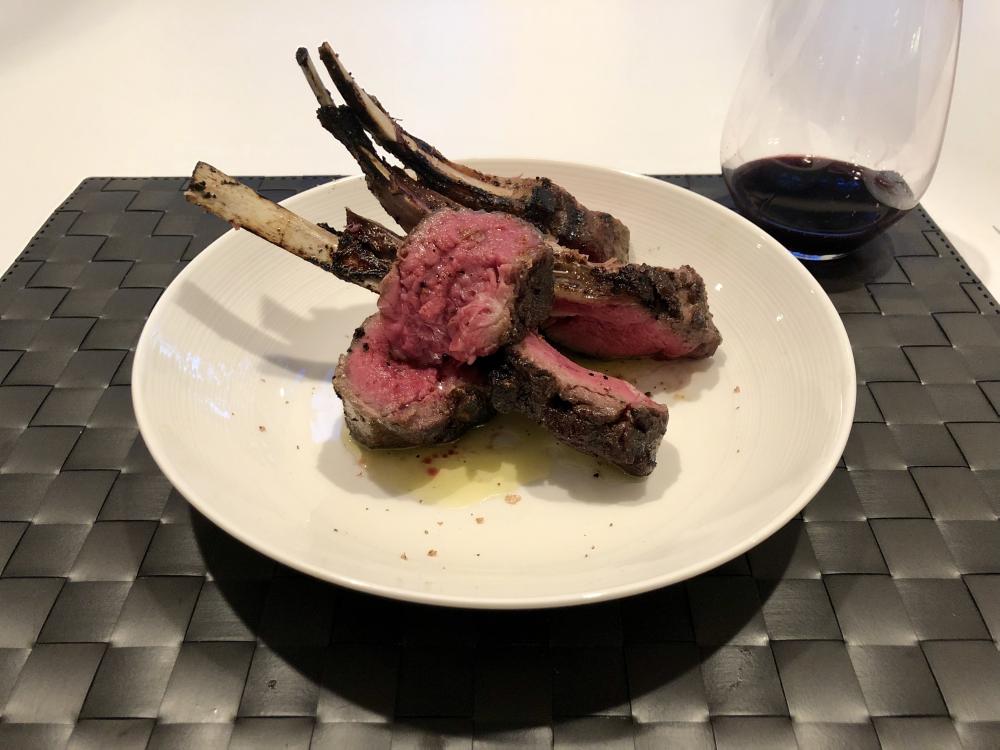
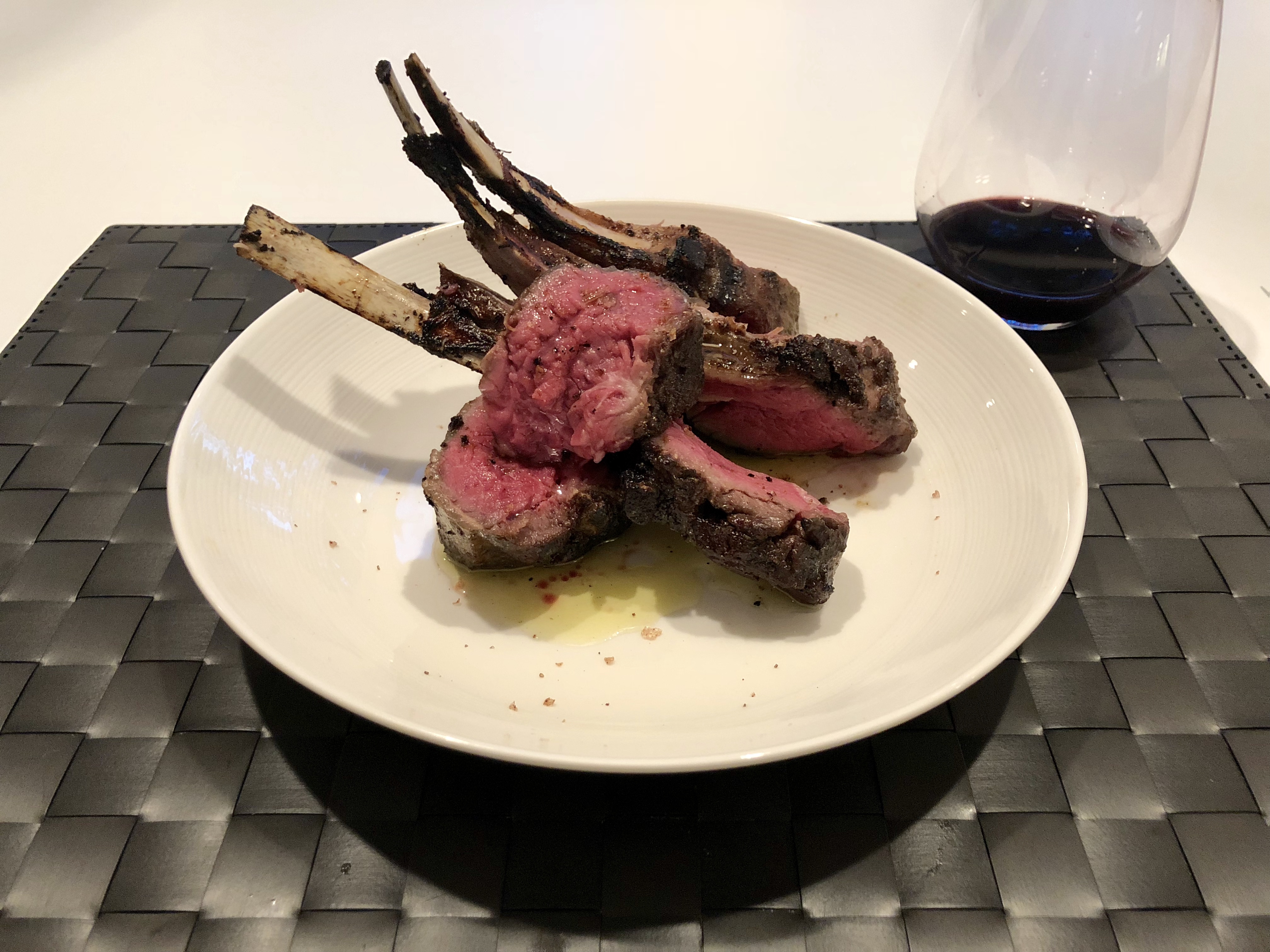
 Kids and I were belting this out in the car tonight coming back from sports, it's an ear worm of note!Noice. New franchise!Sous vide rack of lamb with ... um ... actually, that's pretty much it.
 Milo looks like a bad seed. He does good work though.Lo Moon -- S/T This is pretty terrific if you like Talk Talk, unless you think it's too derivative I guess. Going to let Dusty rule on it. Great production too.
 David Byrne — American UtopiaYikes. Fingers crossed!Happy Birthday!Alright alright alright alright!Big hit! Later that day ... Best meal of my life I think. Not a single miss. #blesstuffedOysters Kilpatrick. (Grilled with bacon and Worcestershire sauce.)Happy beerthday Nate!







Important Information
By using this site, you agree to our Terms of Use.
Account
Navigation
Search
Configure browser push notifications
Chrome (Android)
- Tap the lock icon next to the address bar.
- Tap Permissions → Notifications.
- Adjust your preference.
Chrome (Desktop)
- Click the padlock icon in the address bar.
- Select Site settings.
- Find Notifications and adjust your preference.
Safari (iOS 16.4+)
- Ensure the site is installed via Add to Home Screen.
- Open Settings App → Notifications.
- Find your app name and adjust your preference.
Safari (macOS)
- Go to Safari → Preferences.
- Click the Websites tab.
- Select Notifications in the sidebar.
- Find this website and adjust your preference.
Edge (Android)
- Tap the lock icon next to the address bar.
- Tap Permissions.
- Find Notifications and adjust your preference.
Edge (Desktop)
- Click the padlock icon in the address bar.
- Click Permissions for this site.
- Find Notifications and adjust your preference.
Firefox (Android)
- Go to Settings → Site permissions.
- Tap Notifications.
- Find this site in the list and adjust your preference.
Firefox (Desktop)
- Open Firefox Settings.
- Search for Notifications.
- Find this site in the list and adjust your preference.