


robm321
High Rollers
-
Joined
-
Last visited
Everything posted by robm321
-
-
-
Oh my 🥲
-
I skip the sprints too.
-
-
That sub that got squished? I kid. Are those rings to bolt it down?
-
Congrats to both of you 🎉
-
An absolutely treasure. A living legend.
-
^ Agreed.
-
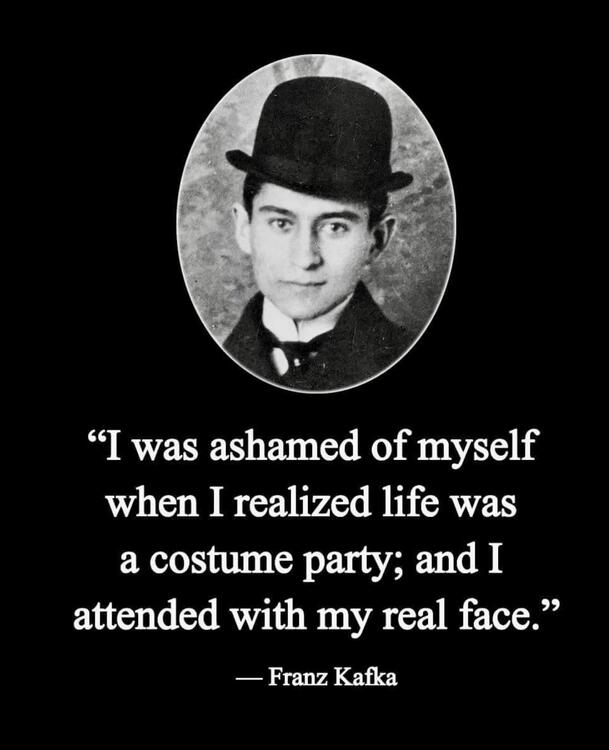
Truth.

-
I wish Ricciardo would just go away.
-
One of the greatest albums. I have it on vinyl and listen to it occasionally for the same reason.Happy Birthday, Jose!Mmmm ripe pork
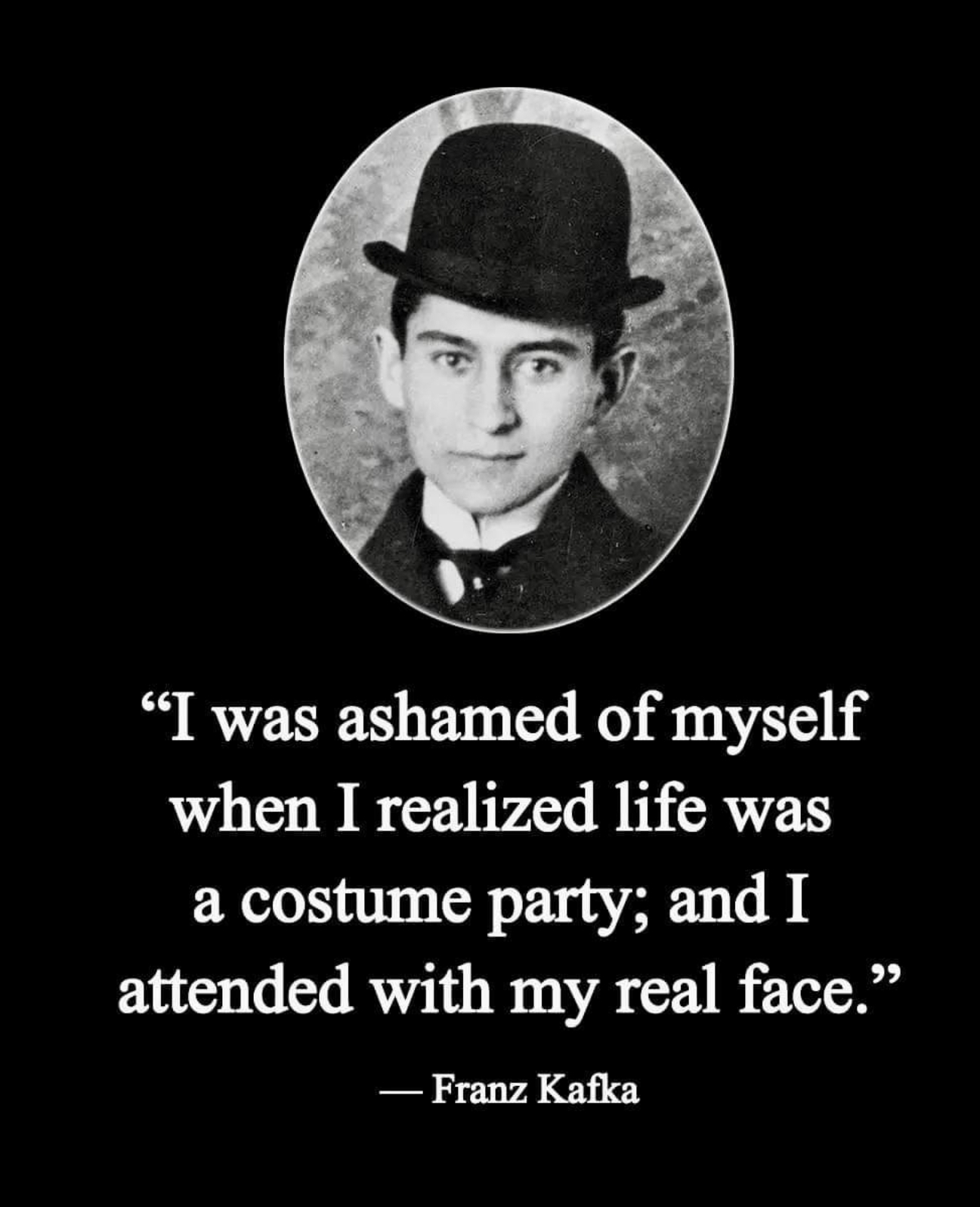
 Half Alive - Not yet, now ex.Happy Birthday!I thought Al did a good job covering the Beatles too.Interesting. I prefer them roasted within two weeks. Agreed, they do mellow out but also taste old and the bloom is usually flat.Happy 60th Kerry!This guy never fails to deliver.






Important Information
By using this site, you agree to our Terms of Use.
Account
Navigation
Search
Configure browser push notifications
Chrome (Android)
- Tap the lock icon next to the address bar.
- Tap Permissions → Notifications.
- Adjust your preference.
Chrome (Desktop)
- Click the padlock icon in the address bar.
- Select Site settings.
- Find Notifications and adjust your preference.
Safari (iOS 16.4+)
- Ensure the site is installed via Add to Home Screen.
- Open Settings App → Notifications.
- Find your app name and adjust your preference.
Safari (macOS)
- Go to Safari → Preferences.
- Click the Websites tab.
- Select Notifications in the sidebar.
- Find this website and adjust your preference.
Edge (Android)
- Tap the lock icon next to the address bar.
- Tap Permissions.
- Find Notifications and adjust your preference.
Edge (Desktop)
- Click the padlock icon in the address bar.
- Click Permissions for this site.
- Find Notifications and adjust your preference.
Firefox (Android)
- Go to Settings → Site permissions.
- Tap Notifications.
- Find this site in the list and adjust your preference.
Firefox (Desktop)
- Open Firefox Settings.
- Search for Notifications.
- Find this site in the list and adjust your preference.