

Leaderboard
-
Dusty Chalk
Moderators12Points49206Posts -
Voltron
High Rollers11Points34632Posts -
Craig Sawyers
High Rollers9Points5524Posts -
JoaMat
High Rollers8Points1558Posts




Popular Content
Showing content with the highest reputation on 03/14/20 in all areas
-
9 pointsNelson Pass, along with running his very successful company, supports the DIY community with some landmark minimalist designs. This is not one of them. https://www.passdiy.com/project/speakers/the-kleinhorn-part-19 points
-
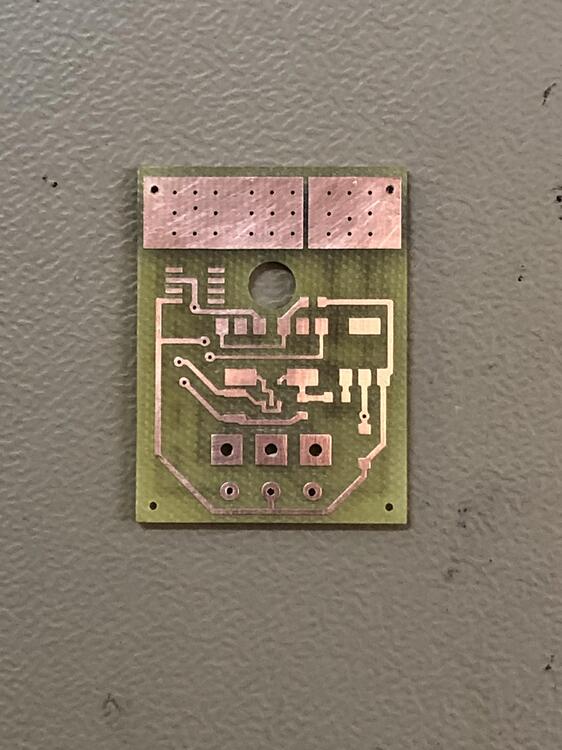
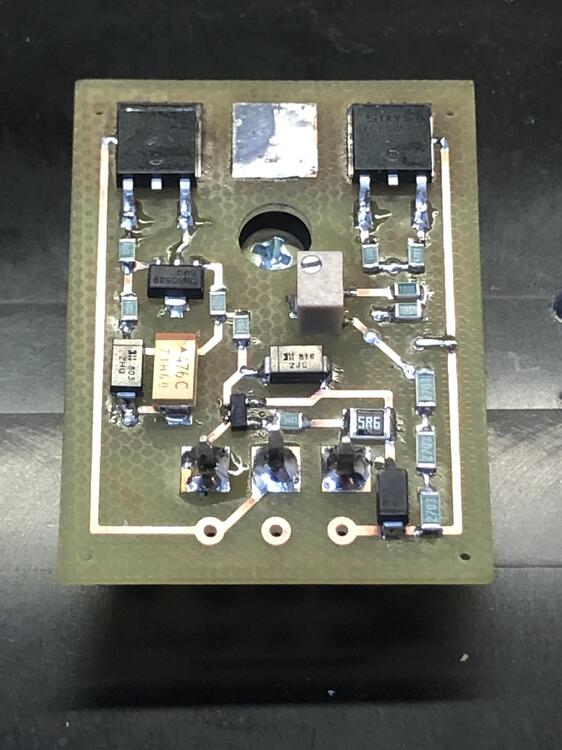
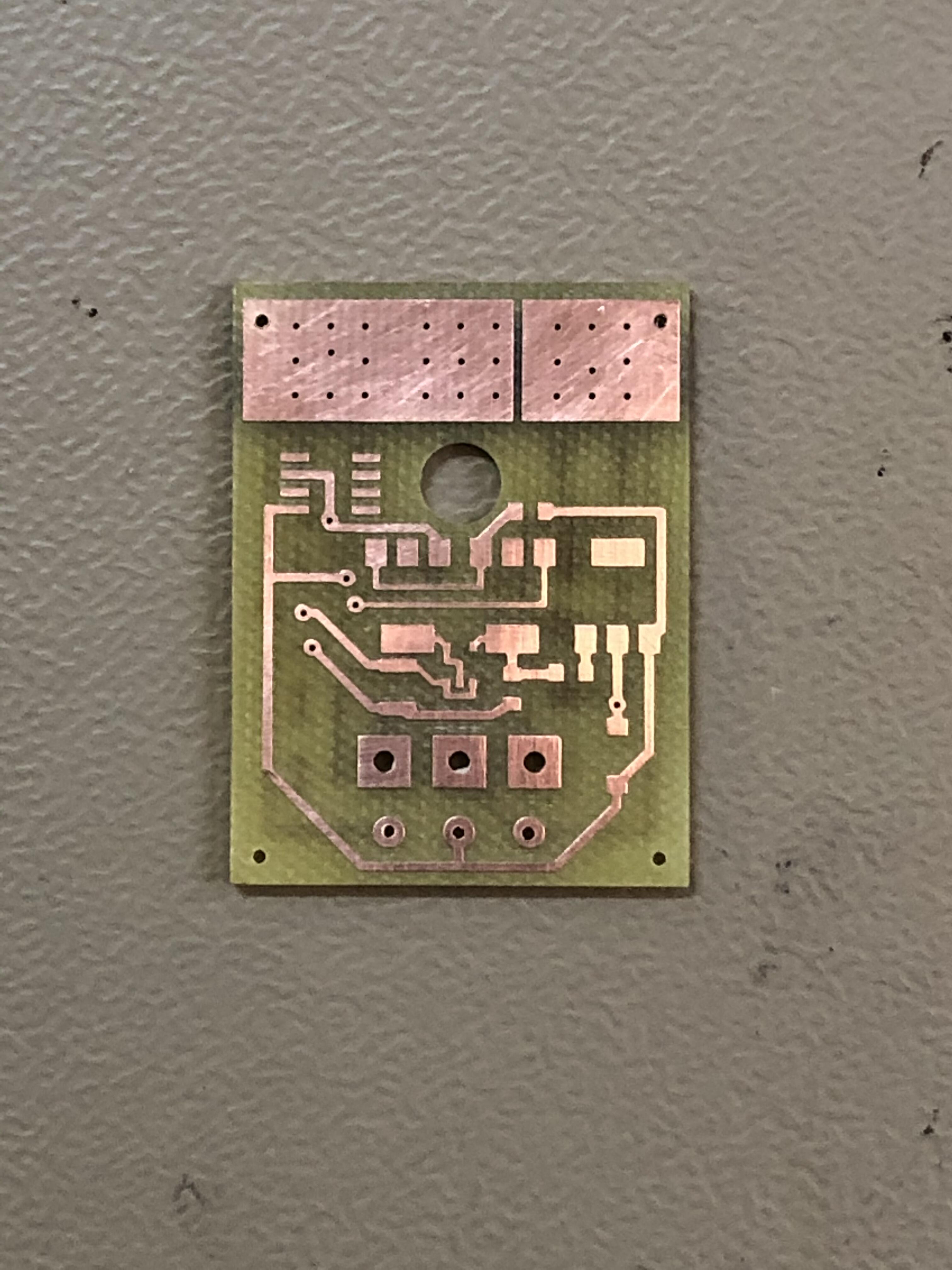
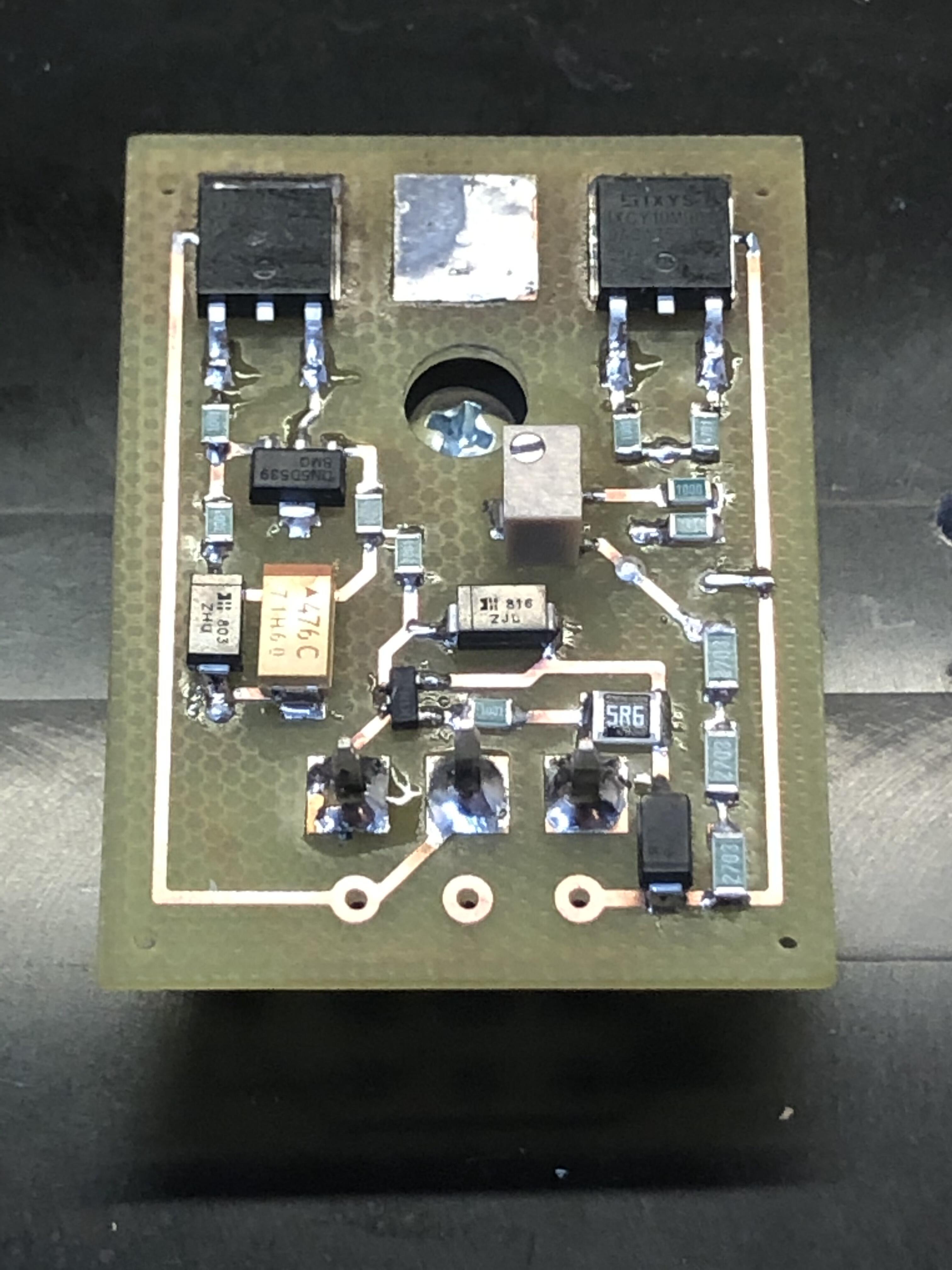
5 pointsToday’s exercise. Milled a double sided board and populated it. Now I know it’s fairly easy to solder this by hand. If you can solder a mini T2 board the GRHVxxx boards shouldn’t be much of a problem. Besides it’s funny. This board is essential the same as Kerry’s except no enable and a trimmer to adjust output voltage. Thanks for those mini boards Kerry.
 5 points
 -
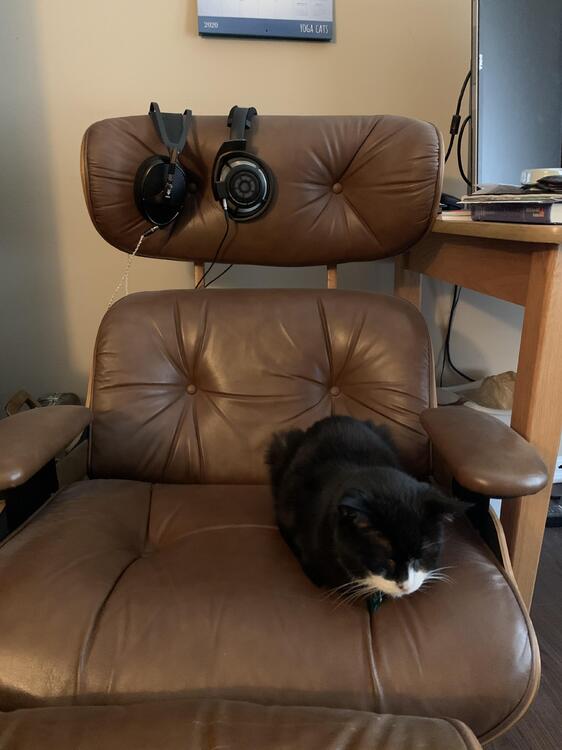
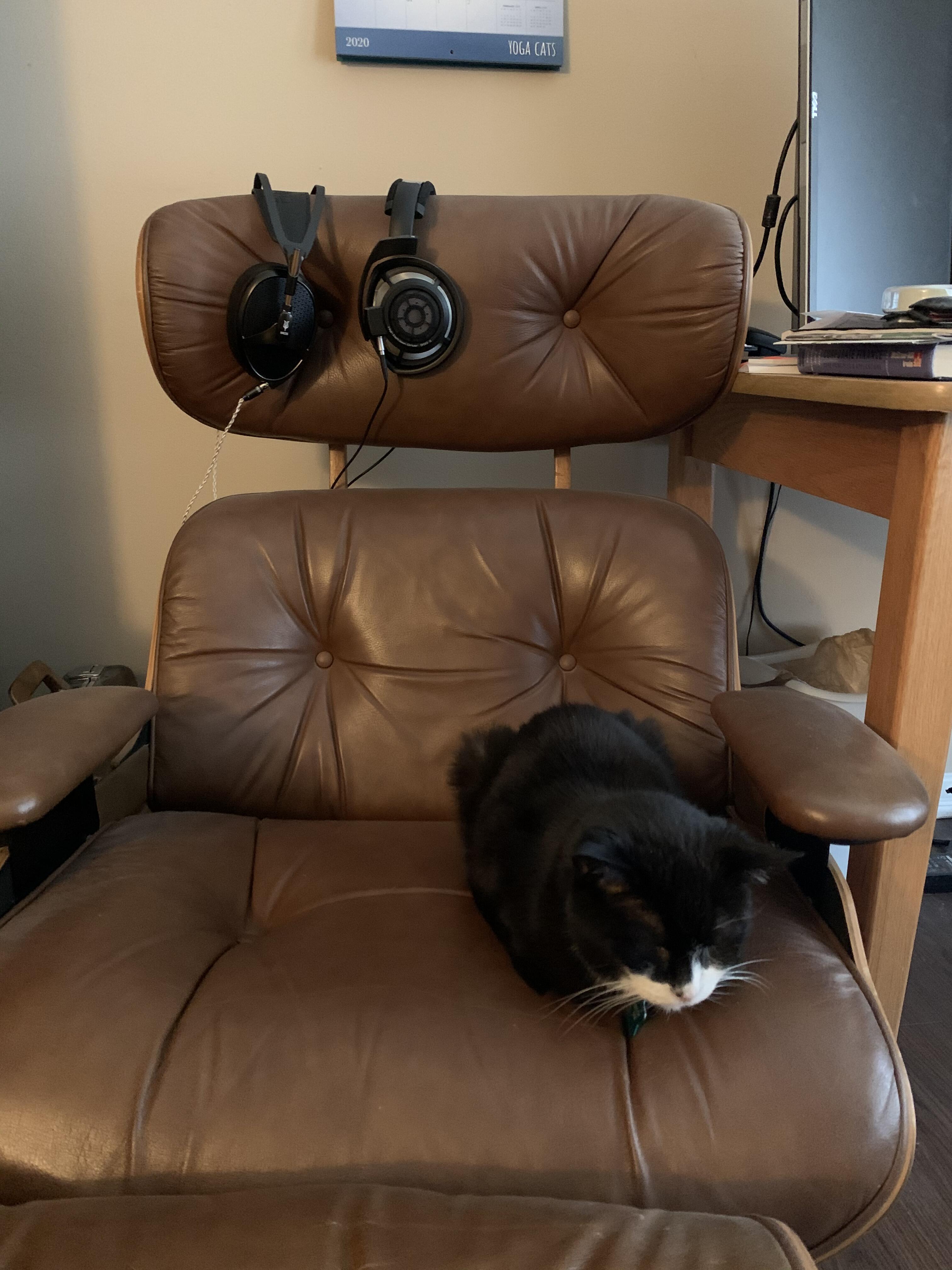
3 pointsApparently the other side of the chair is Dunhill's Saturday rest-spot after lunch-time treats.
 3 points
 -
3 points
-
3 points3 points2 pointsStuck at home for some reason? Google's Arts and Culture site has you covered. Street View tours of great museums is a little clunky but being able to check out exhibitions that are long gone is a gift. https://artsandculture.google.com/2 points2 points2 pointsTest Tone @ Home live right now: http://mixlr.com/illuminator/chat2 points2 points2 points2 pointsYesterday I managed to escape from work for the day and go enjoy the outdoors with some coworkers.

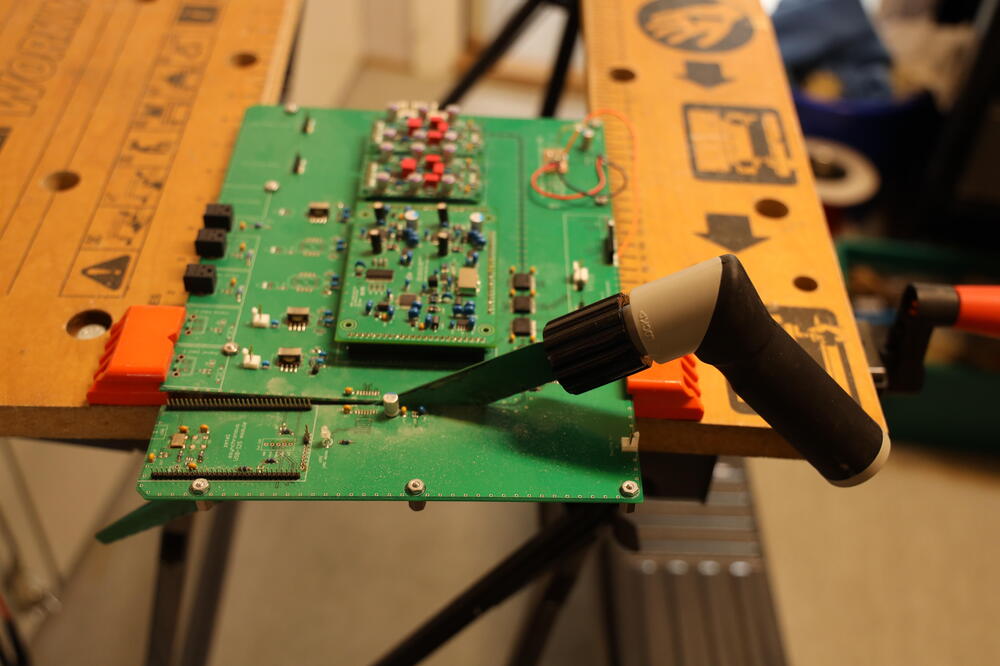
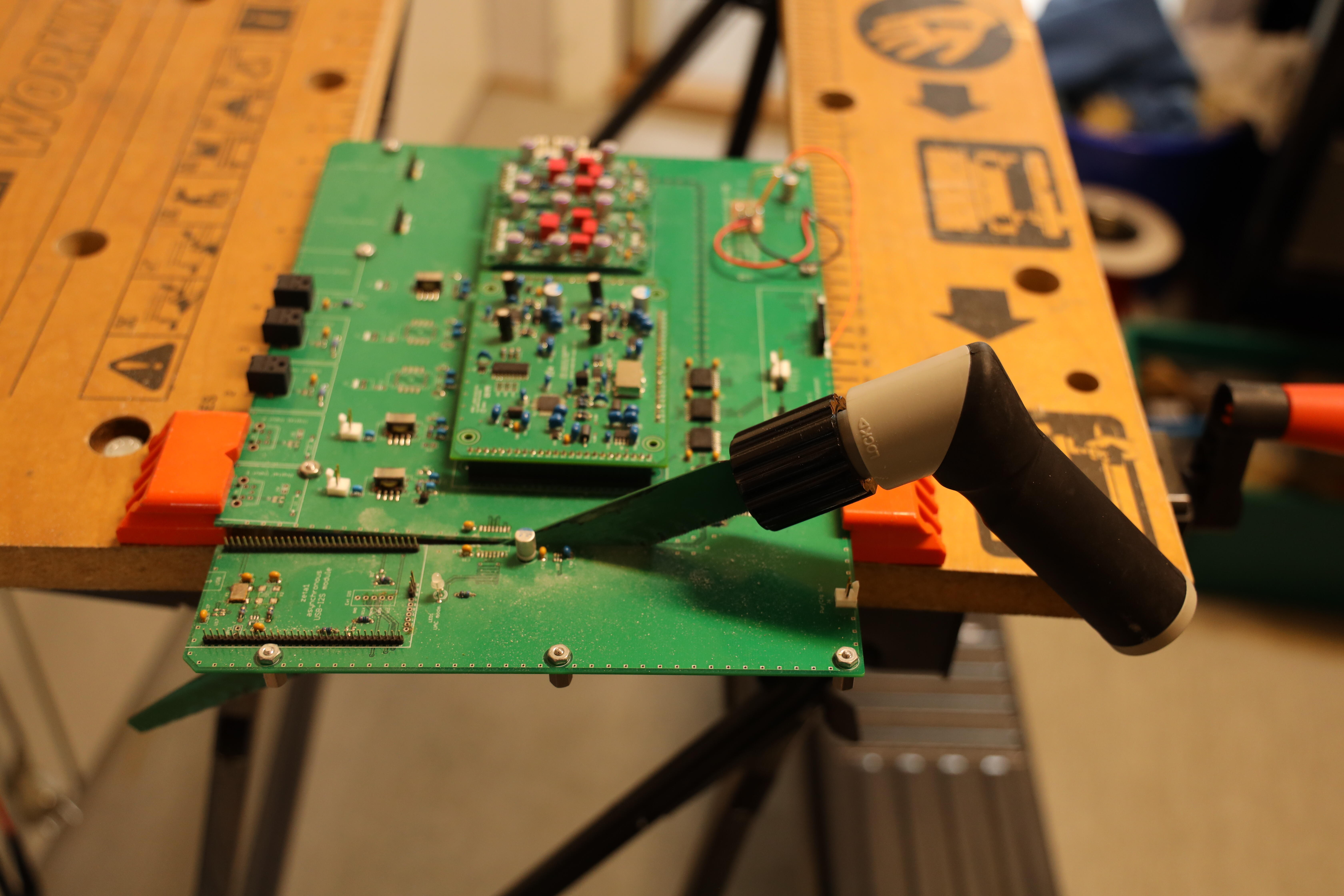
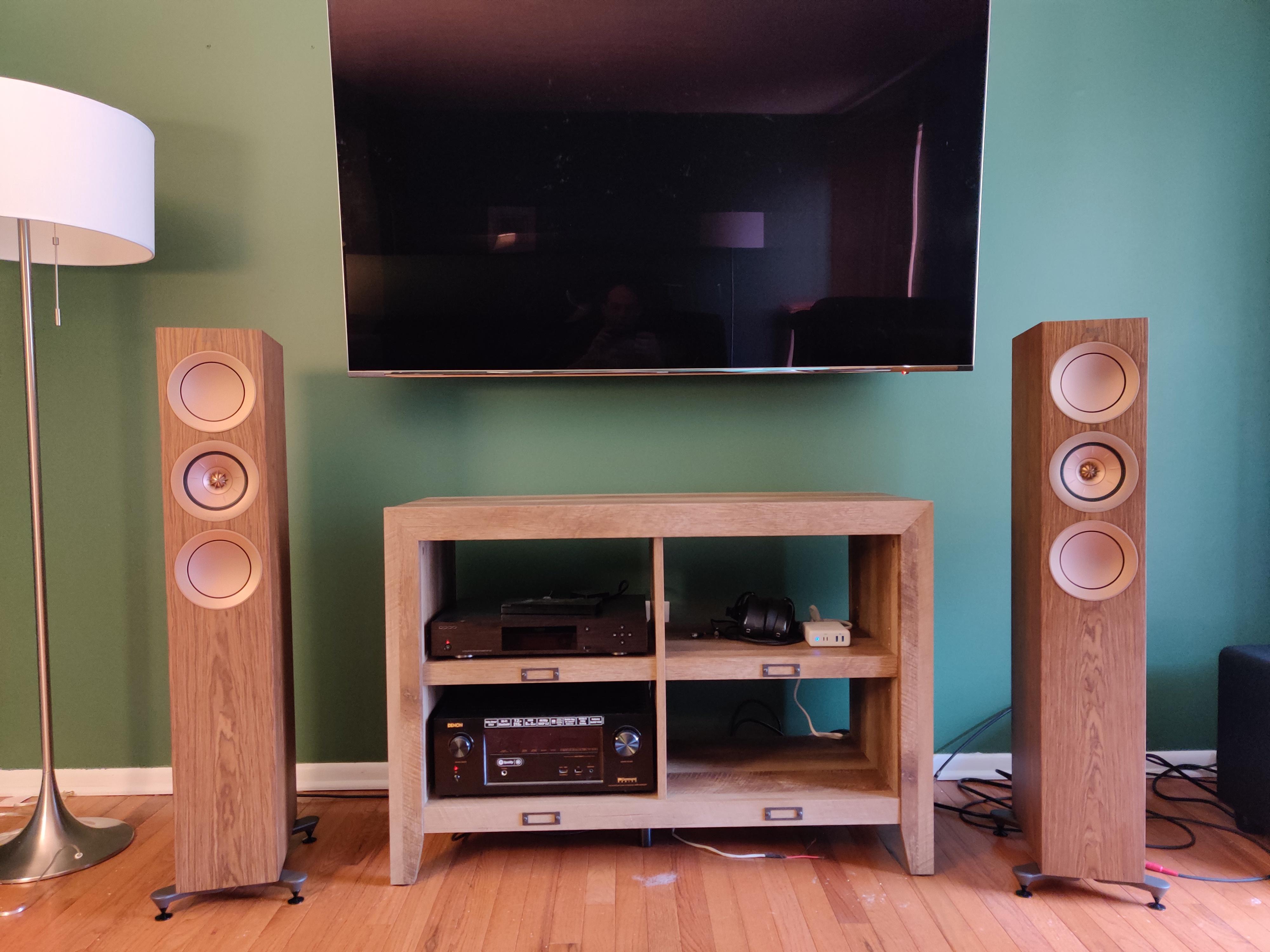
 2 pointsWe call them Homer cars now because of one episode of The Simpsons, in which Homer designs a car... and hilarity ensues.1 point#S #ScottishPeopleTwitter 1956 GM Firebird II Concept.1 point1 pointNow it’s tomorrow and it turned out to be long day. My work flow nowadays is first schematic and then board layout. The idea is that I can’t make a board that doesn’t follow the schematic and in the end minimize board errors. And it actually reduced my errors to almost zero… but an error in schematic will guarantee a board that is schematically error free but also something that doesn’t work properly. Two errors in schematic are now corrected and the little thing works like charm. By the way - yesterday was a Friday 13th, wasn’t it?1 point1 pointThe funny thing is, the main thing the original poster was posting was the new chair.1 point1 point1 pointThat setup probably sounds really nice. But who wants to spend any time in that room? It's downright repressive.1 point1 pointShit! While looking at the left picture above something seemed to be wrong. Hmm, so-8 at upper left trace to pin 2 should go to pin 6..... have to fix that, tomorrow1 point1 point1 pointHere is a PCB with unnecessary area. A big metal saw and it’s fixed in a couple of minutes.
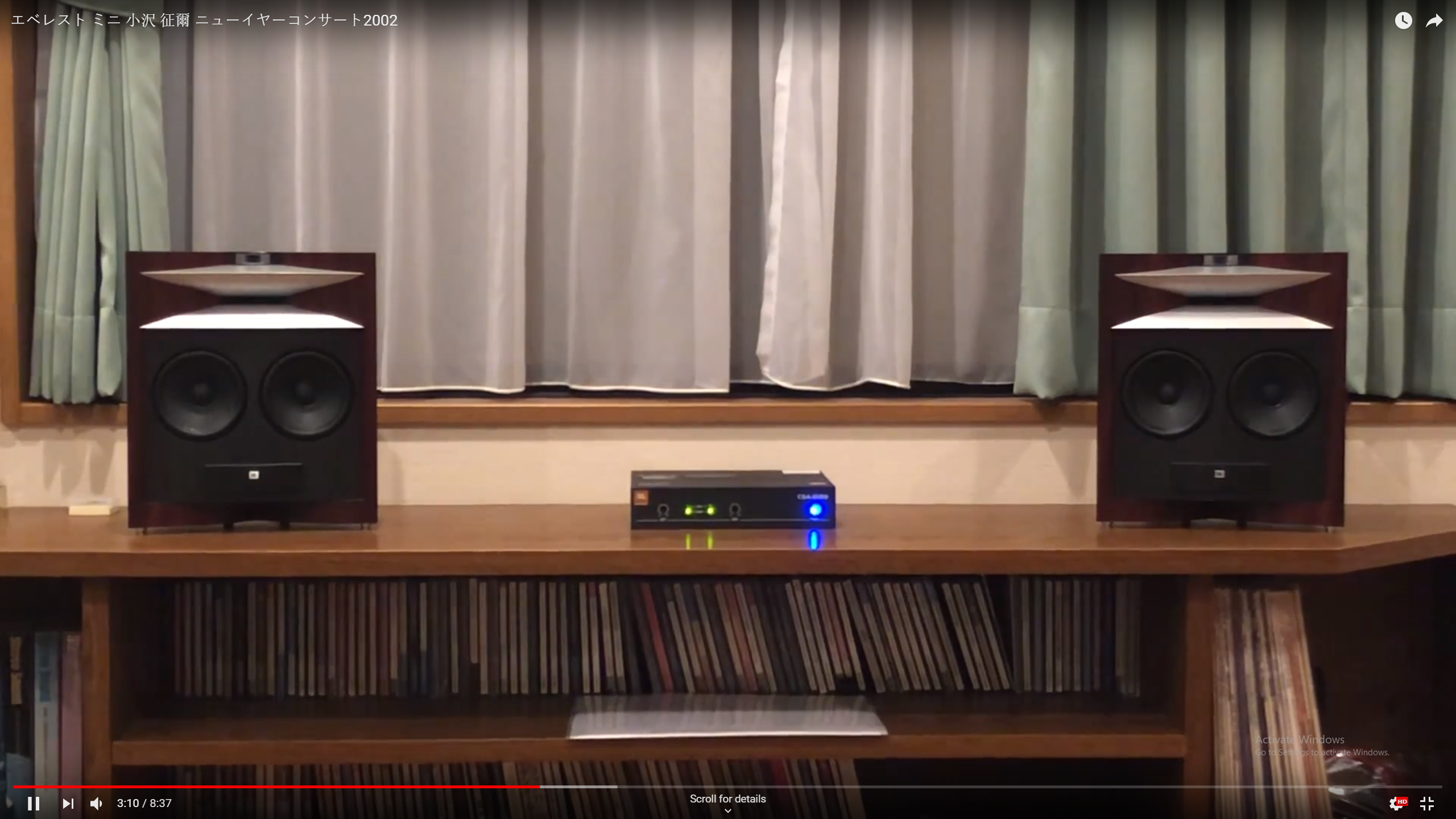
 1 pointI'd like to know what they were smoking when doing that input trace... clearly needs more vias...1 point1 point1 pointBetter to listen to it cold, feel free to read my impressions after listening to it.1 point1 pointwow that is one big chunk of p(h)orn of a speaker. can barely see the tweeter vs that monster mid. and some dude made a mini pair...
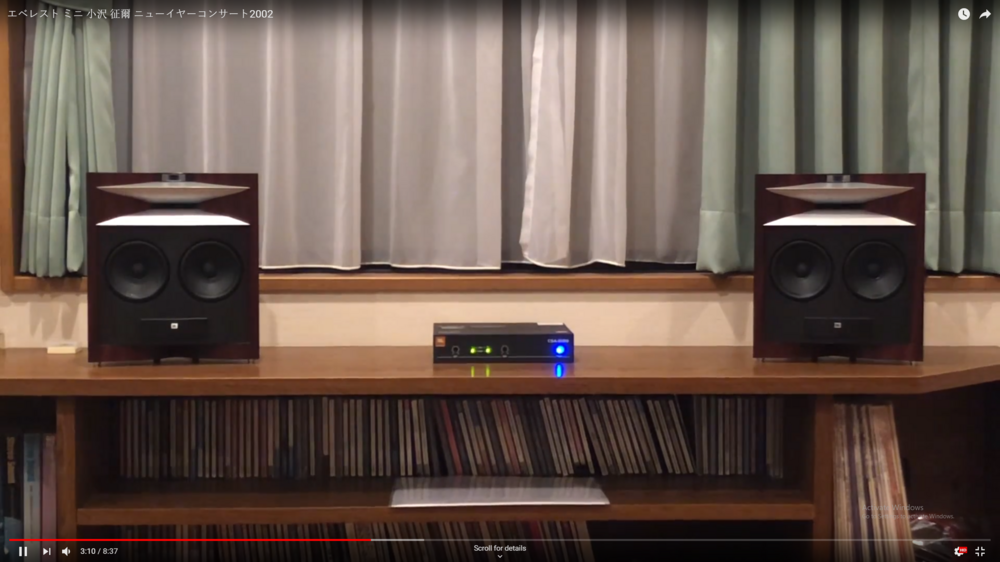 1 point1 point1 point1 point1 point1 point1 point1 point1 pointCorrection: I was looking at these speakers and happened to see the reddit thread where Knucks found the picture. The tweeter that looks like it is on top is actually the top of a B&W 802 sitting behind the Unison speaker.1 point1 point0 points0 points0 points
Important Information
By using this site, you agree to our Terms of Use.
















Account
Navigation
Search
Configure browser push notifications
Chrome (Android)
- Tap the lock icon next to the address bar.
- Tap Permissions → Notifications.
- Adjust your preference.
Chrome (Desktop)
- Click the padlock icon in the address bar.
- Select Site settings.
- Find Notifications and adjust your preference.
Safari (iOS 16.4+)
- Ensure the site is installed via Add to Home Screen.
- Open Settings App → Notifications.
- Find your app name and adjust your preference.
Safari (macOS)
- Go to Safari → Preferences.
- Click the Websites tab.
- Select Notifications in the sidebar.
- Find this website and adjust your preference.
Edge (Android)
- Tap the lock icon next to the address bar.
- Tap Permissions.
- Find Notifications and adjust your preference.
Edge (Desktop)
- Click the padlock icon in the address bar.
- Click Permissions for this site.
- Find Notifications and adjust your preference.
Firefox (Android)
- Go to Settings → Site permissions.
- Tap Notifications.
- Find this site in the list and adjust your preference.
Firefox (Desktop)
- Open Firefox Settings.
- Search for Notifications.
- Find this site in the list and adjust your preference.