

Leaderboard




Popular Content
Showing content with the highest reputation on 01/17/21 in all areas
-
9 points
-
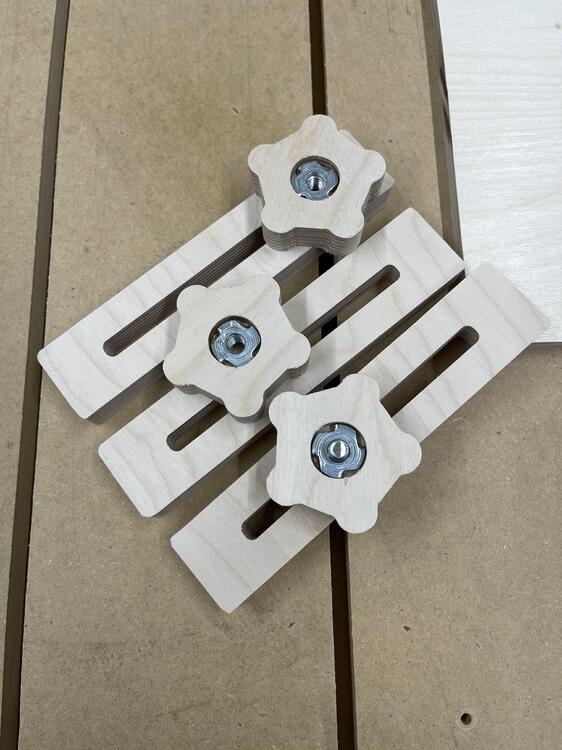
5 pointsSteve knows my hobbies well 😂 Made some hold downs. Seems a compression bit is key when cutting plywood.
 5 points
 -
4 points
-
4 points
-
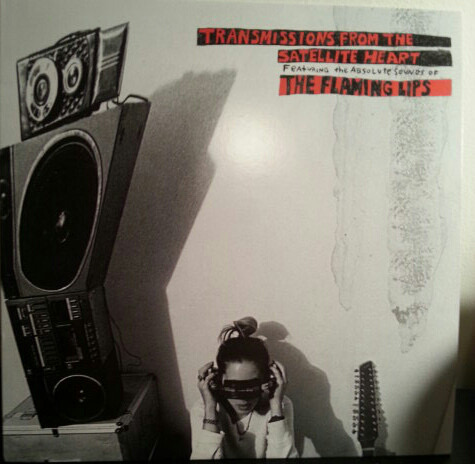
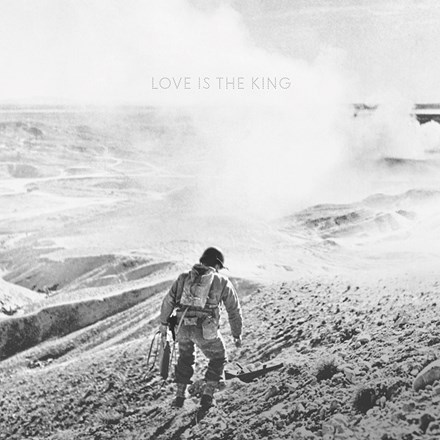
when the flaming lips were actually good sounds killer on headphones.
 3 points
 -
3 points
-
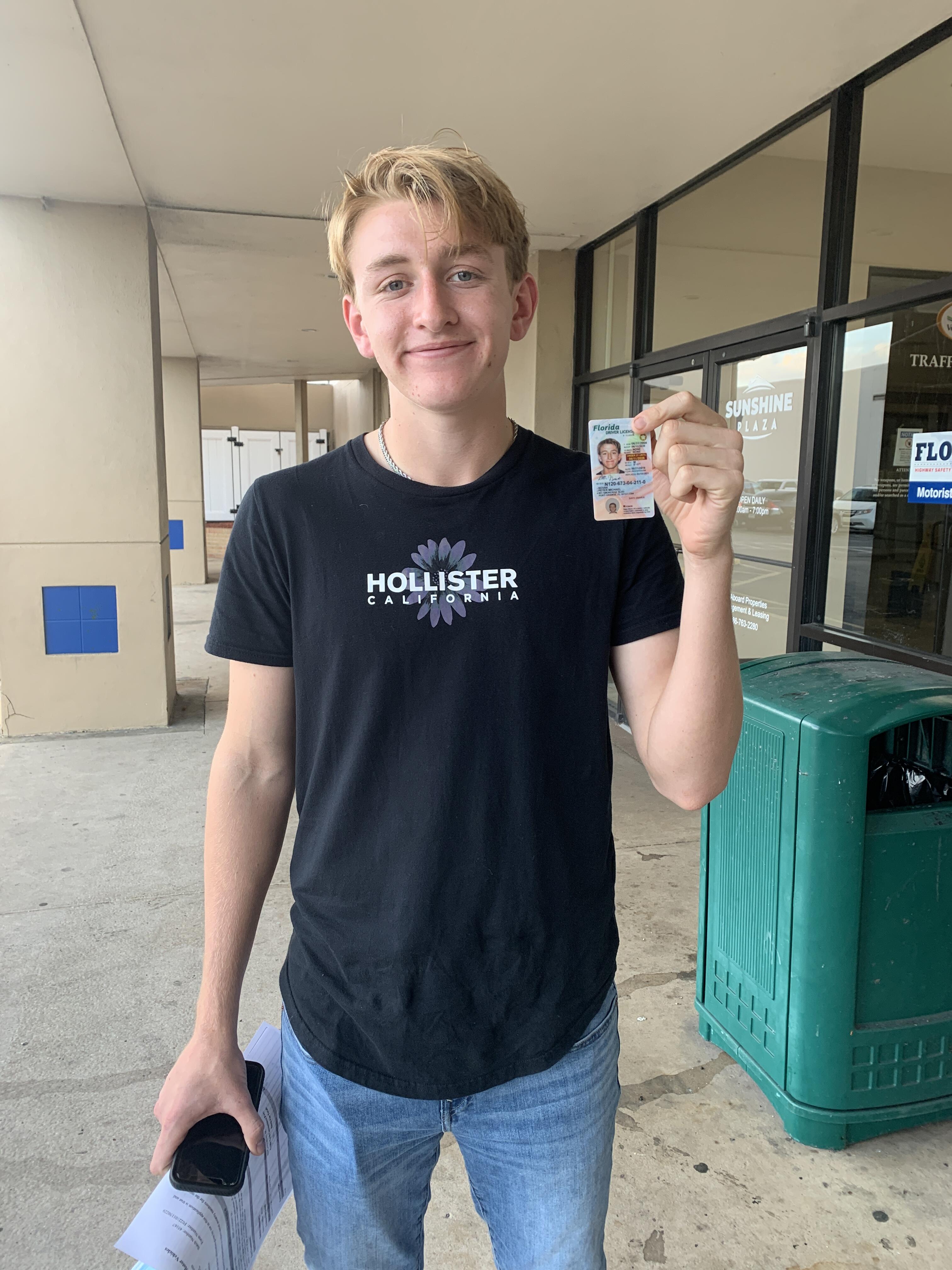
2 pointsWhen I got my license, I became my Father's gopher. Actually that was the case before I had a license, but it amplified after.2 points
-
2 points
-
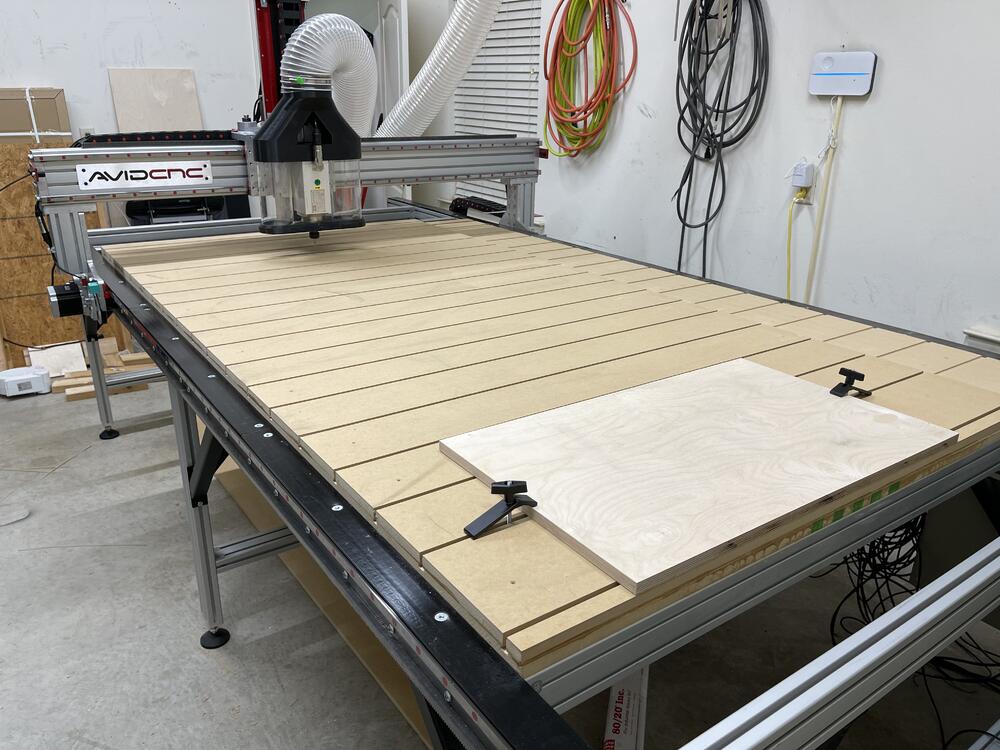
2 pointsPut on and cut a spoilboard with T hold down tracks. I’m seeing that work holding is a large challenge. For some reason I see a vacuum pump in my future. And a ATC, pulling collets off and on is lame.
 2 points
 -
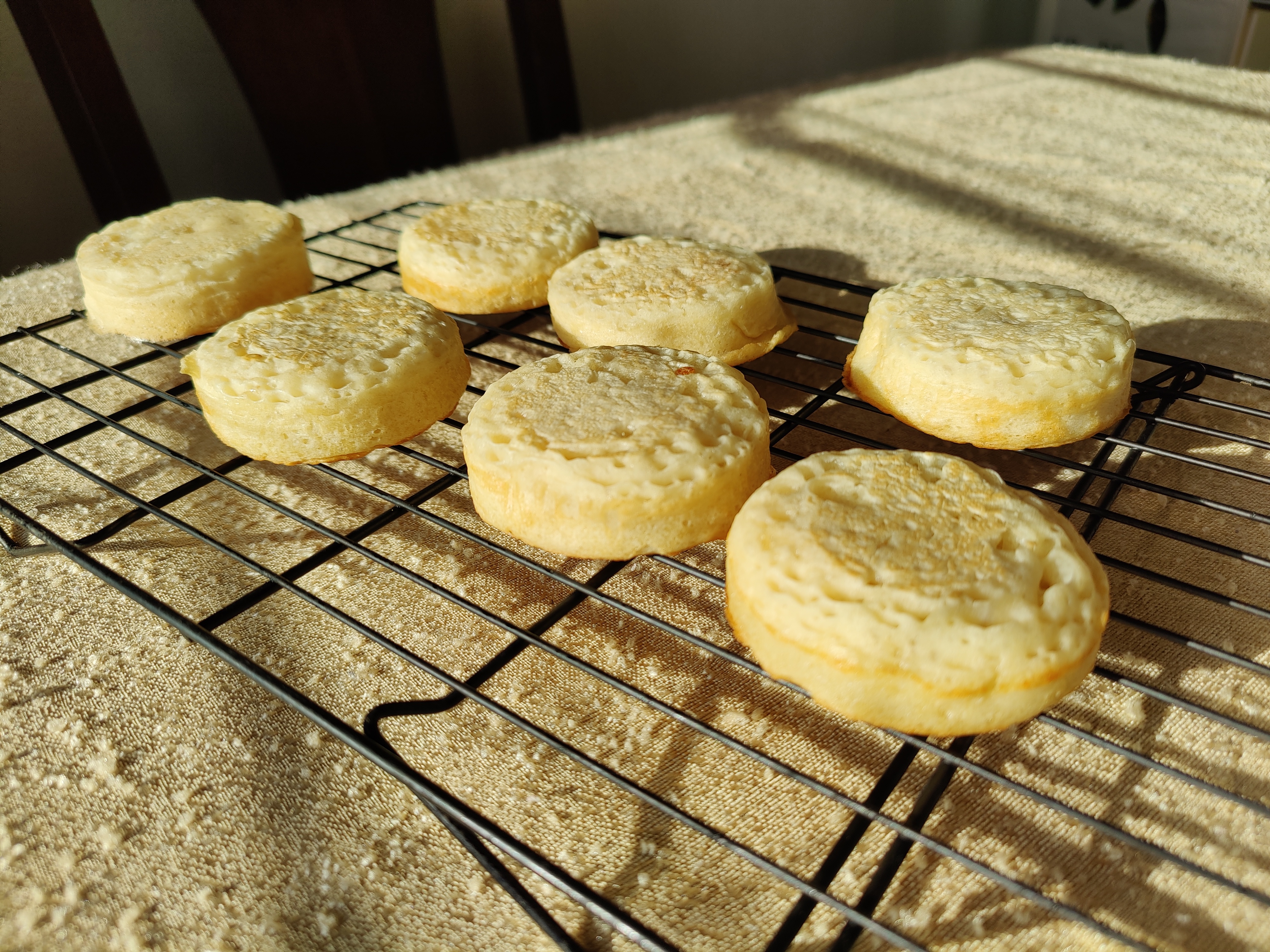
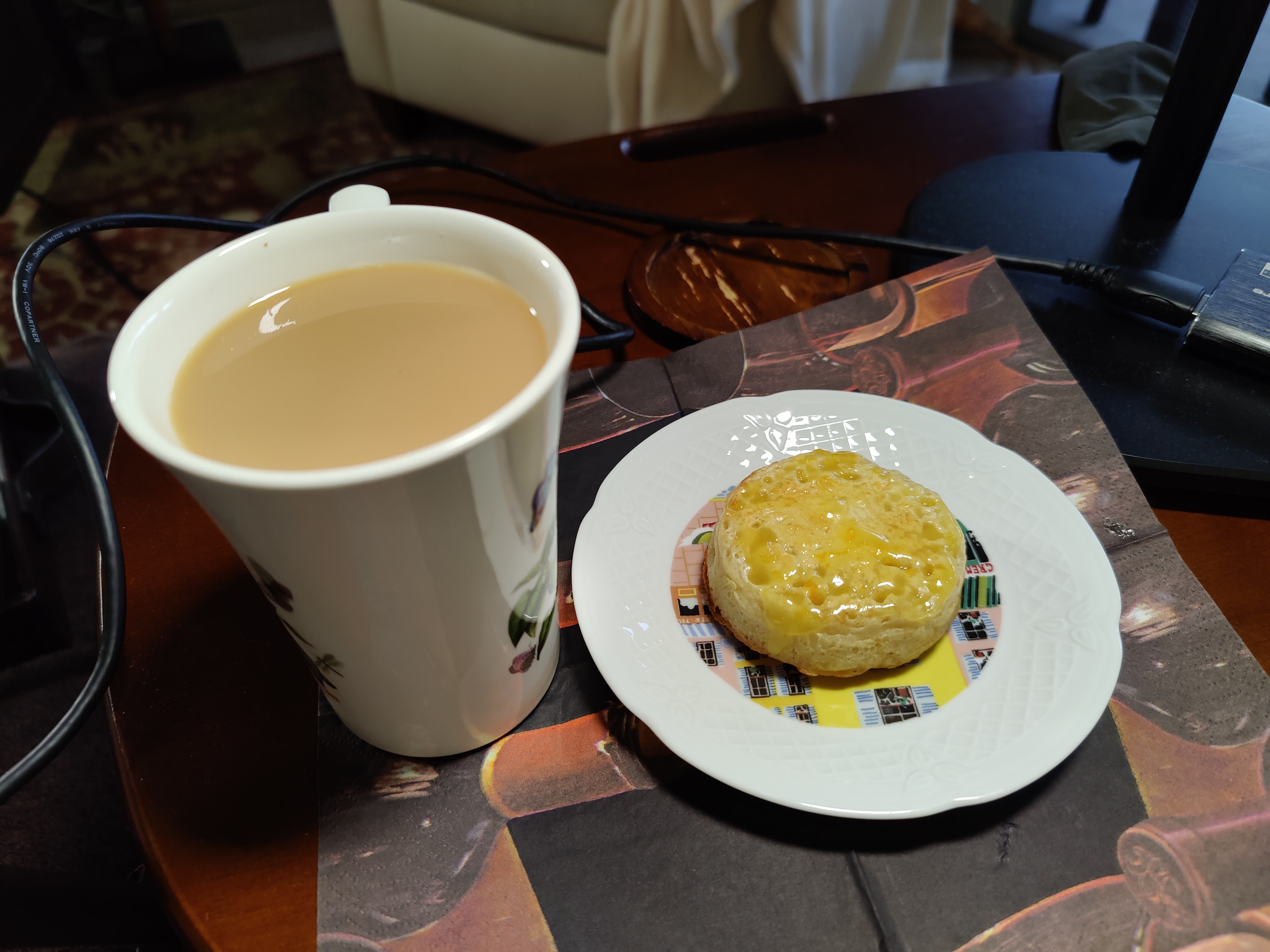
1 point1 point1 point1 pointThanks everyone for your birthday wishes, And Brent. A surprisingly bacon free Birthday, although there were tea and brownies, and Usual. The Crumpet deficit is being addressed as we speak.1 pointI’m so American at first glance I thought the guy in the gray coat was holding a gun. Obviously that would be awesome.1 point1 pointYou’re supposed to put it in front of your face, SMH.1 point1 pointSo to start the new year off I went for a morning chilly bike ride. Since I am really out of shape I struggled as we climbed a mild 8% hill. I noticed a group of people standing outside a building waiting for something and then noticed more people milling around in their parking lot as I slowly passed by struggling with the climb. As I passed the group of perhaps 30-40 people I noticed the sign..."COVID Testing Clinic" Shit fire, I just rode past a group of 30+people all who have or suspect they have COVID. I blame Brent.1 pointYup, pull it out and set it to 117V and it will work perfectly. Also, top tip... remove that 100V sticker and see what is underneath...1 point1 pointI really enjoyed Fall. I should read DODO, I haven't yet. I definitely only consume books via audio these days, I haven't ever gotten a set of reading glasses that work well enough for me, and my reading time is when I'm already tired.1 point1 pointSo I first read this book as a college freshman and remembered absolutely loving it. It has been about 20 years now, so I figured it would be a fun book to pick up and re-read during all this time while we've been stuck at home. Wow... times change... I guess I've changed? I couldn't get through it a second time. I really did not enjoy it much at all on a 2nd read, which is not what I expected. A lot of the social/political/sexual things that felt unique and daring to 18-year-old-me miss the mark for me now. I guess I'm not much of a libertarian. Thought about re-reading Stranger in a Strange Land as well, but maybe its best to remember the fond memories I had of reading it at the time.1 point0 pointsCraaazy wind here last night. Power went out early this morning when I was of course dead asleep. I got awakened by a chorus of UPS alarms. I got up, shut down all the various electronic bits, sent an outage notification to my beknighted power company and tried to go back to sleep. The wind continued to make crazy noises. I had the thought that with proper mics, the sound would be perfect for the ambient background to a horror movie or video game. [Fun fact: that is exactly how some of the background for the original Evil Dead was recorded.] I think the power was out for over 3 hours. I managed to have a doozie of a nightmare before being awakened yet again by the power coming back on and various devices beeping their approval. Solid B'town/10 evening, I'd say.0 points















Important Information
By using this site, you agree to our Terms of Use.