purk
High Rollers
-
Joined
-
Last visited
Everything posted by purk
-
I would like partially assembled boards as well please. Thank you very much for doing this.
-
I love the Sony IER-Z1R. Tremendously musical and technical competence at the same time and it has full size headphones sense of width and depth.
-
Awesome Justin! Looking forward to see you man.
-
Looks like they have copied a few ideas from Audio-Technica AtH-HA5050H DAC/amp. Impedance selection as well as VU meters. https://www.audio-technica.com/cms/accessories/bd963a3646968df5/index.html
-
Better than the Gilmore Lite MK2? Love the look of the upgrade cable!
-
Was holding up quite well until I tried out the Sony IER-Z1R.
-
-
Yes, and it has a balanced headphone out too. The Mojo is likely to sound better but the ZX300 is a really good all in one DAP. It has BT receiver so u can stream music from your smart phone to it.
-
Why not get a used Sony NW-ZX300 instead?
-
Have a great birthday!
-
Happy birthday and u need this t-shirt!

-
Have a great birthday!
-
I owned the Utopia for a year before selling it. I love nearly everything about especially how dynamic sounding it was, but the size of the soundstage really bother me at the end and decided to go back to the SDR mod HD800. YMMV.
-
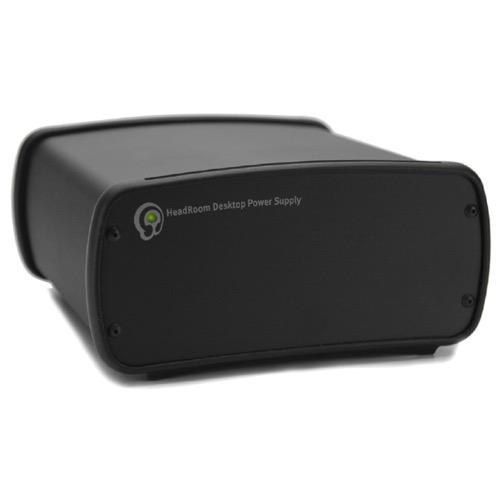
I would get a used GS-1 and upgrade the old dynalo boards to Dynalo plus over the Gilmore Lite M2 with the brick power supply. Justin charged me $200 for them and the overall tone is warmer which should match a little better with the Utopia. You can also buy the GL2 and find a used Headroom DPS power supply instead of using the supplied brick psu for better sound. Best is to go with the GSX-mini or Doug ECP DSHA-3F to improve upon the smallish soundstage.
-
Have you sent one of these to Wachara? I plan to visit him while in BKK...so might just want to check it out.
-
Happy Birthday, Justin...take a day off from building the GSX mini!
-
Is it open for a tour?
-
Happy Birthday Brent! I was just up in your old area last week for a friend of mine Iron Man event.
-
Yes, Justin did confirm it and I did try it and hear good improvements. The Astrodyne PSU is also another one that you could try over the supplied brick PSU for noticeable improvement. https://www.musicdirect.com/equipment/headroom-astrodyne-power-supply
-
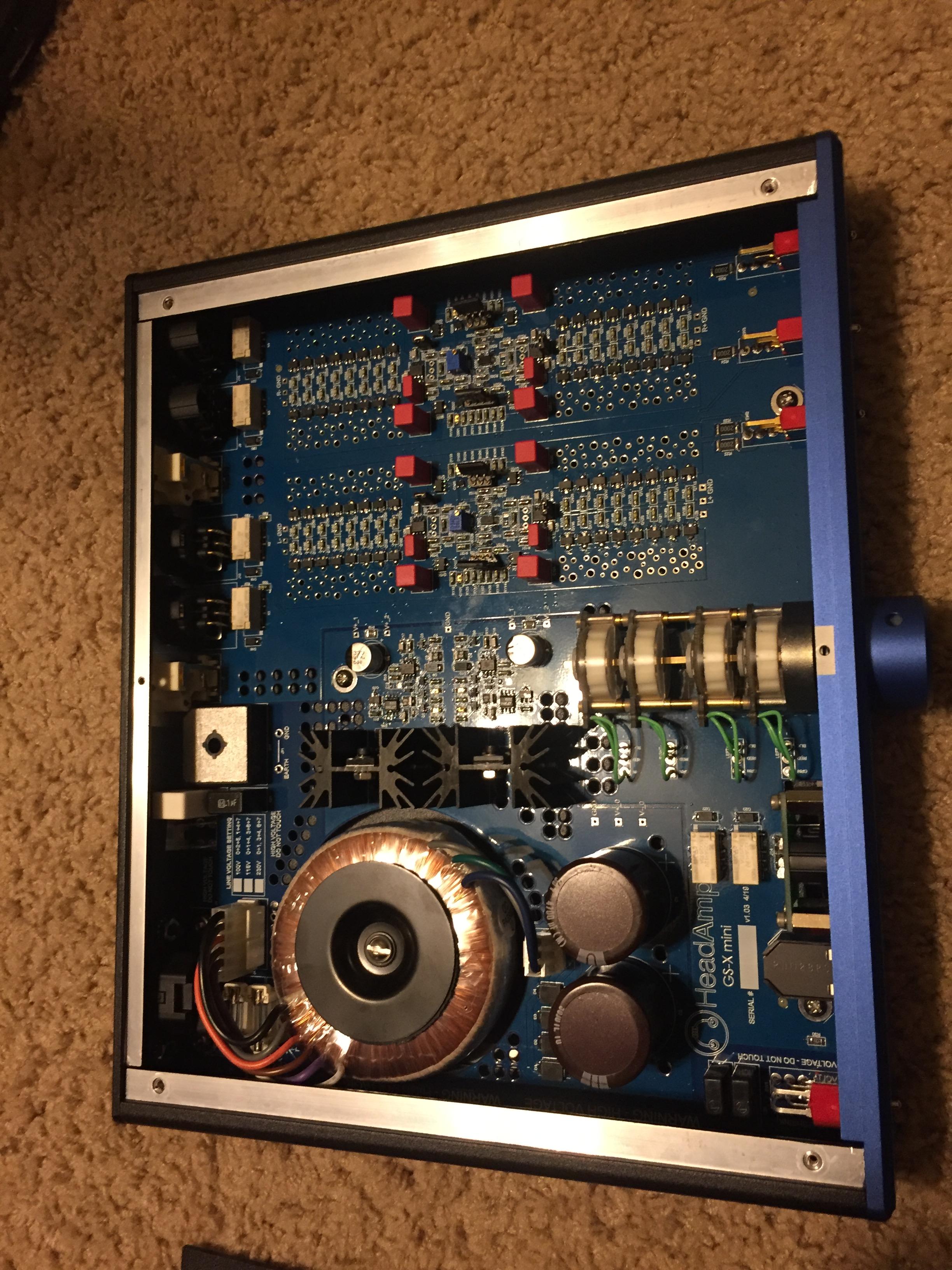
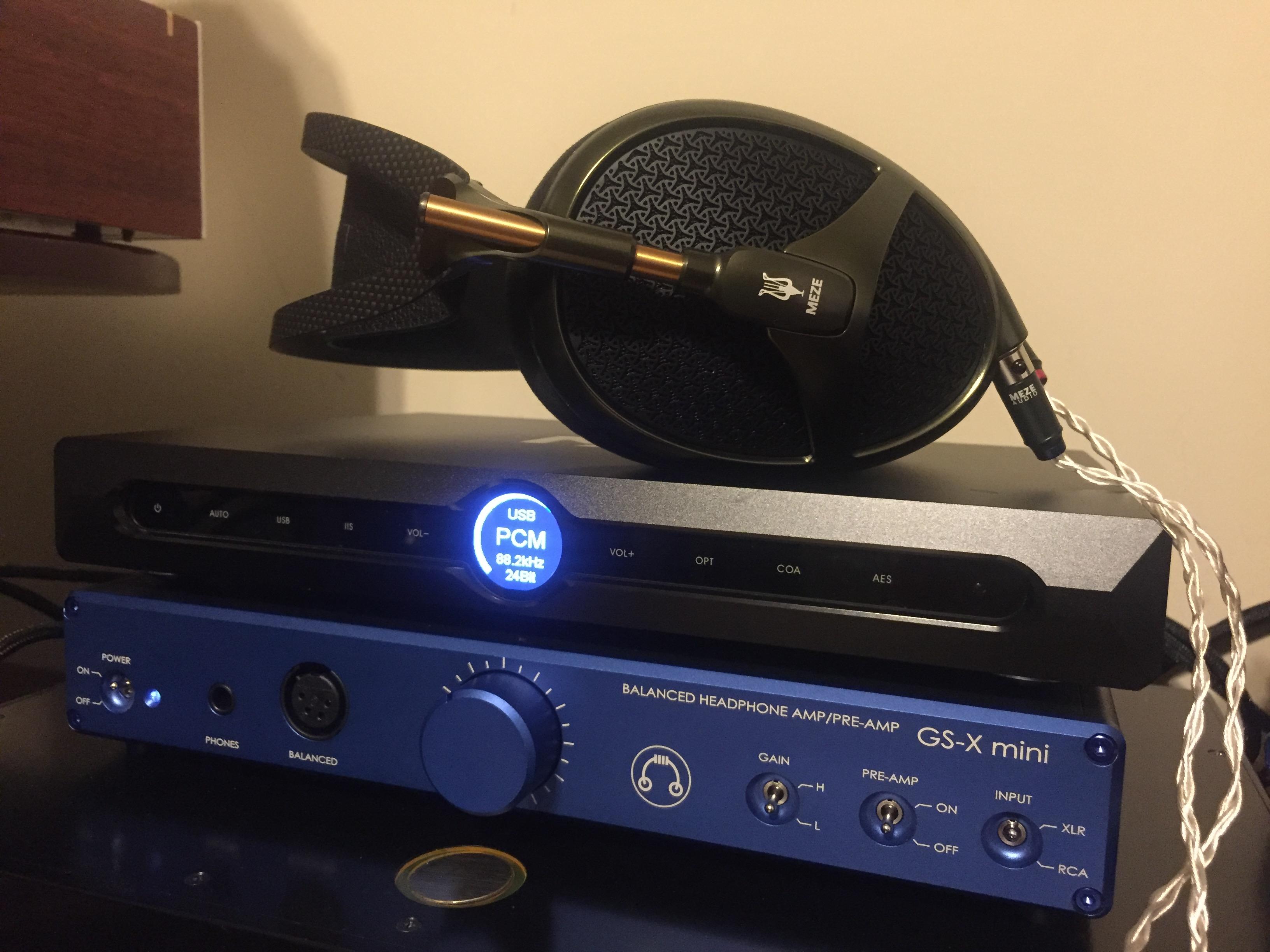
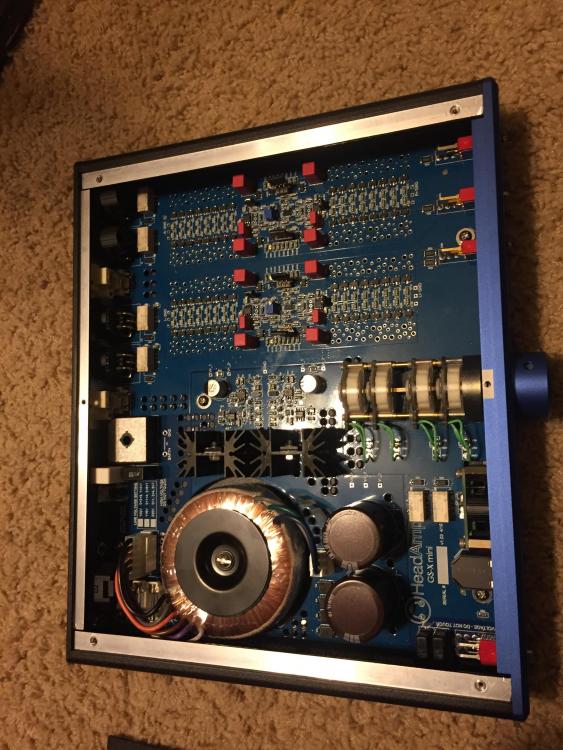
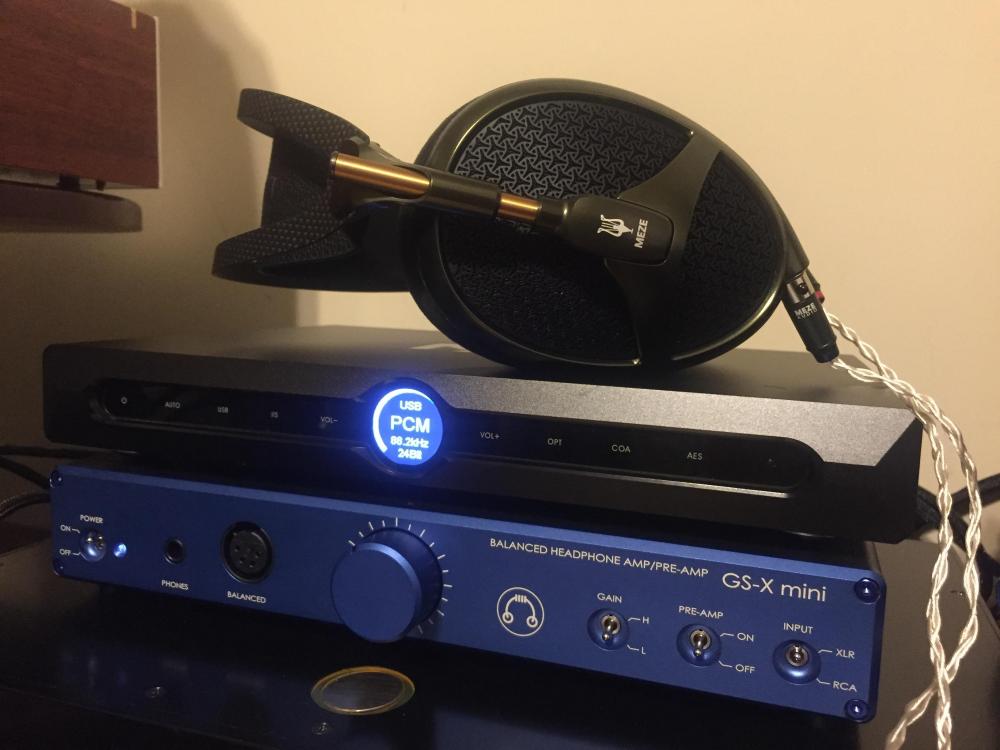
You can make it better if you can find a Headroom DPS power supply to power the Lite MKII instead of the brick. I spent about a week with the GSX mini and it was fantastic sounding with wide-range of different headphones.
-
-
He/She will love it Chris. Hard to beat the Mini Dynalo. I have the GSX Mini on loan from Justin and I'm splitting hair to hear difference. Thank you so much for making one for me.
-
Have a wonderful birthday to my good friend Mike! 40 at last!
-
Have a great birthday as well Doug!
-
Awesome!