grawk
Administrators
-
Joined
-
Last visited
Everything posted by grawk
-
-
faster bigger better bolder
-
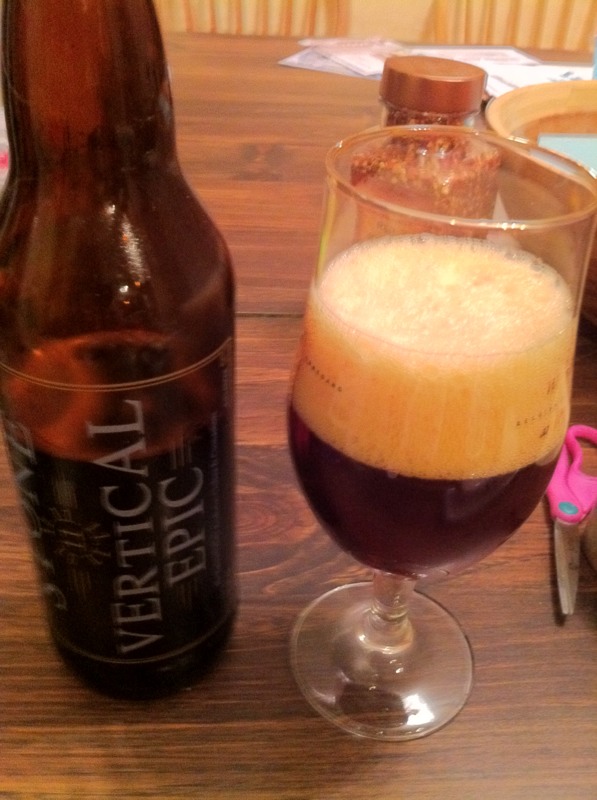
Stone Vertical Epic 11 It's tasty, but I can't imagine it'll get better with age.
-
Victory Storm King
-
-
but that wouldn't be as fun
-
Congrats Chris!
-
with a small sensor like that, it's gonna be soft in low light. Take a picture of something outside in the sun.
-
Yup, I have one and love it. That's a hell of a price
-
you're banned if you don't go to meet the monkeys dinny.
-
-
-
Victory Storm King
-
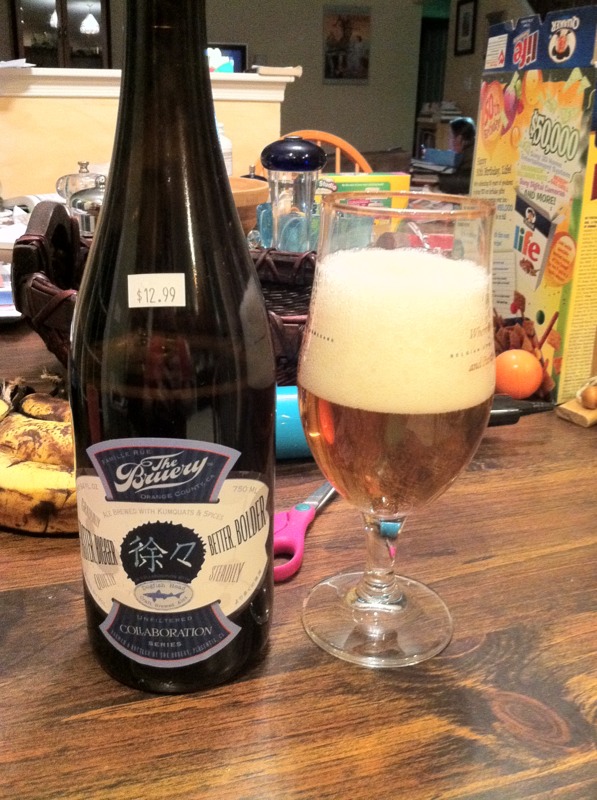
It's a decent blonde. Doesn't have the depth I'd expect from dogfish, but it's still pretty good. I'd say it's maybe a little overpriced compared to other beers I've had recently.
-
The Bruery/Dogfish Head Faster, Bigger, Better, Bolder
-
it looks like it focussed on the blanket in the foreground
-
go reread your welcome pm
-
-
Schlafly's Christmas Ale
-
The closest to what you want is probably a sony nex.
-
yup, I bought 2 of those
-
I just wish there was a nas that would do apple's new home sharing, it'd make my life so much easier
-
founders breakfast stout
-
I bought a bottle of vertical epic. I guess I'll hold onto it a while before opening it. I'm having a brooklyn chocolate stout now.
-
And damn it's good