


Voltron
High Rollers
-
Joined
-
Last visited
Everything posted by Voltron
-
Eugene Ruffolo and Bassface Swing Trio are good Stockfish recordings if you need more. Ruffolo would fit the mellow groove especially.
-
Is that Icarus flying into the sun?
-
Thought about getting this t-shirt for you but couldn't picture you wearing it. 😎 Have a great birthday cool cat! Cheers!

-
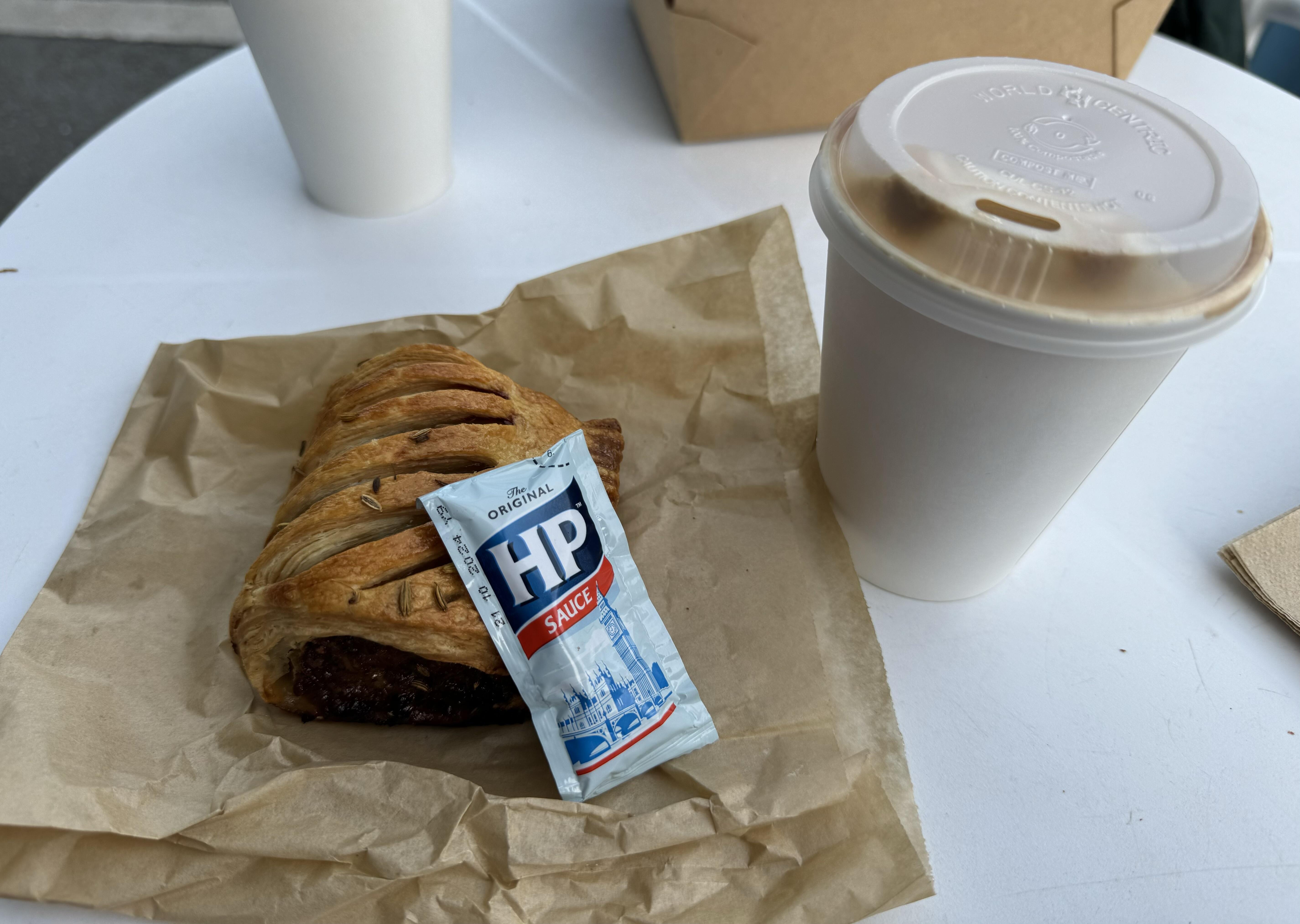
I only know because of a TV show called the Woman in the Wall. Ee-fah. 😂 And I don't know how Chris pronounces his last name -- been a mystery for years...But can you pronounce her first name? 😁Thought the exact same thingSausage roll with appropriate condiment and a latte at Andytown in SF.
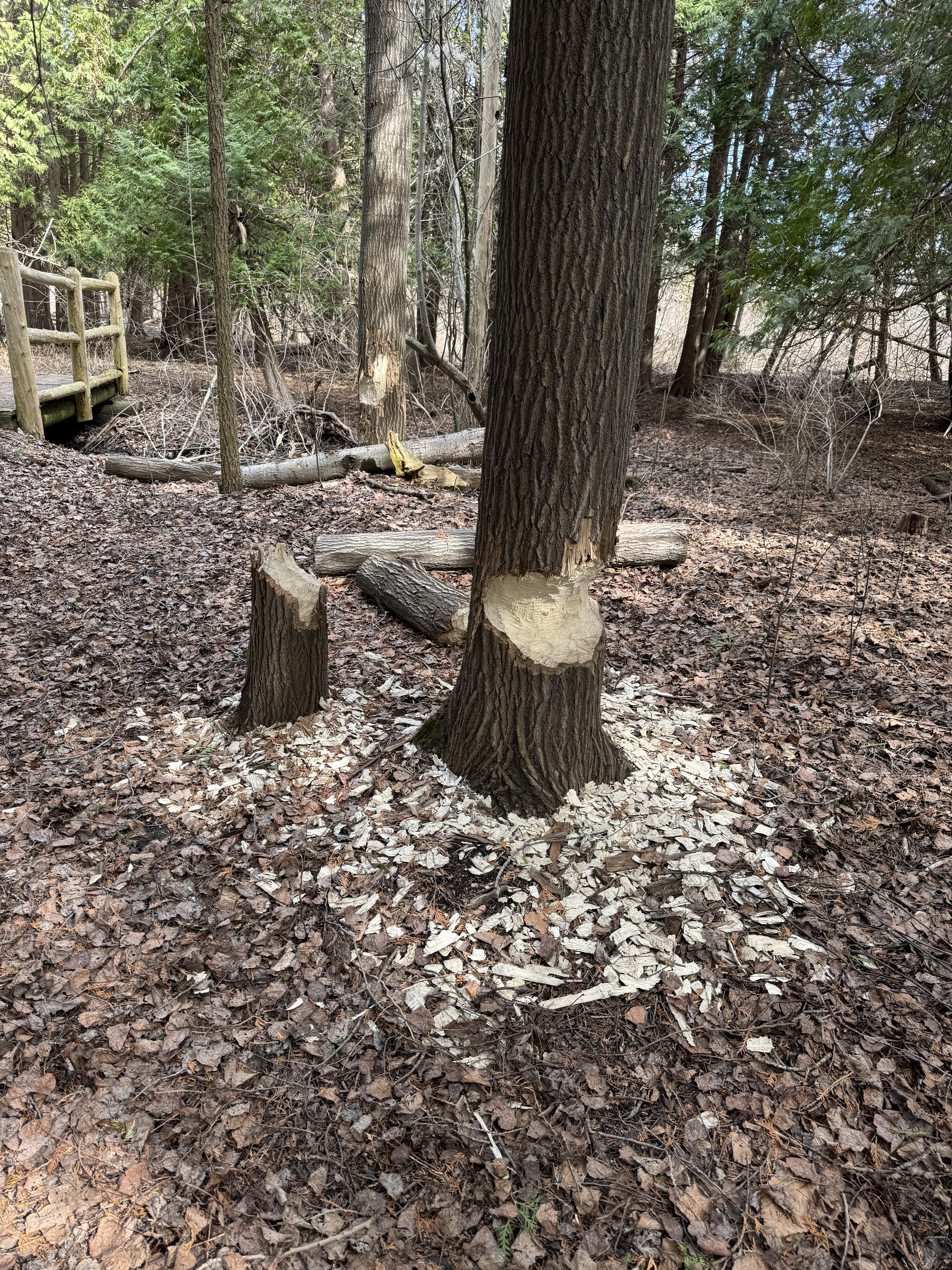
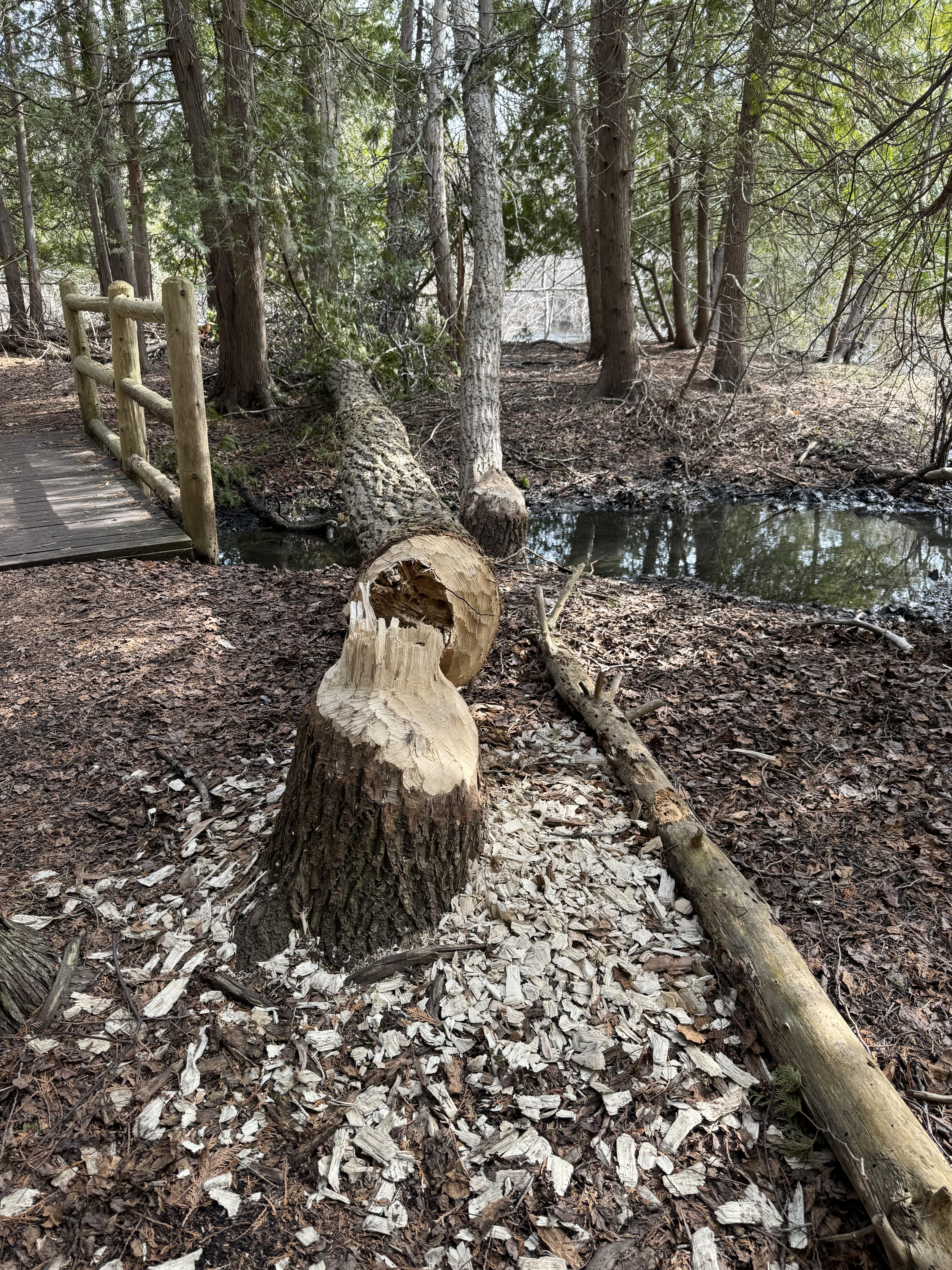
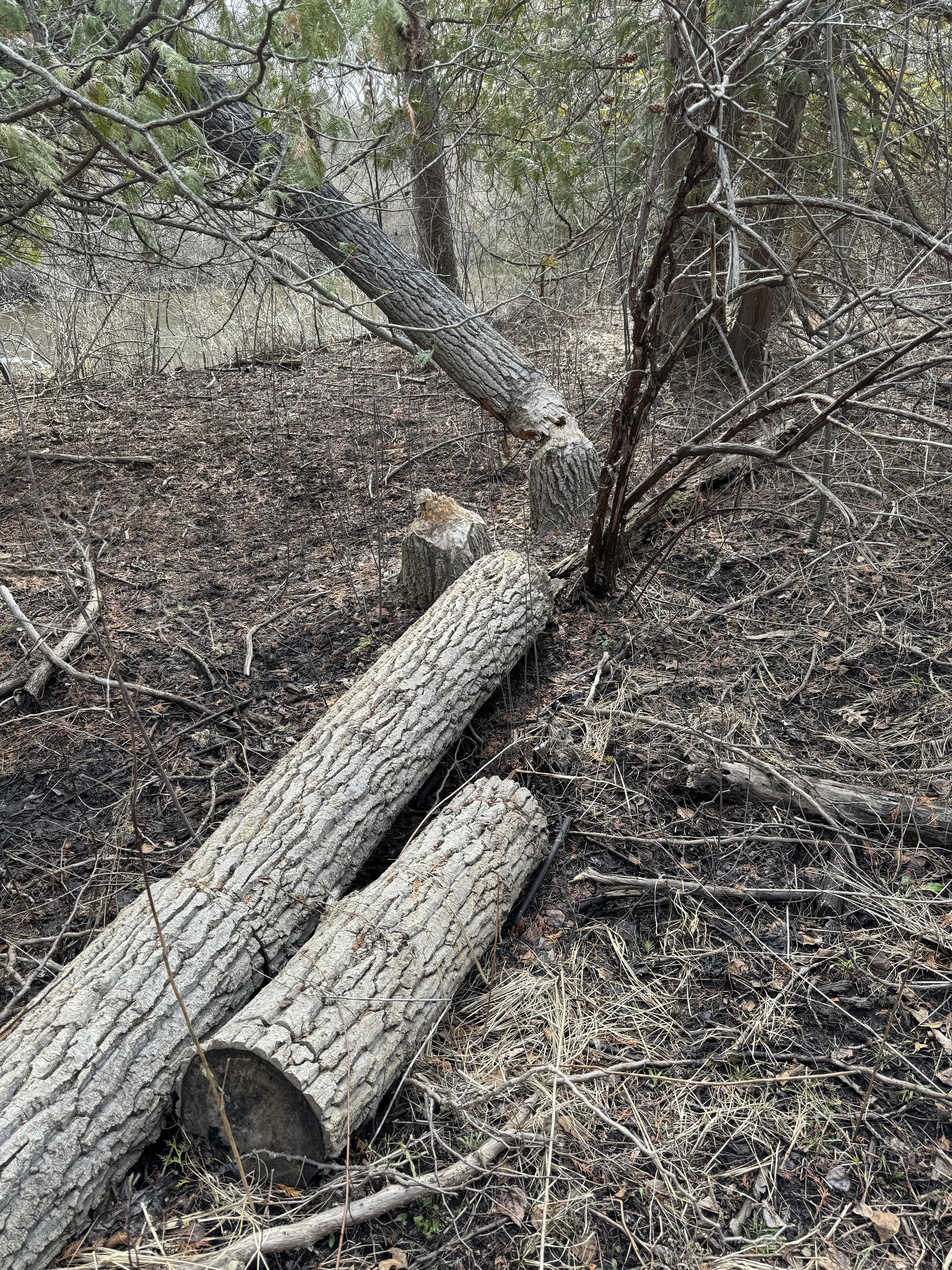
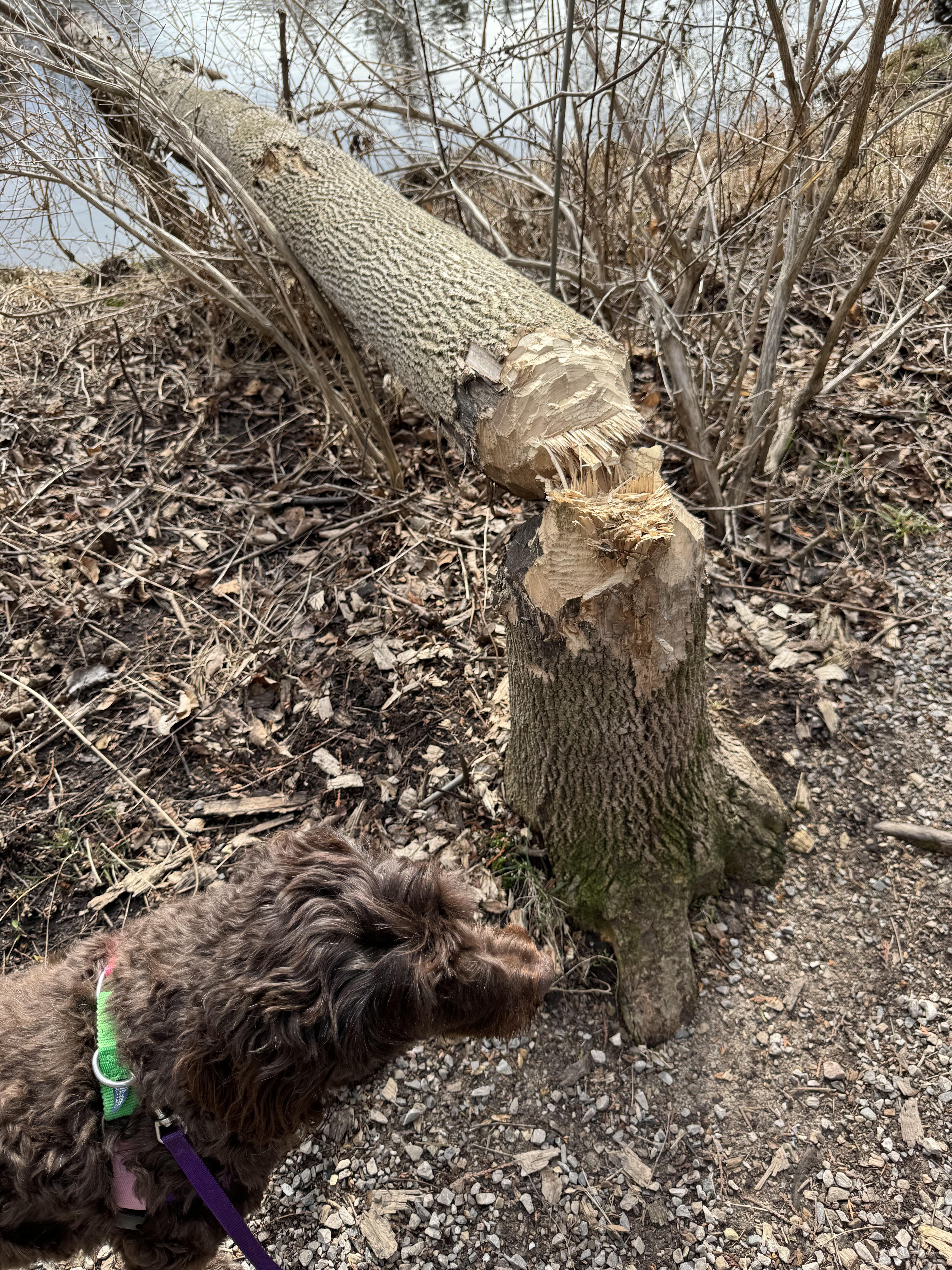
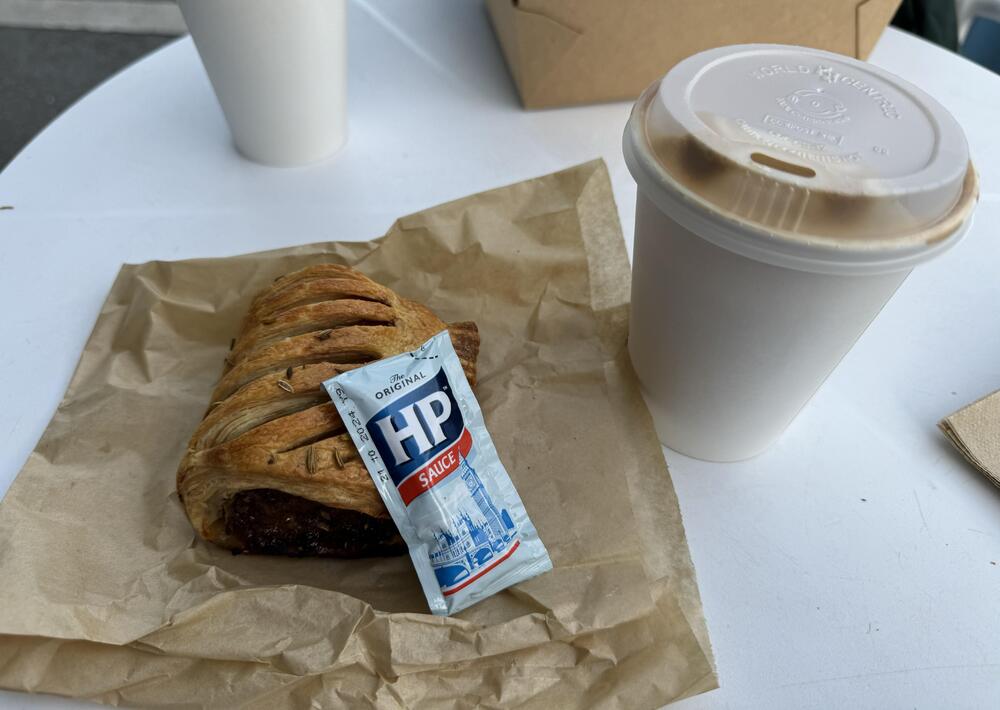 RIP Richard Serra. Love his work. I was very sad when they removed his sculpture from SFMOMA in the room that they had built around it specially.We're four episodes in and enjoying it even though we never read the books.I didn't think you would buy it popped into my head immediately because he borrowed it for one day over a year ago. 😆 Just noticed that this is page @909 in this thread. Edit: Actually it became one after 909 with my post. Not planned but funny anyway.Did Blake return my gate clicker?Is that my Alien chestburster or Quatto holding my tiny beer while my beard powers my headphones? Thanks for the good wishes all. My ear is doing very well and I am feeling grateful about that. Penny and I had a quiet day but I went out of the local tavern for an excellent broasted chicken dinner and a couple of Two Hearted Ales. Cheers friends!I saw this on a friend's FB page and I can't stop singing it in my head and I have played it many times in the last few days. The three part harmony, Rick Moranis' guitar solo, Eugene Levy's fake teeth and John Candy's wig and catch in his throat are all hilarious. These guys are so damn funny and SCTV was amazing. Decent!This morning I saw a rafter of wild turkeys by the side of the road. Three toms and more than a dozen hens. Impressive collection although it had a sort of Handmaid's Tail feel to it the way the toms were acting.Beavers are busy working on this wood
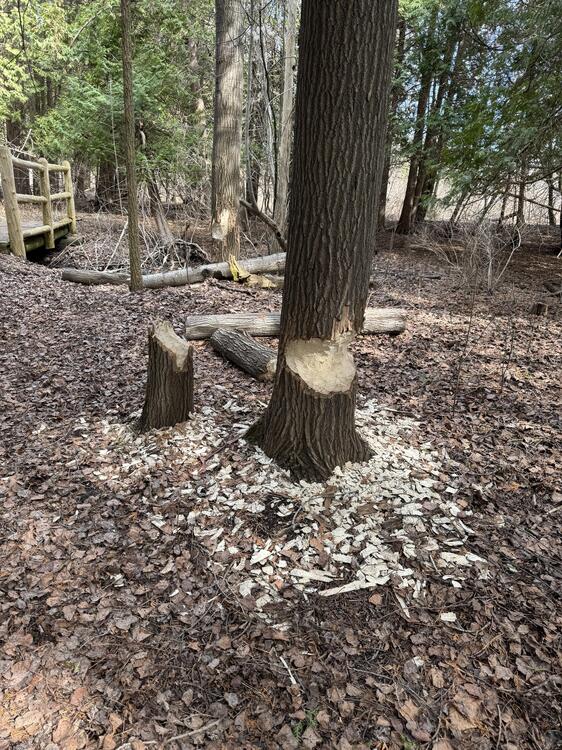


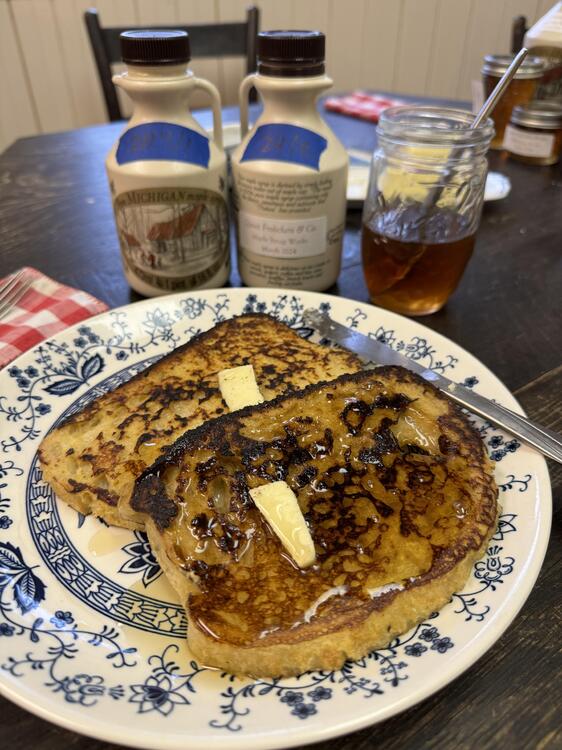
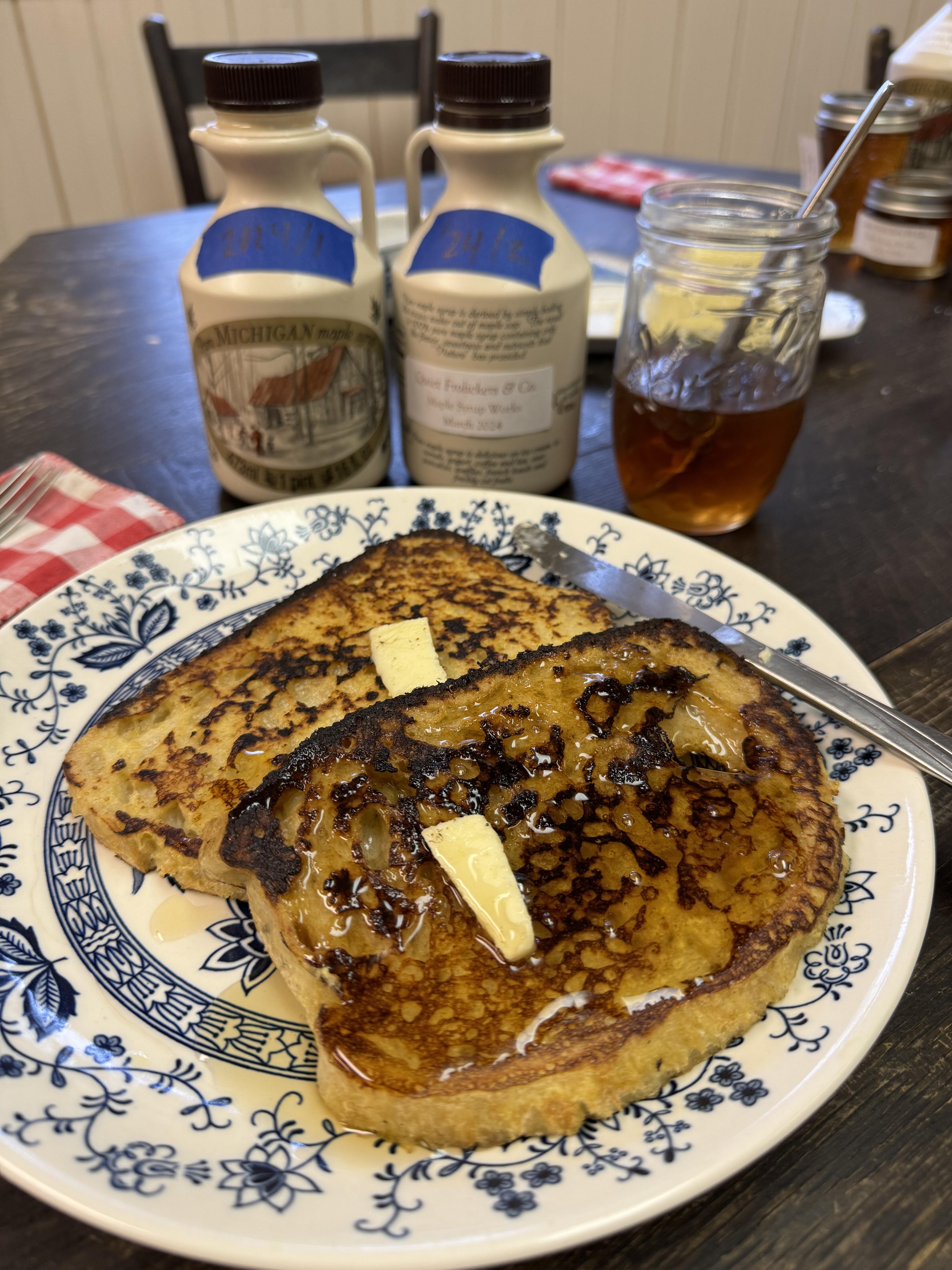
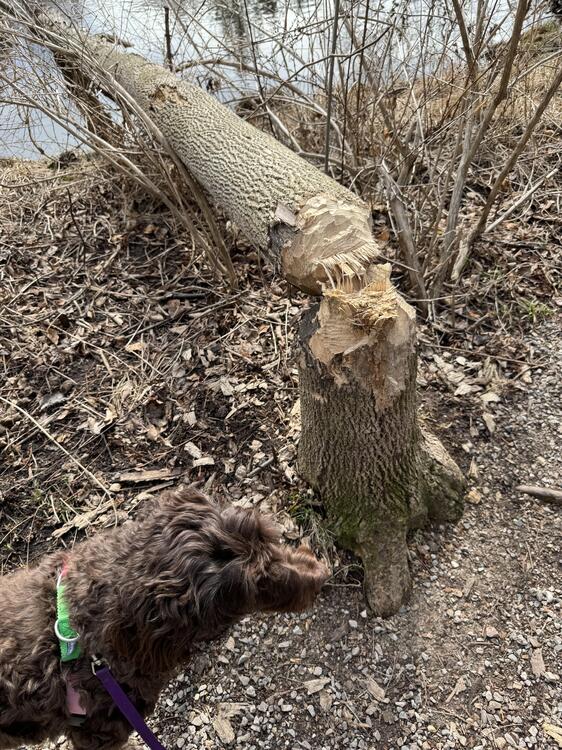 61/2 years ago? It can't be that long ago because you're so young! It is a great router table regardlessNorwegian twink alert!French toast for more syrup tasting. Three batches have some differences but all are delicious.
 Did you buy the festool adapter pad? I would think the holes would line up perfectly. Put the pad on without the mesh so you can see the holes lined up. Then put on the mesh disc..Congrat on the launch! Good of you to share so much information and hard data.Ah. It's a long game, Marc. Or else just buy Diablo or some other mesh discs...Are the bananas submerged?








Important Information
By using this site, you agree to our Terms of Use.
Account
Navigation
Search
Configure browser push notifications
Chrome (Android)
- Tap the lock icon next to the address bar.
- Tap Permissions → Notifications.
- Adjust your preference.
Chrome (Desktop)
- Click the padlock icon in the address bar.
- Select Site settings.
- Find Notifications and adjust your preference.
Safari (iOS 16.4+)
- Ensure the site is installed via Add to Home Screen.
- Open Settings App → Notifications.
- Find your app name and adjust your preference.
Safari (macOS)
- Go to Safari → Preferences.
- Click the Websites tab.
- Select Notifications in the sidebar.
- Find this website and adjust your preference.
Edge (Android)
- Tap the lock icon next to the address bar.
- Tap Permissions.
- Find Notifications and adjust your preference.
Edge (Desktop)
- Click the padlock icon in the address bar.
- Click Permissions for this site.
- Find Notifications and adjust your preference.
Firefox (Android)
- Go to Settings → Site permissions.
- Tap Notifications.
- Find this site in the list and adjust your preference.
Firefox (Desktop)
- Open Firefox Settings.
- Search for Notifications.
- Find this site in the list and adjust your preference.