

Leaderboard
-
Grahame
High Rollers19Points16860Posts -
naamanf
High Rollers14Points6661Posts -
Augsburger
High Rollers10Points13165Posts -
Hopstretch
High Rollers8Points16821Posts




Popular Content
Showing content with the highest reputation on 07/28/22 in Posts
-
10 pointsAttained the ability to leave the country (and re-enter legally) Now awaiting communication from 'M' with details of "Your next mission, Mr. Bond"
 10 points
 -
5 pointsThank you very much, guys. It was a good day. Hot, dry and too sunny for my skin, but fun and happy. Now heading to work.5 points
-
3 points
-
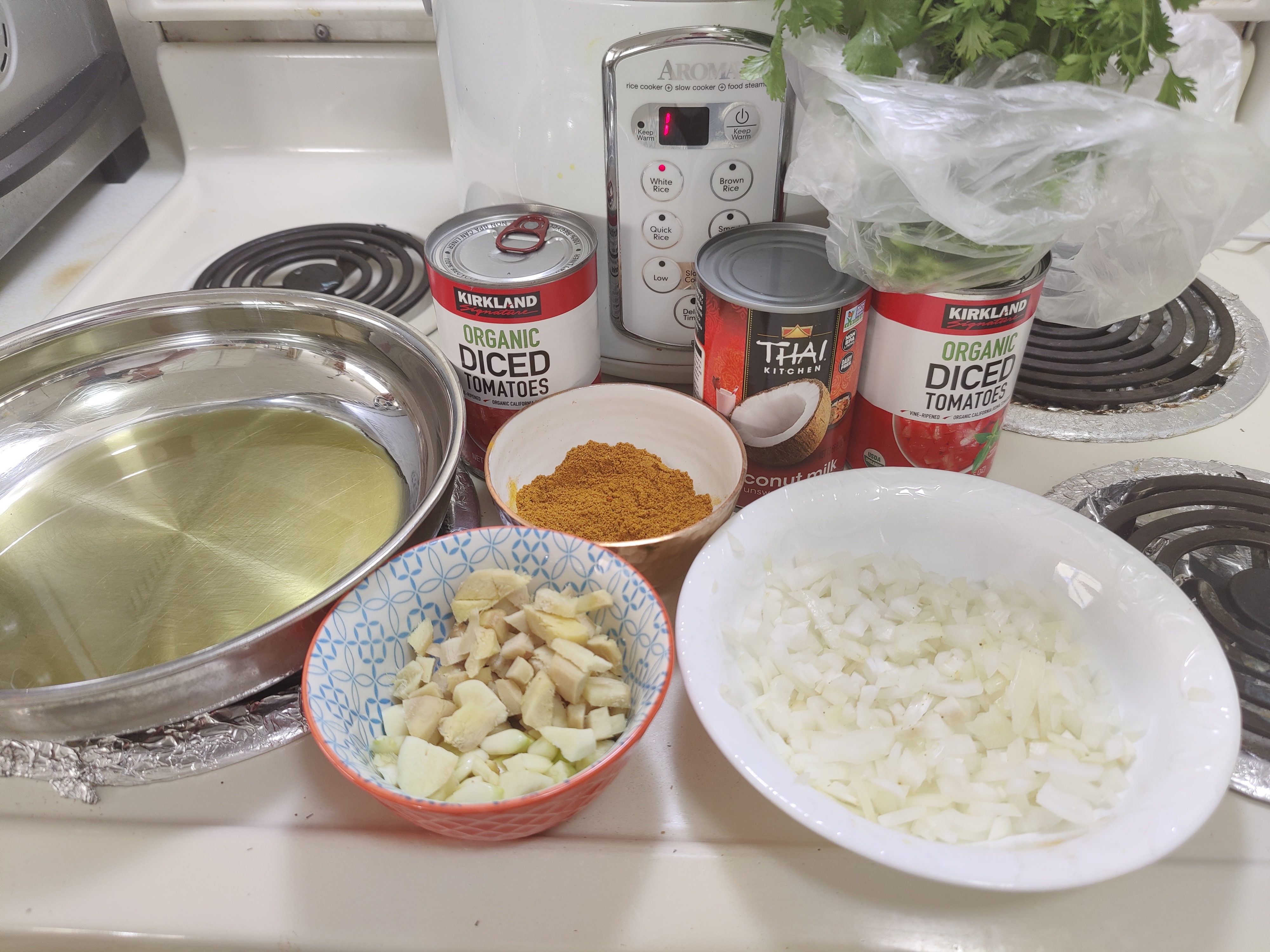
2 points1 Tablespoon Cumin 1 Tablespoon Coriander 1 Tablespoon Tumeric 1 teaspoon Red Pepper (Cayenne) As per the recipe https://www.theendlessmeal.com/creamy-coconut-chicken-curry/2 points
-
Dusty the Chalkman said it was good. I agree. I like these guys quite a bit. ...And You Will Know Us By the Trail of Dead - XI: BLEED HERE NOW1 point
-
1 point
-
1 pointCasio makes some pretty good digital pianos in that price range, and it's possible to find a kawai, roland, or yamaha digital piano under a grand if you find someone who's had head trauma...1 point
-
1 point
-
1 point
-
1 point
-
1 point
-
1 point
-
1 point
-
1 point
-
1 pointWe've used (added) a can of Garbanzo beans in the past as a plant-based filler, and it seemed to work as they have a fairly neutral taste / texture, somewhat like chicken. The curry makes them interesting.1 point
-
1 pointThanks, I appreciate it. I actually have all of those things, plus lentils, so I'll give the original recipe a try. (Doctor wants me to go even more plant-based, and I love beans, so...)1 point
-
1 point
-
1 point
-
1 point
-
1 pointI'll do research later, but here are some pointers: MIDI is now largely USB. If you have old gear, it might still use the old DIN plug, but essentially what you're asking for in the 2nd and 3rd bullets is the same thing. There are still some modules that use DIN, but at this point, unless it has some features that you desire, I would avoid those. 88 keys vs. 76 keys vs. 61 keys -- 76 is much easier to come by than 88, but they're common enough that I wouldn't go less than 61. "real-piano feel" -- what you sound like you're looking for is weighted or at least semi-weighted keys. Fatar keyboards are the best (often advertised as a feature), but will make the keyboard more expensive. Its own sound vs. MIDI controller -- a lot of musicians (myself included) use mostly DAW plugins to make their sound, so all we need is a MIDI controller. Even the free versions of Cubase come with synthesizers built-in, which are quite functional. I don't use them, but only because I'm more familiar with the Arturia set of synthesizer emulations. That said, I'm not recommending it, but just something to be wary of -- don't accidentally buy a MIDI controller and then wonder where the sound holes are -- there aren't any. However if you feel comfortable running your MIDI-controller->computer->speakers, you probably already have the latter 2/3, you just need the MIDI controller and software. It is my understanding that GarageBand is the free equivalent of Logic Pro, but I don't know if it comes with any sound-generating plugins. Free ones do exist, but I don't trust things I don't pay for. If you just want to start out with piano sounds, and build up your timbral palette with plugins, I would recommend a digital piano. Something like this: https://www.sweetwater.com/store/detail/RecitalPro--alesis-recital-pro-88-key-hammer-action-digital-piano1 point
-
1 point
-
1 point
-
1 point
-
1 point
-
1 point
-
1 point
-
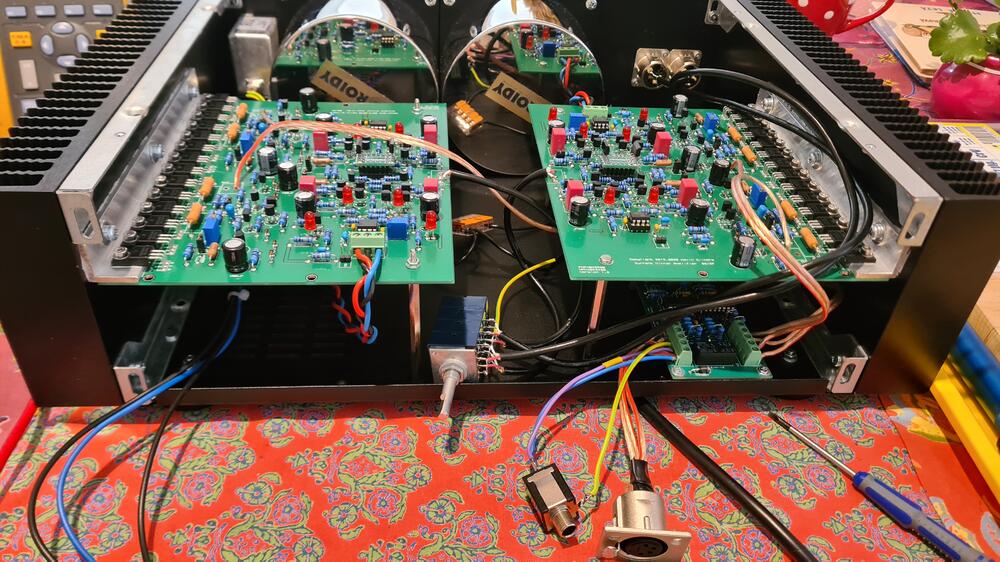
1 pointJust finished Season 1 of High Maintenance. How is it that I just starting watching this. Great!1 pointAnother newborn CFA3 dual mono setup here. Thank you Mr. Gilmore and Audiostar and Mirko!
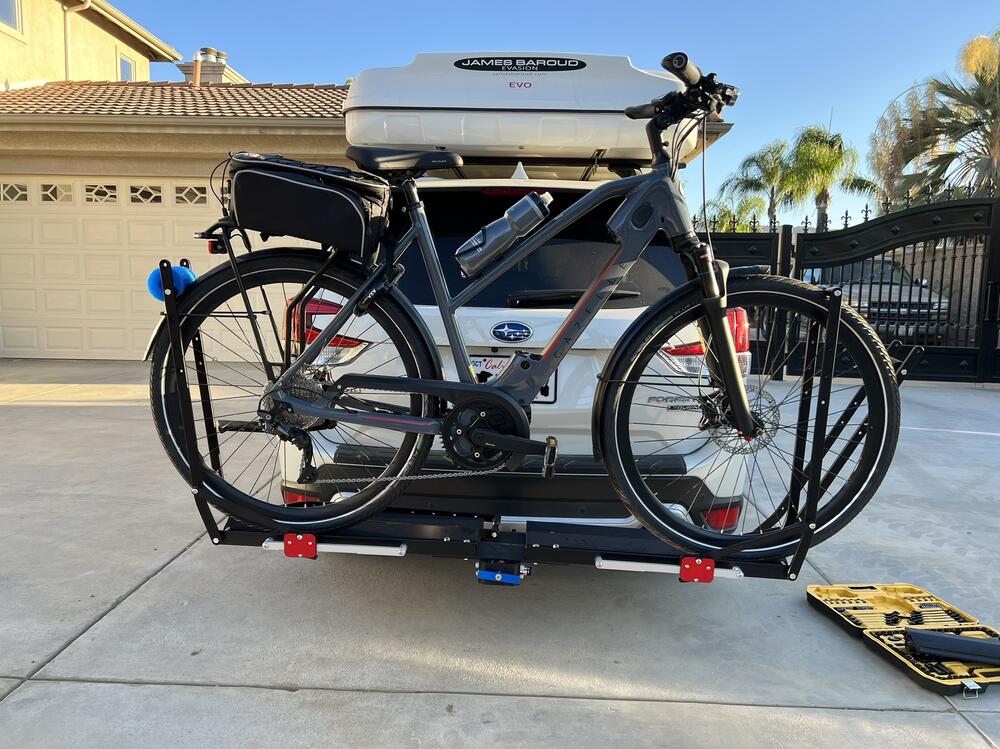
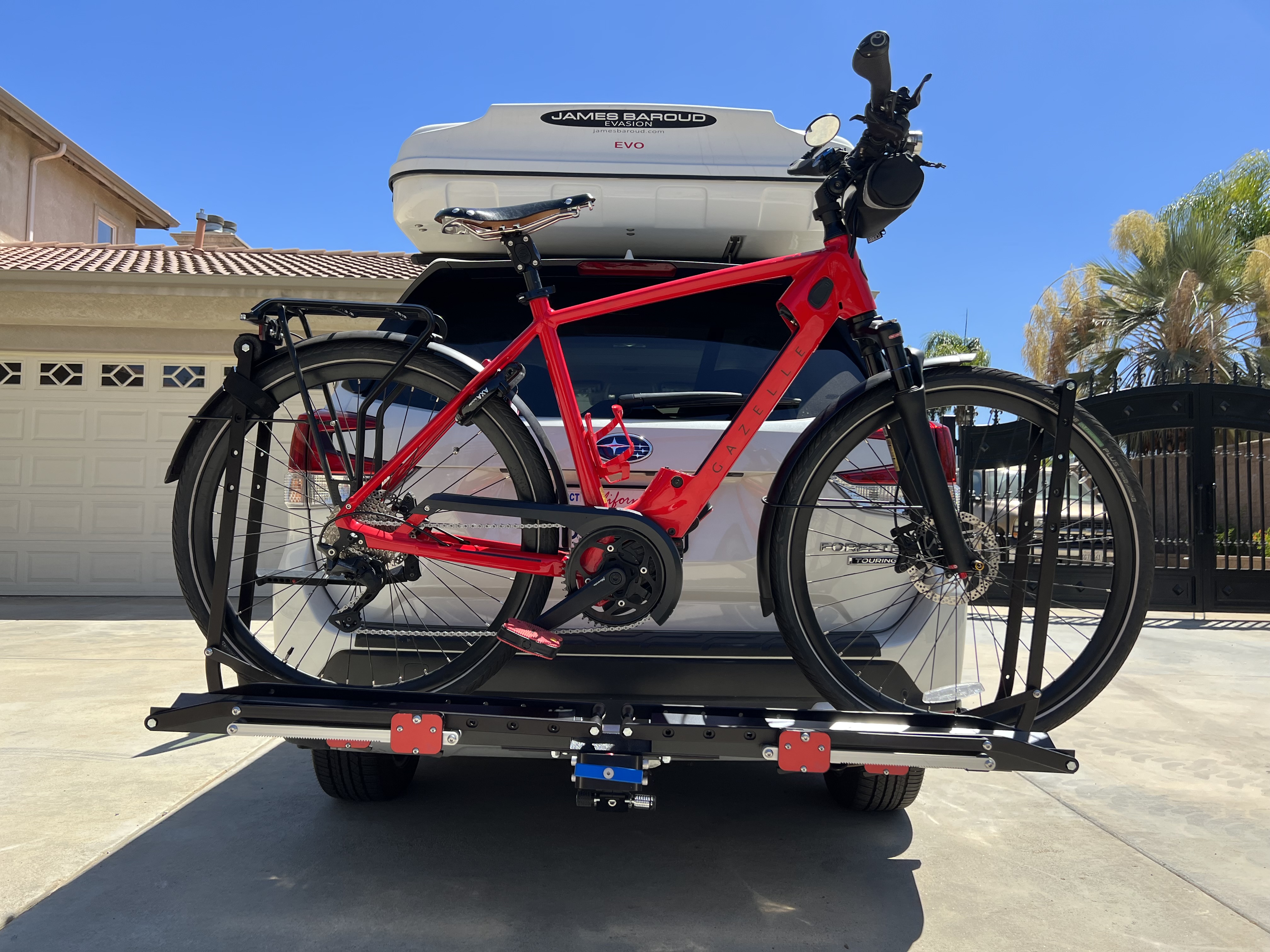
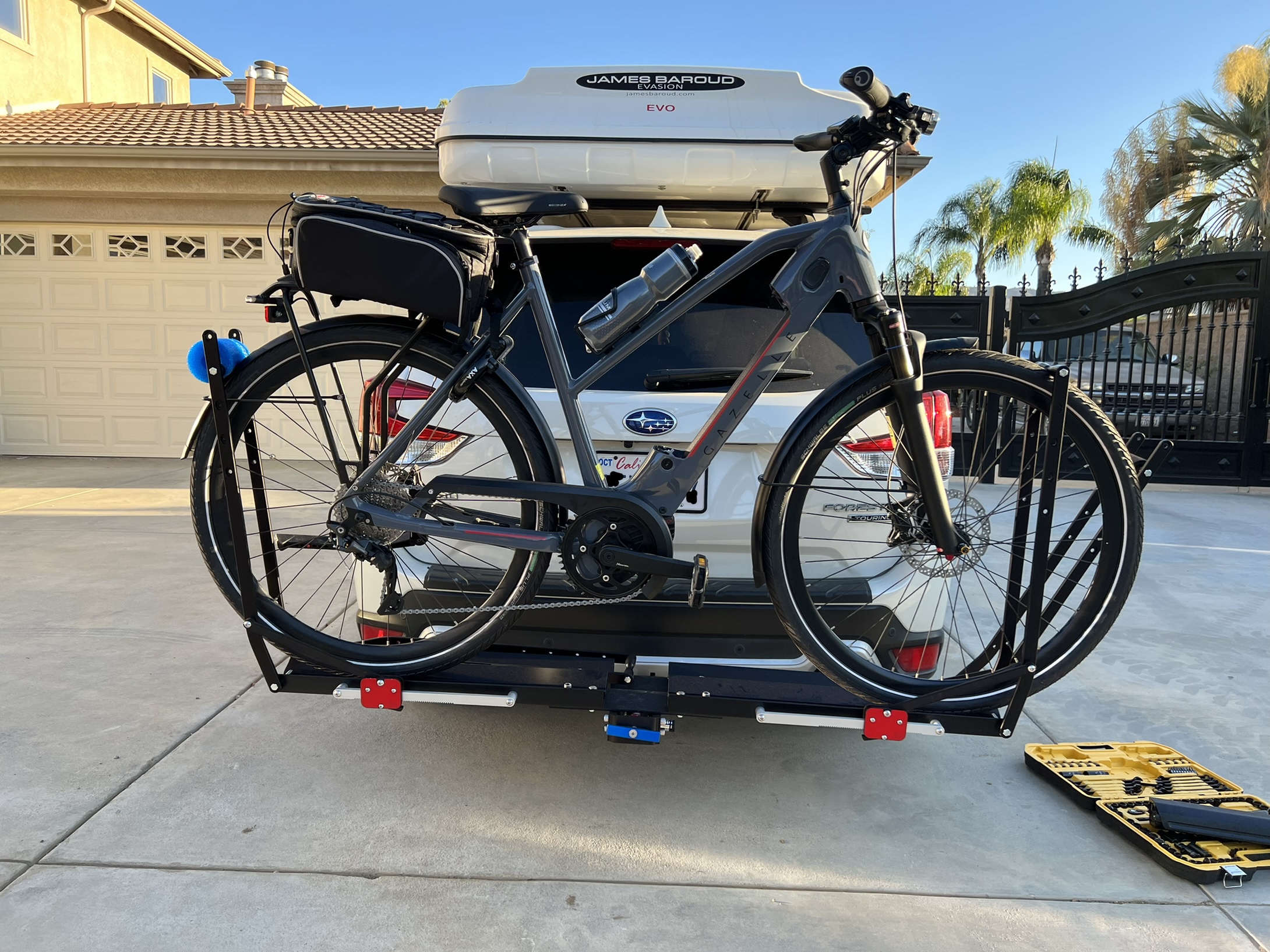
 1 pointAlive 2007 Daft Punk 2007 https://album.link/i/717067737 Example: When it is hot - Rock on.1 point1 point1 pointVery nice bikes around here! This is my commuter Gazelle T10+ with the battery off mounted on a 1up rack. And my wife's bike also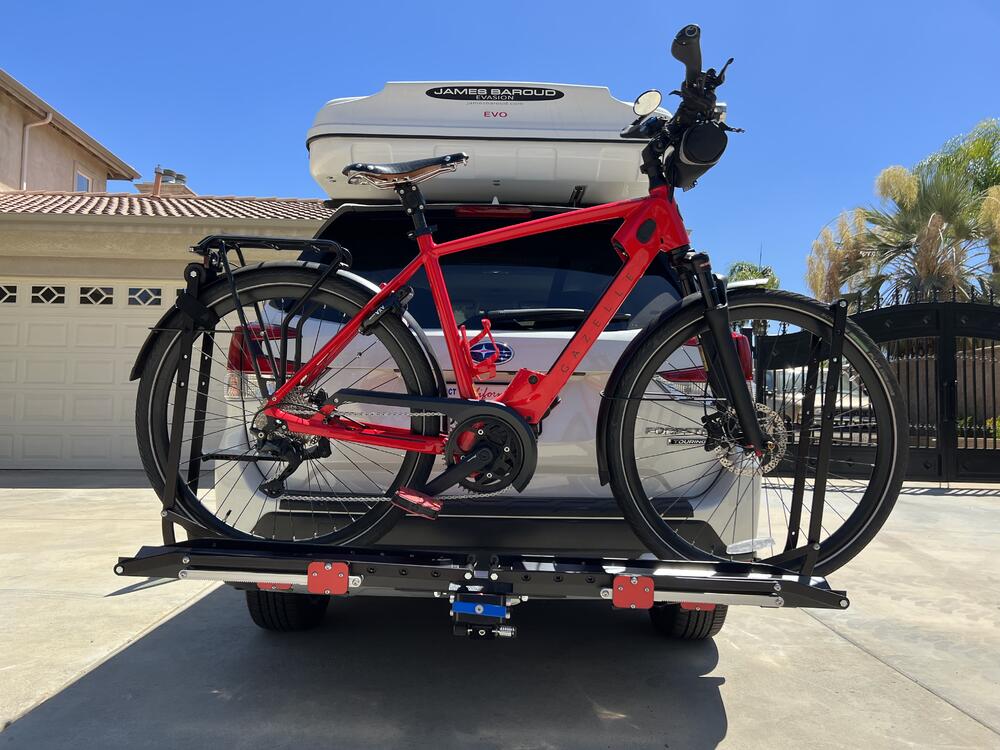
 1 point1 pointI use a Bourns PDB181-E420K-103B - a bog standard, dirt cheap, linear taper 10K. Completely power off, no standby involved. You can use an audio taper pot easily, you would just have to be more creative with the volume/pos mapping. Can't help you out with the latest version, I'm just a trained monkey building boards that Kerry organised! Just don't get the different versions mixed up. I built and tweaked code for the original v1 with the PCF8574A/ULN2803A combo. The v2 is a completely different chip (MAX4820) and software approach.1 point0 points9:18 AM "Tony Dow, ‘Leave It to Beaver’ Star, in Hospice Despite Representatives Announcing Death His death was erroneously reported on Facebook by one of his managers" https://www.hollywoodreporter.com/tv/tv-news/tony-dow-wally-cleaver-leave-it-to-beaver-1235186418/ 12:48PM "Tony Dow, Wally Cleaver on ‘Leave It to Beaver,’ Dies at 77, His Reps Confirm After a Facebook post Tuesday morning that announced his death and another hours later that said he was still alive, he died on Wednesday." https://www.hollywoodreporter.com/tv/tv-news/tony-dow-dies-wally-cleaver-leave-it-to-beaver-1235187025/0 points




















Important Information
By using this site, you agree to our Terms of Use.