

Leaderboard
-
Voltron
High Rollers18Points34630Posts -
Hopstretch
High Rollers17Points16821Posts -
skullguise
High Rollers8Points8927Posts -
morphsci
High Rollers8Points13355Posts




Popular Content
Showing content with the highest reputation on 07/08/20 in all areas
-
so many IEMs for sale now are straight copies of JH designs..its not even possible to keep up anymore. Just about everything is all marketing these days so to go after JH marketing is a bit ironic4 points
-
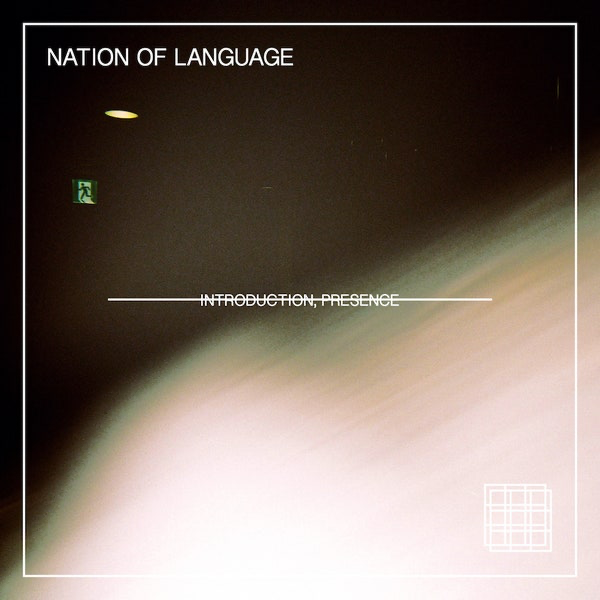
4 points2 points1 pointI see these over in the other place. $500 Stat, based on pro bias. New offering from India. It said in the thread Spritzer will be getting a set. True, lies, or Trumpism?1 point1 point1 pointHere's a nice (mac) tool for viewing MIDI messages (or the lack of,..) coming from devices in your system. Logic shows midi messages but they go by so feakin fast that all you reliably see is that there is a signal coming in. snoize MiDI Monitor is free and light. Great for solving difficult midi issues. https://www.snoize.com/MIDIMonitor/1 point1 pointQuarantine watching: Finally finished watching Ozark season 3. Ending kinda surprised me a bit. Penny Dreadful: City of Angels (Showtime). Show about race riots in LA pre-WWII, with some Hispanic religious supernatural stuff, as well as Nazi party activities in LA, thrown in. This one was pretty good I thought. Not sure if there will be a season 2, but I hope so. I had watched the original Penny Dreadful (also Showtime) previously, which is set in Victorian London. Perry Mason (HBO). A remake of the classic show from the '50s-'60s, this time Perry is a private investigator, set in 1932 LA. Only up to the 4th episode, but pretty good so far.1 point1 point1 point1 point1 point1 point1 point1 point1 point1 point1 point1 point1 point1 point1 point1 pointI heartily recommend this to any other New Wave refugees.
 1 point1 point1 point1 point1 point1 point"You can just cancel instantly and your subscription will end after the trial is over. I just did this and it still works (new subscription ending at the end of September). This is my third time getting this or a similar ($1 for 3 months) deal from Tidal. "If you're afraid of getting ripped off at the end of the trial, use privacy.com to setup a temporary credit card number. After you sign up for the Tidal/whatever trail, you cancel the temporary card and that's it. Can't get charged after that! Also, if you use Gmail, you can always create new accounts with Tidal by adding periods in your email address. They still don't check for it. Gmail ignores periods, so "[email protected]" and "[email protected]" and "[email protected]" are all the same as far as Google is concerned, and all different to Tidal. You might not even have to create a new email all together if you use Gmail. Just insert periods at different spots. E.mail@gmail is the same as Em.ail@gmail. You can even try ema.il+tidal@gmail but some sites don't allow that." Who Would do such a thing? from: TIDAL <[email protected]> reply-to: [email protected] to: [email protected] date: Jul 6, 2020, 12:56 PM subject: You have stopped your TIDAL subscription mailed-by: account.tidal.com signed-by: account.tidal.com1 point1 pointThanks for that and I had a lovely day. The weather was just about as nice as it gets in Iceland with great people and even better food.1 point


















Important Information
By using this site, you agree to our Terms of Use.
Account
Navigation
Search
Configure browser push notifications
Chrome (Android)
- Tap the lock icon next to the address bar.
- Tap Permissions → Notifications.
- Adjust your preference.
Chrome (Desktop)
- Click the padlock icon in the address bar.
- Select Site settings.
- Find Notifications and adjust your preference.
Safari (iOS 16.4+)
- Ensure the site is installed via Add to Home Screen.
- Open Settings App → Notifications.
- Find your app name and adjust your preference.
Safari (macOS)
- Go to Safari → Preferences.
- Click the Websites tab.
- Select Notifications in the sidebar.
- Find this website and adjust your preference.
Edge (Android)
- Tap the lock icon next to the address bar.
- Tap Permissions.
- Find Notifications and adjust your preference.
Edge (Desktop)
- Click the padlock icon in the address bar.
- Click Permissions for this site.
- Find Notifications and adjust your preference.
Firefox (Android)
- Go to Settings → Site permissions.
- Tap Notifications.
- Find this site in the list and adjust your preference.
Firefox (Desktop)
- Open Firefox Settings.
- Search for Notifications.
- Find this site in the list and adjust your preference.