

Leaderboard
-
Hopstretch
High Rollers14Points16809Posts -
Voltron
High Rollers13Points34607Posts -
naamanf
High Rollers12Points6661Posts -
Grahame
High Rollers7Points16831Posts




Popular Content
Showing content with the highest reputation on 05/13/18 in all areas
-
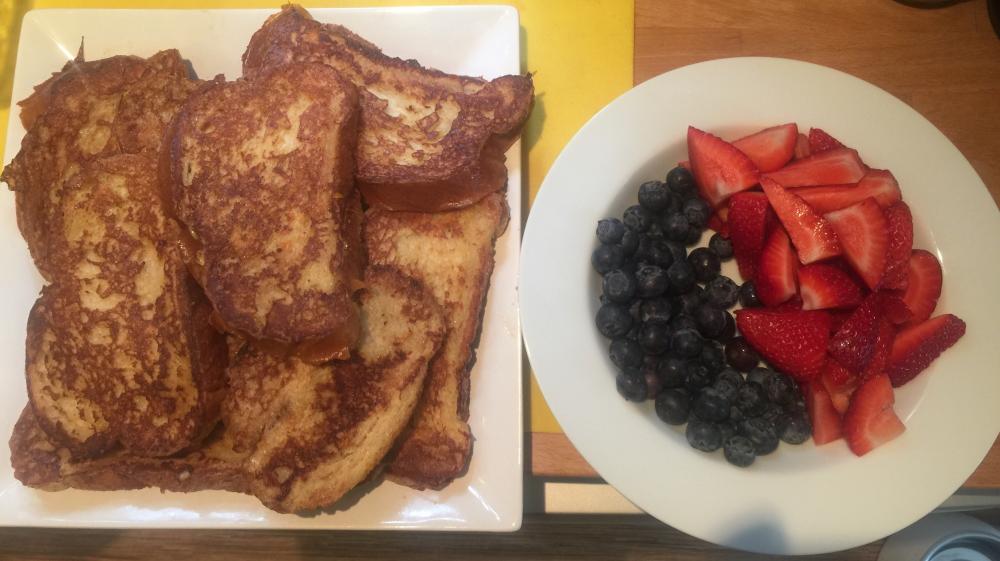
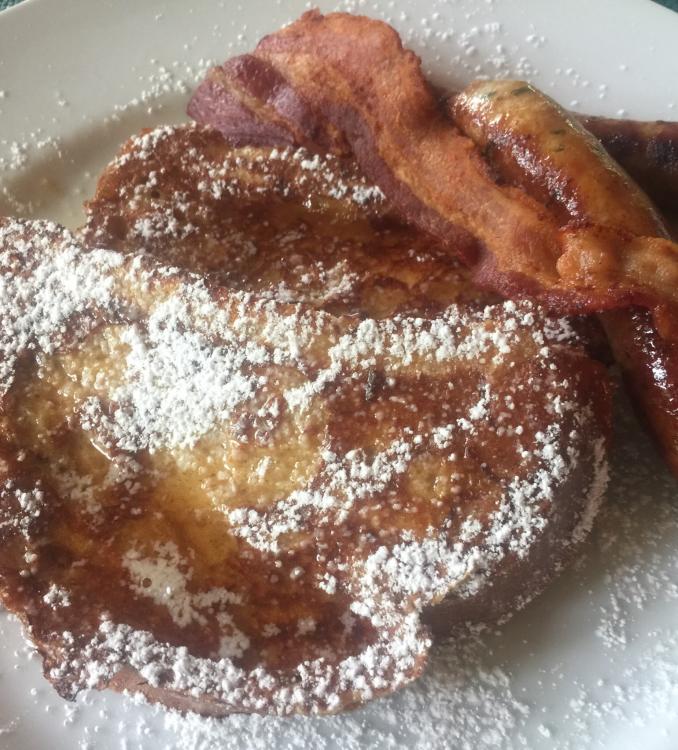
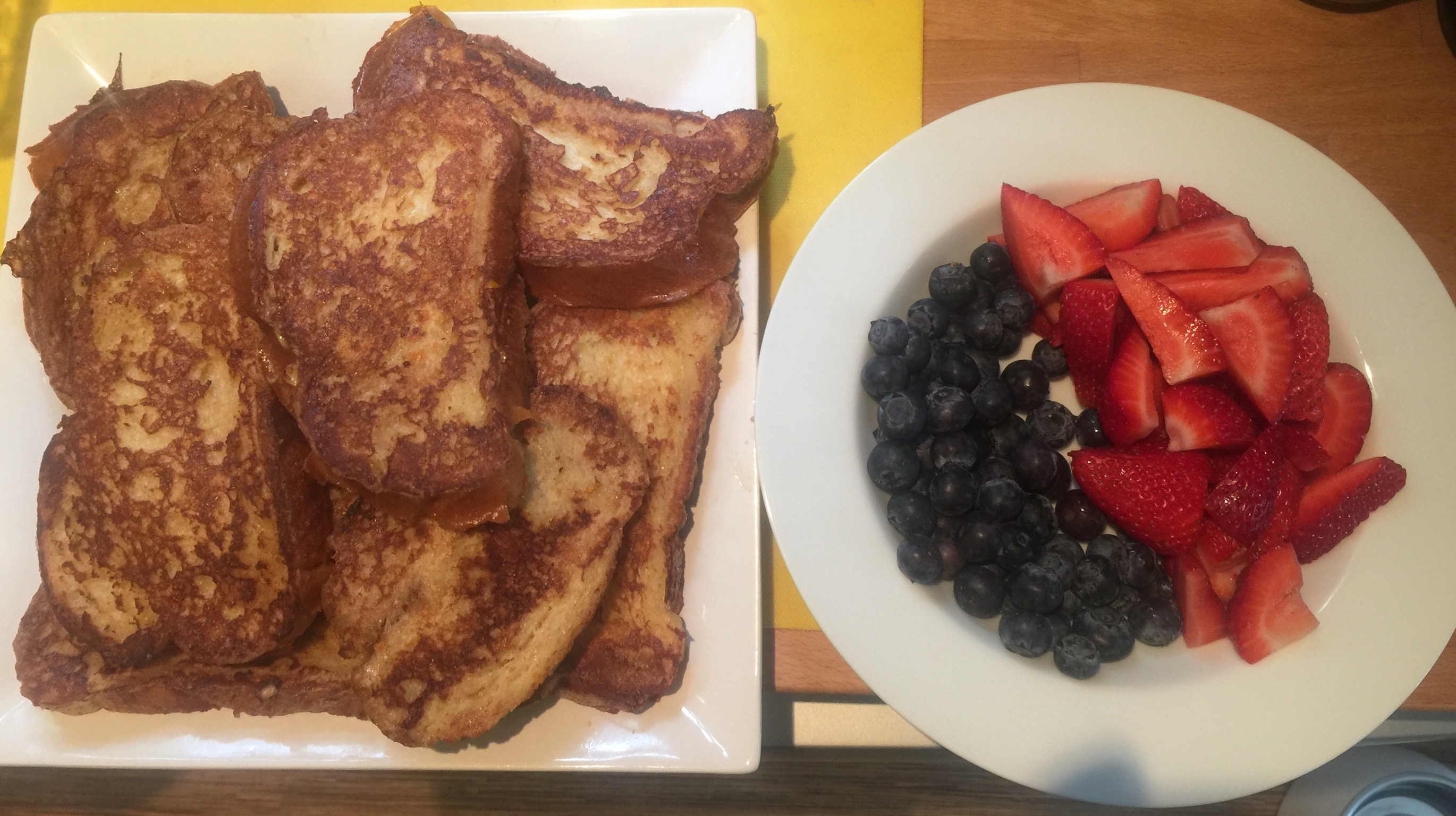
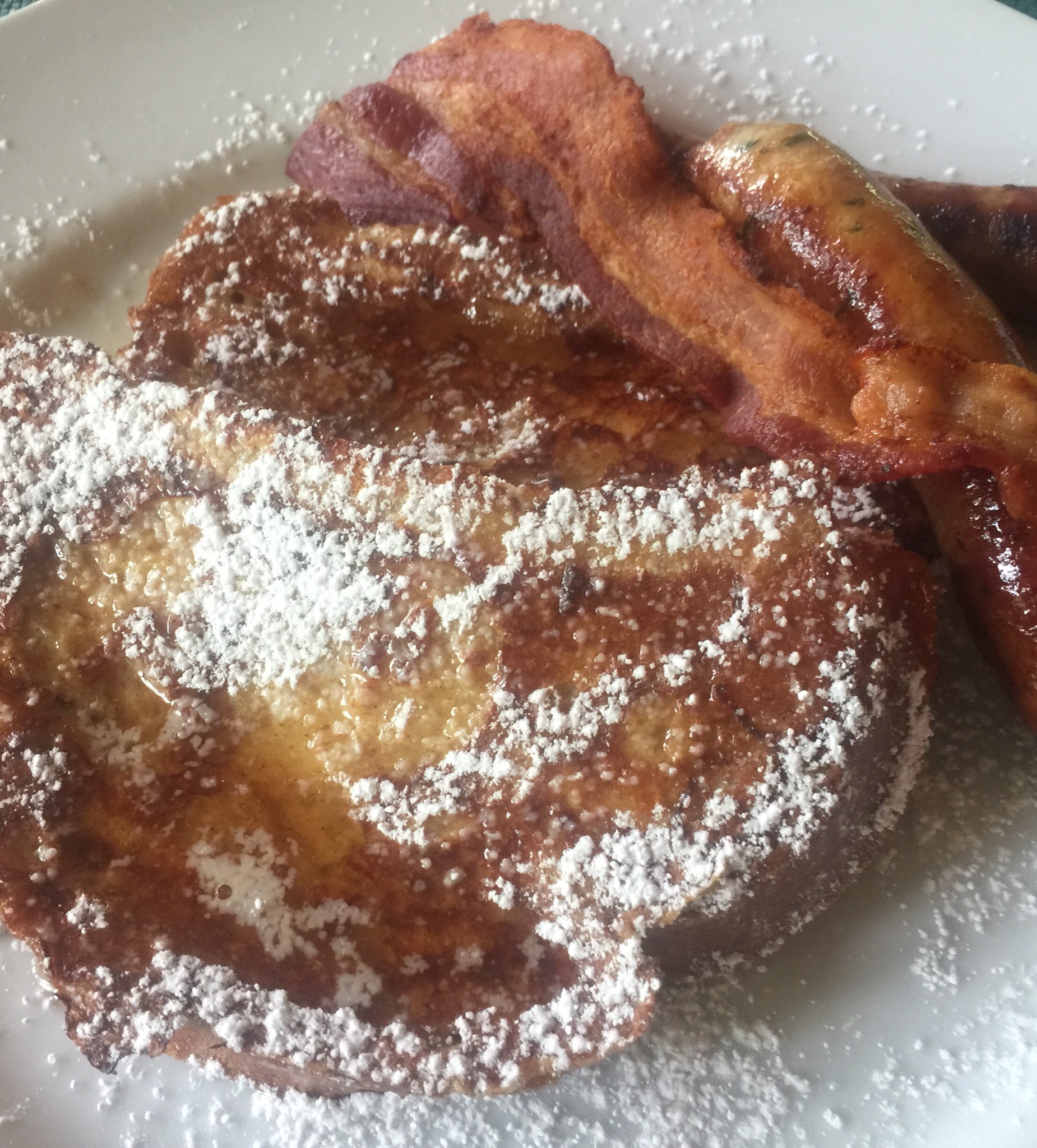
6 pointsMother's Day breakfast prepared by Alden and me. Challah French toast and summer fruits, with sausages and bacon. Took a hike around Lake Lagunitas to work some of it off.
 6 points
 -
4 points
-
3 points
-
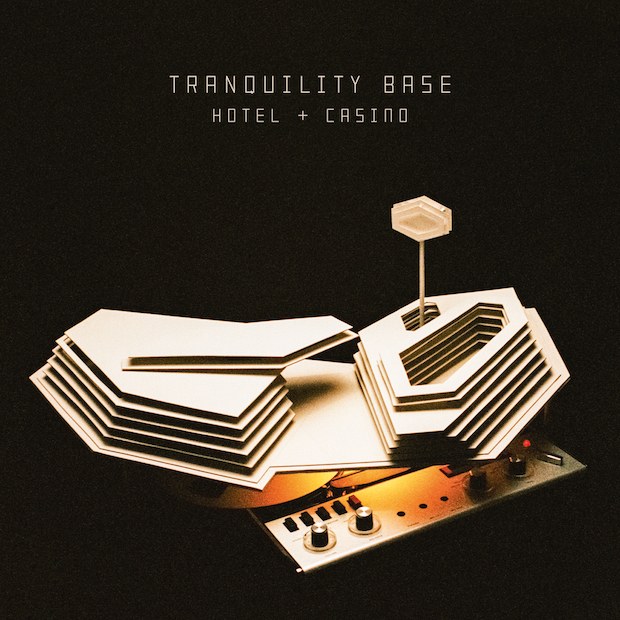
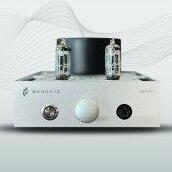
1 point1 pointThank you all so much. What a long, strange trip it's been. It always makes me smile to see your names here.1 point1 pointHave a great day Justin! You have but one more year before you're officially on the downhill slide. Enjoy it!1 point1 point1 point1 point1 point1 point1 point1 pointEL34, 6CA7 and KT77 all have the same functional pinout, so don’t know why adapters would be needed. EL34s and small bottle 6CA7s are pentodes with suppressor G3 brought out on pin 1. Big bottle 6CA7s and KT77s are beam power tubes. NOS and Russian reissue tubes are tetrodes and have the beam forming plates internally tied to the cathode. JJ 6CA7s and KT77s are beam power pentodes which the beam forming plates are brought out on pin 1 for external connection. Depending on the circuit these JJ tubes may cause problems if the beam forming plates are not connected to cathode potential. Justin at Headamp explicitly says NOT to use the KT77 in his BHSE amps. SO DON’T USE THEM IN HIS AMPS. I’m currently using a quad Gold Lion KT77s in my GG, and liking them a lot. The opto-servo in the GG might be the reason they work here (so far.....). Does not necessarily mean they will work as a EL34 replacement in all cases.1 point1 point1 point1 point1 point1 point1 point1 pointProbably very sound advice. My son followed up with this: As far as interfaces with SPDIF inputs there isn’t much on the market that’s cheap. If he wants to get a more serious setup he could look into getting a Scarlett 2i2, which is a USB interface with two Mic Pre’s on it that double well as hi-z guitar inputs. It has two 1/4 inch outputs for speakers and a headphone jack. Not sure what he’s using the Central Station for currently but it doesn’t work out as an interface, it’s more of a monitor management system.1 point1 point1 point1 point1 point1 point1 point1 point1 point1 point1 pointIt's ... lounge. Unexpected, but OK. Arctic Monkeys - Tranquility Base Hotel + Casino
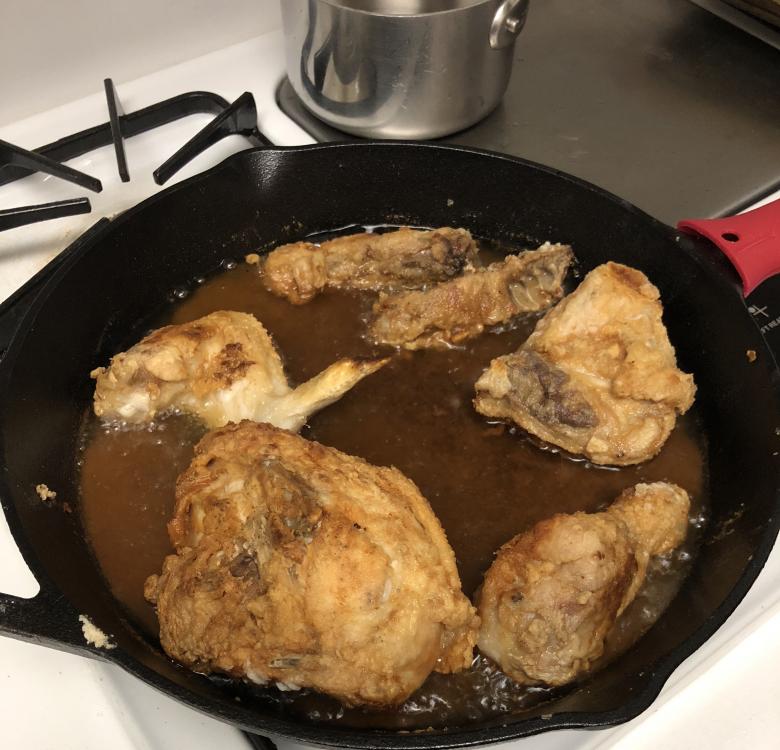
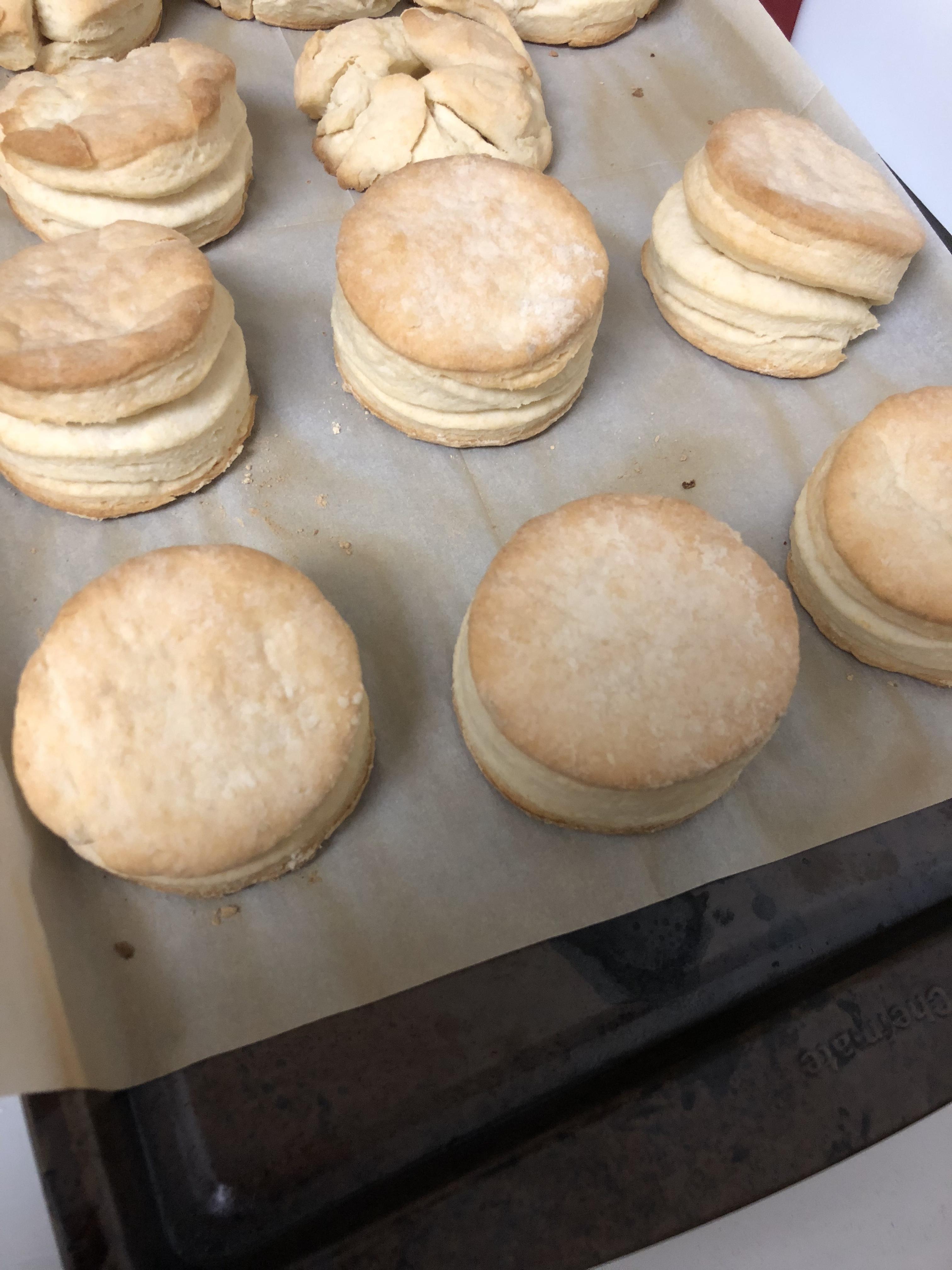
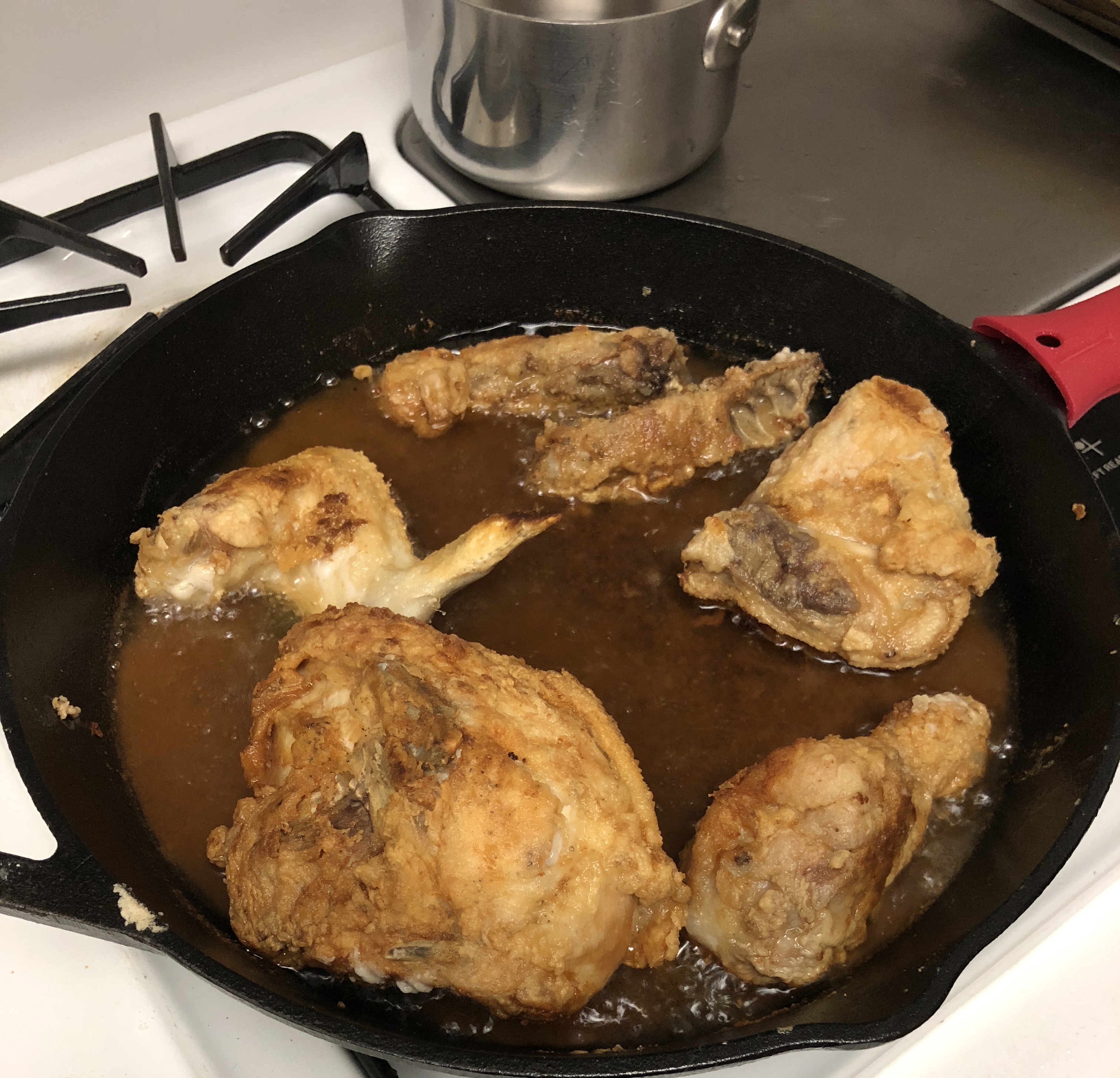
 1 pointTest Tone @ Home live right now: http://mixlr.com/illuminator/chat1 point1 pointCALIFORNIA BURGER Fried egg, swiss cheese, Zoe's bacon, arugula, balsamic onions and mayo on a toasted egg bun. BLUE CHEESE BURGER Point Reyes crumbled blue cheese, lettuce, tomatoes, pickles & secret sauce on a toasted egg bun. SWEET POTATO FRIES Chili spice-dusted & served with house-made ranch.1 point1 pointFried Chicken and Biscuits... It was my first time for both. Nothing perfect yet. The Biscuits came out a bit better than the chicken.
 1 point1 pointLacking brisket, I grilled a tri-tip instead. It’s more CA anyway. Went OK.1 point1 point




















Important Information
By using this site, you agree to our Terms of Use.