Leaderboard
-
Hopstretch
High Rollers8Points16809Posts -
mikeymad
High Rollers8Points13849Posts -
swt61
High Rollers5Points22272Posts -
Augsburger
High Rollers3Points13165Posts




Popular Content
Showing content with the highest reputation on 09/13/16 in all areas
-
It's not what you think. They photoshoped out the bong.2 points
-
1 point
-
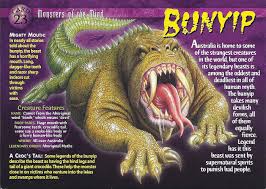
1 pointHappy birthday John. As the proud MOT of Bunyip Audio, your new avatar is ready......
 1 point
 -
1 point
-
1 point
-
1 point
-
1 point
-
1 point
-
1 point
-
1 point
-
1 point
-
1 point
-
1 point
-
1 point
-
1 pointRadiohead met when they were at Abingdon School in 1985, three miles from where I live. This is a public school, which in the UK is actually a private school for which you pay typically £6k to £12k per term, three terms per year. http://www.abingdon.org.uk/fees . It is a school for children of parents with very large incomes.1 point
-
1 point
-
1 point
-
1 point
-
1 point
-
1 pointHappy birthday, John! Pip pip, guvna! That'd be the sound of a party favour, or as you call them, digestives.1 point
-
1 point
-
1 point
-
1 point
-
1 point
-
1 point
-
1 point
-
1 point
-
1 point
-
1 pointAh, I see. It is already the 13th down undah. Happy birthday, JWMC!1 point
-
1 point
-
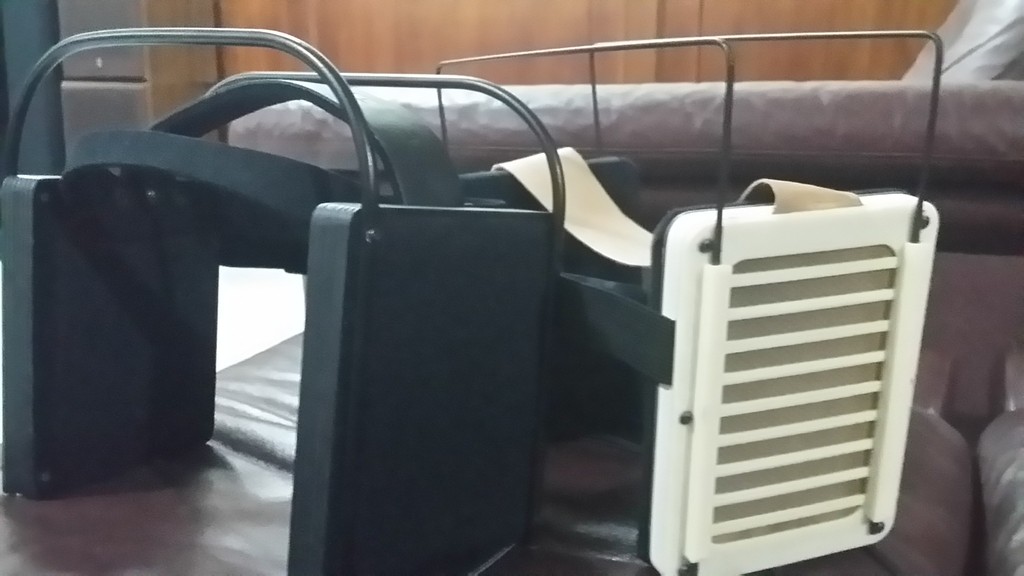
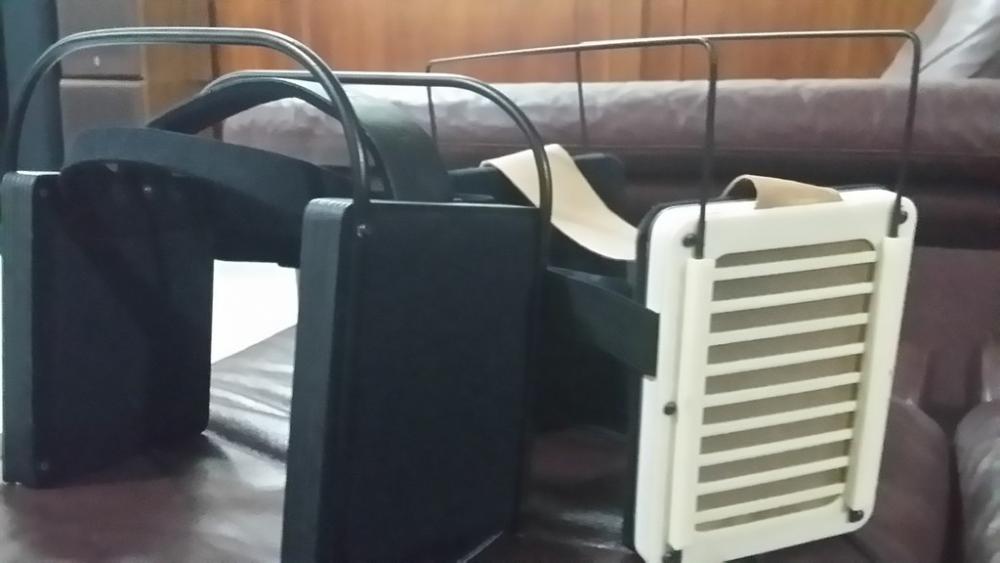
1 pointNo, I don't have a clean room. I always spray paint my stators and it helps a lot with the noises. Here is my DIY version compares with the real JF.
 1 point
 -
1 point^ This post contains no photo of members in drag, no comparison to celebrity, not even a funny limerick. Therefore it's deemed to have no value here. Moderators please remove.1 point